BYOD
2015
Who am I?
a brief introduction
Clinton Evans
- Provided Tech Support for the school for 6+ years
- Web Developer by Night
- Making the jump into Professional Dev with Educators
1. Which Device?


Galaxy Tabs (Android)
iPads (Apple)
Chromebooks (Google)
"Cost" effective devices
Pros
- Battery Life (7-10 hours)
- Google Docs Compatible
- Microsoft Office Compatible
- Cloud Storage (Dropbox / Google Drive)
- Great Apps Available
- Great Restriction Policies
- Ultra portable
Cons
- Single Account Login
- Expensive
- External Keyboards are expensive
- Easily lost or stolen
- Protective Cases can be expensive
- Play by Apple's rules (Apple IDs required for Apps)
Pros
- Battery Life (7-10 hours)
- Google Docs Compatible
- Microsoft Office Compatible
- Cloud Storage (Dropbox / Google Drive)
- Great Apps Available
- Great Restriction Policies
- Ultra portable
- More device freedom / customizable
Cons
- Easily lost or stolen
- Protective case required
- Less popular and less Apps than iPads
Pros
- Battery Life (7-10 hours)
- Built in Keyboard + Trackpad
- Google Docs Compatible
- Cloud Storage (Dropbox / Google Drive)
- Works like Full Web Browser
- Ultra portable
Cons
- Lack of Apps
- Harder to implement with Restrictions
- Cannot run "PC Programs"

2. Security, Safety & School Internet Filtering

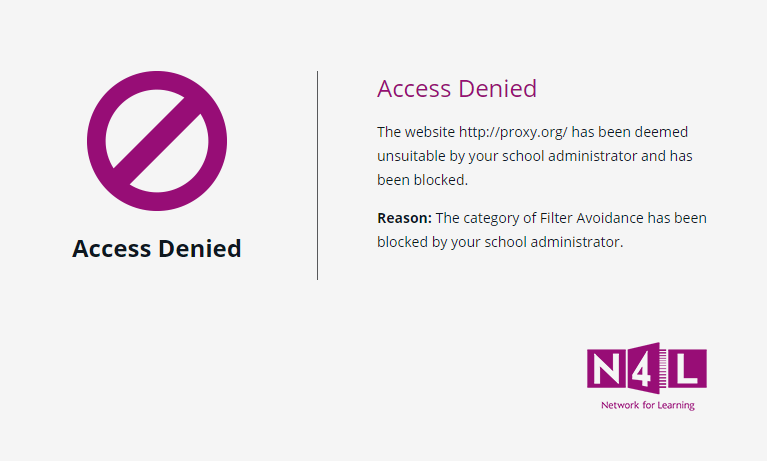
N4L
- Filtering happens within school network
- Growing Security Policies
- Management Filtering
- Filters traffic on all devices
3. Devices At Home

Safety
- Common Sense with Internet Devices
- Limit bedroom / unsupervised usage
- Inspect devices regularly, Internet history, etc...
- Get involved with children's e-learning
Time In Class
- Different subjects have different time frames
- Different subjects
Time At Home
- Teachers can estimate time homework should take
- Encourage regular breaks
- Ensure Device is charged at night
4. Preferred Apps


Apps In Class
- Mathletics
- Reading Eggs
- Rocket Speller
- Sight Words
- Butterfly Maths
- Kids Counting
- Little Writer


Real World Examples
Time with teachers and the apps
Real World Examples
• Daily learning activities such as mathletics, and reading eggs
• Devices that are used for support and extension of students learning needs
• The ability for all students to word process or publish work. Keyboard skills are developed
• Use of online sites to develop keyboard skills for juniors - "Fun to Type" and "Keyboard Zoo"
Real World Examples
• Homework Challenges are presented using Prezi and Powerpoint as this skill has been taught in class and students use them in the home.
• Working towards achieving one of the St Anthony's Strategic Goals. Students are developing into confident, connected, active life long learners.
• Students that have a device have an individual tool/access to a learning pathway.
• Utilising a Learning to Learn approach lends itself perfectly to BYOD
• Google apps course attended by 4 staff members and PD has been shared back with other
teachers. These tools are powerful collaborative time savers!a

BYOD
By GetCTRL