iOS App
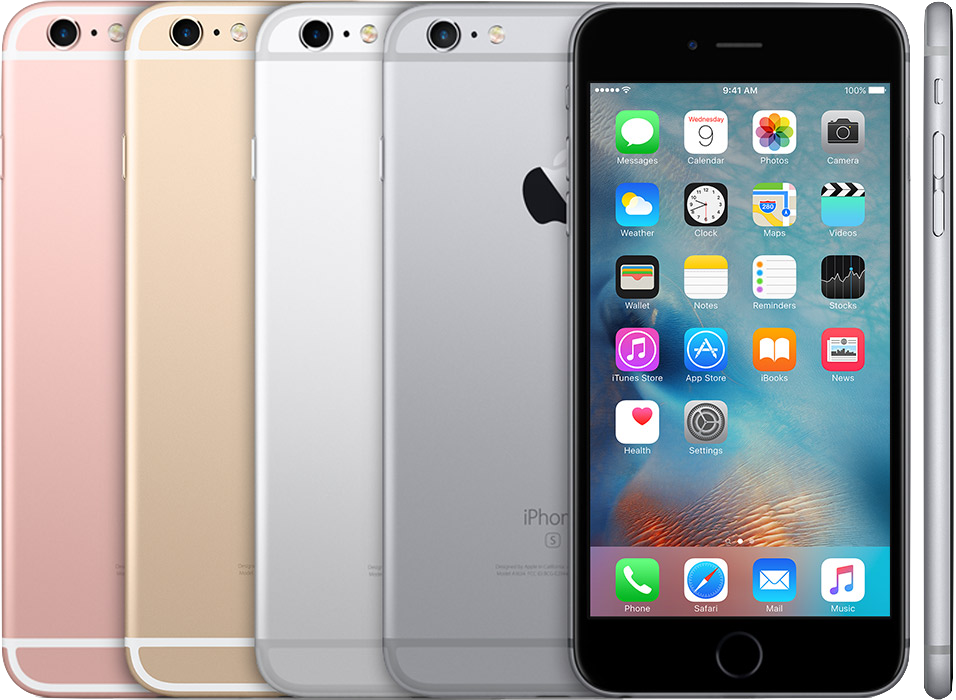
Objc & Swift
執行速度
成熟度
Interface
程式碼簡潔
上手難易度
成熟度

swift 1.2
swift 2.3
swift 3
Objc
執行速度
Swift
Objc
Python

1.0x
2.8x
3.9x
開發工具
Xcode

在開發之前
安裝你的第三套件嵌入工具
安裝cocoapods
開啟terminal

F4 -> 其他 -> 終端機

輸入$ sudo gem install cocoapods
platform :ios, ’10.0’
use_frameworks!

target ‘CwiserApp’ do
    pod 'IQKeyboardManagerSwift'
    pod 'SDWebImage', '~>3.8'
    pod 'ObjectMapper', '~> 2.1.0'
    pod 'SVProgressHUD', '2.0.3'
    pod 'Alamofire', '~> 4.0'
end


post_install do |installer|
  installer.pods_project.targets.each do |target|
    target.build_configurations.each do |config|
      config.build_settings['SWIFT_VERSION'] = '3.0'
    end
  end
end
根據不同版本及專案需求設定podfile
專案目錄
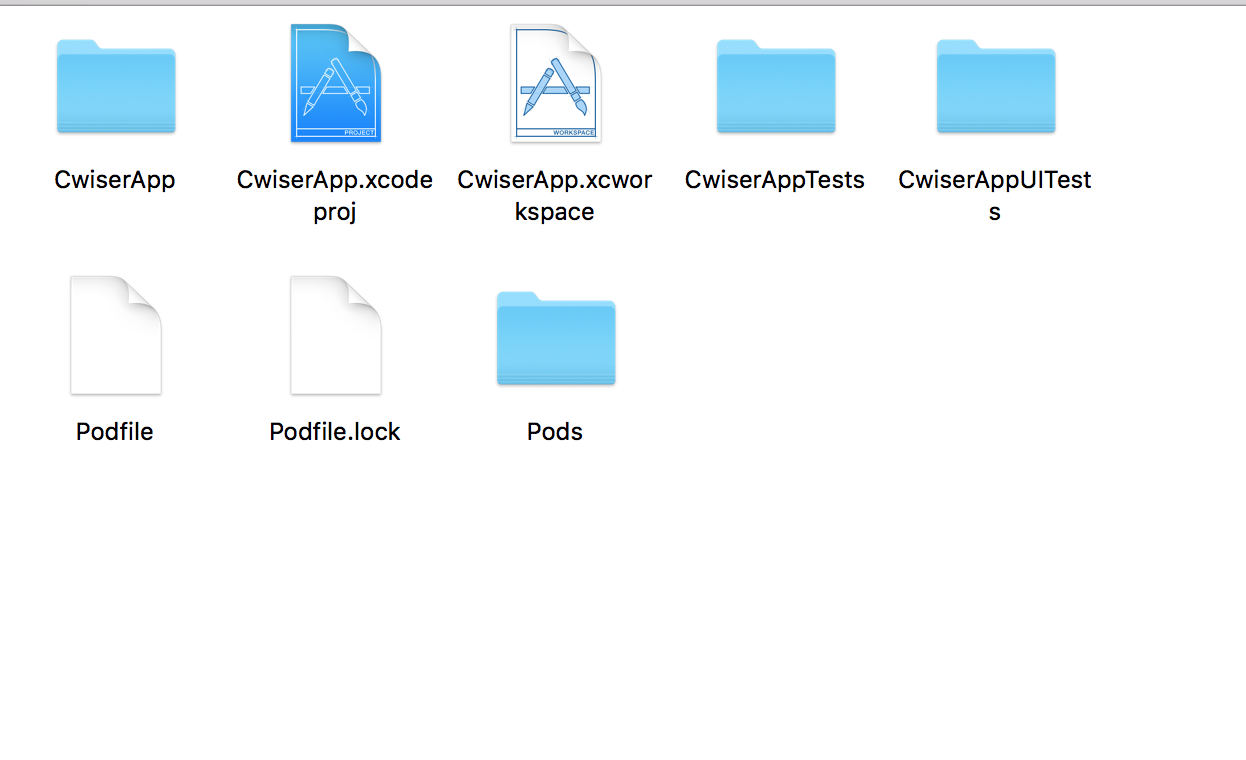
套件嵌入後的專案檔
MVC
工具齊了,就開工吧
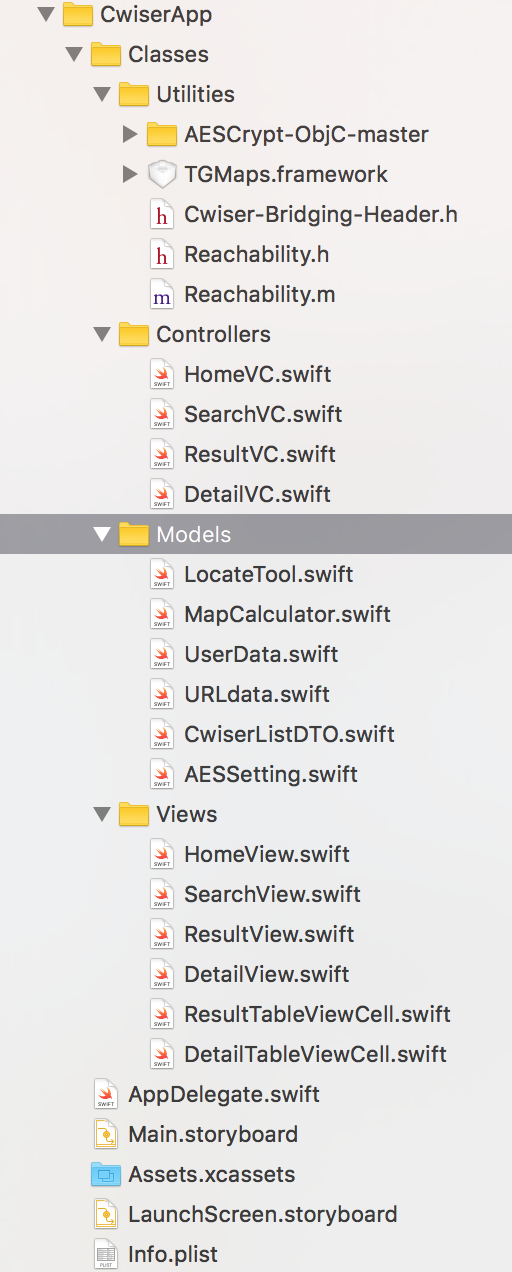
Utilities - 存放非Pod的第三方套件
Controller - 視圖控制器
Model - 客製化模組
View - 畫面設定
iOS 簡介
By Greaso Wang