
目前是:
- 前端工程師
- 開源專案作者
- Vue.js Taiwan 社群管理員之一
擅長:
- Nuxt.js
- Vue.js
- TailwindCSS
簡單介紹我自己
我不是獵頭,但我叫 Hunter
社群宣傳 - Vue.tw

大綱
-
動機
-
功能介紹
-
Demo
-
專案原始碼分享
-
總結
Vue Final Modal 是個 Modal 組件
重複造輪子?
動機
有一天公司接到了新的專案
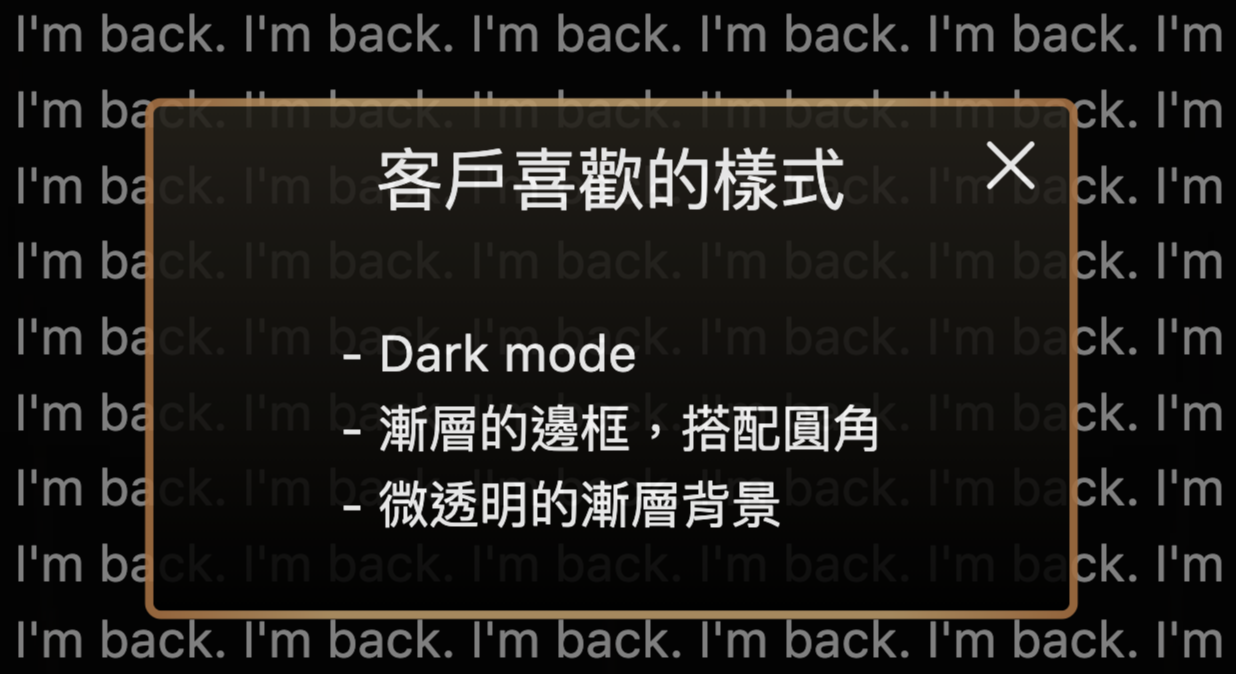
客戶喜歡的樣式:
-
Dark mode
-
漸層的邊框,搭配圓角
-
微透明的漸層背景
假設大概長這樣
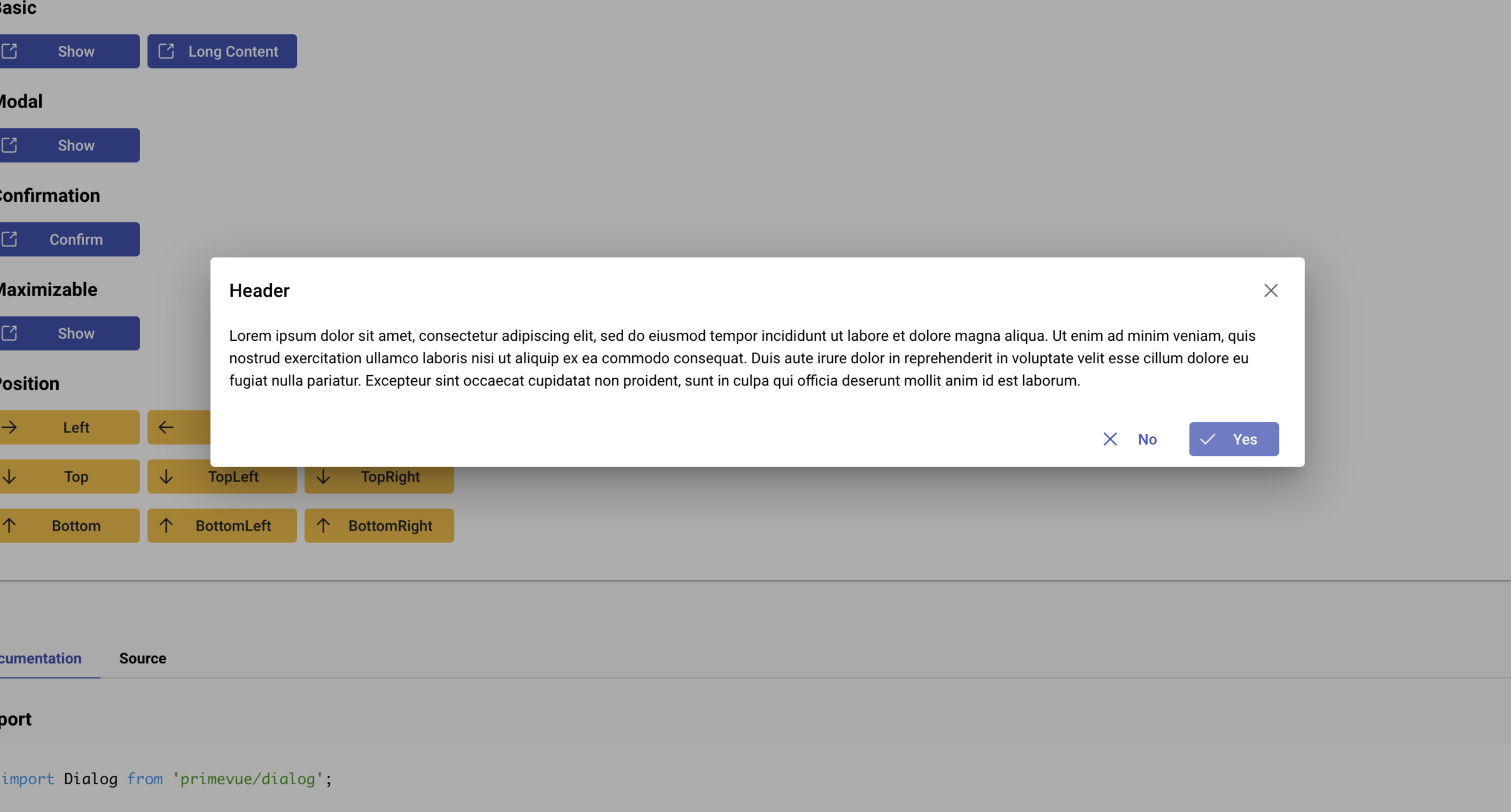
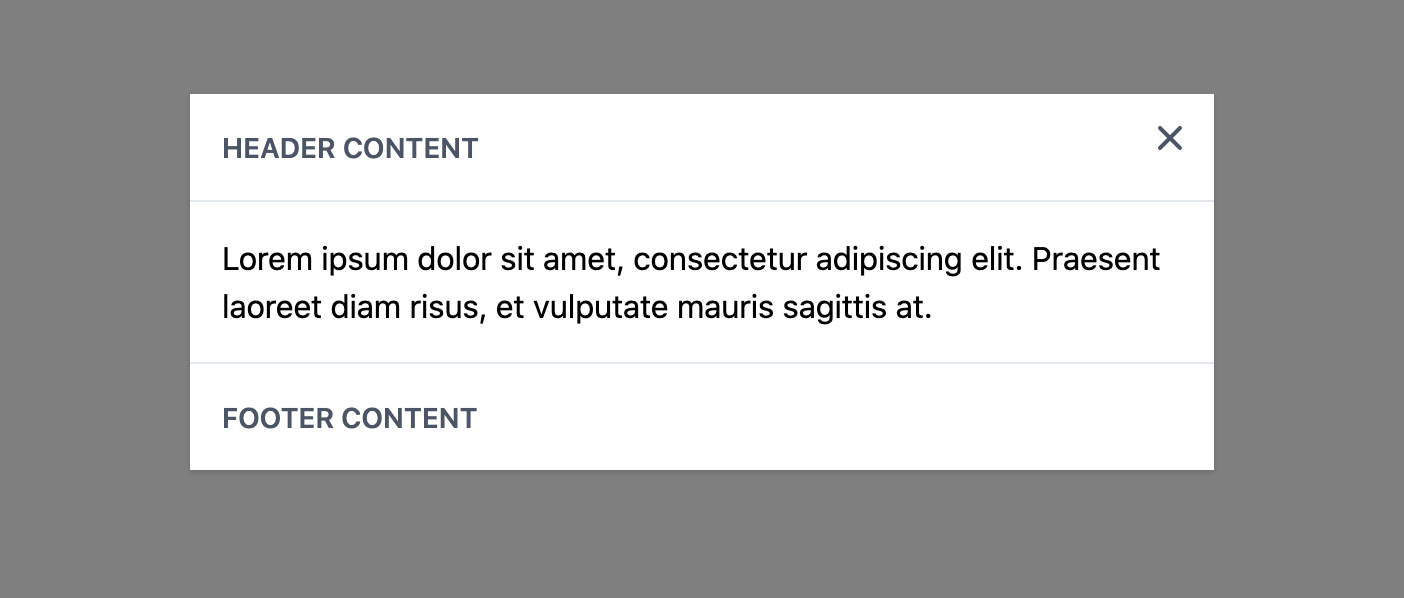
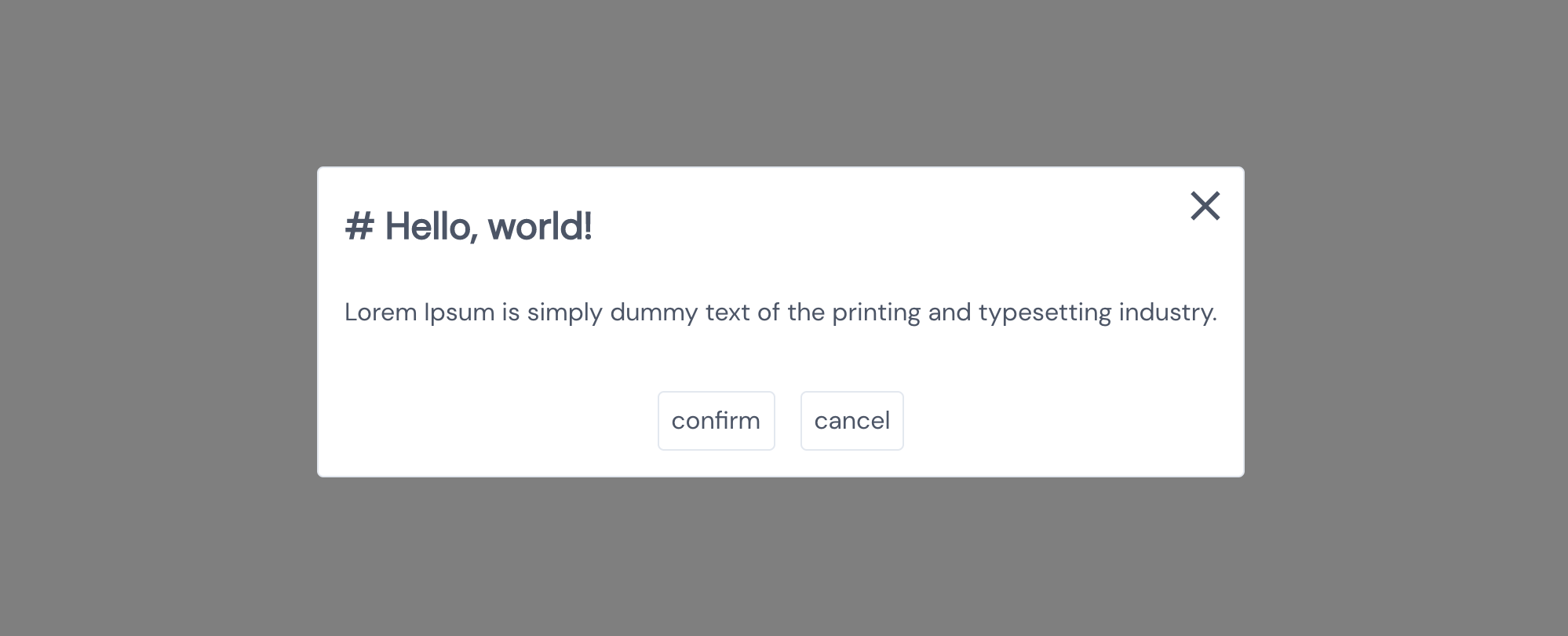
常見 UI 框架的 Modal 組件
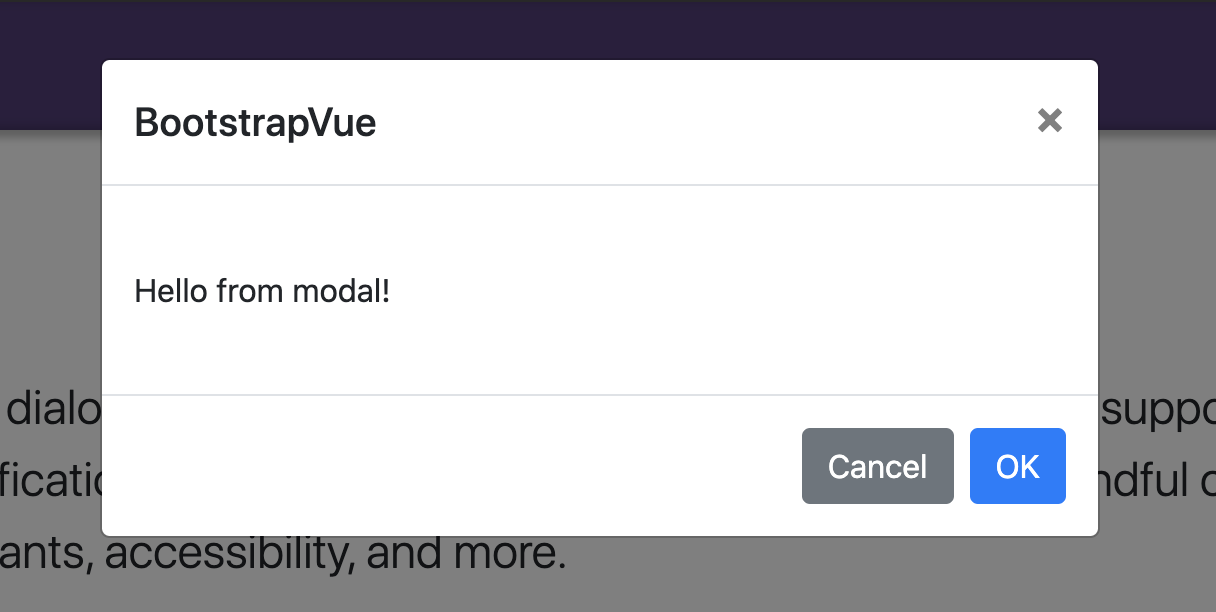
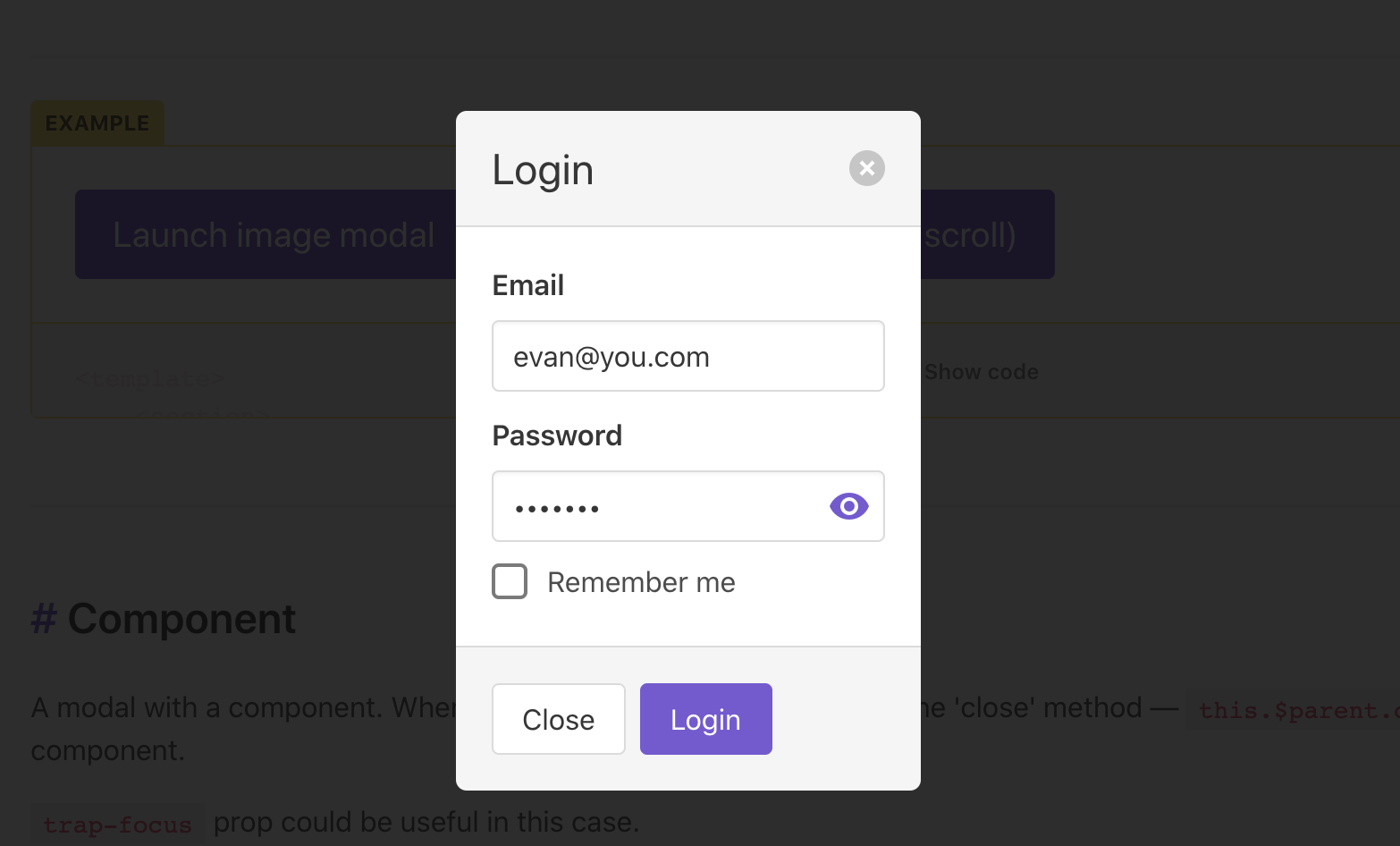
BootstrapVue - Modal
Vuetify - Dialog
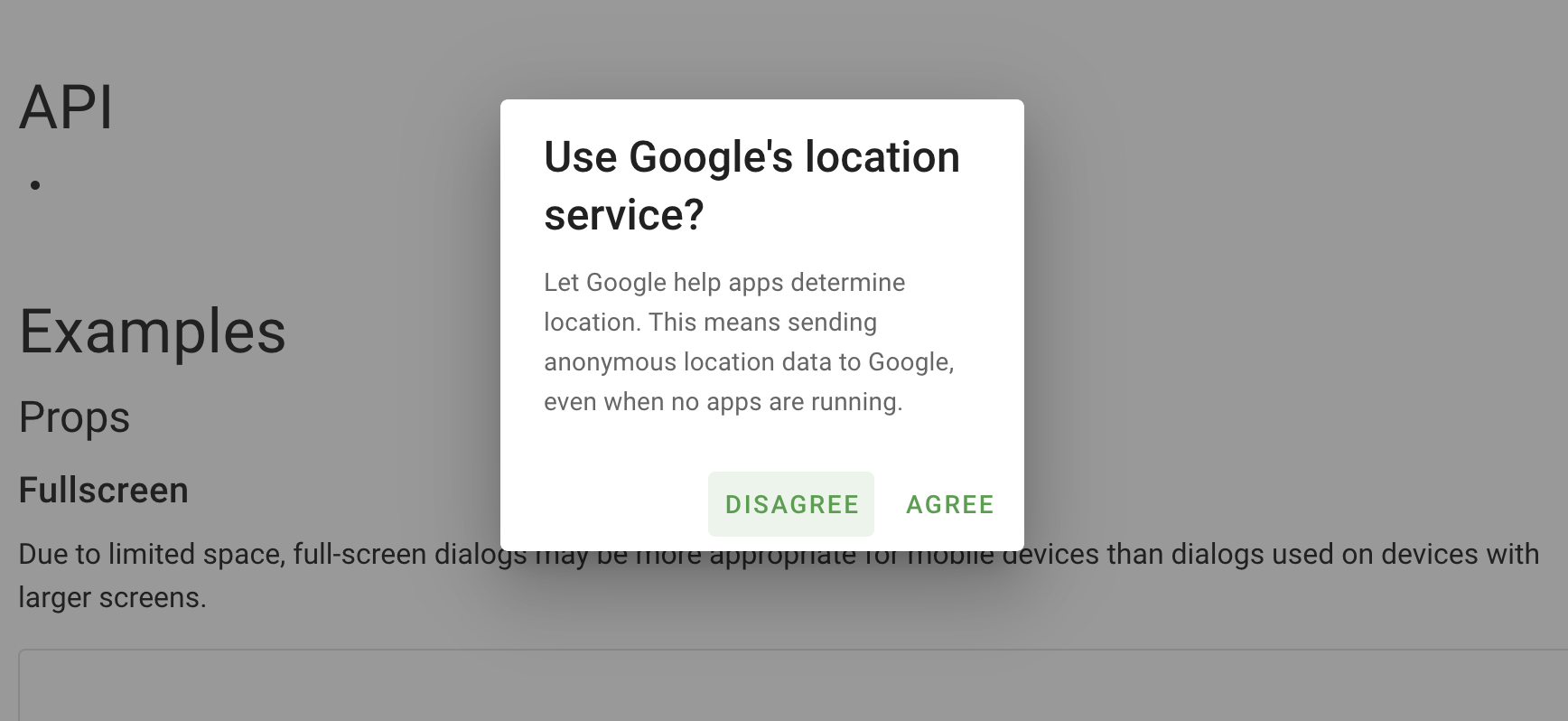
ElementUI - Dialog
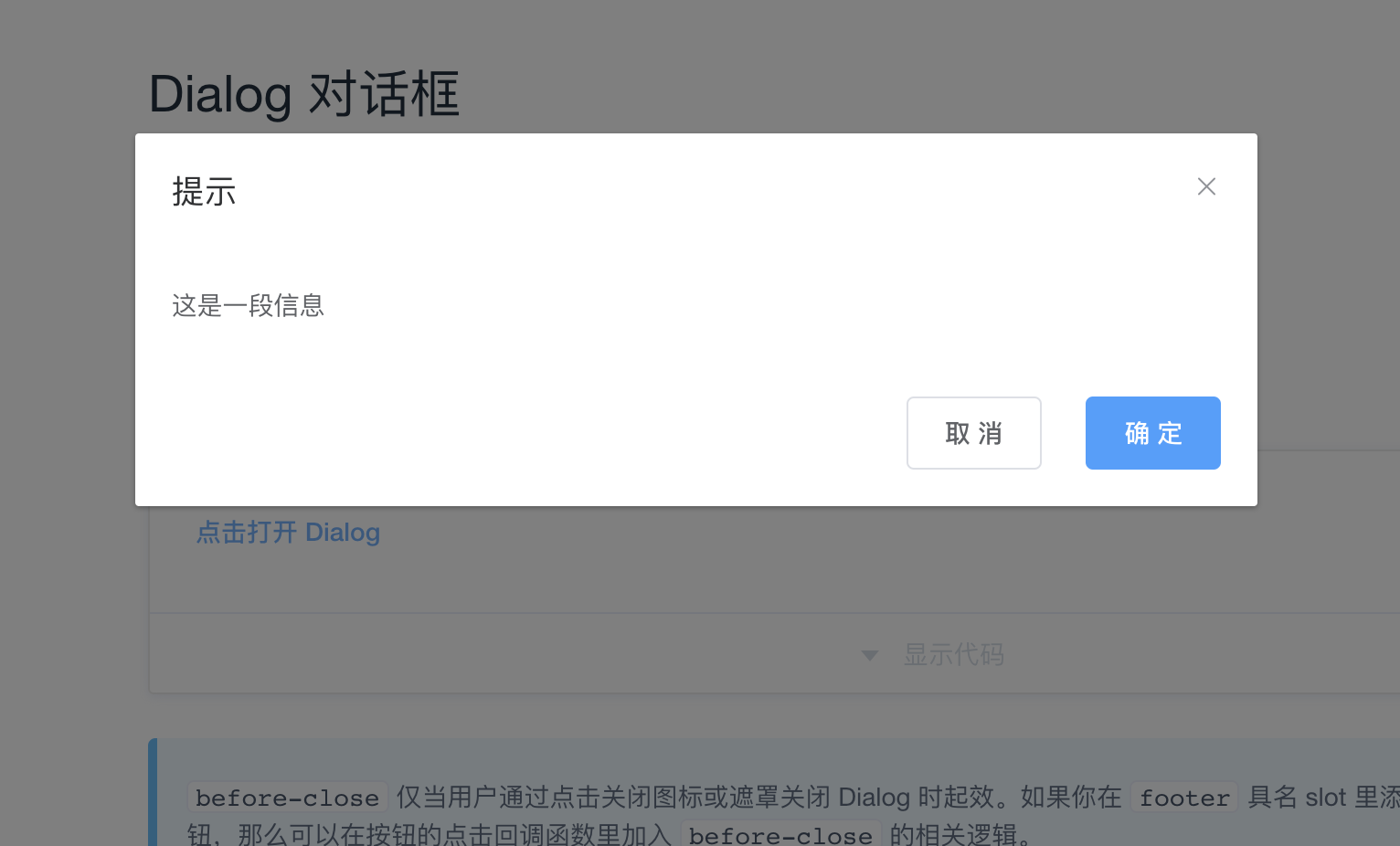
Ant Design - Modal
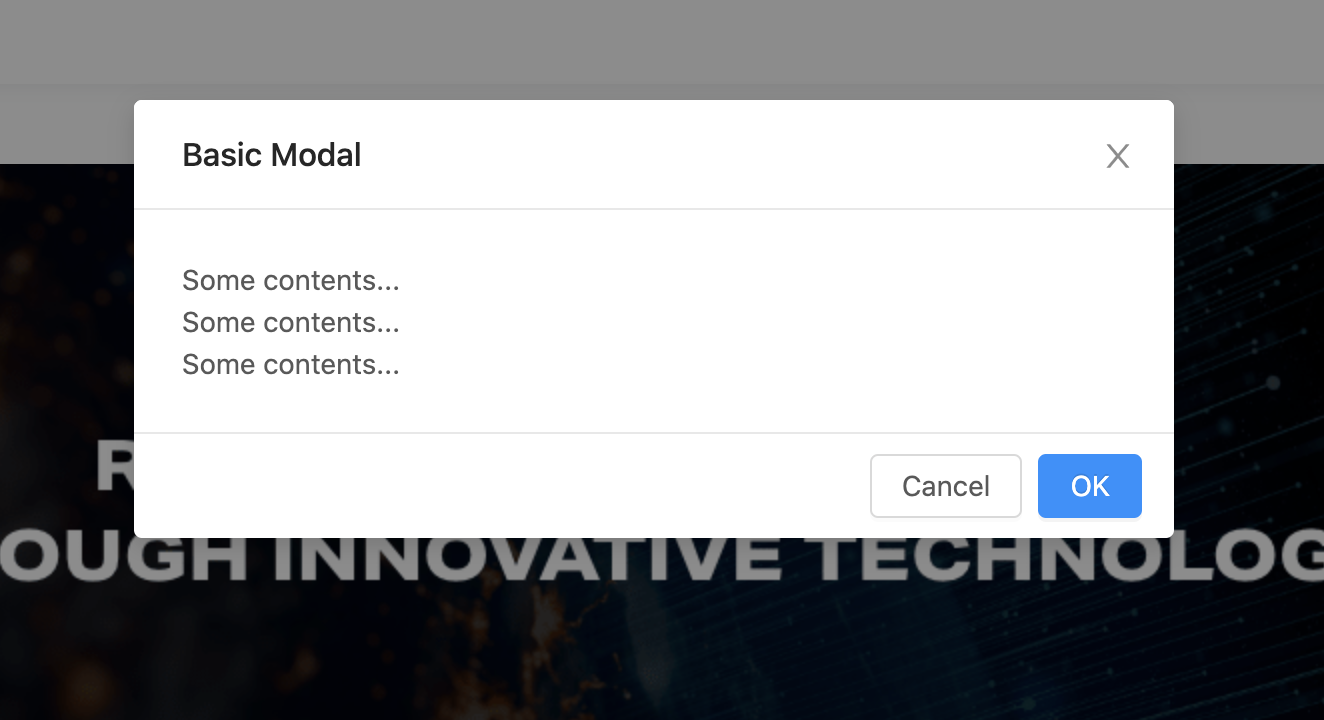
Buefy - Modal
Vue Material - Dialog
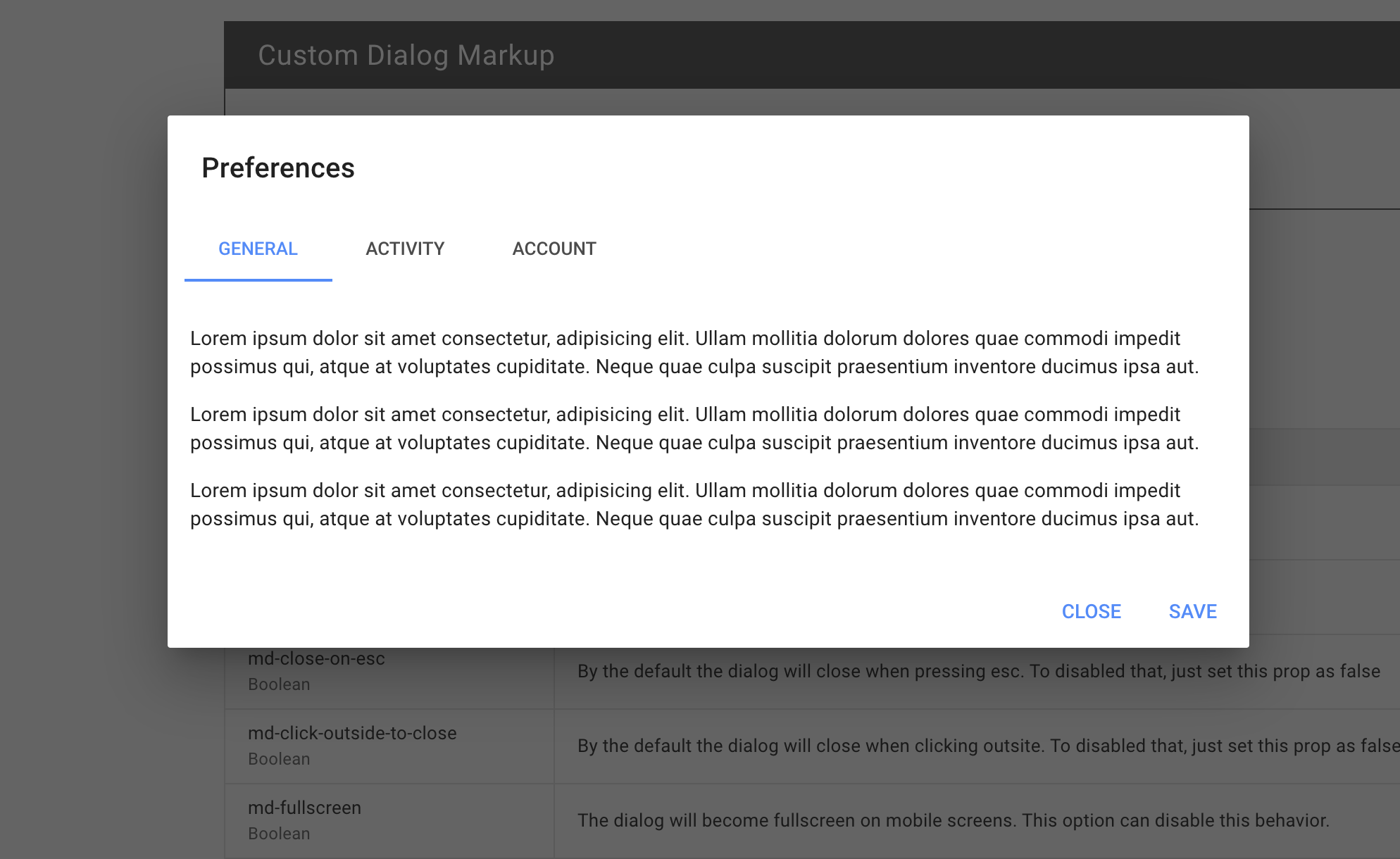
iView - Modal
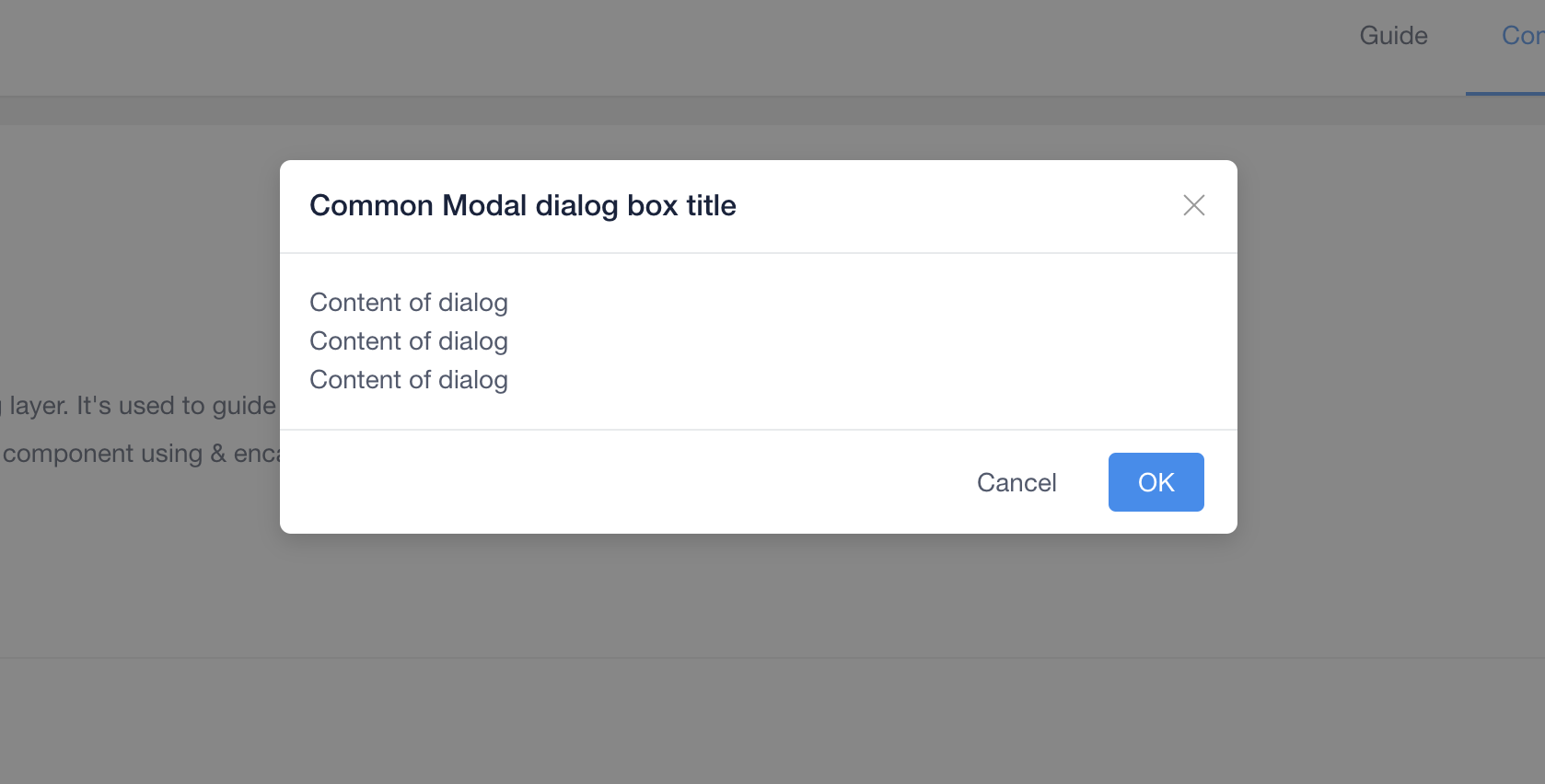
Quasar - Dialog
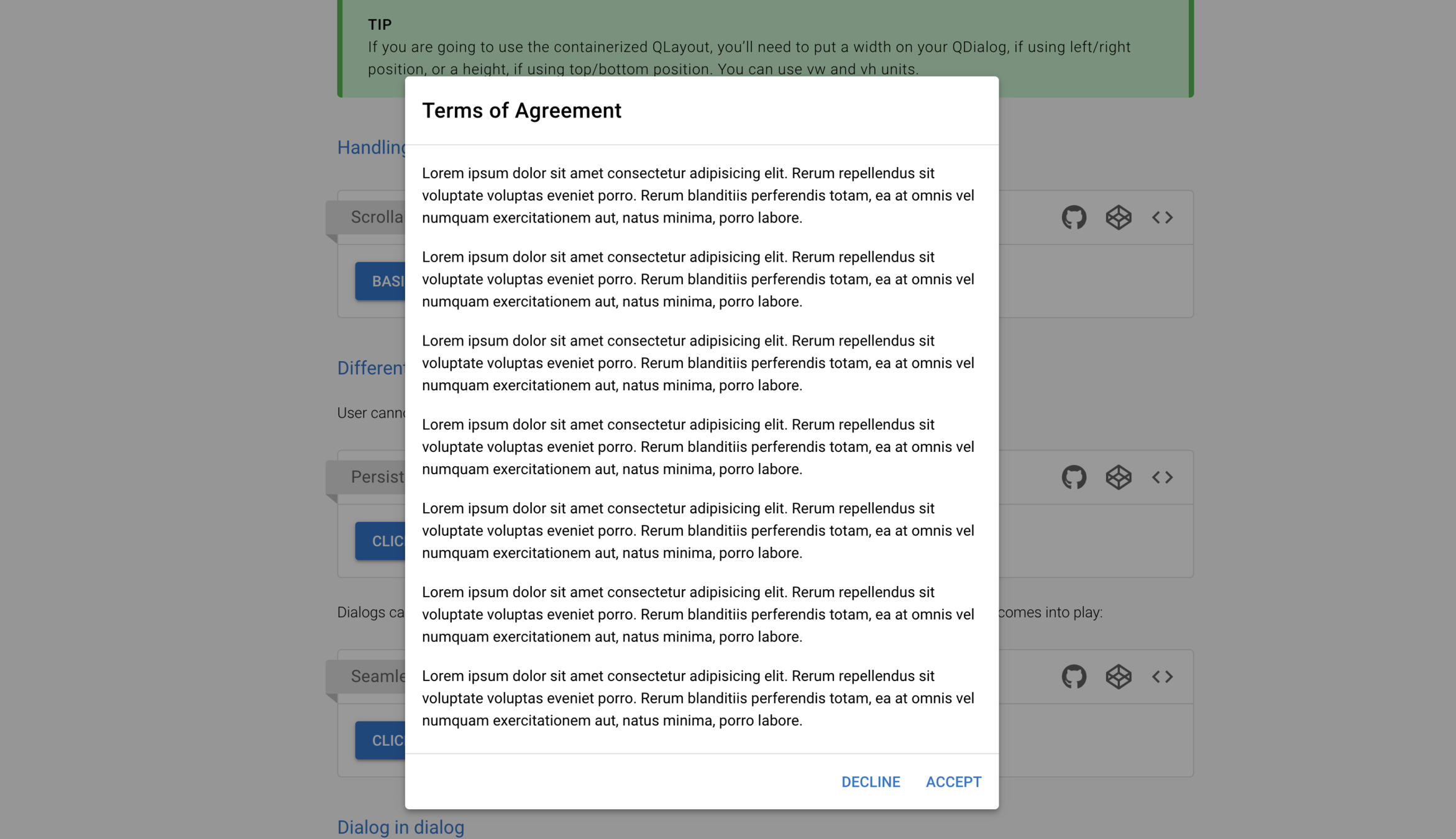
Keen UI - Modal
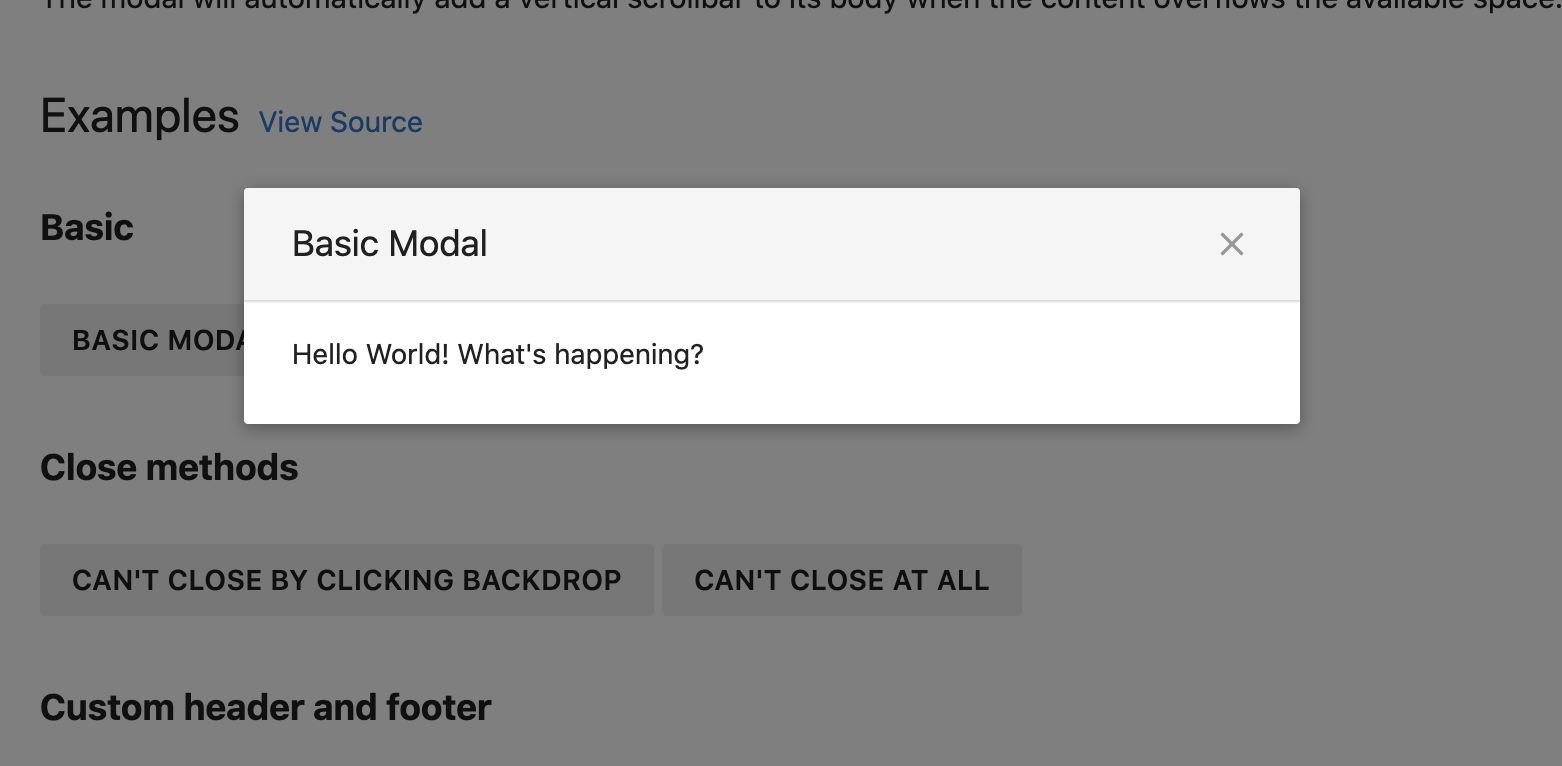
Vuesax - Dialog
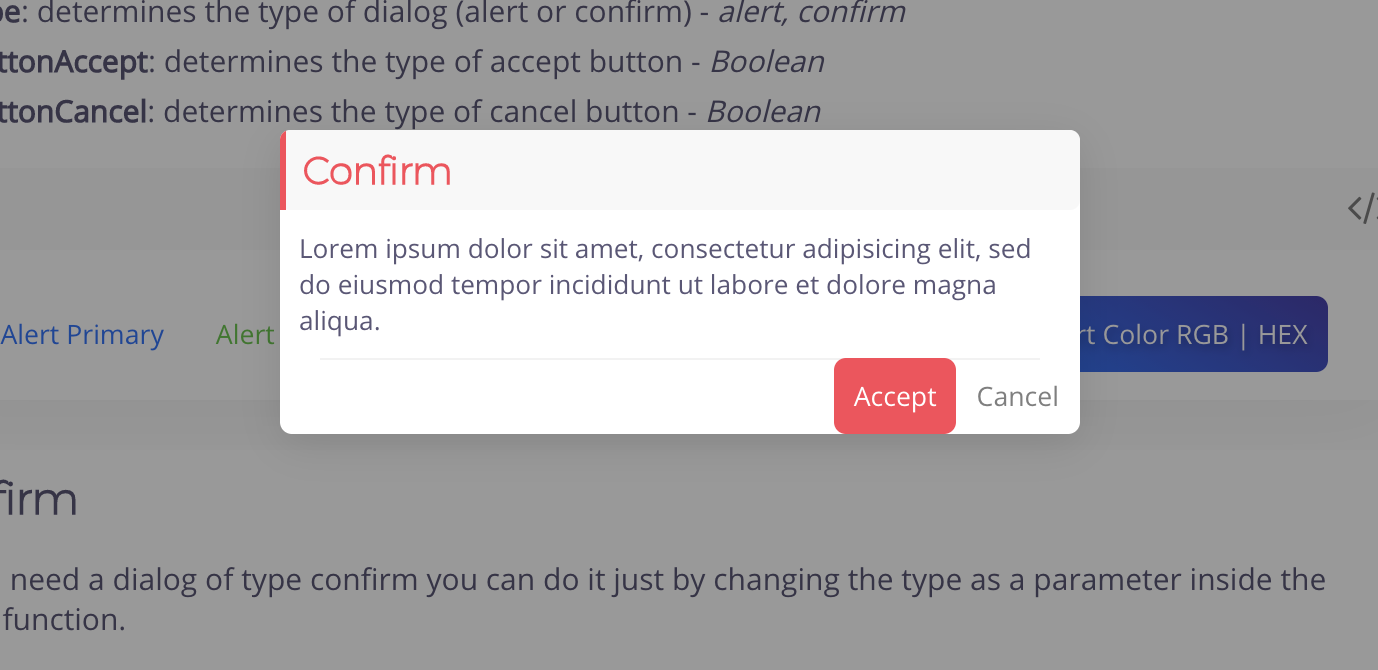
PrimeVUE - Dialog
VueTailwind - Modal
-
點擊外部關閉
-
背景色
-
Border
-
巢狀 / 嵌套
-
Dark mode
-
網站親和力
客製化的需求
開啟 chrome devtools 尋找要覆蓋的 classname
常見方法:
-
全域樣式 global.css
-
deep selector (::v-deep, /deep/, >>>)
-
!important
覆寫樣式
::v-deep .el-dialog {
    border-radius: $border-radius;
    box-shadow: 0 0 2px 0 #b4b9c3;
}
::v-deep .el-dialog__header {
    position: relative;
    display: flex;
    justify-content: center;
    align-items: center;
    height: 40px;
    padding: 0;
    border-top-left-radius: $border-radius;
    border-top-right-radius: $border-radius;
    font-size: $text-sm;
    font-weight: 500;
    color: $secondary;
    background-color: $color-title-dialog;
}
::v-deep .el-dialog__body {
    margin-top: 16px;
    padding: 8px 24px;
    color: #4e4e4e;
}
::v-deep .el-dialog__footer {
    display: flex;
    justify-content: center;
    padding: 16px 24px 24px;
}
框架的缺點
-
需高度客製化時,開發體驗差
-
被覆蓋的樣式是多餘的程式碼,影響 CSS 效能
我的 important 比你的 important important
你是否像我一樣,對覆寫樣式感到厭煩了?
Vue Final Modal
-
無渲染組件 (renderless component)
-
Nuxt.js (Server-side rendering)
-
RWD
-
網站親和力 (A11y)
-
壓縮後僅 3.5kb
-
搭配 TailwindCSS 使用更香
特點:
支援 Vue 3.0

安裝組件
1.x.x for Vue 3.0
0.x.x for Vue 2.x




註冊組件
Vue

註冊組件
Nuxt

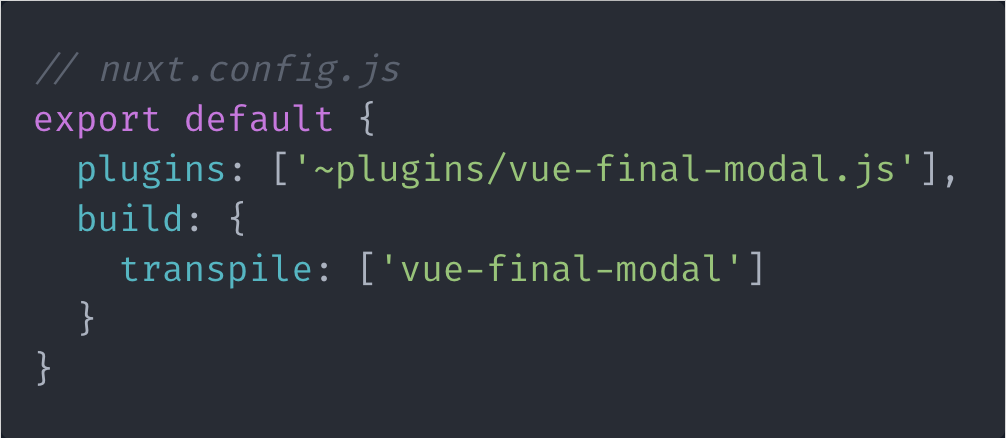
註冊組件
CDN
- in Vue 2.x
- in Vue 3.0
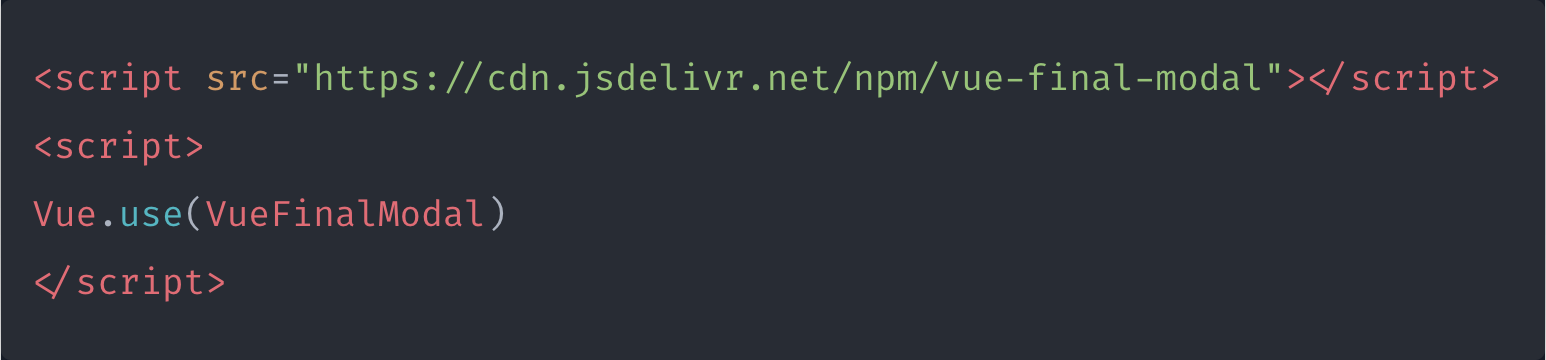
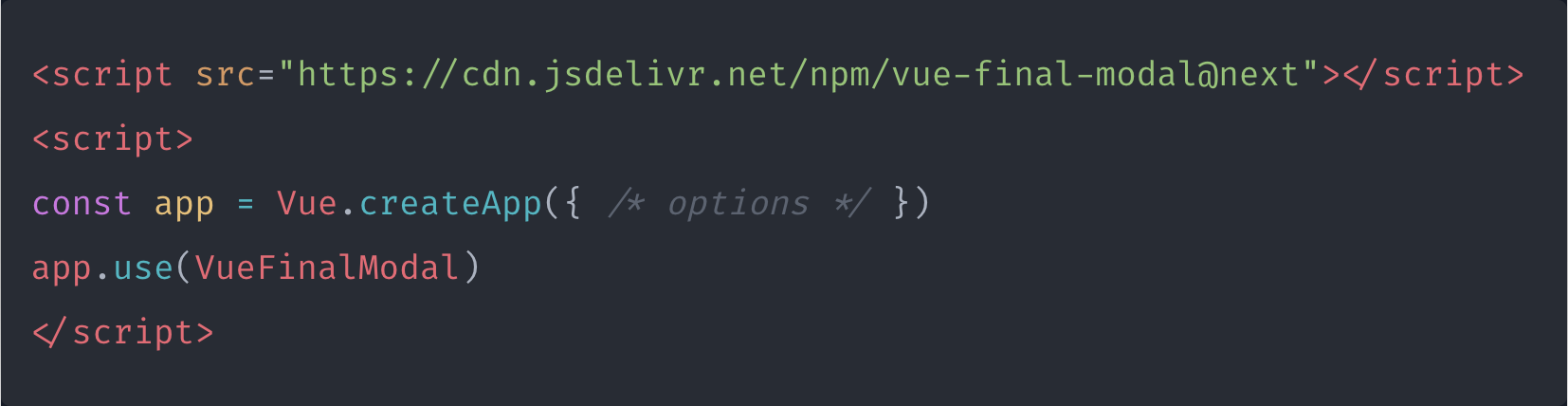
使用組件
在開始介紹 API, Props, Events 之前
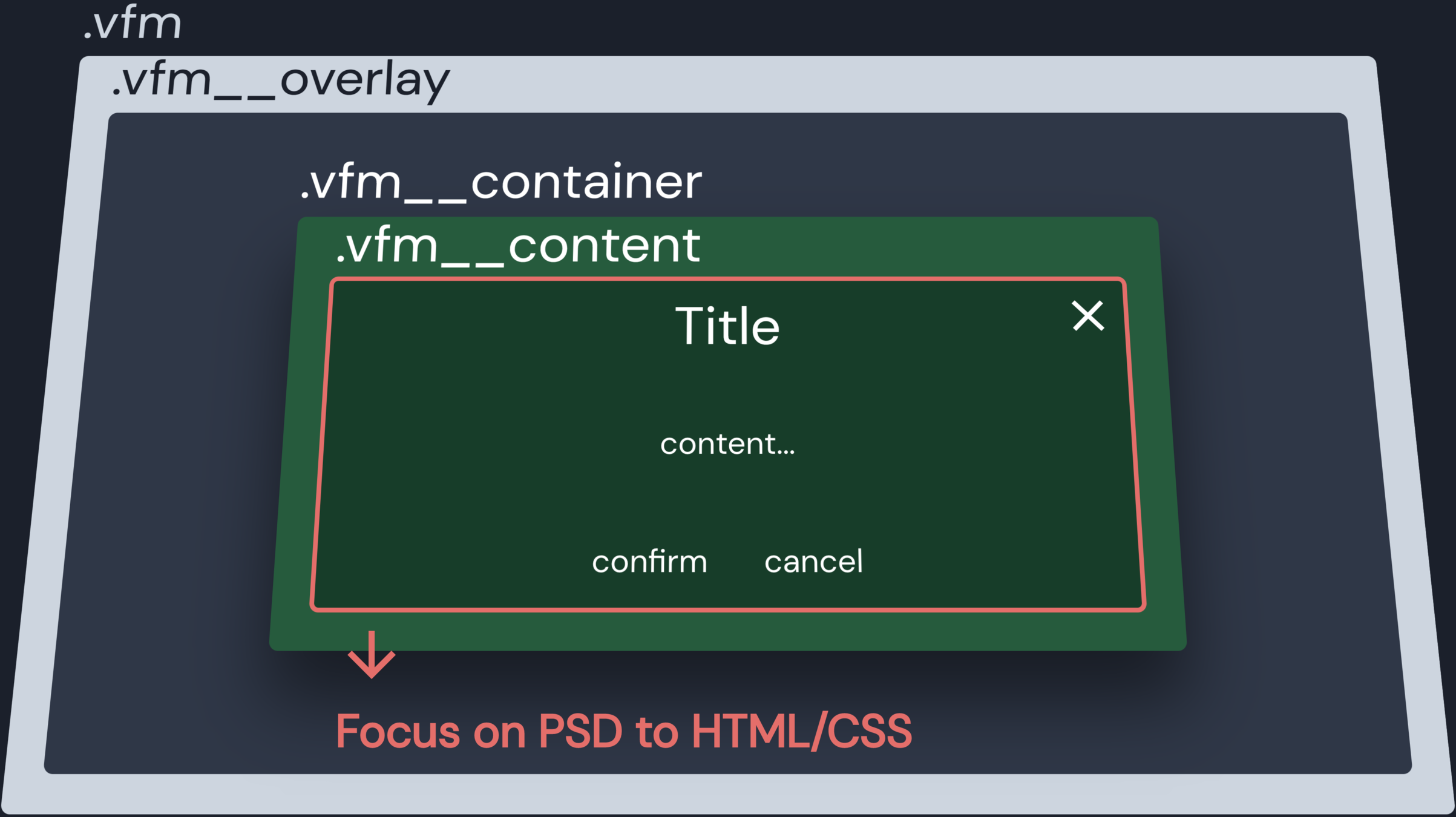
HTML 結構
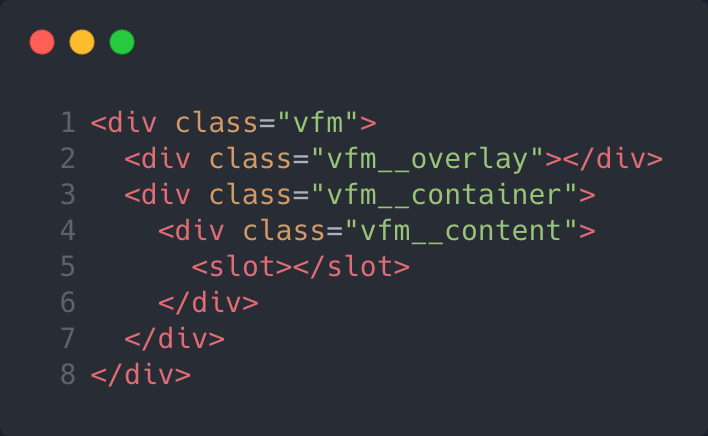
HTML 結構
文件
範例
原始碼
Demo
Events
@click-outside
點擊 modal 外部觸發
@before-open
開啟 modal 之前觸發
@before-close
關閉 modal 之前觸發
@opened
開啟 modal 之後觸發
@closed
關閉 modal 之後觸發
Props
value
是否顯示 modal
name
提供 $vfm API 操作使用
ssr
是否啟用 server side render
lockScroll
modal 開啟時鎖定滾動條
clickToClose
是否點擊遮罩關閉
preventClick
是否點擊 modal 外部操作
attach
指定 modal 要附加到哪個 DOM 元素
focusTrap
將焦點限制在 modal 內,並循環
Props
zIndex
z-index 給定值
zIndexBase
z-index 基礎值
overlayTransition
overlay 過度特效
transition
modal 過度特效
hideOverlay
隱藏遮罩
overlayClass
自定義 .vfm__overlay 類名
contentClass
自定義 .vfm__content 類名
classes
自定義 .vfm__container 類名
API
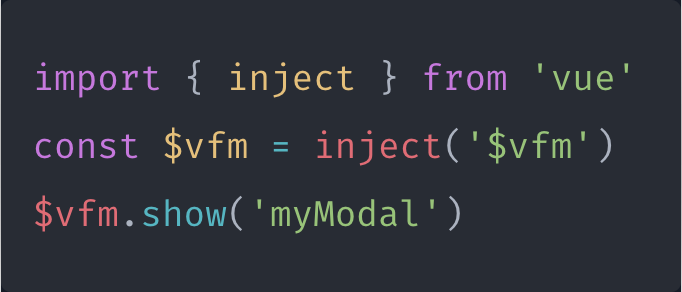
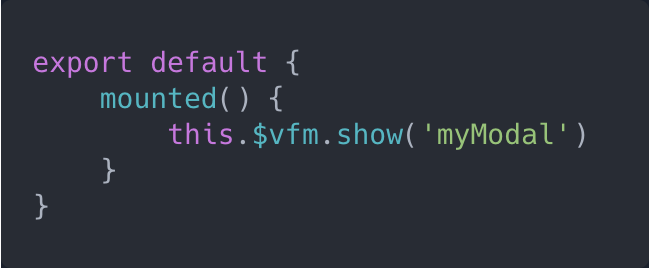
$vfm.show(name)
開啟指定 modal
$vfm.hide(name)
關閉指定 modal
$vfm.hideAll()
關閉所有 modal
$vfm.toggle(name, show)
切換指定 modal
$vfm.modals
回傳所有 modal 實例陣列
$vfm.openedModals
回傳所有開啟中的 modal 實例陣列
API
Composition API
Options API
推薦使用方式
Higher-order component (HOC)
/* VModal.vue */

<template>
  <vue-final-modal
    v-bind="$attrs"
    v-on="$listeners"
  >
    <slot>Modal content</slot>
  </vue-final-modal>
</template>

<script>
export defualt {
  name: 'VModal'
}
</script>

<style>
Modal style
</style>
<template>
<div>
<v-modal name="myModal" v-model="show">
<!-- title -->
<!-- content -->
<!-- button -->
</v-modal>
</div>
</template>
<script>
export default {
data: () => ({
showModal: false
}),
mounted()
this.showModal = true
// 或
this.$vfm.show('myModal')
}
}
</script>剛嫌棄了
現在說好話還來得及嗎

框架的優點
-
完整組件庫
-
統一設計風格
-
開發效率高
提供更全面的解決方案
回答太官方了,你不信?
概念借鑒抄襲
-
lockScroll
BootstrapVue
-
stackable
-
zIndex
-
zIndexBase
Element UI
-
attach
Vuetify
-
API this.$modal
-
transition
-
focusTrap
vue-js-modal

定位
DIY
- 提供 Modal 組件該有的行為 (Javascript)
- 切版畫面的彈性留給開發者和設計 (HTML, CSS)
6.2kb↑
5.9kb↑
3.5kb↑
4.3kb↑
專案架構分享
- 文件
- @nuxt/content
- @nuxt/content-theme-docs
- 建構
- Rollup
-
部署
- Netlify
如果你也想發佈自己的組件庫
部分原始碼
總結
-
Spinner
-
Toast
-
Confirm
-
Prompt
-
Notification
它是 Modal ,卻不只是 Modal。
可擴充成的組件:
Roadmap
-
React Final Modal
-
可拖曳 (Draggable)
-
動態調整寬高 (Resizable)
-
支援各框架樣式主題:
-
BootstrapVue
-
Vuetify
-
ElementUI
-
-
Tree-shakable
歡迎到 Github 許願

Q&A
Vue Final Modal
By hunterliu1003
Vue Final Modal
Vue Final Modal is a tiny, renderless, mobile-friendly, feature-rich modal component for Vue.js. You can create a higher-order component easily and can customize template, script and style based on your needs.