React Router
Multi-Page vs Single Page
Apps

Server Side Rendering (SSR)
The source of what you see on the screen comes directly from your browser "reading" plain old HTML and CSS files.
Client Side Rendering (CSR)
What you on the screen is dynamically generated inside of your JavaScript code.

Client
(You)
Server
(Website / App)
Asks for HTML, CSS, JS
Returns HTML, CSS, JS
HTML
Product Content
CSS
JavaScript
/product/8ce7
HTML
Checkout Form
HTML
CSS
JavaScript
/checkout/8ce7
HTML
Success Message
HTML
CSS
JavaScript
/checkout/success
link
link
form submission
With multi-page applications, which use server side rendering, every time a user navigates to a new page:
- all HTML, CSS, JavaScript and any other content is loaded (or reloaded from the browser's cache)
- state is forgotten and must be retrieved
link
Product Content
JavaScript
HTML
CSS
Checkout Form
Success Message
link
form submission
Single Page Application
A single page, with all the HTML, is loaded once and only once. Everything is rendered with client side rendering.
Instead of navigating to a new "page", the application swaps different React components on the screen.
Single Page Application (SPA)
Most of your view is generated by JavaScript!
<!doctype html>
<html lang="en">
  <head>
    <meta charset="UTF-8" />
    <link rel="icon" type="image/svg+xml" href="/vite.svg" />
    <meta name="viewport" content="width=device-width, initial-scale=1.0" />
    <title>Vite + React + TS</title>
  </head>
  <body>
    <div id="root"></div>
    <script type="module" src="/src/main.tsx"></script>
  </body>
</html>
MPA
SPA
vs
Easier to build and debug rich, interactive, and complex user interfaces (UI).
Better suited for static content and simple user interfaces (UI).
Quicker to load the first page and static assets, but slower when navigating to a new page.
Slower to load the first page and static assets, but much faster when navigating to a new screen.
Can easily be indexed by search search engines for better SEO.
Without SSR, it is much harder for search engines to index your site.

Next.js
A hybrid solution that is both a multiple page and a single page app. Has the benefits of server side rendering (faster initial page loads and better SEO) and client side rendering (interactive UI).
Routing
with React Router
Routing
navigation through URLs
Event occurs
e.g. user clicks on a link, submits a forms, or types a URL in the address bar
URL changes
Application displays different content on the screen
Anatomy of a URL
https://mysite.com/checkout/success| https:// | protocol |
| mysite.com | user friendly name for your entire website |
| /checkout/success | the path to the page or what you see on the screen |
React Router
library that maps a URL to a React component
|
/product/8ce7 |
Product.jsx |
|
/checkout/8ce7 |
Checkout.jsx |
|
/checkout/success |
CheckoutSuccess.jsx |
Product Content
Checkout Form
Success Message
link
form submission
https://mysite.com
Step 1: Install React Router
npm install react-router-domStep 2: Import and use BrowserRouter in your router in main.jsx / main.tsx file
import React from 'react';
import ReactDOM from 'react-dom/client';
import App from './App.tsx';
import './index.css';
// Add line below
import { BrowserRouter } from 'react-router-dom';

ReactDOM.createRoot(document.getElementById('root')!).render(
  <React.StrictMode>
    {/* Put App inside BrowserRouter */}
    <BrowserRouter>
      <App />
    </BrowserRouter>
  </React.StrictMode>
);
Step 3: Setup your router in App.jsx / App.tsx (or a high level component)
import { Routes, Route } from "react-router-dom";
// Import components used as "element" below ...

function App() {
  return <>
    <Menu >{/* Or any content that stays on every page */}
      <Routes>
        <Route path="/checkout/success" element={<CheckoutSuccess />} />
        <Route path="/product/:productId" element={<Product />} />
      </Routes>
    </Menu>
  <>
}
See more on path matching: https://github.com/pillarjs/path-to-regexp
Exact match
https://mysite.com/checkout/success
<Route path="/checkout/success" element={<CheckoutSuccess />} />Relative match using a placeholder for an id, key or data https://mysite.com/product/8ce7
<Route path="/product/:productId" element={<Product />} />Retrieving parameters
import { useParams } from "react-router-dom";

function Product(props) {
  const { productId } = useParams();
  // Make AJAX request or do whatever you need with the productId
  // ...
}
<Route path="/product/:productId" component={Product} />In App.jsx (or other high level component):
In the React Component:
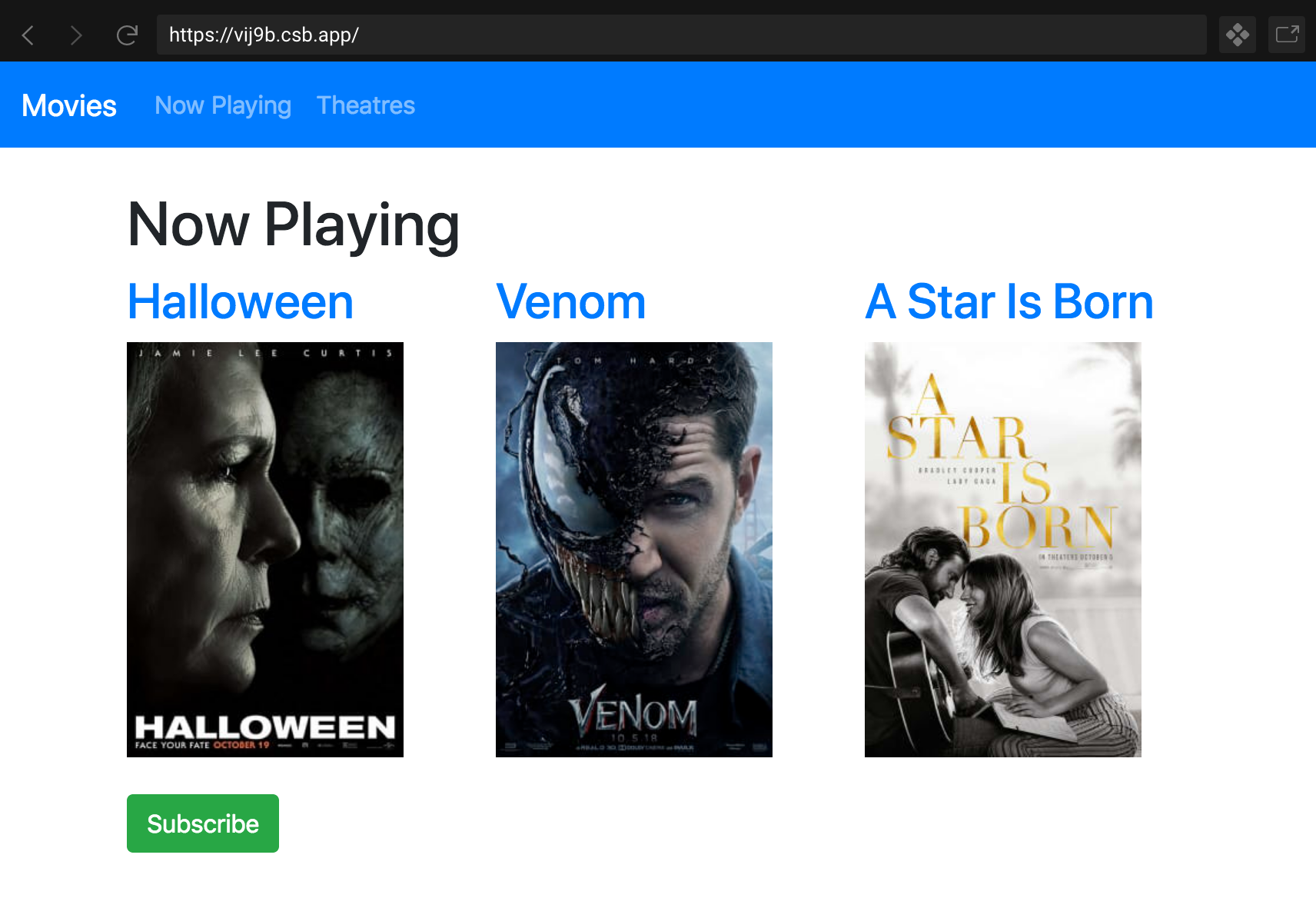
File Not Found Page
import { Routes, Route } from "react-router-dom";
// Import components used as "element" below ...

function App() {
  return <>
    <Menu >
      <Routes>
        <Route path="/checkout/success" element={<CheckoutSuccess />} />
        <Route path="/product/:productId" element={<Product />} />
        {/* For any other path, this shows a 404 "File Not Found" error */}
        <Route path="*" element={<NotFound />} />
      </Routes>
    </Menu>
  <>
}
        {/* For any other path, this shows a 404 "File Not Found" error */}
        <Route path="*" element={<NotFound />} />
Navigate to a new URL with a router redirect
React Router's Navigate
import { Routes, Route, Navigate } from "react-router-dom";
import Home from "./Components/Home";

function App() {
  return (
    <Routes>
      <Route path="/home" element={<Home />} />
      {/* If the url does not match anything, change the URL to /home  */}
      <Route path="*" element={<Navigate replace to="/home" />} />
    </Routes>
  );
}
{/* If the url does not match anything, change the URL to /home */}
<Route path="*" element={<Navigate replace to="/home" />} />Navigation and History
with React Router
Navigate to a new URL with links
React Router's Link
import { Link } from "react-router-dom";
// Or you can use <NavLink> to add the CSS "active" class to your navigation

function Nav() {
  return (
    <Link to="/new/url">Now Playing</Link>
  );
}

export default Nav;
This will navigate a new URL without refreshing the page and loosing all of your state.
Navigate to a new URL without links
React Router's useNavigate hook
// Or useNavigate with React Router v6
import { useNavigate } from "react-router-dom";

function MyComponent() {
  const navigate = useNavigate();

  // e.g. go to new URL after submitting a form
  const handleForm = (e) => {
    e.preventDefault();
    // ... code ...
    navigate("/to/some/new/url");
  };
}
import { useState, FormEvent, ChangeEvent } from "react";
import { useNavigate } from "react-router-dom";
type LoginProps = {
setIsLoggedIn: Function
};
function Login({ setIsLoggedIn }: LoginProps) {
const [username, setUsername] = useState("");
const [password, setPassword] = useState("");
const navigate = useNavigate();
const handleSubmit = (e: FormEvent) => {
e.preventDefault();
// You would want to make an AJAX request to check if the username and password is valid here.
// If it is valid:
setIsLoggedIn(true);
// If the credentials are valid, redirect to the LoggedIn screen
navigate("/logged-in");
};
return (
<>
<h1>Login</h1>
<form method="POST" onSubmit={handleSubmit}>
<label htmlFor="username">
Username
</label>
<input
onChange={(e: ChangeEvent<HTMLInputElement>) => setUsername(e.target.value)}
value={username}
/>
<label htmlFor="password">
Password
</label>
<input
onChange={(e: ChangeEvent<HTMLInputElement>) => setPassword(e.target.value)}
value={password}
/>
<button type="submit">Login</button>
</form>
</>
);
}
export default Login;
↓ Scroll down
Browser History
A list of web sites that you have visited recently. You can navigate through history with your browser's back and forward buttons.
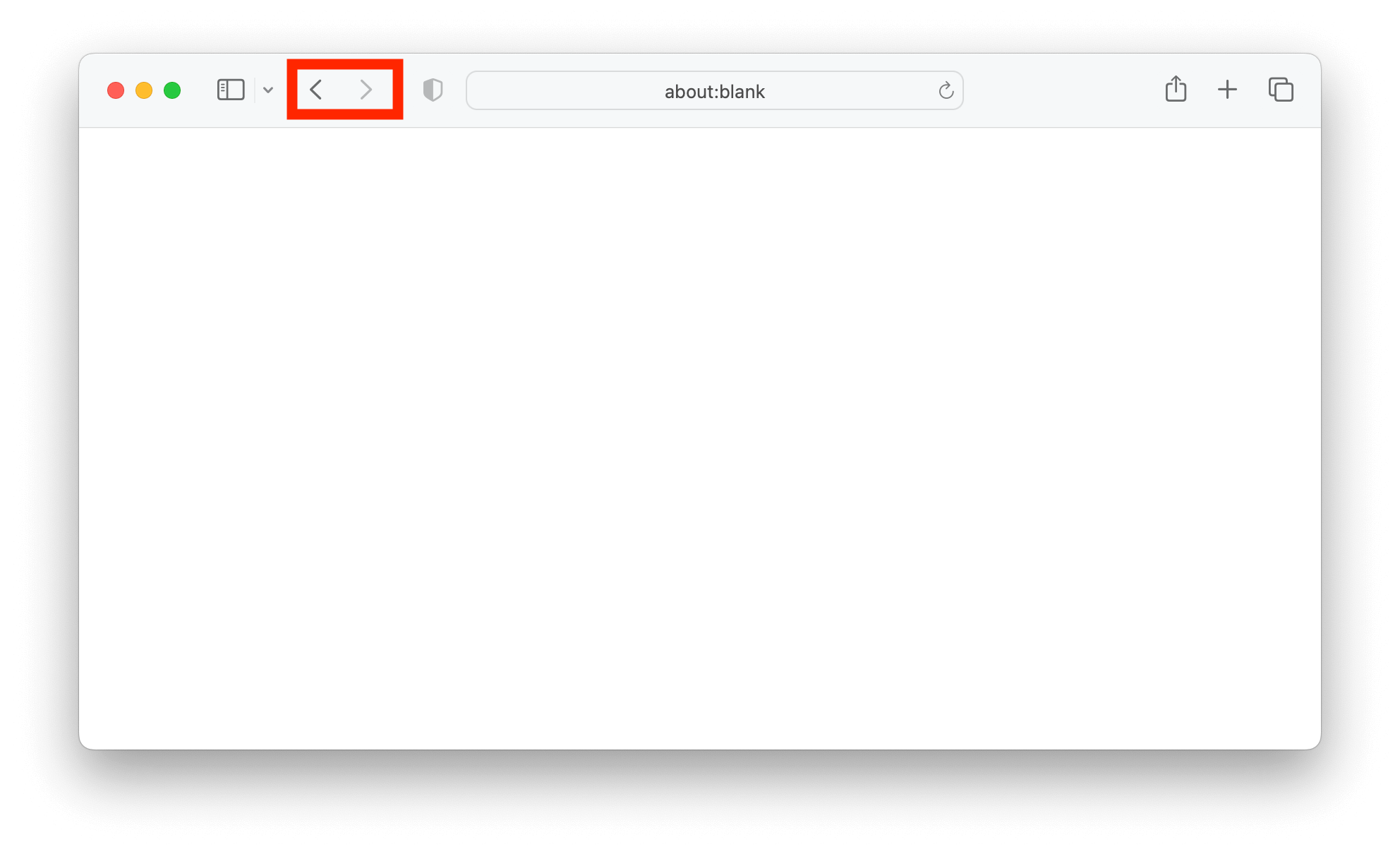
Example of loosing state when navigating through history and refreshing the page:
https://stackblitz.com/edit/vitejs-vite-sxixnc?file=src%2Fcomponents%2FFaq%2FFaq.tsx
Browser History
A list of web sites that you have visited recently. You can navigate through history with your browser's back and forward buttons.
Example of loosing state when navigating through history and refreshing the page:
https://stackblitz.com/edit/vitejs-vite-sxixnc?file=src%2Fcomponents%2FFaq%2FFaq.tsx
Search or Query Parameters
State that you can put in a URL as key-value pairs.
Anatomy of a URL
https://mysite.com/search?page=1&query=react%20router| https:// | protocol |
| mysite.com | user friendly name for your website |
| /search | the path to page / screen |
| ? | separates rest of URL from search or query parameters |
| page=1 query=react |
key-value pair in search parameters (escape spaces with %20) |
| & | separates key-value pairs |
WARNING!
Do not put any credentials, session tokens, user information, personal information, or anything else that is sensitive in URLs and history.
Preserve state
by putting state in search params
import { useSearchParams } from "react-router-dom";

function MyComponent() {
  const [searchParams, setSearchParams] = useSearchParams();
Get state
const page = searchParams.get("page");Type check state
const page = searchParams.has("page"); // true or falseSet state
searchParams.set("page", page);

// This let's React know there was a change,
// so that everything will re-render:
setSearchParams(searchParams);
React Router
By Jamal Taylor