Question 6
What Technologies have I used and how have they impacted my work?
For my work I have used a variety of technologies; Blogger, IMDb, Padlet, Slides, Prezi, Scrib.d, YouTube, PowToon, iMovie and Adobe Photoshop Elements 14.
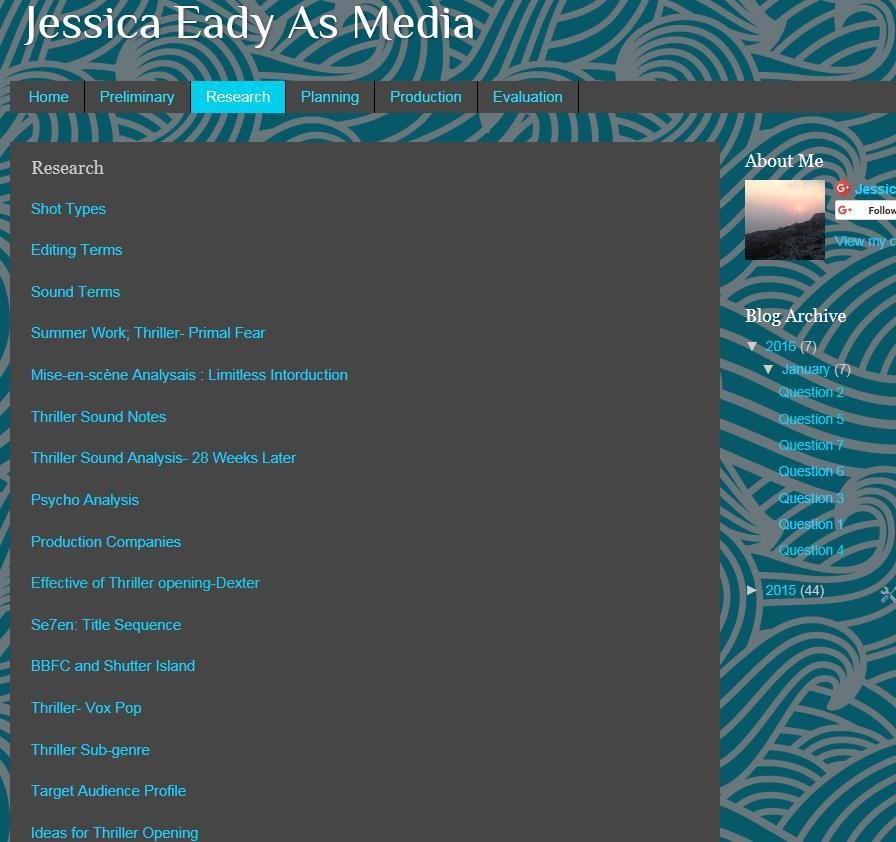
Blogger; is a service that started in August 23rd 1999, which allows anyone to publish information of any topic. I used blogger for my coursework so that I can post information about the Research, Preliminary, Planning, Production and Evaluation. Within each I could type up, copy and paste, add photos, videos embed other work that I would have done on different technologies such as Prezi. This therefore was useful as it impacted my work because it let me easily display my work in a variety of ways as well as making the sections organised as you can easily find any research I had done also it titles what it is. Moreover it allows you to personalise the background so it could like with what your blog is based on or to reflect what you like. Furthermore it lets you save any drafts that you have so that you can go back to it later and then post. Also any posts that have been made are able to be updated easily so if there are any changes or mistakes made in the work they can be changed, this meant that any mistakes or improvement I wanted to make to my work to make it better I could do that. Additionally blogger can be access on any devise which makes it easy and quicker to look or add a post.

IMDb
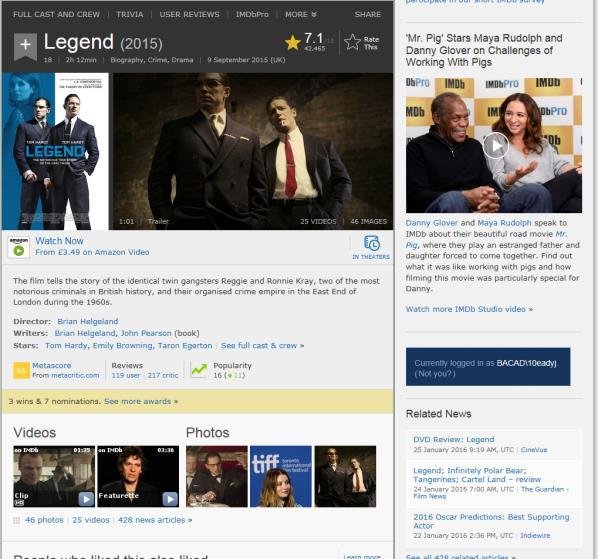
Is an Internet Movie Data base which allows anyone to research a TV programme or Movie and find out anything and everything that may needed to be known from a film or programme. It displays the date released, the genre of film, film rating, the length of the film, who is involved in the making, who starts in it, a bibliography on what it entails. Furthermore it displays the characters that plays who and what each character does in the film, it also shows videos and photos in relation with the film and what other films that people may be interested in. This helped me as it enabled me to research information that was reliable, also I could find out dates and what each characters role was so that I would have a better understanding for writing up my information. Furthermore when I wanted to find another thriller there were suggestions to what I may like
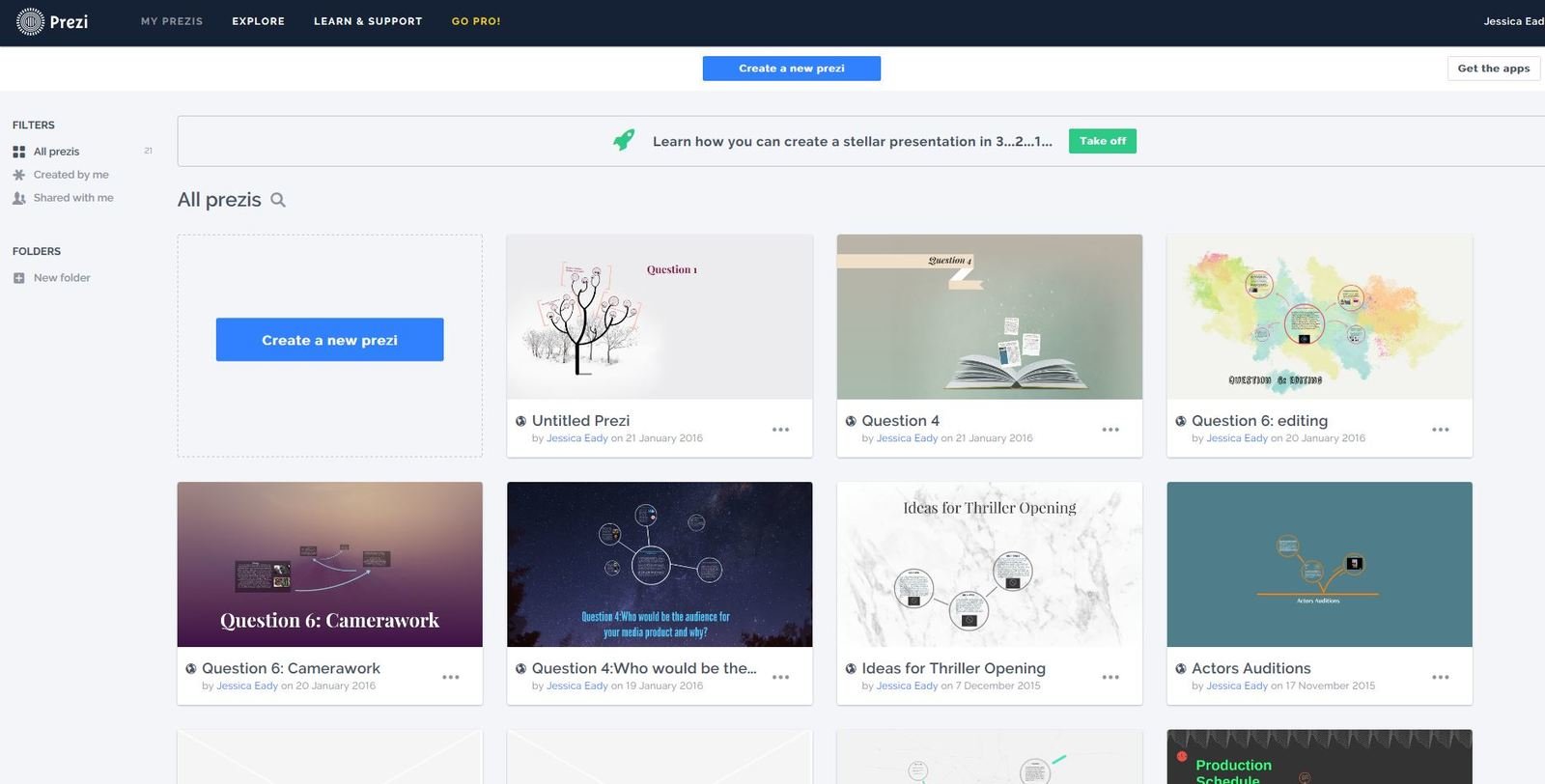
Prezi
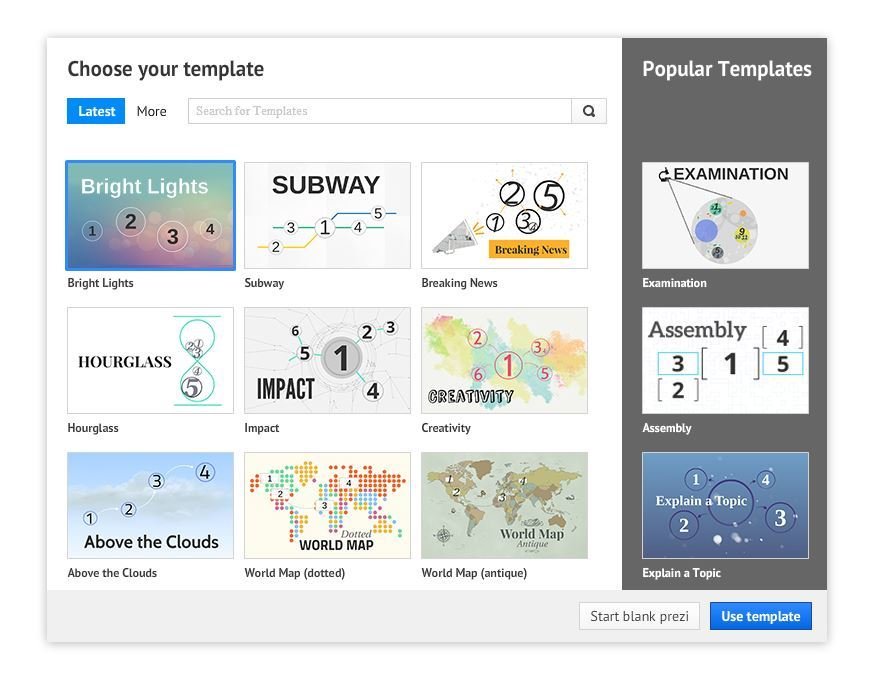
Prezi; allows you to create slides that do not bore anyone how reads them, you choose what style that is fitted to the information you want to present or what you like. Once that has been done you type up a title so that the reader knows what it is about this helped me as I could show people what the topic was about so it was clear to what they would be reading, for example in my research I did different research for a thriller so instead of it titling research I titled it specifically, like Se7en Title sequence
Prezi
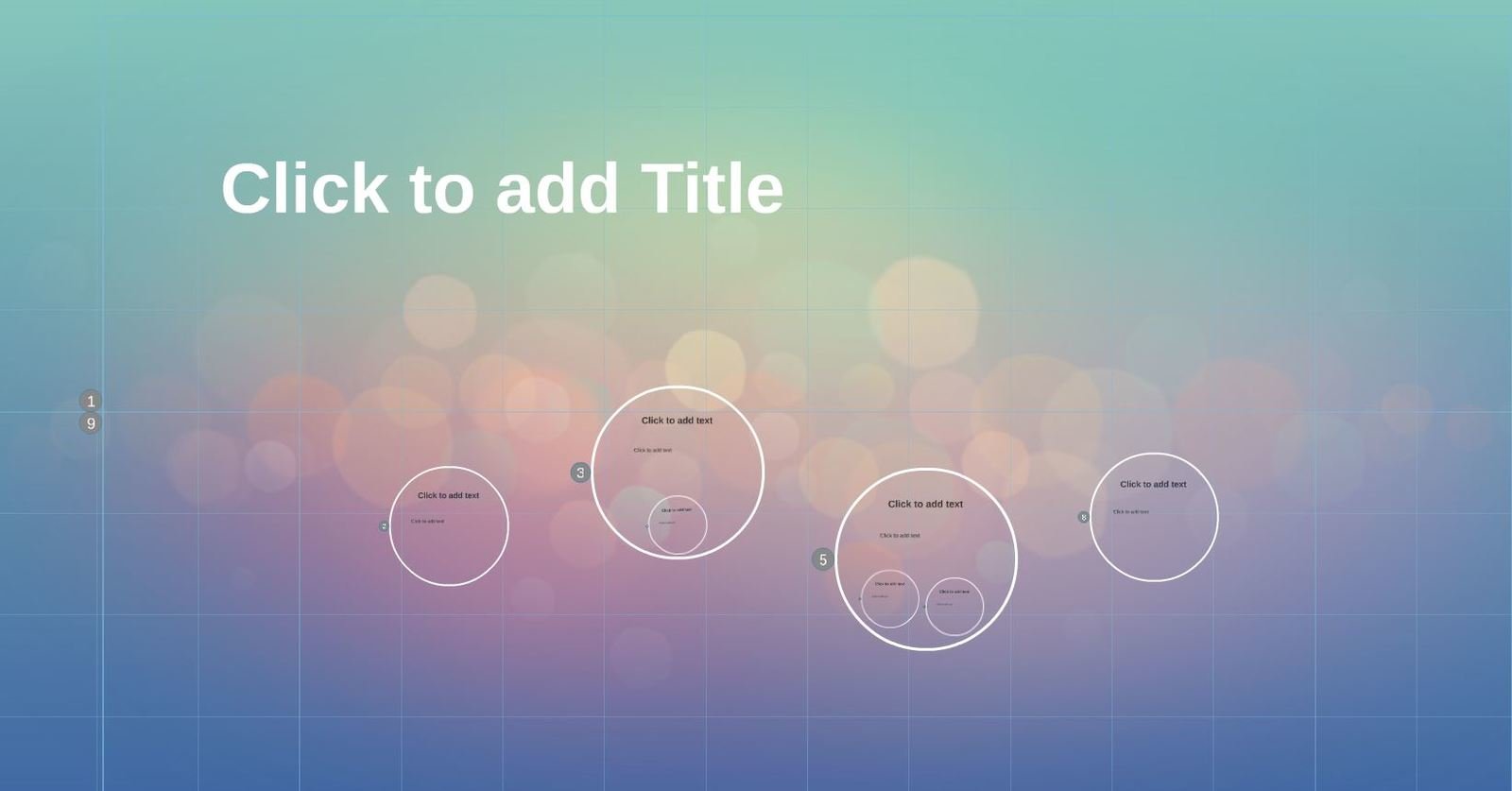
Other feature of this is that you would have a choice between how many slides you wanted and the order, this meant if I needed to add more information I could add another slide but ensure that it was where I wanted. This helped my work as it made what I wanted to present clearer and in chronological order.
Also when presenting my work using Prezi impacted my work as I could easily add photos and videos by using the tab at the top which had all of the options as well as, the option to add background music if there is need to present something


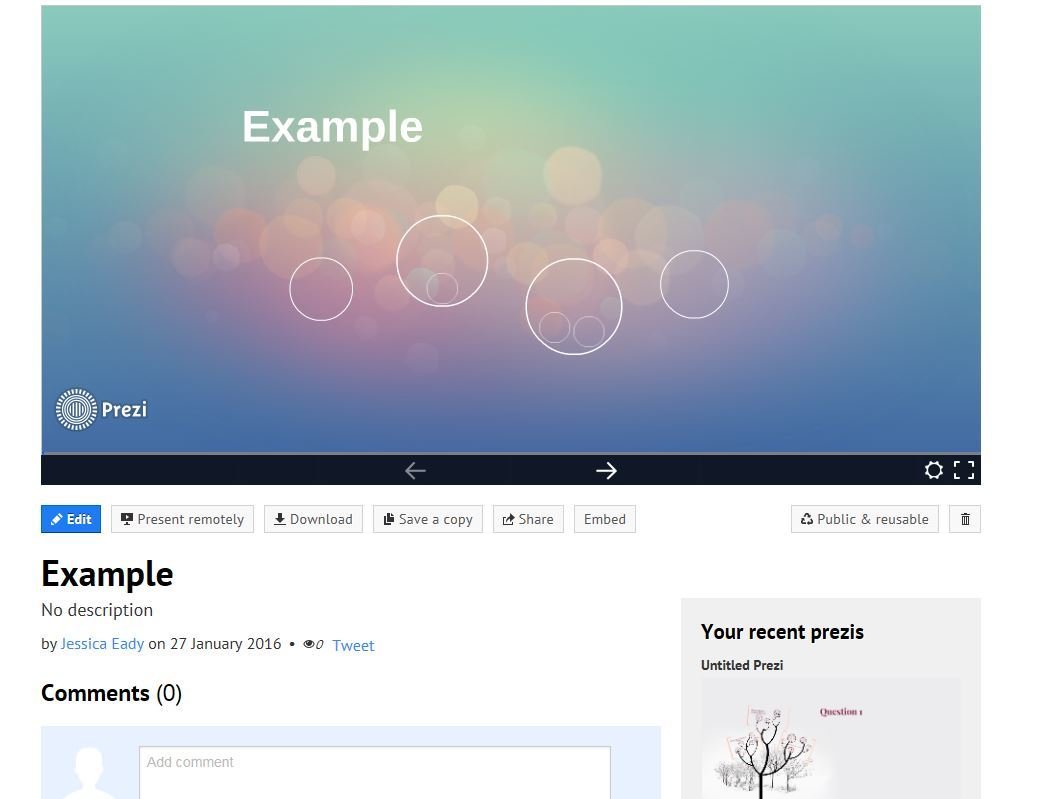
Lastly once you have finished you can save and watch through the presentation so that you can check to see if it fits, also you can embed the work, download, save the work or share this meant that I could quickly get my work on to my blog. But you can go back and edit any piece of work that you have started this meant that if I ever missed anything I could go back to it and change it and it would automatically change what is on my blog so I do not have to repost.
SCRIBD
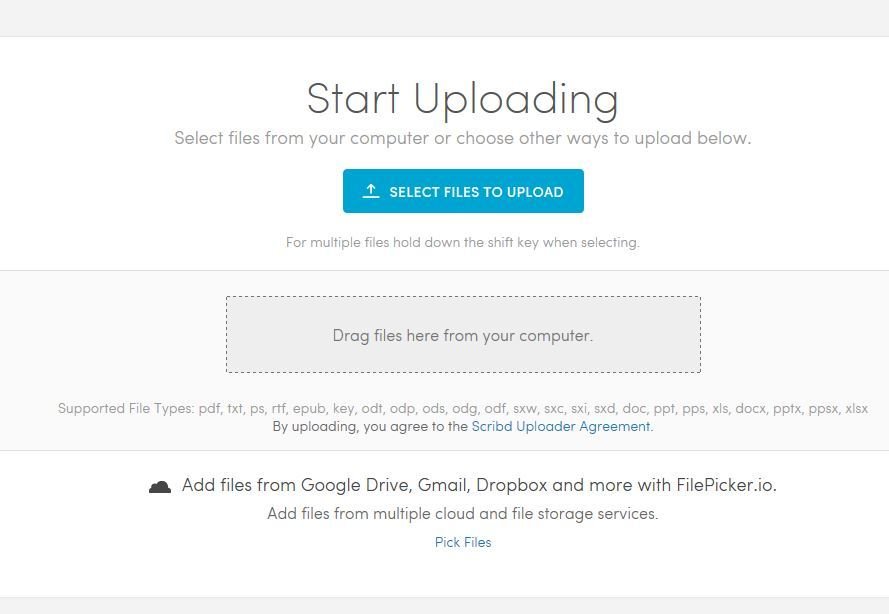
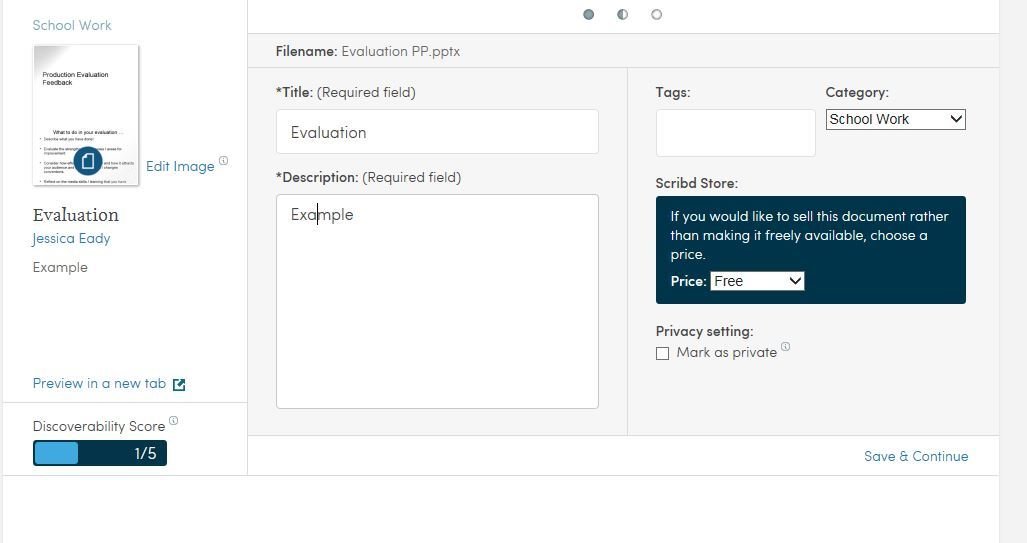
Scribd was one of the easiest technologies to use as you would log in and select a work document or PowerPoint that you had create and it would be put into a presentation software where you can embed the work the you have shared. After the work is uploaded you title the work and add a description so that the reader has an idea what it is about.
However when improving this work it can be a bit of a challenge because it has to be changed on the word document then re-loaded and re-embedded into the blog.

iMovie
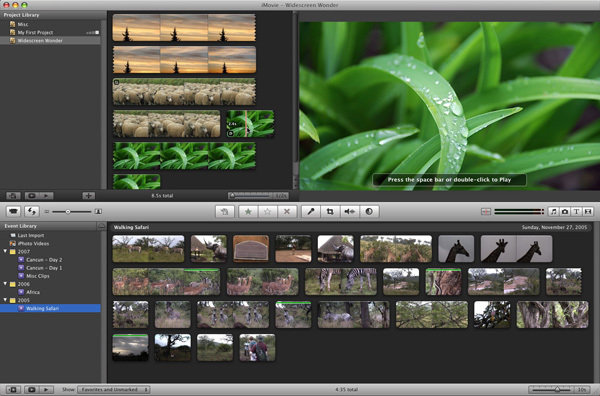
For my work I used iMovie when we where doing Vox Pops for our research on what is expected from a thriller and what we should do to improve our work, this technology allowed us to upload the footage, insert titles and order the work. Also we could save and export the work so that we could put it on YouTube
Slides
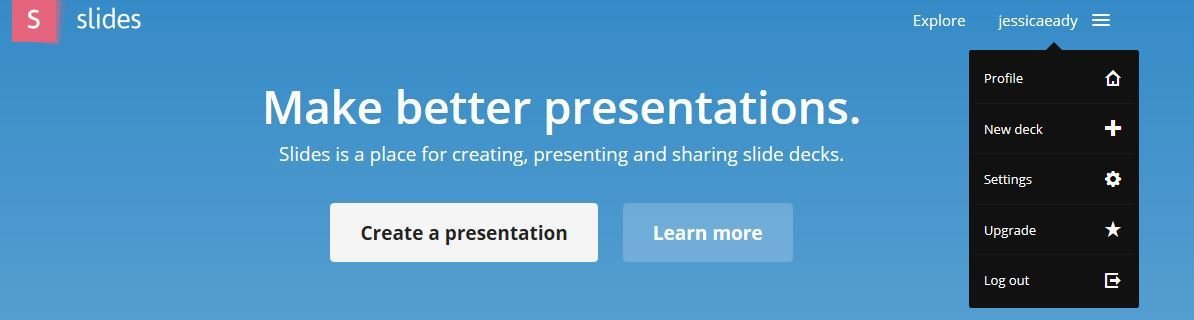
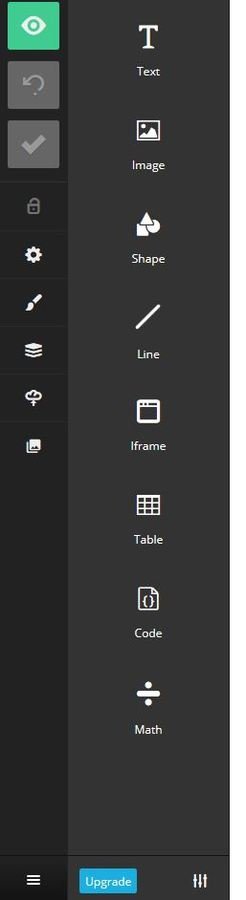
This is another technology that I used as it lets me create a simple presentation that can display the work as well as any images that I need also this meant that I can have all of the information I need on one technology.Furthermore I could embed the work into my blog and go back to change any mistake that I have made at any time.
PADLET
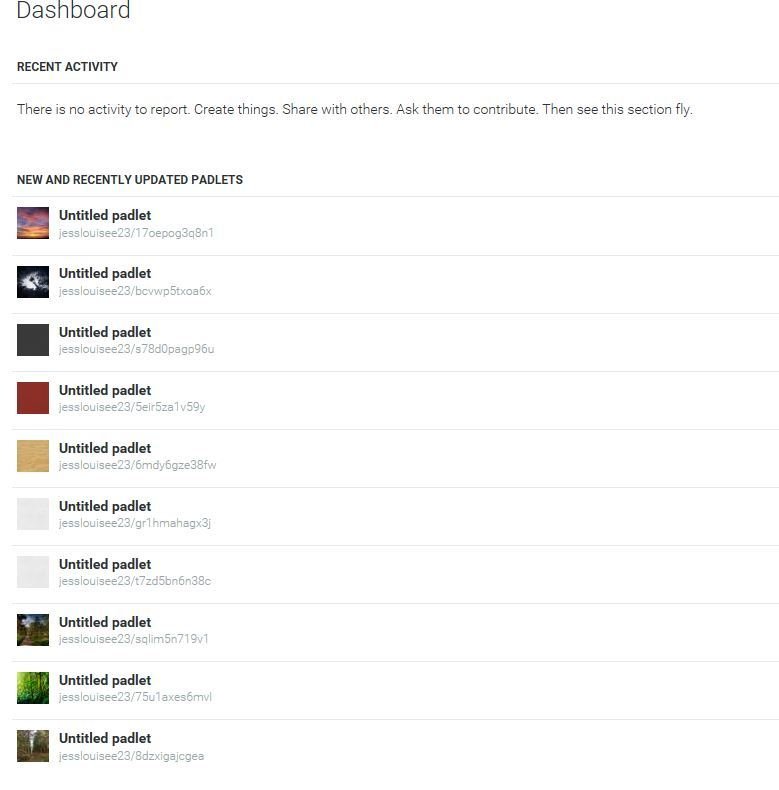
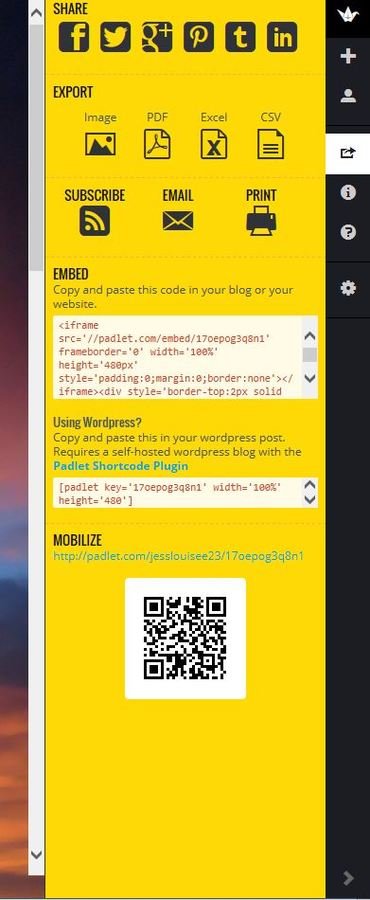
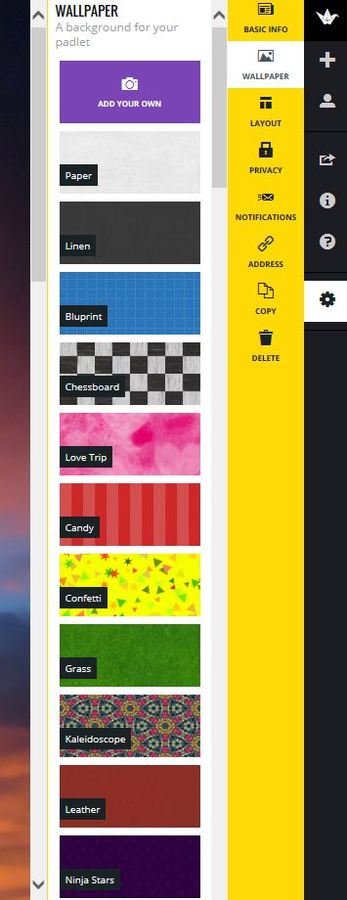
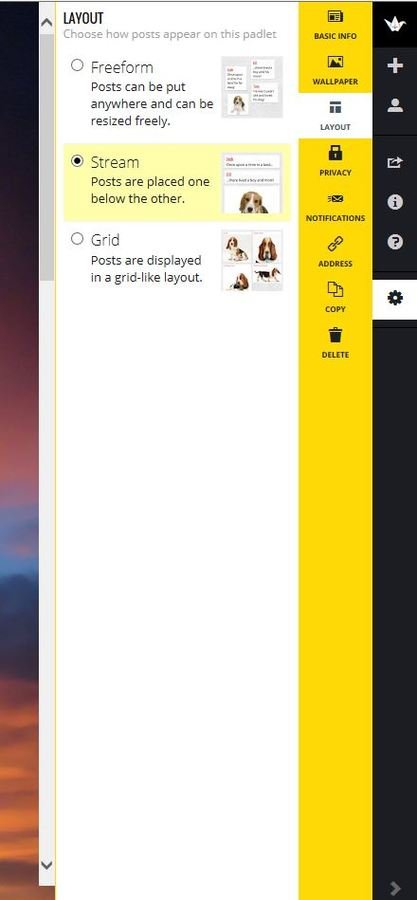
Padlet is a technology that can let you display your work, photos and videos. Also when presentation the work you can have a background of your choice which is to either use the backgrounds they give you or upload your own. Furthermore you can choose how you want you layout so it can be free movement which helps when I am talking about pictures, or you can have it in a stream or grid line.
PADLET
YouTube
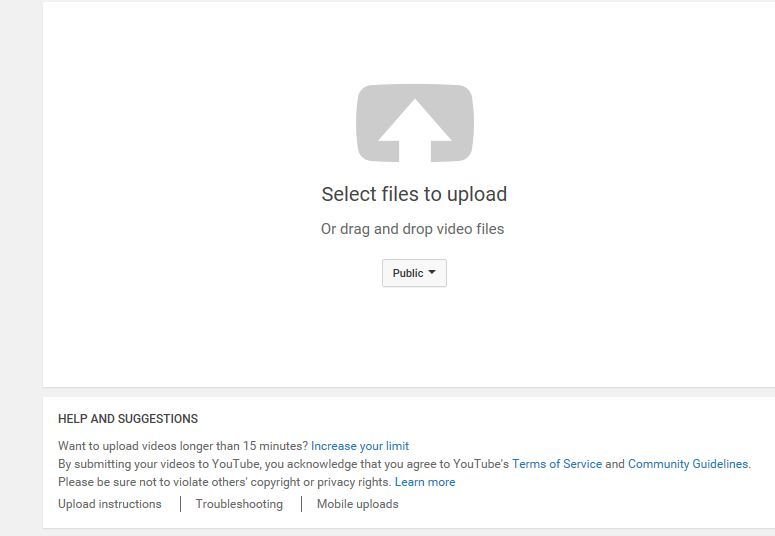
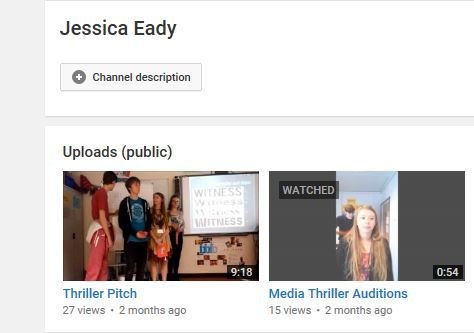
This technology allowed us to display our work on YouTube privately or publicly. it is simple to use by pressing the upload bottom in the top right hand corner, selecting the video to upload and then upload with a title and description so the video could be found and there was an understanding of what it was about. Also we where able to access them and see the amount of views they have received. this was good for our final edit as we could see if it is popular or not.

PowToon
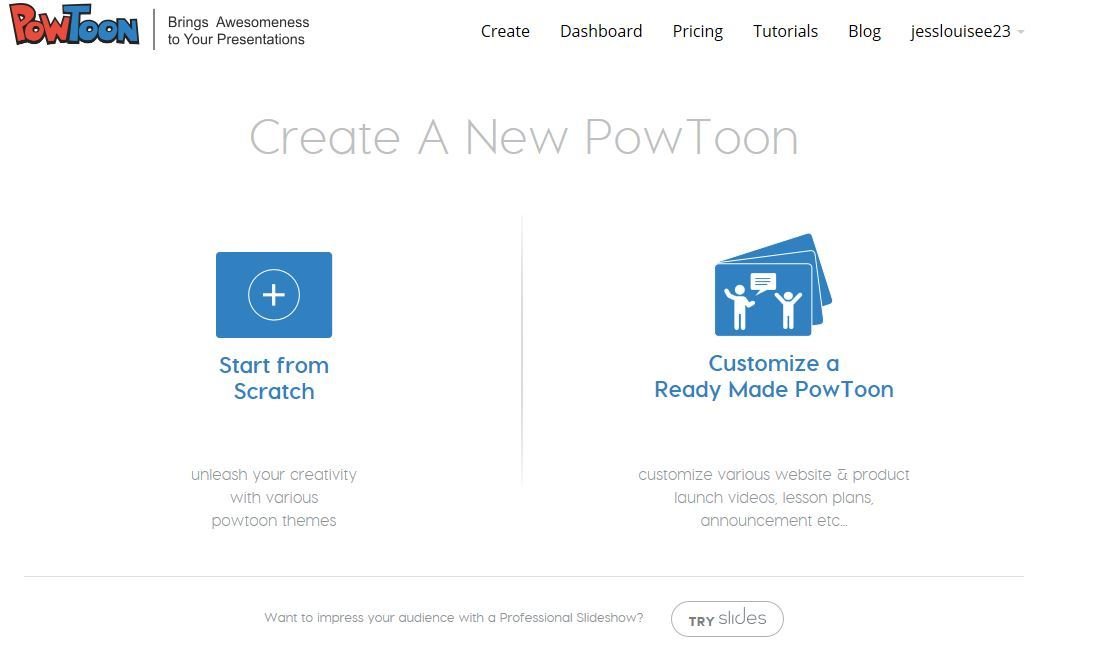
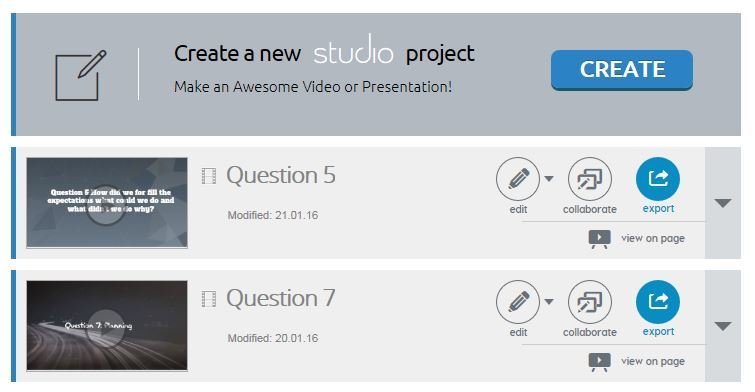
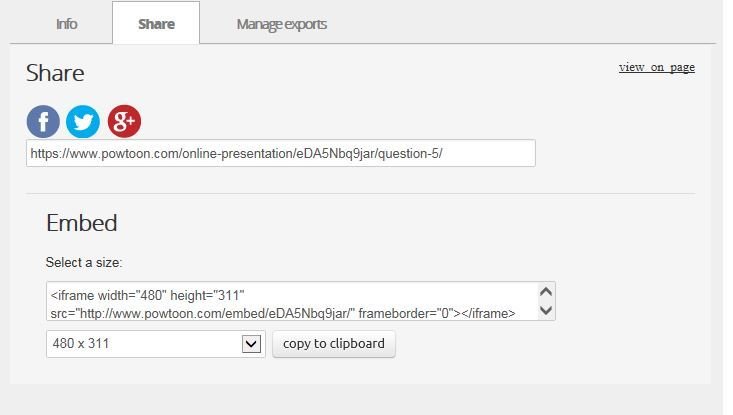
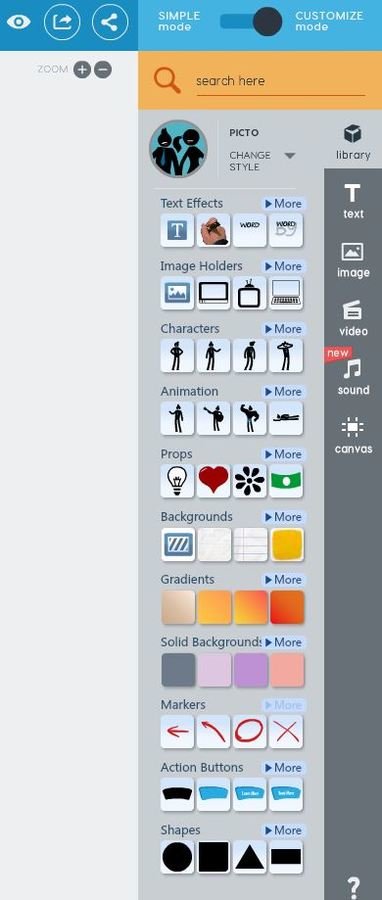
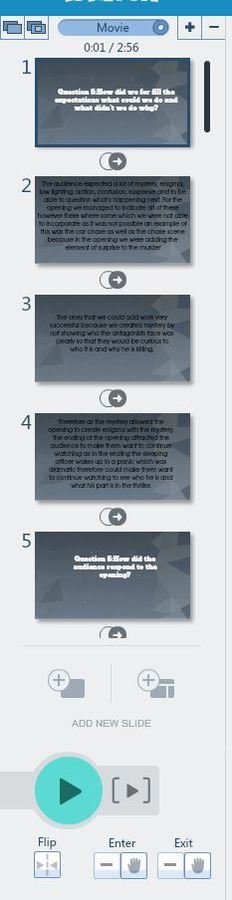
Is a presentation slide show that is use as it is creative and allows you to show the information, edit later and embed into my blog. It is useful as you choose how many slides you want and what order however you are limited to 20seconds per slide.
PowToon
Question 6
By Jessica Eady
Question 6
Media Evaluation