Animating SVGs for Microinteraction
By Jimmy Loughran
Front-end developer, IBM Design Studios
About me
And how I became interested in web animations

motion
* Draws attention to and explains changes on page
* Aids comprehension and understanding
* Fun and whimsical
Nielsen Norman Group - Animation for Attention and Comprehension
Just because you can, doesn't mean you should.



MicroInteractions
Contained product moments that revolve around a single use case — they have one main task.

* Sense of direct manipulation

* Helps visualise results of actions
What is a Microinteraction? - microinteactions.com
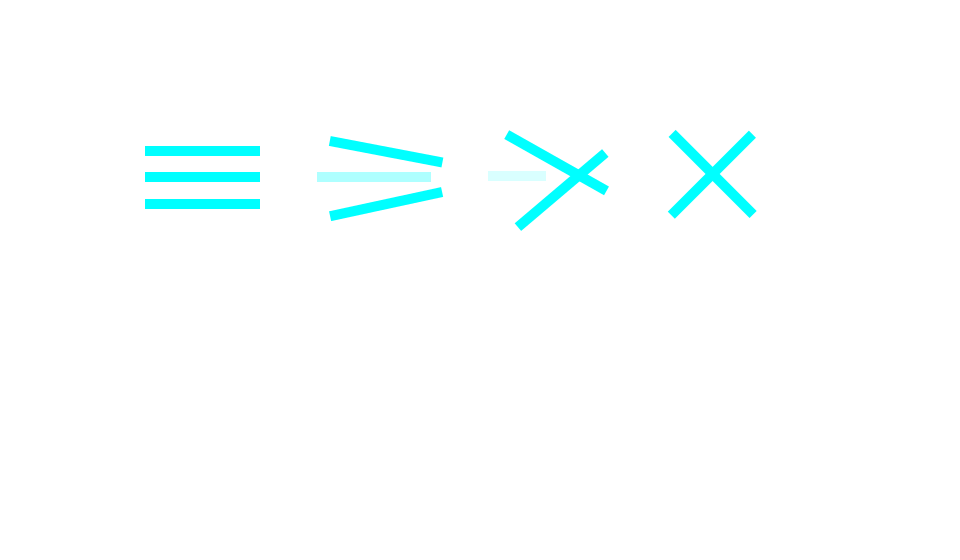
Morphing icons
Motion Resources
d3.js
Snap
SMIL
GSAP
CSS
Segment
Mo.js
React Motion
Sarah Drasner: Designing Complex SVG Animations
Demo Time:
* Segment
* Stroke-dasharray
* Plain ol' HTML
Solution #1
Manipulating an SVG with javascript
Segment
Small javascript class, traces a path's stroke.

Example taken from Codrops
Solution #2
Using an SVG with CSS animations
Stroke-Dasharray
A CSS hack that traces a stroke around a path
  <path stroke-dasharray="5, 5" class="path" fill="transparent" stroke="#00FFFF" stroke-width="4" stroke-miterlimit="10" d="M66.039,133.545c0,0-21-57,18-67s49-4,65,8
    s30,41,53,27s66,4,58,32s-5,44,18,57s22,46,0,45s-54-40-68-16s-40,88-83,48s11-61-11-80s-79-7-70-41
    C46.039,146.545,53.039,128.545,66.039,133.545z"/>
Example taken from CSS Tricks
Solution #3
Just some HTML and CSS
Plain 'ol HTML
Who needs SVGs, anyways?
JS or CSS?
* CSS for simpler "one-shot" transitions, like toggling UI element states. Performant.

* JS for advanced effects like bouncing, stop, pause, rewind, or slow down. Powerful.
CSS Versus Javascript animations - Google developers
The Simplest solution is Usually the correct one.
Occam's Razor
CSS Tip: Performance
Tells the browser to use hardware acceleration for your animation
div {
    will-change: transform;
}
Sara Soueidan - Dev.Opera
SVG Tip: Accessibility
Make your SVGs work on high contrast mode with this one CSS rule
div {
    colour: red;
}

div svg {
    fill: currentColor;
}
Thank you
Animating SVGs
By Jimmy Catizone-Loughran