Telerik AppBuilder
Jen Looper, Developer Advocate, Telerik
@jenlooper

Telerik AppBuilder
Let's get going ... You're going to love this!
So, you want to build a mobile app?


See the problem?
Stop the madness!
There is a better way
You need Cross-Platform!
Use your Web skills
Build Hybrid Cross-Platform mobile apps!
Why you'll love Hybrid
-
True single Codebase for all platforms
-
Ease of HTM5/CSS/JavaScript
-
Access to Native APIs
-
App Store presence & monetization
-
Users cannot tell the difference
Introducing

Part of the Telerik Platform
AppBuilder under the Covers
Uses Apache Cordova
JavaScript proxies to Native APIs
AppBuilder
Hybrid Mobile Development, simplified!
-
Developer Freedom
-
End-to-End Tooling
-
All needed Services
Let's build an App
Where to begin?
Head over to
https://platform.telerik.com
And sign in
Get set up
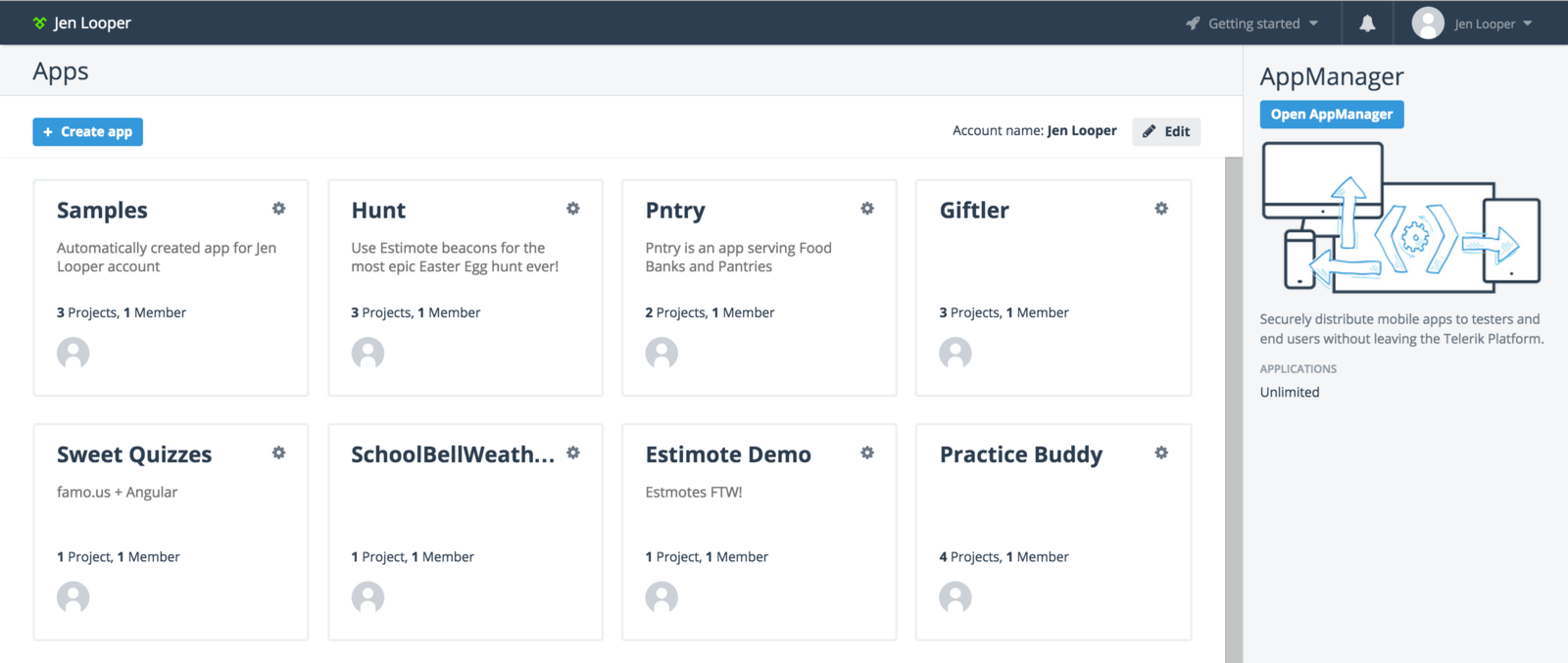
"Apps" - Placeholder for AppBuilder projects
Create a new app!
Start
Create a blank app
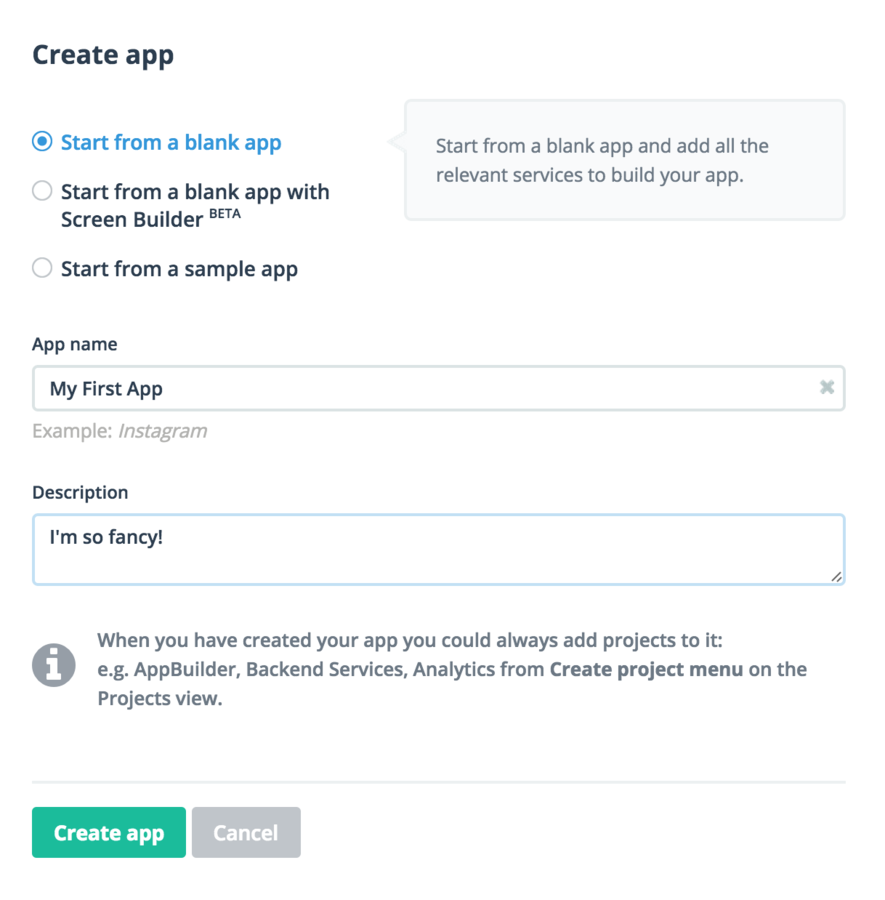
Create a hybrid project
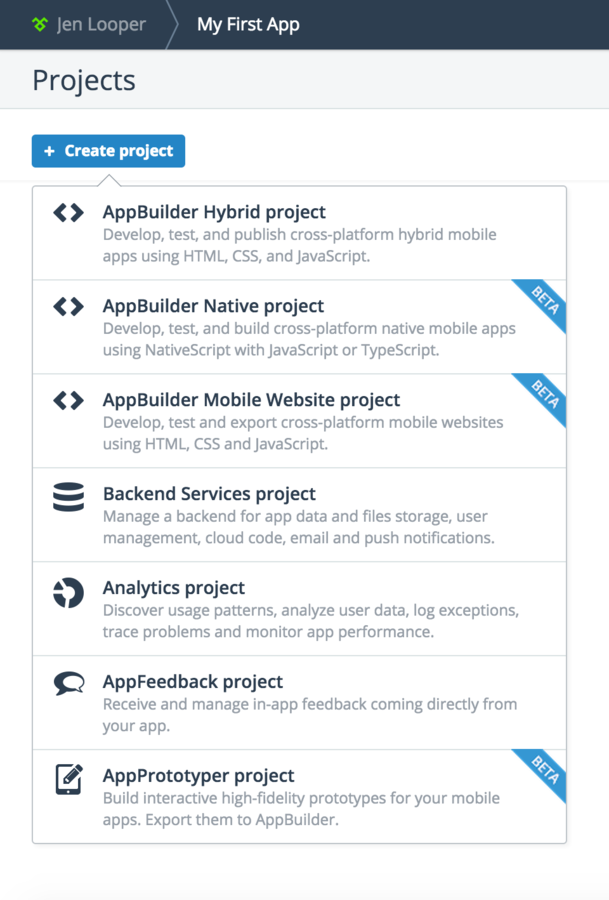
Set your project's layout
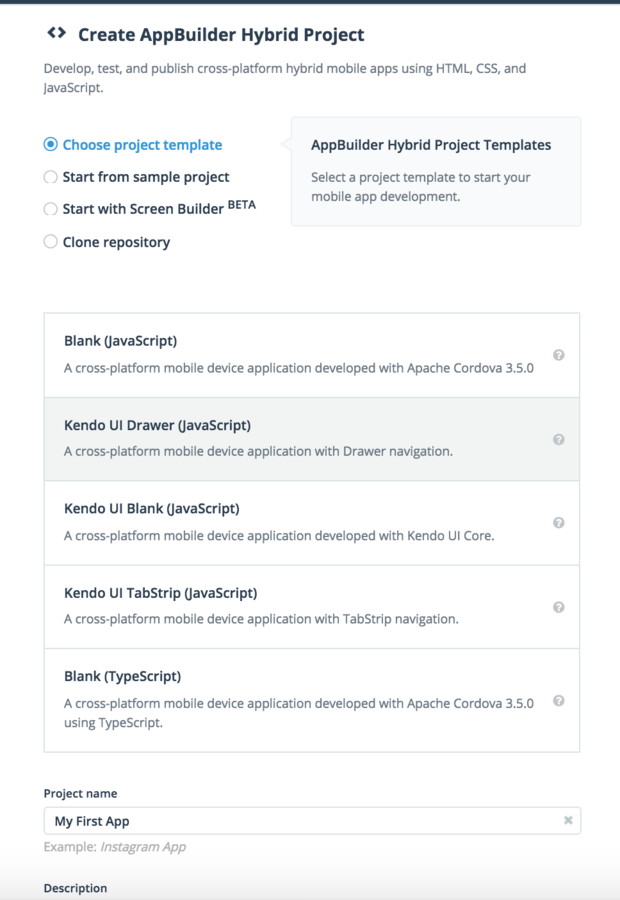
Presenting: your Mobile dev kit
In a Browser!
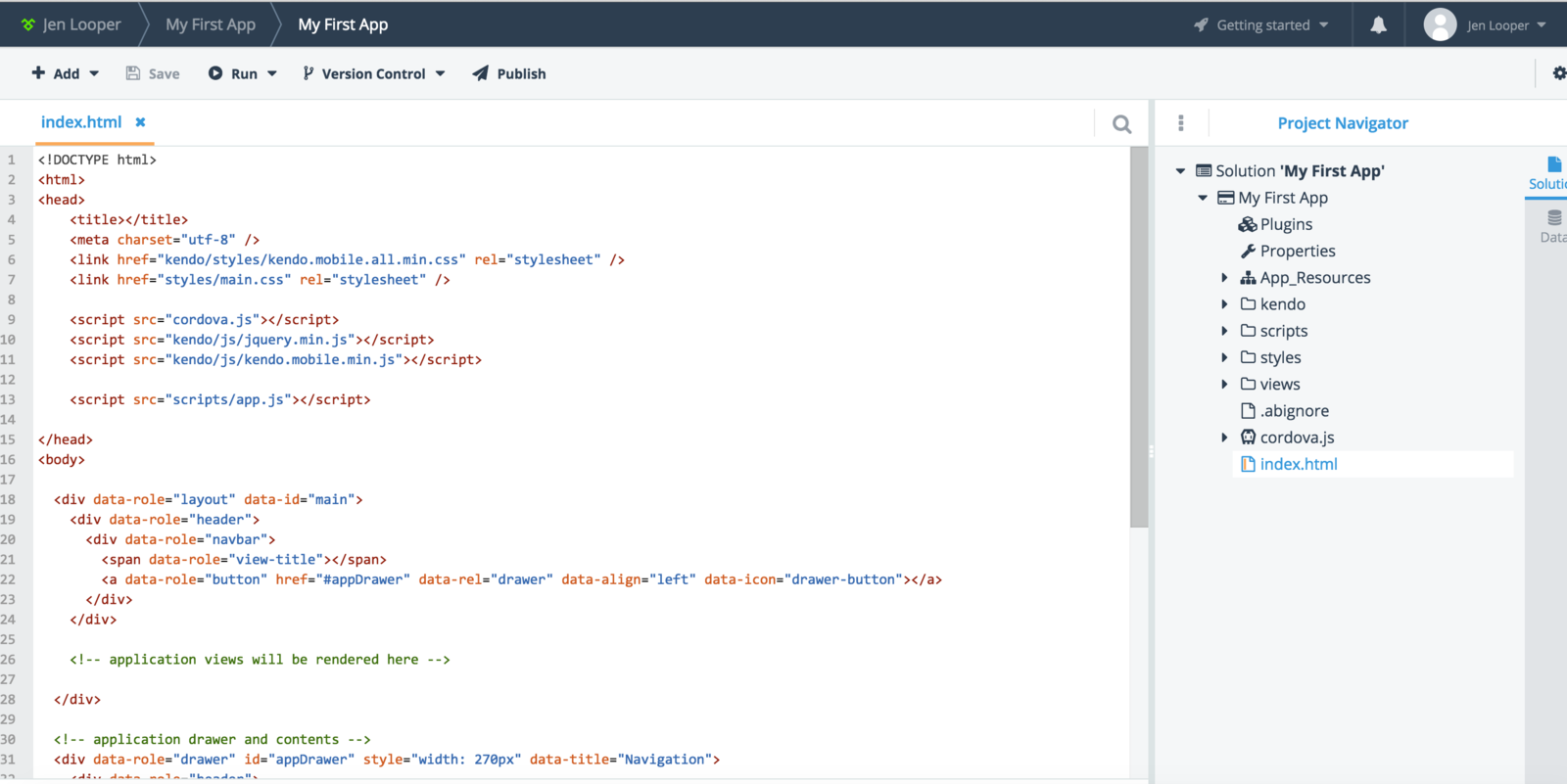
AppBuilder In-browser Client
-
Solution Explorer
-
Device-specific WYSIWIG panel
-
Markup/JS Editor with syntax highlighting
-
File Manager & Output window
-
Build/Deploy/Publish options
Seeing is believing
Project looks good
But where can we run our app?
Boom ... cross-platform simulator
In your Browser!
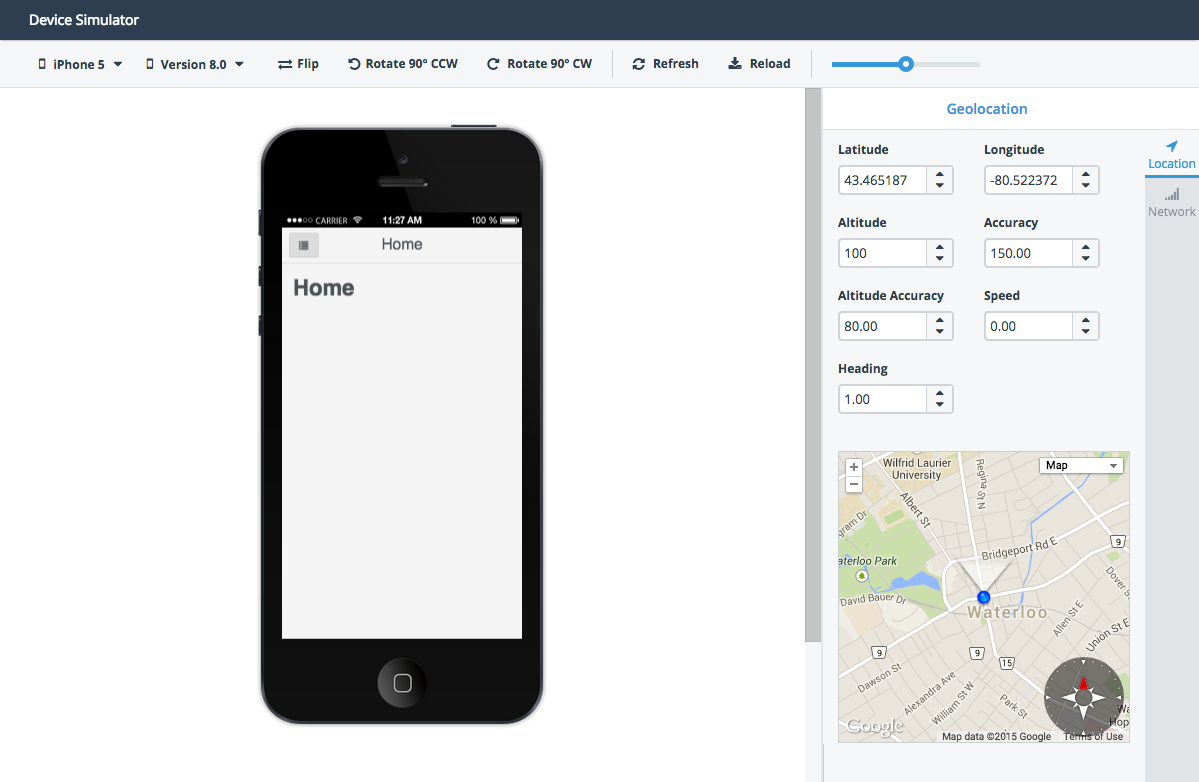
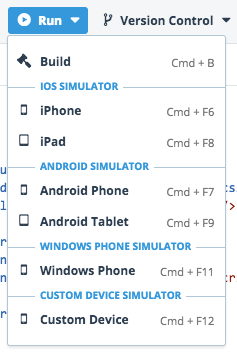
Just pick your platform
And fire away!
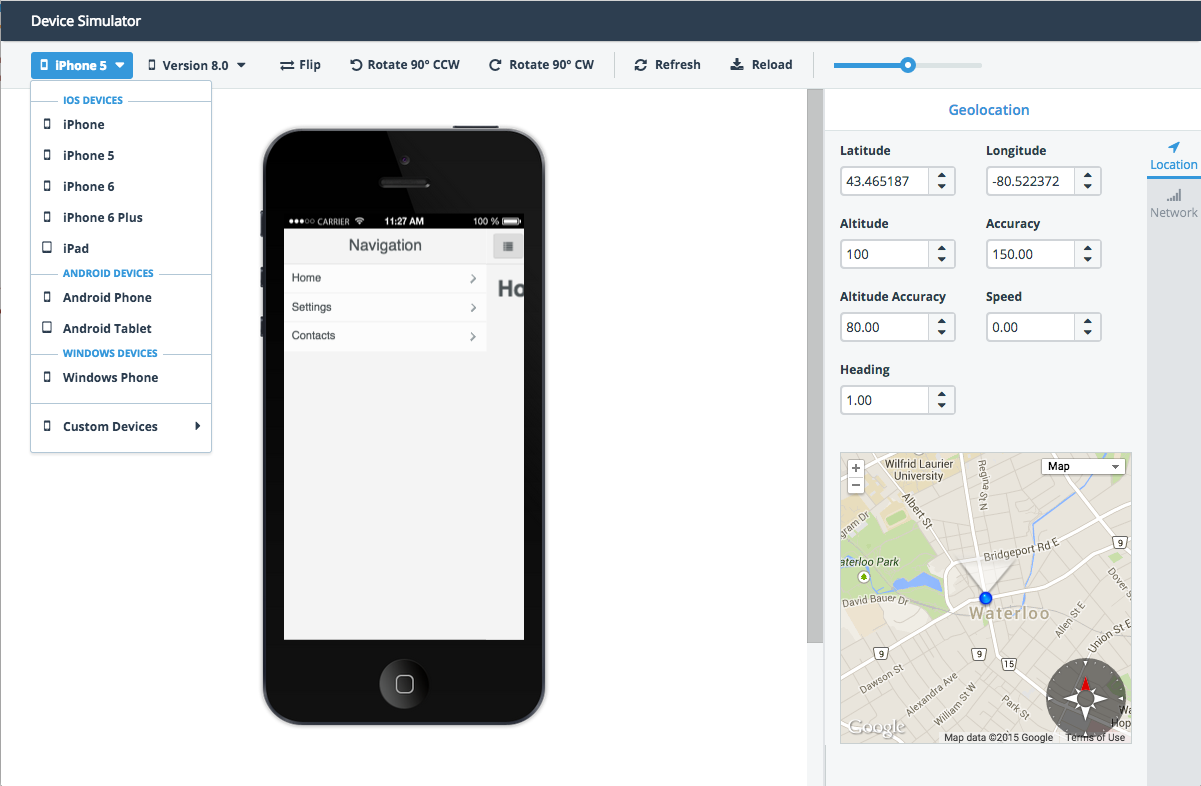
Simulator flexibility
You can switch up OS versions
And simulate GeoLocation & Network strength
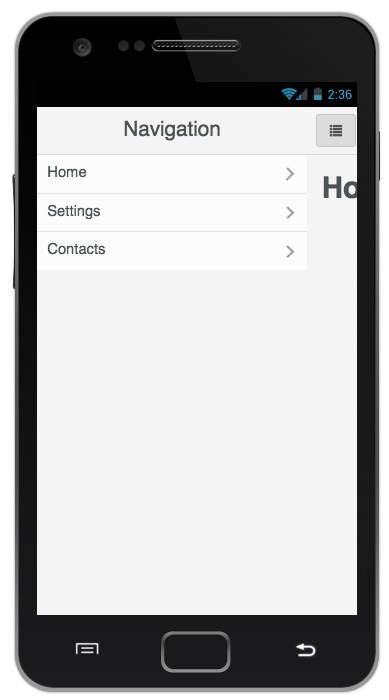
Other platforms?
Sure, works the same in Android & Windows Phone

But simulators go only so far
I want my app to run on a real device ...
Let's fire up a Build
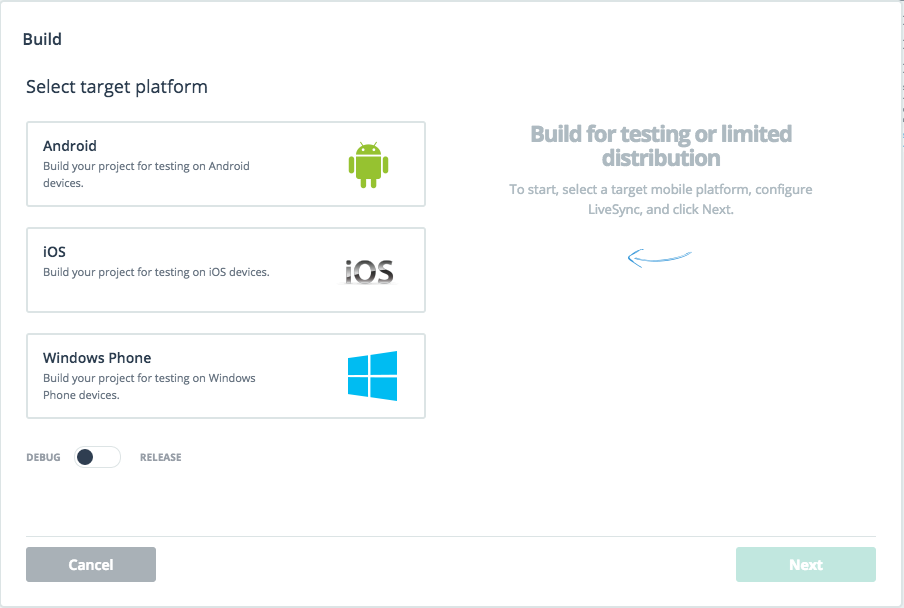
You can build App Packages for each platform
Or, build for the AppBuilder Companion App!
AppBuilder Companion App
Think of it as a shell that runs your Hybrid app
Available in iOS, Android & Windows Phone Stores
Pick what you need
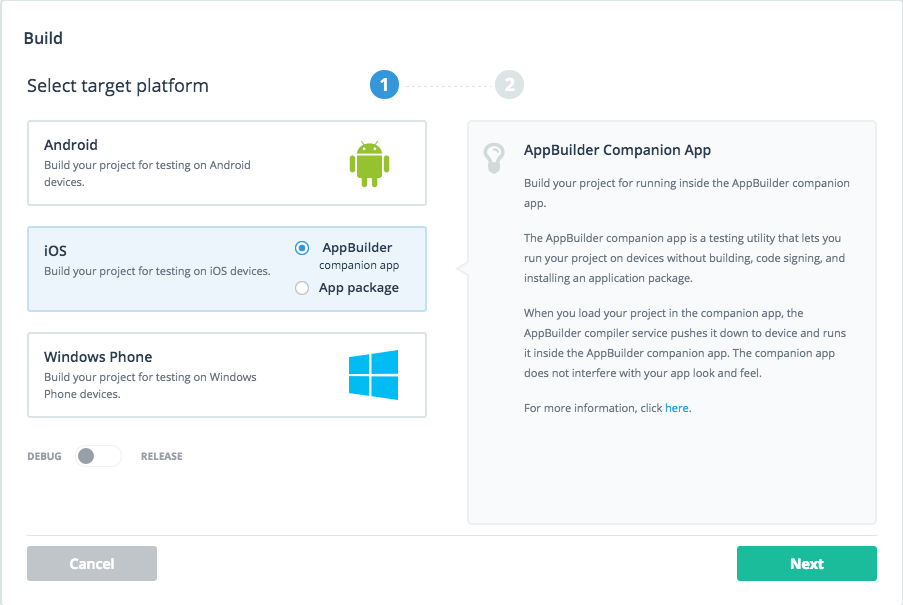
Companion App benefits
Allows for provision-less app deployment
To real devices!
Did we mention ...
You don't need a Mac to build iOS apps!
Deployment
Simple ... just scan the QR Code
Works the same way in iOS, Android & Windows Phone!

LiveSync
Once deployed, no need for full builds
Simply save your changes in the AppBuilder project
Works on simulators & real devices!
More AppBuilder features
Publish!
Publish to iOS, Android & Windows Phone Stores
Straight from AppBuilder!
Of course, needs provisioning or certificates & so on ...
Project Templates that help
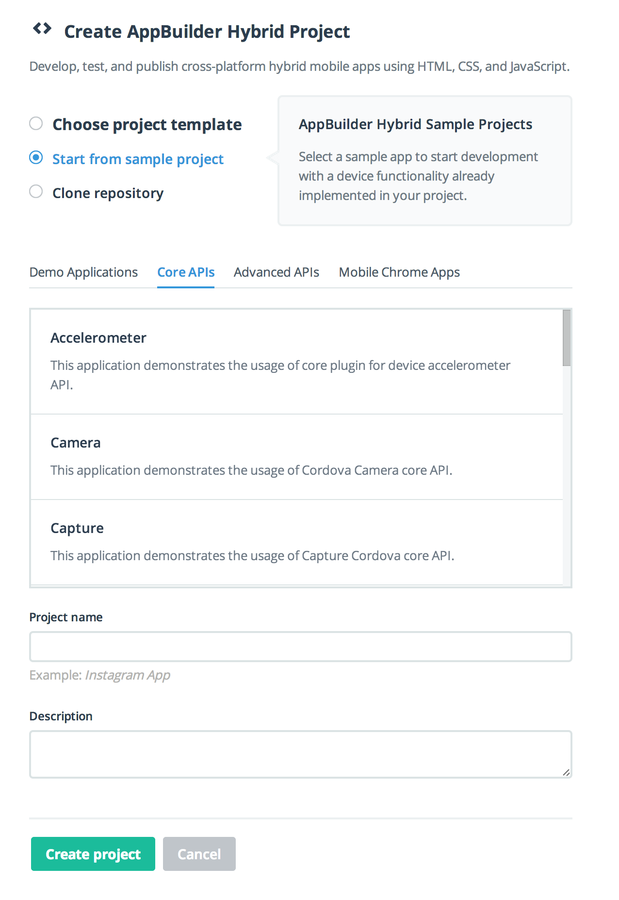
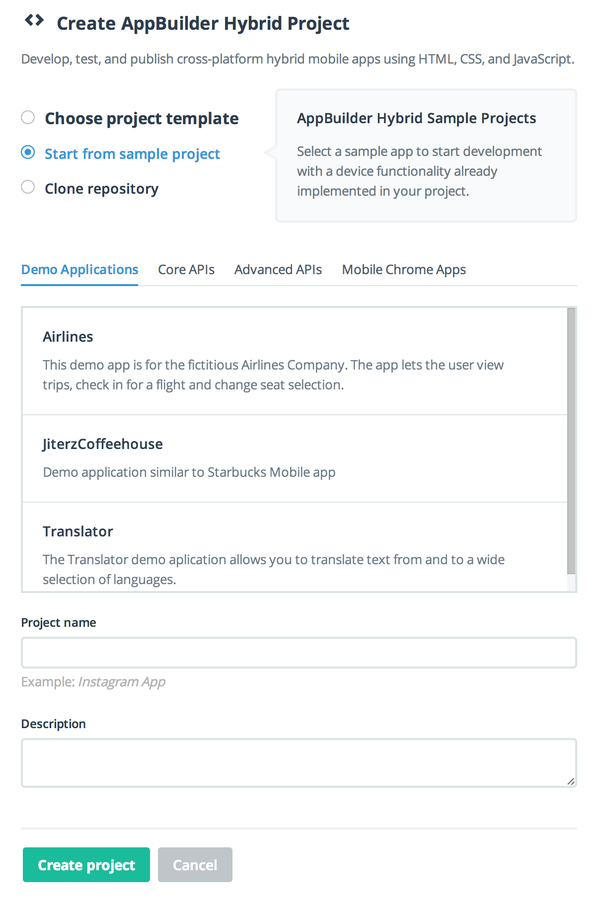
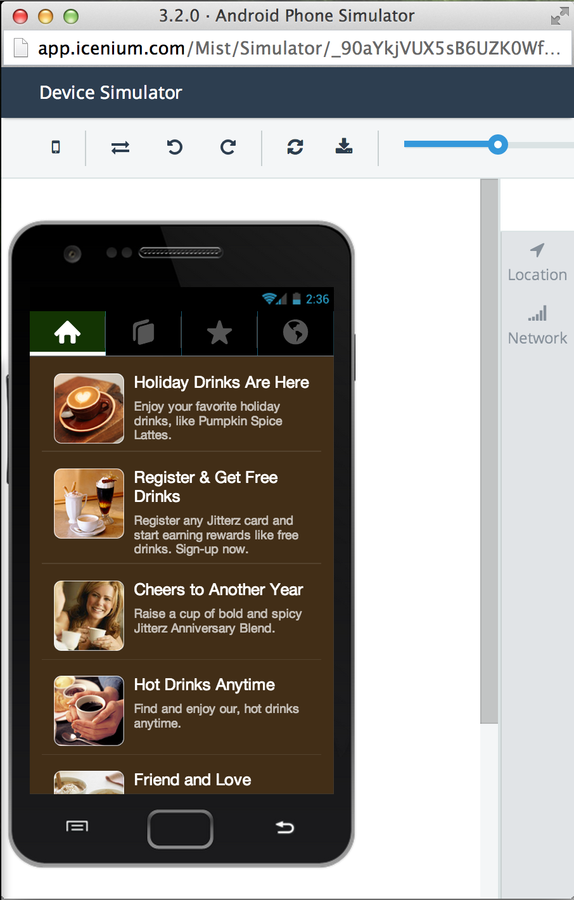
Adaptive Rendering
Thanks to Open-Source Kendo UI Mobile framework


Plug & Play
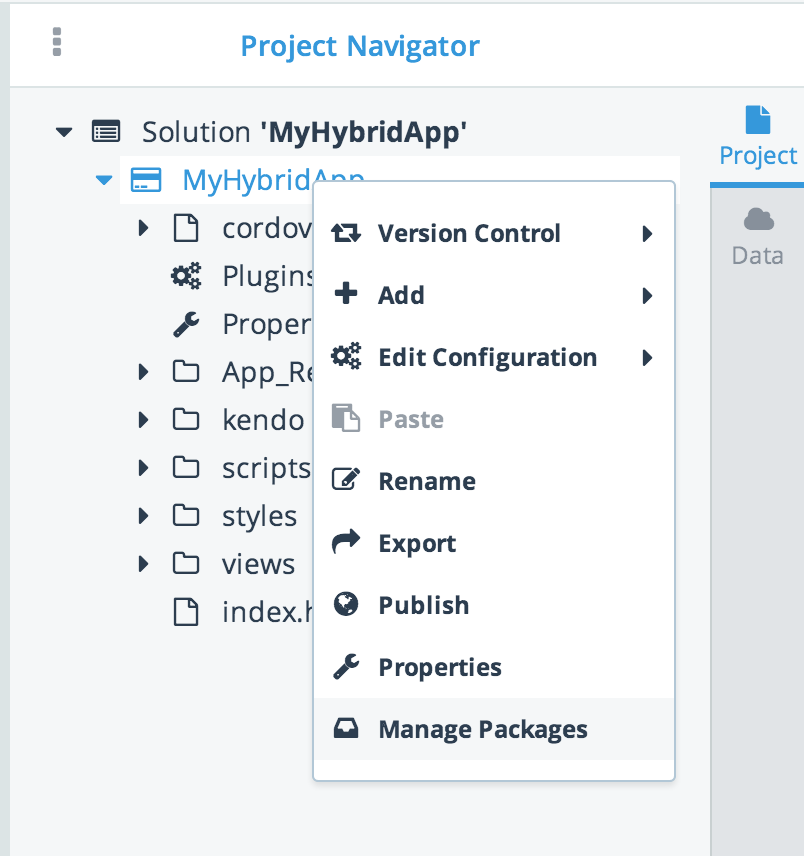
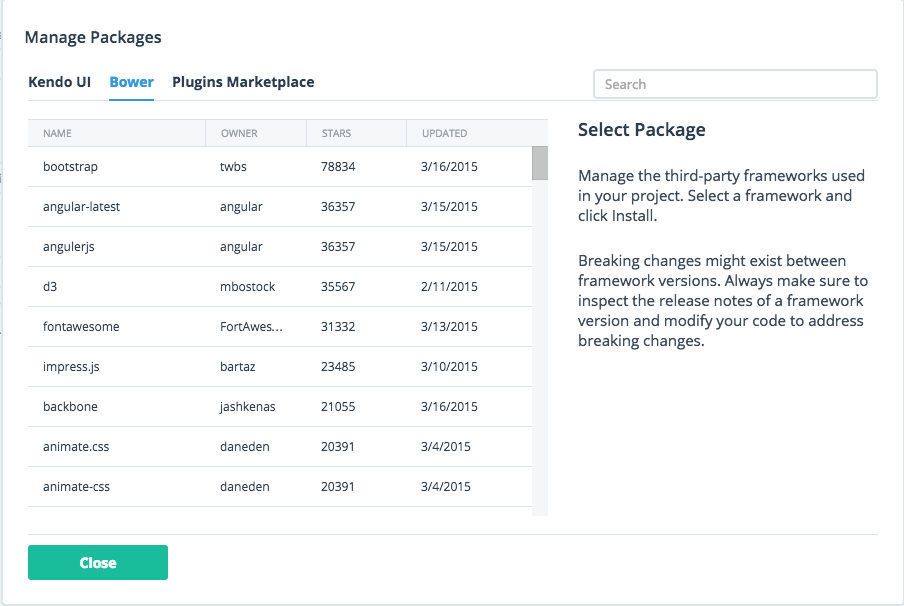
Package Managers to add functionality and third-party frameworks
Collaborate
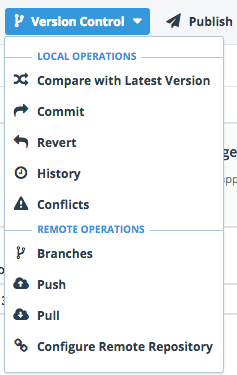
Hook up your AppBuilder project to a repo
Work in teams - always stay in sync!
Search & Pull in Plugins
From right inside your project ...
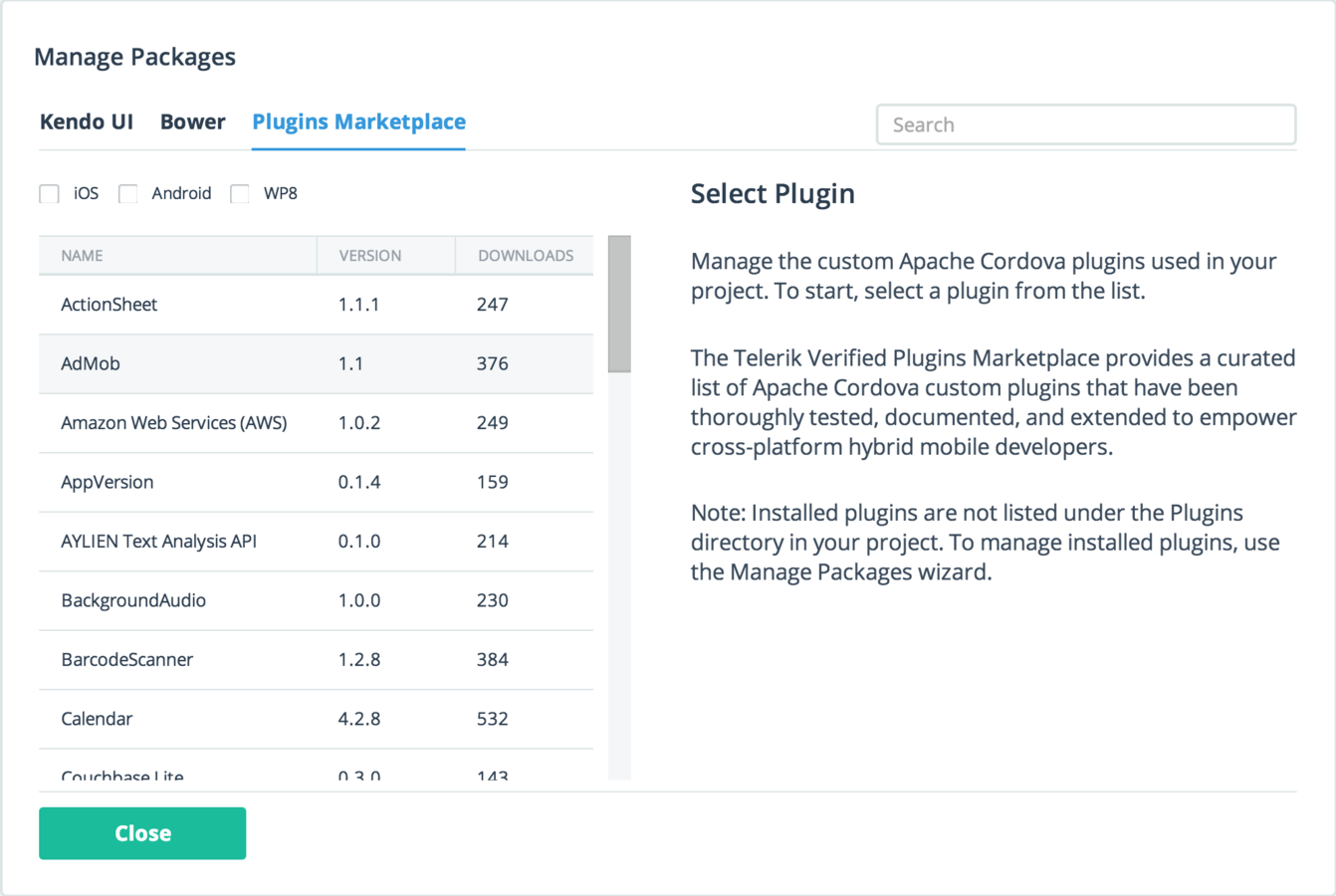
Plugins to Native APIs
Use Telerik verified Cordova Plugins
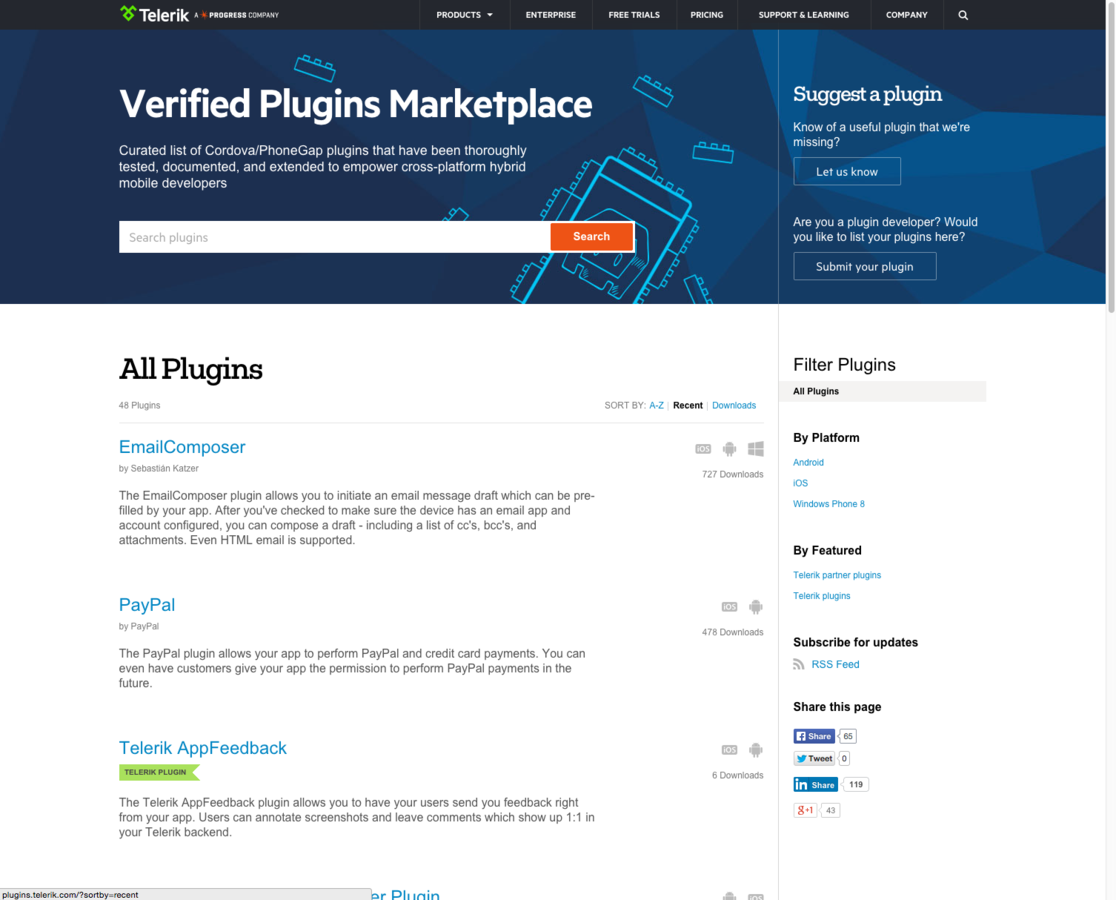
One more thing
You can do all this from
AppBuilder Command Line Interface!
Works on both OSX & Windows
Simulate
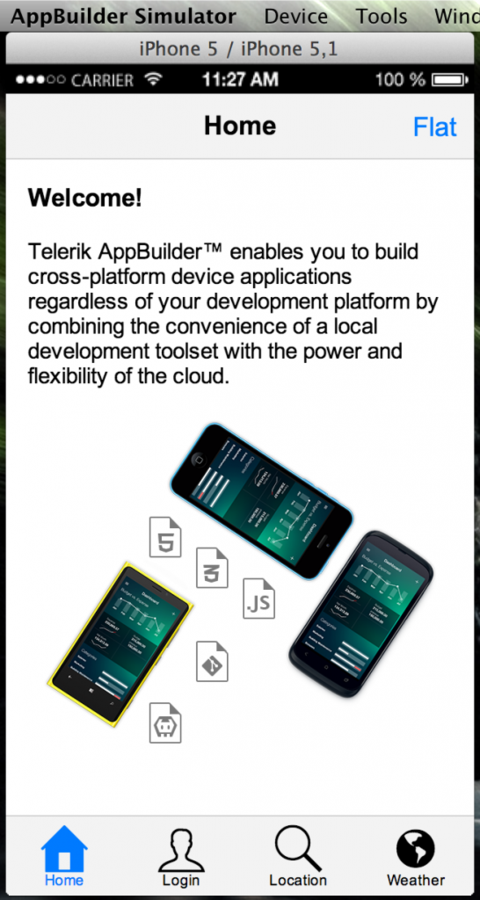
Native simulators for iOS, Android & Windows Phone
$ appbuilder simulate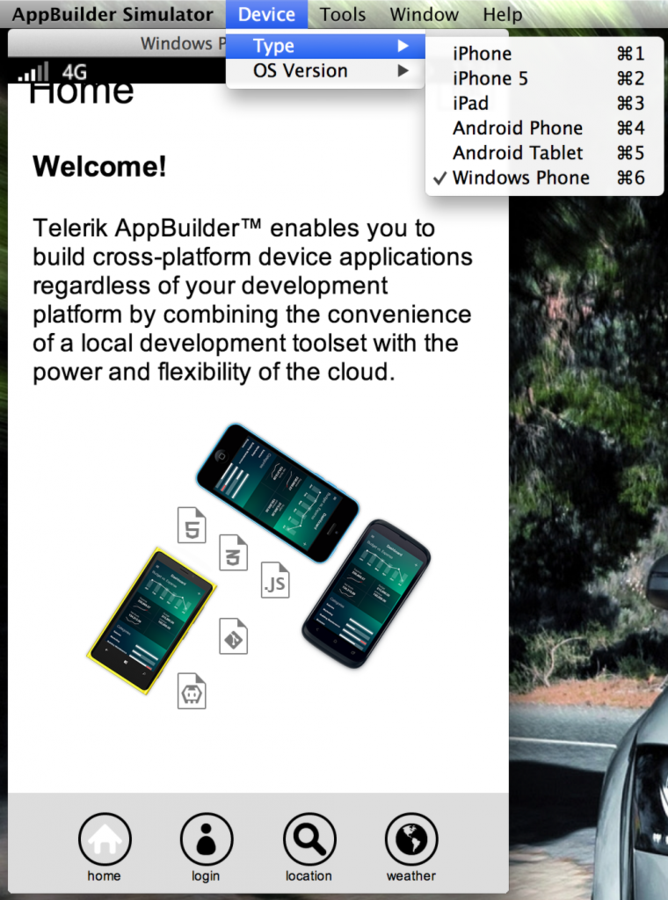
Install & Create
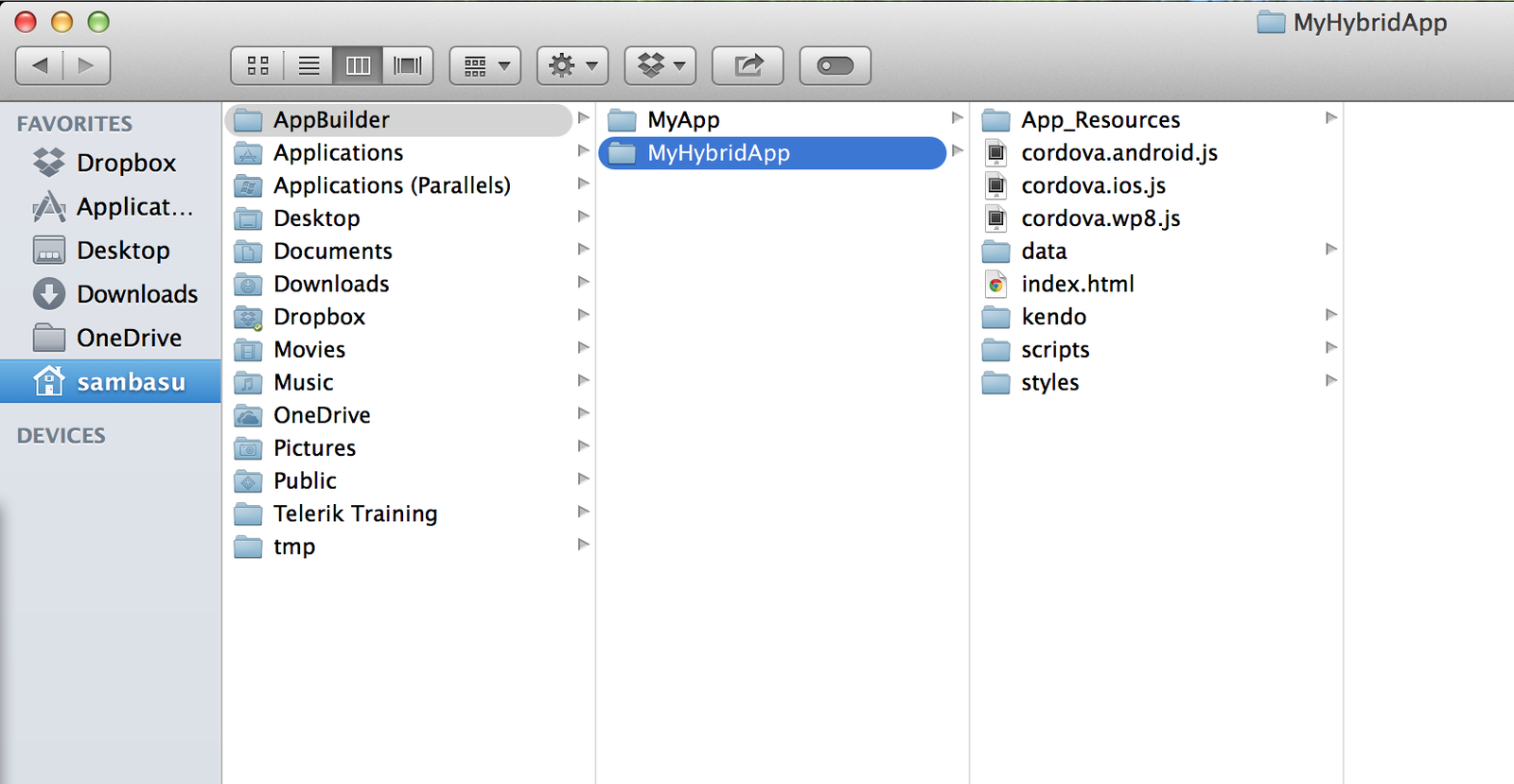
Same Project structures - All templates supported!
$ sudo npm install -g appbuilder
$ appbuilder create hybrid MyHybridApp
Build
Companion or Native App Packages
QR Code Deployment!
$ appbuilder build ios –companion
$ appbuilder build android --companion
$ appbuilder build wp8 --companion
And, one more thing
We love Sublime Text as much as you do!
Build & Deploy
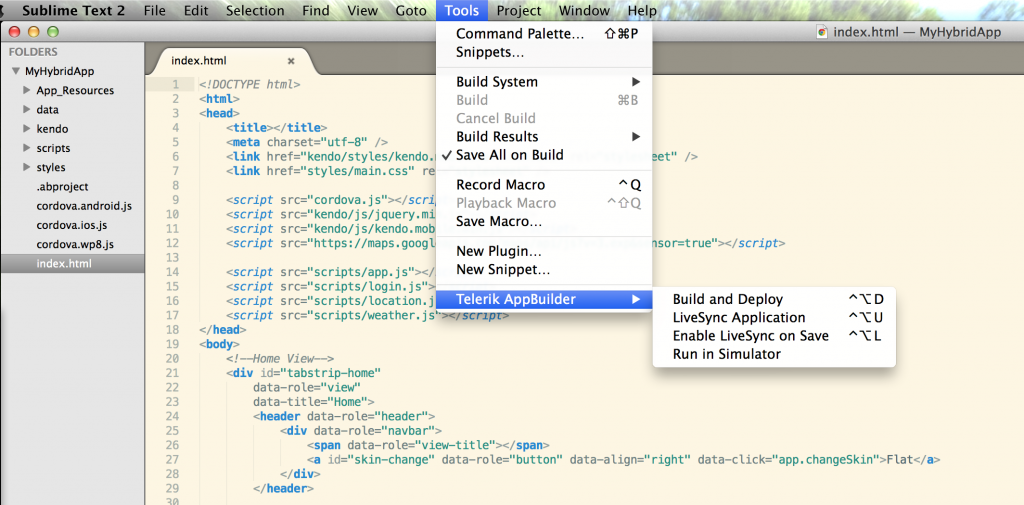
One last thing ..
You know that IDE that developers LOVE?
Yup, Visual Studio
Yeah, you can do everything in Visual Studio!
AppBuilder VS Extension
Same project templates
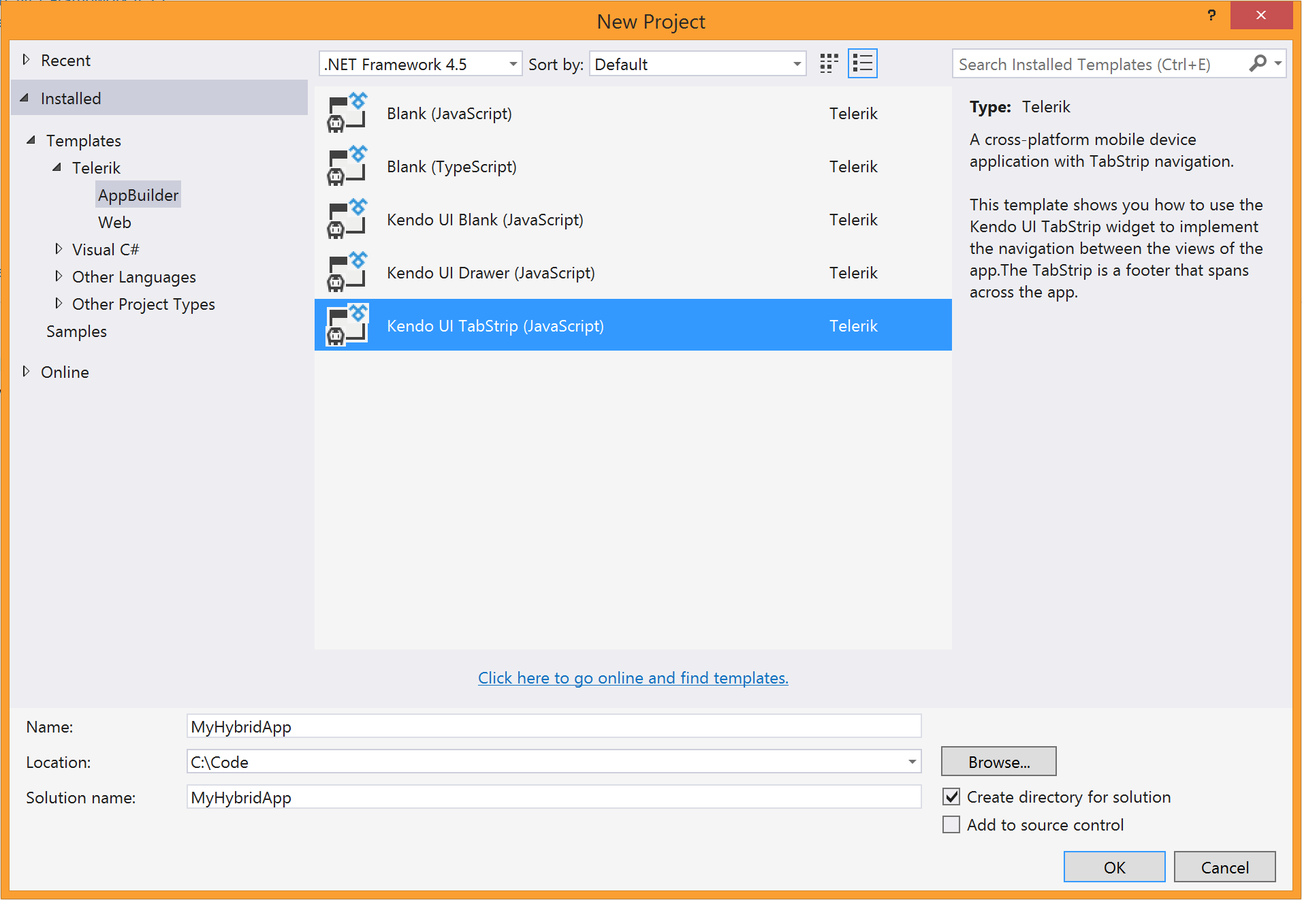
Build X-Plat Mobile apps
Never having to leave Visual Studio!
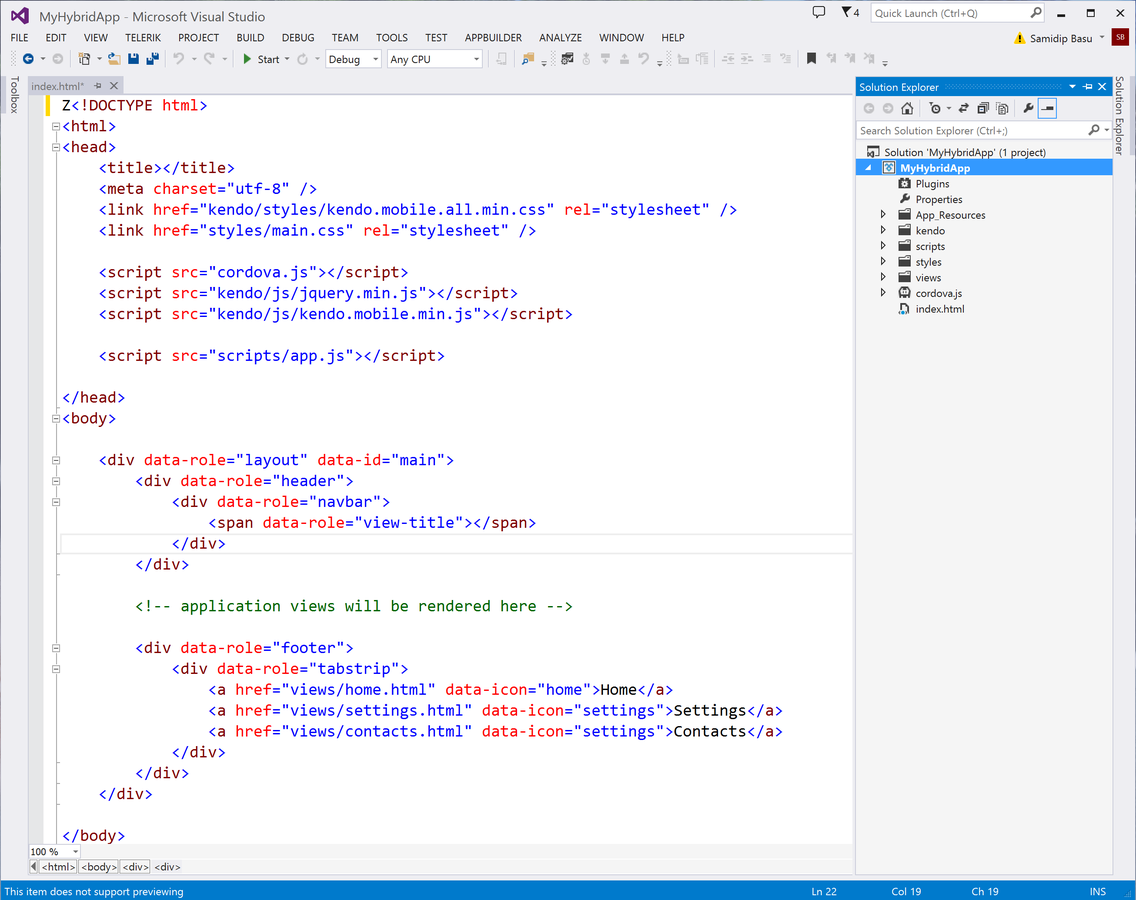
We promised Developer freedom!
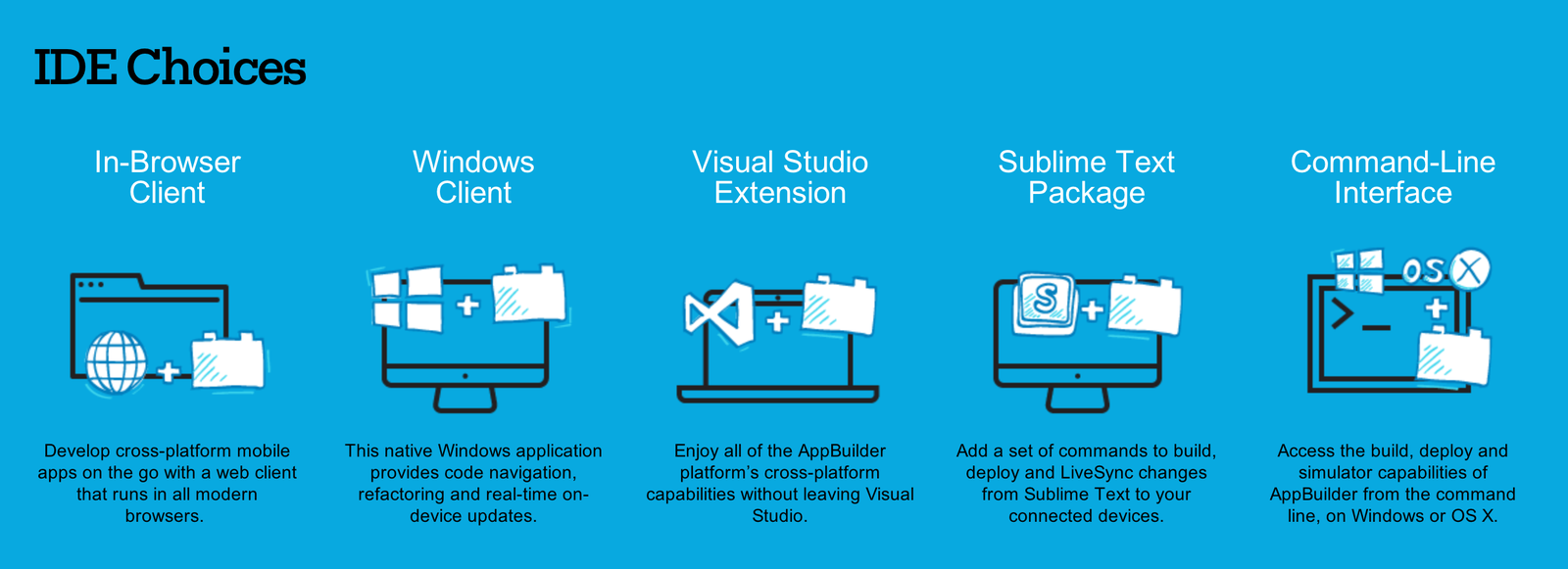

We delivered
It's okay ...
We're just as excited!
X-Plat Mobile Developers Rock
Now, go build your dream
We're right here to support you!

Telerik Developer Relations Team
@jenlooper @Telerik @TelerikDevRel
Telerik AppBuilder Short Preso
By Jen Looper
Telerik AppBuilder Short Preso
Product Pitch