Lego Mosaics
HTML5 Live Code NYC

Joe Stanco
5/15/2014
Concept Inspiration
Lego Albums Tumblr
by Harry Heaton
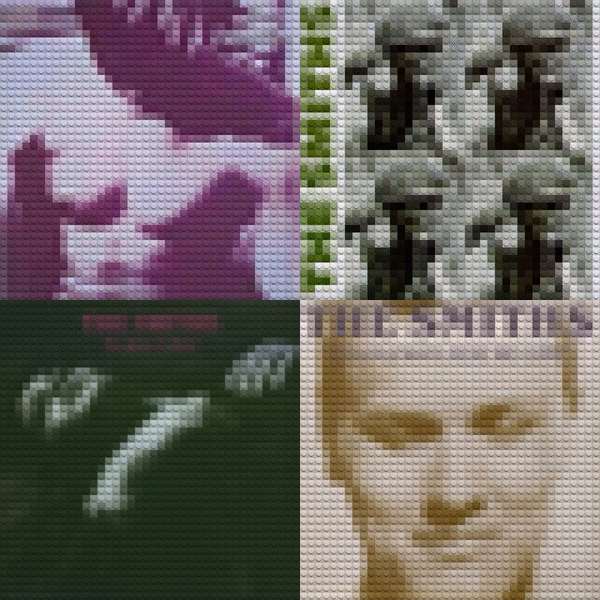
Design Inspiration
LEGOlize yourself PSD
by Ronald Hagenstein
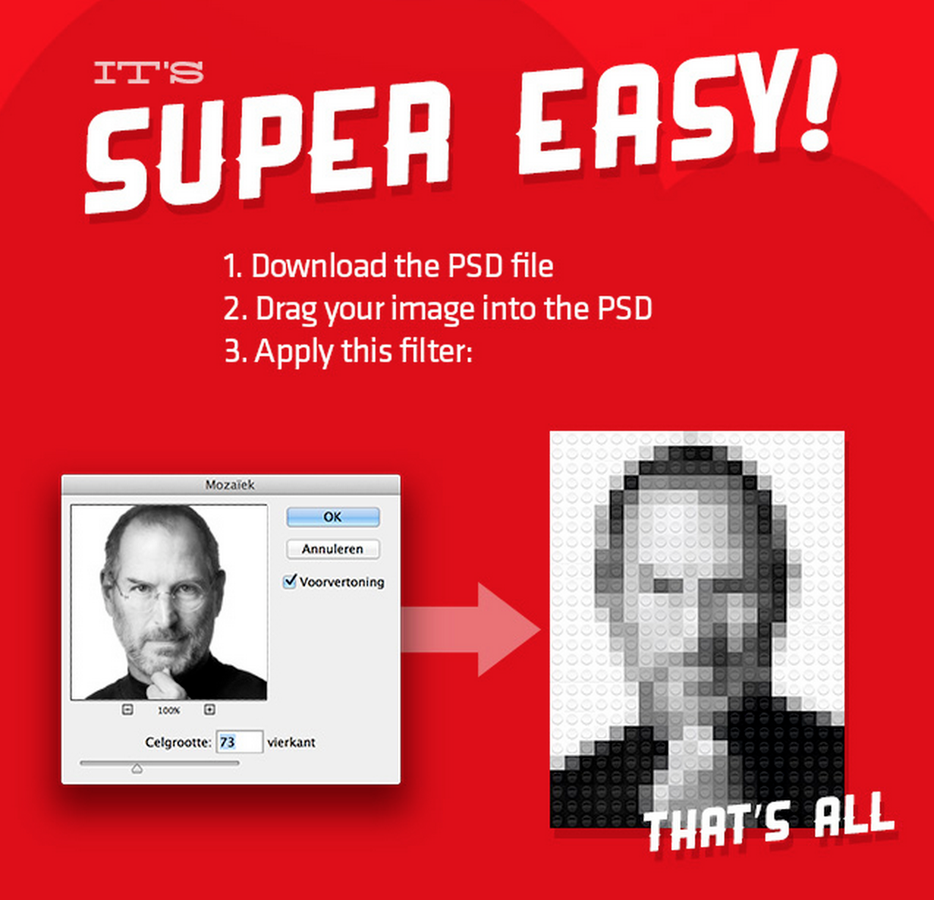
Tools
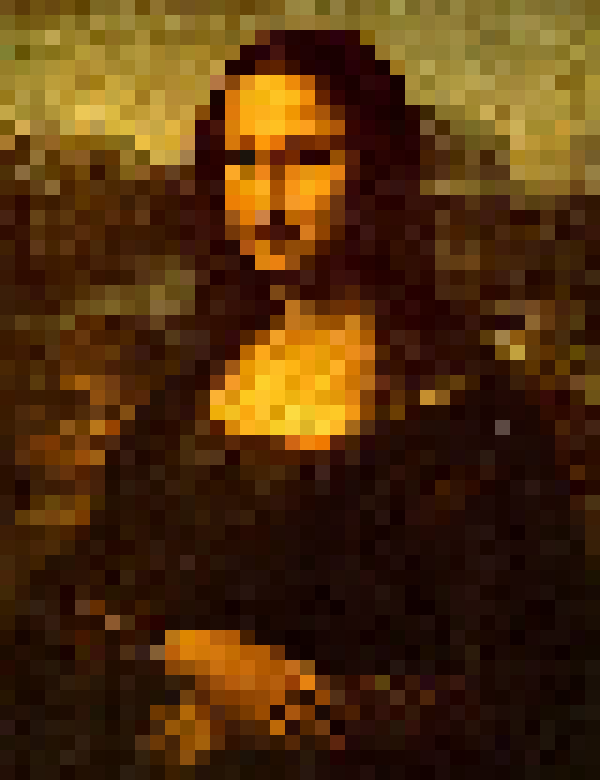
Mosaic Effect
Pixastic.process(img, "mosaic", {blockSize:10});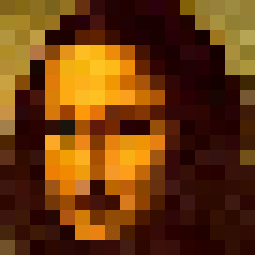
- Pixastic Effect
- Brick size = 1/40 of image width
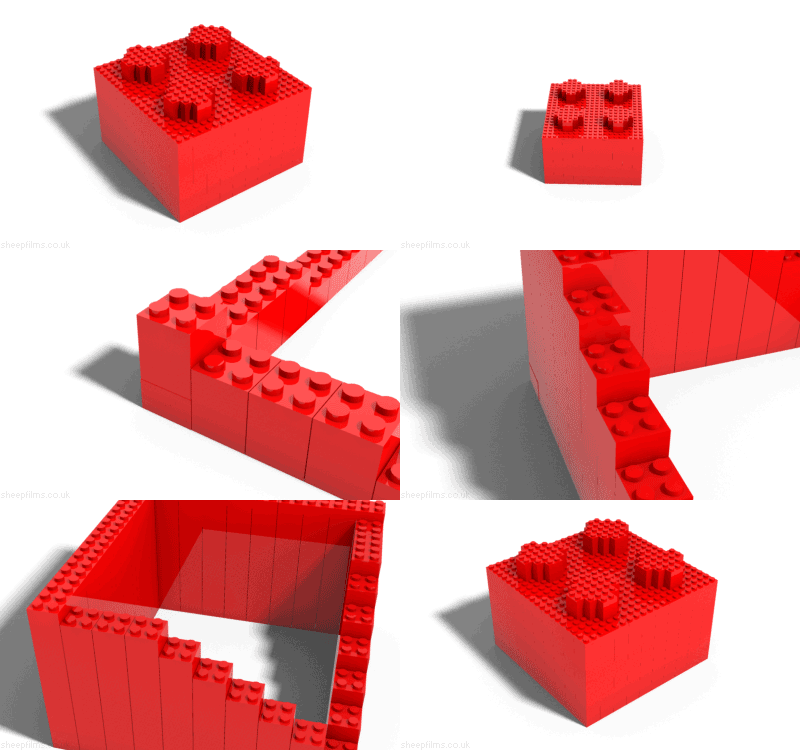
Studs
canvas.getContext("2d").createPattern(img, "repeat");-
Prototyped with PNG image
-
Used a scaled version of original image for tiling

Rendering Steps
Prototype
- Apply mosaic effect, then add to stage as bitmap
- Draw stud image on scratch canvas and scale it
- Get data URL of scratch canvas and set as image source
- Use loaded stud image for pattern fill on stage canvas
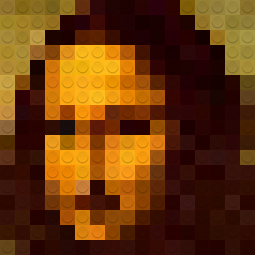
Stud Illustration
- Scaled image causes excessive aliasing
-
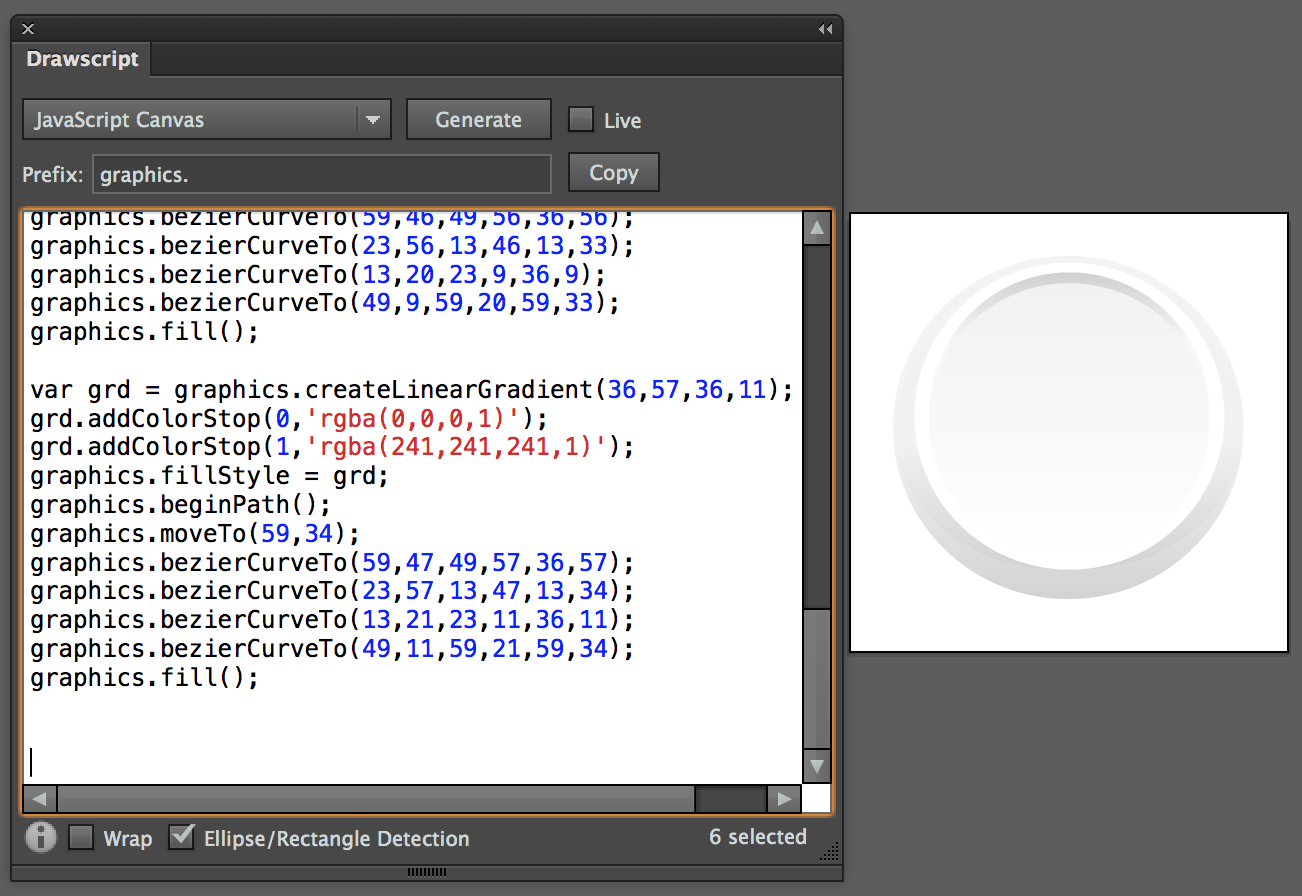
Create vector version in Illustrator
- Export as canvas commands using Drawscript
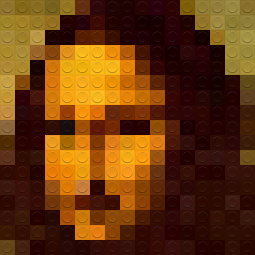
Compositing
canvas.getContext("2d").globalCompositeOperation = "multiply";-
First attempt: Multiply Only
- Second attempt: Multiply + Lighter
Rendering Steps
Final
-
Apply noise reduction and mosaic effects
-
Draw base stud shape and use as pattern fill
-
Draw highlight stud shape and use as pattern fill
-
Draw grid lines on stage canvas
-
Get data URL for stage canvas and set as image source
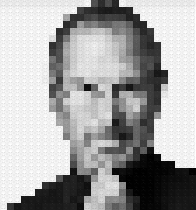
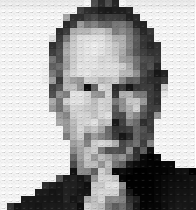
Scaling is Lossy
Draw at target size rather than scale
Scaled Vector Drawn Vector
Brick Size
- 1/40 ratio is not a panacea
-
Too small for big images
- Too big for small images
Solution:
Define breakpoints for min and max brick size
thresholds: [{ maxImageWidth: 300, minBrickSize: 10, maxBrickSize: 15 },{ maxImageWidth: 1200, minBrickSize: 15, maxBrickSize: 26 },{ maxImageWidth: 1600, maxBrickSize: 36 }]
Harder, Better, Faster, Stronger
- Color quantization?
-
Image segmentation?
- Randomized grid lines

Thank you!


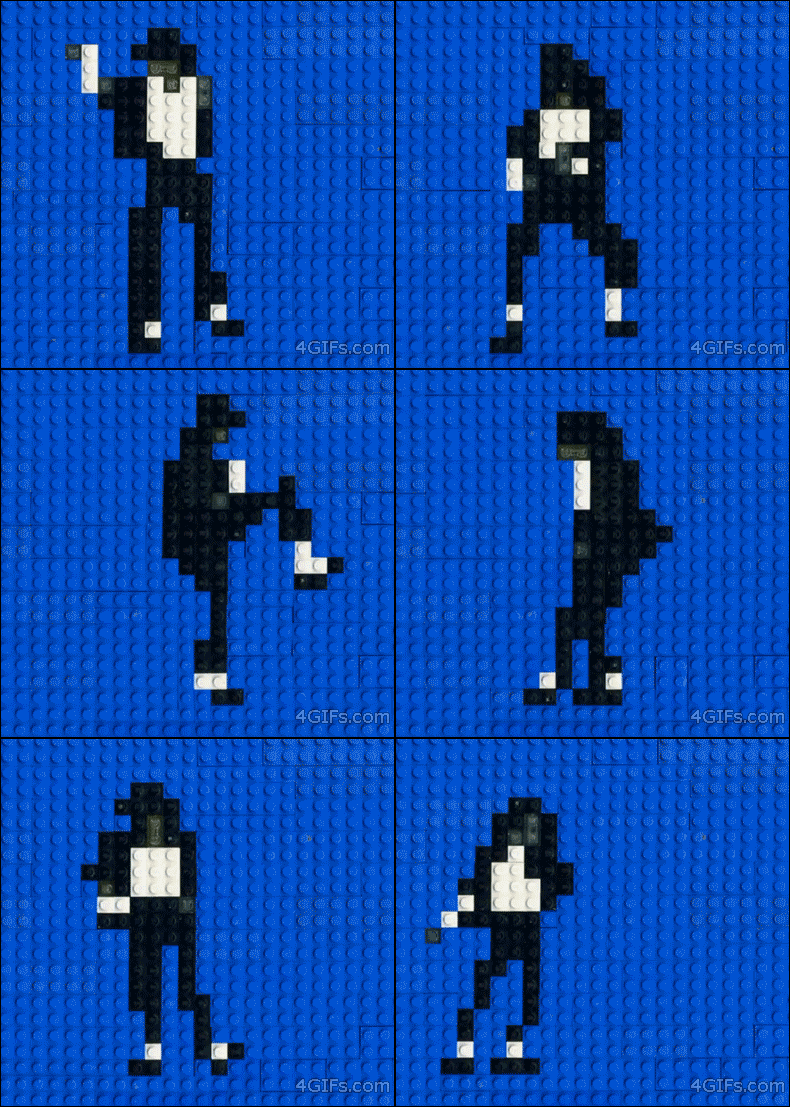
Lego Yourself
By Joe Stanco