CSS Basic
講者:王婕瑜
日期:2020/10/29
OUTLINE
- 前言
- html 複習
- CSS 介紹
- 顏色、字體與背景
- 盒子模式
- Reference
前言
為什麼要學CSS?
規劃
網站主題
個人網頁、美食、寵物、旅遊
版面要長什麼樣子
文字怎麼排、圖片怎麼擺
html 複習
基本架構
<!DOCTYPE html>
<html>
<head>
	<!--我是不會顯示的備註-->
	<title>我是網頁標題</title>
</head>
<body>
	<h1>我是標題1</h1>
	<p>我是段落</p>
</body>
</html>
清單標籤
<!--放在body標籤裡-->
<h1>有序清單</h1>
<ol>
	<li>tea</li>
    <li>coffee</li>
    <li>me</li>
</ol>
<h1>無序清單</h1>
<ul>
	<li>une</li>
    <li>duex</li>
    <li>trois</li>
</ul>
格式標籤
<!--還是在body裡喔-->
  <strong>粗體</strong>
  <u>底線</u>
  <b>粗體</b>
  <i>斜體2</i>
  <p>我<br>是<br>換<br>行</p>
圖片與連結
<!--還還是在body裡-->
  <a href="https://www.google.com.tw" target="_blank">
    <img src="https://www.google.com.tw/images/branding/googlelogo/2x/googlelogo_color_272x92dp.png">
  </a>
動手做
請利用學習到的技巧,製作網頁:
標題
大頭貼
我是誰 : 名字 系級 學校
愛吃的食物 (編號)
興趣 (無序)
SIRLA官網的連結
網址 : https://sirla-fjulis.github.io/
CSS 介紹
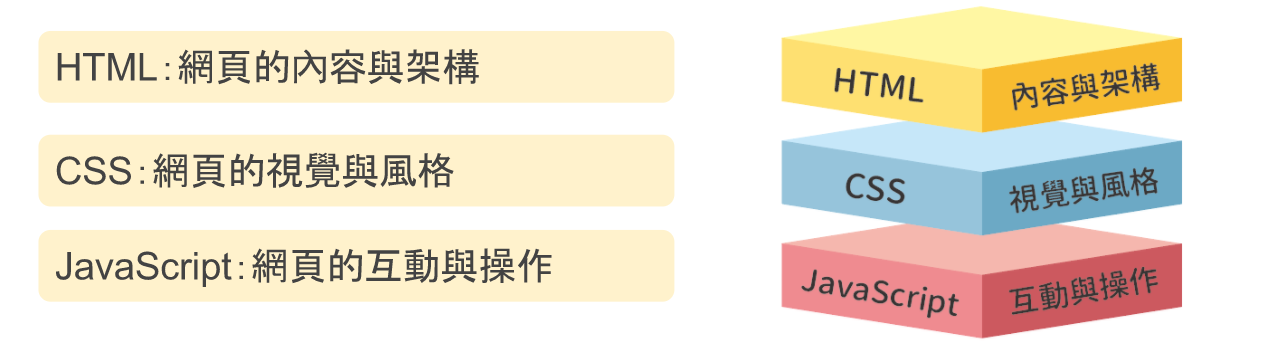
網頁架構
踹踹看
/* 在head裡面唷 */
<style type="text/css">
  p {
    color: red;
  }
</style>
<!--在body裡面唷-->
<p>Loving him was red</p>
<p>Oh, red</p>
<p>Burning red</p>剛剛打了什麼

選擇器
屬性
數值
選擇器
基本架構
p,h1, li  {
    color: red;
  }
選擇多個元素
選擇器類型
| 選擇器名 | 控制什麼 | 範例 |
|---|---|---|
| 元素選擇器 | 指定所有 HTML 元素中的特定元素 | p <p> |
| id | 指定頁面上的特定 ID 元素(只能綁定一個元素) | #idd <p id="idd"> |
| class | 指定頁面上的特定 class 元素(可以被多個元素使用) | .claass <p class = "claass"> |
| 屬性選擇器 | 指定頁面上的特定屬性元素 | img[src] <img src="pic.img"> |
引入方式
行內
整頁
<p style="color: red;">行內引入</p><!--在head標籤內-->
<style>
p {
color: red;
}
<\style>外部
<!--在head標籤內,兩種方式擇一即可-->
<!--連結的方式-->
<link rel="stylesheet" type="text/css" href="style.css">
<!--匯入的方式-->
<style typle="text/css">
  @import "style.css";
</style>
/* 在style.css內 */
p {
color: red;
}字體、顏色和背景
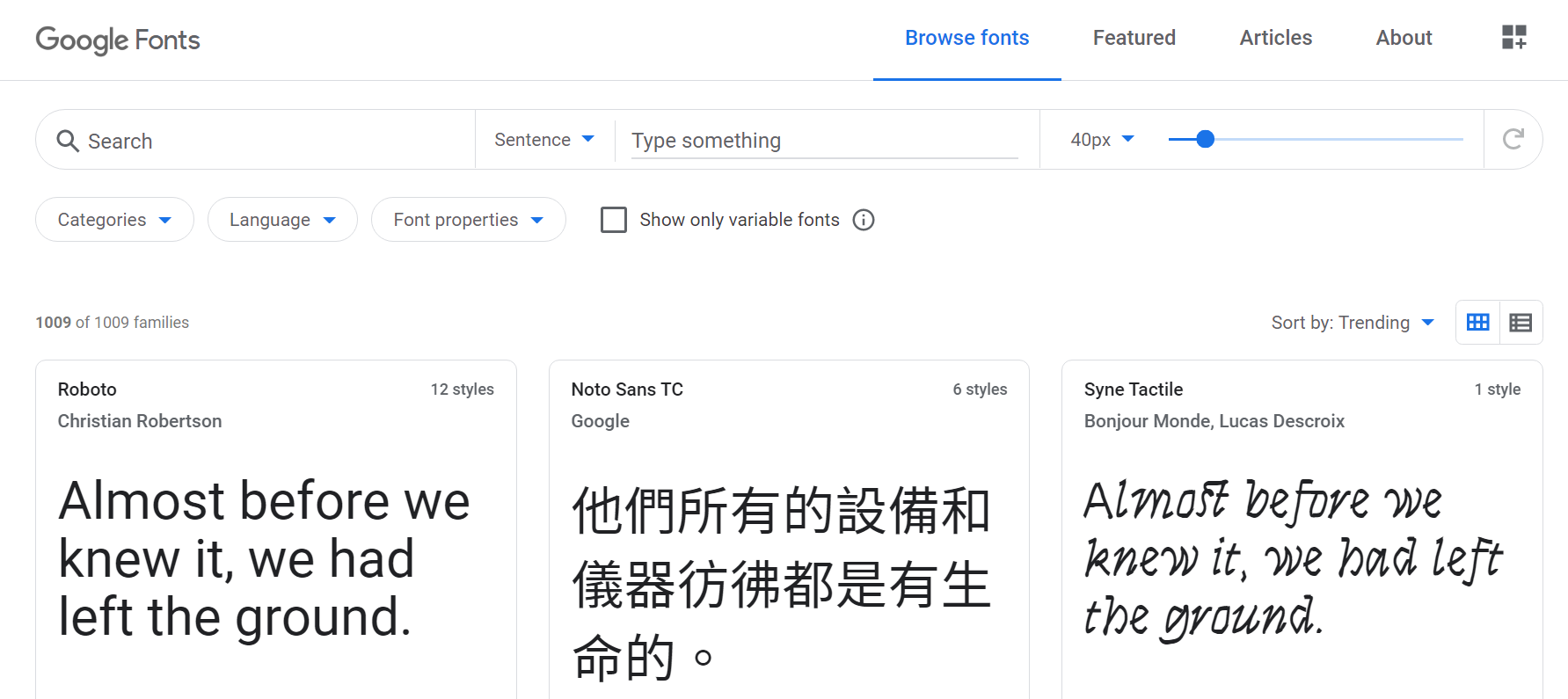
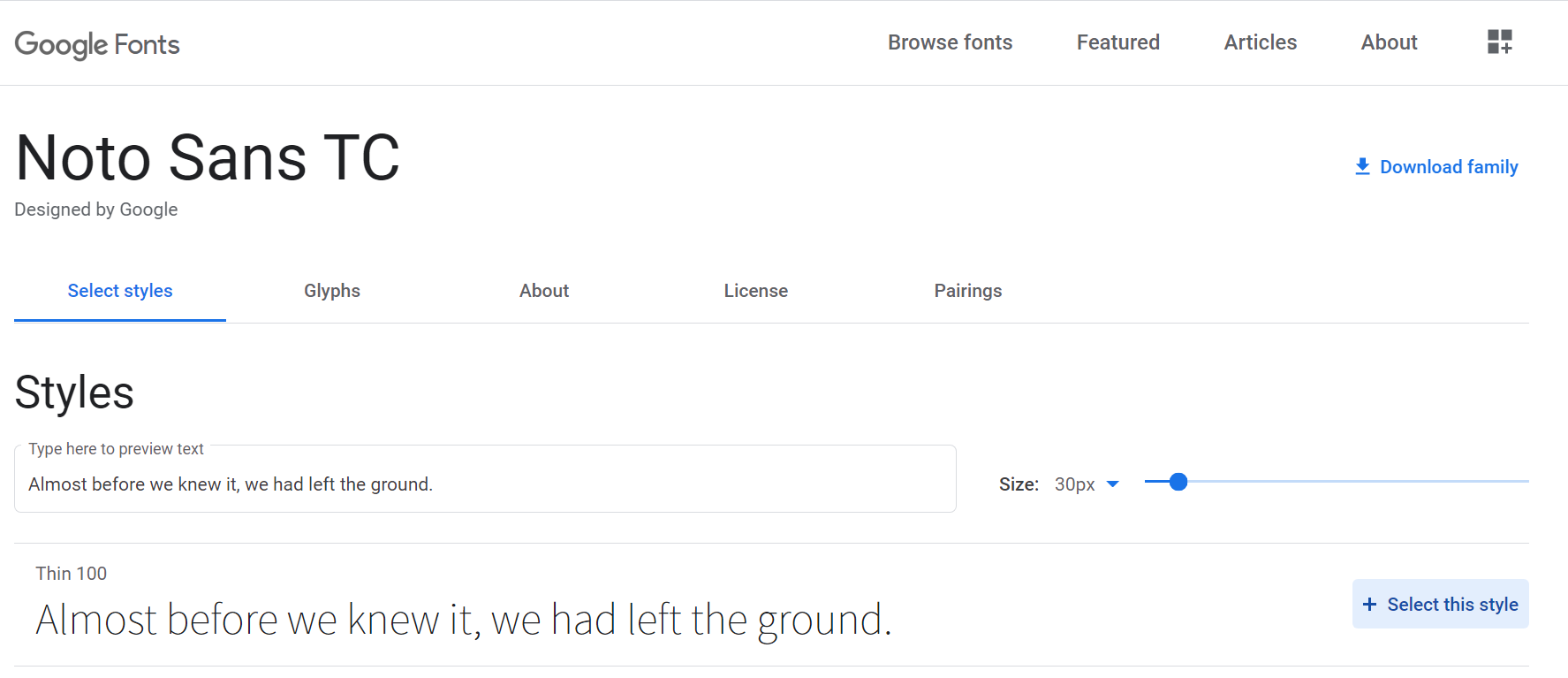
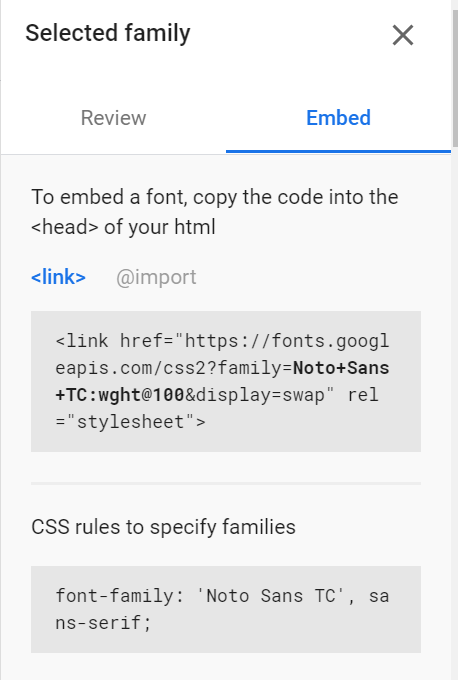
文字的位置
h1 {
/*   文字大小 */
  font-size: 60px;
/*   水平對齊 */
  text-align: center;
}

p, li {
  font-size: 16px;
/*   行高 */
  line-height: 2;
/*   字距 */
  letter-spacing: 1px;
}
顏色
文字
背景
邊框
<h1 style="color: red;">im reeed</h1><h1 style="back-ground color: tomato;">a tomato</h1><h1 style="border: 2px solid Violet;">Violet evergarden</h1>背景
顏色
前面講過囉
圖片
background-image: url( ' 圖片網址 ' );
body {
 background-image:url('圖片網址');
/*   背景圖片不重覆顯示 */
 background-repeat:no-repeat;
/*   背景顏色 */
 background-color: blue;
}
動手做
請利用學習到的技巧,美化網頁。
盒子模式
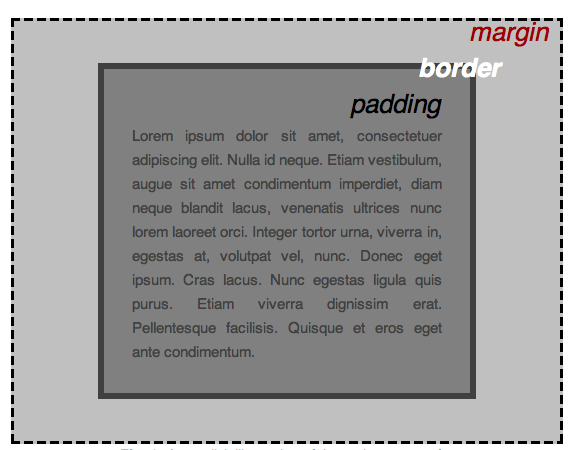
內容周圍的空格
矩形內容外的實線
外部的空間
margin
margin:上 右 下 左; margin:上下 左右; margin:上 左右 下; margin:四個邊同樣値;
/*讓瀏覽器自己設定*/
margin: auto;
/*外距為 5px,右外距為 10px,下外距為 15px,左外距則為 20px*/
margin: 5px 10px 15px 20px;
border
border: 邊框粗細 邊框顏色 邊框樣式 ;
/*下方邊框寬度設為 3px,顏色為藍色,樣式為 dashed*/
border-bottom:3px blue dashed;
display
display: 顯示參數;
padding
padding:上 右 下 左; padding:上下 左右; padding:上 左右 下; padding:四個邊同樣値;
/*讓瀏覽器自己設定*/
padding: auto;
/*上方邊框寬度設為 5px,顏色為黑色,樣式為 solid*/
padding: border-top:5px black solid;
/*元素以區塊方式呈現,會自動換行*/
display: block;
/*元素在同一行呈現,圖片或文字均不換行*/
display: inline;
/*將元素調整為不顯示*/
display: none;動手做
試著繼續美化跟調整版面吧
REFERENCE
- W3Schools (2020/10/26). CSS Tutorial. retrieved from: https://www.w3schools.com/css/default.asp
- Wibibi 網頁設計教學百科(2020/10/27). CSS - Wibibi 網頁設計教學百科. retrived from: https://www.wibibi.com/c.php?cid=7
- MDN(2020/10/27). CSS 基本 - 學習該如何開發 Web | MDN. retrieved from: https://developer.mozilla.org/zh-TW/docs/Learn/Getting_started_with_the_web/CSS_basics
THANKS FOR LISTENING
CSS Basic
By juliewah
CSS Basic
SIRLA 109-1 對外課程