Constraints
Kevin Greene
A talk kind of about Elm
What's Elm?
What's a constraint?
With Constraints
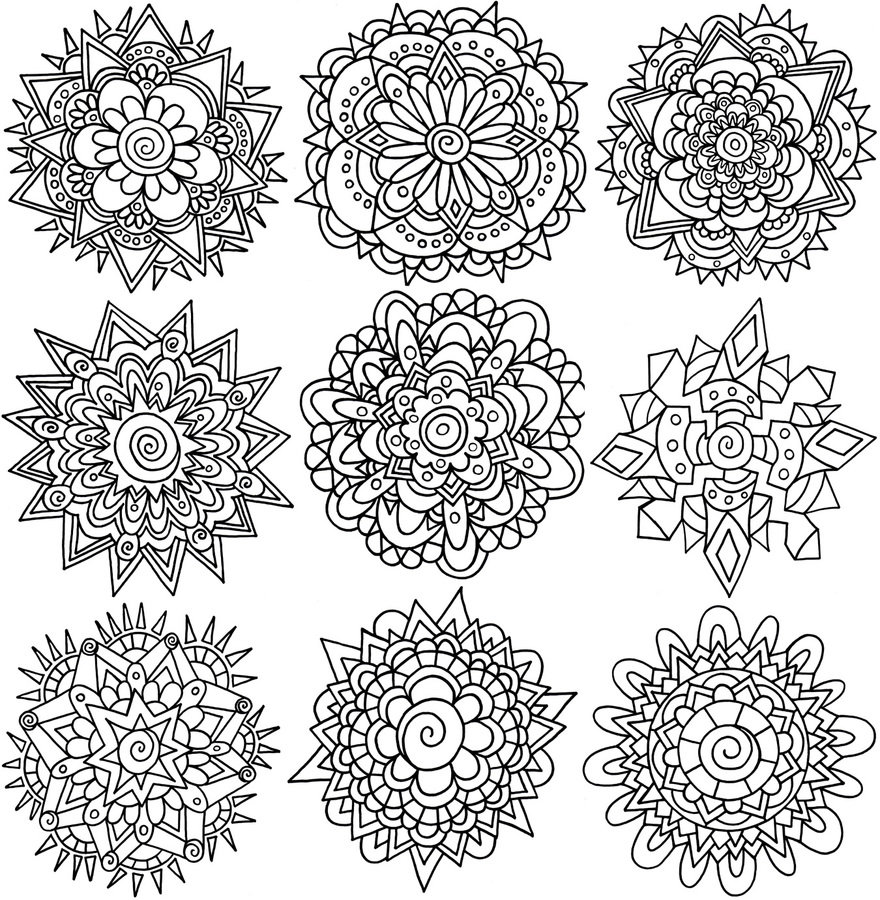
Without Constraints

With Constraints

Without Constraints

With Constraints

Without Constraints

Constraints are bad
- Can't draw what you want
- Can't drive as fast as you want
- Can't build bridges as quickly as you want
Constraints are good
- It's hard to draw on blank canvas
- Cars are surprisingly safe
- Bridges don't collapse
Constraints in JS?
!+[]+!![] == "2"Types!
JavaScript
var getInt = function(x) {
  if (x)
    return 1;
  else
    return "1";
}

// Let's blame the intern
// But we've all written this
JavaScript
var getInt = function(x,y,z) {
  if (x) {
    var intermediateStep = otherFunctionCall(y);
    var valueWeCareAbout = intermediateStep.deeply.nested.map
    return processNumbers(valueWeCareAbout,z)
  }
  else
    return defaultProcess(y,z);
}
Elm
> getInt x = if x then 1 else "0"
-- TYPE MISMATCH --------------------------------------------- repl-temp-000.elm

The branches of this `if` produce different types of values.

4| getInt x = if x then 1 else "0"
              ^^^^^^^^^^^^^^^^^^^^
The `then` branch has type:

    number

But the `else` branch is:

    String

Hint: These need to match so that no matter which branch we take, we always get
back the same type of value.
Fail fast
Know why
... but I really need to make an API with different return types
Colors
- Need an array of 3 numbers (RGB)
- Need a string (hex)
- Need an array of 3 numbers (HSL)
JS
- Just an array -> bugs
- Heavier data structures lose the simplicity
Elm
type Color
    = RGB Int Int Int
    | HSL Int Int Int
    | Hex String

nameColor x =
    case x of
        RGB r g b ->
            "blue"
        Hex hexString ->
            "green"
Elm (compile fail)
This `case` does not have branches for all possibilities.

10|>    case x of
11|>        RGB r g b ->
12|>            "blue"
13|>        Hex hexString ->
14|>            "green"

You need to account for the following values:

    Main.HSL _ _ _

Add a branch to cover this pattern!
Can't use Elm?
- TypeScript is a bit more palatable
- Flow works with vanilla JS
- Write good, detailed documentation
TypeScript
interface HSL {
    kind: "hsl";
    h: number;
    s: number;
    l: number;
}
interface RGB {
    kind: "rgb";
    r: number;
    g: number;
    b: number;
}

type Color = HSL | RGB
Flow
class HSL {
    h: number;
    s: number;
    l: number;
}
class RGB {
    r: number;
    g: number;
    b: number;
}

type Color = HSL | RGB;
State!
State is terrible
kind of
Change is terrible
kind of
Unexpected Change is Terrible
Elm fixes that
- Initial Model
- Model is rendered by the View
- View triggers Actions
- Actions update Model
TODO
(from evancz/elm-todomvc)
Model
type alias Model =
    { entries : List Entry
    , field : String
    , uid : Int
    , visibility : String
    }


type alias Entry =
    { description : String
    , completed : Bool
    , editing : Bool
    , id : Int
    }
emptyModel : Model
emptyModel =
    { entries = []
    , visibility = "All"
    , field = ""
    , uid = 0
    }

newEntry : String -> Int -> Entry
newEntry desc id =
    { description = desc
    , completed = False
    , editing = False
    , id = id
    }
type Msg
    = NoOp
    | UpdateField String
    | Add
View
view : Model -> Html Msg
view model =
    div
        [ class "todomvc-wrapper"
        , style [ ( "visibility", "hidden" ) ]
        ]
        [ section
            [ class "todoapp" ]
            [ viewInput model.field
            , viewEntries model.visibility model.entries
            , viewControls model.visibility model.entries
            ]
        , infoFooter
        ]
viewInput : String -> Html Msg
viewInput task =
    header
        [ class "header" ]
        [ h1 [] [ text "todos" ]
        , input
            [ class "new-todo"
            , placeholder "What needs to be done?"
            , autofocus True
            , value task
            , name "newTodo"
            , onInput UpdateField
            , onEnter Add
            ]
            []
        ]
Update
-- How we update our Model on a given Msg?
update : Msg -> Model -> Model
update msg model =
    case msg of
        NoOp ->
            model

        Add ->
            { model
                | uid = model.uid + 1
                , field = ""
                , entries =
                    if String.isEmpty model.field then
                        model.entries
                    else
                        model.entries ++ [ newEntry model.field model.uid ]
            }

        UpdateField str ->
            { model | field = str }
Explicitly tie everything together
main =
  Html.beginnerProgram
    { model = model
    , view = view
    , update = update
    }
Benefits
- Easy to reason about
- Every possible action in your application is documented with Msg
- Every possible structure of your data is accounted for in your model
- Every possible case is handled by your update function
Cons
- Keyboard to effect time is slower with changes
but still faster overall
Can't use Elm?
- Redux is basically Elm in JavaScript, backed by React
- Use strong conventions to show when you will change state
- Keep a central model with the current state
APIs!
Developers write bad code
entryDecoder: Decoder Entry
entryDecoder =
  object3 Entry
    ("description" := string)
    ("id" := int)
    ("completed" := bool)

fetchData =
  Http.get entryDecoder "https://todos.com"
    |> Task.mapError toString
    |> Task.perform ErrorOccurred DataFetched
Libraries Change
_
Elm Packages enforce SemVer
(once again, types are pretty cool)
I can't use Elm
- Validate all data from outside sources
- Practice SemVer in any packages you publish
- Make sure you use APIs that are tested (OSS libraries love testing contributions)
Style!
  div []
    [ button [ onClick Decrement ] [ text "-" ]
    , div [] [ text (toString model) ]
    , button [ onClick Increment ] [ text "+" ]
    ]
Elm
div(
    List.empty,
    List(
           button(
               List(onClick(Decrement)),
               List(text("-"))
        ),
        div(
            List.empty,
            List(text (model.toString))
        ),
        button(
            List(onClick(Increment)),
            List(text("+"))
        )
    )
)
Scala
I can't use Elm
- Use a linter
- Use pre-commit hooks
- Use JSX if you're using React
Style!
(the other kind)
css =
    (stylesheet << namespace "flashcard")
        [ body
            [ minWidth (px 500)
            ]
        , h1 [ textAlign center ]
        , (.) Flashcard
            [ color (hex "888888")
            , height cardHeight
            , width cardWidth
            , textAlign center
            , border3 (px 3) solid (hex "333333")
            , marginLeft auto
            , marginRight auto
            ]
        , (.) FlashcardContainer
            [ marginLeft auto
            , marginRight auto
            , width (px 500)
            ]
        , (.) NextButton
            [ margin (px 50) ]
        ]
div [ class [ FlashcardCss.Flashcard ] ]
    [ h1 [] [ flashcardTextArea flashcard display ]
    ]
I can't use Elm
- Use CSS Modules
- Use CSS Linters
Constraints:
Fail Fast
Know Why
Questions?
Constraints
By Kevin Greene