




AI in the Library:
An Exploration of New Research Tools

Kyle Feenstra - Coordinator, Learning & Instruction Support

Justin Fuhr - Science & Engineering Librarian

Mê-Linh Lê - Health Sciences Librarian

Session Overview

  • Warm up activity
  • Large language models (LLMs), and natural language searching
  • UM Libraries' AI Research Assistant / Google Scholar Labs
  • Elicit
  • NotebookLM
  • Questions & Discussion

Warm Up Activity

Large Language Models
& Natural Language Searching


...are fundamentally changing information seeking behaviour and related learning processes. 

How do learning and research change when Generative AI is used:

  • for information retrieval?
  • to summarize or clarify texts?
  • as an editor or writing assistant?

Impact of Large Language Models
& Natural Language Searching on Libraries

Information retrieval processes that have relied on:


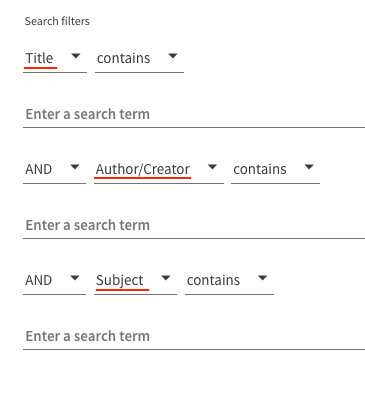
  • Boolean logic
  • Keyword matching
  • Subject / Author authorities
  • Standardized classification systems and indexes 

Are becoming more automated as they are replaced by:


From Advanced Search

to Advanced Algorithms

UM Libraries
AI Research Assistant

Retrieval
Augmented
Generation

(RAG)

Pre-trained Language
& Knowledge Base

Readable Library Collections


LLMs

  • Enables the LLM to search library metadata, abstracts, and some full text resources.
  • Reduces hallucinations

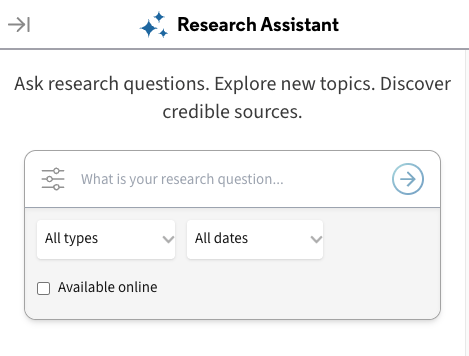
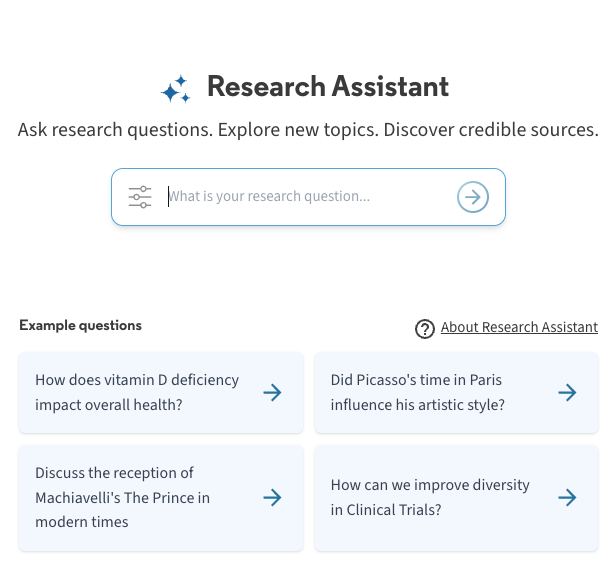
UM Libraries AI Research Assistant

  • Can respond to questions posed in natural language.
  • Generates a summary drawn from five academic sources from the Libraries' collection.
  • Provides a link to a complete set of search results. 


Limitations:

  • Cannot retrieve information from print materials, JSTOR, Elsevier, DataCite, news media sources. 
  • Does not search the web.

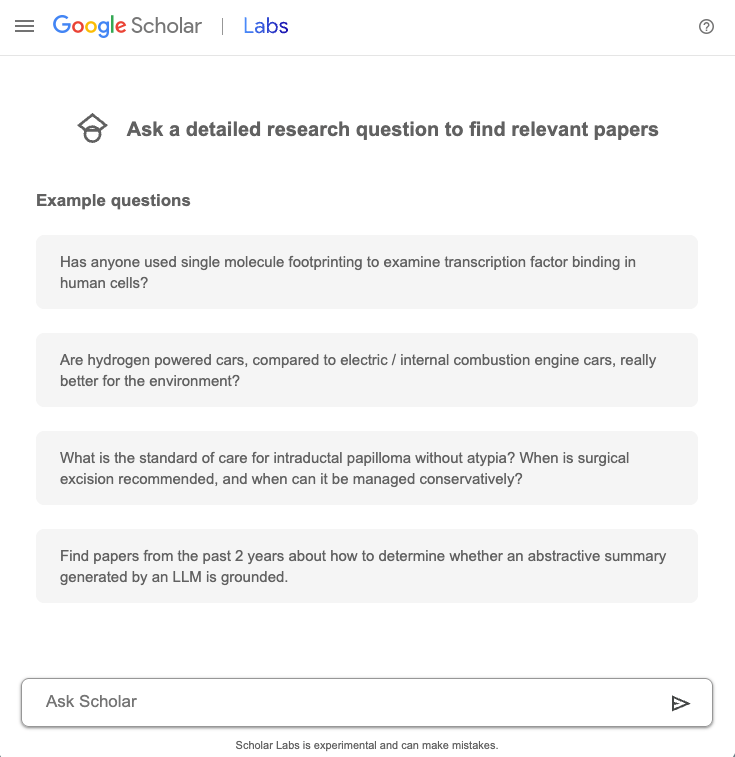
Google Scholar Labs

  • Provides a list of relevant sources from Google Scholar with short summaries for each.
  • Helps refine the research question if it is too broad.
  • Allows follow-up questions.
     

Limitations:

  • We don't know how it works
    (i.e. how it determines relevance).
  • Cannot search closed library catalogues or closed databases. 
  • Experimental stage.
  • What is UML AI Research Assistant good for?
  • What is UML AI Research Assistant not good for?
  • AI-powered research assistant
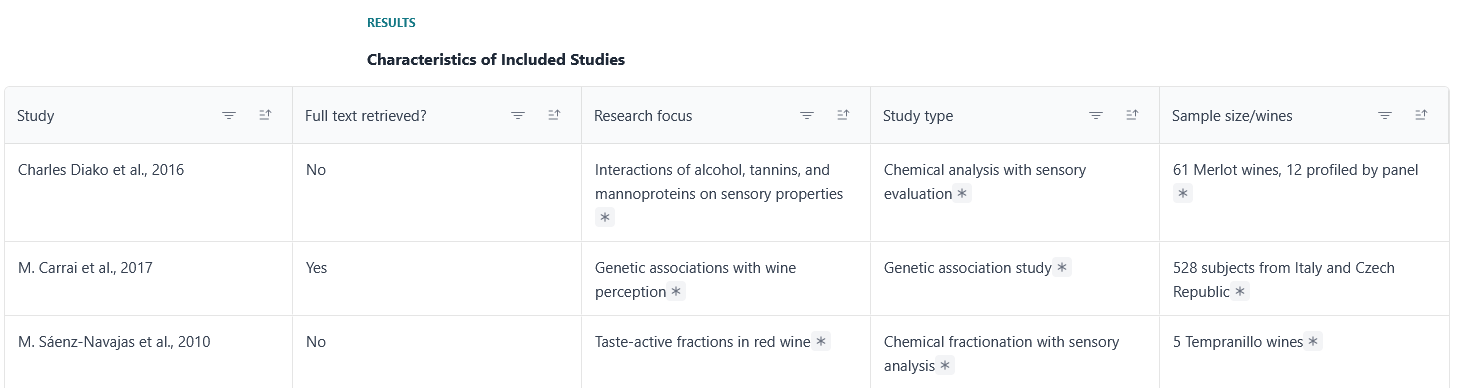
  • Discovers and summarizes academic sources (methods, results, conclusions)
  • Free account (must log in; 10 sources screened per question), with additional paid features.
  • Useful for literature reviews, research scoping, and research trends

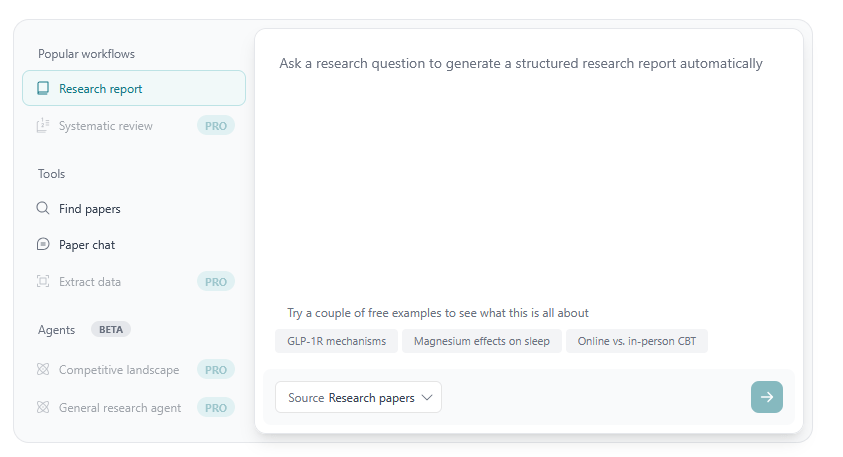
Elicit
https://elicit.com

  • Research: find relevant papers and extract findings
  • Teaching: prep literature summaries, help students learn research skills.
  • Student support: model effective literature review practices.

How faculty can use it

  • Ask research question -> screens sources -> extracts data -> creates research report.
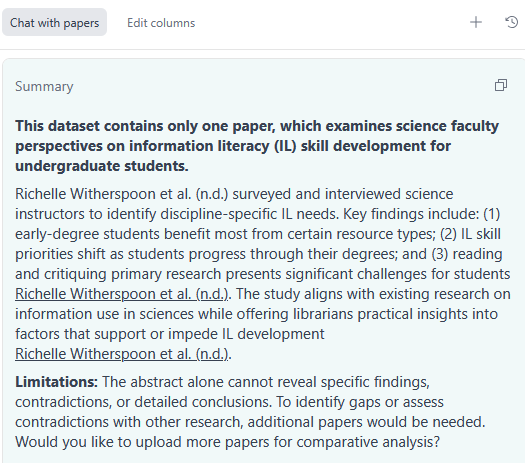
  • Article summary ("Paper chat").
  • Citation and source quality (taken from databases).

Features

Use it as a starting point or to complement your existing literature review search.

  • Start with a specific research question.
  • Generate report.
    • Review AI-generated summaries against original sources.
    • Check extracted data from original sources. 
  • OR view a test search and research report: https://tinyurl.com/catl-elicit

Try it out! https://elicit.com

  • What is Elicit good for?
  • What is Elicit not good for?
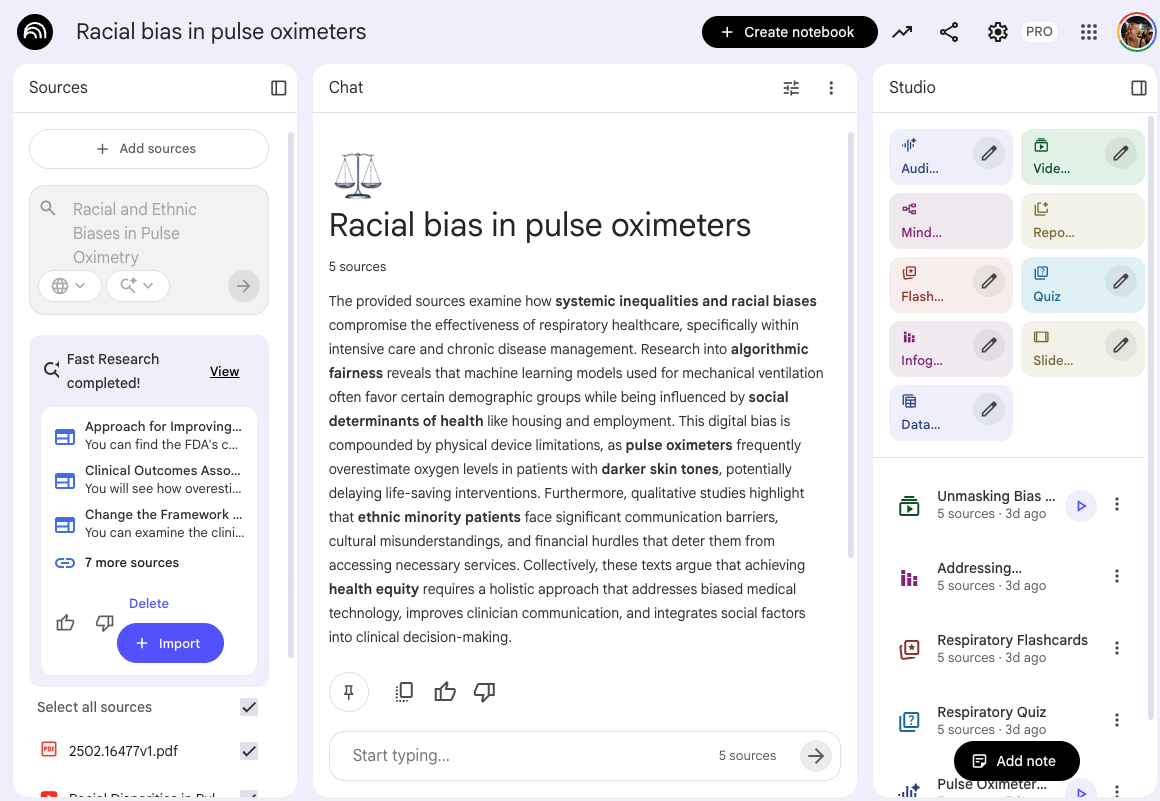
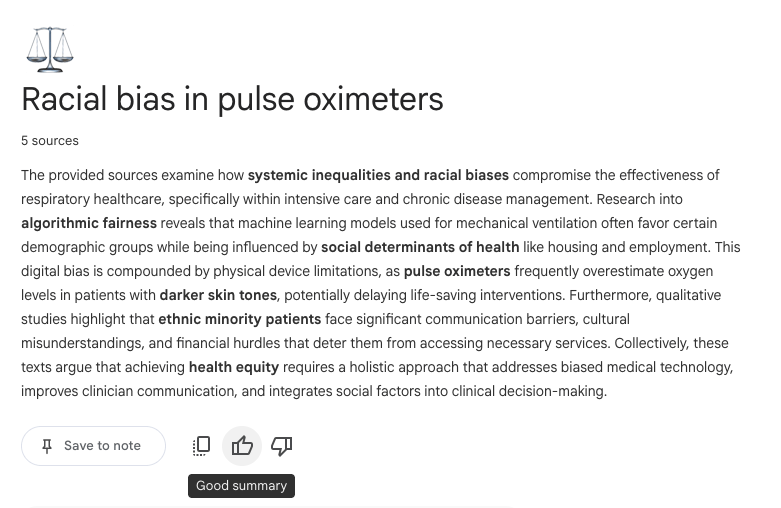
  • Personalized research assistant and note-taking tool
  • Source-grounded: works off documents, files, videos, audio recordings, etc that the user uploads
  • 'Chat' with your uploaded content to get grounded information and automatic citations to where in your sources it has gathered the information from

NotebookLM

Privacy and Copyright

  • Uploaded information not used to train models ('walled off garden')
  • Your queries and data not used to train unless you provide feedback via thumbs up/down  
  • Recommend only adding Creative Commons material to abide by copyright and licensing agreements
  • Requires Google account; free version has 100 notebooks, 50 sources per notebook, 50 chat queries per day, 3 audio overviews per day

NotebookLM

Features

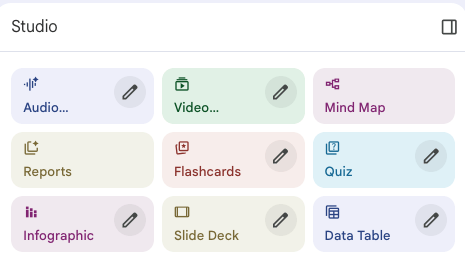
  • Sources can be transformed into learner-friendly resources such as podcasts, mind maps, flash cards, quizzes, etc
  • Incredibly helpful for users with different learning styles

NotebookLM

How Faculty Can Use It

Research:

  • Thematic analysis across resource types
  • Summarize dense text (e.g., policy docs)


Instruction:

  • Course preparation
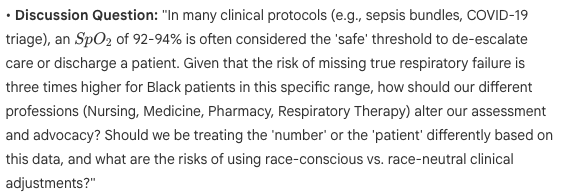
  • Create discussion prompts
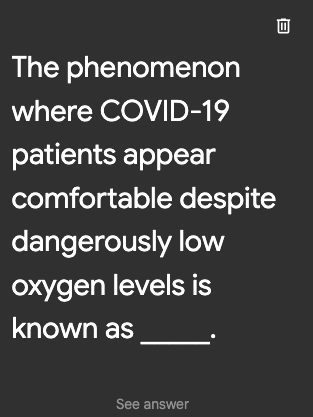
  • Generate quiz questions


Student Support:

  • Modify content for different learners


NotebookLM

Access my Notebook

OR 

Create your own at notebooklm.google.com 

  • Choose a topic you know well
  • Upload options
    • 3+ open-access articles 
    • Course lecture notes and/or slides
    • 3+ websites or multimedia links
  • Generate content in the Studio and assess its quality and veracity
    • How good are the quiz questions?
    • Does the audio recording properley represent the topic?
    • How accurate is the info provided when you ask questions on the topic?
  • What is Notebook good for?
  • What is Notebook not good for?

AI Essentials Workshops

tinyurl.com/AI-UML-26

AI Fundamentals March 10 at 12pm

AI in Research: Using AI For Literature Reviews - March 17 at 12pm

AI in Writing: Citations and Attributions - March 24 at 12pm

Questions?

AI in the Library - CATL Teaching Symposium 2026

By Kyle Feenstra

AI in the Library - CATL Teaching Symposium 2026

  • 21