React Native
has power
Robert Kuliński
Kamil Rykowski


Prerequisites
- JavaScript (ES6)
- Basic experience with command line tools
- Being familiar with dependency management tool - yarn or npm
Environment
- node>=10, yarn>=1.7
- Android Studio with latest SDK and Android emulator
- Optionally: macOS & xCode to build/run iOS app
node.js
$ node -v
v10.1.0

// macOS
$ brew install node

// Linux
$ sudo apt-get install nodejs
yarn
$ yarn -v
1.7.0

// macOS
$ brew install yarn

// Linux
$ sudo apt-get install yarn
React Native
What is it?
Open source SDK for building mobile cross platform applications using JavaScript.

Who's using it?
The big players





Alternative tech
do you event lift?





Why should I learn?
- Leverage your JavaScript and React skills
- Reuse most of the code between different platforms
- Native like performance
- Open source
- Baked by Facebook
- Huge community and ready to use libraries
- Hot reloading
- Deploy to Android, iOS, Windows*, macOS* and more*
* libs exists & are well maintained, but I didn't yet battle tested it
Web vs Mobile
const Galaxy = () => {
  const characters = [
    'Luke Skywalker',
    'Kylo Ren',
    'Rey',
  ];

  return (
    <div>
      <h1>Star Wars: The Last Jedi</h1>
      <p>
        A long time ago in a galaxy far,
        far away...
      </p>

      <ul>
        {characters.map((item) => (
          <li>{item}</li>
        )}
      </ul>
    </div>
  );
}
import {
View, Text, FlatList,
} from 'react-native';
const Galaxy = () => {
const characters = [
'Luke Skywalker',
'Kylo Ren',
'Rey',
];
return (
<View>
<Text>Star Wars: The Last Jedi</Text>
<Text>
A long time ago in a galaxy far,
far away...
</Text>
<FlatList
data={characters}
renderItem={({item}) => (
<Text>{item}</Text>
)}
/>
</View>
);
}Web vs Mobile
Components mapping
div == View
button == Button
img == Image
select == Picker
<input type="checkbox" /> == Switch
<input type="text" /> == TextInput
p, h1, h2 == Text
and more
also through UI kits
Styling
Just like CSS
const styles = {
  wrapper: {
    width: 100,
    height: 100,
    backgroundColor: 'red,
  }
};


<View style={styles.wrapper}>
  <Text>React</Text>
</View>
const styles = StyleSheet.create({
wrapper: {
width: 100,
height: 100,
backgroundColor: 'red,
}
});
<View style={styles.wrapper}>
<Text>Native</Text>
</View>Native API
Built-in and external
AsyncStorage
CameraRoll
Geolocation
Keyboard
NetInfo
Share
Vibration
Facebook SDK
Firebase SDK
Permissions
Camera
Push Notifications
Phone Call
SMS
npm install -g react-native-cli

react-native init hasPower

cd hasPower

react-native run-android / run-ios
Start project
Default way
npm install -g react-native-cli

git clone
https://github.com/rkulinski/react-native-boilerplate-basic.git

cd react-native-boilerplate-basic

npm i

react-native run-android / run-ios
Start project
Has Power way
Start project
It's alive!
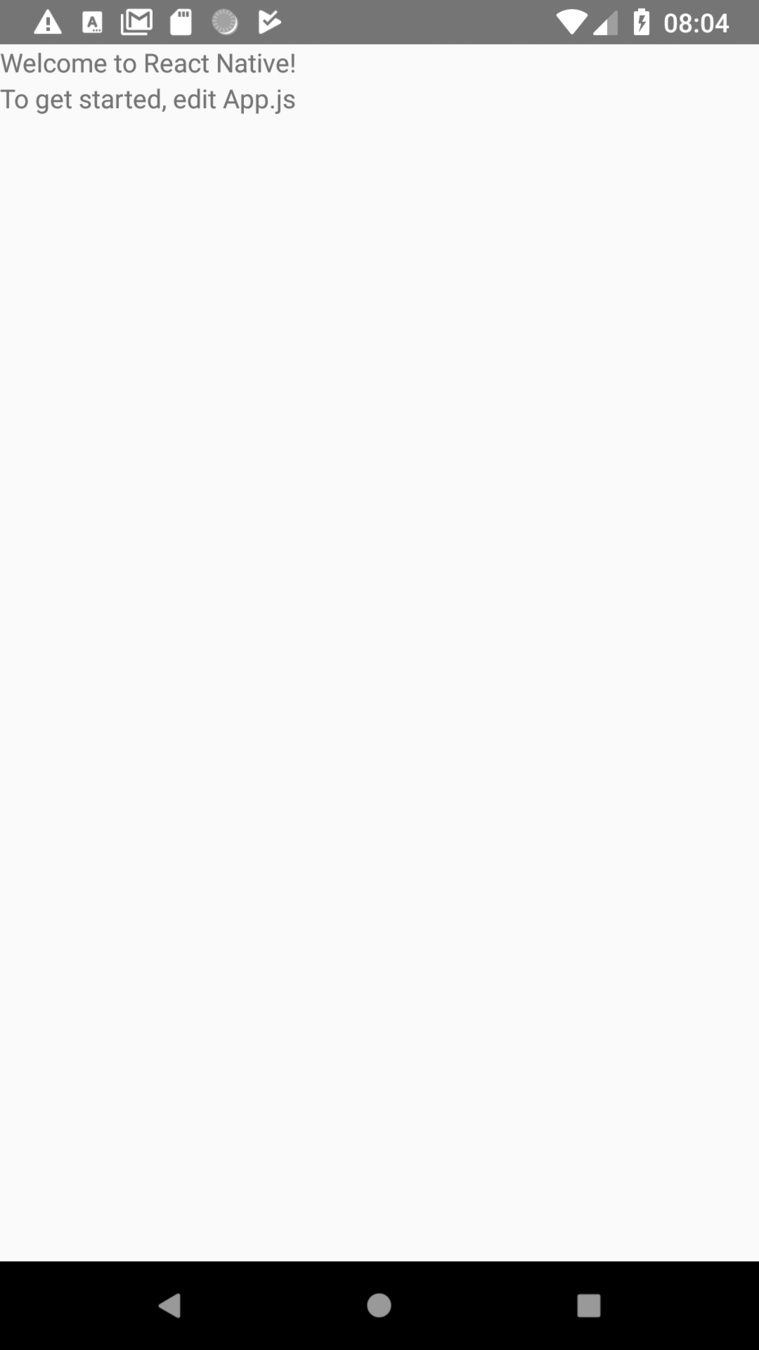
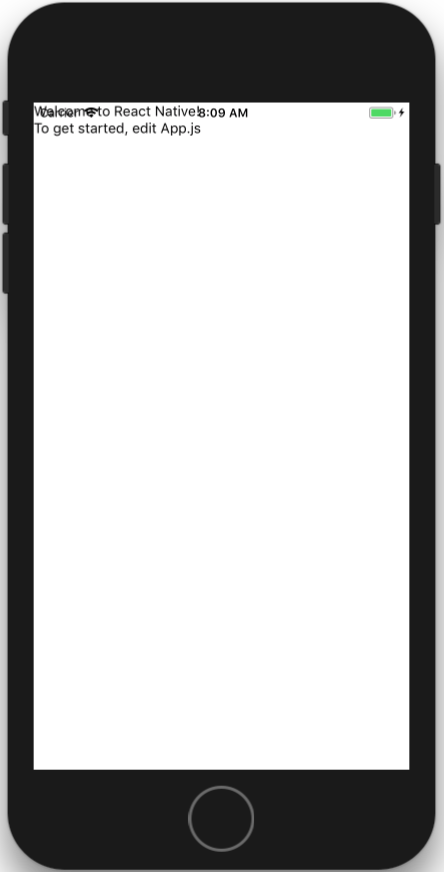
⌘M or Ctrl+MDevelopment tools
Develop & debug
⌘DAndroid
iOS
- Reload
- Debug JS Remotely
- Enable Live Reload
- Enable Hot Reloading
Party Time
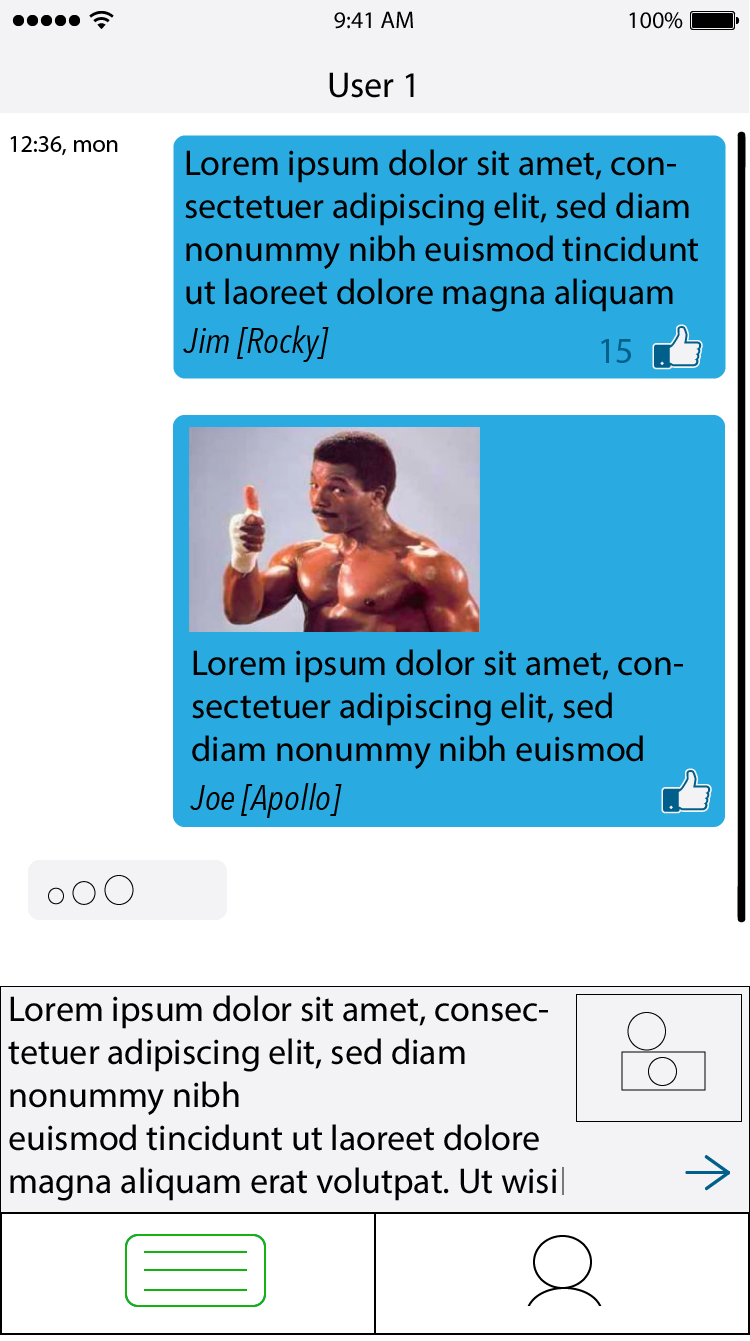
Coding Part - Chat App
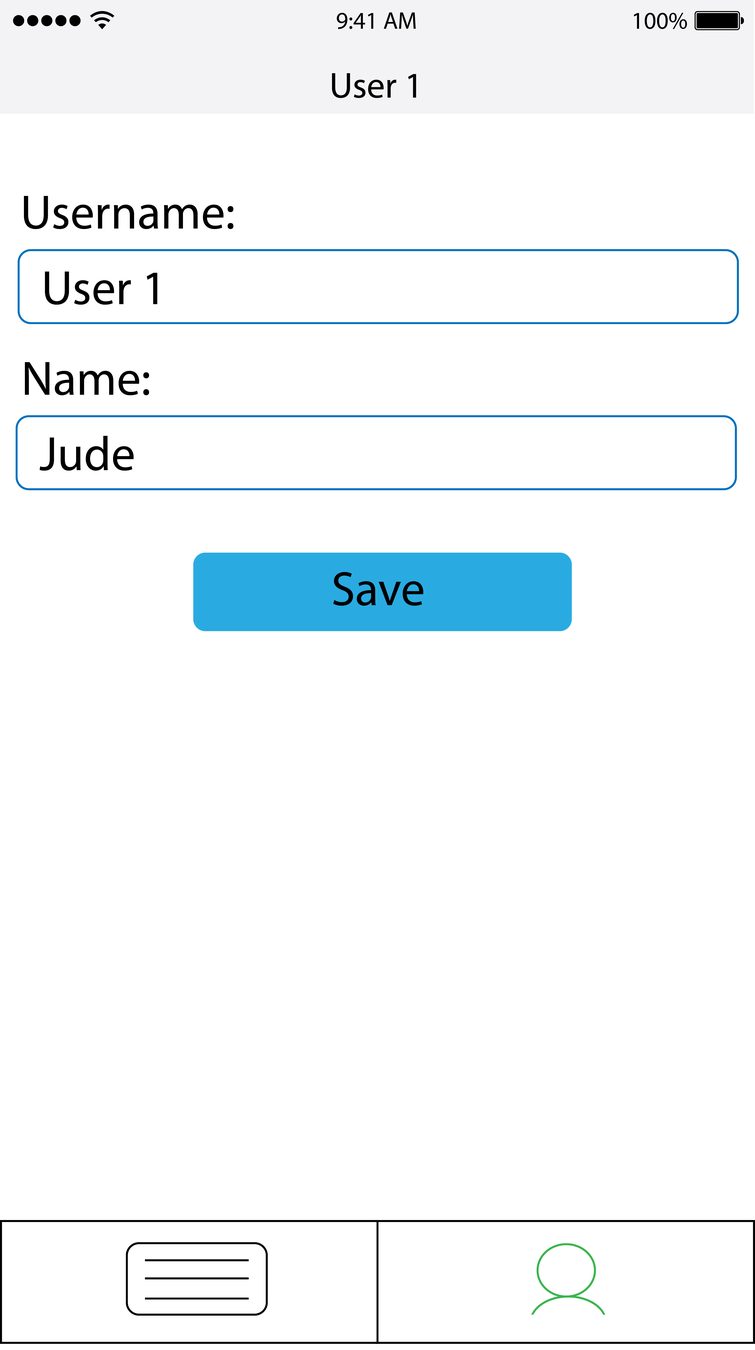
Task1
Form Screen
- Build a form
- Add save button
- Add username and name to 'state'
- On save update state
Task2
Navigation
- Add library https://reactnavigation.org/
- Use 'tabs property' to create tabs 'Chat' and 'User'
- (optionally) add header
Task3
Native API
- Add camera functionality
- Show photo on screen
Task4
Do the rest... ;)
Your goal is to create mobile "Chat app". Everyone can post a message there and everybody sees history.
Task4
AC
-
Zapisywanie i odczyt danych użytkownika do/z async storage
-
Dołączanie tych parametrów w request
-
Wyświetlanie danych z serwera (zdjęcie + wiadomość)
-
Zrobienie zdjęcia i wysłanie go na serwer z podpisem
-
Możliwość dodania wiadomości tekstowej do wysyłanego zdjęcia
-
*Dodanie systemu “like” dla wiadomości
-
*Wyświetlanie “...” na ekranie gdy user wpisuje tekst wiadomości
-
*Dodanie animacji typu “shake” gdy pojawia się nowa wiadomość
* zadania bonusowe

Let's work!
React Native has power
By Kamil Rykowski


