



Leonardo Gomes da Silva
Software Developer https://www.linkedin.com/in/leogomesdev
Leonardo Gomes, Software Developer
https://leogomes.dev
October 25th, 2021
Git is a software for tracking changes in any set of files, usually used for coordinating work among programmers collaboratively developing source code during software development. Its goals include speed, data integrity, and support for distributed, non-linear workflows.
Initial release: April 7, 2005
Creators: Linus Torvalds, Junio C Hamano
"GitHub is a website and cloud-based service that helps developers store and manage code, as well as track and control changes. GitHub offers a cloud-based Git repository hosting service. Essentially, it makes it a lot easier for individuals and teams to use Git for version control and collaboration.
Anyone can sign up and host a code repository for free, which makes GitHub especially popular with open-source projects."
Is a version control system that lets you manage and keep track of your source code history
Is a cloud-based hosting service that lets you manage Git repositories
It's common to see Software Developers mention only "git" in theirs profiles/resumes. There are other solutions such as GitHub, and if the Software Developer knows Git, for sure he will not have problems using other solutions adopted by any company.
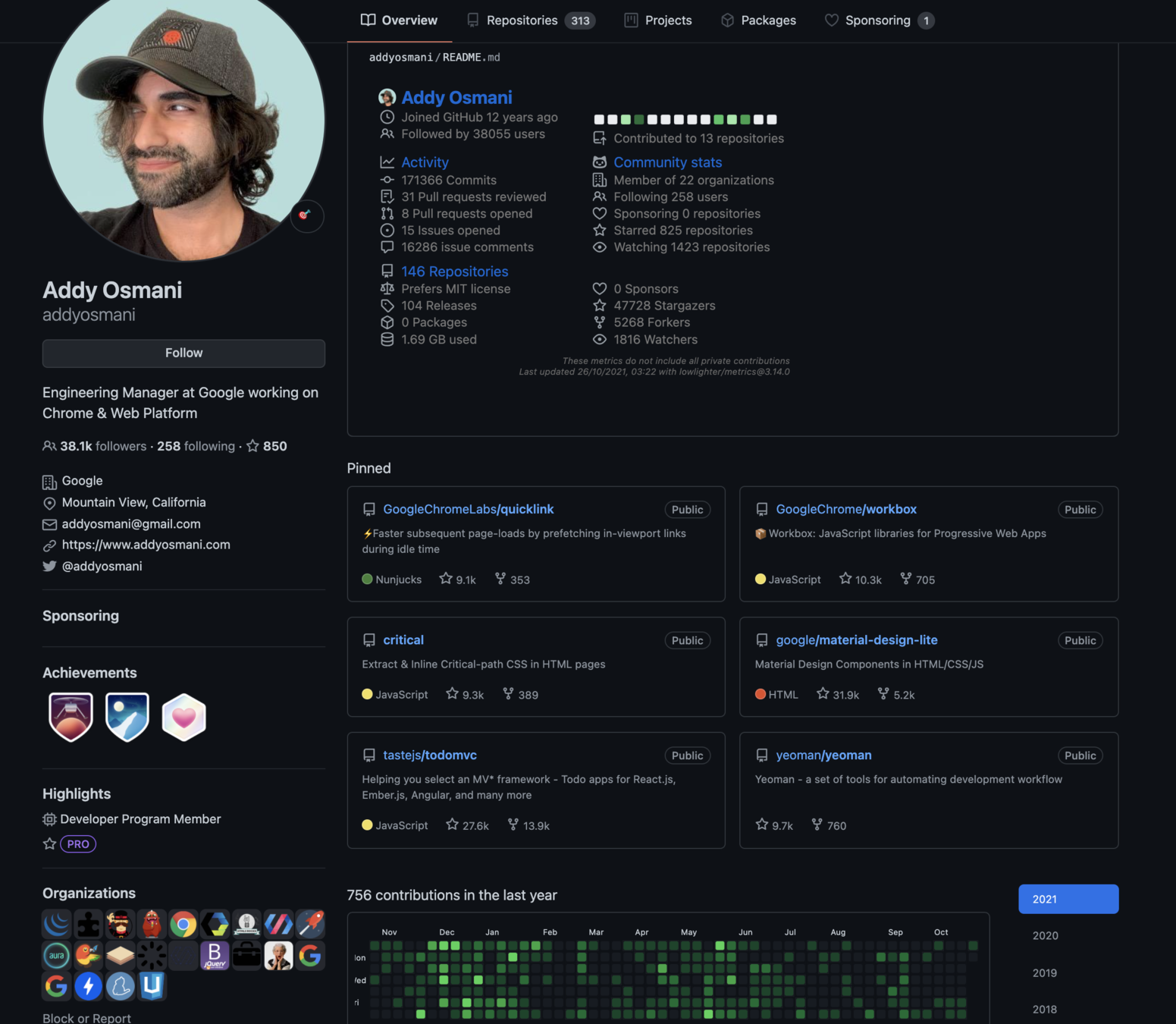
A custom and optional page, manually made by the user
Projects pinned by the user, that use to be the most relevant. Each project shows the used language and are links to click and access more info.
Activity history
User info
Connections
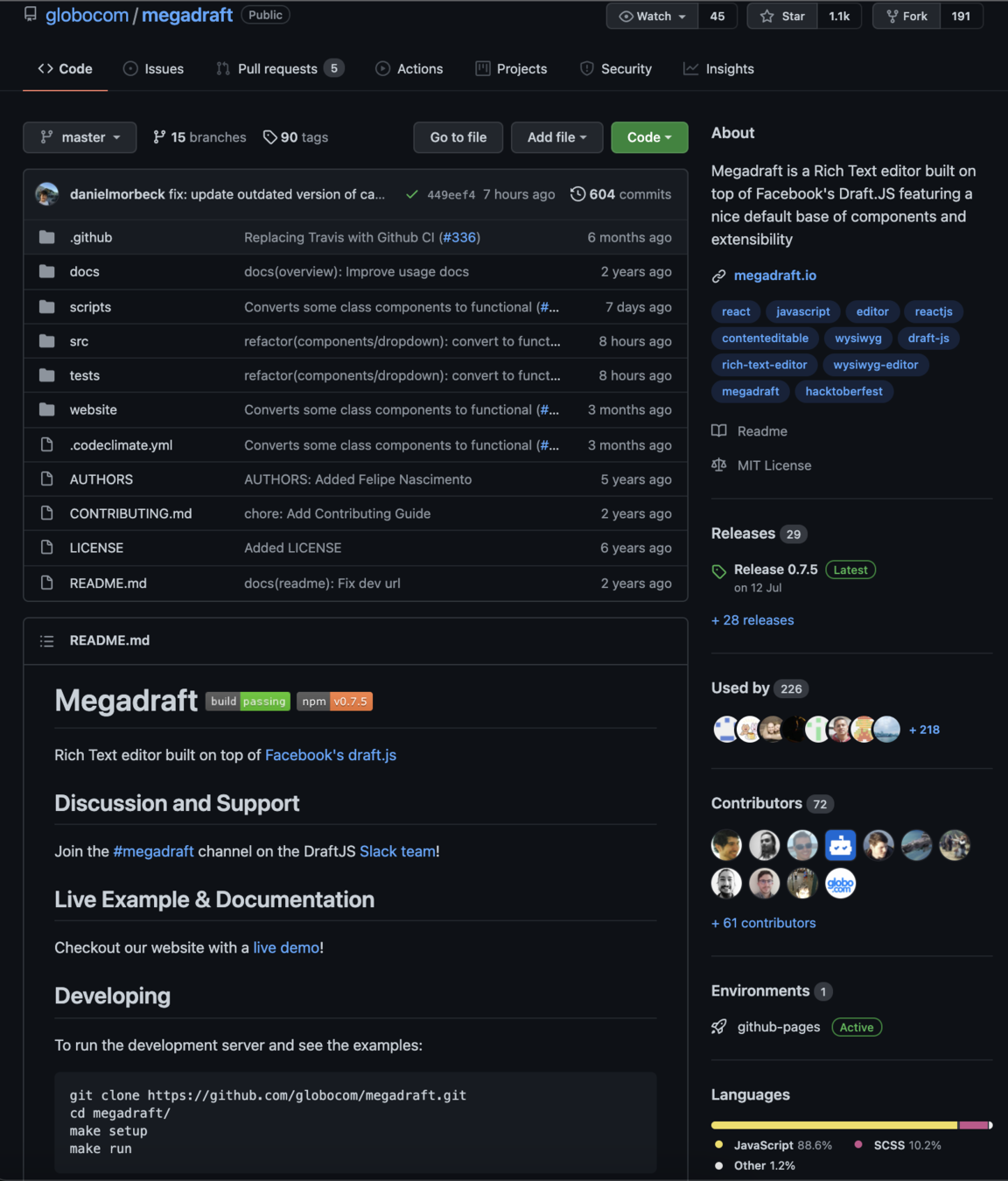
When visiting a repository, we can find more information:
Users and contributors
Numbers are links for users who:
1) Choose to receive notifications about this project
2) Created a copy of the project (fork), which is useful for contribution
Technologies
README file
Description and tags
BRANCH name
It's common to find some repositories like those below. Take a look and let's understand about they.
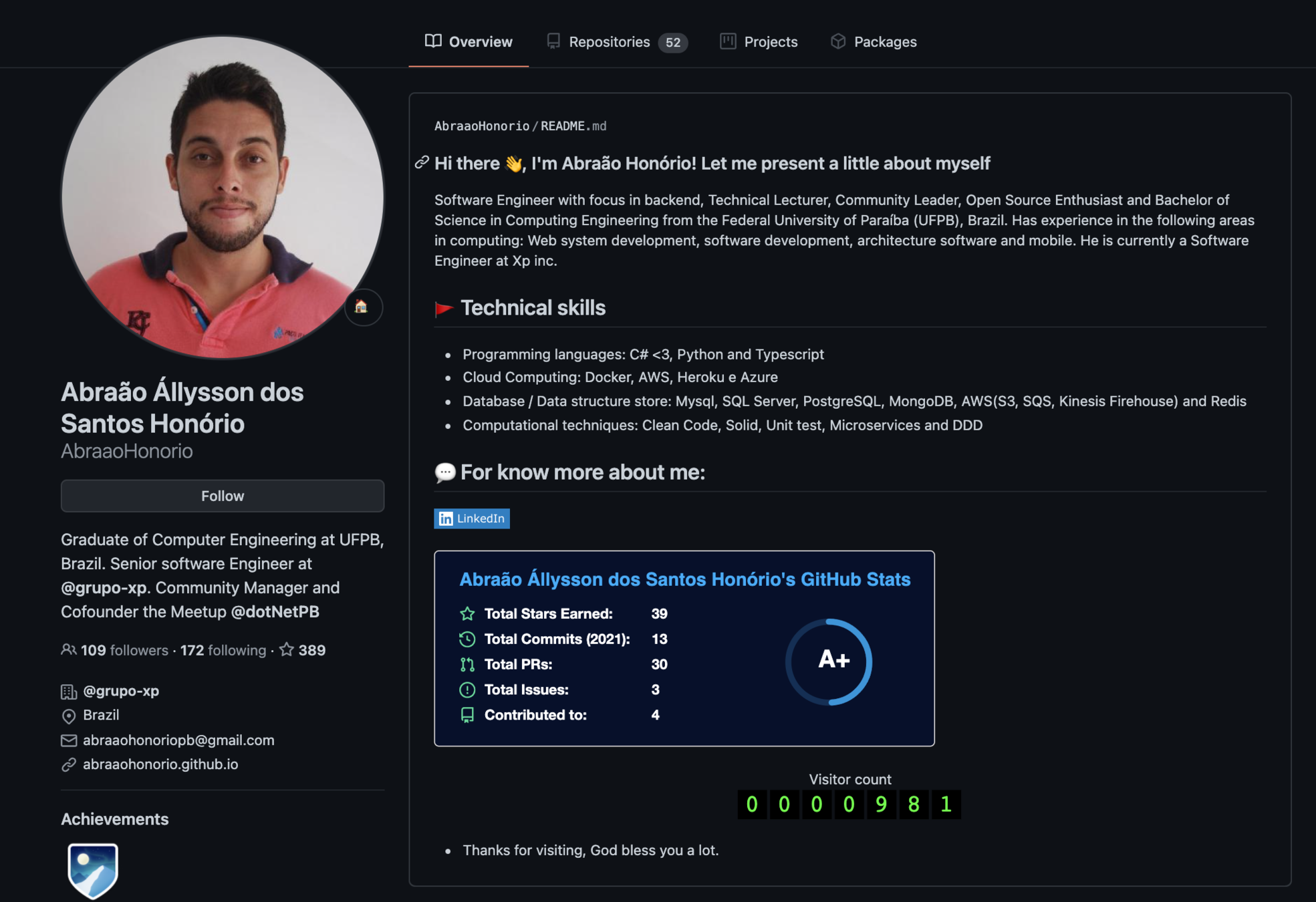
A repository named as {username} is a custom page with information, that was created by the user and is displayed in the "Overview" tab.
A repository named as {username}.github.io is a website, hosted for free by using the resource Github Pages.
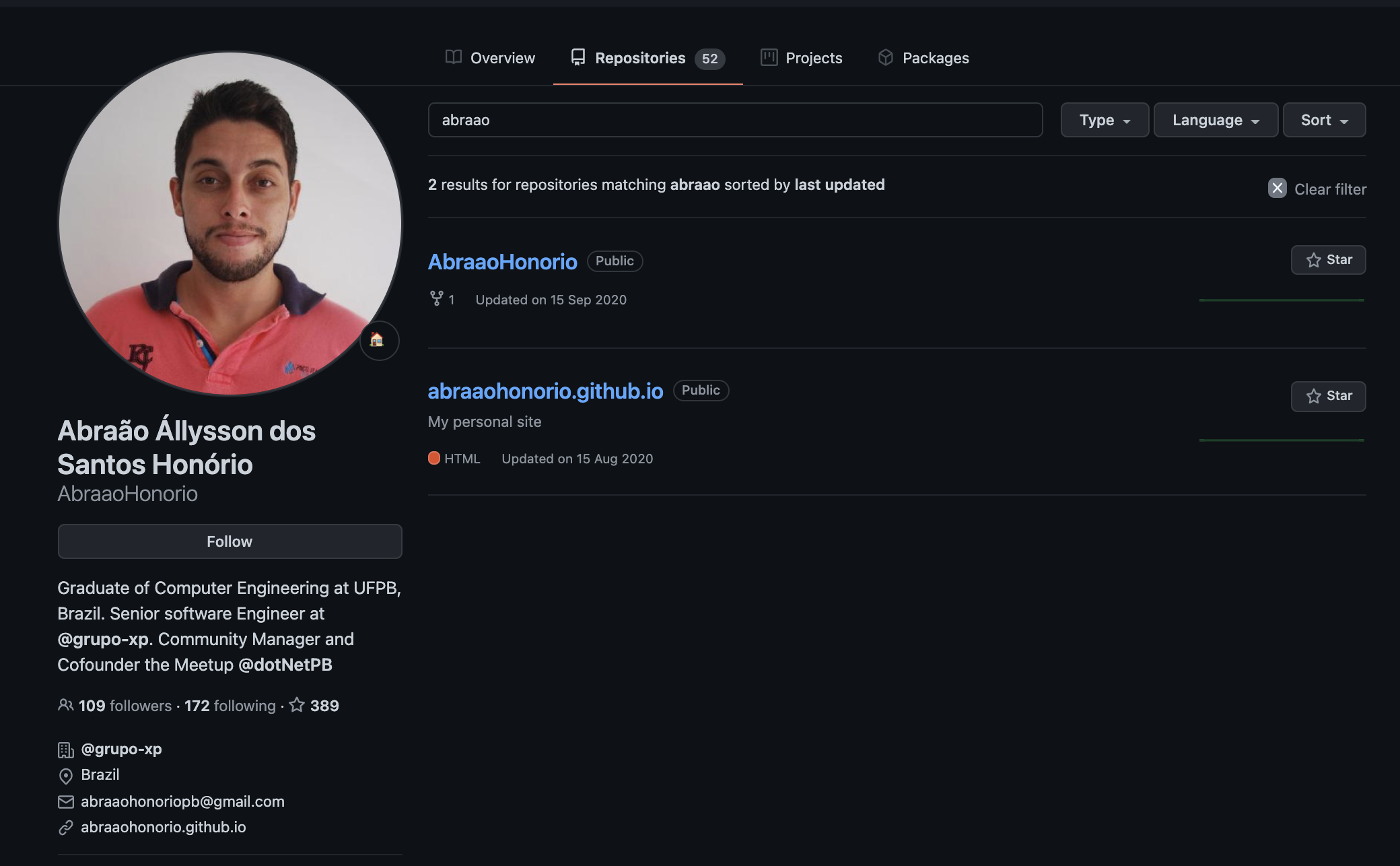
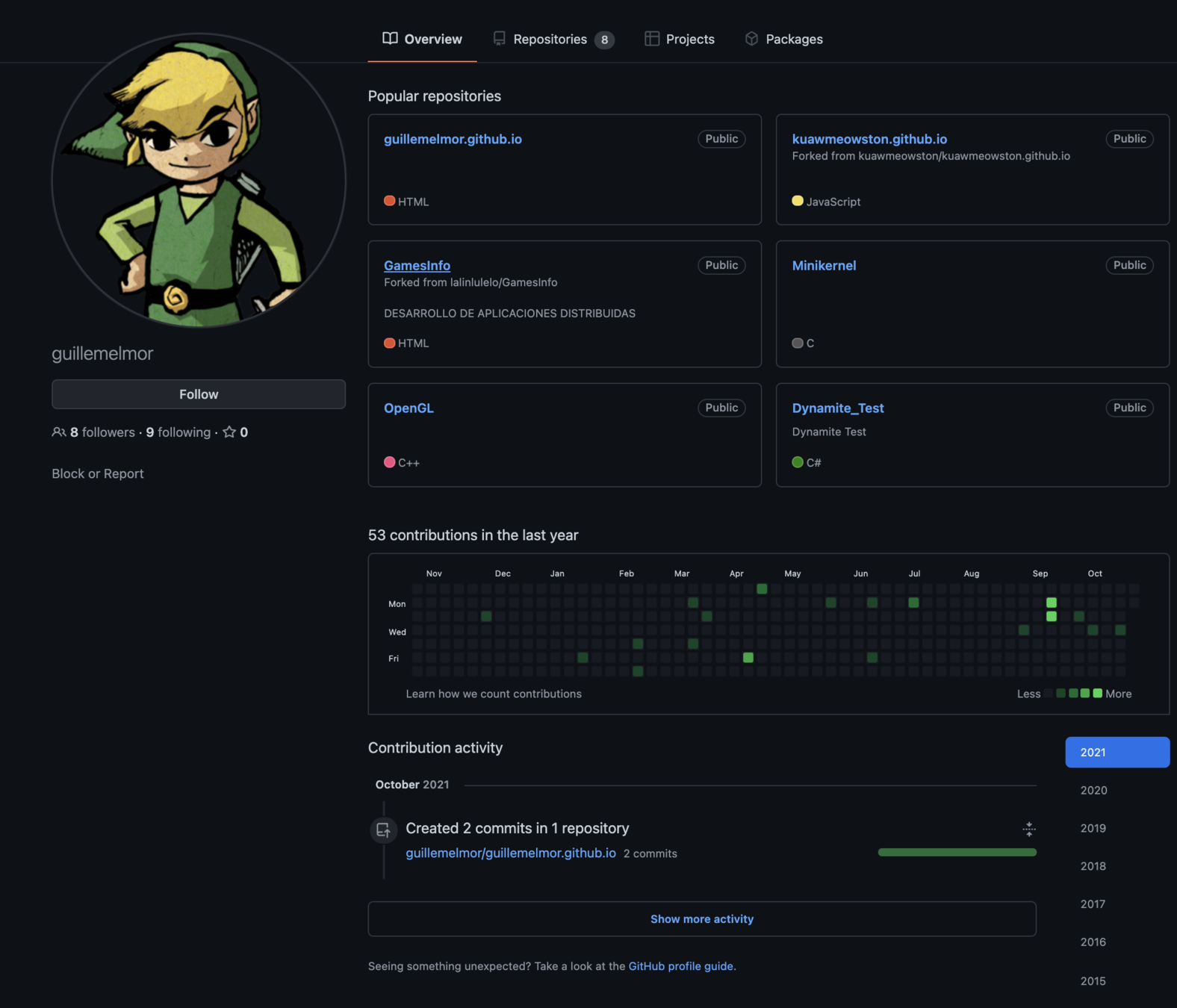
Attention to all details when looking into a GitHub profile. Example: this GitHub user did't fill his profile with information. But we can see some "github.io" repositories. One of them is "forked" from another user, that means "it's a copy of other project for contribution or studying". "Forked" is good, it shows that the user had been interested in learning/collaborating someone else's project.
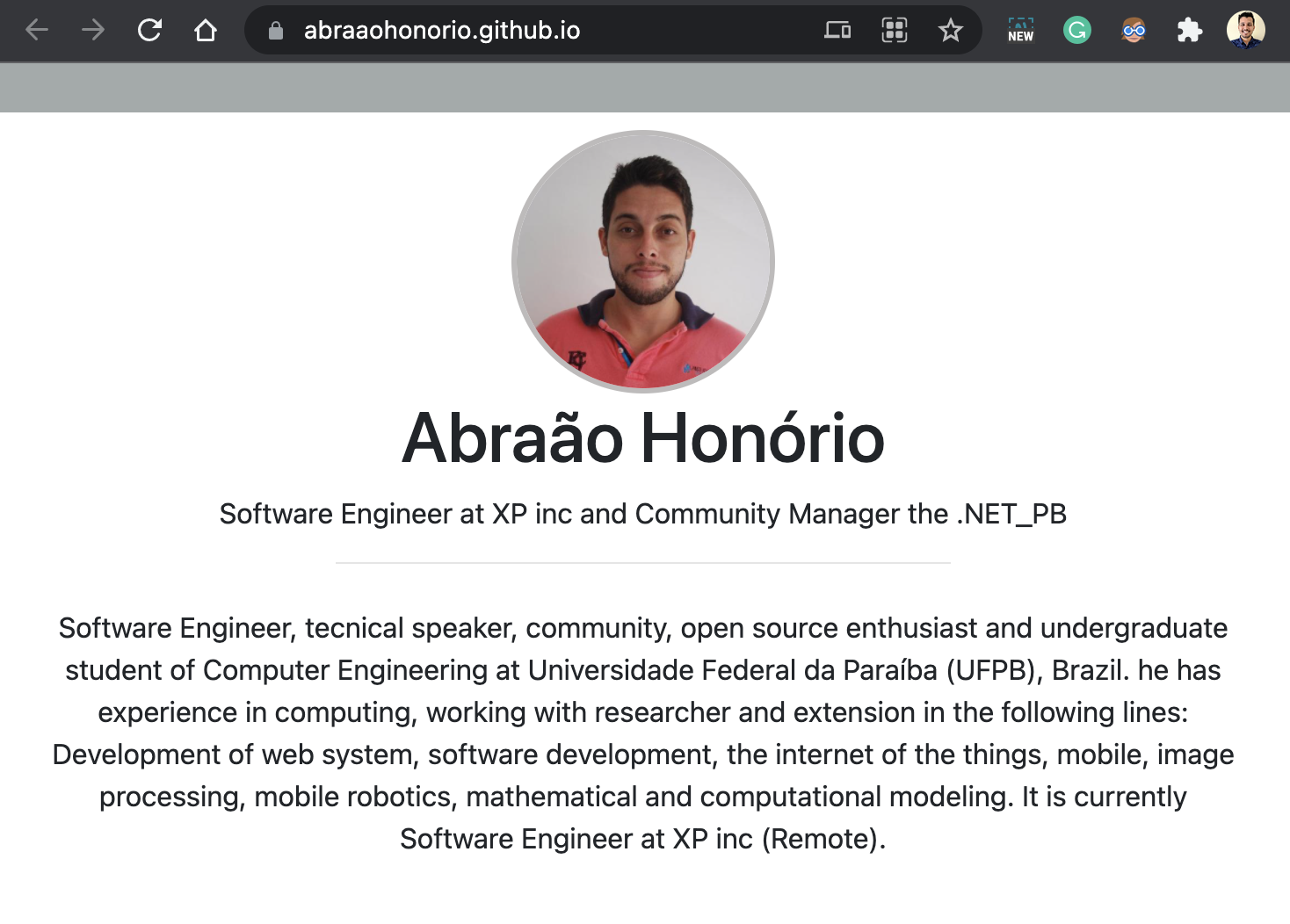
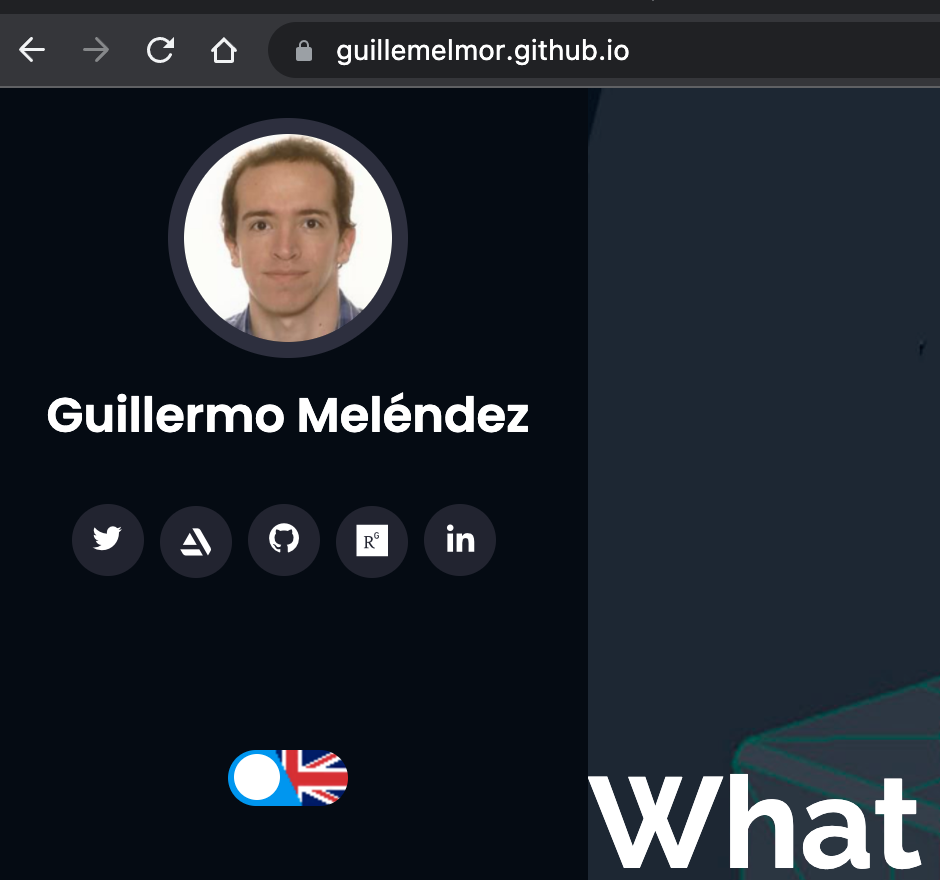
In previous slide we found an GitHub user without information. But if we open the website "{username}.github.io" we can find all contact info.
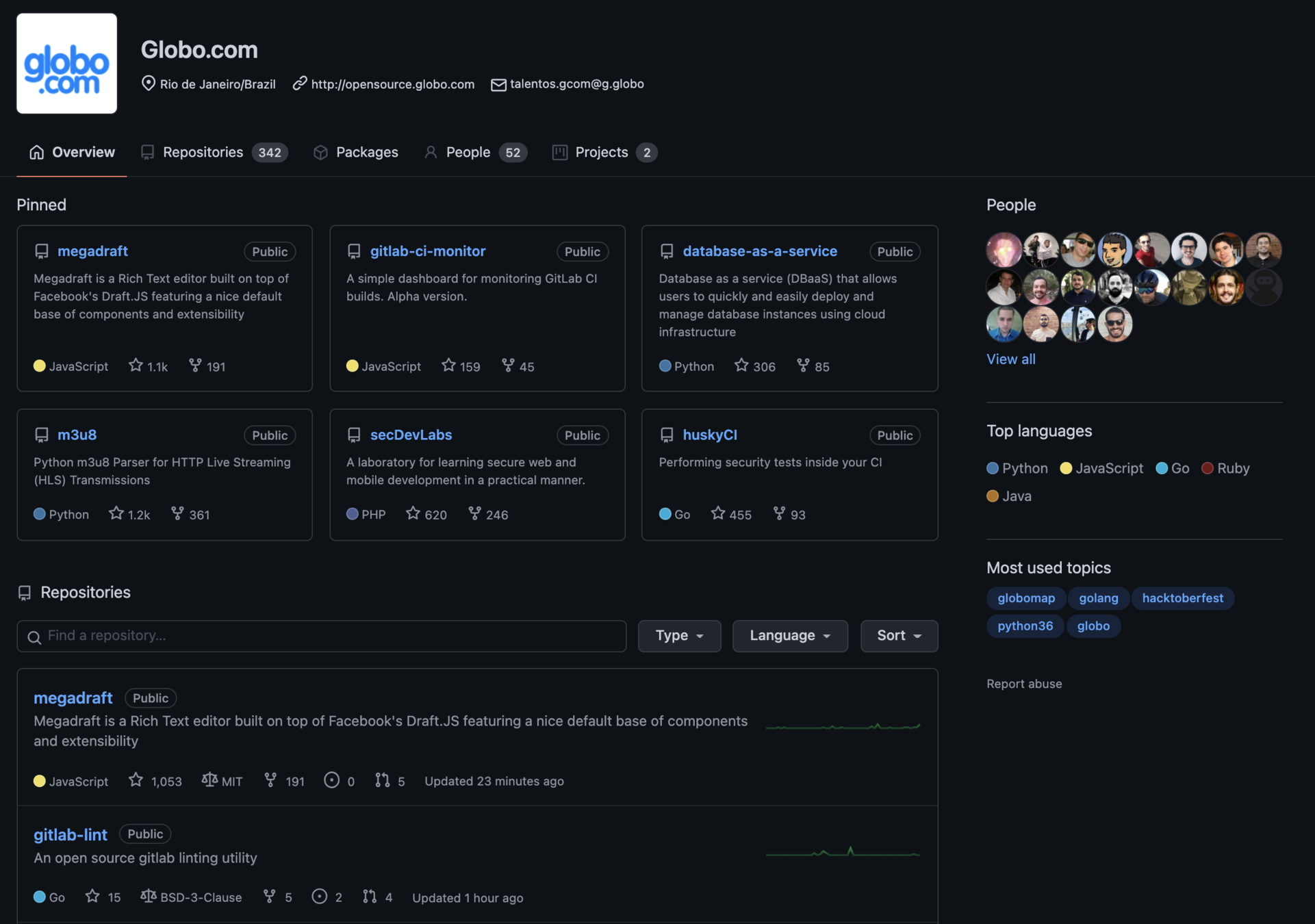
People
All projects
Main projects
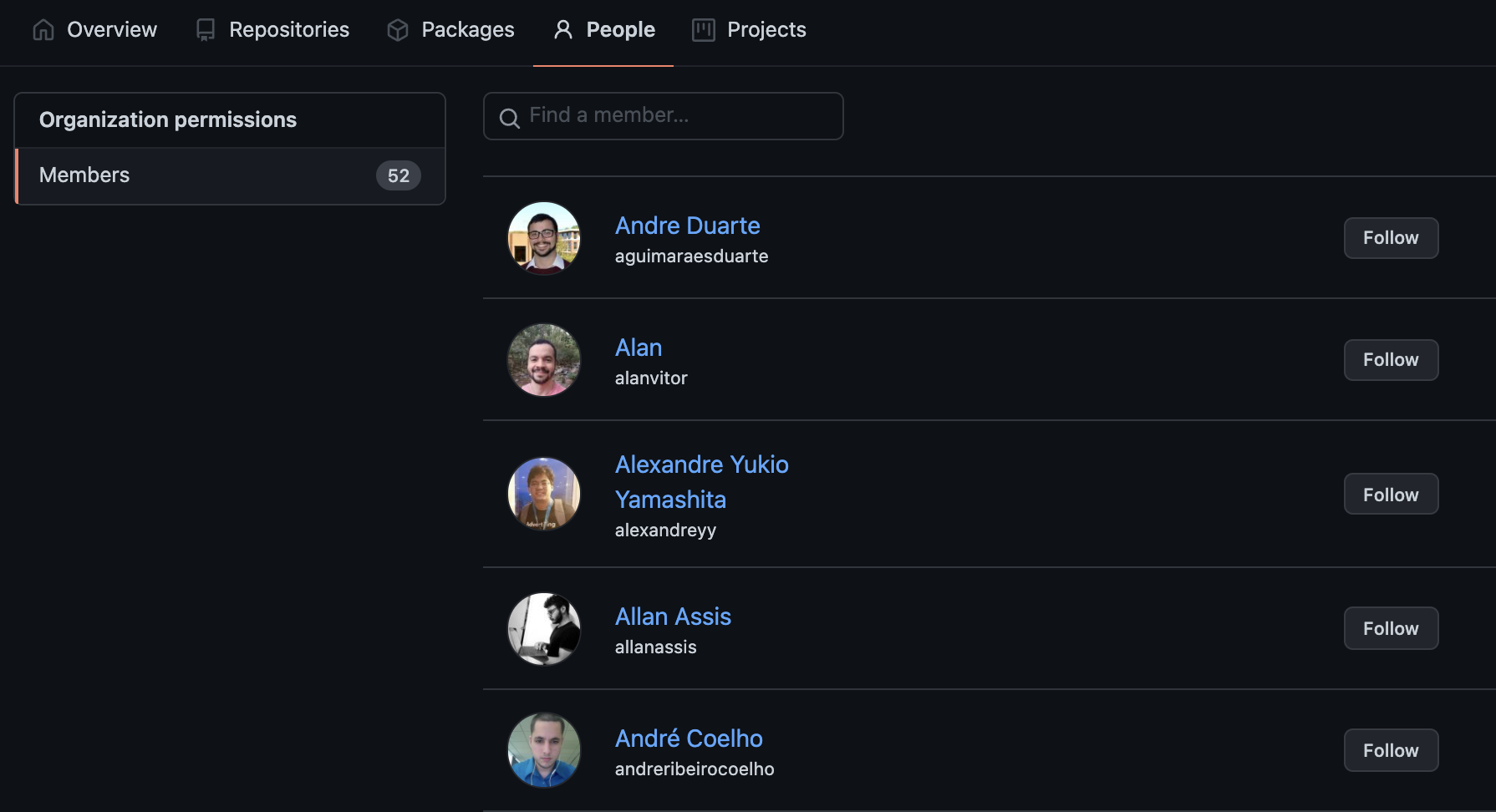
"People" will list all software developers related to the organization
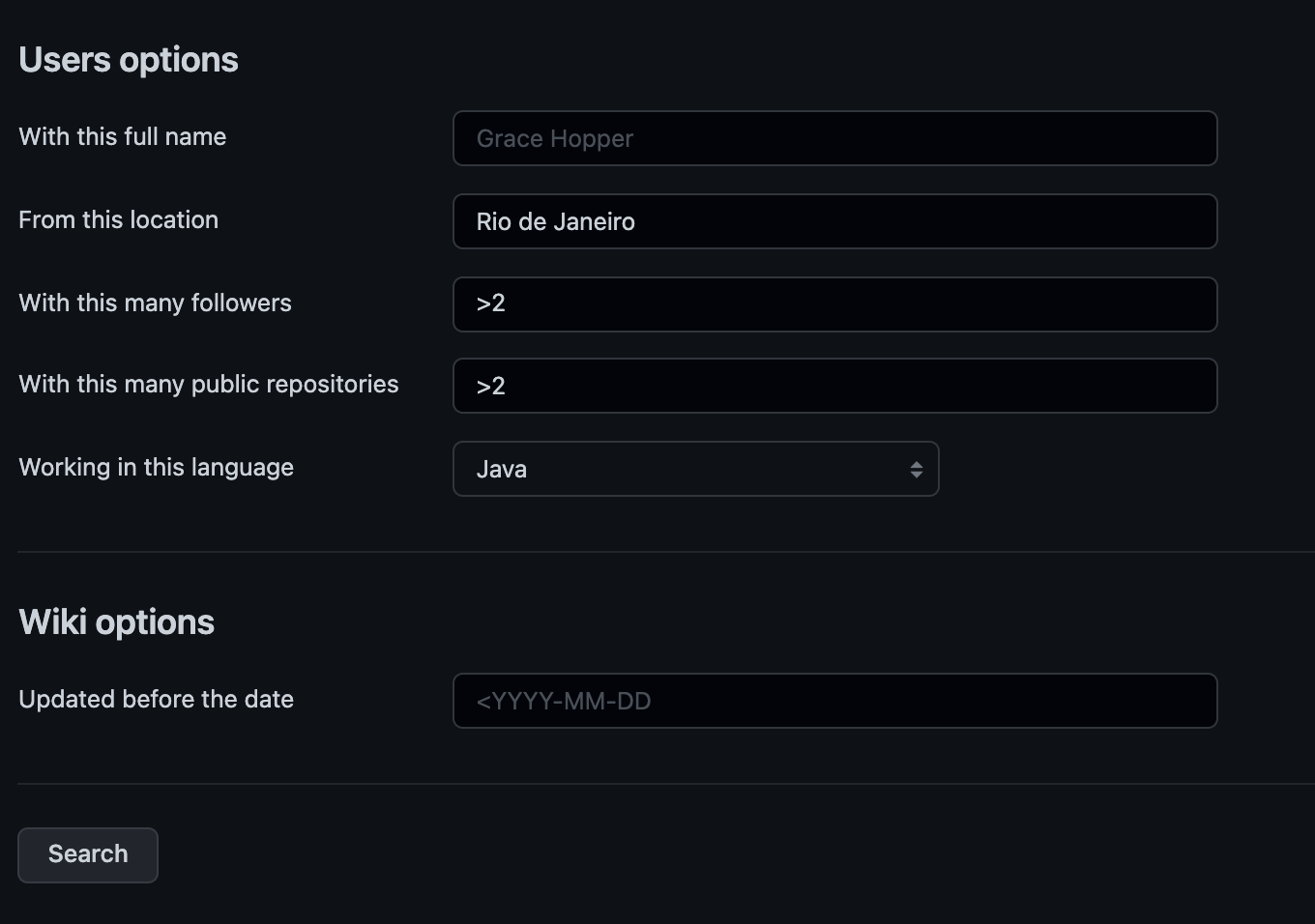
This resource allows to apply a lot of filters to find users.
D.I.Y.: fill in some filters and click in the "Search" button.
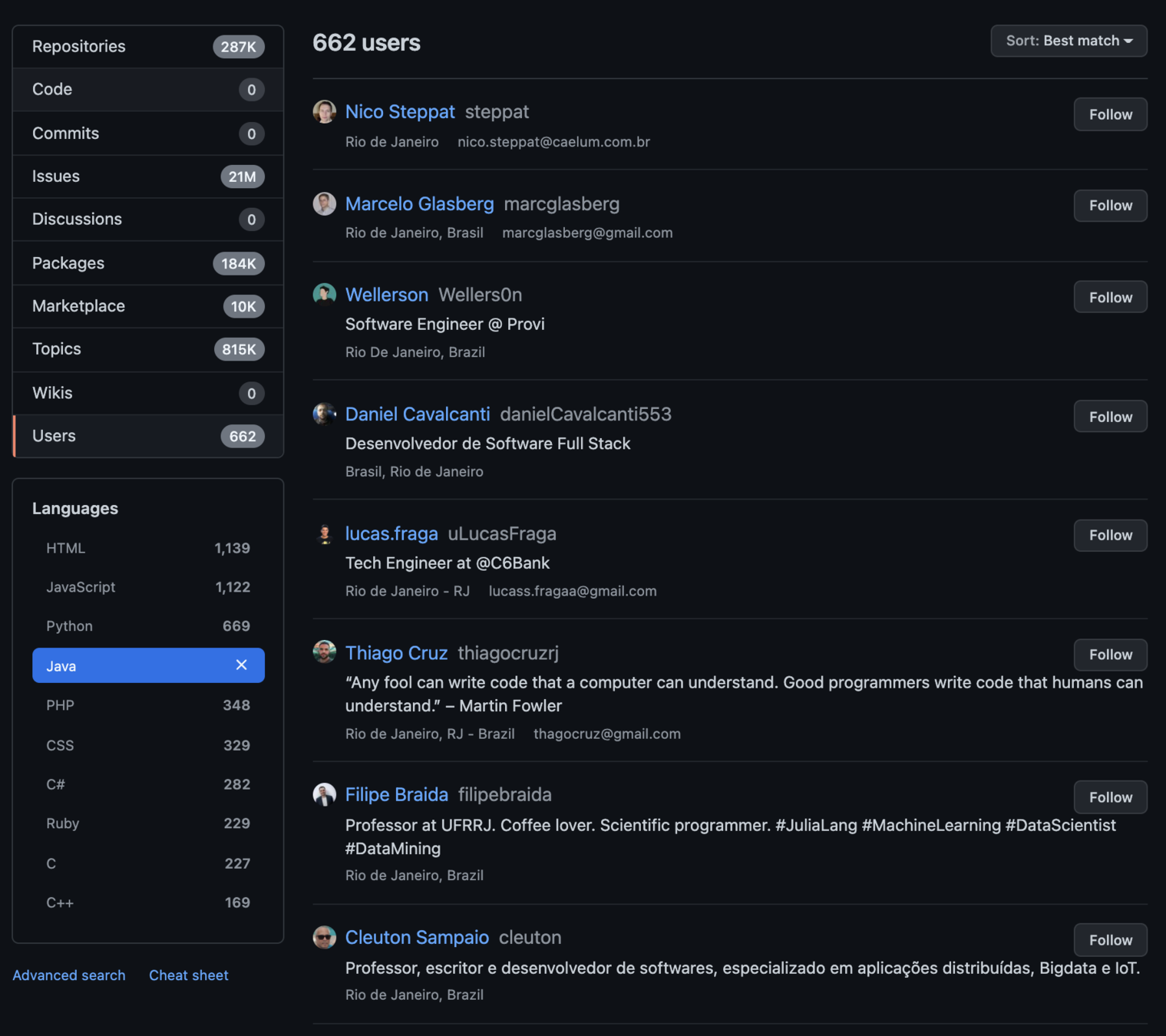
As result of the previous search, we got some results:
Using these public docs of Github REST API, it's possible to use some GET requests related to events.
Let's try the two endpoints below on the next slides.
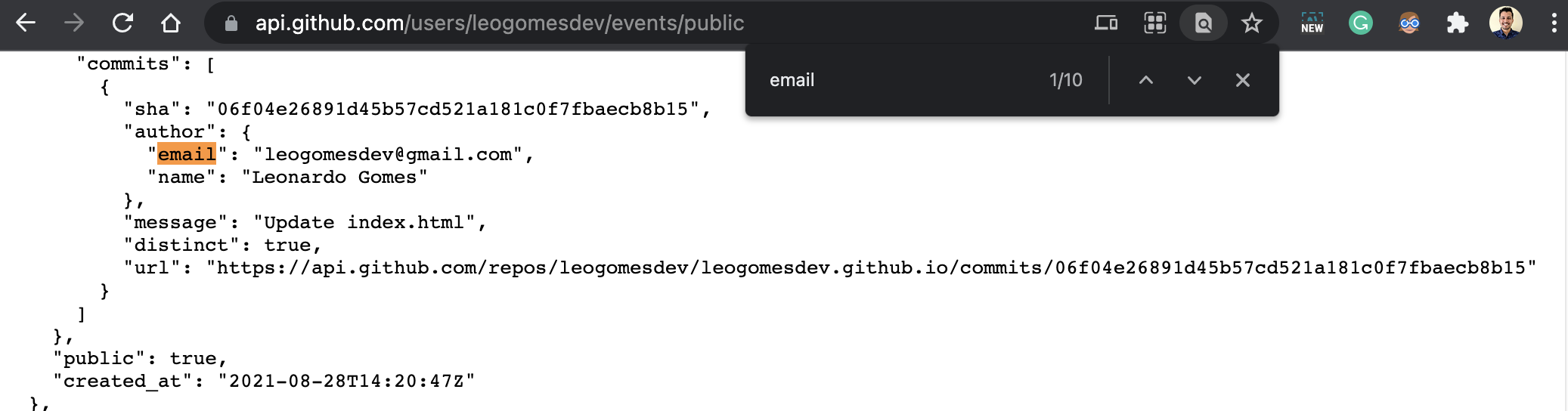
Using this API is possible to find user historic actions. It's easy to find a public user e-mail address.
Let's see an example:
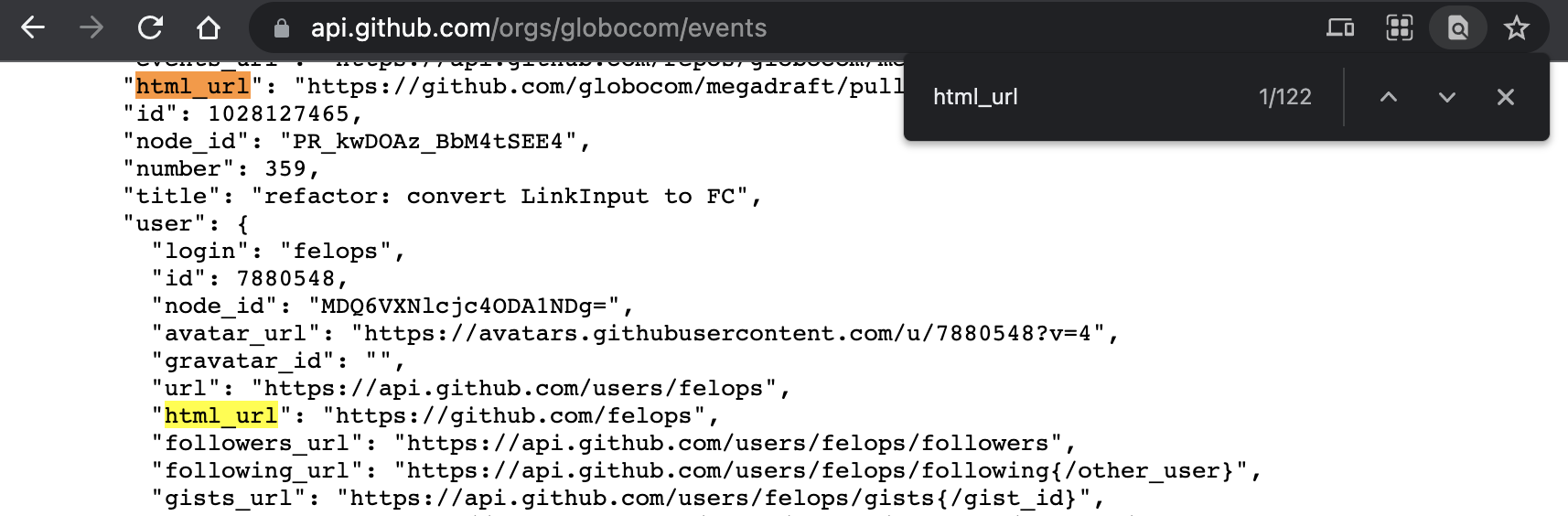
Using this API is possible to find historic actions related to an organization. It's useful to find users' profiles.
Let's see an example:
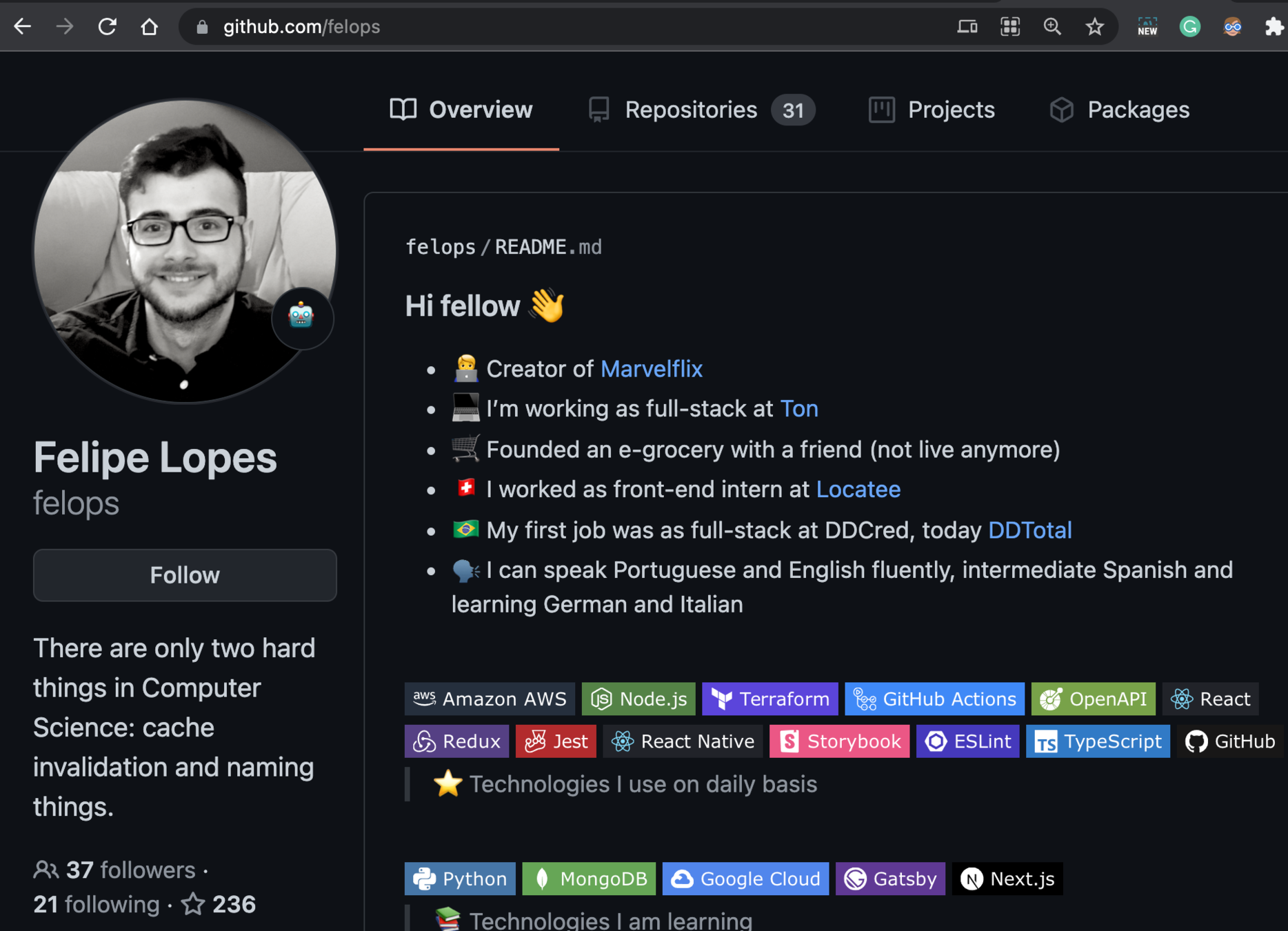
In the previous slide, we found a GitHub user related to the organization "globocom". Now we can navigate into his profile:
By Leonardo Gomes da Silva