INTRODUCTION TO GRAPHIC TOOLS
BCA 1
GRAPHIC TOOLS FINAL PROJECT
BY:
MARYAM MUJAHID 53192
FAIZA ALAMGIR 52900


AGENDA:
All of the tools used to make this poster:
MOVE TOOL
GRADIENT
LASSO TOOL
LAYER MASK + GROUPING
BRUSH TOOL
PEN TOOL
SHAPE TOOL
CLIPPING MASK
SHARP TOOL
TEXT
LOCKS
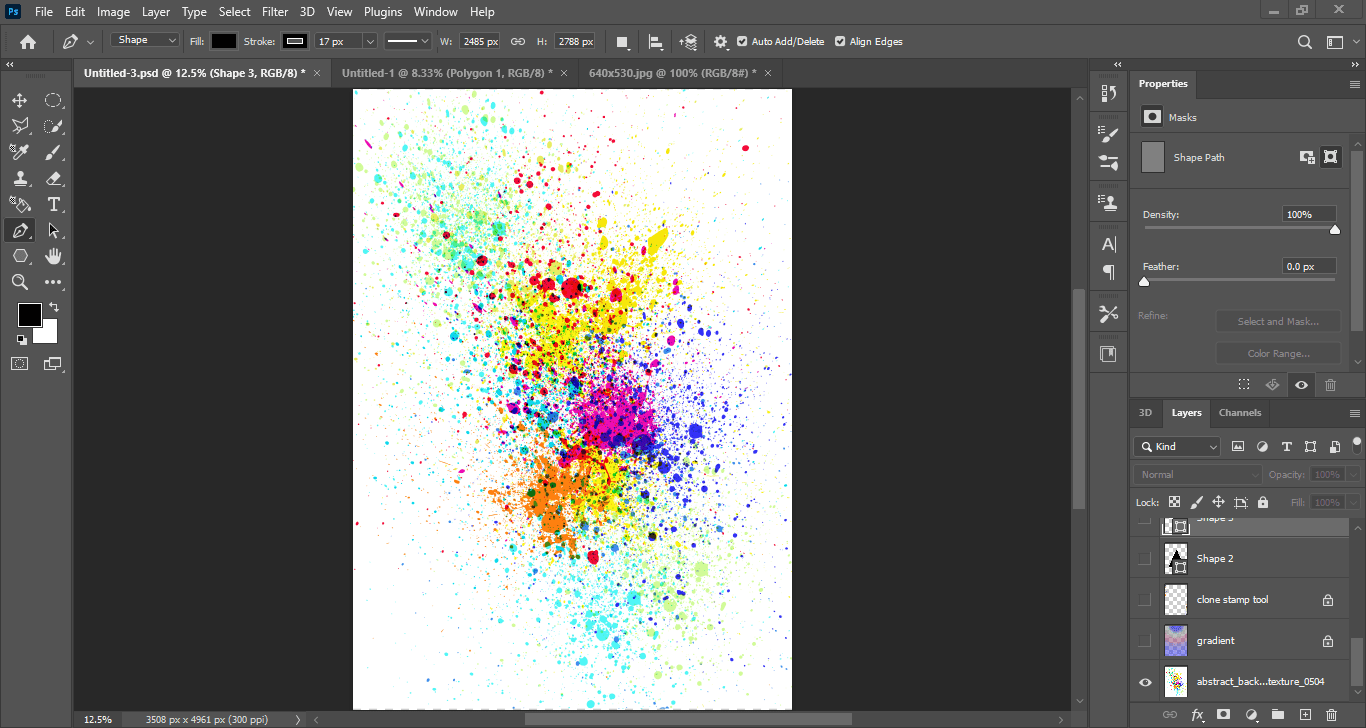
BACKGROUND IMAGE
- Taken from a website freepik.com
- Blended mode selected to "screen"
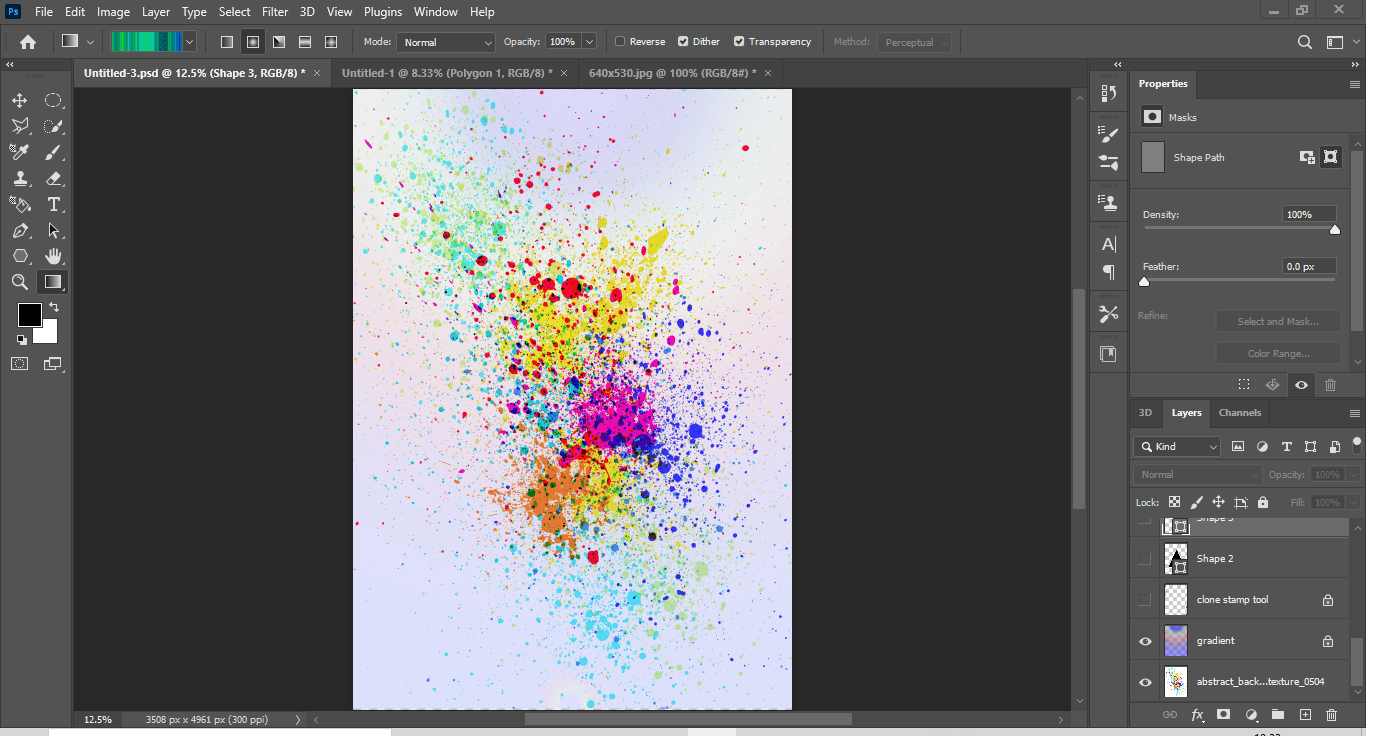
GRADIENT TOOL
- Is applied on background image
- With opacity set to 50%.
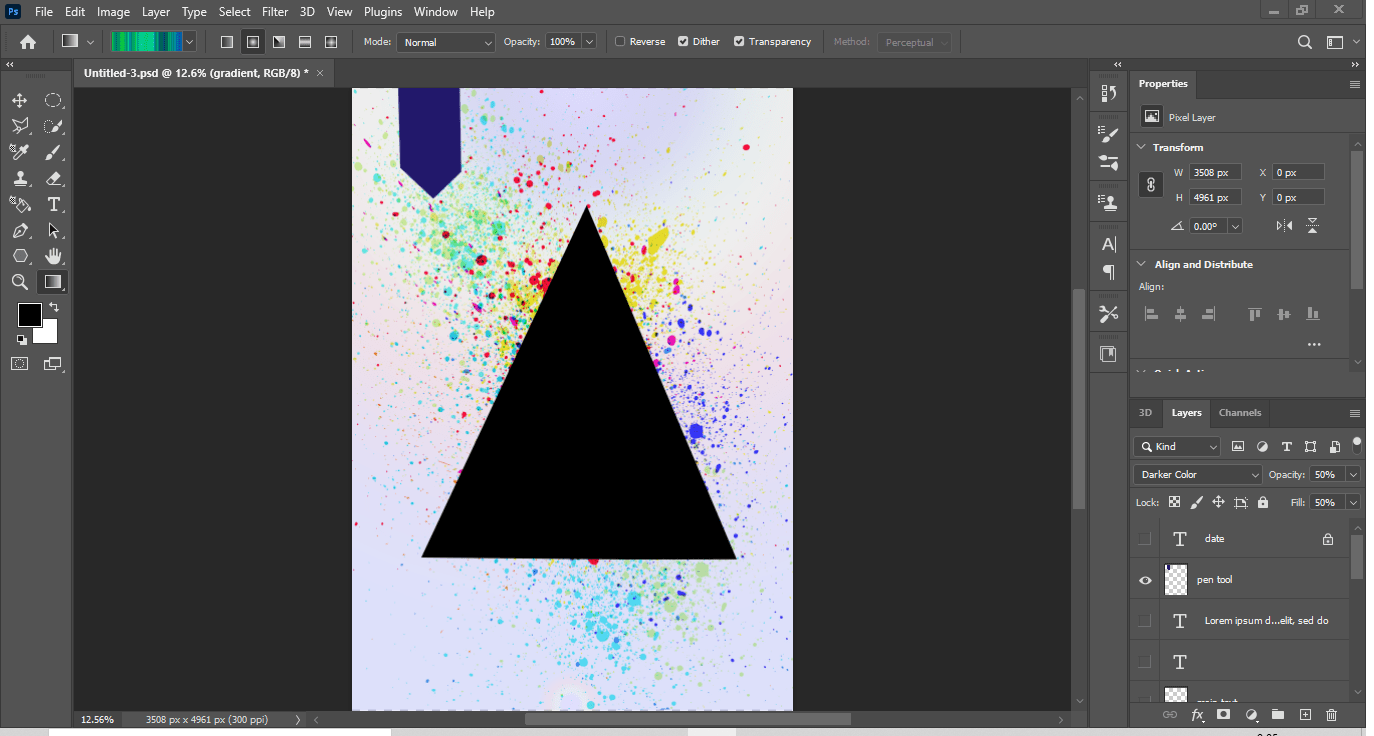
PEN TOOL
Is used to make shapes
- a tag in the upper left corner
- and a triangular shape in the middle.
using the anchor points.
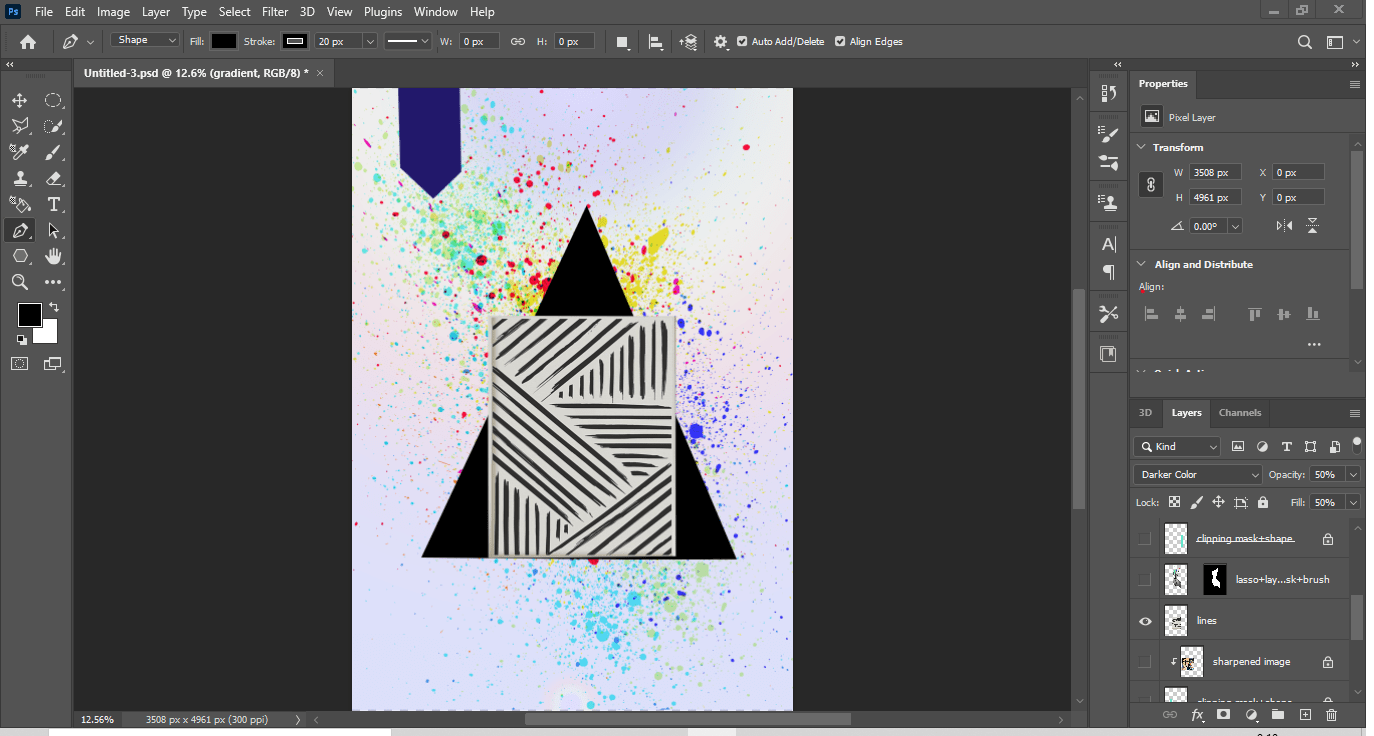
PLACE EMBEDDED
Inserted the image using the "place embedded" option from the "file" dropdown.
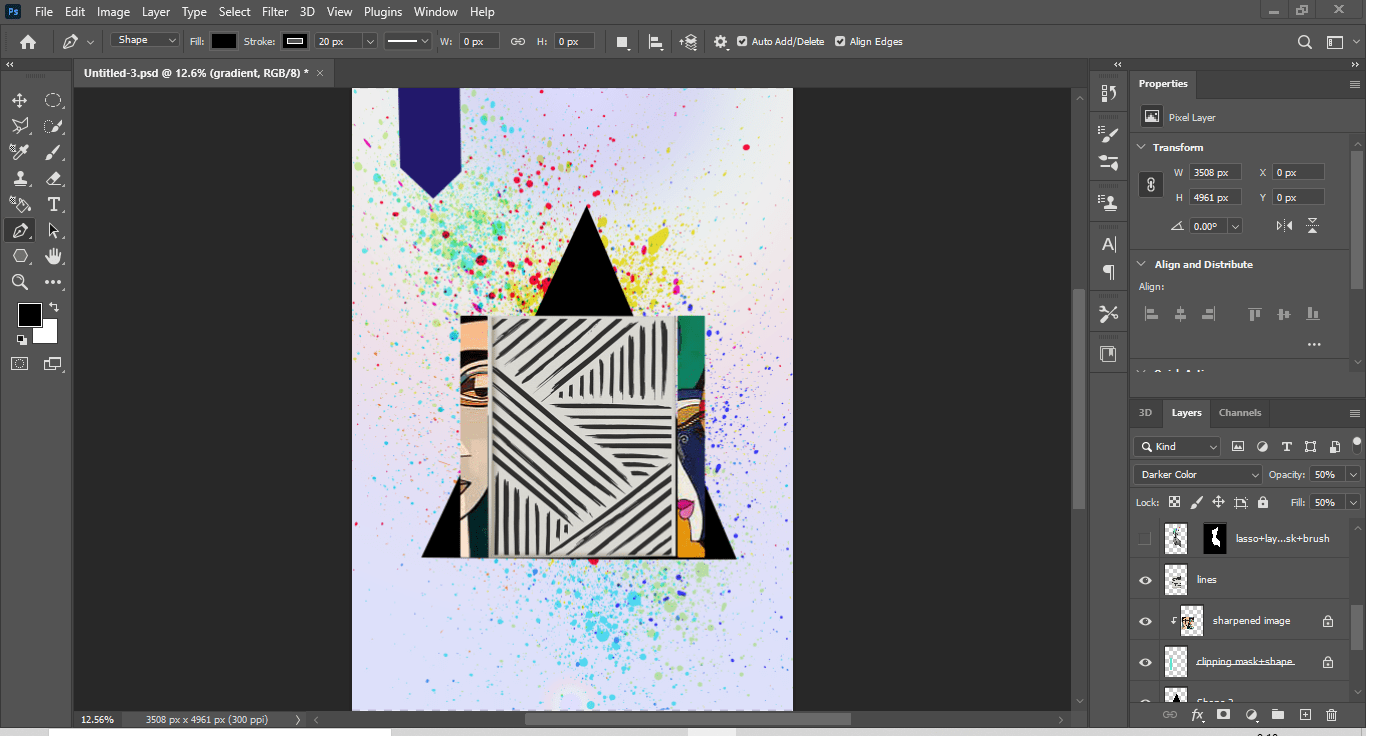
SHAPE &CLIPPING MASK
- Added the rectangular shapes
- Then added the pictures
- Press ctrl+alt+g to fit the picture into the shape
SHARP TOOL
Is used to slightly enhance the images inside the rectangular shapes
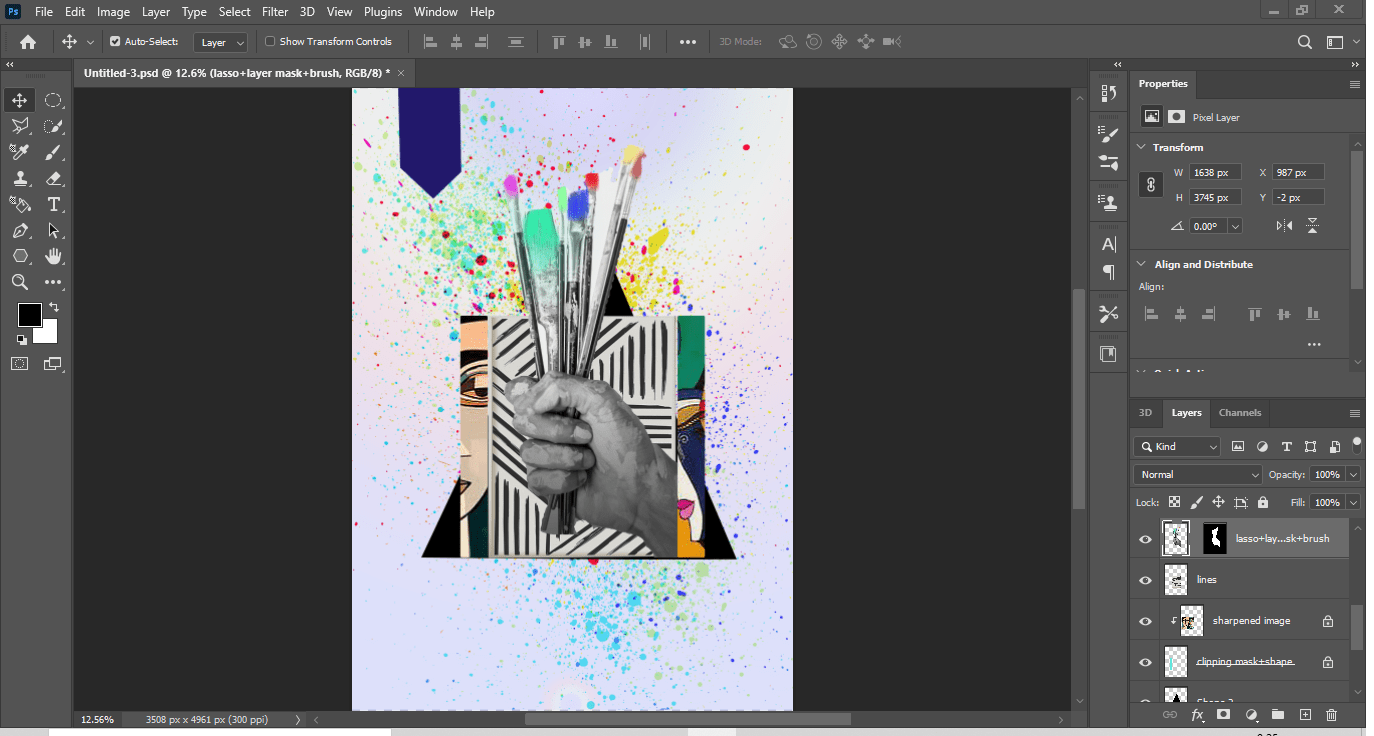
LASSO TOOL+LAYER MASK+BRUSH TOOL
- Cropped the hand out of an image using lasso tool
- Applied layer mask to it
- Coloured the brissles of the brush using brush tool.
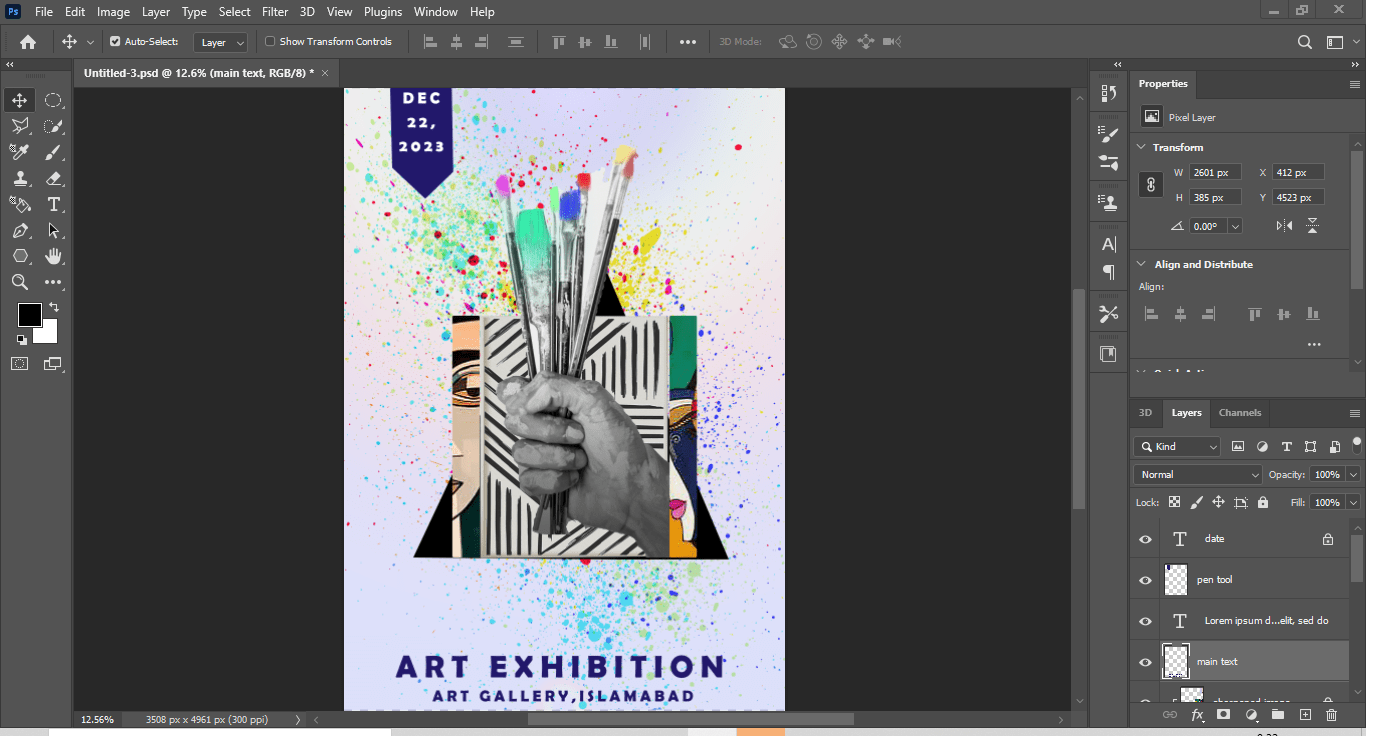
TEXT TOOL
Is used to give the necessary information regarding the event and its date and time
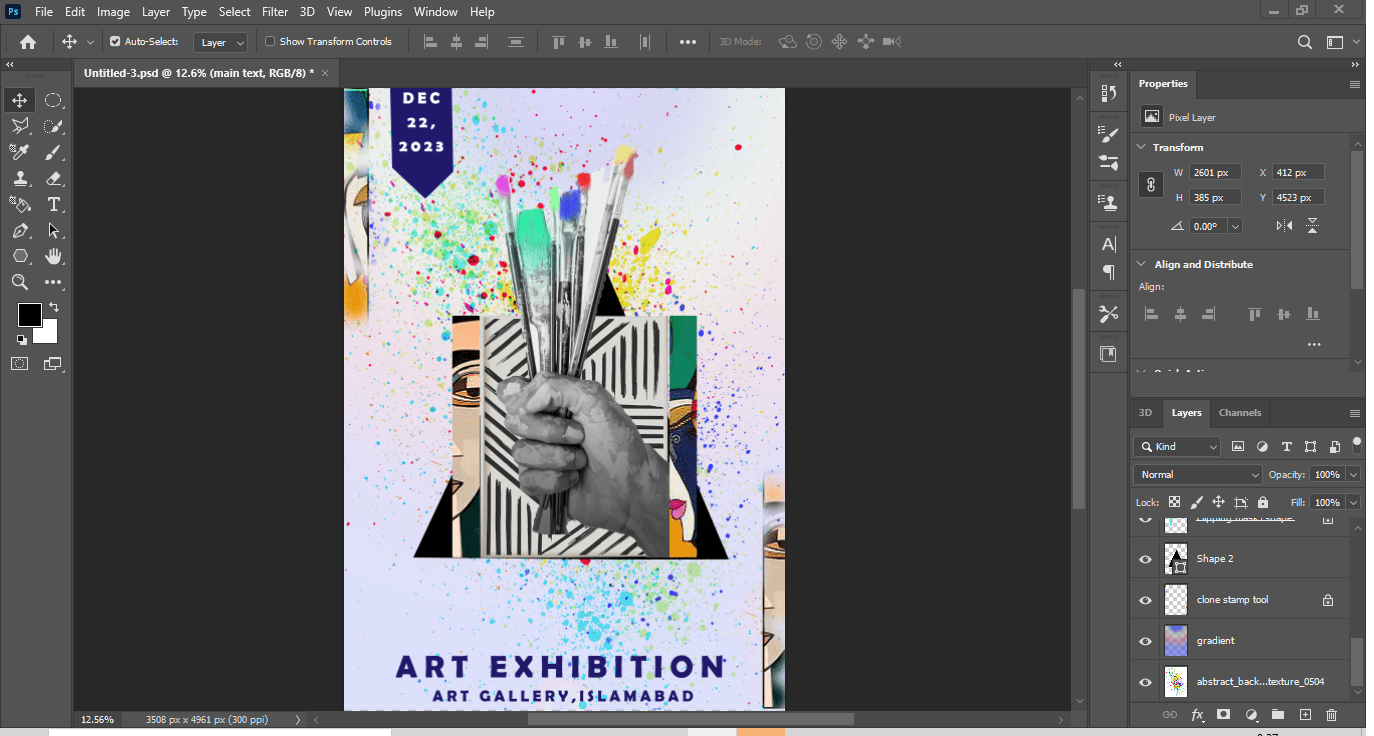
CLONE STAMP TOOL
Is used in the corners to add little more detail to the poster.
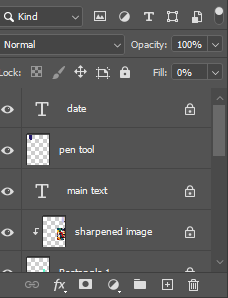
LOCKS
Locks are applied on several layers to secure the work done on them
Photo by Raimond Klavins
Thank You!
Questions?
Palette
By Maryam Siddiqui