Web
App
Progressive


@maudel
github.com/maudel
Mauricio De La Quintana
State of the Art
- Elementos
- Arquitecturas
- Frameworks

Service Worker
Title Text
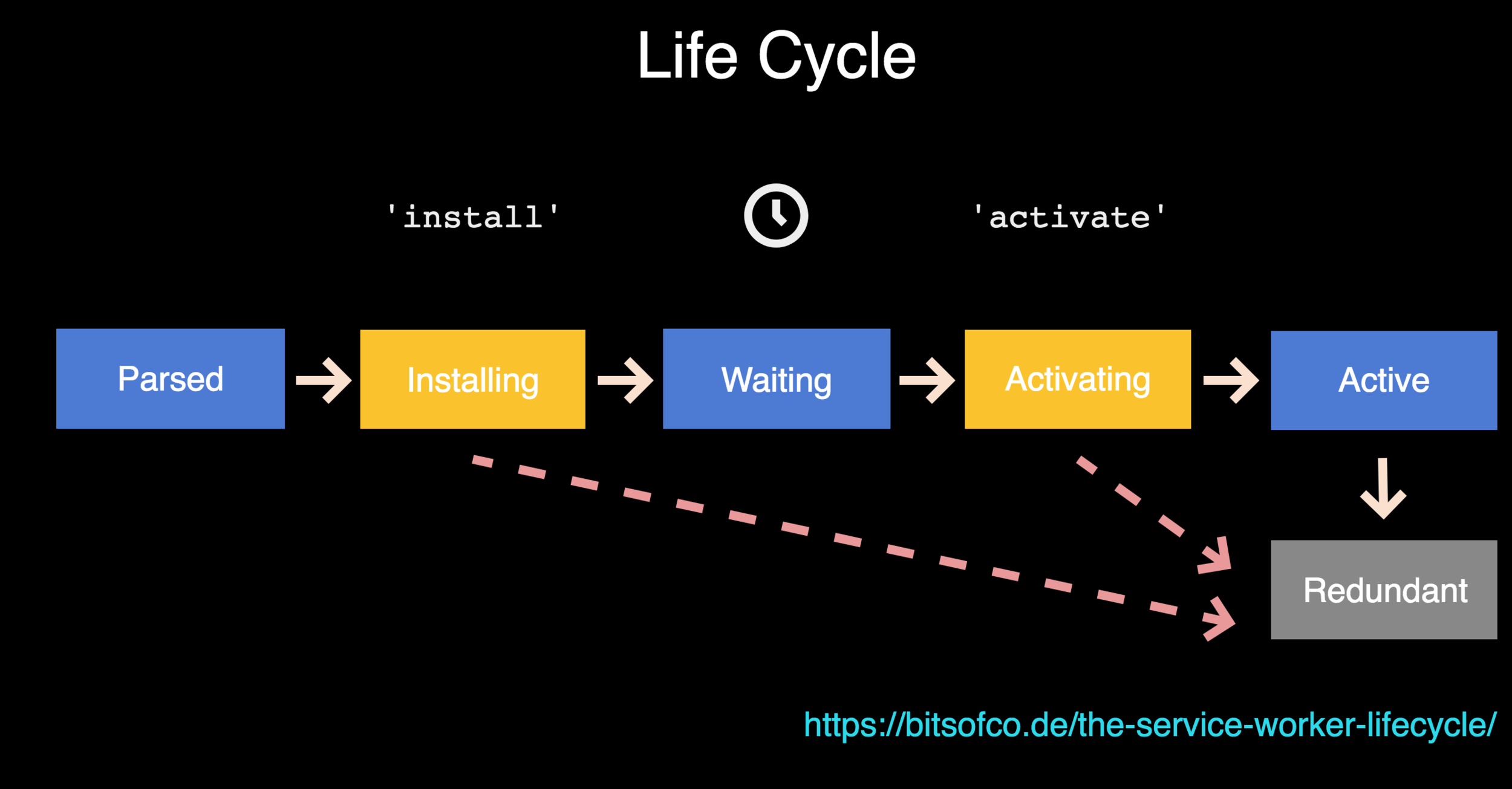
- Shell is cached using service worker.
- Cache data is displayed instantly.
- When is online cache is updated.
- Using SSr is a good practice
Web App Manifest
Let the browser know about your site
- Reliable and fast performance at all times.
- Interactions similar to native apps.
- Economic use of data
+



Angular 5
"Pentagonal Donut" has been released
Install
Here is the new way. Run a command:
ng set apps.0.serviceWorker=true


Check the .angular-cli.json:
"serviceWorker": true
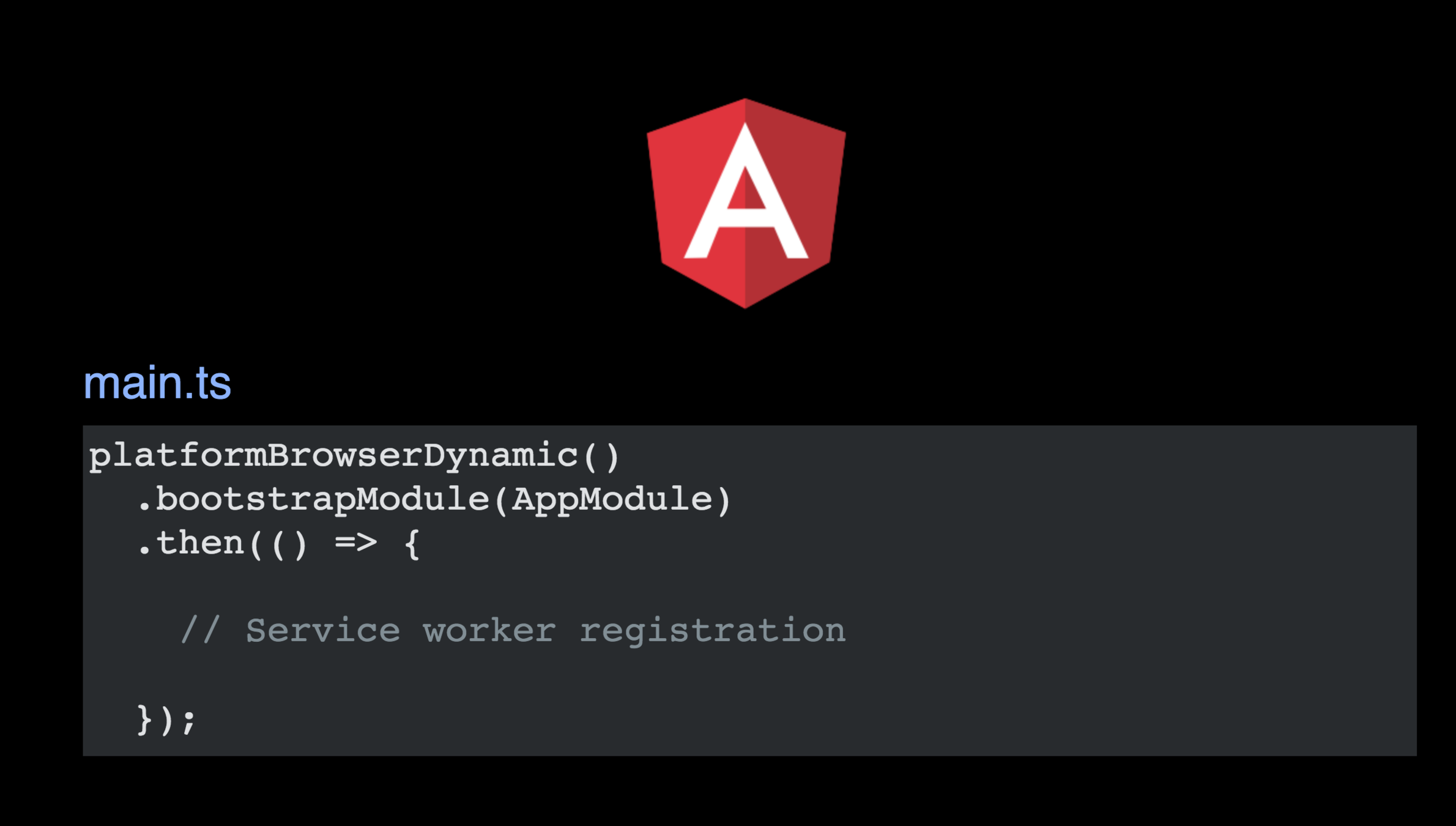
Let's build
Build the app
ng build --prod

And check dist/ folder.

You will see three new files there

worker-basic.min.js
sw-register.HASH.bundle.js
ngsw-manifest.json
Static Manifest
{
    "dir": "ltr",
    "lang": "en",
    "name": "Angular Mobile Toolkit",
    "scope": "/",
    "display": "standalone",
    "start_url": "./?utm_source=web_app_manifest",
    "short_name": "AMT",
    "theme_color": "#f27b00",
    "description": "",
    "orientation": "any",
    "background_color": "#3a1c8d",
    "related_applications": [],
    "prefer_related_applications": false
}
Case1: Routing
 "routing": {
   "index": "/index.html",
   "routes": {
     "/": {
       "match": "exact"
     },
     "/some-routes-group-prefix": {
       "match": "prefix"
     },
     "/some-routes-group-prefix-no-files": {
       "match": "prefix",
       "onlyWithoutExtension": true
     },
     "/some/specific-route": {
       "match": "exact"
     },
     "^/regex/.*/route$": {
       "match": "regex"
     }
   }
 }
Case 2 : Caching
"external": {
   "urls": [{
     "url": "https://fonts.googleapis.com/css?family=Material+Icons"
   }, {
     "url": "https://fonts.googleapis.com/css?family=Roboto:400,300"
   }, {
     "url": "https://fonts.gstatic.com/s/materialicons/v22/2fcrYFNaTjcS6g4U3t-Y5UEw0lE80llgEseQY3FEmqw.woff2"
   }]
Caching strategies
"dynamic": {
   "group": [{
       "name": "favorites",
       "urls": {
         "http://localhost:3000/favorites/": {
           "match": "prefix"
         }
       },
       "cache": {
         "optimizeFor": "performance",
         "strategy": "lru",
         "maxAgeMs": 3600000,
         "maxEntries": 2
       }
     },
     {
       "name": "timeline",
       "urls": {
         "http://localhost:3000/timeline/": {
           "match": "prefix"
         }
       },
       "cache": {
         "optimizeFor": "freshness",
         "strategy": "fifo",
         "maxAgeMs": 3600000,
         "maxEntries": 2,
         "networkTimeoutMs": 1000
       }
     }
   ]
 }
Push notifications
-
A device downloads your web app containing an already created publicKey, referred to in scripts
-
During the subscription flow the browser contacts the messaging server to create a new subscription for its browser.
-
After the subscription flow, your app passes a subscription object back to your app server.
Resources

Angular PWA
By maudel
Angular PWA
xd