UI Prototyping
Martin Hochenwarter
Overview
Why Prototype?
Prototyping Tools
Choosing the right tool
Introduction to
Sketch
InVision
Framer / Origami Studio
Conclusion
Why Prototype?
Prototyping is more than the creation of a fancy demo
Design Cycle
Build to
Think
Build to
Show
Build to
Test
Build to think
Prototypes allow you to ‘think with your hands’
Encounter unconsidered details
Make compromises
Connect with underlying materials
Build to show
Prototypes communicate concepts to others
Get a shared understanding about the concept
Set the stage for productive collaboration
Show to sell a concept
Build to test
Prototypes provoke reactions in others
Let others test the prototype
Get feedback on usability
Construct accurate models of the user
Rapid identification of problems
Why Prototype?
Build to
Think
Build to
Show
Build to
Test
Prototyping Paradigms
Tools
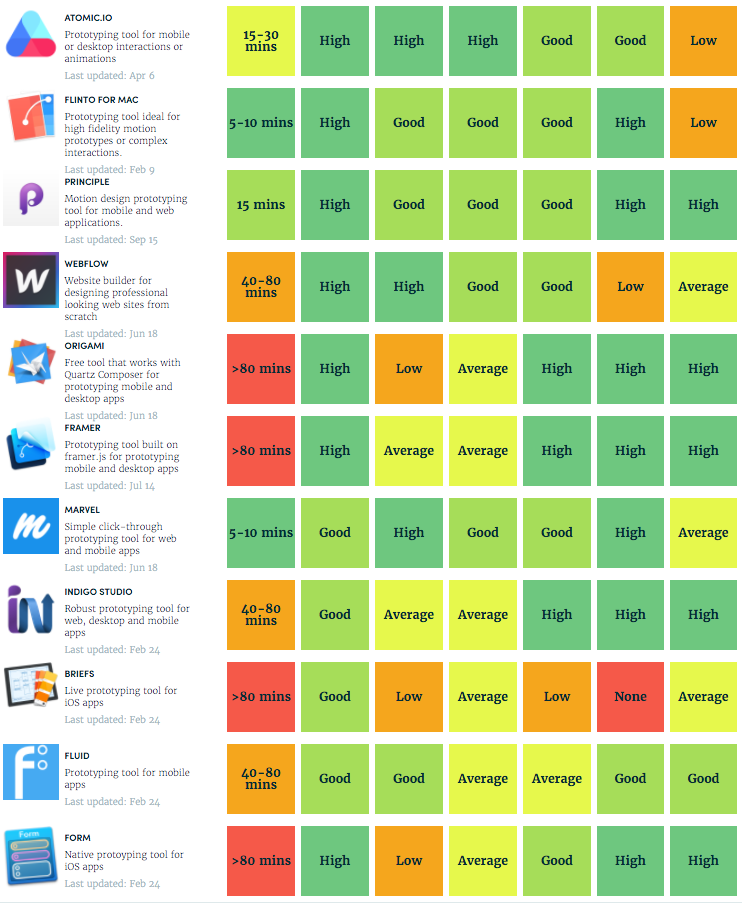
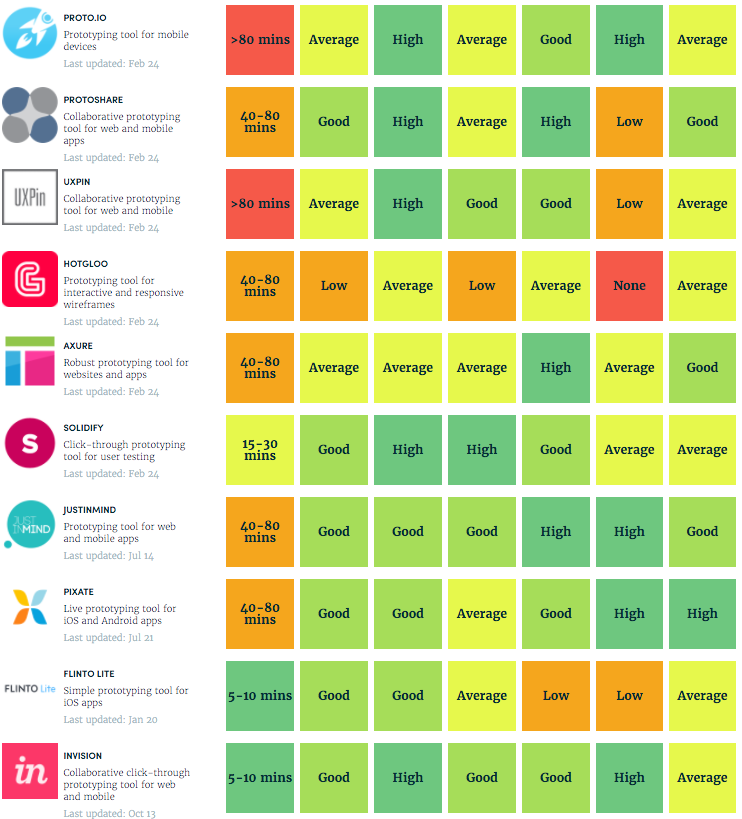
Tools by category
Visions
Paths
Sketches
Systems /
Frameworks
Explore
Refine







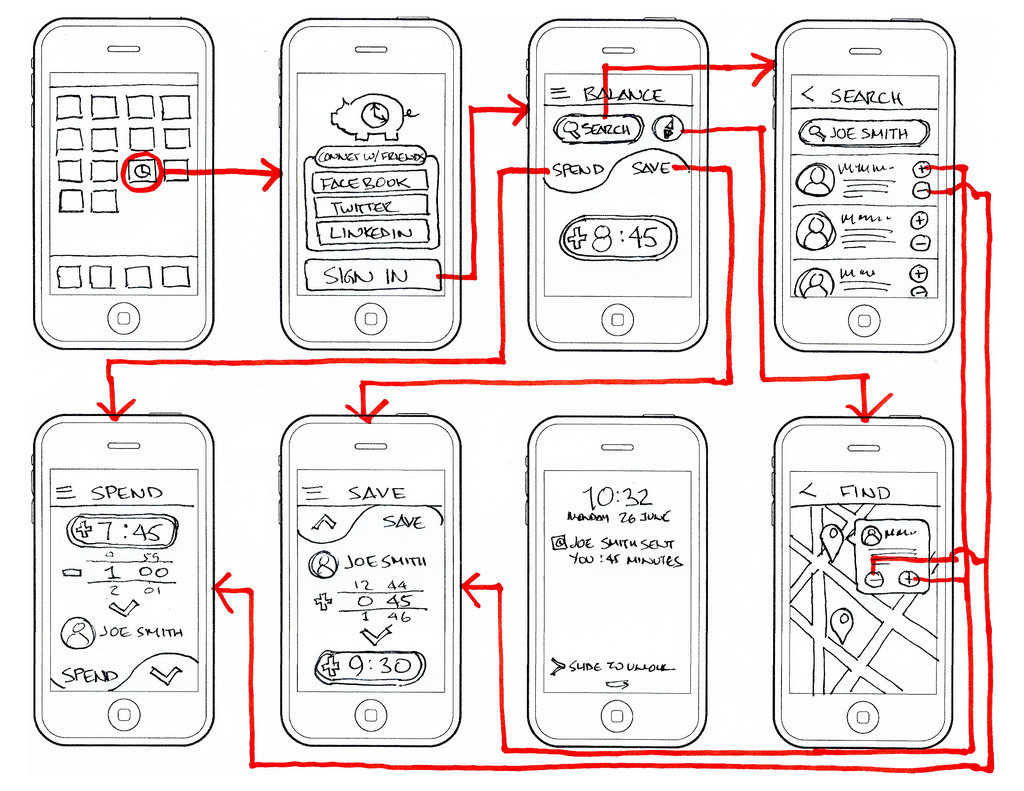
Visions
- Simple sketch of UI and app flow
- Excel at exploring ideas quickly
- Communicate core values
- Non interactive
- Graphics, Storyboards, Videos
Software
- Photoshop, Sketch, ...
- OmniGraffle, ...
- Adobe After Effects, ...
- Word, Visio, ...
... or Pen and Paper
Paths
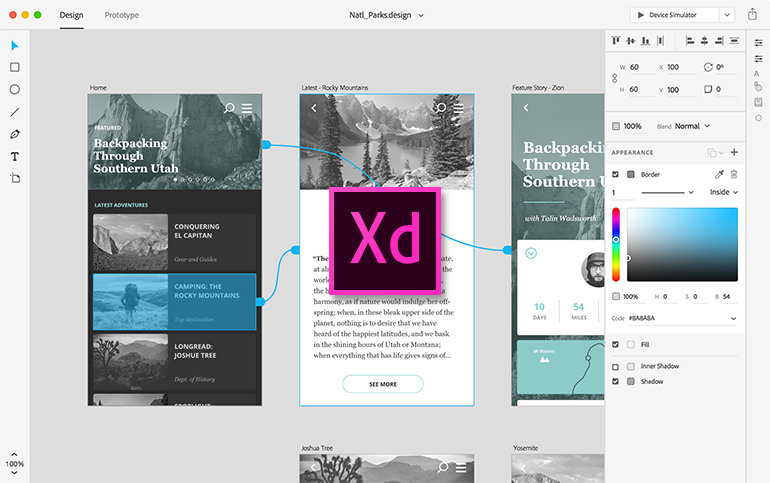
- Let the user experience basic app flow
- Quick to construct
- Scales to highest-fidelity visuals
- No coding required
- Export of full screens of all app states and linking between them
Software
- InVision, Balsamiq Mockups,
Justinmind, HotGloo, Adobe Xd, ... - Keynote, PowerPoint
Sketches
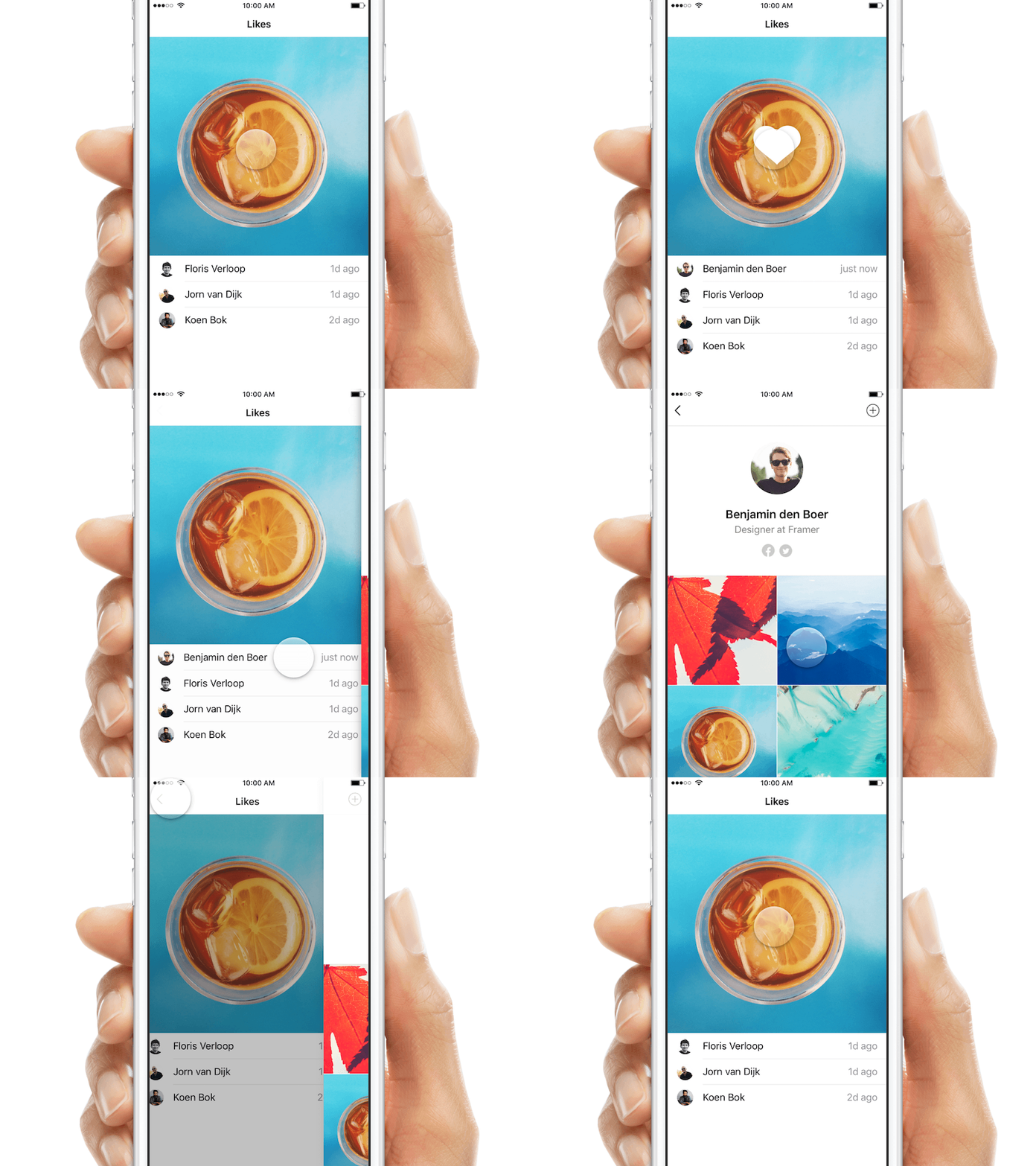
- Demonstrate how an interaction will feel
- Quick to get started
- Support rapid experimentation by providing common animations
- Low level programming knowledge
Software
- Framer (JS/CoffeScript)
- Origami, Form (visual programming)
Pixate (parametric)
Systems / Frameworks
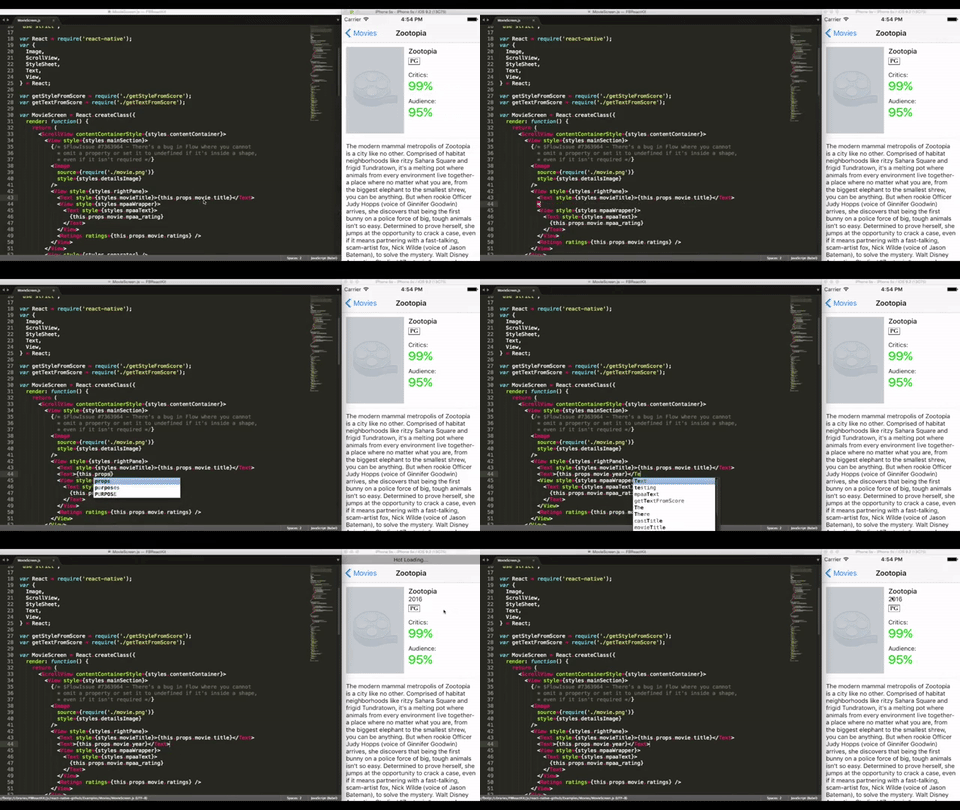
- Prototypes that bridge to production
- Support user exploration
- Easily integrate APIs
- Reuse of existing components / libs
- High programming skills
Software
- React, Angular, Ember, ...
- Processing, OpenFrameworks, ...
- Unity, Unreal Engine, ...
- QT, ...
Choosing the right tool
Tools by category
Visions
Paths
Sketches
Systems /
Frameworks
Which approach / tool?
Visions
Paths
Sketches
Systems /
Frameworks
Flexibility
Speed
Fidelity
Fidelity
Fidelity
Fidelity
Flexibility
Flexibility
Flexibility
Speed
Speed
Speed
* Hybrid approach?
Reuse generic components, use sketches for exotic parts
*
Choose between three properties ...
Speed
How quickly can an idea be brought to life?
- Ranges from minutes to days
-
Keep things simple
-
As little design / interactivity as possible
- Reuse existing assets
-
Don't waste time on bad concepts

by april3rd
Fidelity
How accurately do we reflect final design intent?
What will the final UX be like?
- From quick & dirty to pixel perfect
-
Visual fidelity
-
Data fidelity
-
Interactive fidelity


Low
Fidelity
Simple sketches
No Interactivity
Lorem Ipsum
Medium Fidelity
High Fidelity
Wireframes / Design
Low Interacvtivity
Static Data
Design
High Interactivity
Dynamic Data
Fidelity of Prototypes
Flexibility / Reusability
Build upon this prototype over time?
Can elements of the prototype be reused in production?
- Throw away demo to expansive system
- Choose scalable frameworks
- Reusable assets and components
- Check for existing components instead
of reimplementing them
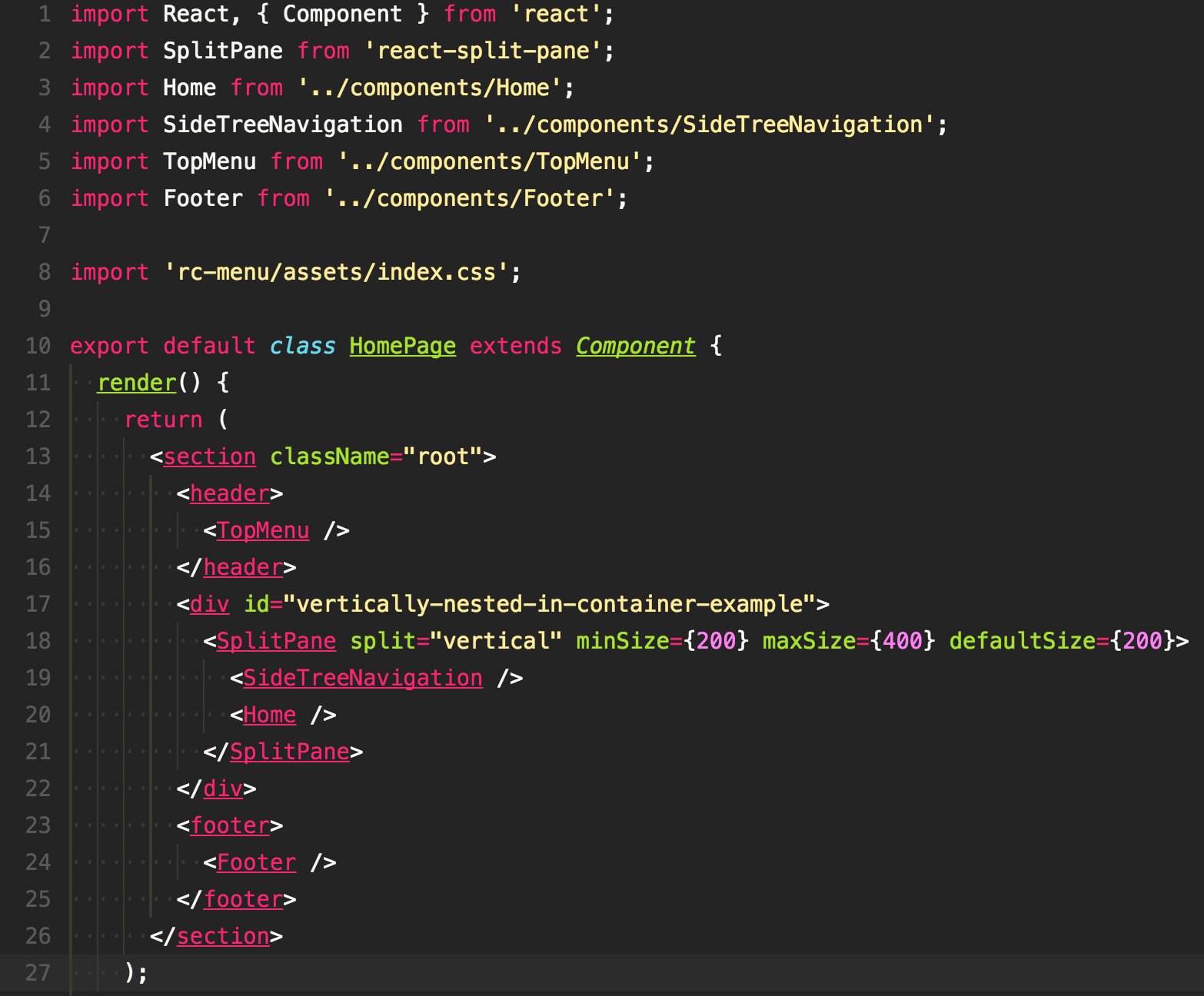
Introduction to a
Visions (Sketch App)
Paths (InVision)
Sketches (Framer / Origami)
workflow
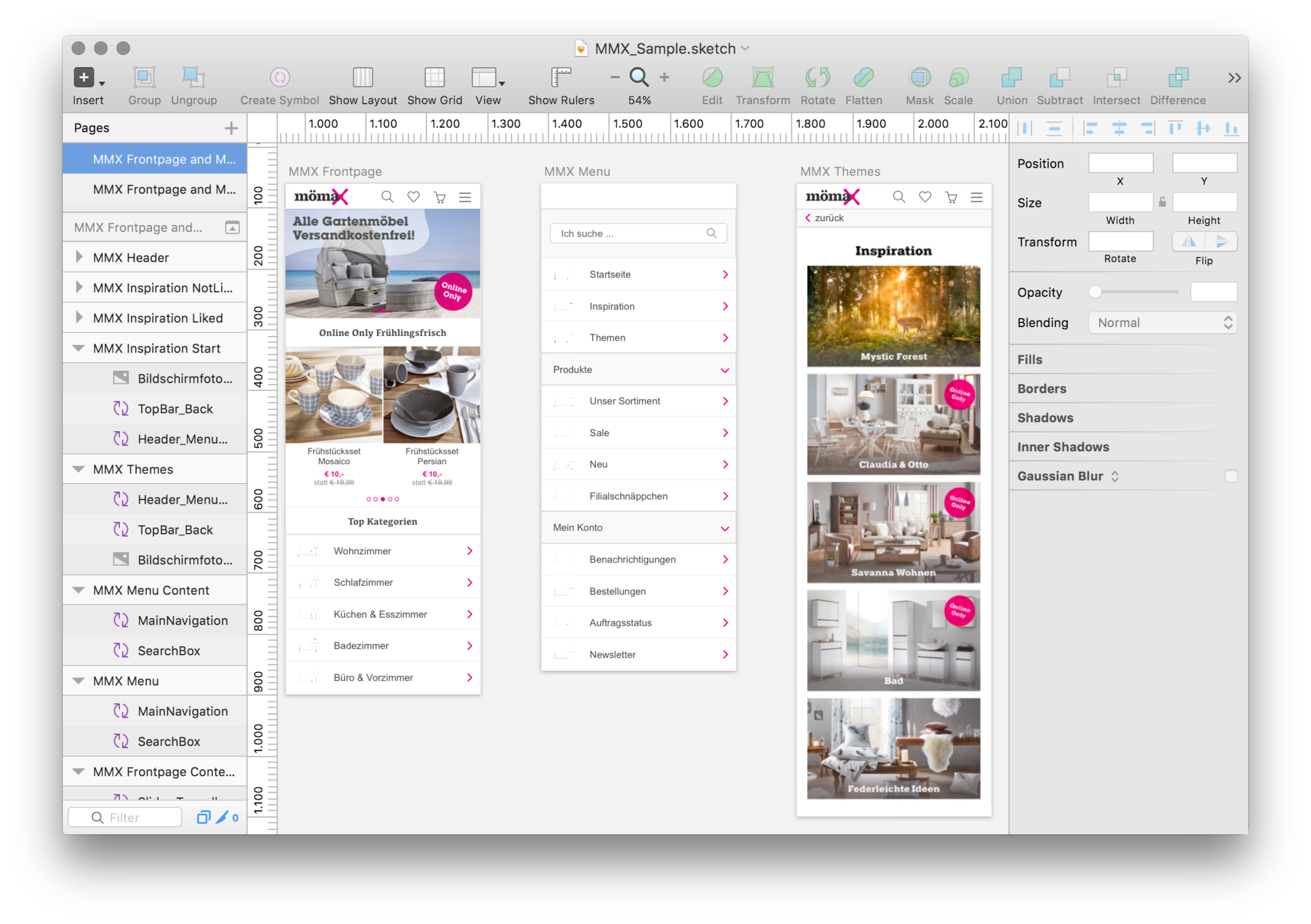
Sketch App
- State of the art UI design tool
- Vector and raster graphics
- Artboards, Symbols, Pages, ...
- On device previews with Mirror
- File support in InVision, Framer, ...
- Lots of resources and plugins
- Mac only
- Price 99$
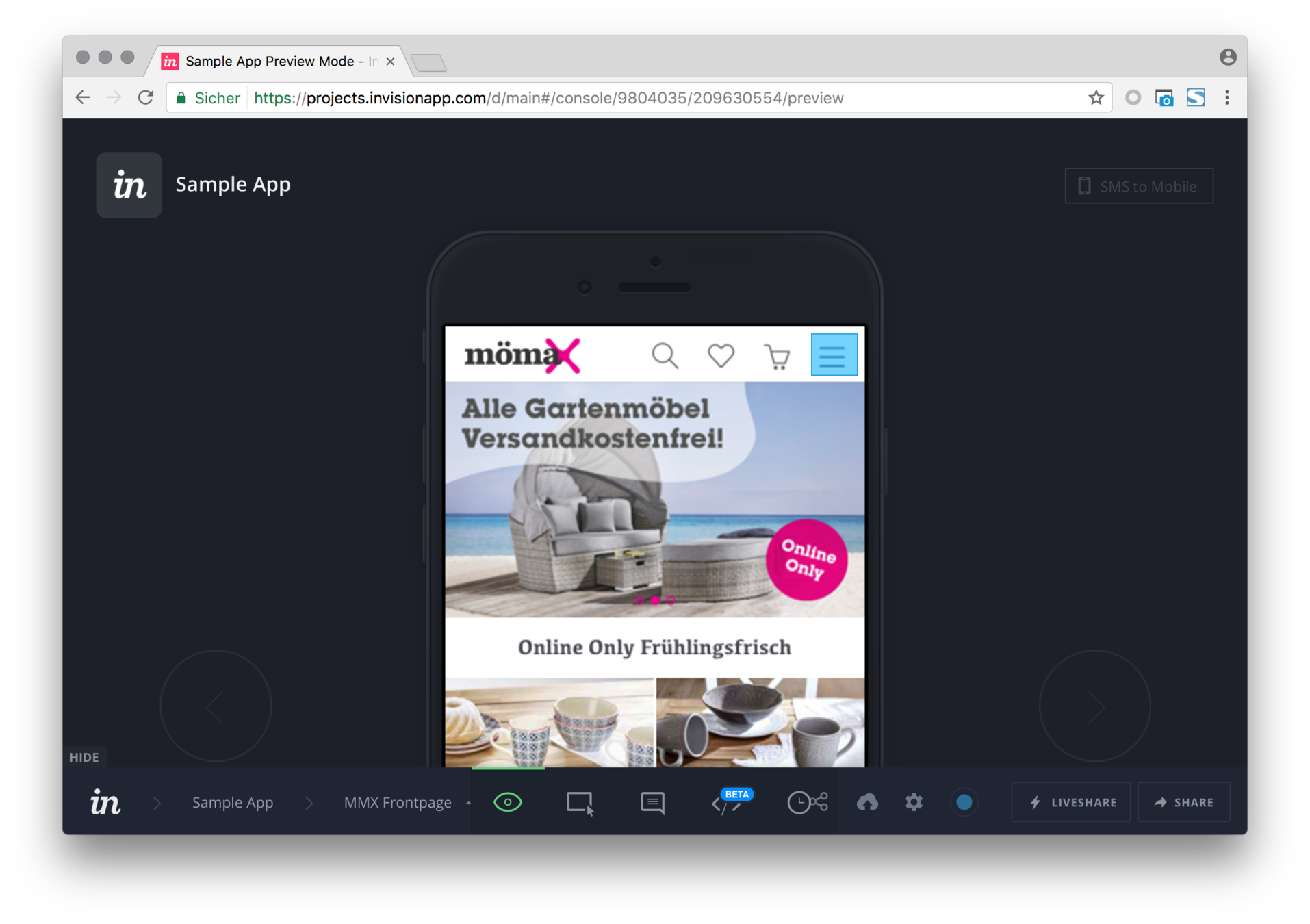
InVision
- Very popular prototyping,
collaboration & workflow platform - Import and link between screens
- File import and syncing
(.psd, .ai, .sketch) - Collaboration and sharing features
- Activity log and change history
- Download of prototypes
- From 13$/mo - 89$/mo (Team)

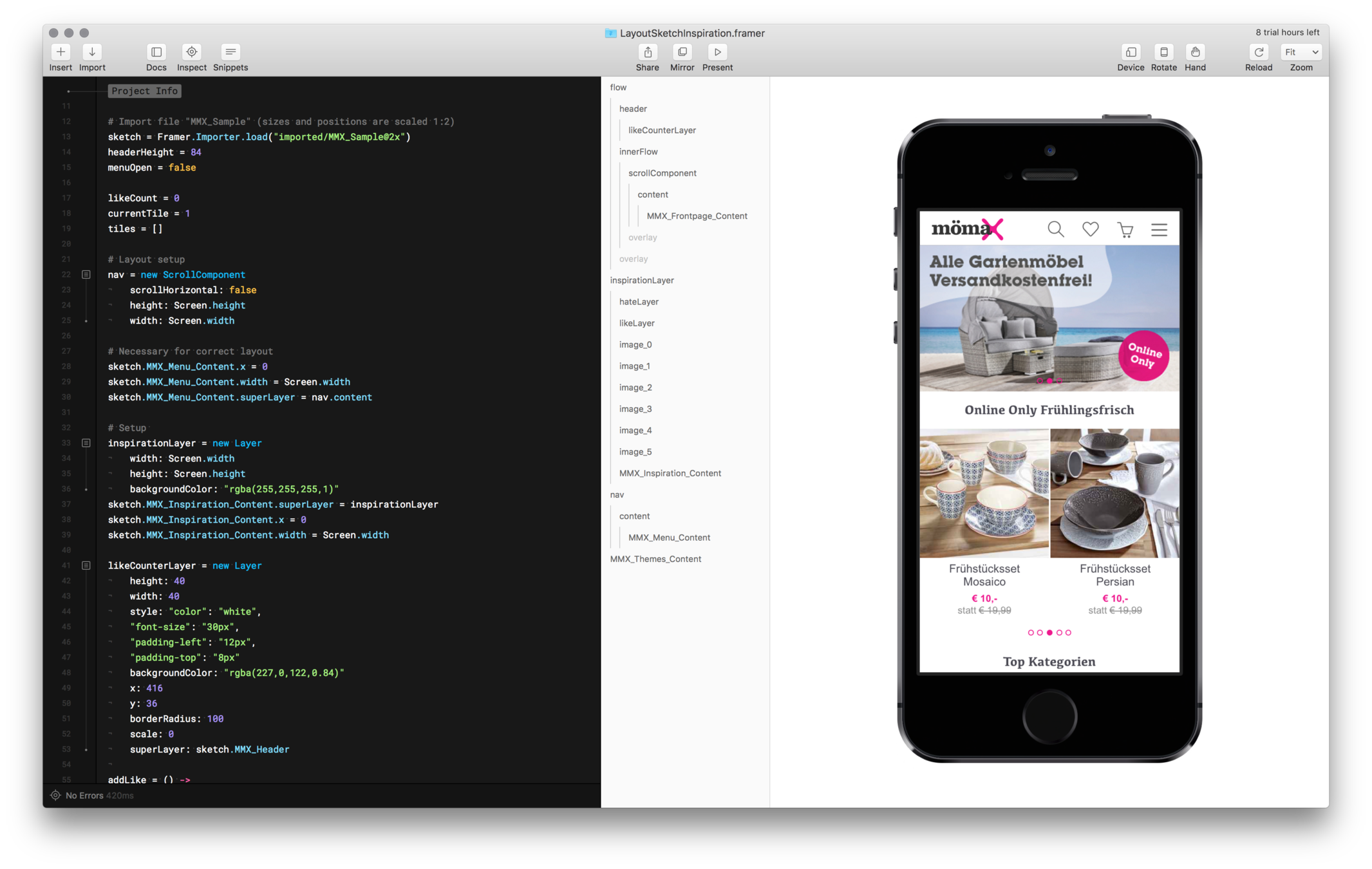
Framer App / Framer.js
- Open source lib Framer.js with commercial GUI (Framer App)
- Code in JS / CoffeeScript
- Complex / high fidelity prototypes
- Many resources and big community
- Preview on devices
- File import (.sketch, .psd, ...)
- Framer App (mac) $129 or 15$/mo
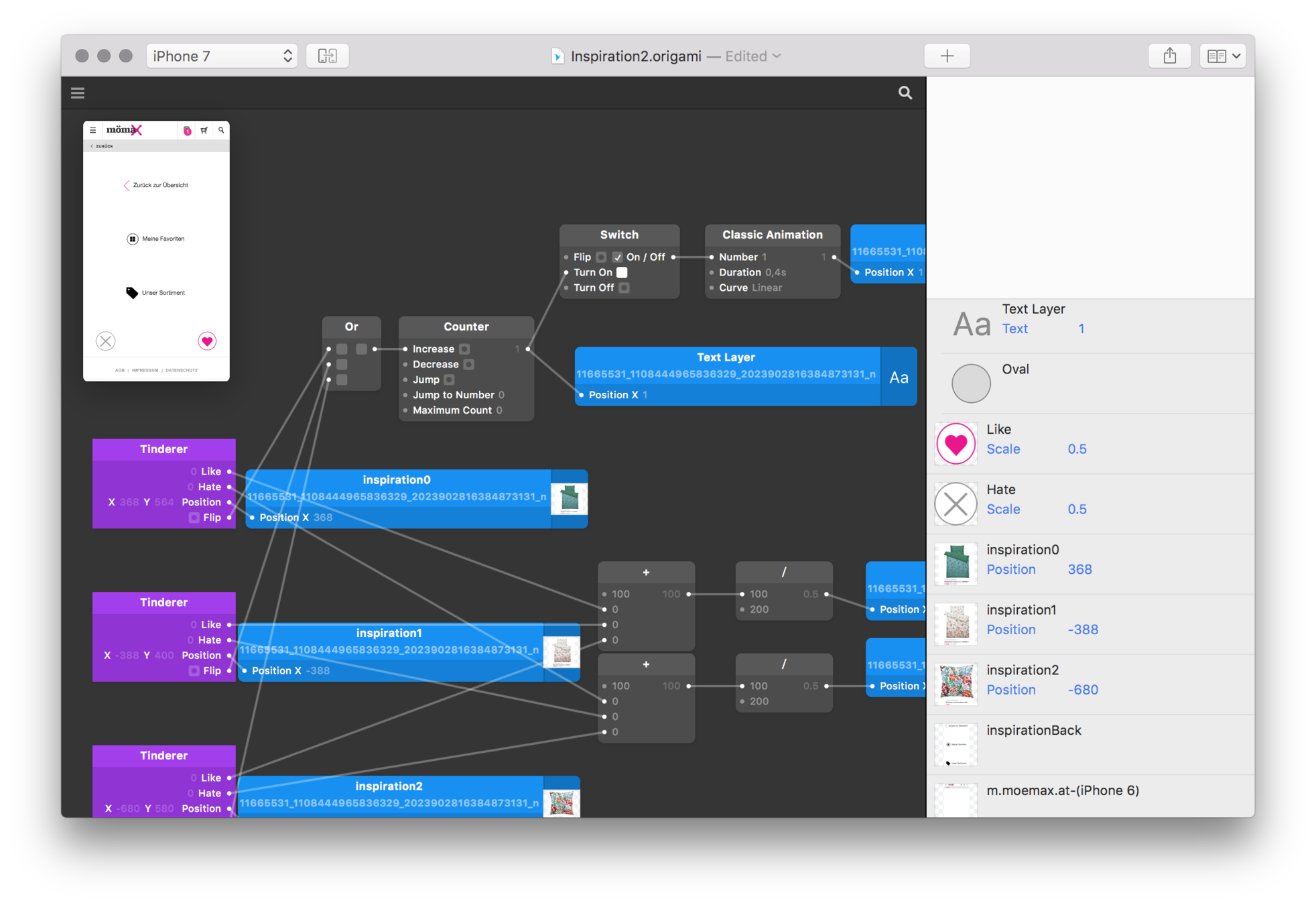
Origami Studio
- Visual programming prototyping
- Standalone app,
previously Quartz Composer plugin - Access device hardware (camera, ...)
- Preview on devices
- Import and support for .sketch files
- Free and mac only
- By facebook
Conclusion
Choose the right tool and fidelity depending on your requirements
Start simple, explore, refine and iterate often
Reuse as much as possible
The tools change but principles remain the same
Thanks for your attention
Questions?
Questions for you
Do you use prototypes in your project?
Yes?
What approaches / tools do you use?
How do you like it?
Could it be improved?
No?
Why not?
Would the usage of prototypes improve your project?
UI Prototyping
By M Hochenwarter