Git for your life

What is Git ?
Version Control System
Why Using Git ?
Easy collaboration
with team
History in your project
Make some versions
Activity tracking
You can see someone's mistake
Using Git
Install

sudo apt-get install gitInstall git bashInitial Configuration
git initgit config --global user.email 'youremail@yourdomain.com'
git config --global user.name 'your_username'git clone (your_url)git remote add (your_remote_origin) (your_url)Check Status
git statusAdd file(s)
git add filenamegit add filename1 filenam2git add .git add -ARemove file(s)
git rm --cached filenamegit rm filenameCommit
git commit -m "my message"git commit -Am "my commit message with add file(s)"Push
Pull
git pull (your_remote_origin) (local_branch)git push (your_remote_origin) (local_branch)Check log
git loggit log --onelineWelcome to the jugle !
Use Case
Designing
- Initialize
- Add image
- Commit
- Replace with another image
- Commit
- Hard reset to first commit
The Better Way
- Initialize
- Add image
- Commit
- Replace with another image
- Commit
- Create another branch
- Move to the branch
- Hard reset to first commit
Coding
- Initialize
- Add file
- Commit
- Edit file
- Commit
Or do what you want (reset, revert, branch, checkout, stash, etc)
Let's collaborate !
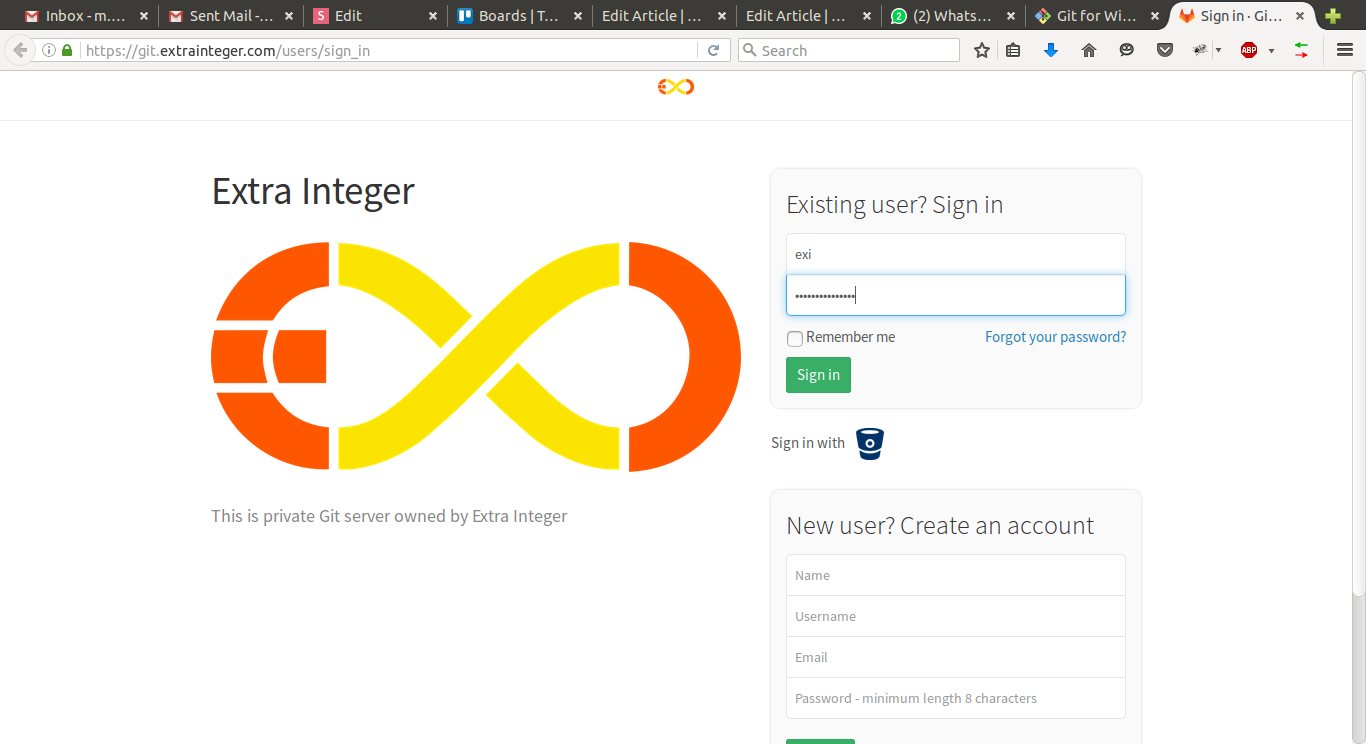
Git for your life
By Mukhammad Yunan Helmy