EM@
NIKHIL SONI
Love to talk about react native and how things work under the hood.
@nikhilsoni






Where It Started
some heading if requried
The Challenge
• Product Detail Page (PDP): heavy, complex, memory-intensive
• Users navigate rapidly between multiple screens
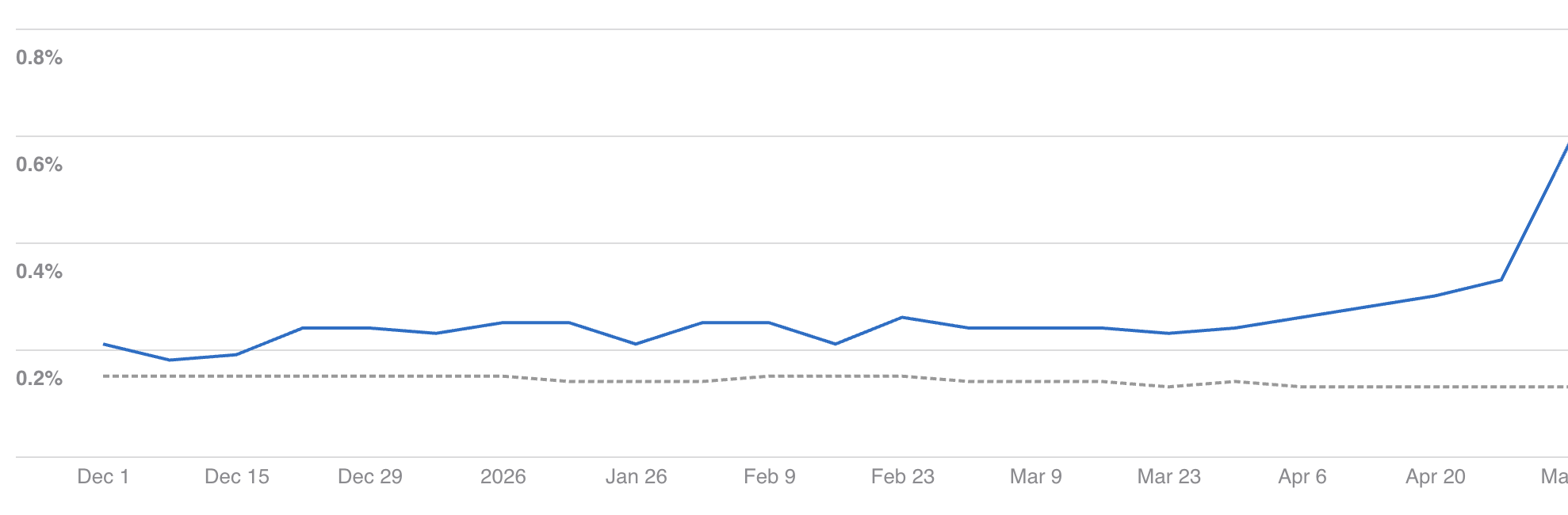
• Mysterious native crashes in production
• Stack traces showing only memory addresses (unreadable)
• Unable to pinpoint root causes—total blind spot
#1: Memory Accumulation

Stack Grow | Memory Increased


More Image | Memory increased
The Discovery
• User navigates rapidly: PDP → PDP → PDP → ...
• Each screen has large JSON payloads + heavy components
• Navigation stack grows unbounded
• Memory spikes with each new screen
• Eventually: Out-Of-Memory crash 💥
Solution : Partial Unmounting Strategy
Smart Memory Management
• Allow navigation stack to grow freely (preserve UX)
• Keep only top 10 screens fully mounted
• Older screens: unmount (release views & hooks)
• Unmount images when not visible (critical for memory)
• Retain screen data in memory for instant remount
Code: Partial Unmounting + Image Cleanup
const MAX_MOUNTED = 10;
const screenCache = useRef({});

useEffect(() => {
  const routes = navigation.getState().routes;
  if (routes.length > MAX_MOUNTED) {
    const toUnmount = routes[MAX_MOUNTED - 1];
    screenCache.current[toUnmount.key] = {
      data: screenState,
      scrollPos: scrollPosition
    };
    // Cleanup: unmount images not visible
    images.forEach(img => {
      if (!isVisible(img)) {
        ImageCache.removeImage(img.uri);
      }
    });
    navigation.setParams({ unmount: true });
  }
}, [navigation.getState()]);
Results
• 5x more PDP screens before hitting limits
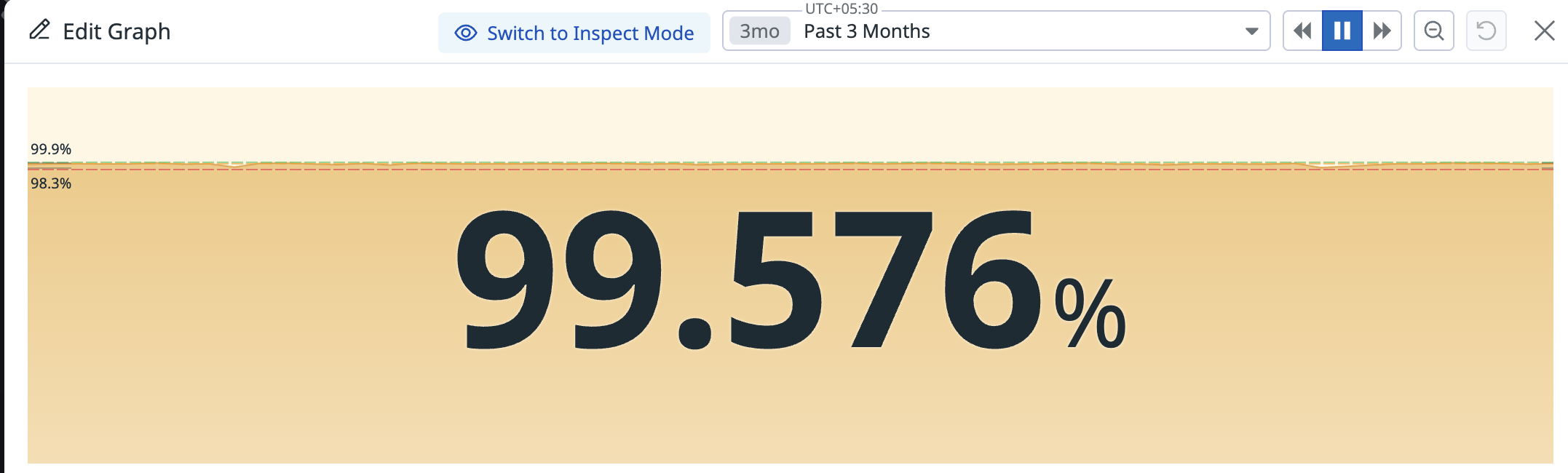
• Memory warnings dropped 85% in Datadog
• Number of view after one point become constant
|
File Size |
2MB |
2MB |
|
Resolution |
100x100 |
200x200 |


|
File Size |
2MB |
8MB |
|
Resolution |
100x100 |
100x100 |
Copy of deck
By Nikhil soni