Angular from "scratch" - Part 1

Game Plan
https://angular.io/guide/styleguide
We will build following Angular's recommended style guide
https://angular.io/guide/styleguide
We will build following Angular's recommended style guide
Example: navigation.component.ts
File Structure Convention
https://angular.io/guide/styleguide
We will build following Angular's recommended style guide
File Structure Convention
Single Responsibility
Naming
Custom-Prefix
Bootstraping
Unit Test File Names

package.json
tsconfig.json
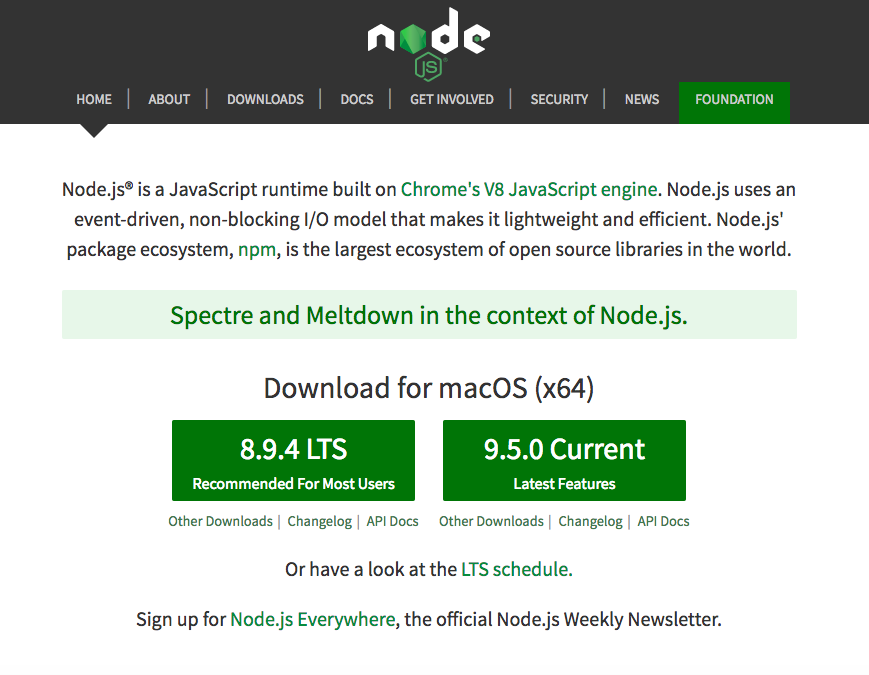
*Node and NPM installed
What do we need?
systemjs.config.js
https://nodejs.org
Purpose: manages all of your dependencies for your app
package.json
tsconfig.json
systemjs.config.js
Purpose: manages all of your dependencies for your app
package.json
tsconfig.json
systemjs.config.js
core-js
zone.js
rx.js
package.json
tsconfig.json
systemjs.config.js
npm i --save core-js zone.js rxjs
*will create the package.json automatically for us
core-js
Adds "missing" essential features to major browsers via polyfills
zone.js
<TODO>
allows you to work with asynchronous data streams
rx.js
Purpose: Dynamic Module Loader
systemjs.config.js
tsconfig.json
package.json
Angular Modules vs ES6 Modules
https://juristr.com/blog/2017/03/angular-modules-vs-es6-modules/
Purpose: Dynamic Module Loader
systemjs.config.js
tsconfig.json
package.json
Module: Provides encapsulation to your JS code
Purpose: Dynamic Module Loader
systemjs.config.js
tsconfig.json
package.json
Module: Provides encapsulation to your JS code
"Good authors divide their books into chapters and sections; good programmers divide their programs into modules."
Purpose: Dynamic Module Loader
systemjs.config.js
tsconfig.json
package.json
Dynamic: During "Runtime"
systemjs.config.js
tsconfig.json
package.json
npm i --save systemjs
Step 1 - Install SystemJS
Step 2 - Create system.config.js file
Purpose: Allow us to configure the TypeScript compiler
tsconfig.json
systemjs.config.js
package.json

Types
Interfaces
Decorators
tsconfig.json
systemjs.config.js
package.json
npm i --save typescript
Step 1 - Install SystemJS
Step 2 - Create tsconfig.json file
package.json
tsconfig.json
systemjs.config.js
package.json
tsconfig.json
systemjs.config.js
Last Step....Install Angular Dependecies
Angular Dependecies
npm i --save
@angular/core
@angular/compiler
@angular/common
@angular/platform-browser
@angular/platform-browser-dynamic
Setup Server to Run
npm i --save-dev live-server
Setup Scripts to Build and Run
"scripts": {
"build": "tsc",
"start": "live-server"
},
Resources
https://stackoverflow.com/questions/38263406/what-are-differences-between-systemjs-and-webpack
https://medium.freecodecamp.org/javascript-modules-a-beginner-s-guide-783f7d7a5fcc
Angular from "scratch"
By Paul Beresuita