LARGE
vectors & rasters
Handling
A story about
performance, decisions and understanding context
Use cases
1. PDF annotations
upload PDFs, draw content
2. Tablet support
iOS
3. Overlay comparison
2 colors tint
1. PDF annotations
Pan / Zoom
Needed for large documents
SVG drawings
Needed for zooming
Display PDFs
http://pdfobject.com/examples/
https://github.com/mozilla/pdf.js
Display PDFs
http://pdfobject.com/examples/
https://github.com/mozilla/pdf.js
Convert PDFs
Raster: JPEG / GIF / PNG
Vector: SVG
Vector
Pan/Zoom, SVG Drawings, 2 color overlay
SVG problems
PDFs with images
Cannot trace embeded images to vectors
Large file size
Original PDF:
SVG:
Optimized SVG:
0.6 MB
6.8 MB
1.7 MB
Poor performance
SVG:
Optimized SVG:
10 fps
20 fps
SVG
https://github.com/Gottox/node-pdfutils
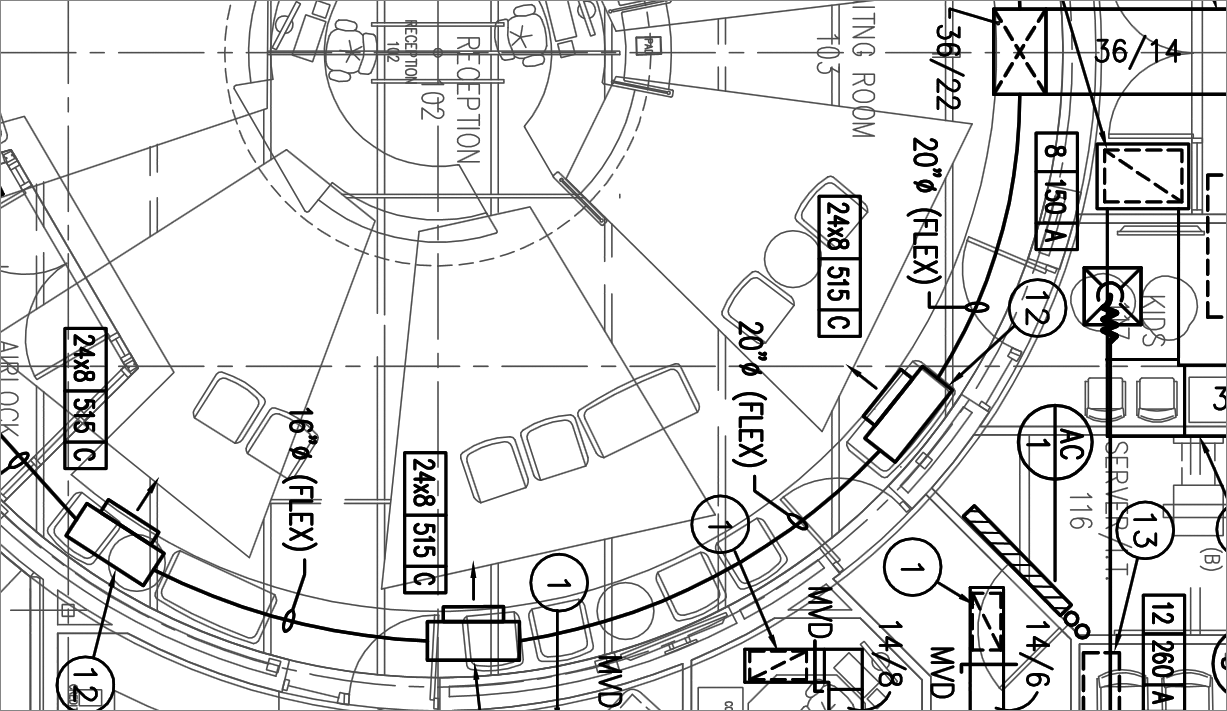
Optimized SVG
https://github.com/svg/svgo
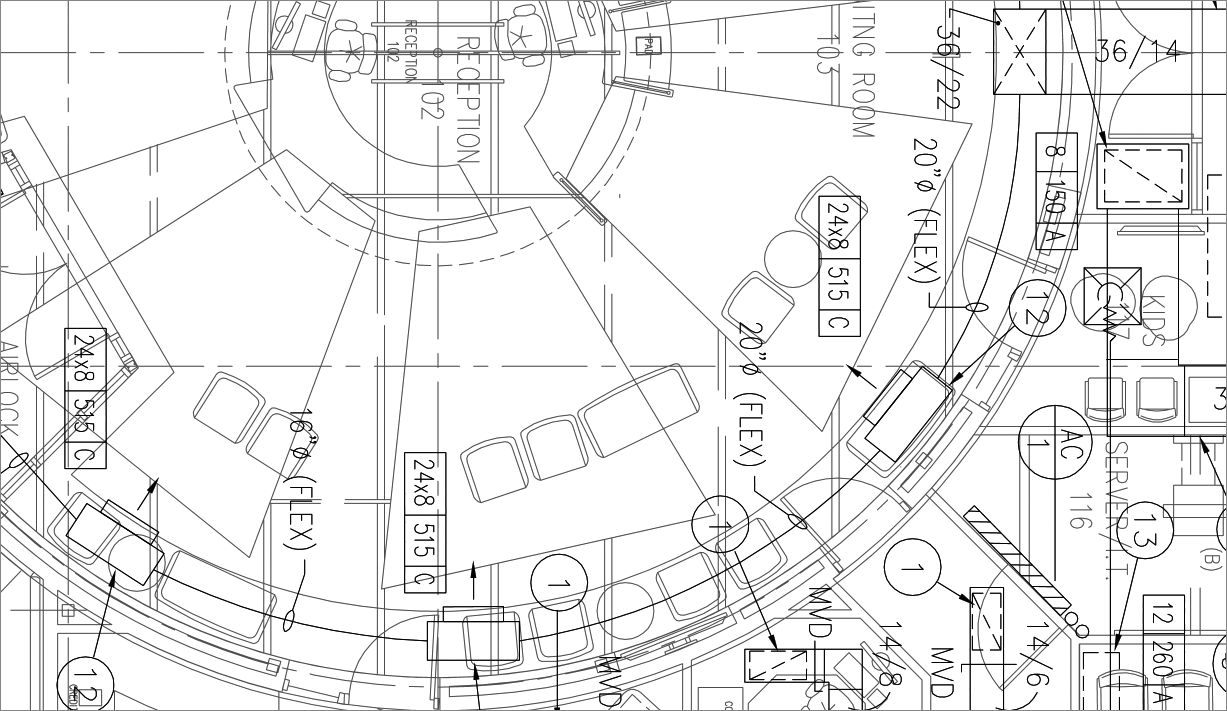
Raster
PDFs with images
Didn't matter what was embeded
Decent file size
Original PDF:
PNG:
JPEG:
GIF:
0.6 MB
4.7 MB
4.3 MB
2.6 MB
Good performance
>30 fps
Decisions
Use Raphael for SVG annotations
Convert PDFs to PNG
2. Tablet support
iOS 8 rendering bug
for JPEG & PNG
apparently frickin' GIF works
GIF colors limitation
only 256 distinctive colors
enough for our b/w documents
iOS image size limit
3-5 decoded Mpx
decent for our use case
http://www.williammalone.com/articles/html5-javascript-ios-maximum-image-size/
3. Overlay comparison
Canvas API
- load 1st image on virtual canvas element
- tint to "green"
- get the data URI: canvas.toDataURL();
- load the 2nd image on the canvas
- tint to "red"
- set blend mode to "darken"
- place the "green" image on top
- get the data URI of the composite
- load it in Raphael as an image
Poor performance
Takes seconds to create the composite.
Sync operation / blocks the UI.
Not cached.
Improvement 1
Use Web Workers for async/non-blocking.
Parsing parallelization.
Improvement 2
Render on server, lazy on first request, and store it.
Serve it directly, if already rendered.
Automatically cached on client.
Conclusions
Large SVGs are slow
Use raster images instead, if applicable.
Canvas is great
... but large images are slow to parse.
Use Web Workers, parallelization.
Use proper language
JavaScript is slow with large data
iOS limitations
iOS 8 bug, with Raphael + JPG/PNG.
3 - 5 Mpx hard limit.
Applies to canvas, also.
Q & A
Thank You
Handling LARGE vectors & rasters
By Andrei Pfeiffer
Handling LARGE vectors & rasters
A story about the technical challenges we've faced during the development of "EPR" project. It presents how we've managed to make PDF annotations, by converting PDF files to SVG, then to PNG/GIF. It describes some limitations and problems you might have on iOS. Also, it showcases how can you create a 2-color composite from 2 images, to show the differences between them.