Introduction to Open Source Contribution with the p5.js Editor
hello!
welcome!
What Are We Doing Today?
3:00 pm: Introductions (30 min)
3:30 pm: What is Open Source? How Does That Relate to the Processing Foundation? (20 min)
3:50 pm: Github Walkthrough (1 hr)
4:50 pm: Hands-on Contribution Activity (1 hr)
5:50 pm: Collaborative Review and Next Steps (10 min)
Who Am I?
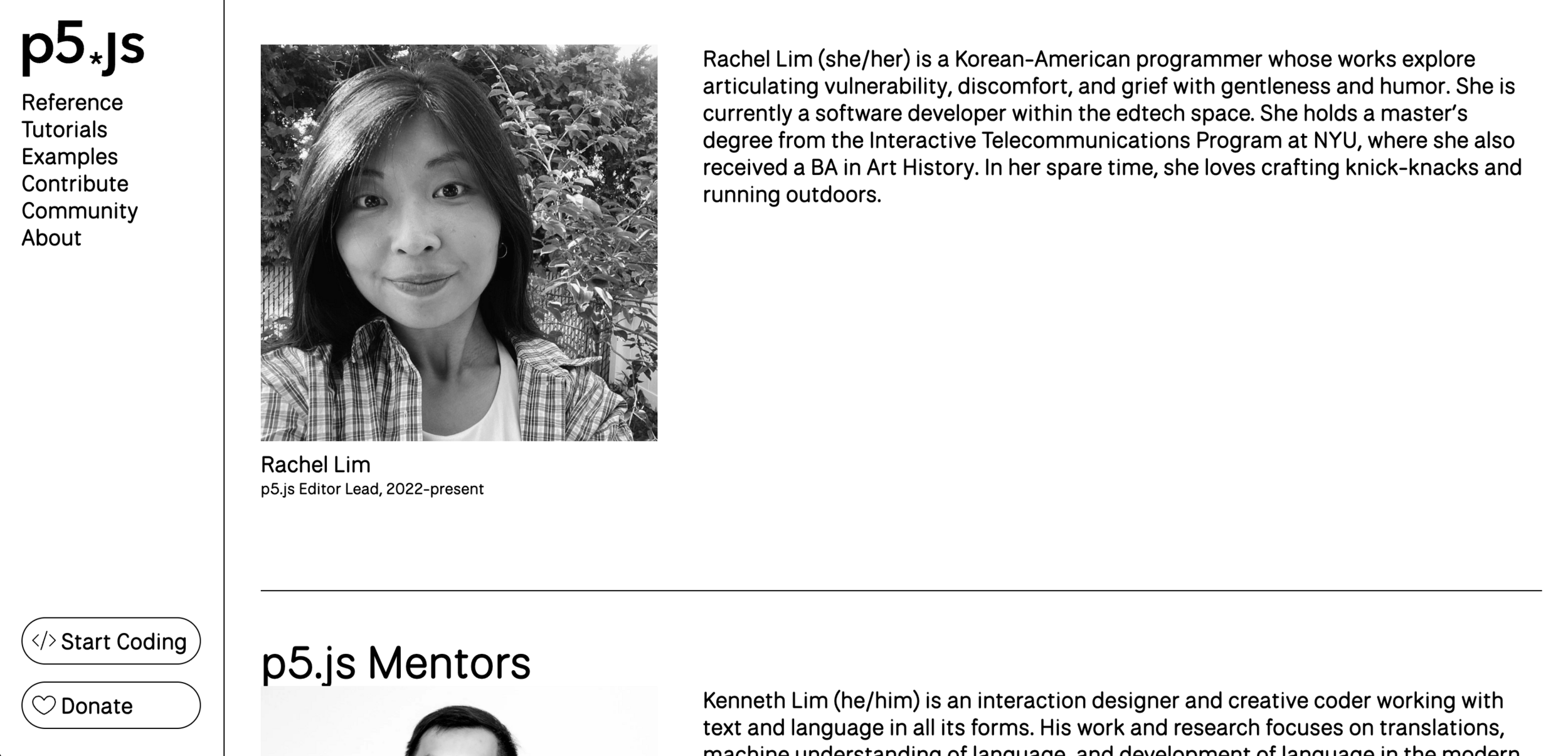
- What are your name and pronouns?
- Have you contributed to an open source project before?
- What brought you here? What are you hoping to learn from today's workshop?
- Anything else!
Who Are You?
What Does Open Source Mean?

What Does Open Source Mean?
"Open Source" can refer to anything where the design, content, or source is publicly available and can be used, modified, and shared.
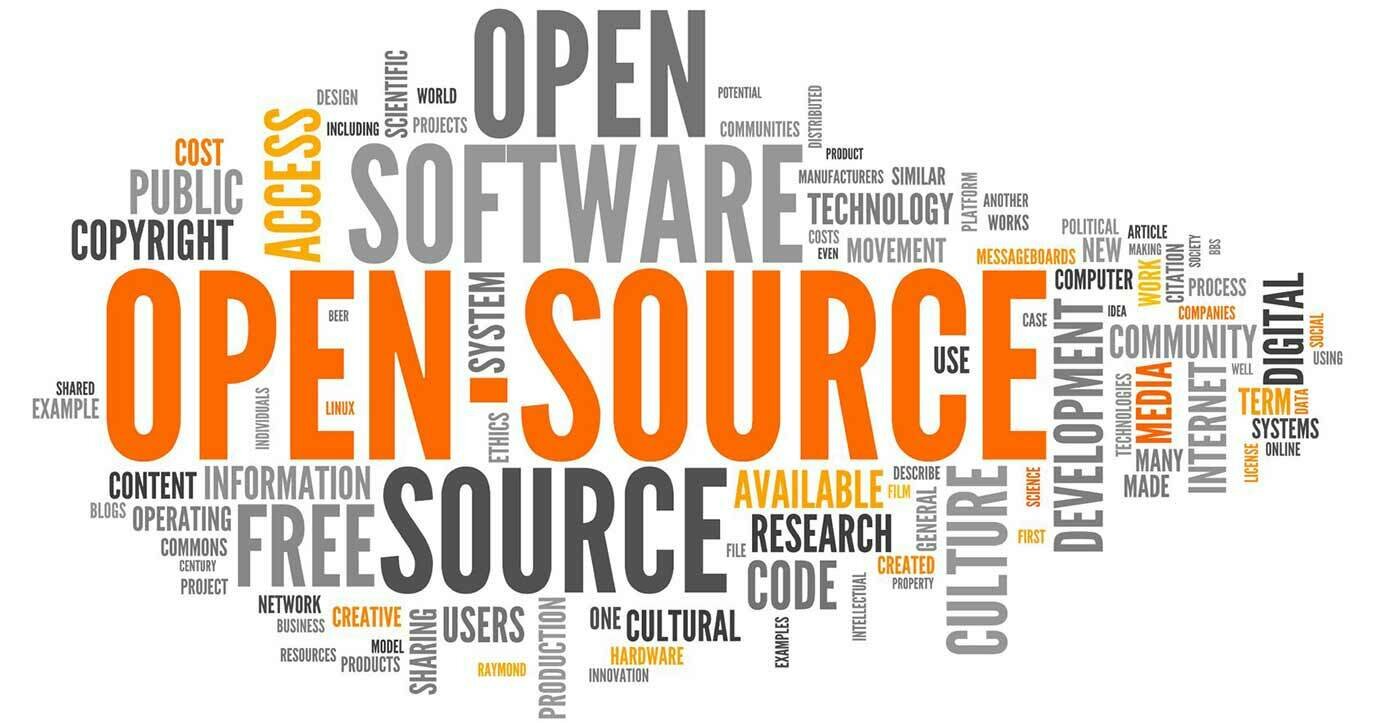
What Does Open Source Mean?
Whether something is open sourced or not depends on if they have a LICENSE.
What is a License?
An Open-Source License is a license that allows and dictates how content is used, modified, and shared.
What is a License?
What is Open Source Software?
"Open source doesn't just mean access to the source code."
What is Open Software?

Software Program
Source Code
What is Open Software?
Software Program
Source Code
Closed Software
Software Program
Source Code
Open Software

What is NOT Open Source Software?
- Proprietary Code
- Public Domain Software
- Freeware
- Any software that are freely available without access to the source code.
Where Did Open Source Come From?
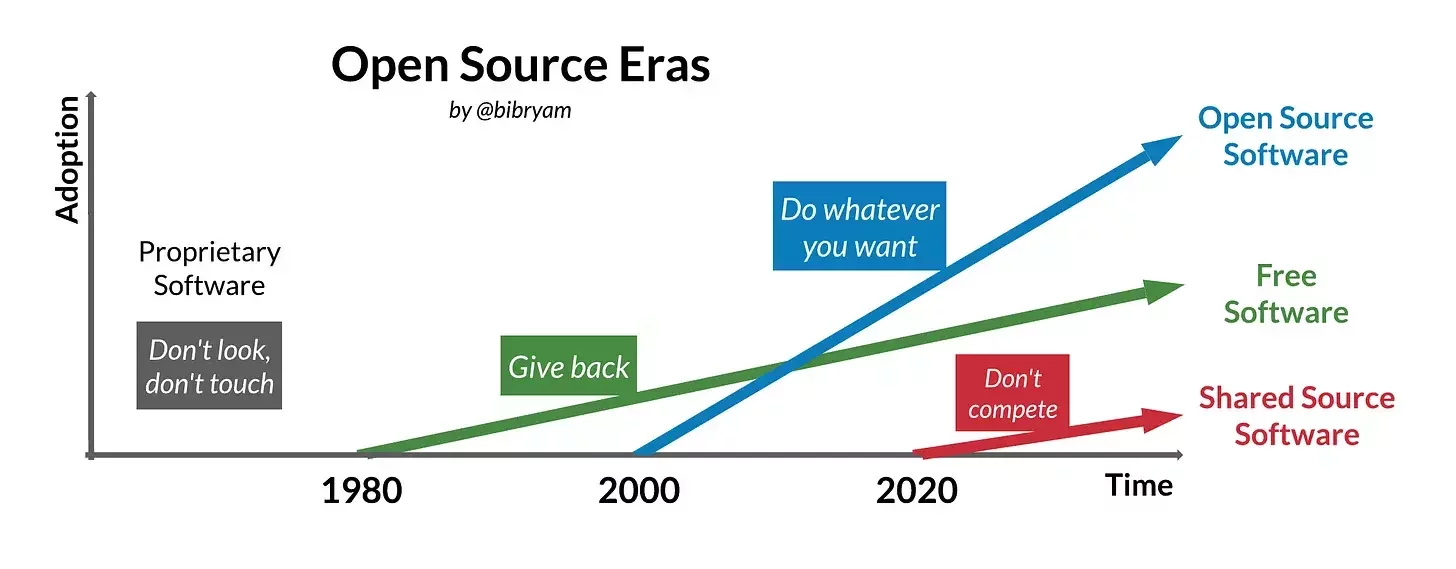
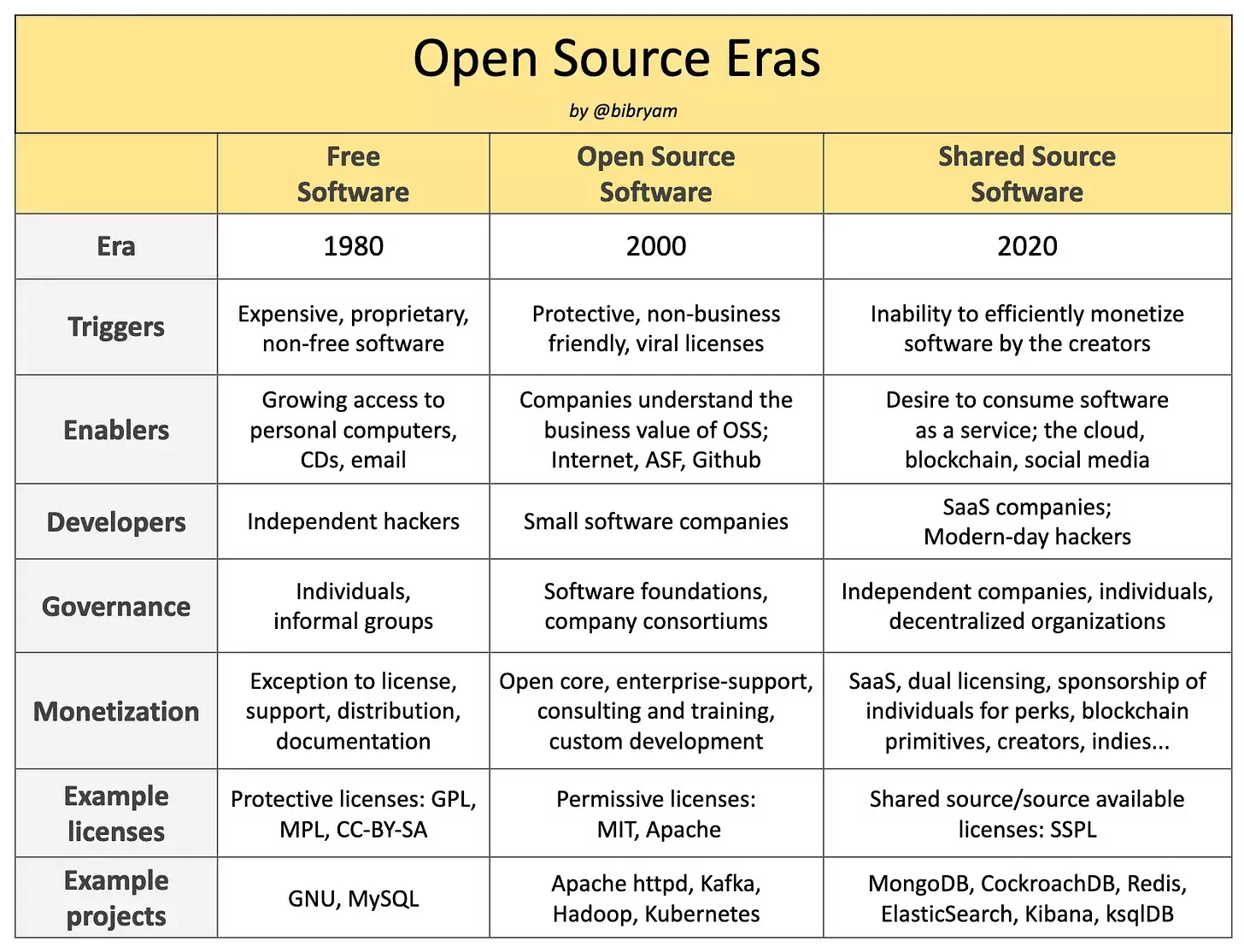
Where Did Open Source Come From?

FLOSS Software
FLOSS is an acronym for Free, Libre, and Open Source Software.
FLOSS Software
'The acronym FLOSS is sometimes used to bridge the communities and their differing opinions. The word libre is added to free to make the goal of "free as in freedom", the ideals of liberty, more clear.'
The Processing Ecosystem
Processing, p5.js, and the p5.js Editor are constituents of the Processing Foundation ecosystem.
How did they become open-source projects?
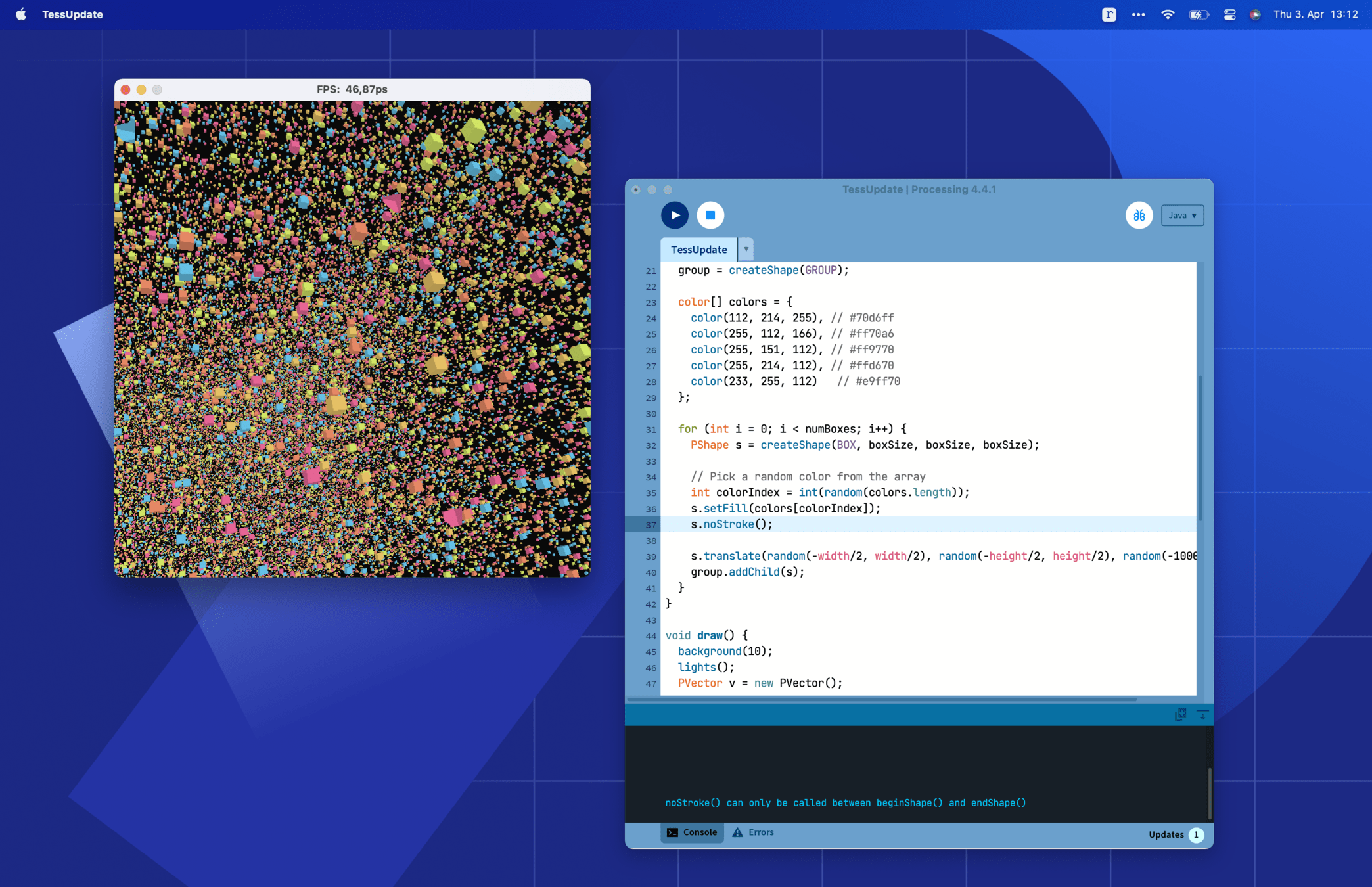
Processing
Processing is a flexible software sketchbook and a language for learning how to code.
History of Processing
"They [Ben Fry and Casey Reas] wondered:
How could they make programming more accessible to designers and artists? And what would it look like for code to become both a creative medium and part of the creative process itself? "
p5.js
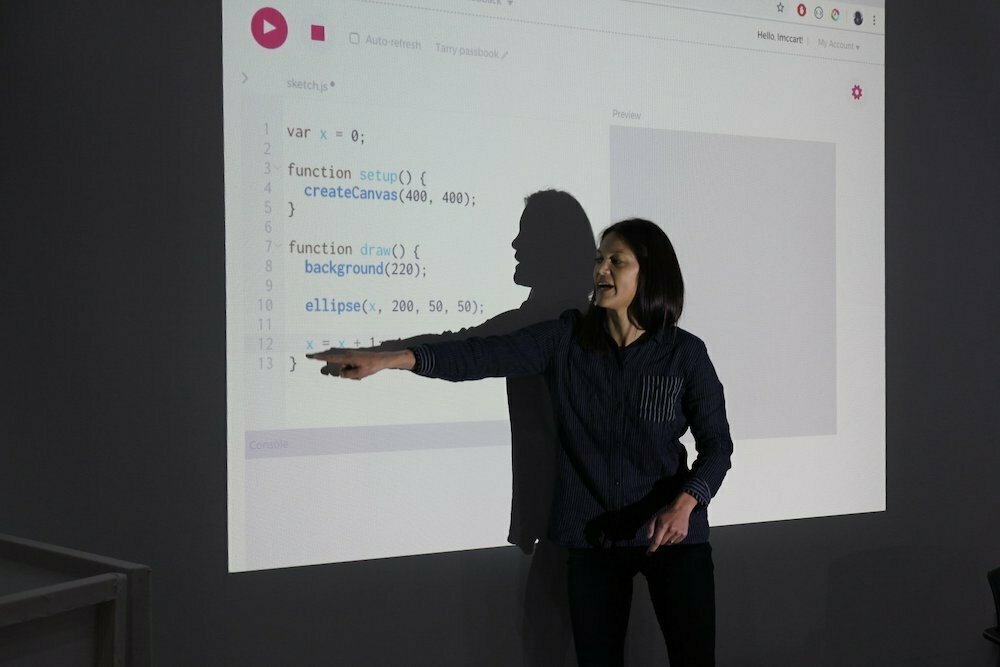
p5.js is a JavaScript library for creative coding with a focus on making coding accessible and inclusive.
p5.js
"p5 really started during a conversation between Casey, Ben, Dan and me where they asked: “What would Processing look like if it were reinvented today?”
And so the first thought we had was, well, it would live on the web again, and it would run in all the browsers really easily. What does access mean to us at this point, and how can we evolve that idea?"
p5.js
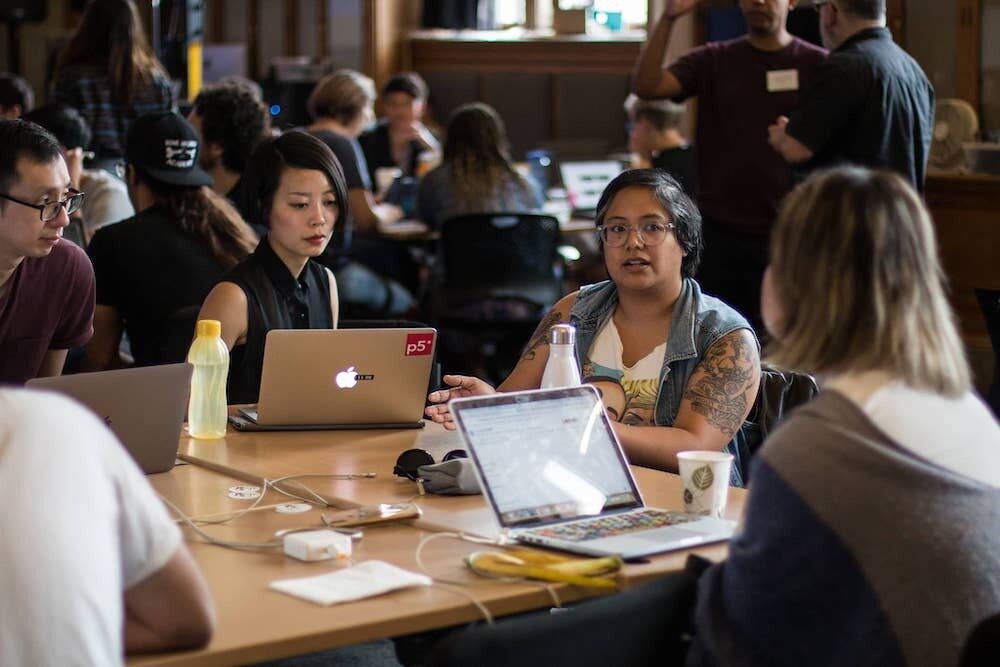
One of the things I felt early on with p5 is that it wasn’t just about having a diverse community of users; it was really about asking who’s making the tool, who’s contributing to it, because any tool is going to be embedded with the biases and the perspectives of the people making it.
p5.js
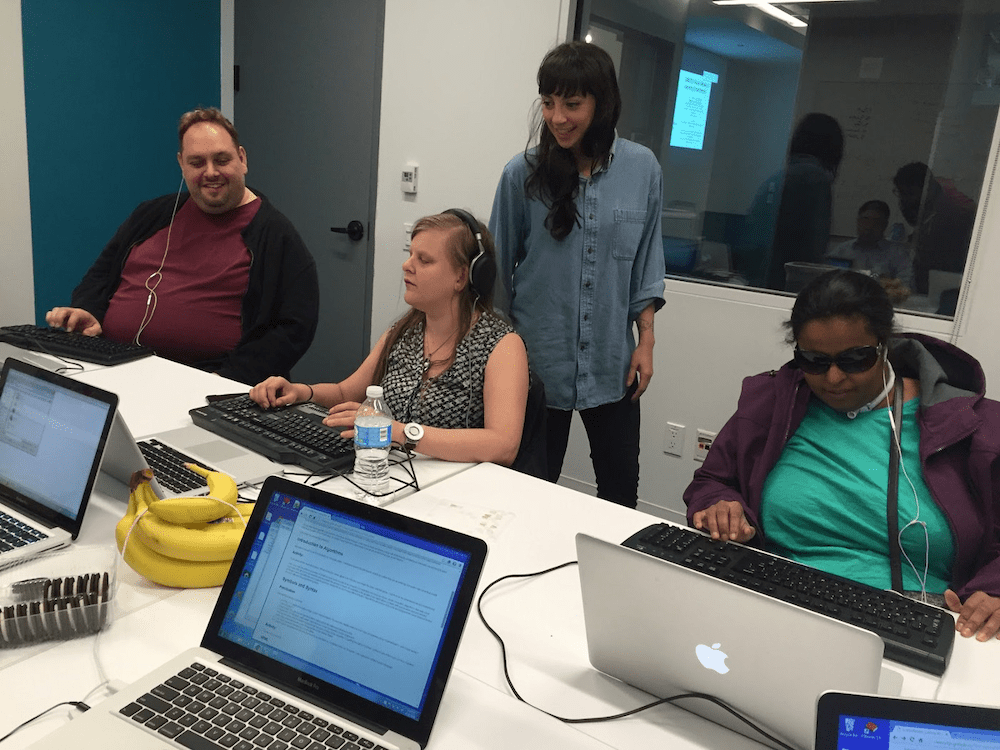
Some of the things we did really intentionally were saying, okay, let’s expand what it means to contribute to a tool. It’s not just writing core code, it could be making graphics, it could be doing outreach, it could be organizing, it could be teaching—these are all building this tool together.
p5.js Editor
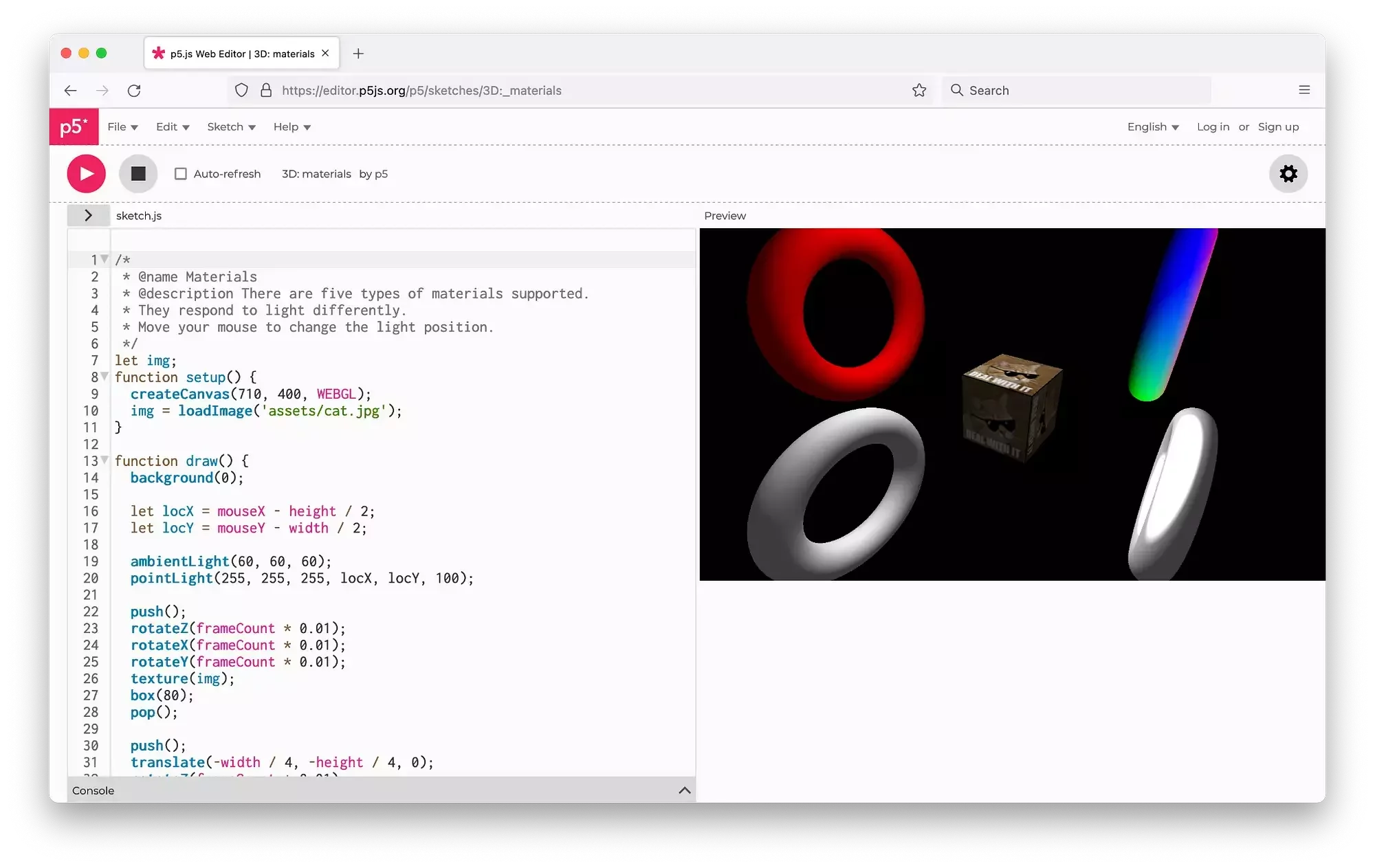
p5.js Editor is a website for creating p5.js sketches, with a focus on making coding accessible and inclusive for artists, designers, educators, beginners, any anyone else!
p5.js Editor
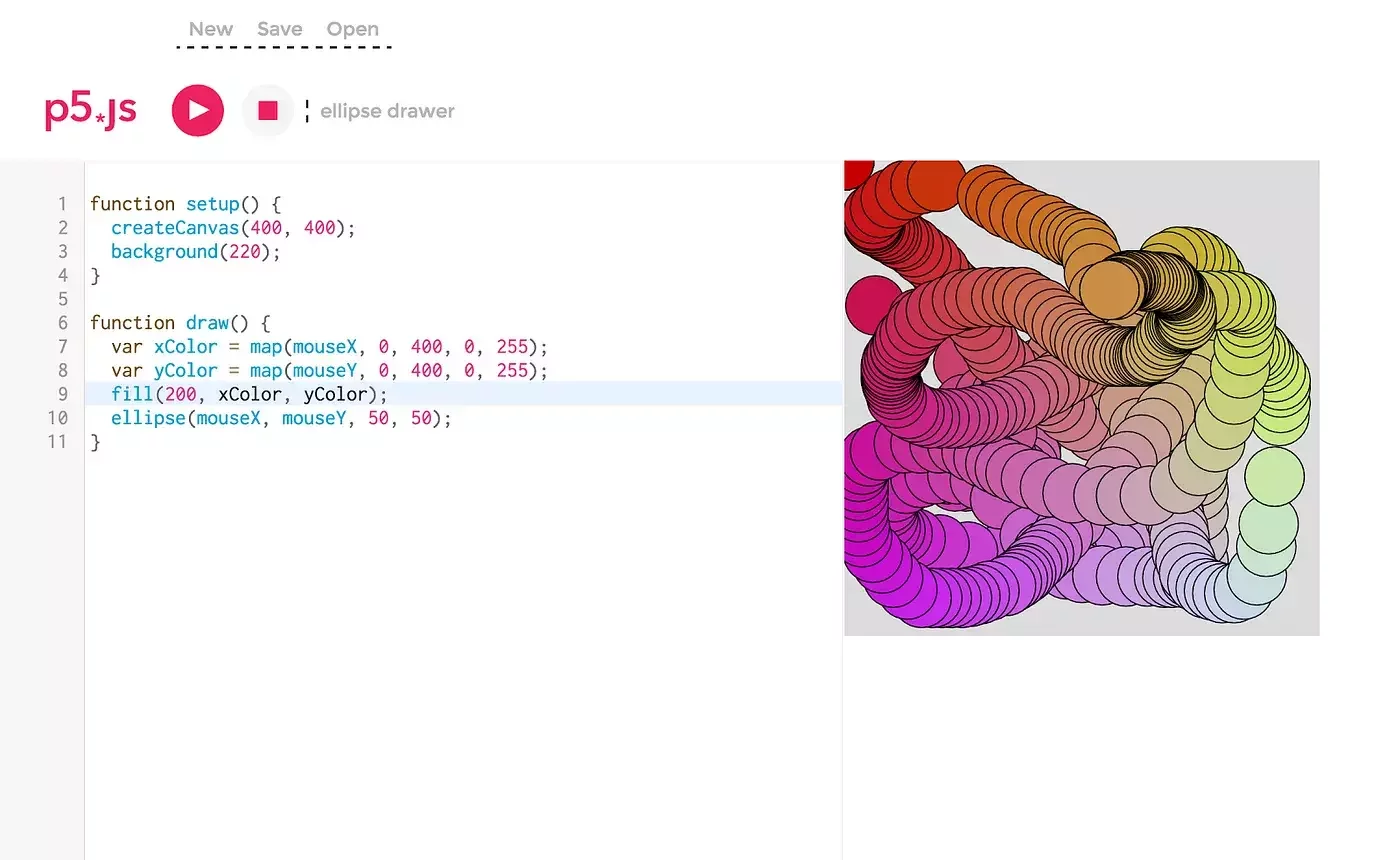
p5.js Editor
I think having a voice in the tools that are being built is important. If you step back and think about what the point of technology is—it’s to help us, right? And if the people designing the technology don’t know who you are, they’re probably not going to be able to help you. This was part of the foundation of Processing. What are tools that you can use to do art with computers?
Contributors Over the Years
Questions?
What's in an Open Source Project?
- Platform
- LICENSE
- README
- Code of Conduct
- Documentation
Platform



License File
It specifies what people can and cannot do with your project, and answers questions such as:
- Can someone modify your code and distribute it as their own?
- Can they include your code as a part of their own proprietary project?
License File
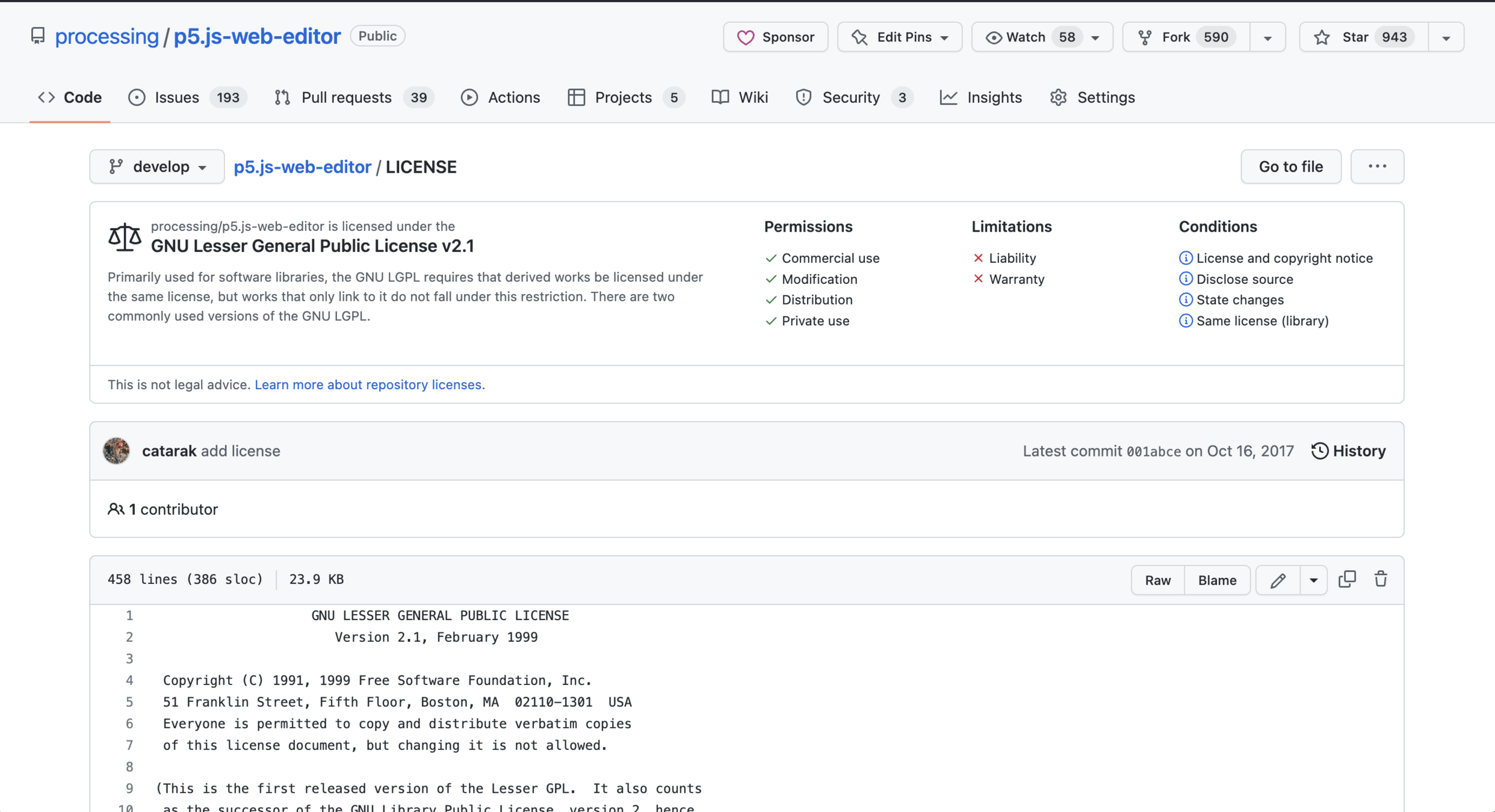
License File
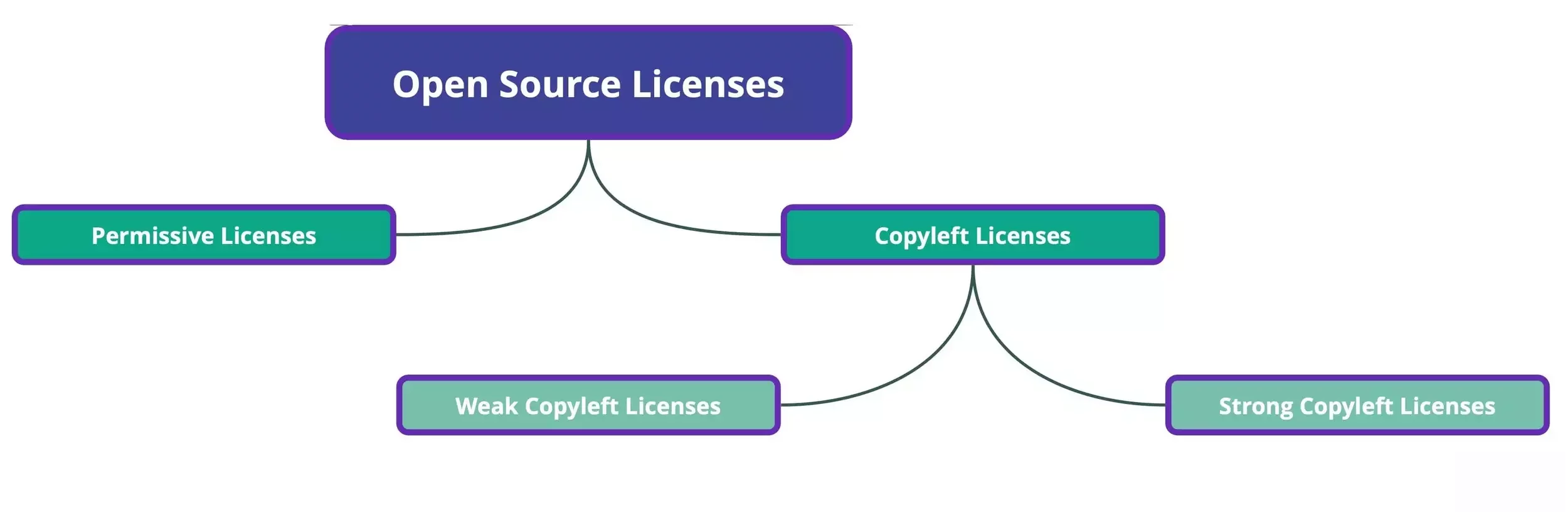
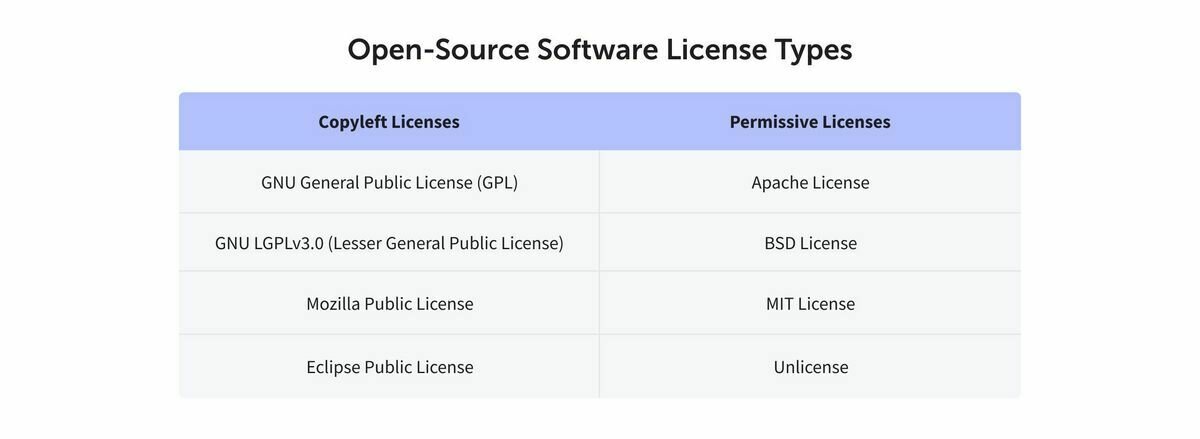
Copyleft Licenses
Copyleft licenses require that any modified version of an open source project also be released under the same license as the original project.
Copyleft Licenses - Strong
A strong copyleft license requires that any software that uses a project licensed under it must also be licensed in the same way.
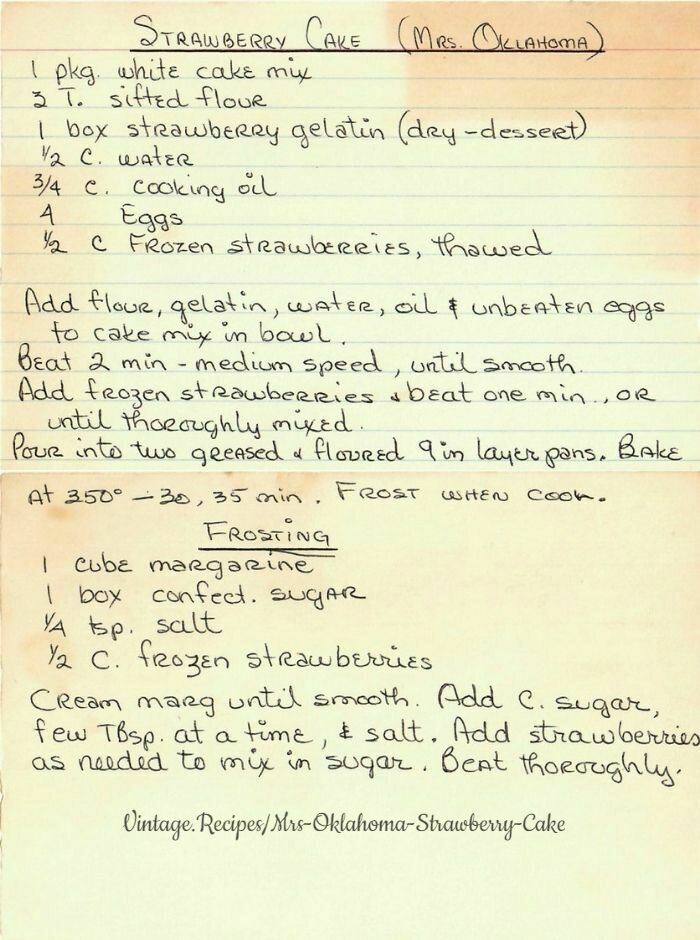
If you add chocolate to your strawberry cake, if you serve or sell that cake to people, you have to give them recipe and allow them to modify and share it too.
Copyleft Licenses
Weak licenses have no requirements for software that only use the licensed project.
Still have to share changes to the original recipe if modified, but if you use the original recipe as an ingredient in a bigger cake, you don't have to share the whole new recipe, just the part you changed.
Permissive Licenses
Permissive licenses do not put restrictions on people modifying or redistributing a project.
You can take the strawberry cake recipe, add chocolate to it, and sell it as your own cake as long as you credit the original author somewhere.
README.md
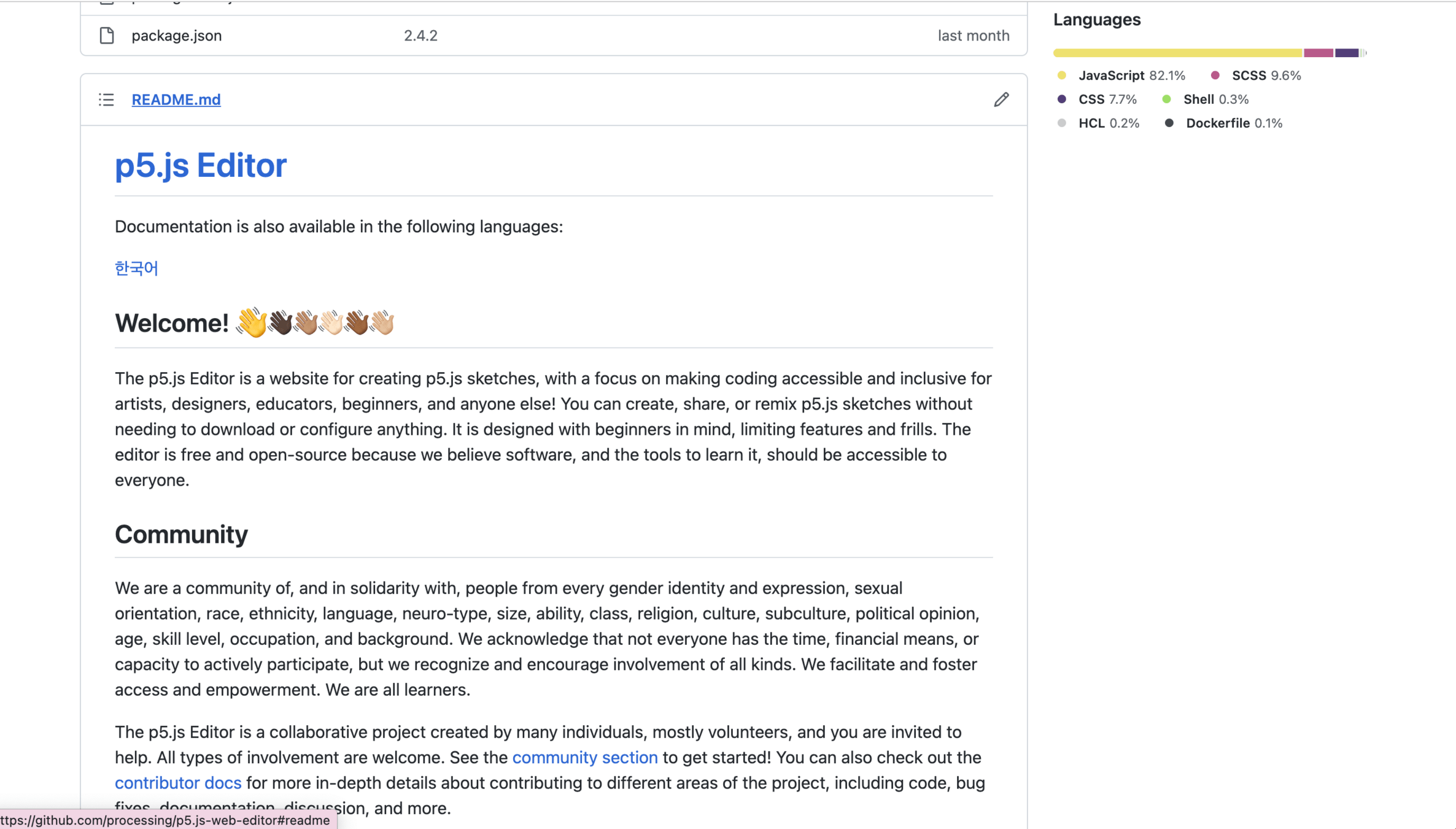
README.md
The README.md file is the standard documentation file for open source projects.
It generally contains: a title, description, list of features, instructions on how to use a project, ancillary technologies, and collaborators.
Code of Conduct
A Code of Conduct is a written set of rules and standards for those who interact with a project.
Code of Conduct
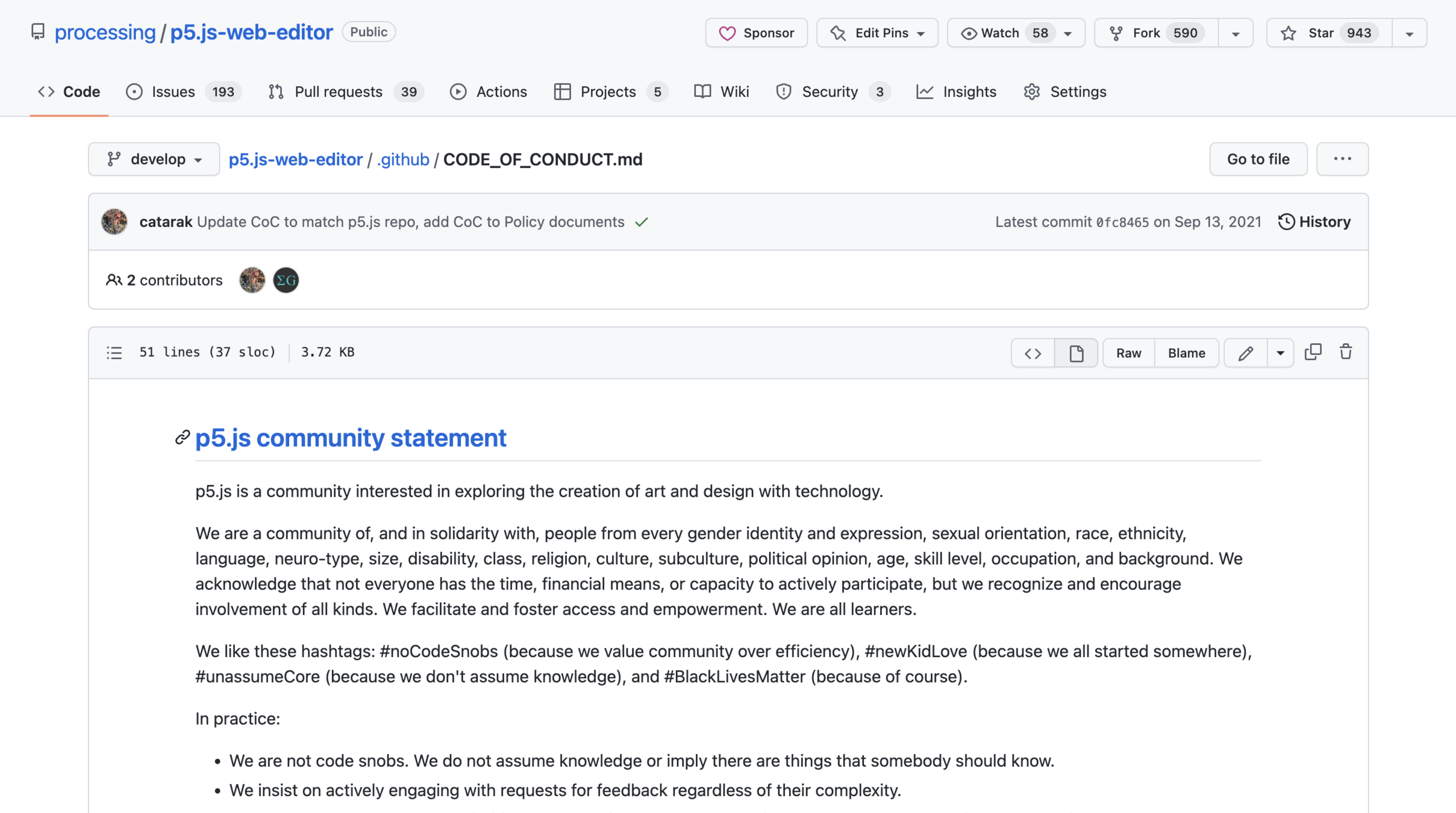
Documentation
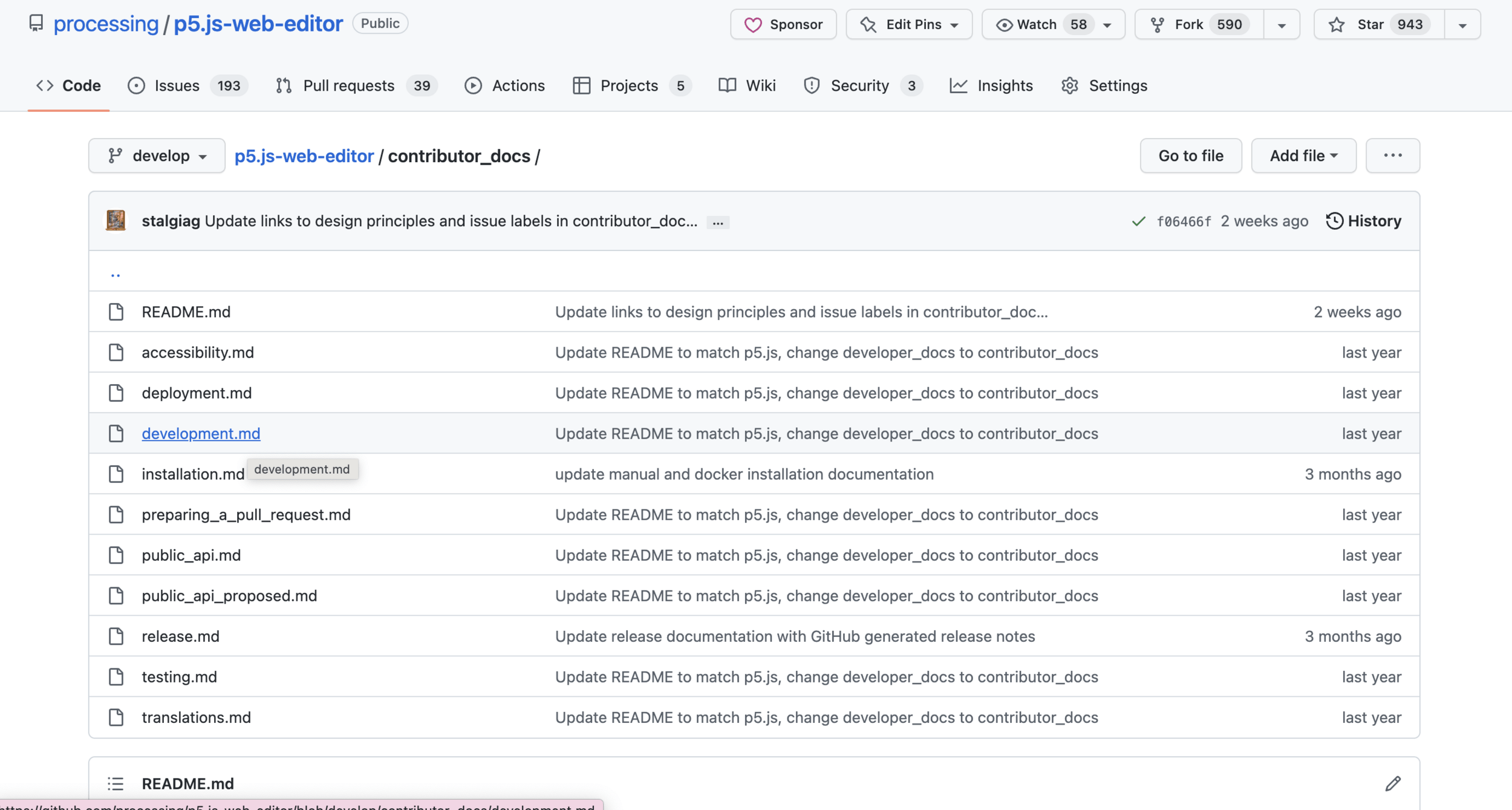
Documentation for a project entails more in-depth information on how to use or contribute to it, and are mostly written in Markdown.
For example, documentation can cover:
- How to setup a local environment
- Diagrams of the project's infrastructures
- Guidelines for providing translations
Documentation
Clear, detailed, and up-to-date documentation can make it easy for people to use and contribute to an open source project!
Documentation
Contributing to a Project
- Forms of Contribution
- Creating an Issue
- Reviewing Contributions
- Writing a Pull Request
- Workflow for Contributing Code
- Rejection
Contributing to a Project
Use the Github Glossary to look up any terms you may not know!
Forms of Contribution
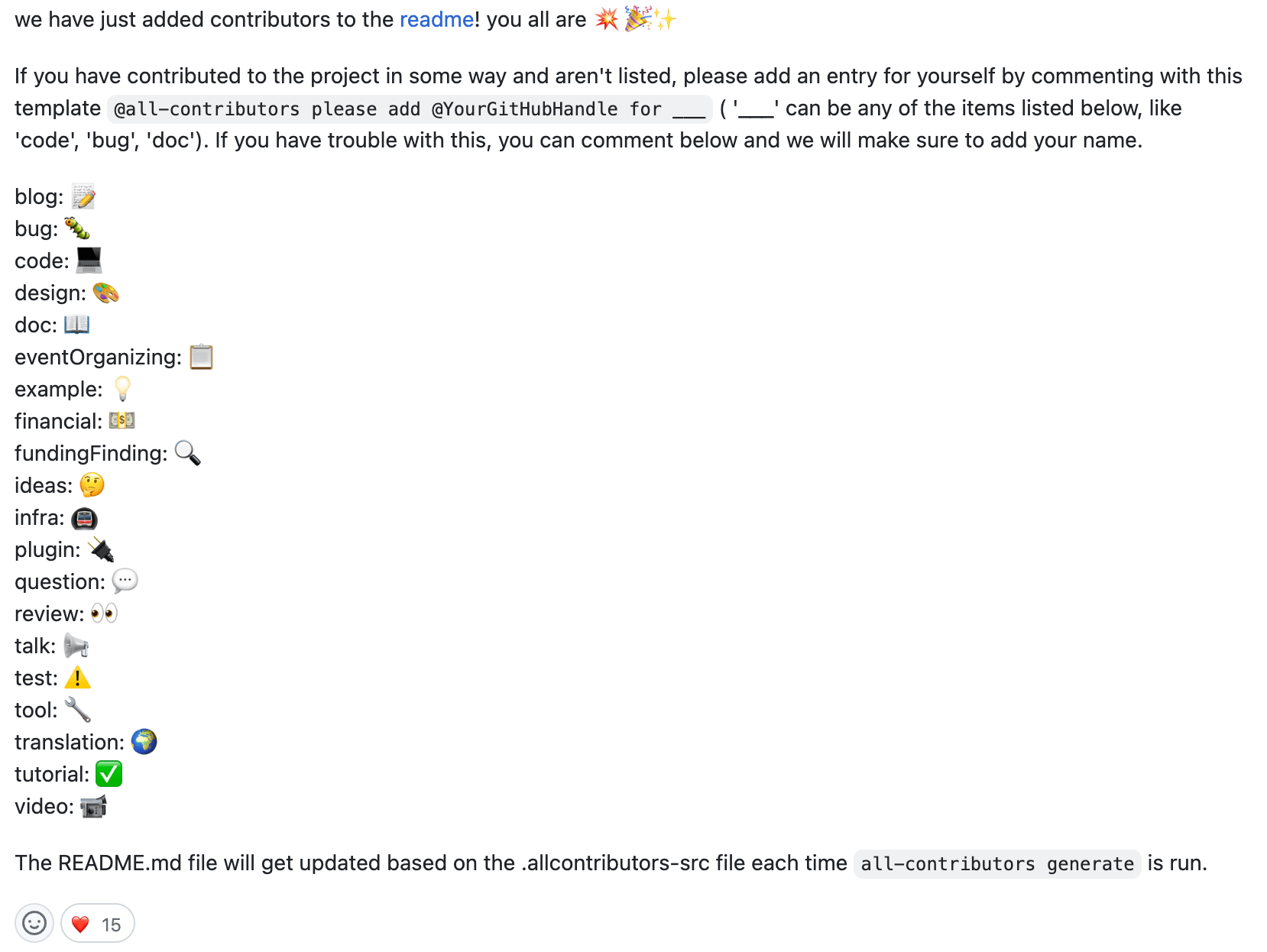
Creating an Issue
A good issue should be as descriptive as possible.
Include information like:
- Version Number
- Browser
- Expected vs. Real Behavior
- Steps to Reproduce
- Supplementary Media (images, videos, links)
Reviewing Contributions
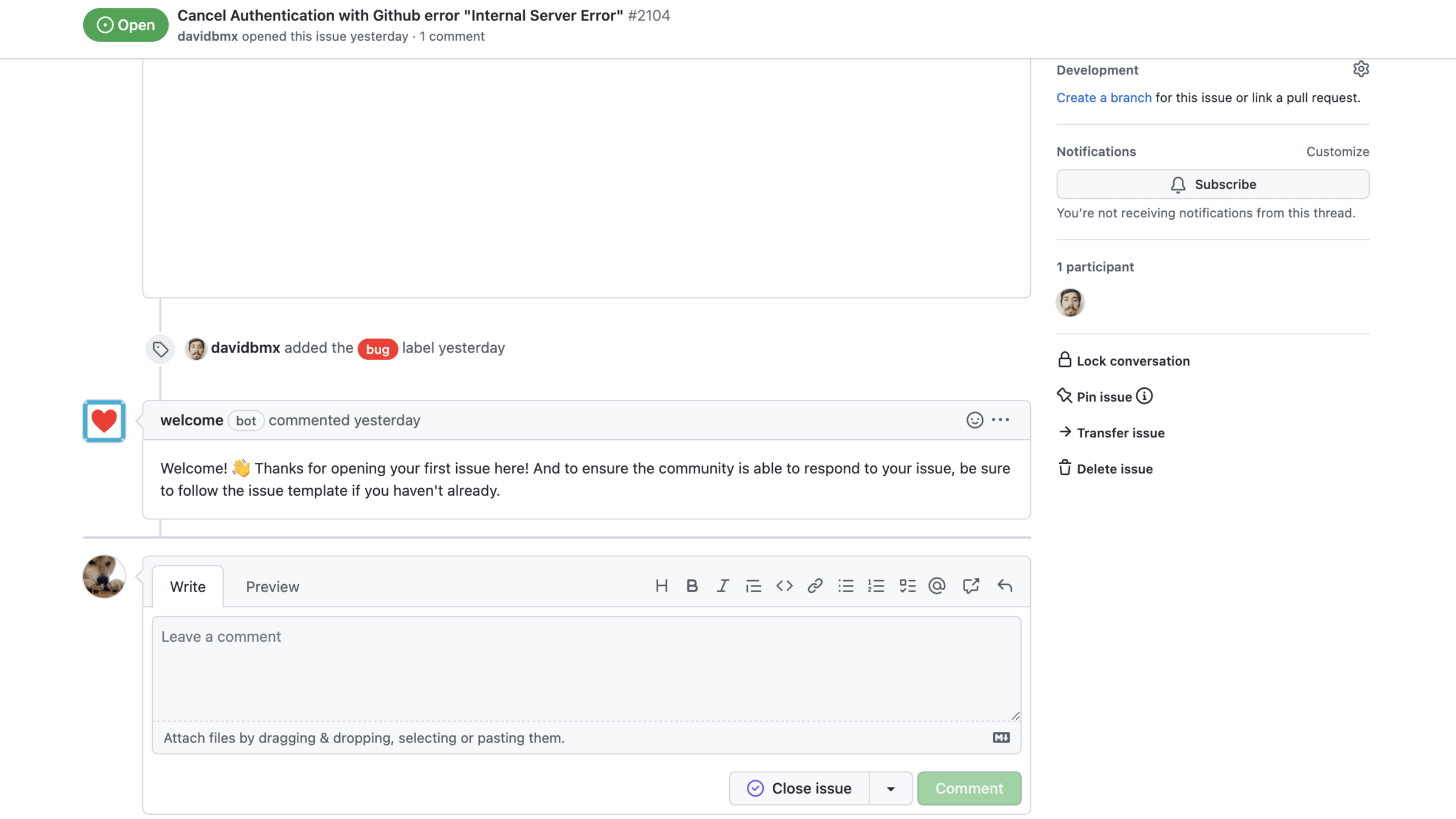
You can review contributions by "triaging issues", or adding labels and deleting duplicates.
An important label to add is a "Good First Issue", which indicates issues that newcomers could easily work on.
Reviewing Contributions
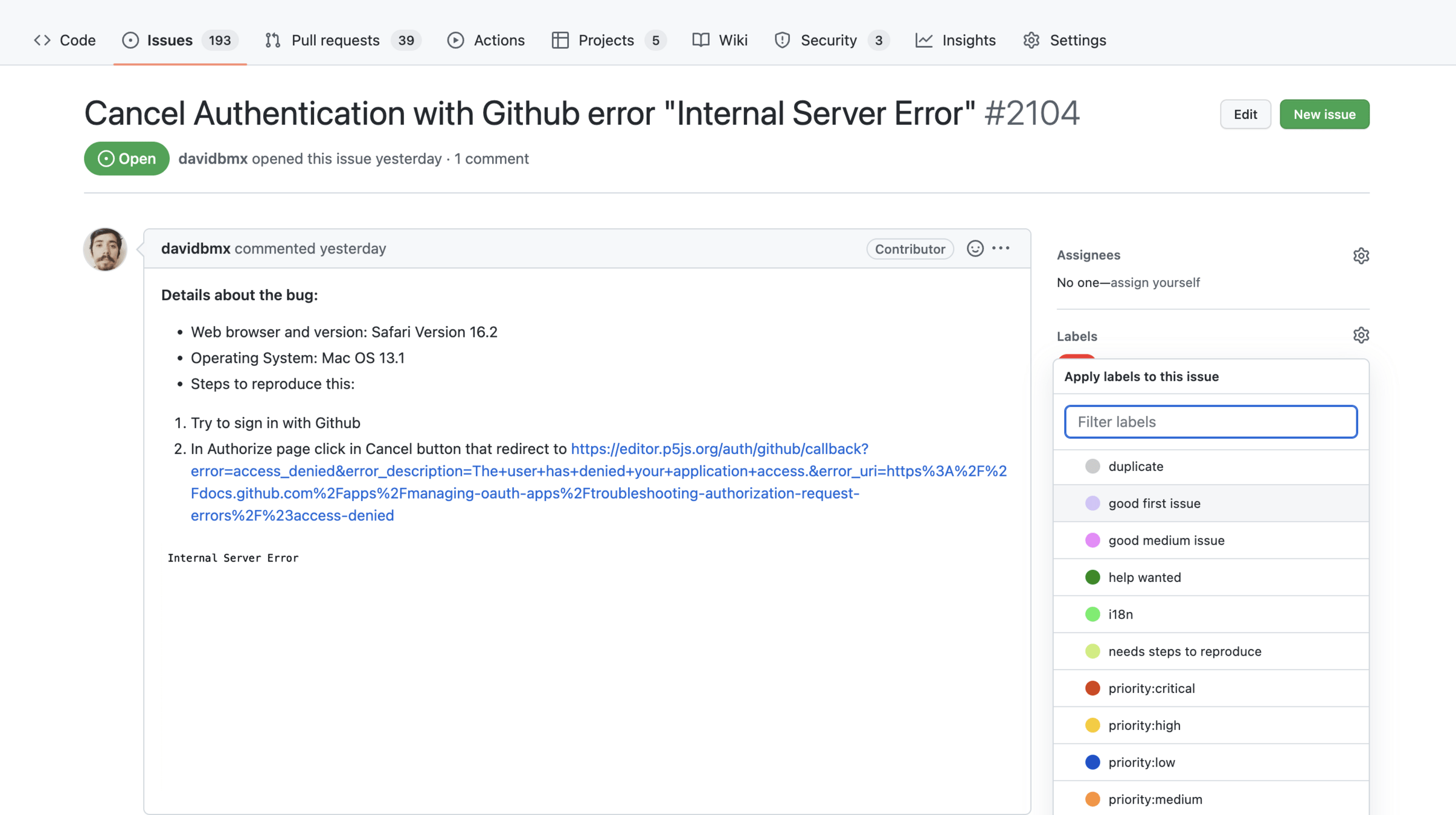
Reviewing Contributions
Writing a Pull Request
Pull Requests are a feature that allows a repository's collaborators to review and give feedback on proposed code changes before they are accepted and merged into another branch.
Workflow for Contributing Code
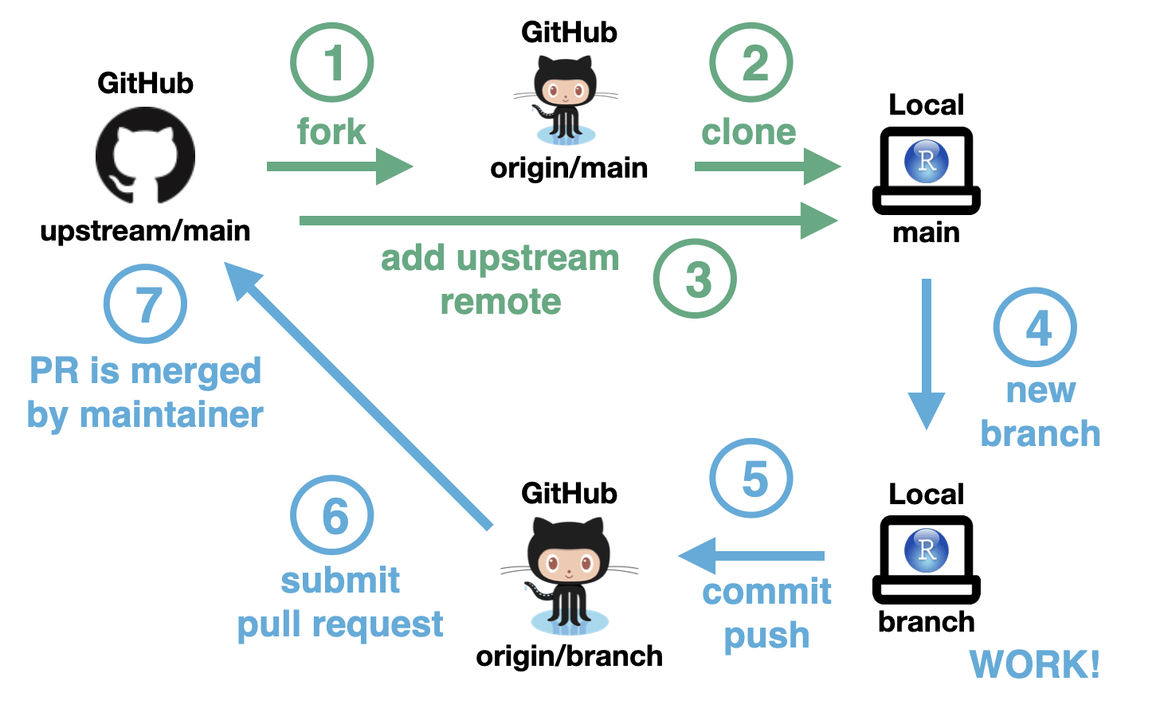
Workflow for Contributing Code
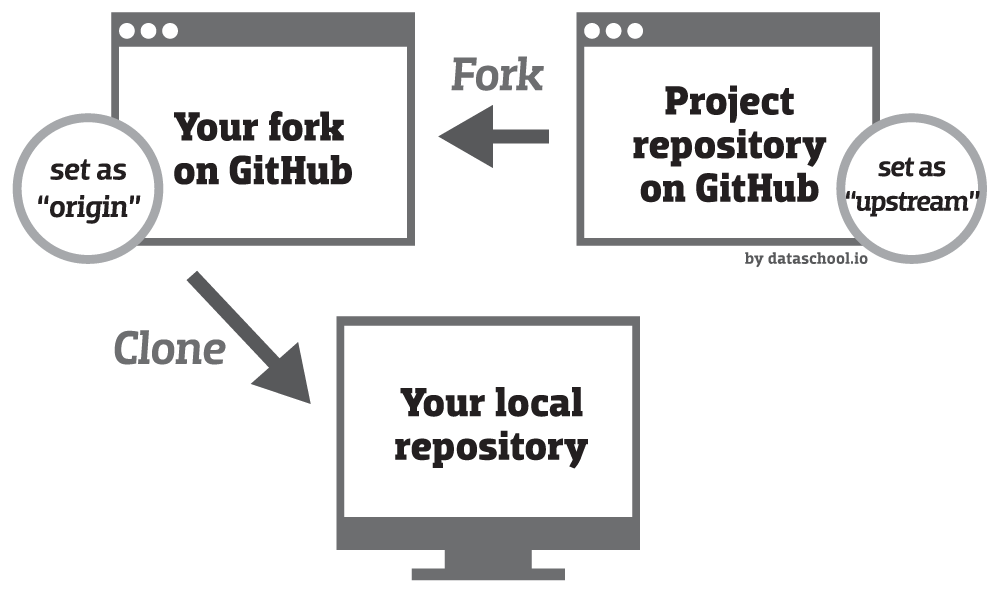
- Browsing through issues on Github to find an issue or open an issue.
- Forking the Repository.
- Creating a local copy of your forked project. For today's workshop, you can use Github Desktop for this!
- Planning any relevant material.
- Adding your changes using a Text Editor (i.e. VS Code, Brackets, Sublime).
- Committing and pushing the changes to your forked repository.
- Creating a pull request to the original repository.
- Revising your pull request based on feedback.
Workflow for Contributing Code
Receiving Rejection
Rejection is a natural part of the open source experience. No matter how hard we work on a contribution, the maintainers of the project may still reject it.
Getting Paid for Open Source Work
A lot of open source work is voluntary!
Questions?
Let's Try it Out!
Setting Up Your Environment
- Setup a Github Account
- Follow the Installation Docs
Community Management
-
What information should be communicated to new contributors? What improvements could be made to public messaging?
-
How to handle Github Discussions or the Wiki? Better areas for discussion?
-
Mock Responses to Different Types of Scenarios
-
Create New Issue Documentation
-
How to Handle Translations?
Code/Design Contribution
-
Open an Issue for Missing Translations for About Page
-
Investigate improvements for File Management/Structure
-
Creating a Pull Request for a Good First Issue
-
Convert Components to use 'styled-components'
-
Accessibility Testing
-
Open New Issues for Styling Bug Fixes
Review
What surprised you about the contribution process?
What challenges did you face? What would've made it easier for you to contribute?
Did this activity change your perspective on what "open source contribution" means?
Add Yourself!
Thanks!
Introduction to Open Source: Issues
By Rachel Lim