Foundations of Secure AI Use

VERSION 2
Secure AI Usage for Development Teams
Protecting Code, Architecture, Customer Data & Company IP

Why Secure AI Matters
-
AI accelerates development dramatically
-
But code + data leaks = irreversible damage
-
Free tools are NOT designed for corporate confidentiality
-
Developers must apply strict security discipline

Improvement: Highlight the real risk
— leaks to external models.
Typical Developer Errors That Lead to Leaks
-
Copy-pasting full files or proprietary modules
-
Debugging with real logs or customer data
-
Using free AI tools for work
-
Uploading configs, environment files, API keys
-
Syncing entire repos to AI-enabled IDEs
-
Thinking “private mode” = 100% safe (false)

Core Principles of Safe AI Usage
-
Minimum exposure
-
Sanitize everything (remove identifiers)
-
Never use free or consumer AI accounts
-
Use enterprise-grade tools ONLY
-
Manually review every AI output
-
Zero customer data
-
Zero secrets
-
Zero confidential architecture details

Allowed vs Forbidden
Allowed
-
Small, isolated snippets
-
Pseudocode
-
Generic architectures
-
Debugging after sanitizing
-
Test generation
-
Documentation generation
Forbidden
-
Real logs, stack traces with IDs
-
Customer data (names, TINs, accounts, any PII)
-
Credentials, keys, tokens
-
Internal business algorithms
-
Full microservice files
-
Deployment descriptors, infra diagrams
-
Proprietary company logic


Practical & Safe Use of AI Tools
What’s Safe to Ask AI?
✔ General coding questions
✔ Design patterns
✔ Performance optimizations
✔ Refactoring of small snippets
✔ Test improvements
✔ Architecture concepts (not company-specific)

What’s Unsafe to Ask AI?
✖ Bugs requiring internal knowledge
✖ Full service files
✖ Private architectural diagrams
✖ Sensitive logs
✖ Configurations (.yml, .env, Vault, Docker, K8s)
✖ Customer-related workflows

Sanitizing Code Correctly
-
Remove package names
-
Remove company namespaces
-
Replace service names with generic placeholders
-
Remove database names, table names, IDs
-
Remove all metadata
-
Extract only the relevant logic
-
Replace all domain identifiers:
Before sending anything to AI:
Sanitizing Code Correctly
realCustomerId → customerId
fire.customers → module.api
Obfuscate
package names
variable names

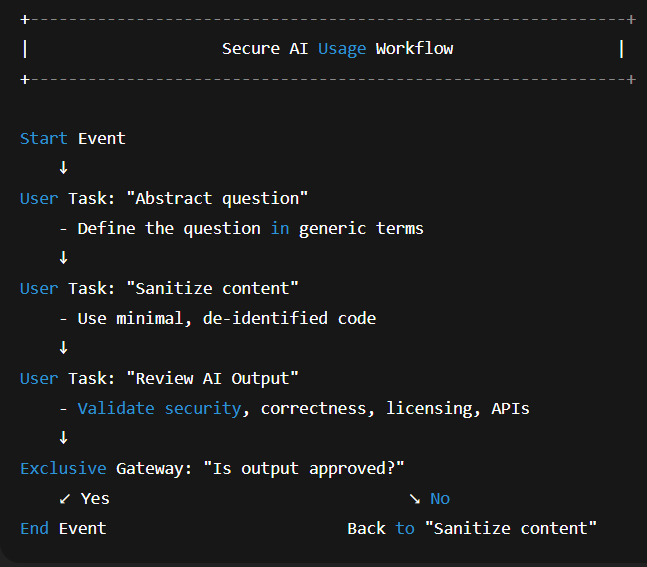
3-Step Secure Workflow

Safe Use of ChatGPT
-
Use only company-approved accounts
-
Ensure data training is disabled
-
Turn off chat history when needed
-
Use custom company policies in system prompts
-
Never sync full repositories
-
No secrets, credentials, environment files

Safe Use of Claude Code
-
Use Claude Team / Business (NOT free version)
-
Strong reasoning for refactors and understanding
-
Upload only extracted, sanitized files
-
For logs → redact all identifiers
-
Never upload architecture diagrams or configs

Safe Use of Cursor AI
-
Cursor is powerful, but dangerous if misconfigured
-
Allow indexing only of selected folders
-
NEVER let Cursor access:
-
configs
-
infra
-
deployments
-
whole monorepos
-
-
Required: manual review of AI-generated PRs

GitHub Copilot: What Developers Must Know
-
Suggests external code → licensing risks
-
Avoid on proprietary code or core modules
-
Disable auto-commit features
-
Validate all suggestions
-
Avoid using Copilot Chat for confidential topics (unless enterprise)

Quality, Compliance & Privacy
How AI Can Improve QA Safely
-
Test generation
-
Fuzzing suggestion
-
Edge case discovery
-
Complexity & readability analysis
-
Security smell detection (with proper supervision)
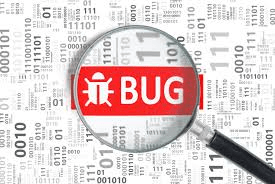
Hidden Risks in AI Output
-
Hallucinated code
-
Insecure patterns
-
Deprecated APIs
-
Wrong exceptions
-
Incorrect domain assumptions
-
GPL or external snippets
Text
Text
Text
Text
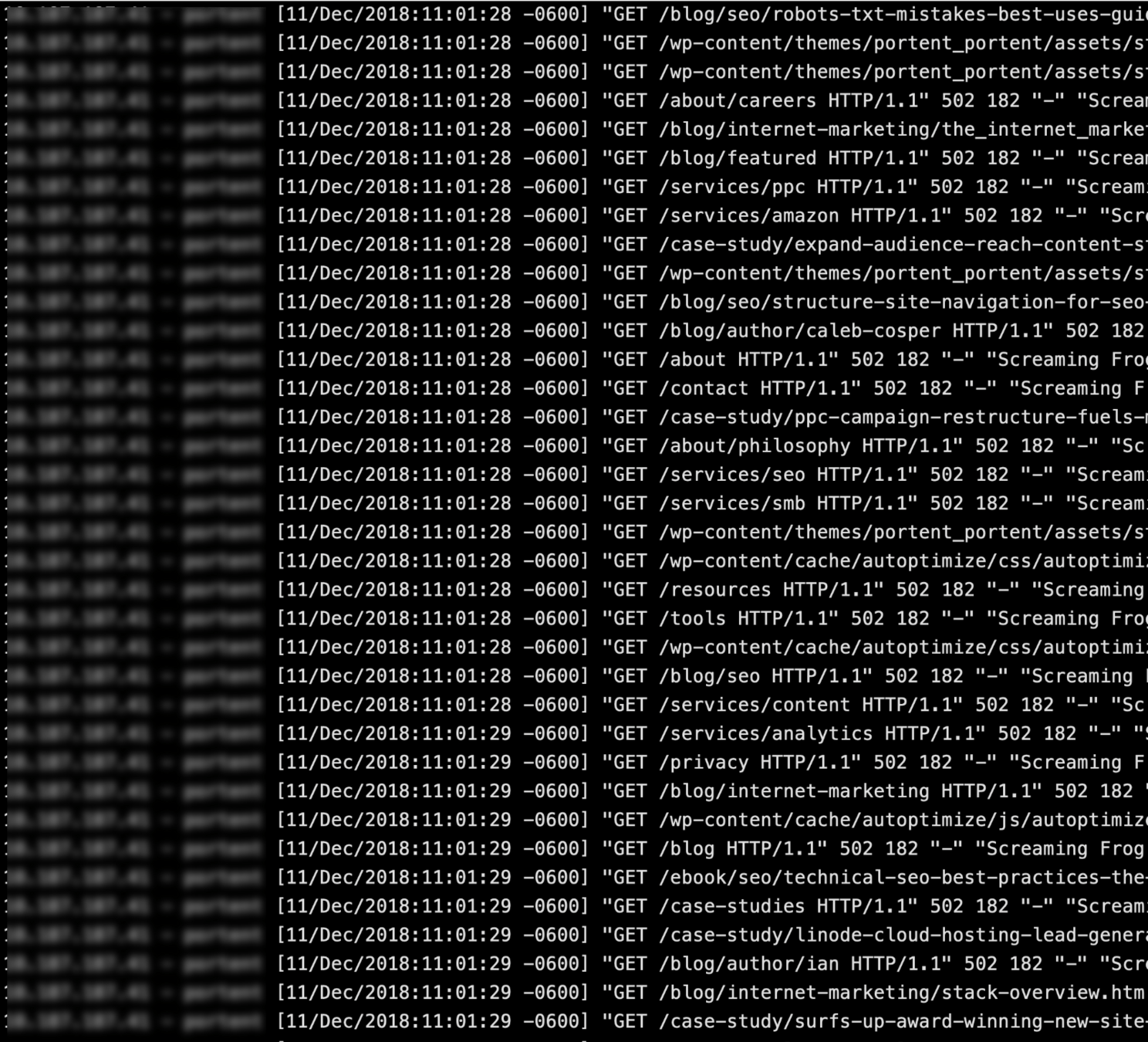
AI Privacy Reality Check
-
Usage
-
File uploads
-
Prompts
-
Timestamps
-
Metadata
Even enterprise tools still log:
AI Privacy Reality Check
-
data training OFF
-
history OFF (when needed)
-
private org workspace
-
access control configured
AI privacy settings MUST be checked:
Text
Text
Text
Text
Text
Text
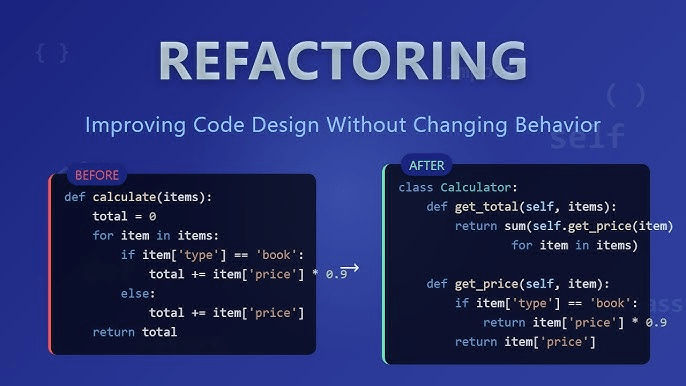
Safe Example
Unsafe → full CustomerController.java
Unsafe Example
Safe → function-only snippet with renamed fields
Text
Text
Text
Text
Policy, Responsibilities & Best Tools
Internal AI Responsibility Policy
-
No free AI tools for work
-
Use only approved enterprise solutions
-
Sanitize all code
-
Avoid structural data exposure
-
Mandatory code review for AI output
-
Report unsafe behavior immediately

Best AI Tools for Developer Teams (2025)
Safest Choices
Allowed With Caution
-
JetBrains AI (enterprise mode)
Best AI Tools for Developer Teams (2025)
🚫 free ChatGPT
🚫 free Claude
🚫 free OpenCode
🚫 free Copilot Chat
🚫 any consumer-grade AI
Forbidden
Developer Responsibilities
-
Use AI securely
-
Protect IP
-
Protect architecture
-
Avoid external dependencies
-
Verify every answer
-
Follow company AI policy
-
Ask when unsure — never assume

Final Security Checklist
-
Before sending anything to AI:
-
Did I sanitize the content?
-
Is the tool enterprise-approved?
-
Am I exposing customer or internal data?
-
Have I reduced the problem to the minimum needed?
-
Will I manually validate the answer?
-

AI is a superpower —
but only if used safely, privately, and professionally.
IA Confidentiality & Safe Usage
By Ricardo Bermúdez