CSS Beast
.Net Monster


Javascript T-Rex

HTML Thing

PHP Blob
Taming the CSS Beast
for teams
Rich Finelli
@rich_ard_f
richfinelli.com

mastering-css.com
Problems with CSS

Large projects feed
the beast

Large teams feed
the beast

1
Keep CSS specificity low
Basics of specificity
Every selector is assigned a point value
//13 points
//10 for class
//1 for an element
.wallpaper ul li a { ... }
//10 points
//10 for a class
.wallpaper { ... }//2 points
//1 for an element
div p { ... }//101 points
//100 for an ID
//1 for an element
#container h3 { ... }Basics of keeping your
specificity low
Avoid ID's
.wallpaper p ul li a { ...}.wallpaper a {
color: #fff;
}
a {
color: hotpink !important;
}Avoid "!important" keyword
Don't over-nest selectors
#container { ...}2x Powered Classes
//lot stronger than a class
#wrapper .container {
  color: #ccc;
}
//not as strong as an ID
.container.container {
color: #eee;
}//stronger than an ID and a class
.container {
color: #ddd !important;
}//How to override this?
.container {
color: #bbb;
}Attribute Selector
//stronger than a class
#noMarkupAccess { padding: 10px }
//same specificity as a class
[id="noMarkupAccess"] { padding: 20px } <div id="noMarkupAccess">:-(</div>Avoid at all costs:
ID's and generic elements
#container h3 {
  color: green;
}
2
Name classes well
“There are only two hard things in Computer Science: cache invalidation and naming things.” –Phil Karlton
Name accurately

Netflix's profile selection
"profile-gate"
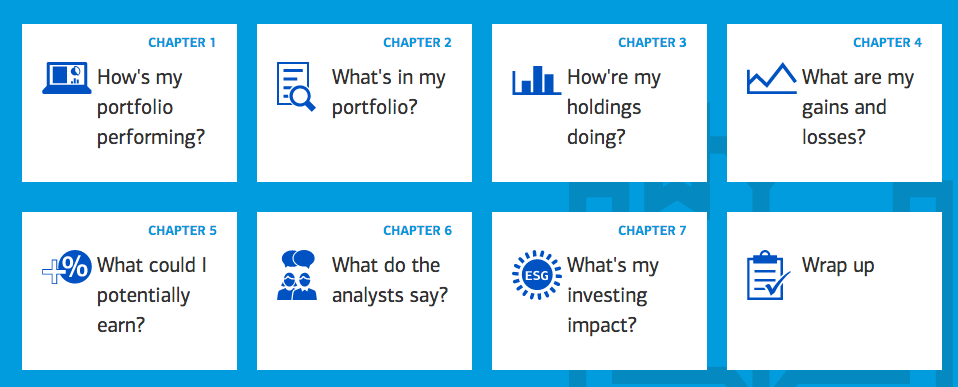
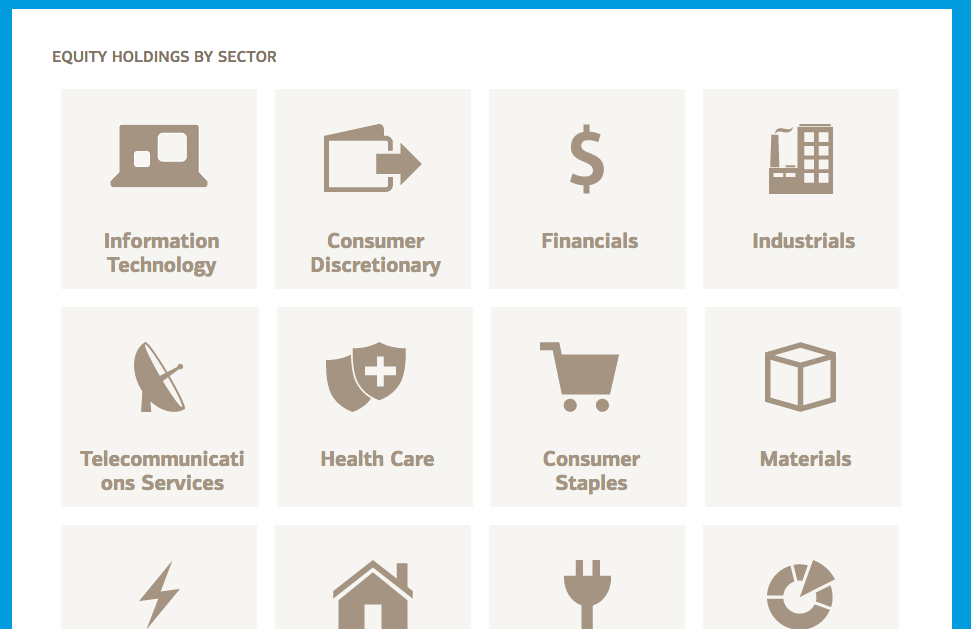
Avoid generic names
"That's a tile"

Name with personality
"wallpaper"

Name with personality
"uno card"

Also...
Name based on function, not based on presentation
i.e. sidebar >> secondary-content
Decouple: don't add the element to the class name
i.e. alertDiv >> alert-container
3
Relentlessly comment
All justification for not writing code comments ultimately factors down to “I don't want to.”
- Nicholas C. Zakas
"As a result of CSS not telling its own story very well, it is a language that really does benefit from being heavily commented.”
–Harry Roberts, cssguidelin.es
Top-of-file comment
///////////////////////////////
//buttons.less
///////////////////////////////
//this file is strictly for the core button styles
//IMPACT: changing existing styles in this file affect buttons site-wide
//BRAND: changing core button colors in this file requires UX team sign-off
//Please don't add any page specific-styles
//Please don't add any styles that positions your buttons on a specific page
//Button margins or positioning should be added to your specific page's .less file
///////////////////////////////

//Boss button
//Usage: large buttons only appear once per page as your primary CTA (Call to action)
.button-boss {
  padding: 50px;
  color: #fff;
  background-color: @color-pop;
}

//Minion button
.button-minion {
  color: $color-rainyday;
  border: 1px solid $color-rainyday;
  background-color: @color-primary;
}
Module comment
///////////////////////////////
//Uno Card
//The uno card UI pattern is used
//for features like community-based
//movie rankings, also for critic rankings
//and movie popularity
//Not intended for use with promoted articles,
//instead use the article-fist-bump class
///////////////////////////////
.uno-card__container {
  padding: 30px;
}
.uno-card__heading {
  font-size: 2rem;
}
"Heads up" comment
.selector\ {
    margin-left: -2px;
}
.selector\ {
margin-left: -2px;
//IE selector hack, fixes spacing issue in IE8 and below
//can be removed after IE8 support is dropped
//for uno-cards design pattern (see defect #1821 for more info)
}Table of contents
/**
 * CONTENTS
 *
 * SETTINGS
 * Global...............Globally-available variables and config.
 *
 * TOOLS
 * Mixins...............Useful mixins.
 *
 * GENERIC
 * Normalize.css........A level playing field.
 * Box-sizing...........Better default `box-sizing`.
 *
 * BASE
 * Headings.............H1–H6 styles.
 *
 * OBJECTS
 * Wrappers.............Wrapping and constraining elements.
 *
 * COMPONENTS
 * Page-head............The main page header.
 * Page-foot............The main page footer.
 * Buttons..............Button elements.
 *
 * TRUMPS
 * Text.................Text helpers.
 */
Benefits of code commenting
- Naturally forces self-review
- Allows you to reason about your code
- Encourages code refactoring
3 Techniques for Taming the CSS Beast
- Take time to name things well
- Understand specificity and keep it low
- Comment the heck out of your code
That's it.
Questions?
Rich Finelli
@rich_ard_f
richfinelli.com
Taming the CSS beast
By Rich Finelli
Taming the CSS beast
Originally presented at a technology Meetup in Somerset NJ, 3 Techniques for teams to keep CSS manageable and sane