Managing Sequence Action
robustack.com
Add Sequence Action
Unlike job actions in Schedule/Trigger, those in Sequence have run orders and waiting options. You can design them to run in serial or in parallel to suit your needs.
(1) Click "Sequence Jobs" tab and select the sequence you'd like to add actions into it.
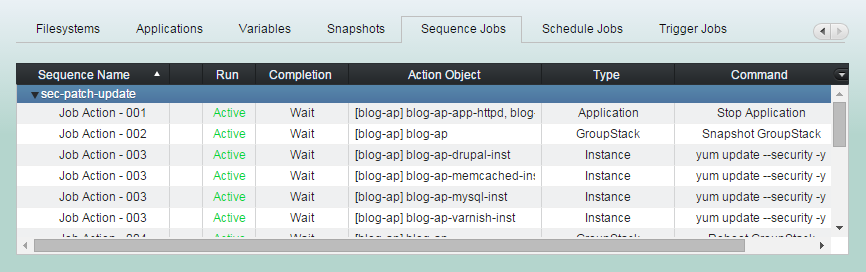
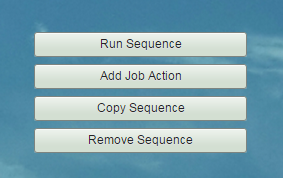
(2) Click "Add Job Action" button
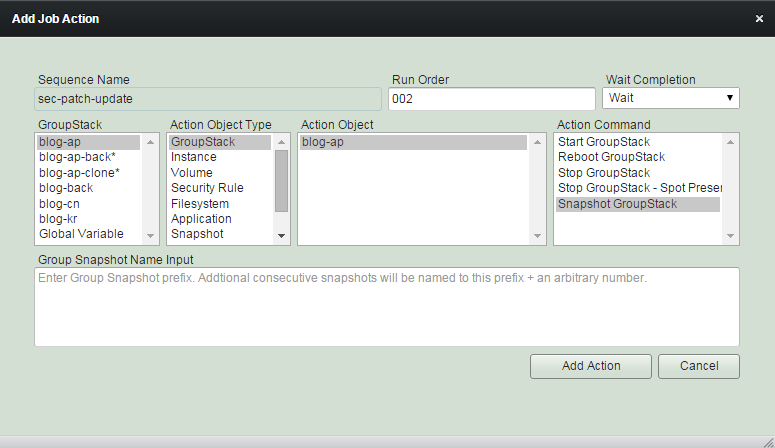
'Run Order' is integer number between 001 and 999.
Actions in a sequence with lower number will run earlier than those with higher. Actions with same order number will run in parallel.
Select 'Wait Completion' option.
If you select 'Wait', then the next action with higher run order will wait until this action completed.
You can select any groupstack
in any location.
Or Global variable.
Select one type of action object.
GroupStack
Instance
Volume
Security Rule
Filesystem
Application
Snapshot
Schedule
Variable
Global Variable
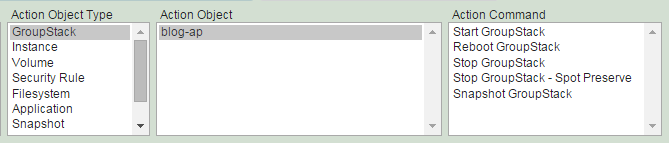
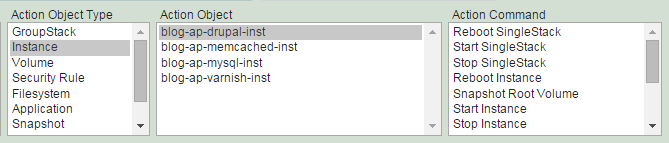
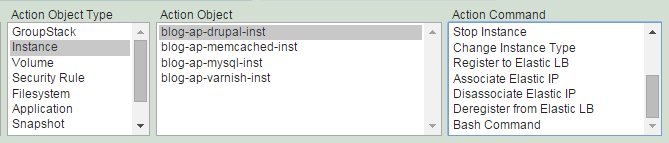
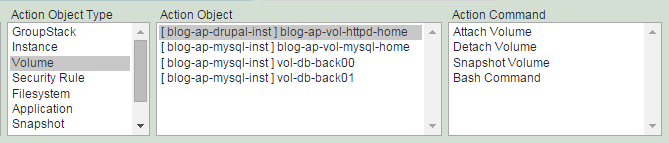
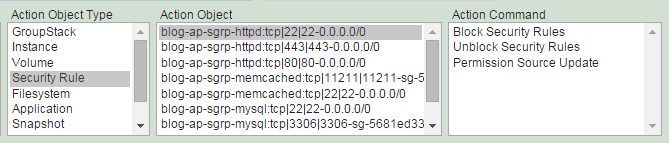
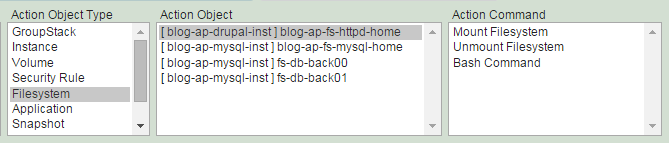
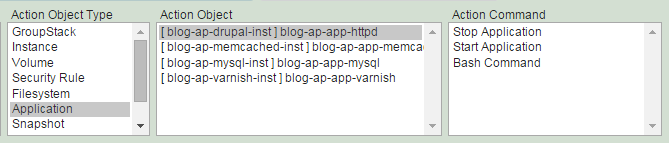
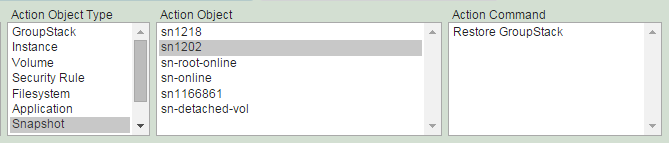
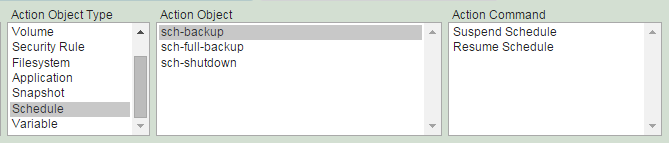
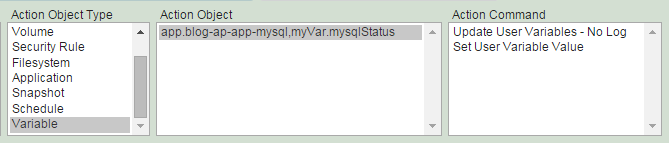
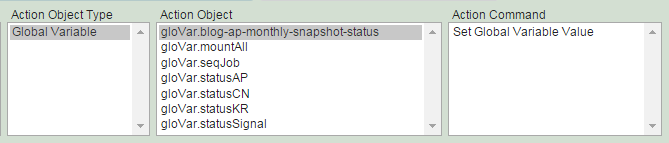
Select action objects and command.
Fill 'Command Option' if requested.
(3) Click "Add Action" button.
Activate Sequence Action
(1) Click "Sequence Jobs" tab. And select actions to activate.
You can select actions already activated together.
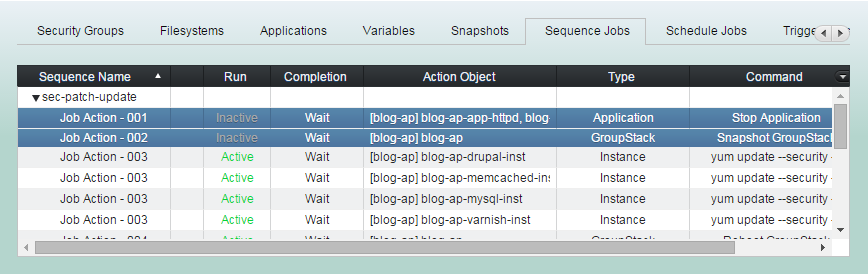
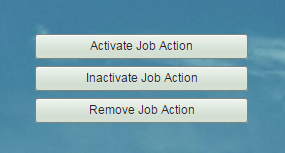
(2) Click "Active Job Action" button
(3) 'Activate Job Action' completed.
You can inactivate/activate actions anytime on the fly.
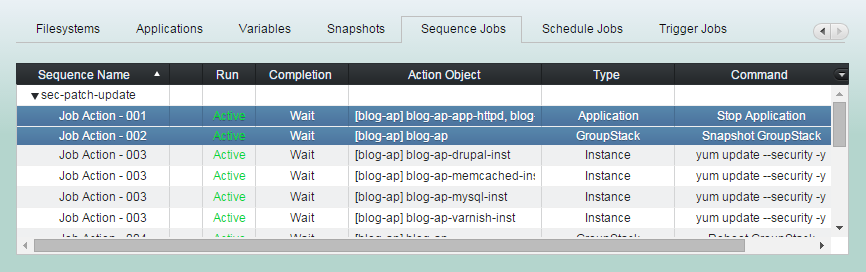
If you activate any actions while the sequence is running, the actions activated will run if the order of action currently running is lower than those run orders.
Inactivate Sequence Action
(1) Click "Sequence Jobs" tab. And select actions to inactivate.
You can select actions already inactivated together.
(2) Click "Inactive Job Action" button
(3) 'Inactivate Job Action' completed.
You can inactivate/activate actions anytime on the fly.
If you inactivate any actions while the sequence is running, the actions inactivated will be skipped and the next higher order active action will run.
Remove Sequence Action
(1) Click "Sequence Jobs" tab. And select actions to remove.
(2) Click "Remove Job Action" button
Batch Job - Managing Sequence Action
By robustack.com
Batch Job - Managing Sequence Action
Batch Job - Managing Sequence Action. Robustack is an Amazon EC2 Orchestration Platform. This slides explains how you can manage Sequence Job Actions.