Housekeeping
EBS Storages
robustack.com
'Housekeeping resources' in robustack means the managing resources in a way which are not related to any groupstack operations, such as deleting a resource regardless of its groupstack membership.
Any activities done through this housekeeping menus may cause incomplete groupstack structure if you don't care much.
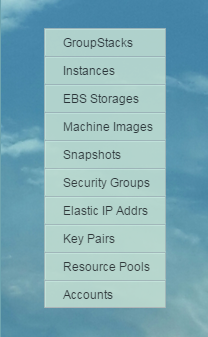
(1) Click "EBS Storages" in main menu.
Navigating
EBS Strorage Menus
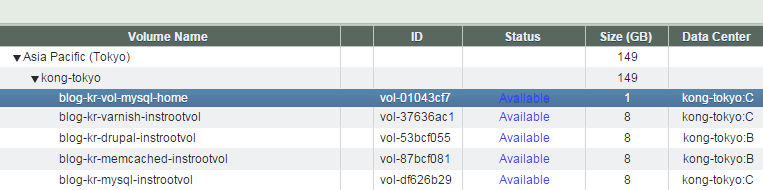
(2) Select a EBS volume you'd like to navigate into.
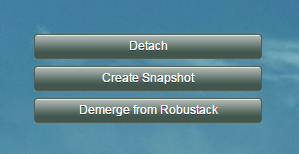
You can see menu buttons which can be run at the current state of the volume.

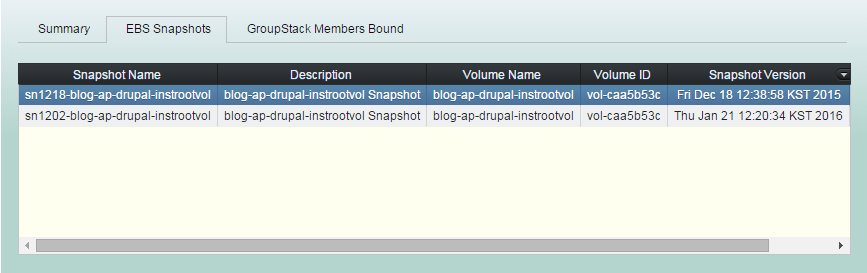
You can see all EBS snapshots created from the volume if you click "EBS Snapshots" tab in sub view.
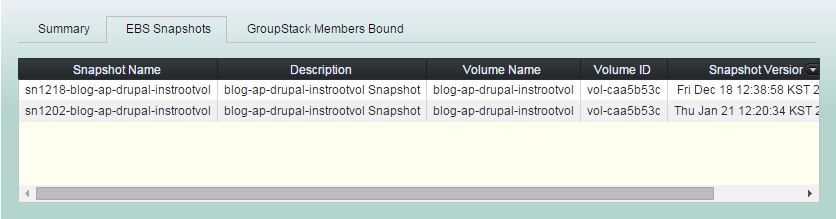
You can delete it or create volume from it selecting a snapshot in "EBS Snapshots" tab.
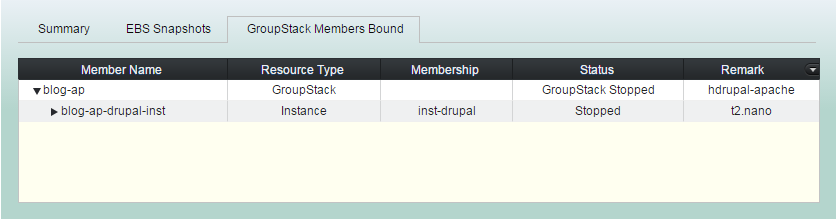
You can see all groupstack members bound to this volume if you click "GroupStack Members Bound" tab in sub view.
Bulk Deleting
EBS Volumes
Sometimes you need cleaning up unnecessary volumes, such as which are detached from terminated instances and no longer to be used.
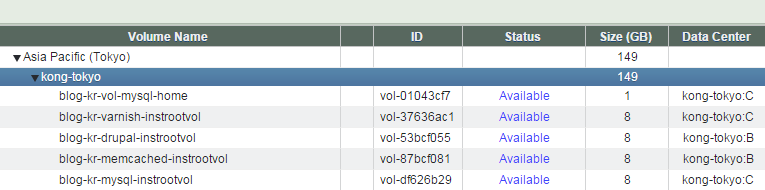
You can delete those volumes by selecting them among candidate list of volumes which are not members of any groupstacks.
(2) Select a resource pool you'd like to bulk delete volumes from.
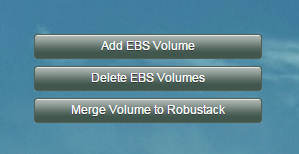
(3) Click "Delete EBS Volumes".
Produced list are for the volumes which are no longer members of any groupstacks and the states are not "in-use".
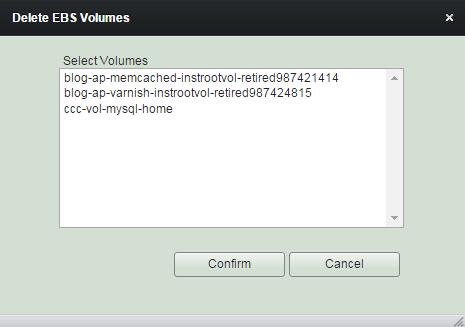
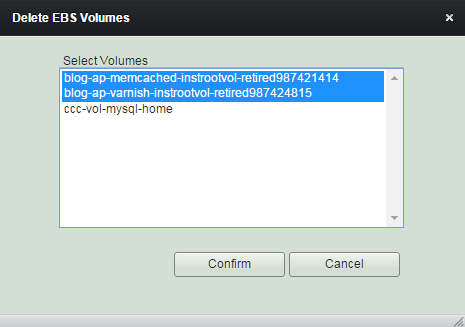
(4) Select volumes to delete and click "Confirm".
Deleting
an EBS Volume
Contrary to 'bulk deleting', you can continue to delete a volume despite its deleting validation warning.
(2) Select a volume you'd like to delete.
(3) Click "Delete" button.
Merge Volume to Robustack
'Merge' terminology in robustack is to bring Amazon EC2 resources which are usually created outside robustack into control.
And 'Demerge' is opposite meaning.
(2) Select a resource pool you'd like to merge a volume from.
(3) Click "Merge Volume to Robustack".
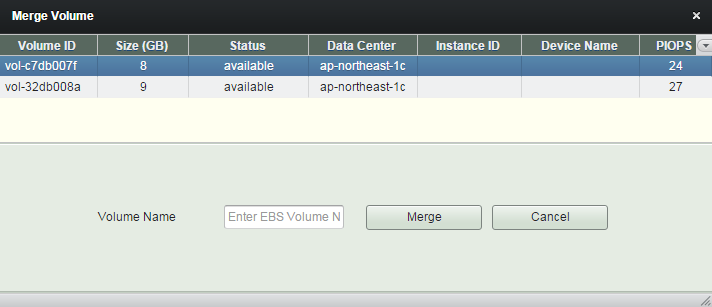
Select a volume to merge and enter 'Volume Name' to use.
(4) Click "Merge" button.
Now you can see the volume at the volume management view.
Demerge Volume from Robustack
'Merge' terminology in robustack is to bring Amazon EC2 resources which are usually created outside robustack into control.
And 'Demerge' is opposite meaning.
(2) Select a volume you'd like to demerge.
(3) Click "Demerge from Robustack".
The volume will now be out of robustack. But still you can see it thru other control channel, such as Amazon EC2 Console.
Housekeeping - EBS Storages
By robustack.com
Housekeeping - EBS Storages
Housekeeping EBS Storages. Robustack is an Amazon EC2 Orchestration Platform. This slides explains how you can manage EBS volumes as non-groupstack members.