Managing
Snapshot - Group Snapshot
robustack.com
Restore GroupStack
(1) Click "Snapshots" tab and select group snapshot to restore groupstack from.
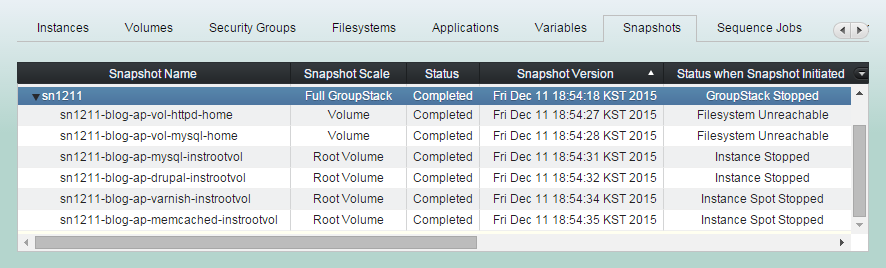
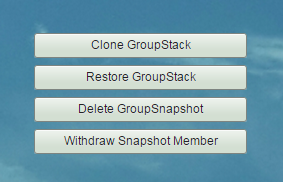
(2) Click "Restore GroupStack" button
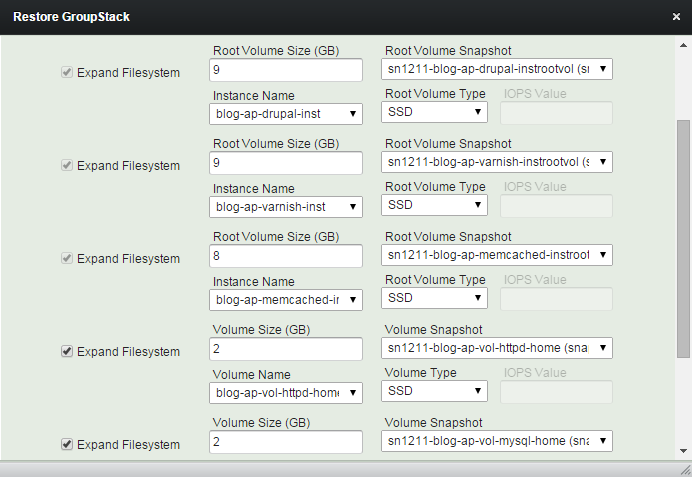
Only the volumes those snapshots exist in the selected group snapshot will be restored.
(3) Modify sizes and types of volumes and root volumes as you wish.
And click "Continue" button
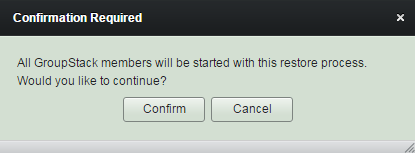
(4) Read reminder content and click "Confirm" button.
Groupstack will be started during the restore process to expand the filesystems and to finish restoring.
(5) Restore GroupStack workflow
1. Detaches all volumes including root volumes of on-demand instances.
2. Creates volumes and on-demand root volumes from snapshots with newly extended sizes and modified types.
(5) Restore GroupStack workflow
3. Creates new AMIs from root snapshot of spot instances. And applys newly edited sizes and types to the groupstack configuration.
(5) Restore GroupStack workflow
4. Waits until all volume creation completed.
5. Attaches newly created volumes and root volumes to stopped on-demand instances.
(5) Restore GroupStack workflow
6. Starts 'Start Spot Instance' workflows for all spot instances.
7. Starts 'Start Instance' workflows for all on-demand instances.
8. Waits until 'Start (Spot) Instance' workflows done.
(5) Restore GroupStack workflow
9. Attaches volumes for spot instances.
10. Grows and mounts filesystems, if needed.
11. Continues the rest of 'Start GroupStack' workflow.
(6) Restore GroupStack completed.
Clone GroupStack
(1) Click "Snapshots" tab and select group snapshot to clone groupstack from.
(2) Click "Clone GroupStack" button
Cloning will not be initiated if any root volume snapshot is missing in the group snapshot.
(3) Select clone destination and enter new groupstack name
and click "Confirm" button.
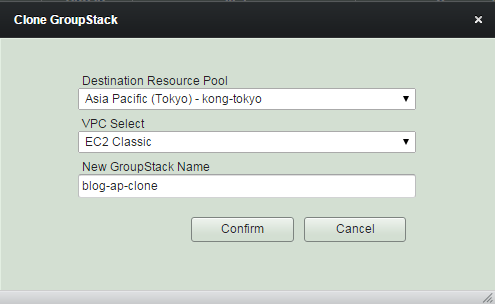
Cloning groupstack may take long
if you do it over other AWS region, as copying its snapshots and images over to other region takes long.
(4) New groupstack has been cloned and the status is now "In Configuration".
Now you can tweak the configuration as you wish, such as names, instance types, volume sizes, security group rules.
(5) Click "Instances' tab and select an instance to tweak in "In Configuration" or "Configuration Completed"
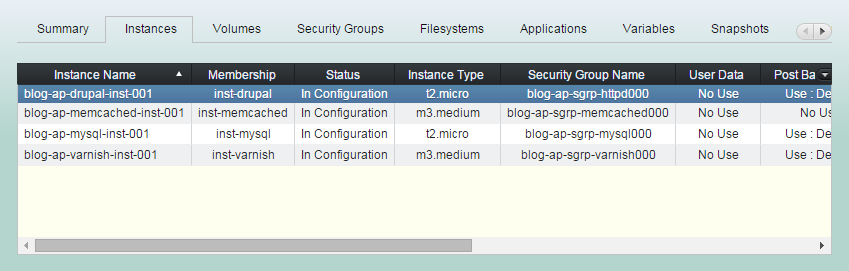
(6) Change instance configuration as needed, and continue for all instances.
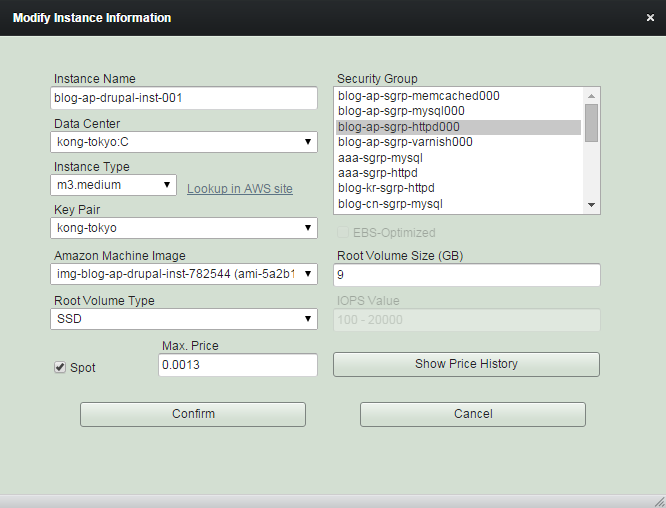
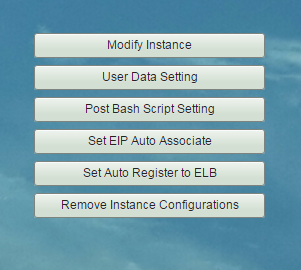
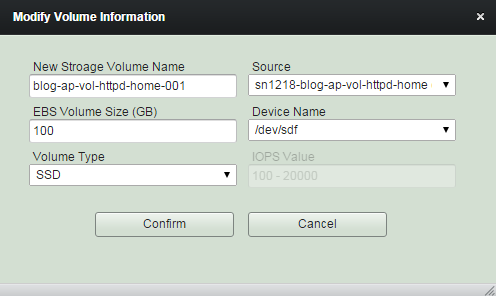
(7) Click "Volumes' tab and select a volume to tweak in "In Configuration" or "Configuration Completed".

(8) Change volume configuration to suit your requirements.
(9) Change security group and rule configuration
as needed.
Cloning groupstack usually brings all security rules which are refering to any sources inside groupstack, but in case those of outside, you should pay attention to them and modify as necessary.
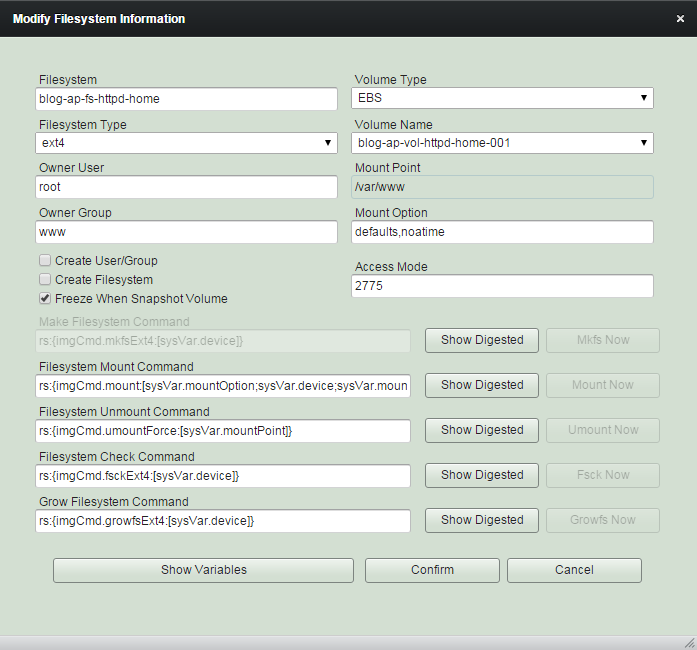
(10) Tweak filesystem configuration if needed.
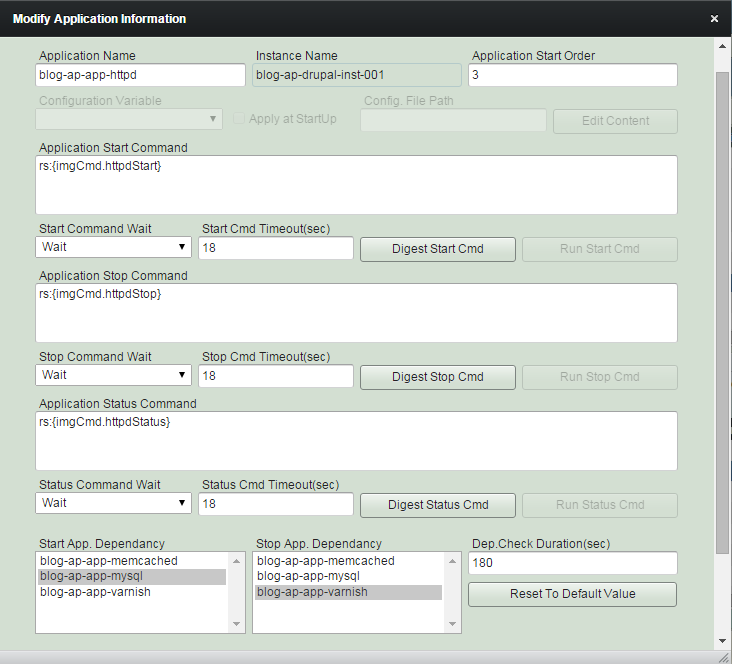
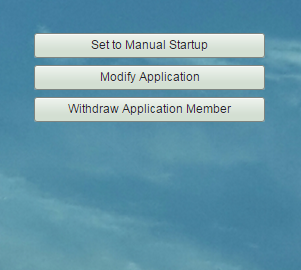
(11) Modify application configuration as needed.
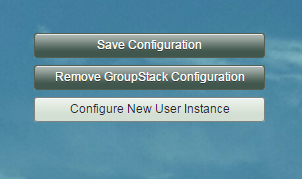
(12) It will show groupstack status as "Configuration Completed" if it is ready to save. Then click "Save Configuration" button.
(13) Cloning groupstack completed.
GroupStack status is "Ready to Launch" and you can launch it anytime.
Delete GroupSnapshot
This will practically remove all child snapshots inside the group snapshot as well as withdraw it.
(1) Click "Snapshots" tab and select group snapshot to delete.
(2) Click "Delete GroupSnapshot" button
Withdraw Snapshot Member
This will withdraw the group snapshot and its child snapshots. Like withdrawing any other groupstack members, child snapshots will remain keeping those contents.
(1) Click "Snapshots" tab and select group snapshot to withdraw.
(2) Click "Withdraw Snapshot Member".
Managing Snapshot - Group Snapshot
By robustack.com
Managing Snapshot - Group Snapshot
Managing Snapshot - Group Snapshot. Robustack is an Amazon EC2 Orchestration Platform. This slides shows what can you do with Group Snapshot.