Managing
StartUp Features
robustack.com
You can assign automatic features to an instance or a singlestack which are to be handled accordingly inside the steps of startup workflows, such as launch, start, reboot.
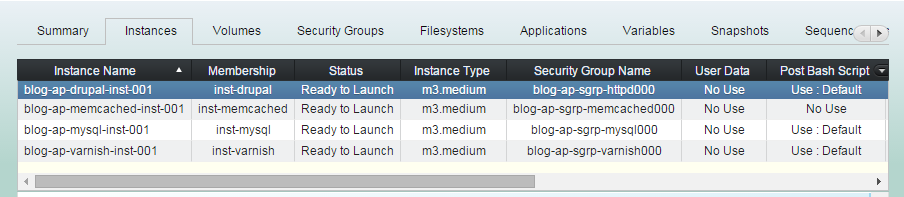
(1) Click "Instances" tab in groupstack sub-table view. Then select an instance you'd like to change its startup features.
User Data Setting
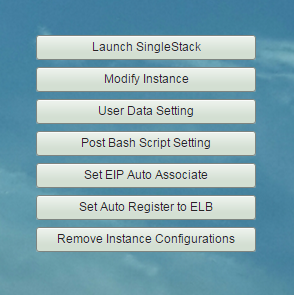
(2) Click "User Data Setting" button.
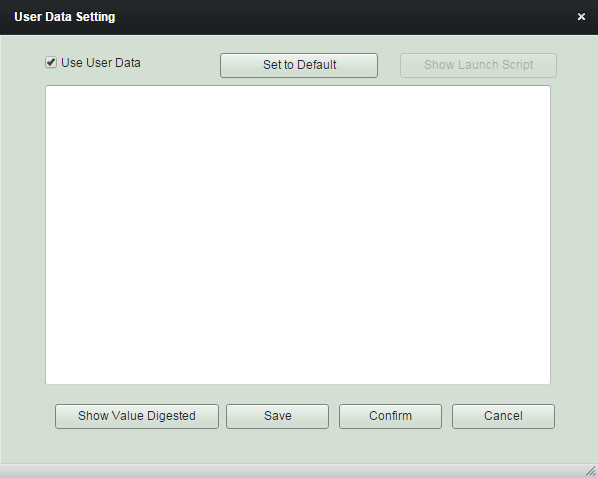
(3) Insert "User Data" content as needed. And click "Confirm".
rs:{myVar.currentSum}::rs:{myVar.latestSum}
User-data content inputted here will be utilized as its original AWS EC2 uses, whereas you can combine it with 'robustack variables'.
The variables will be digested just before the user-data is being applied to the instance, namely, when it is being launched or started.
rs:{myVar.currentSum}::rs:{myVar.latestSum}
Post Bash Script Setting
(2) Click "Post Bash Script Setting" button.
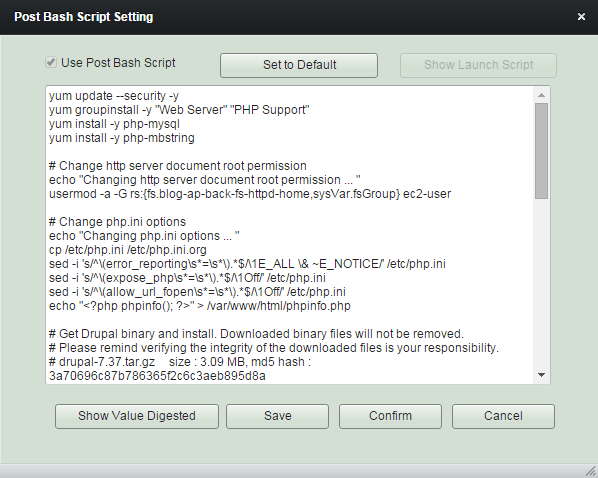
(3) Edit "Bash Script" content as needed. And click "Confirm".
Post Bash Script is usually utilized as a function of software installation or
setting up configuration parameters.
You can tweak the default contents to suit your requirements combining 'robustack variables' with it.
Post Bash Script will be executed after all filesystems bound mounted within the steps of startup workflows,
Launch GroupStack, Start GroupStack,
Reboot GroupStack, Launch SingleStack,
Start SingleStack, Reboot SingleStack
Set Elastic IP Auto Associate
(2) Click "Set EIP Auto Associate" button.
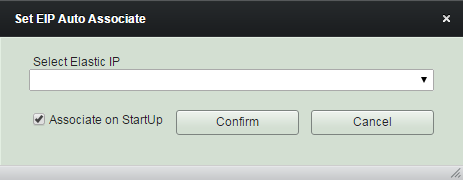
(3) Select Elastic IP you already created. Click "Associate on StartUp" if you want it to be associated automatically with the instance startup. Alternatively, you can associate it manually or by Job actions later.
Set Auto Register to Elastic Load Balancer
(2) Click "Set Auto Register to ELB" button.
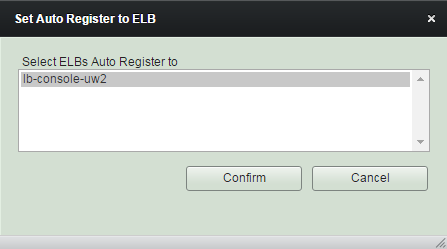
(3) Select Elastic Load Balancer you already created.
Register instance to Elastic LB will be done after all applications bound are started and running within the steps of startup workflows,
Launch GroupStack, Start GroupStack,
Reboot GroupStack, Launch SingleStack,
Start SingleStack, Reboot SingleStack
Managing Instance - StartUp Features
By robustack.com
Managing Instance - StartUp Features
Managing Instance - StartUp Feature. Robustack is an Amazon EC2 Orchestration Platform. This slides shows how to modify the startup feature of a singlestack ( a unit for an AWS EC2 instance and its bound volumes, security groups and filesystems, applications) and explains what will be happening during its startup.