Managing
Snapshot - Volume Snapshot
robustack.com
Create Volume from Snapshot
Creating a volume here is almost same as creating a volume in EC2 console or creating it through "Snapshots" management menu. This menu is just for ease of operation.
(1) Click "Snapshots" tab and select a snapshot to create a volume based on it.
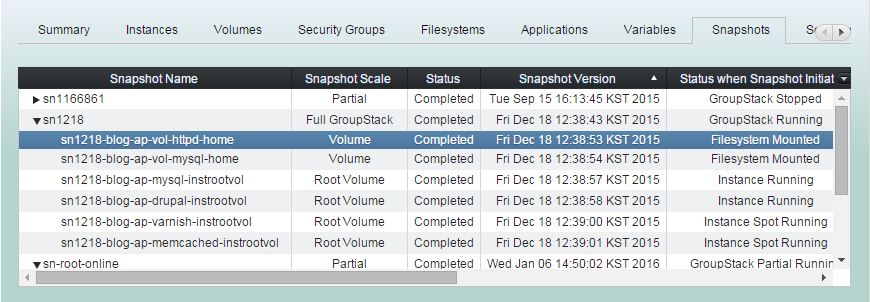
(2) Click "Create Volume from Snapshot".
Then fill volume creation parameters as needed and click "Confirm".
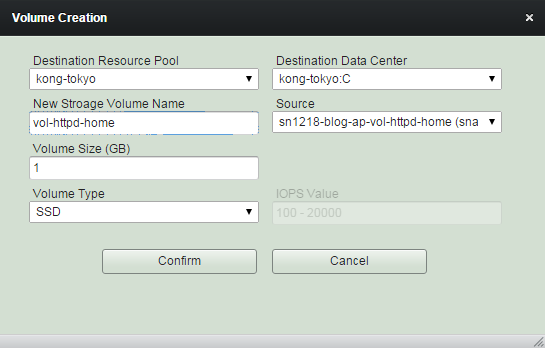
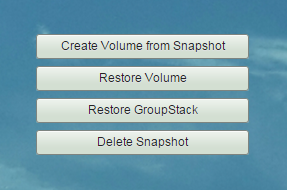
(3) 'Create Volume from Snapshot' completed.
You can check the newly created volume at "EBS Storages" management view.
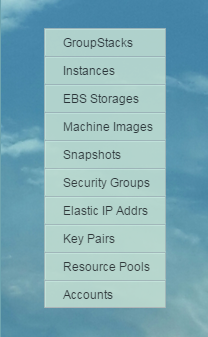
Restore Volume
You can restore volumes with volume snapshots if the filesystems bound are not mounted. And be sure that growing filesystems can only be possible while the instances are running.
(1) Click "Snapshots" tab and select volume snapshots you want to restore.
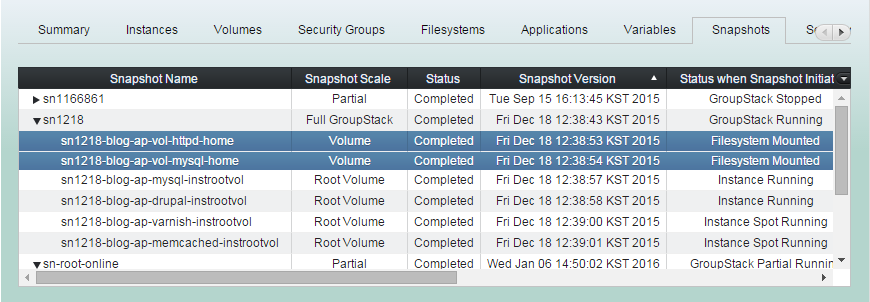
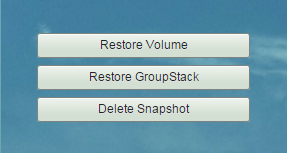
(2) Click "Restore Volume" button.
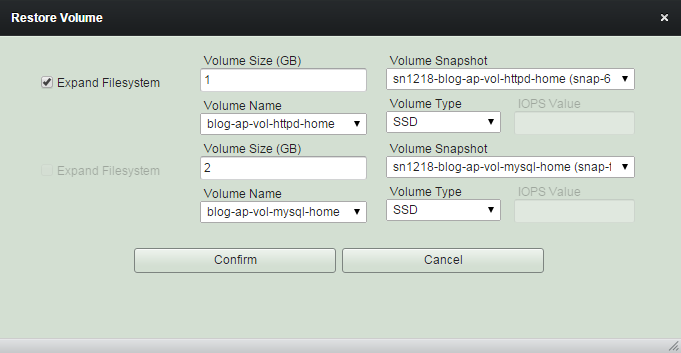
(3) Change the sizes and types as needed and click "Confirm".
'Expand Filesystem' checkbox will be disabled for instances not running.
(4) 'Restore Volume' workflow.
1. Detaches volumes.
2. Changes detached old volumes as
'<vol-name>-retiredXXX'.
3. Initiates creating volumes from snapshots.
(4) 'Restore Volume' workflow.
4. Waits until volume creation completed.
5. Attaches newly created volumes to the on-demand instances.
6. Attaches newly created volumes to spot instances if they are running.
(4) 'Restore Volume' workflow.
7. Grows filesystems for those restoring option 'Expand Filesystem' enabled, if the instances are running.
8. Mounts filesystems if the instances are running.
(5) 'Restore Volume' completed.
Restore GroupStack
You can partially or entirely restore groupstack with those snapshots you select.
This will bring up all groupstack members and make them started together.
(1) Click "Snapshots" tab and select snapshots to restore groupstack from.
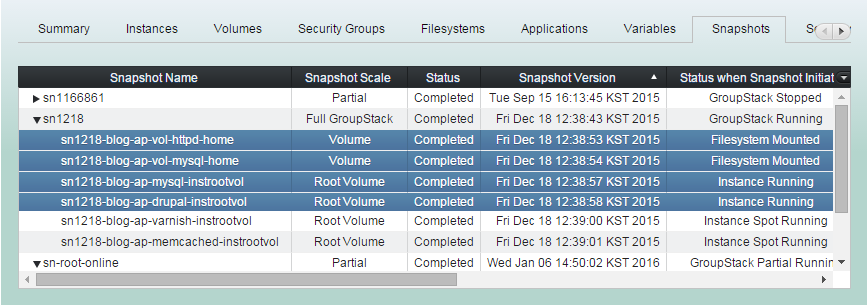
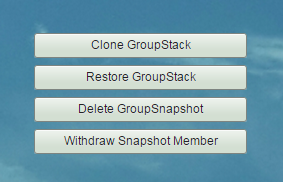
(2) Click "Restore GroupStack" button
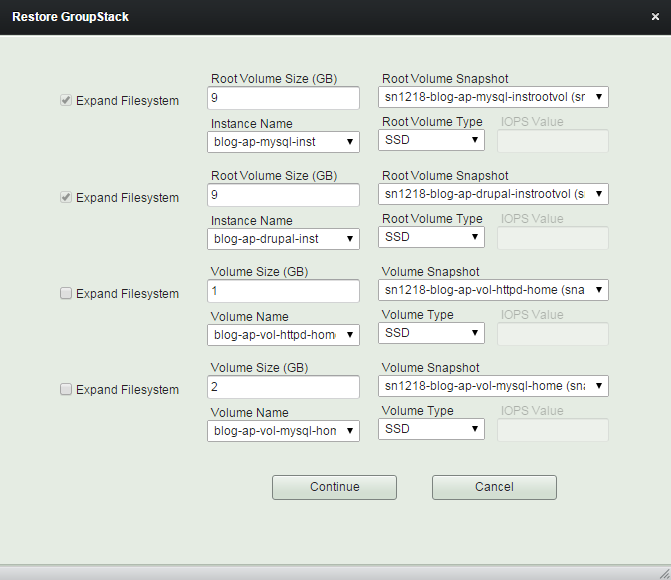
Only the volumes those snapshots selected will be restored.
(3) Modify sizes and types of volumes and root volumes as you wish.
And click "Continue" button
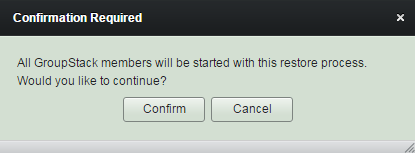
(4) Read reminder content and click "Confirm" button.
Groupstack will be started during the restore process to expand the filesystems and to finish restoring.
(5) Restore GroupStack workflow
1. Detaches all volumes including root volumes of on-demand instances for those snapshots selected.
2. Creates volumes and on-demand root volumes from snapshots with newly extended sizes and modified types.
(5) Restore GroupStack workflow
3. Creates new AMIs from selected root snapshots of spot instances. And applys newly edited sizes and types to the groupstack configuration.
(5) Restore GroupStack workflow
4. Waits until all volume creation completed.
5. Attaches newly created volumes and root volumes to stopped on-demand instances.
(5) Restore GroupStack workflow
6. Starts 'Start Spot Instance' workflows for all spot instances.
7. Starts 'Start Instance' workflows for all on-demand instances.
8. Waits until 'Start (Spot) Instance' workflows done.
(5) Restore GroupStack workflow
9. Attaches volumes for spot instances.
10. Grows and mounts filesystems, if needed.
11. Continues the rest of 'Start GroupStack' workflow.
(6) 'Restore GroupStack' completed.
Delete Snapshot
This will practically remove snapshots as well as withdraw them.
(1) Click "Snapshots" tab and select snapshots to delete.
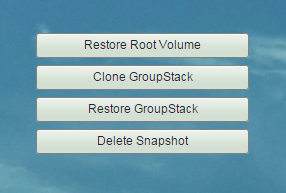
(2) Click "Delete Snapshot" button
Managing Snapshot - Volume Snapshot
By robustack.com
Managing Snapshot - Volume Snapshot
Managing Snapshot - Volume Snapshot. Robustack is an Amazon EC2 Orchestration Platform. This slides shows what can you do with volume snapshots in Group Snapshot.