Clone GroupStack
robustack.com
Clone GroupStack
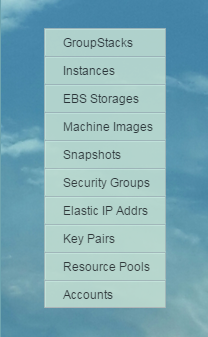
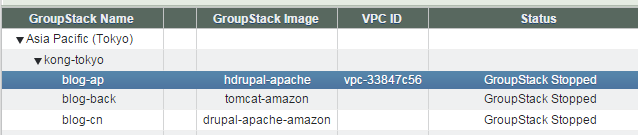
(1) Click "GroupStacks" in main menu.
(2) Select groupstack to clone
at groupstack table view.
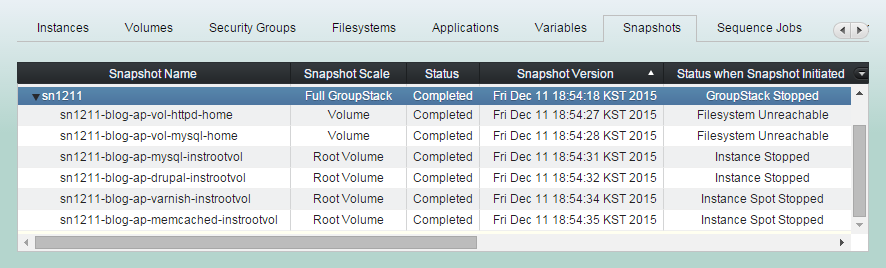
(3) Click "Snapshots" tab and select group snapshot to clone groupstack from.
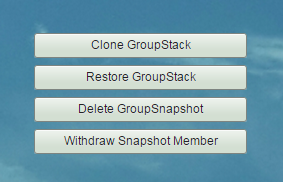
(4) Click "Clone GroupStack" button
(5) Select clone destination and enter new groupstack name
and click "Confirm" button.
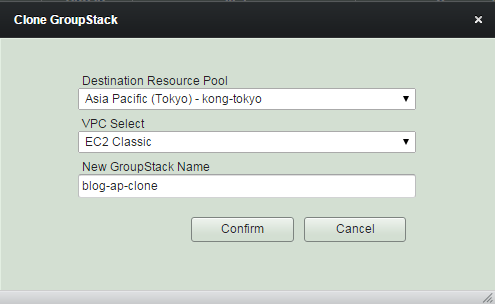
Cloning groupstack may take long
if you do it over other AWS region, as copying its snapshots and images over to other region takes long.
(6) New groupstack has been cloned and the status is now "In Configuration".
Now you can tweak the configuration as you wish, such as names, instance types, volume sizes, security group rules.
(7) Click "Instances' tab and select an instance to tweak in "In Configuration" or "Configuration Completed"
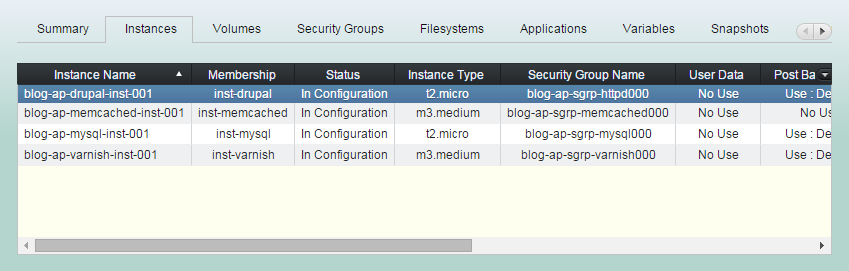
(8) Change instance configuration as needed, and continue for all instances.
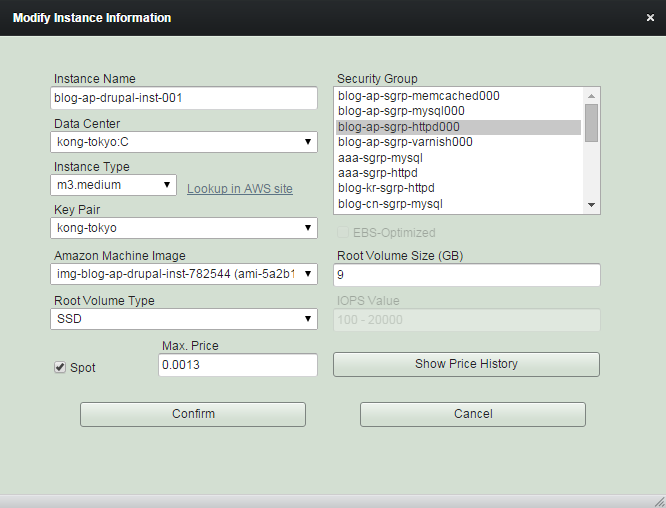
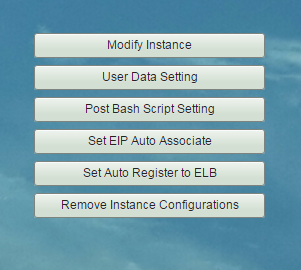
(9) Change instance startup features as needed, and continue for all instances.
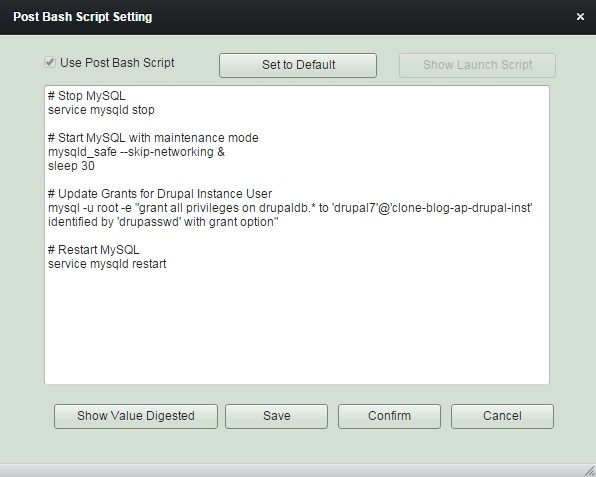
Modifying 'Post Bash Script Setting' of instance members will be the most crucial process of cloning groupstack, especially if you customized your source groupstack a lot from its original configuration. Please remind that not a small number of properties of your instances will have been changed through cloning.
Check the content of 'Post Bash Script' carefully and modify it as needed.
This script will be executed just after all filesystem bound mounted.
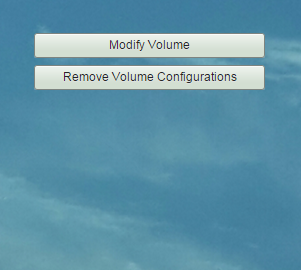
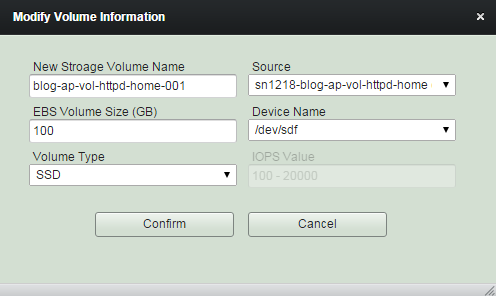
(10) Click "Volumes' tab and select a volume to tweak in "In Configuration" or "Configuration Completed".

(11) Change volume configuration to suit your requirements.
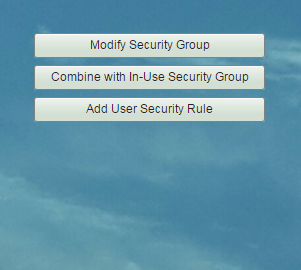
(12) Change security group and rule configuration
as needed.
Cloning groupstack usually brings all security rules which are refering to any sources inside groupstack, but in case those of outside, you should pay attention to them and modify as necessary.
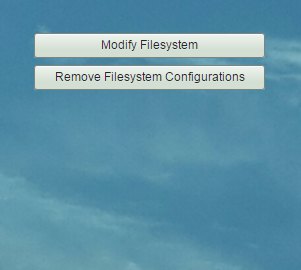
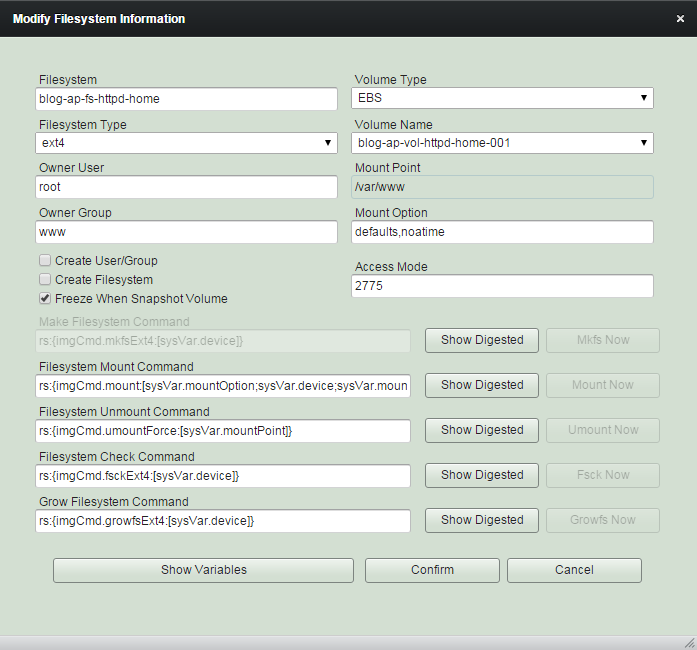
(13) Tweak filesystem configuration if needed.
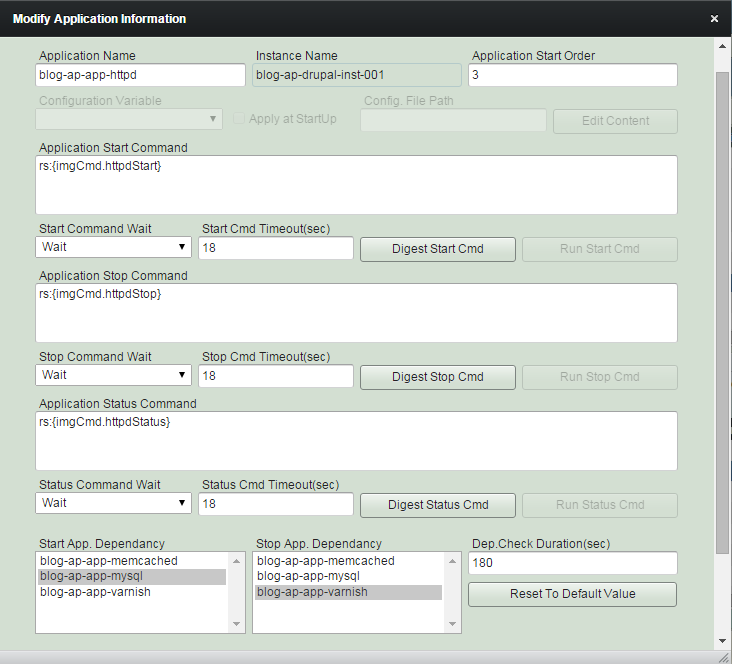
(14) Modify application configuration as needed.
(15) It will show groupstack status as "Configuration Completed" if it is ready to save. Then click "Save Configuration" button.
(16) Cloning groupstack completed.
GroupStack status is "Ready to Launch" and now you can launch it anytime.
Managing GroupStack - Cloning GroupStack
By robustack.com
Managing GroupStack - Cloning GroupStack
Managing GroupStack - Cloning. Robustack is an Amazon EC2 Orchestration Platform. This slides shows how to clone a groupstack (an unit for group of AWS EC2 instances, volumes, security groups and filesystems, applications) and explains what will be going on under the hood.