Hackers!
what you need to know about them and what they do
what do they do ?
they find weaknesses in your computers security system and manipulate it so they can steal vital information like credit card numbers or phone numbers
and sometimes they will even destroy your PC or plant dangerous viruses.
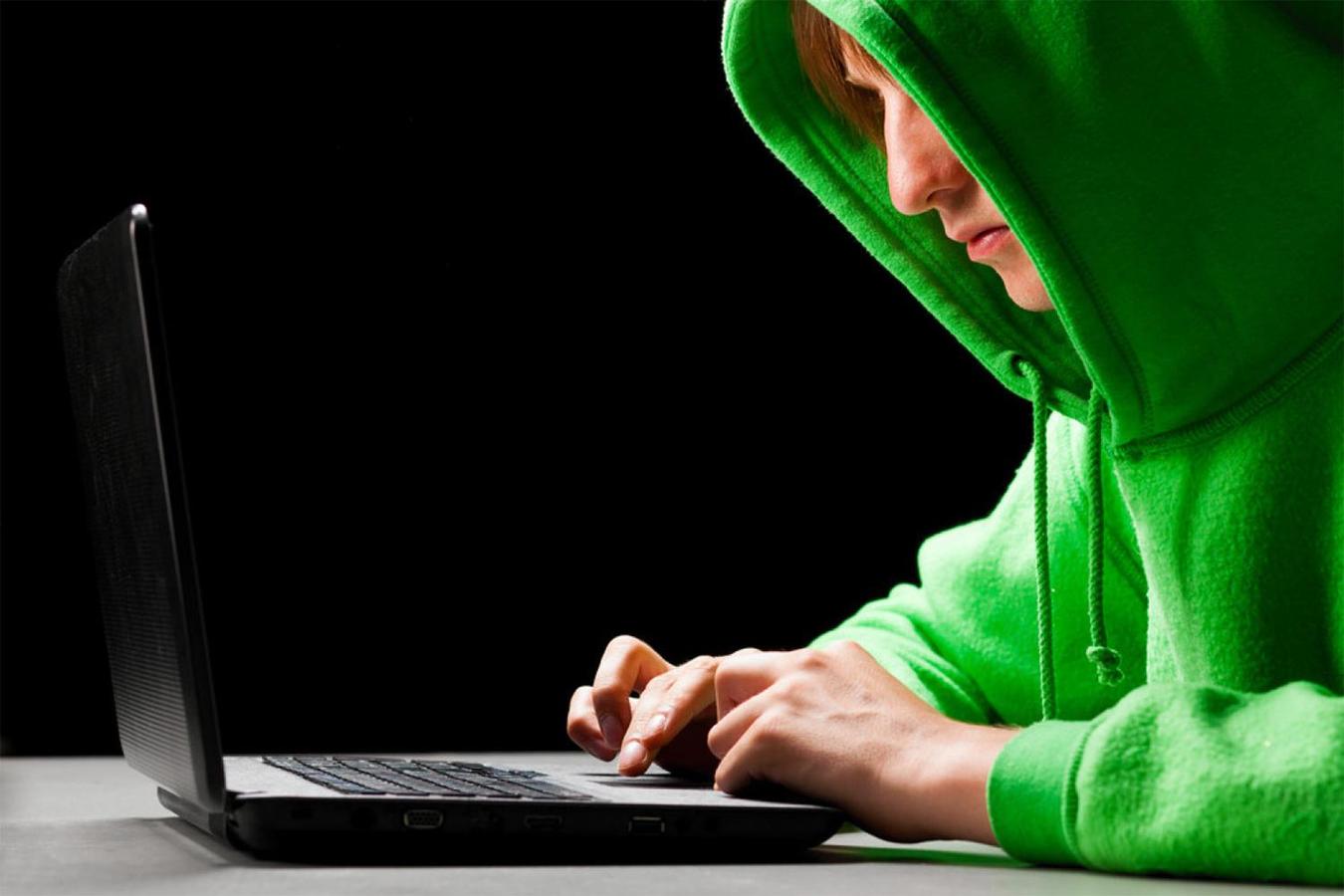
who are they?
hackers are ordinary people with ordinary appearances you cant see a person and say that there are a hacker
but! they can sometimes be traceable on the web.
a good hacker will cover his/her tracks and make it near impossible to find them but a new hacker will accidentally leave traces or even footprints behind them that are hard to miss like forgetting to cover there IP dress meaning they can be tracked down and even taken to prison.


How to be safe!
when and if you are using the internet make sure you have a good virus protection unit as this will prevent hackers from manipulating your computer also make sure your computers firewall is up and running. It is also very good to have a add blocker whilst you are using the internet because it blocks any annoying popups or ads from coming up and it will also stop you clicking them and being taken to a weird site that can sometimes start random downloads. When you are downloading a file do a little research on it to see how reliable the file is and when installing it read all the information in it because sometimes there will be unwanted files attached that will also be downloaded and let past your firewall and destroy your computers registry keys or even the whole computer.
10 Tips On Cyber Safety
1. You
are a cyber-citizen when you are on the internet so act like you would being a
citizen of your home/town.
2. Use anti-virus software to make sure your computer is safe and not at
risk of hackers and thieves.
3. Don’t
go and open files and e-mails that have an exe on the end of them if you don’t
know who sent them and if you do know the person that sent them than make sure
they sent them by contacting them first.
4. Don’t
share passwords and information on the internet with anyone. also make
passwords unique and not easy to guess.
5. Make
sure your computer is protected by a firewall so hackers can’t hack into your
computer and steal credit card numbers and phone numbers that may be stored on
your computer
6. Be
cautious when sharing files on your computer and make sure you are on a secure
site while doing this.
7. When
you are not using the internet disconnect from the internet so hackers can’t
plant malware on your computer and cause harm.
8. Make
sure you have a backed up version of your hard drive on a USB or a cd but do
this regularly
9. If
you have an anti-virus Great! But it’s no use having without the updates
(patches). To continue keeping your computer safe regularly check for updates
for your anti-virus system.
10. Do
all of the above at least twice a year this is easy to remember if you want to
you can make alarms on your computer or you can do it every time you change the
time on your computer for daylight saving.
Thank you for watching
I hoped you learnt something.
Hackers!
By rohandra