Introduction to Programming
THE BREAKOUT GAME
G11_C1

CLASS STRUCTURE
| Activity flow | Slide No. | Topic | Time |
|---|---|---|---|
| TA | 4 | Ice breaker | 2 min |
| 5-6 | Breakout Game Introduction | 3 min | |
| 7 | Instructing Computers | 2 min | |
| 8-9 | The language of computers | 3 min | |
| 10-12 | Introduction to python | 3min | |
| 13 | Introduction to IDE | 4 min | |
| 15 | Introduction to functions | 4 min | |
| SA | 17 | The print function (coding activity) | 3 min |
| TA | 18 | Introduction to variables | 5 min |
| SA | - | Variables(coding activity) | 3 min |
| 21 | Wrap up quiz | 2min |
TEACHER REFERENCE
| Slide No. | Topic |
|---|---|
| 3 | Installing pygame and running game |
| 14 | IDE(Console and editor) |
| 16 | Functions |
| 19 | Variables |
| 20 | Breakout game (Variables) |
***FOR TEACHER REFERENCE ONLY***
Open SPYDER IDE
https://raw.githubusercontent.com/SanjuktaBhatt/Variables-and-Functions/main/WHJR_Breakout.py
Open the link:
BEFORE THE CLASS:
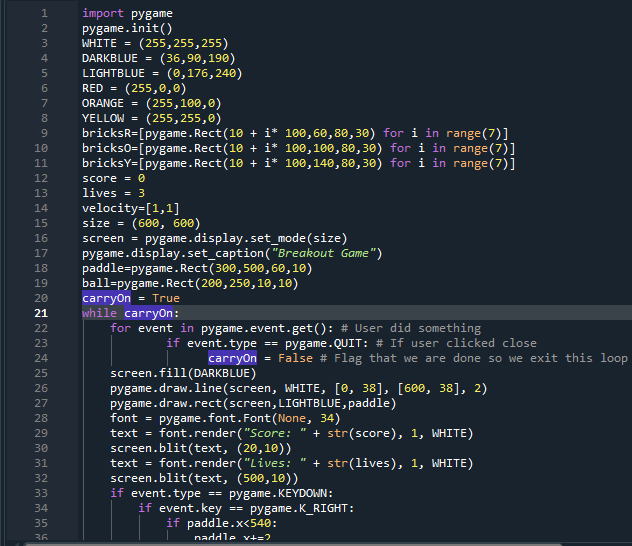
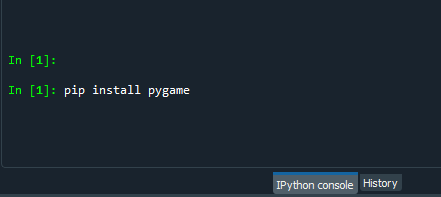
Install pygame in the console using:
1)Type "pip install pygame"
2) Press ctrl+enter
Copy and paste the code onto the editor
Run the code at least once 15 mins before class to ensure it is running smoothly on the system
What is your favourite video game?
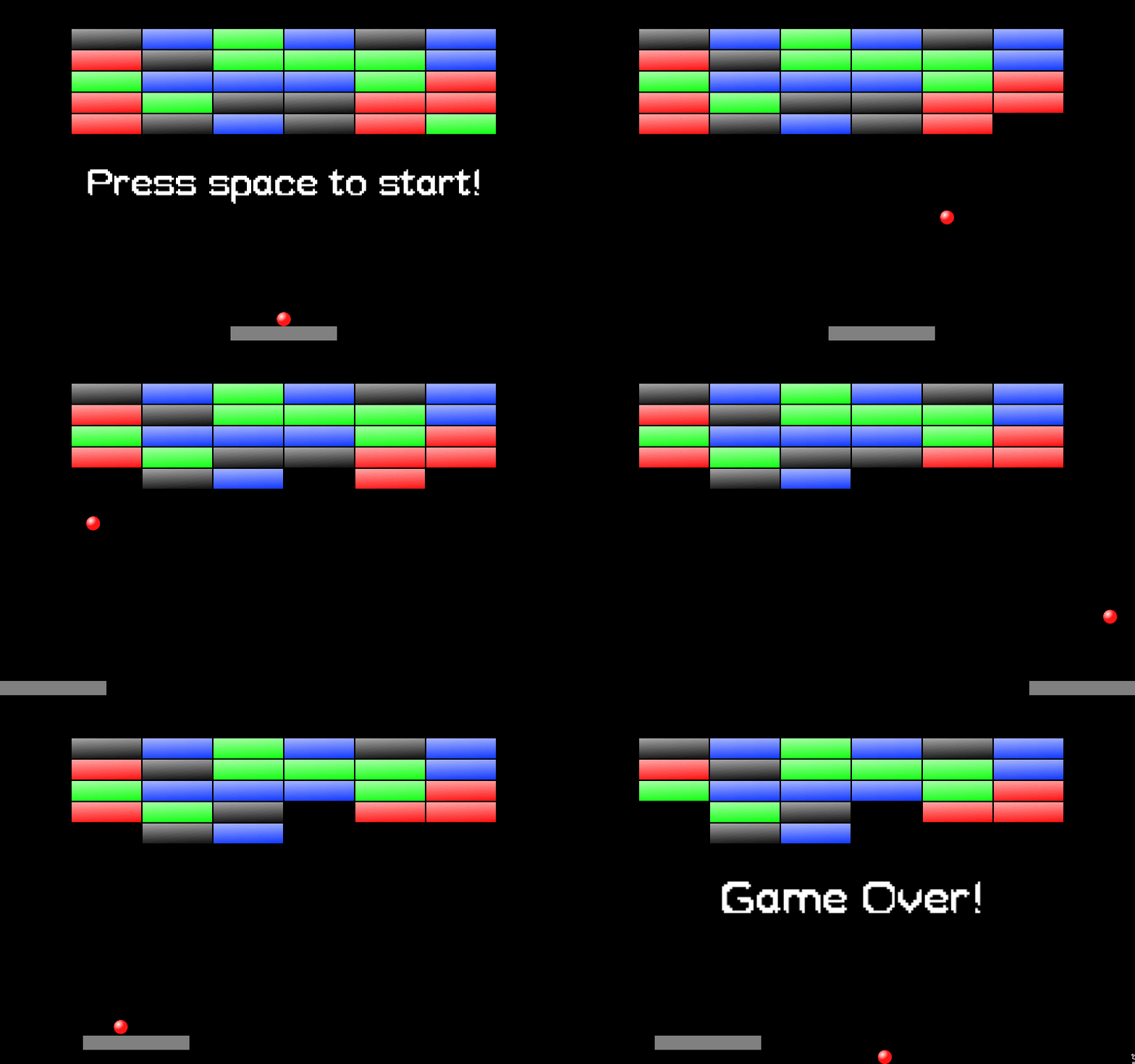
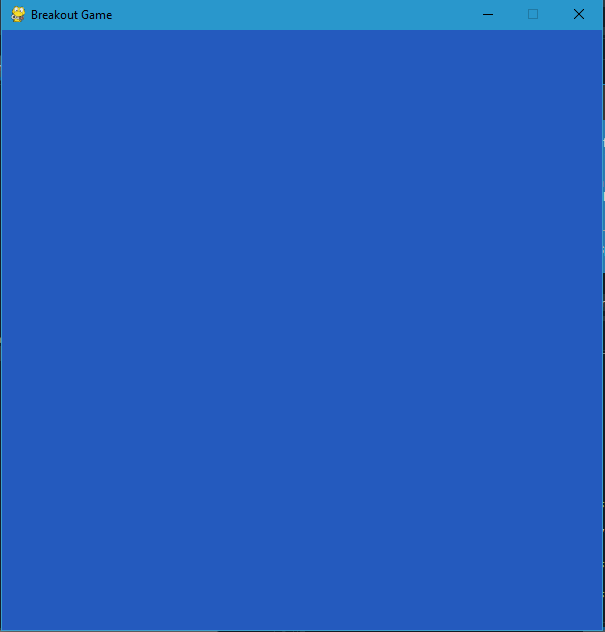
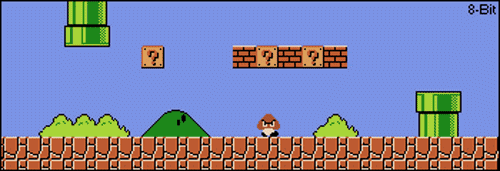
THE BREAKOUT GAME
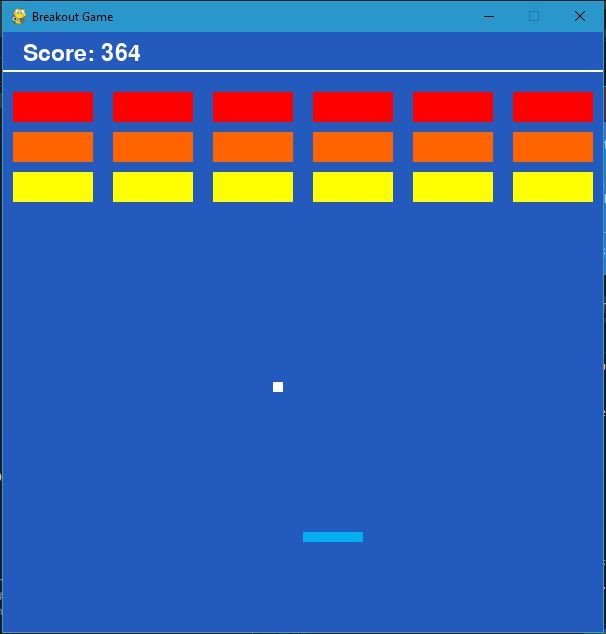
BALL
PADDLE
THE BREAKOUT GAME
BRICKS

Drink Water
Drink Water
Instructing a Computer
Instructing a human
Human-computer interactions


01001000 01100101 01101100 01101100 01101111 00100001


Human-computer interactions
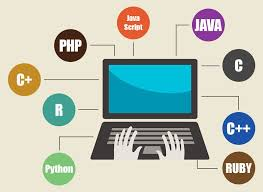
The language of computers
Wide range of use

Game development
Robotics
App & web development
Data Analysis
Why learn Python?

EASE OF CODING

Why learn python?
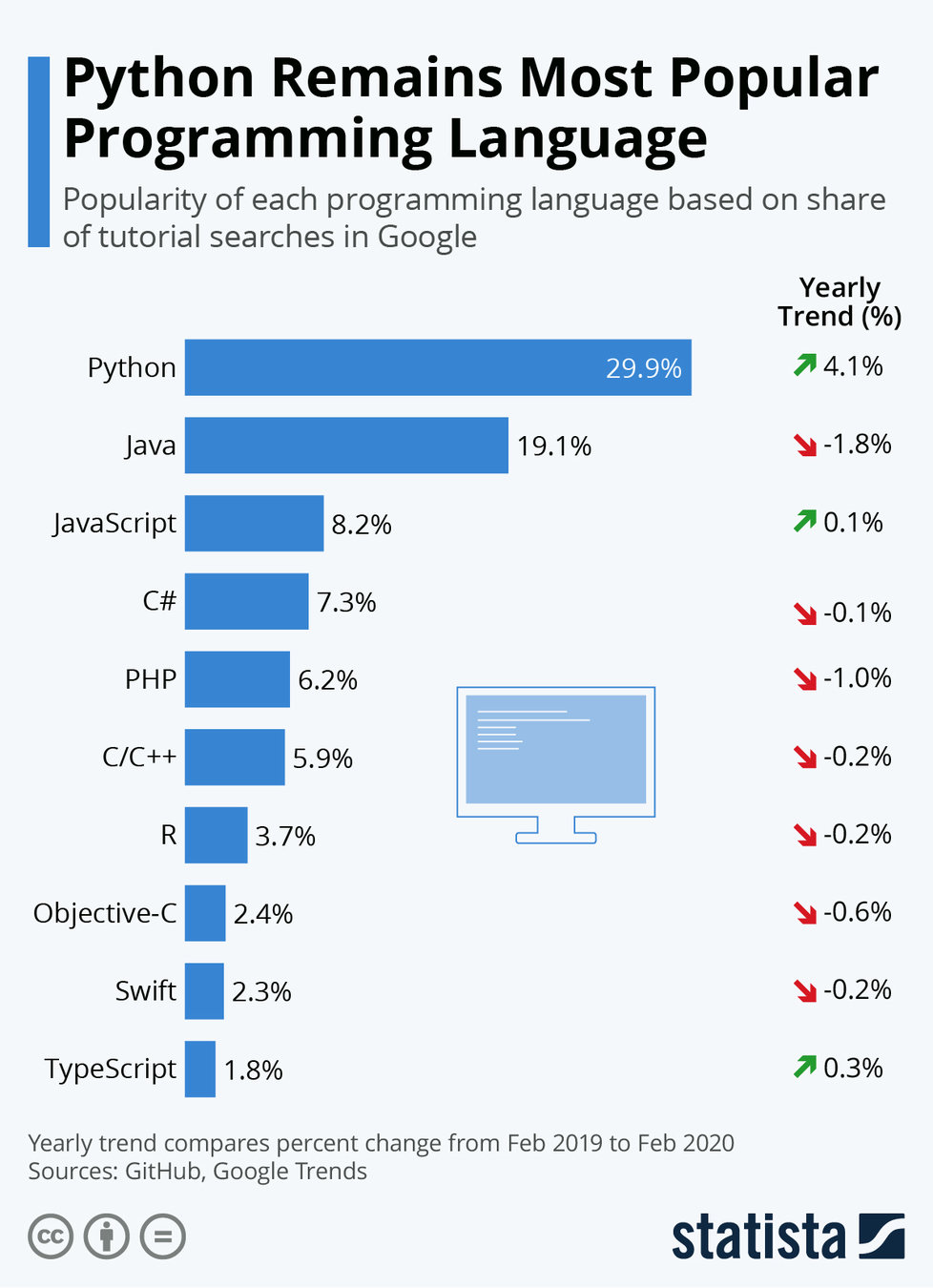
Popularity of Python
Integrated development environment (IDE)


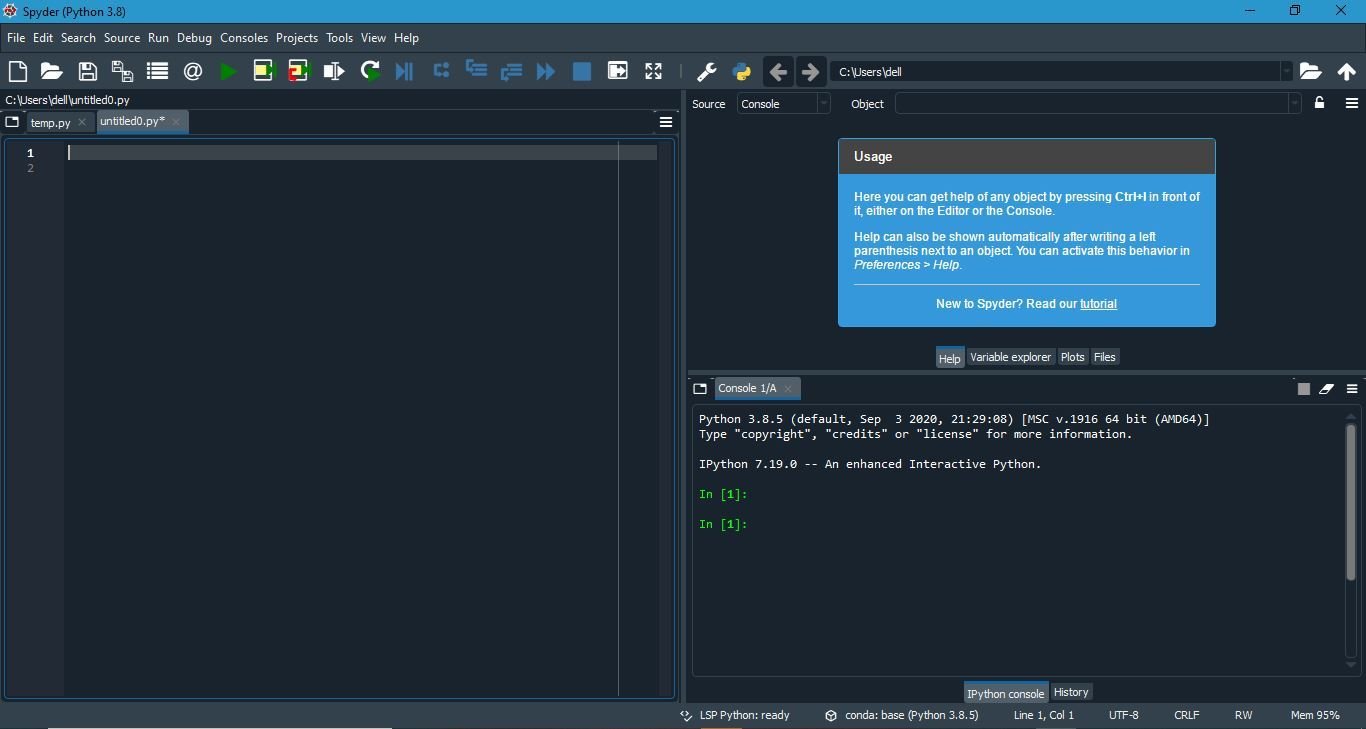
Editor
Help/Variable explorer/Plots/Files
TaskBar
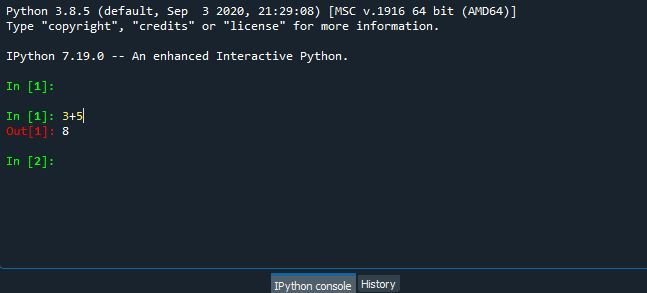
Console
***FOR TEACHER REFERENCE ONLY***
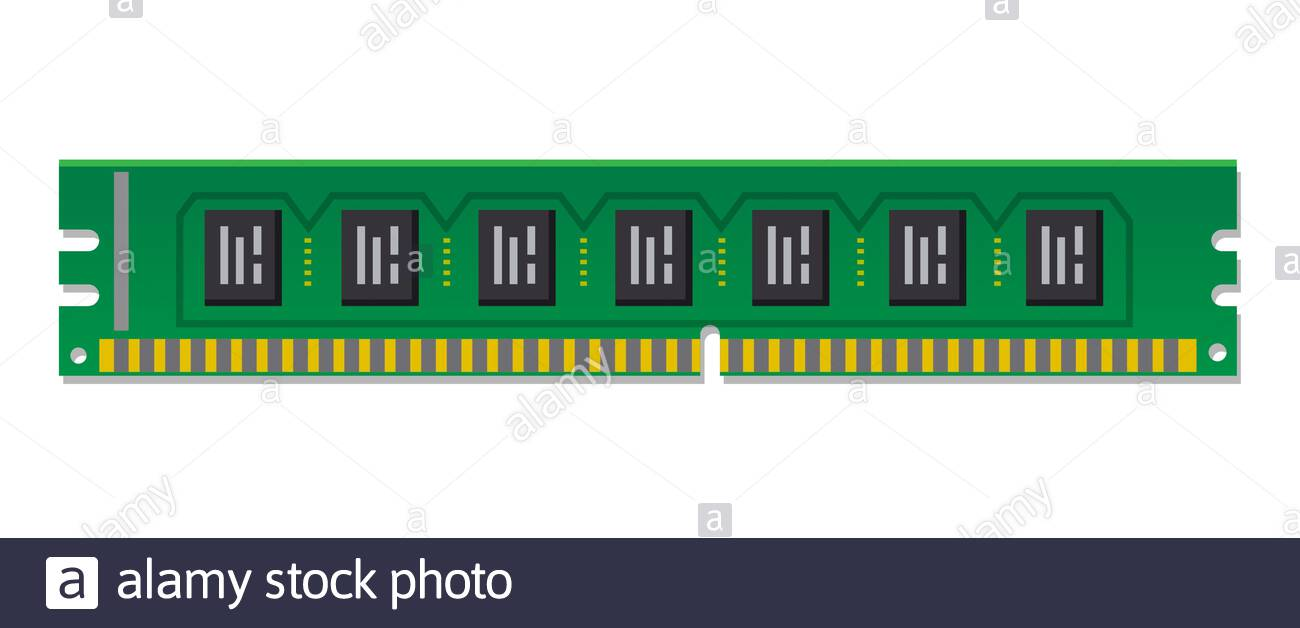
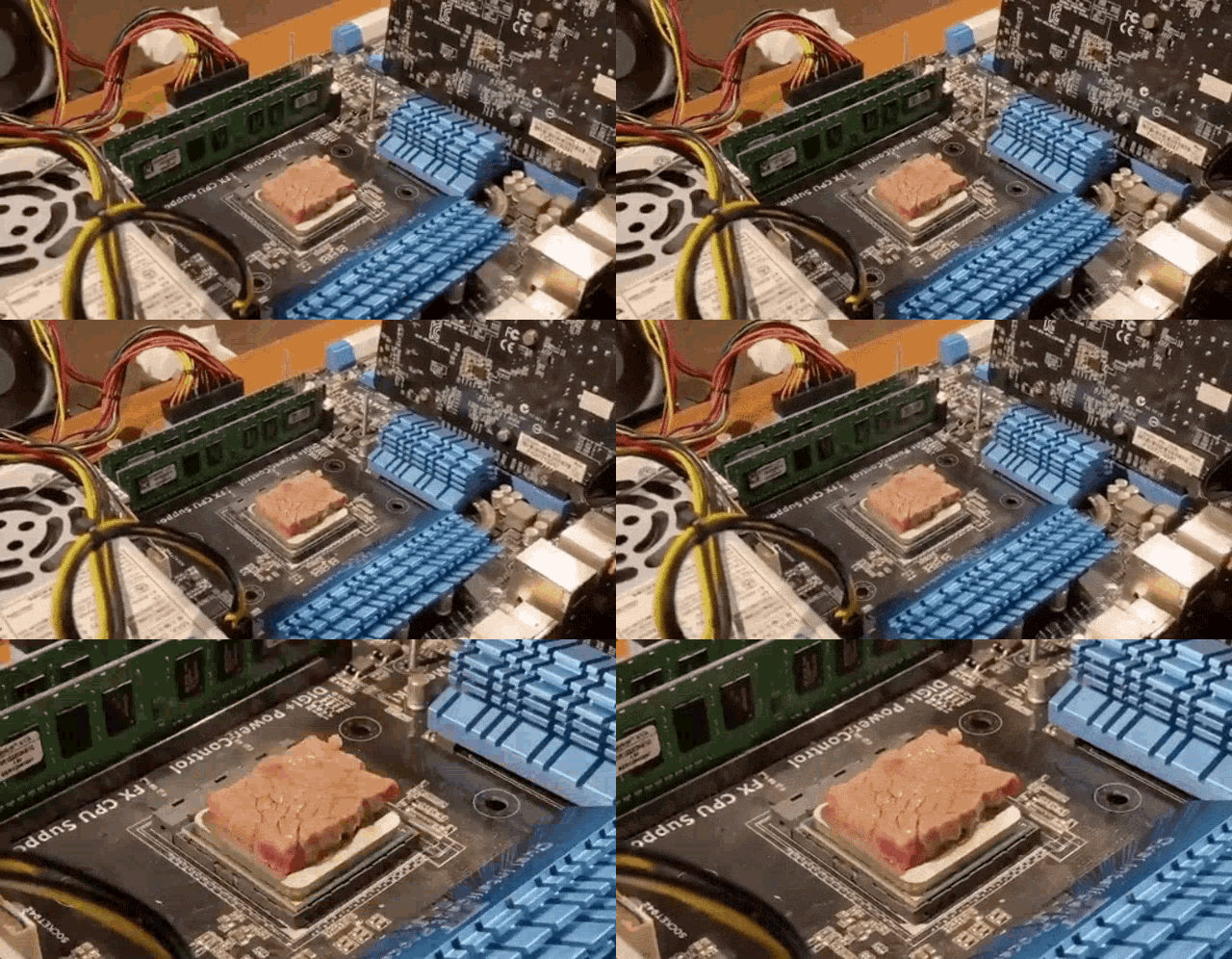
3+5Variables



90345
import pygame

pygame.init()
WHITE = (255,255,255)
DARKBLUE = (36,90,190)
LIGHTBLUE = (0,176,240)
RED = (255,0,0)
ORANGE = (255,100,0)
YELLOW = (255,255,0)


#Declare a variable "score" and assign it the value 0
score=0
lives=3


size = (600, 600)
screen = pygame.display.set_mode(size)
pygame.display.set_caption("Breakout Game")
carryOn = True
while carryOn:
    for event in pygame.event.get(): # User did something
            if event.type == pygame.QUIT: # If user clicked close
                  carryOn = False # Flag that we are done so we exit this loop
    screen.fill(DARKBLUE)
    font = pygame.font.Font(None, 34)
    text = font.render("Score: " + str(score), 1, WHITE)
    screen.blit(text, (20,10))
    text = font.render("Lives: " + str(lives), 1, WHITE)
    screen.blit(text, (550,10))

    pygame.display.flip()
***FOR TEACHER REFERENCE ONLY***
WRAP-UP QUIZ
Which of the following is an incorrect statement for python?
Python can be used for web development.
Python can be coded using Microsoft Word.
Python has a very easy syntax.
Python uses functions to execute a set of instructions.
Python can be coded using an IDE only.
Student additional activity 1
SPYDER SHORTCUTS
96+256781-75
789+986+9876-7859
3456+8-78-45+907430-73352+56
96+256781-75
789+986+9876-7859
3456+8-78-45+907430-73352+56
Shortcut:
CTRL + UP
or CTRL+DOWN
G11_C1
By Sanjukta Bhattacharya


