Git - Why it's Stupid
and why you should use it any ways
What is

By far, the most widely used modern version control system in the world today is Git. Git is a mature, actively maintained open source project originally developed in 2005 by Linus Torvalds, the famous creator of the Linux operating system kernel. A staggering number of software projects rely on Git for version control, including commercial projects as well as open source. Developers who have worked with Git are well represented in the pool of available software development talent and it works well on a wide range of operating systems and IDEs (Integrated Development Environments).[1]
GIT Is stupid because it has its own terminology
GIT TERMS
-
Commit—stores the current contents of the index in a new commit along with a log message from the user describing the changes
-
Branch—a pointer to a commit
-
Master—the default name for the first branch
-
HEAD—a pointer to the most recent commit on the current branch
-
Merge—joining two or more commit histories
-
Workspace—the colloquial name for your local copy of a Git repository
-
Working tree—the current branch in your workspace; you see this in git status output all the time
-
Cache—a space intended to temporarily store uncommitted changes
-
Index—the cache where changes are stored before they are committed
-
Tracked and untracked files—files either in the index cache or not yet added to it
-
Stash—another cache, that acts as a stack, where changes can be stored without committing them
[2]
GIT TERMS
-
Origin—the default name for a remote repository
-
Local repository—another term for where you keep your copy of a Git repository on your workstation
-
Remote repository—a secondary copy of a Git repository where you push changes for collaboration or backup
-
Upstream repository—the colloquial term for a remote repository that you track
-
Pull request—a GitHub-specific term to let others know about changes you've pushed to a branch in a repository
-
Merge request—a GitLab-specific term to let others know about changes you've pushed to a branch in a repository
-
'origin/master'—the default setting for a remote repository and its primary branch
[2]
How To Install GIT
- MAC - brew install git
- Windows - windows git installer - WSL is another option
- Linux - depends on your distro
How to get started
- setting global variables -
git config --global user.name "Your Name"
git config --global user.email "username@mail.com"
How to get started
Creating your first git repository
mkdir <directory name>
git init
cd <directory>
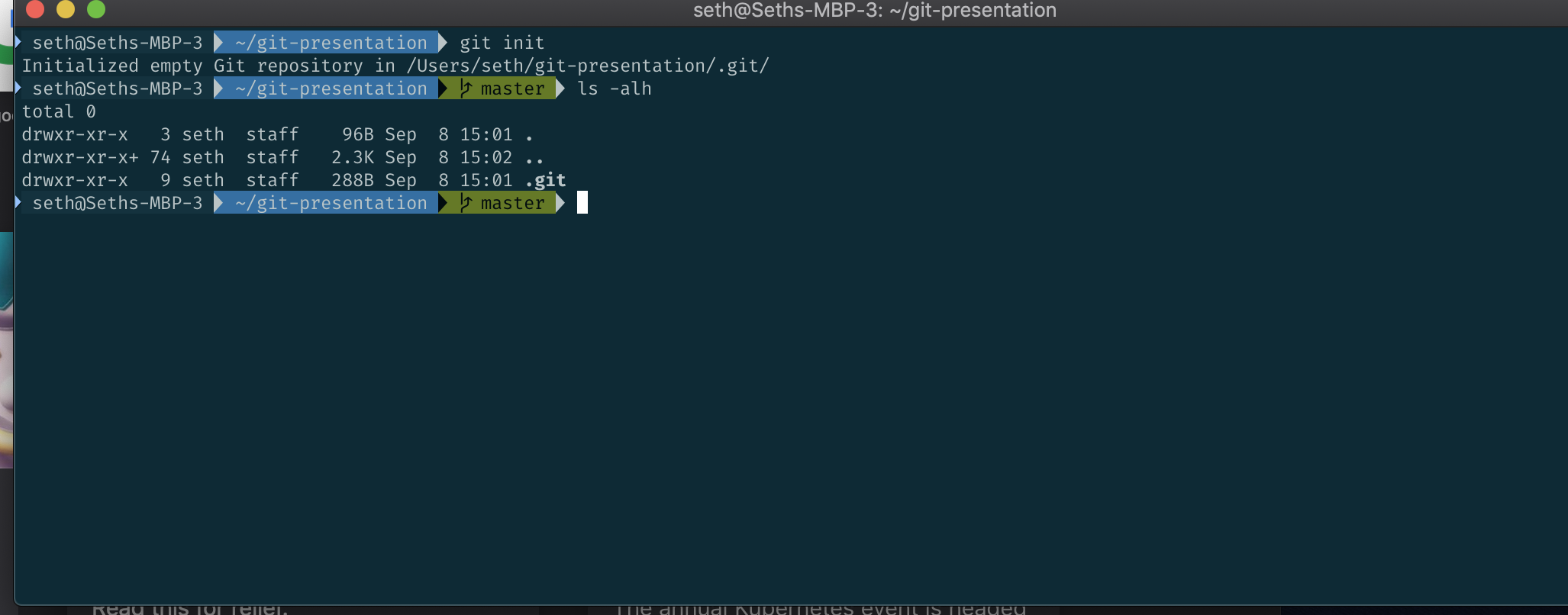
git status
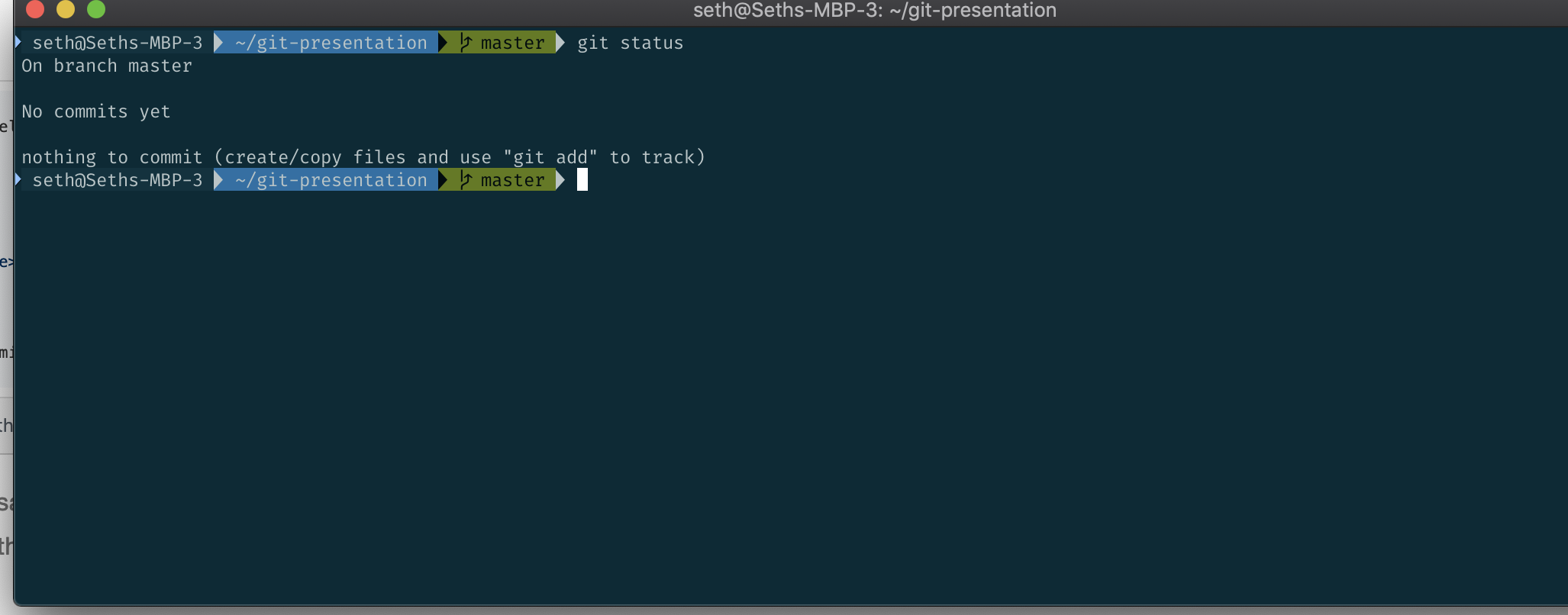
So if we add a file to that directory...
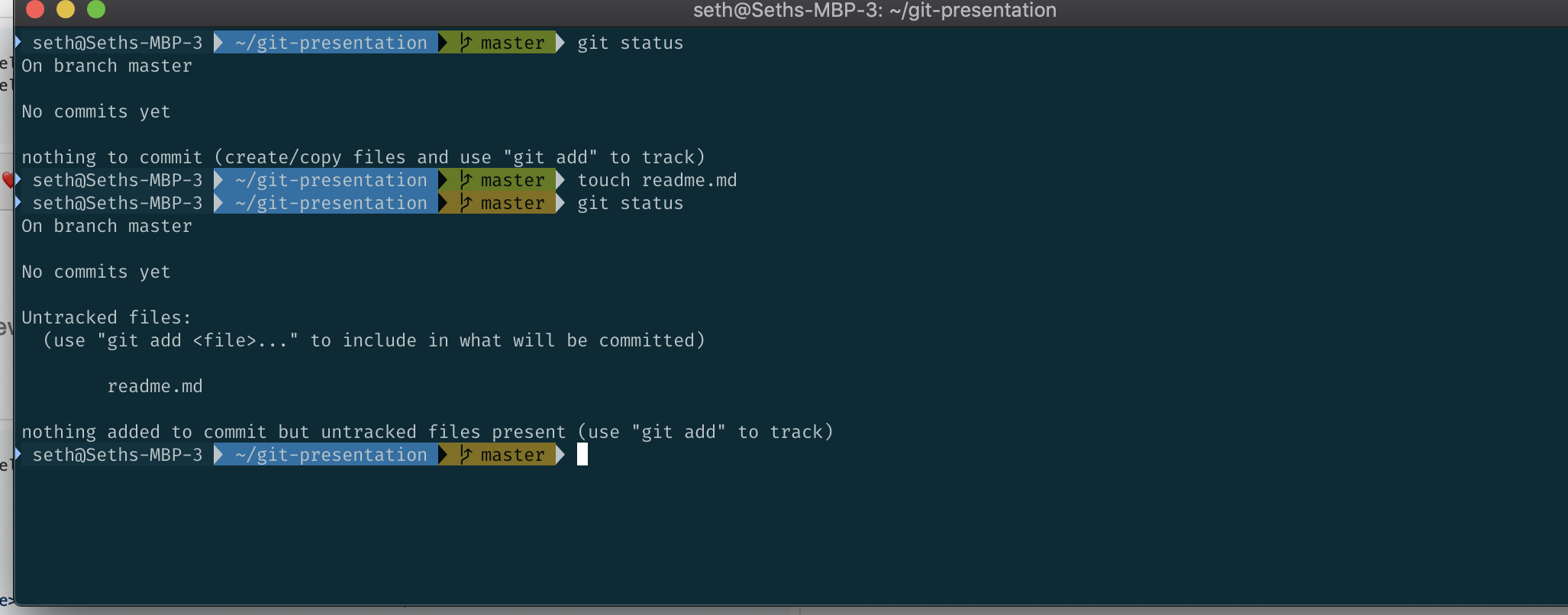
quick note the touch command doesn't work on windows
add the file(s) to the repo
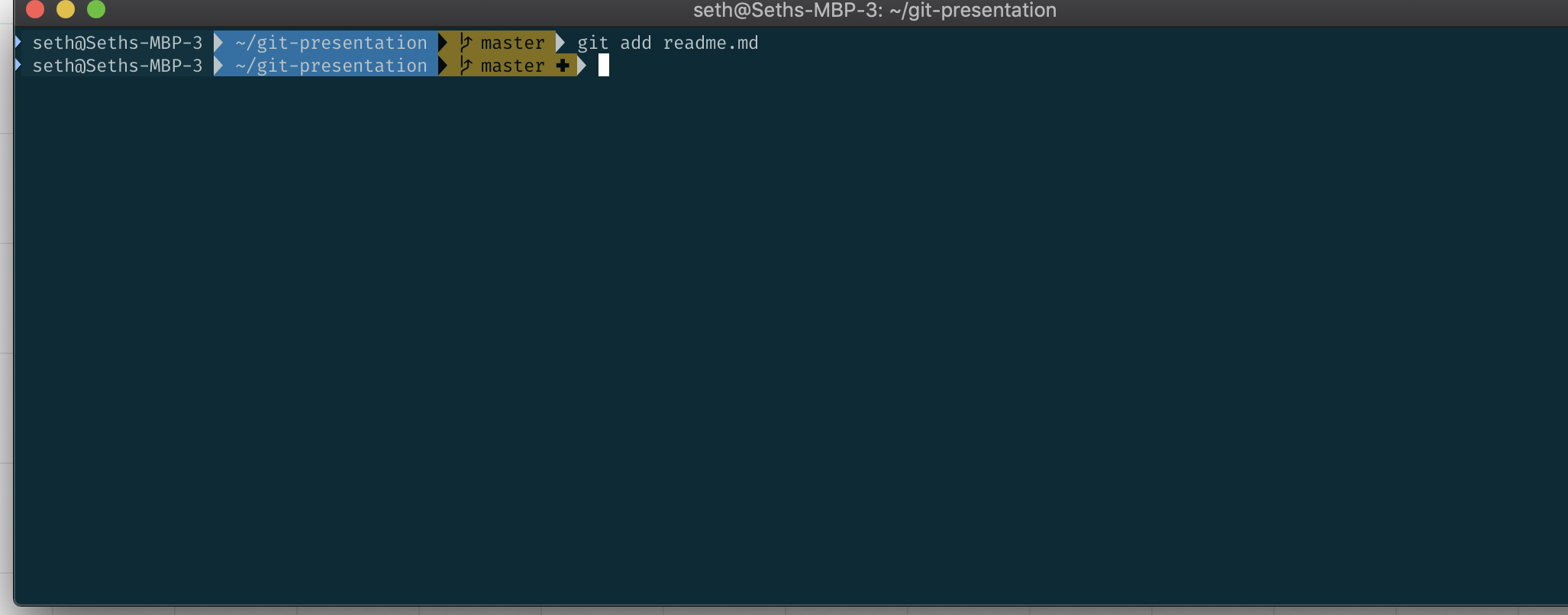
Then you need to commit the file
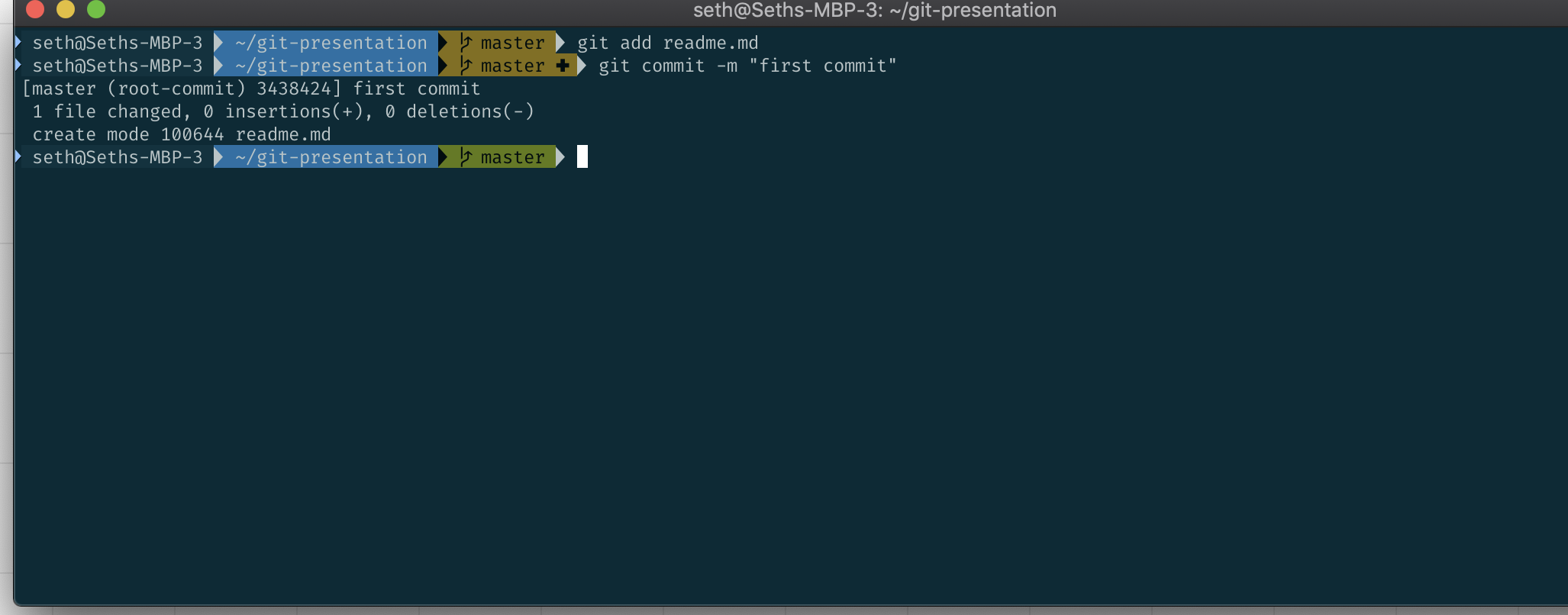
To create a branch

Best Practice would be to create a branch for every repo you create. Make your changes and then do a pull request - we will get to this
So if you create a repo on Github...
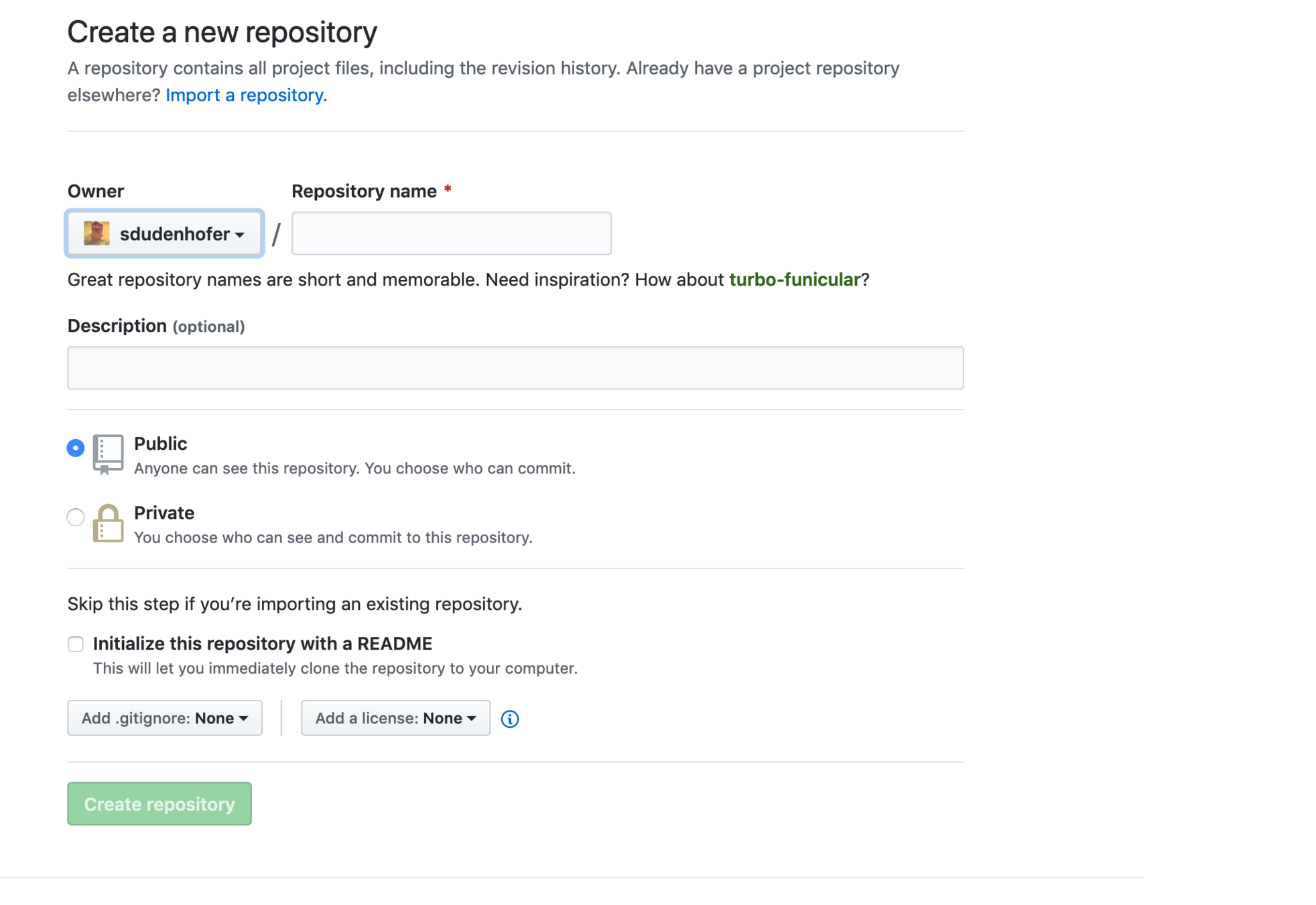
And back to the terminal
git remote add origin https://github.com/sdudenhofer/git-presentation.git
git push -u origin master
so you have pushed your original file(s).
git push origin <branch-name>
Back to github:
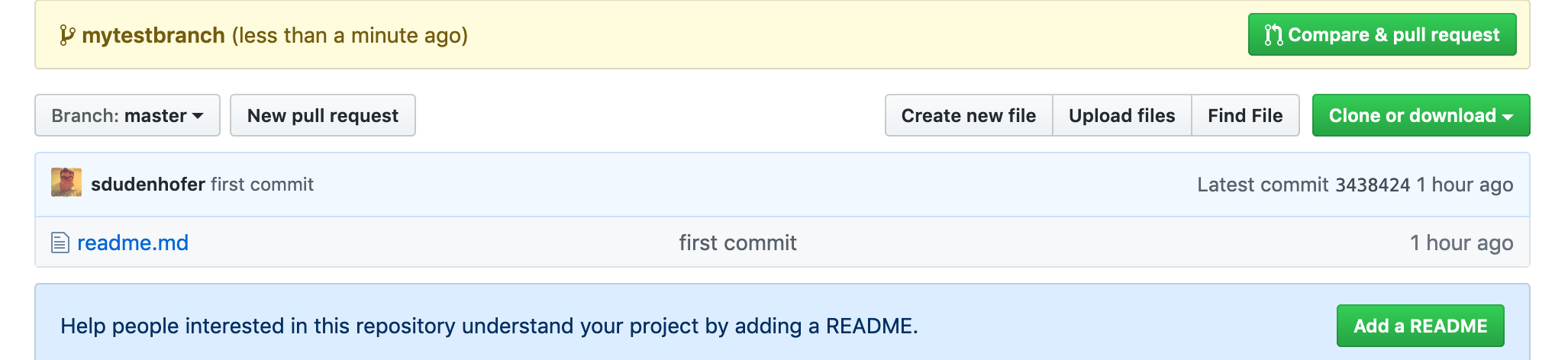
Basically "follow" the green buttons
Finally
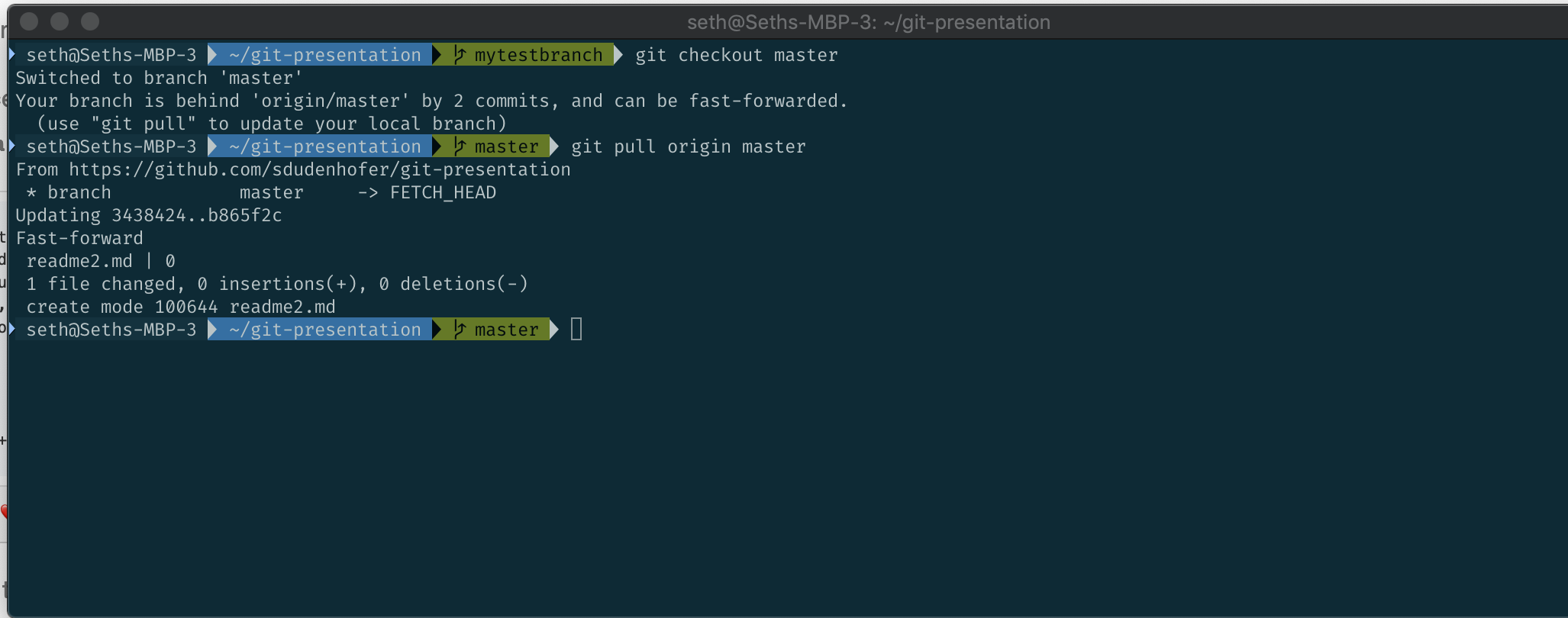
So if it's stupid why should I use it?
Rollback a mistake
EVERYONE is using it
Revision History
Makes collaboration easy
Collaboration
Using git helps projects verify the code works before it goes to prod. Everyone remembers a time that something broke on Friday at a quarter to run out the door o'clock


Who uses git?


Commit Early
Commit Often

Resources
[3] https://product.hubspot.com/blog/git-and-github-tutorial-for-beginners
[4] https://github.github.com/training-kit/downloads/github-git-cheat-sheet.pdf
Git
By sdudenhofer
Git
git - why it's stupid and why you should use it any ways