A Sneak Peak on being a Software Developer
Seiji Villafranca
github.com/SeijiV13

seijivillafranca.com



Hi!
I'm Seiji, A Senior Software Engineer based in Netherlands
I've been in the industry for 7 years now!
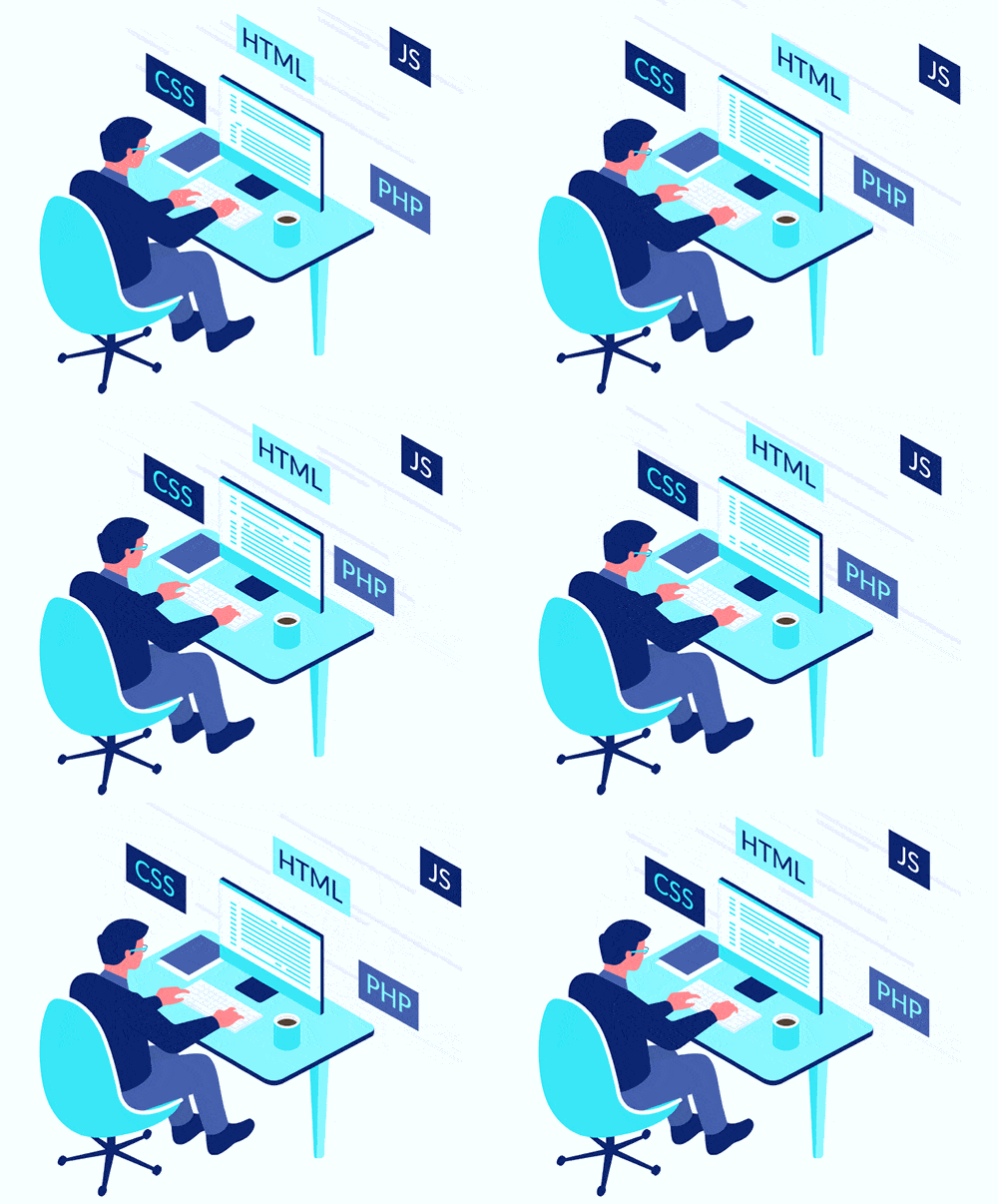
What does a software engineer really do???
Coding
Web
HTML
Mobile Apps
JavScript
Computers
Math
What I really do in my Everyday worklife
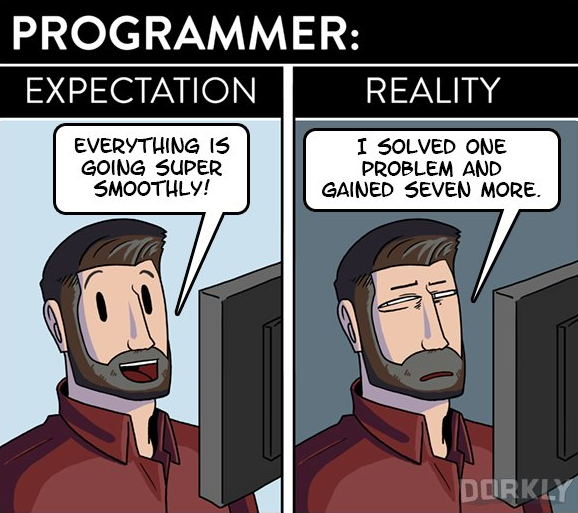
What I really really do as a Senior Software Engineer
- Full Stack developer (I develop both UI and Backend )
- Solve and provide solutions on Applications
- Implement new features for product improvement
- Test Automations
What made me choose to be a Developer?





Why games???
It made me more curious"
how did they create the game?
can I create one too?
where to start learning in creating games?
Questions in my mind

Curiosity made me do some research....

Learned Programming!
It's not easy but its fun!
#include <stdio.h>
int main() {
   printf("Hello, World!");
   return 0;
}
Written in C language
First Code
Curiosity opened doors
How Internet works
Applications Development
Web Development - HTML, CSS, JavaScript
Assembly Programming - Low level




BACHELOR OF SCIENCE MAJOR IN COMPUTER SCIENCE

More of Web Development
Database
Networking
UI/UX Design
Algorithms
Languages - C C++ Java Cobol Assembly
Web and Mobile Development
Creativity and Logic can be one
Make portfolio dynamic
Path Chosen
Automate business process
Make resources available anywhere
Reduce costs
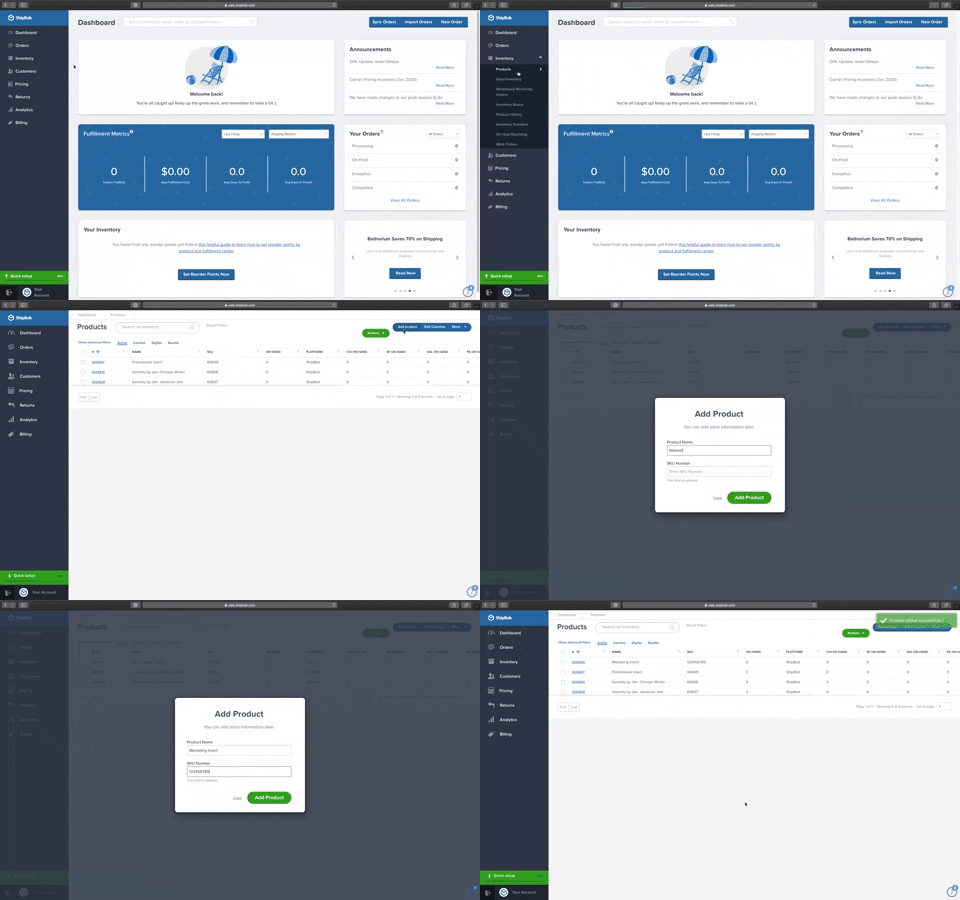






Junior Developer / Angular Java
Mid Developer/ Tech Lead
Senior Developer / Tech Lead
Senior React/.Net Developer
Senior Developer
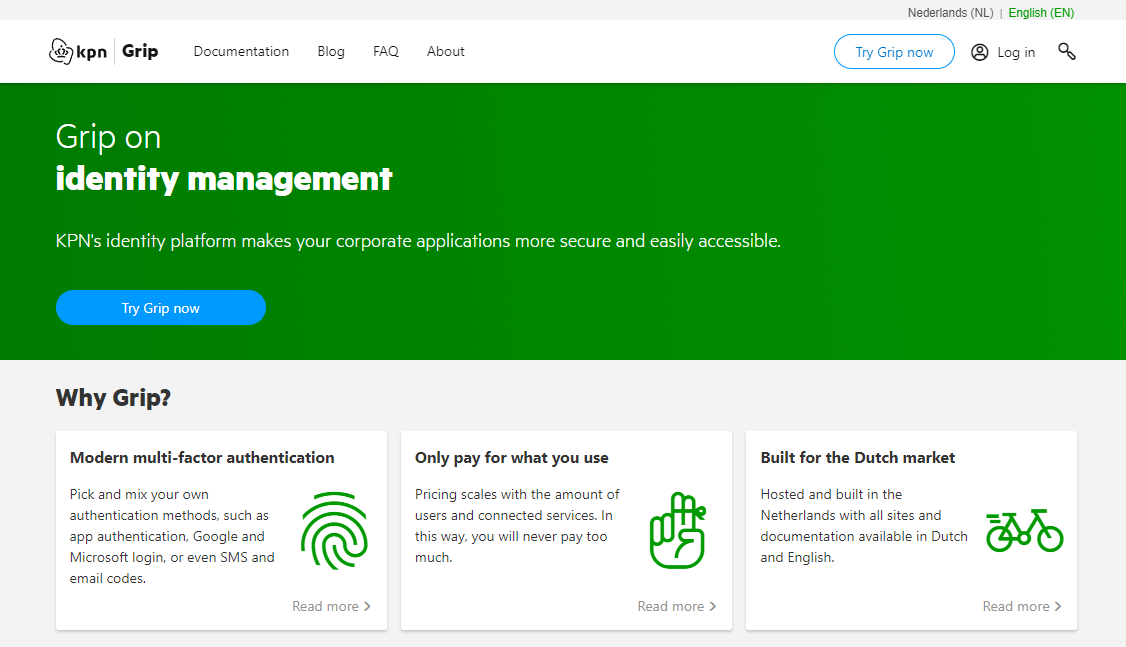

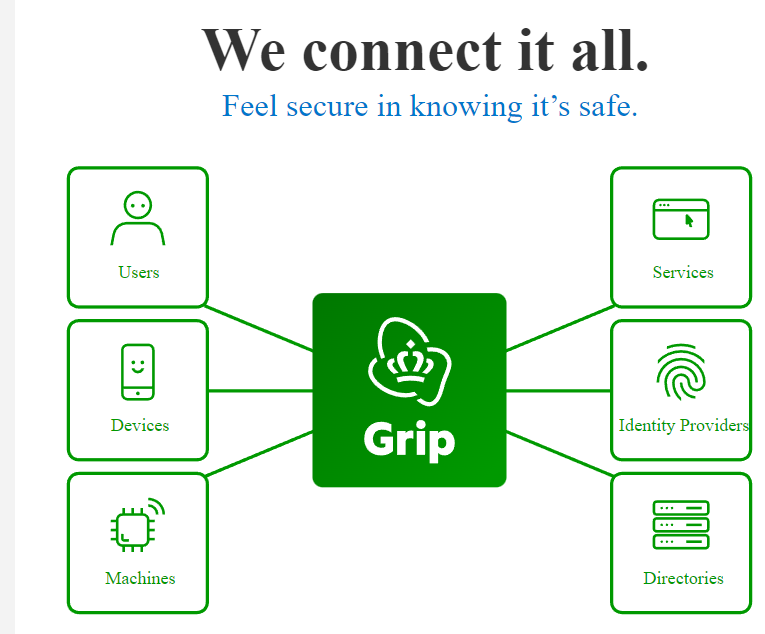
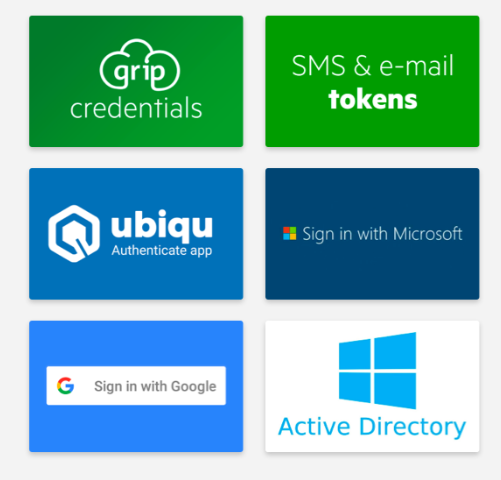
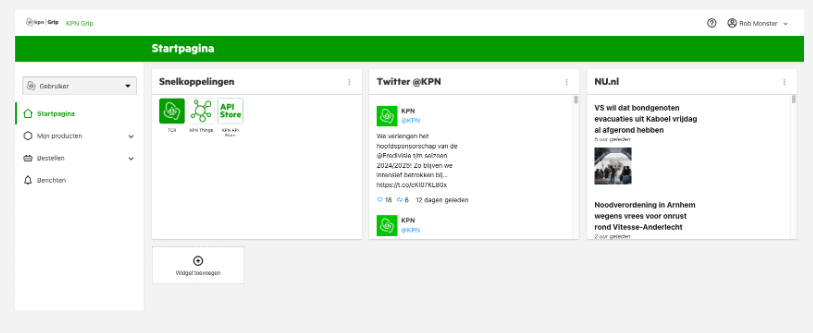
Tools



Outside Work


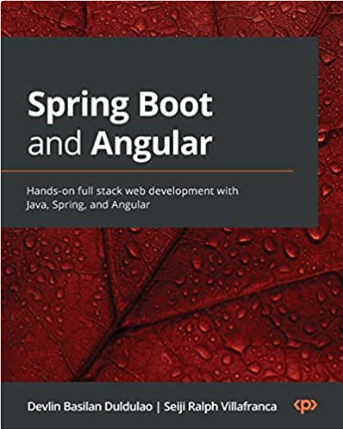
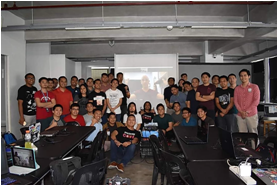
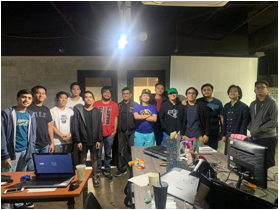
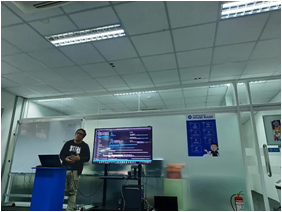
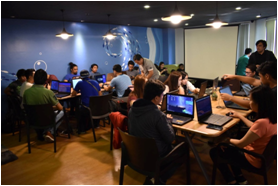
Talks
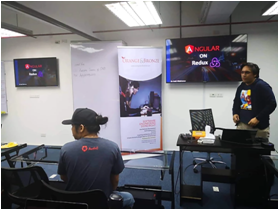






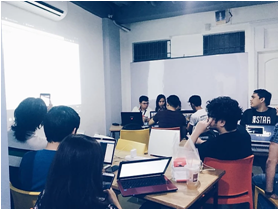



A Quick task for you!

Create a git repository on github
VS Code
https://github.com/
Things to install
Node JS
Angular CLI
Name the repository my-first-angular
Install Angular CLI (Node should be installed at this point)
Execute the command npm install -g @angular/cli on your command line
2
1
Git
Create your new angular project
Once your project is scaffolded, run your project by executing ng serve
Run your angular locally
Open you VS Code and select a folder where you want to create your project, then open the cli inside by pressing Ctrl + `
execute the command ng new <project-name>, lets name this my-first-angular
Open your web app in your browser using http://localhost:4200
3
4
Prepare app for deployment
Got angular.json and replace value of outputPath to docs
build the angular app using the command ng build --configuration production --base-href=<github link>
5
Push your project in your github repository
Set the remote origin of your project using your remote repository
using the command git remote add origin <github project url>
Push your project by executing the command git push origin master
6
Deploy your app into github pages
Lets go the my-first-angular repository. Go to the settings tab and select the pages option, we will set the following
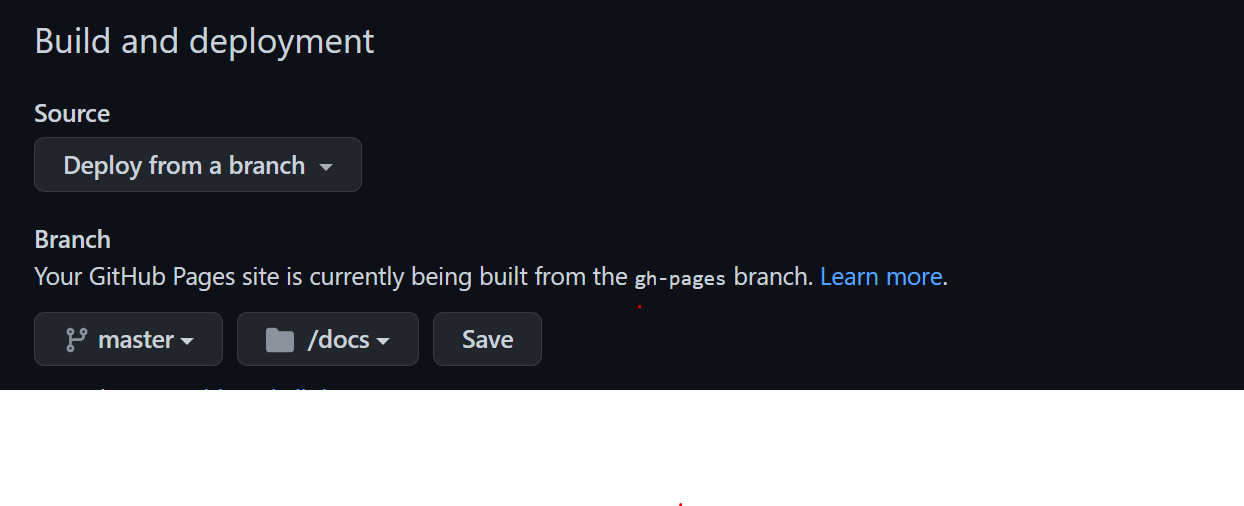
7
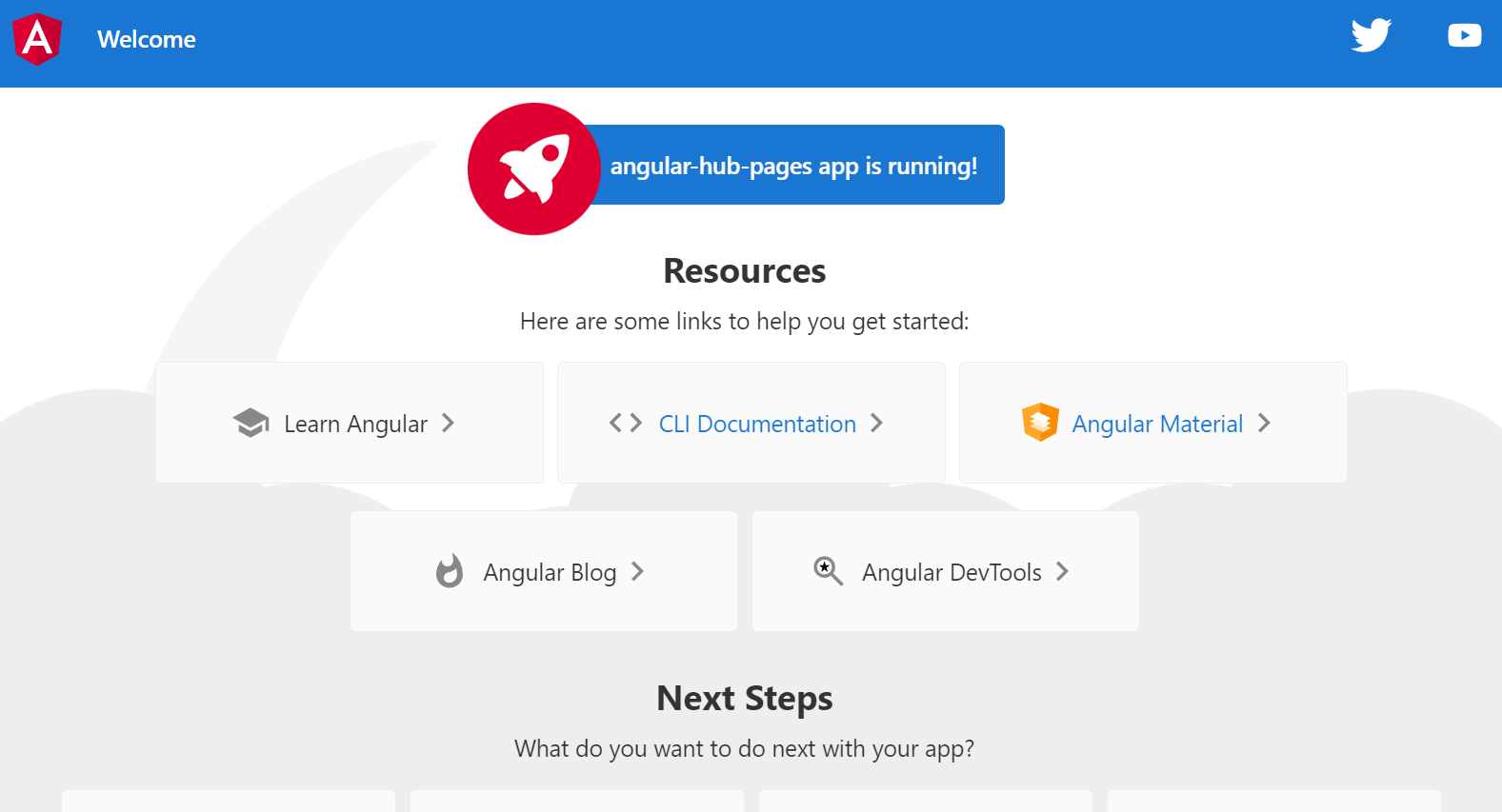
You should see this page after successful deployment
Your app is now deployed to the internet!

Hey I'm a Mentor!
github.com/SeijiV13
seijivillafranca.com
fb.com/seiji.villafranca

Thank you
and happy coding!
Sneak Peak for a software developer
By Seiji Ralph Villafranca