React.js Ecosystem
Basic Concepts

We'll learn about:
- React
- JSX syntax
- Flux architecture
- React Native
- GraphQL
- Relay
React
React is a JavaScript library for
for rendering user interfaces
<JSX />
JSX is a syntax sugar for JavaScript
In React it's usually used
for describing user interface
JSX is not magic
<Link href="/profile">
  <img src="/avatar.png" onClick={window.reload} />
</Link>
{
type: Link,
props: {
href: "/profile",
children: [
{
type: "img",
props: {
src: "/avatar.png",
onClick: window.reload
}
}
]
}
}plus(a: number, b: number): number {
return a + b;
}
React Component
const Link = (props) => (
  <a href={props.href}>
    {props.children}
  </a>
)

const App = (props) => (
  <Link href="/profile">
    <img src="/avatar.png" onClick={window.reload} />
  </Link>
)

ReactDOM.renderToStaticMarkup(<App />)
// => "<a href="/profile"><img src="/avatar.png" /></a>"

ReactDOM.render(<App />, document.body)
// => Also attaches onClick handler
React is not magic
const Link = (props) => ({
  type: "a",
  props: {
    href: props.href,
    children: props.children
  }
})

const App = (props) => ({
  type: Link,
  props: {
    url: "/profile",
    children: [{
      type: "img",
      params: {
        src: "/avatar.png",
        onClick: window.reload
      }
    }]
  }
})

ReactDOM.render({ type: App }, document.body)
const Link = (props) => (
<a href={props.url}>
{props.children}
</a>
)
const App = (props) => (
<Link url="/profile">
<img
src="/avatar.png"
onClick={window.reload}
/>
</Link>
)
ReactDOM.render(<App />, document.body)React philosophy #1
There is only one state
React philosophy #2:
view = render(state)
const state = {
  user: {
    id: 1,
    avatar: "/avatar.png"
  }
}


const App = (state) => (
  <Link href={`/profile/${state.user.id}`}>
    <img src={state.avatar} />
  </Link>
)


ReactDOM.render(App, state)
React Native
We don't need to render to the DOM
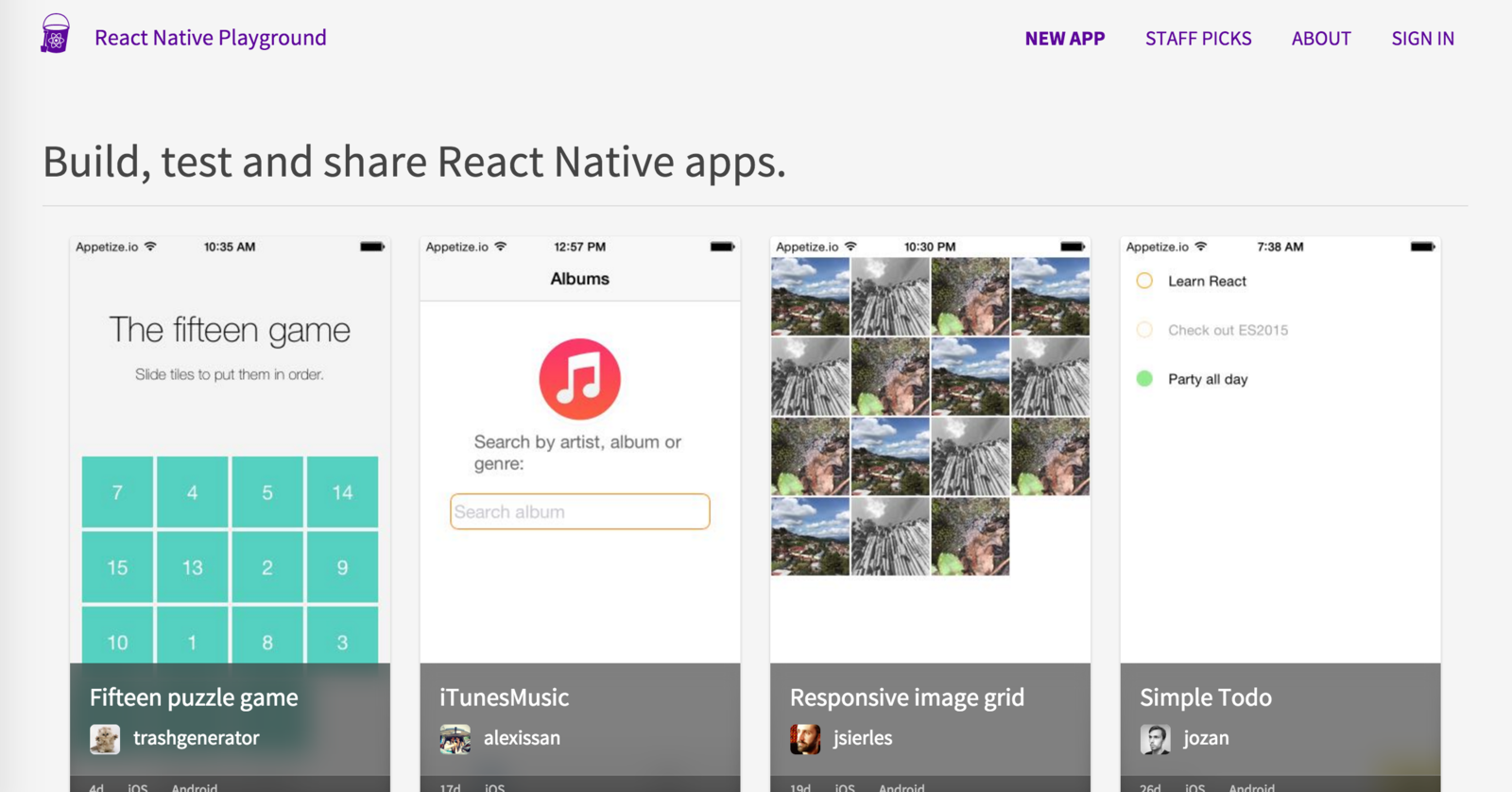
http://rnplay.org
Example: Native Title Bar
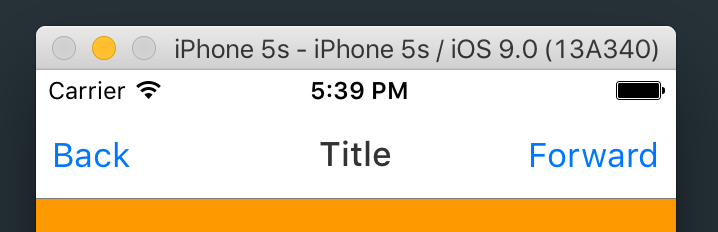
const App = function (state) {
  return (
    <View>
      <NavigationBar
        leftButton={{
          title: "Back",
          handler: function () { alert('Back!');
        }}
        title={{ title: "Title" }}
        rightButton={{
          title: "Forward",
          handler: function () { alert('Next!');
        }}
      />
    </View>
  );
}
WRITE ONCE
RUN EVERYWHERE
LEARN ONCE
WRITE EVERYWHERE
How to update state?
Flux
Flux is an application architecture
utilizing unidirectional data flow
(not a library)
state = update(state, action)
action is a plain object
that describes what happened
state = update(state, { type: 'LIKE_ARTICLE', articleId: 42 })

state = update(state, { type: 'ADD_TODO', text: 'Read about Flux.'})
Flux has many implementations
- Redux
- Facebook Flux
- Alt
- Flummox
- Reflux
- Fluxette
- Fluxor
Recap
React gives us render(state)
Flux gives us update(state, action)
How to fetch
initial state from server?
GraphQL/paths is a description
of expected state for a component
const query = "{
  user(id: 1) {
    name,
    avatar,
    friends(from: 0, to: 10) {
      name
    }
  }
}"
const paths = [
'user[1]["name", "avatar"]'
'user[1]["friends"][0..10]["name"]'
]GraphQL is composable
GraphQL requires only one backend endpoint
In a nutshell GraphQL allows you to query the entire state of your application in one go.
Alternative to GraphQL
Relay integrates
React application and GraphQL server
state = update(state, action)
state = relay(state, graphql)
becomes
state = falcor(state, paths)
state = fetch(query)
view = render(state)
action = human(view)
state = update(state, action)
\{
repeat
React Philosophy
Thank you
React.js Ecosystem
By Adam Stankiewicz