Computation in Design 2
25-26
B-DS 103
Computation in Design 2
Code applied creatively
Computation in Design 2
Computation has become deeply ingrained in our daily lives. We rely on technology for many of our needs and habits, but we may not always be actively involved in its development.
Computation in Design 2
As a designer, you can use creative coding to become more involved and make a difference. By creatively using code, you can prepare yourself to contribute and create change.
What we will do in this class
Process
Deliverables
Learning Outcomes
B-DS 103
25-26
What we will do in this class
Conduct a series of workshops individually or in small groups
Build on and enhance computation in design skills and understanding
Apply computational means conceptually and practically to design briefs
Reflect on and document the process and the outcome on a weekly basis
Document and present outcomes on a Microsite
B-DS 103
Computation in Design 2
25-26
Process
Keep a doc to document and reflect on your process
Participate in exercises and workshops addressing aspects of computation
Ideate, implement and document outcomes
In-class and independent development
Good time management
Computation in Design 2
CPJ
applied to screens and physical objects
Individually or in a group
B-DS 103
25-26
Deliverables
Digital Portfolio
Summary Microsite (based on provided template)
Submissions will be reviewed and assessed based on your overall response to tasks and briefs, completeness, organisation, reflection, technical and aesthetic application, execution and quality.
Computation in Design 2
1
2
B-DS 103
25-26
Learning Outcomes
Interpret and explain the fundamentals of contemporary design practice including the variety of ways in which visual communication can be applied, and to meet technical and aesthetic challenges of professional standard.
Respond to set tasks and project briefs creatively and to generate interesting ideas that can inform design solutions in the field of visual communication.
Computation in Design 2
Implement the conceptual and technical steps used to engage with the fundamental components of a design production process.
Apply traditional and digital design tools and techniques, and to be able to manage both individually or in combination.
Demonstrate self-reflection and commitment to set tasks, assignments and exercises and to be able to work both individually and as part of a team.
B-DS 103
25-26
In Summary
This semester builds upon the skills learned in the first semester and expands your understanding of Computation in Design through technical exploration, playful yet critical engagement with code and interaction, and the study of aesthetics within the context of creative coding and computation in general.
Computation in Design 2 consists of a series of workshops that culminate in a final project at the end of the semester: a digital portfolio that documents the process and results of the activities.
Through group and individual exercises, you will learn how to apply creative coding to your design practice. The results of these exercises will be compiled into your digital portfolio, and a microsite that documents the process, outcomes, and reflection of your work.
Computation has become deeply ingrained in our daily lives. We rely on technology for many of our needs and habits, but we may not always be actively involved in its development. As a designer, you can use creative coding to become more involved and make a difference. By creatively using code, you can prepare yourself to contribute and create change.
This class revolves around a semester-long project focused on creative coding. Through various exercises and workshops, you will gain proficiency in code literacy in the digital age by combining and alternating design and computation methods. By the end of the semester, you will develop more competence and experience in these areas.
B-DS 103
Computation in Design 2
25-26
3 Workshops and a website
Coding
Making
1
2
Interaction
Generative Design
From Code to Thing
Physical Computing
Kapi
Dhiya
Jo
Summary Microsite
Computation in Design 2
3
25-26
B-DS 103
Generative Design
B-DS 103
Computation in Design 2
1
25-26
Computation in Design 2
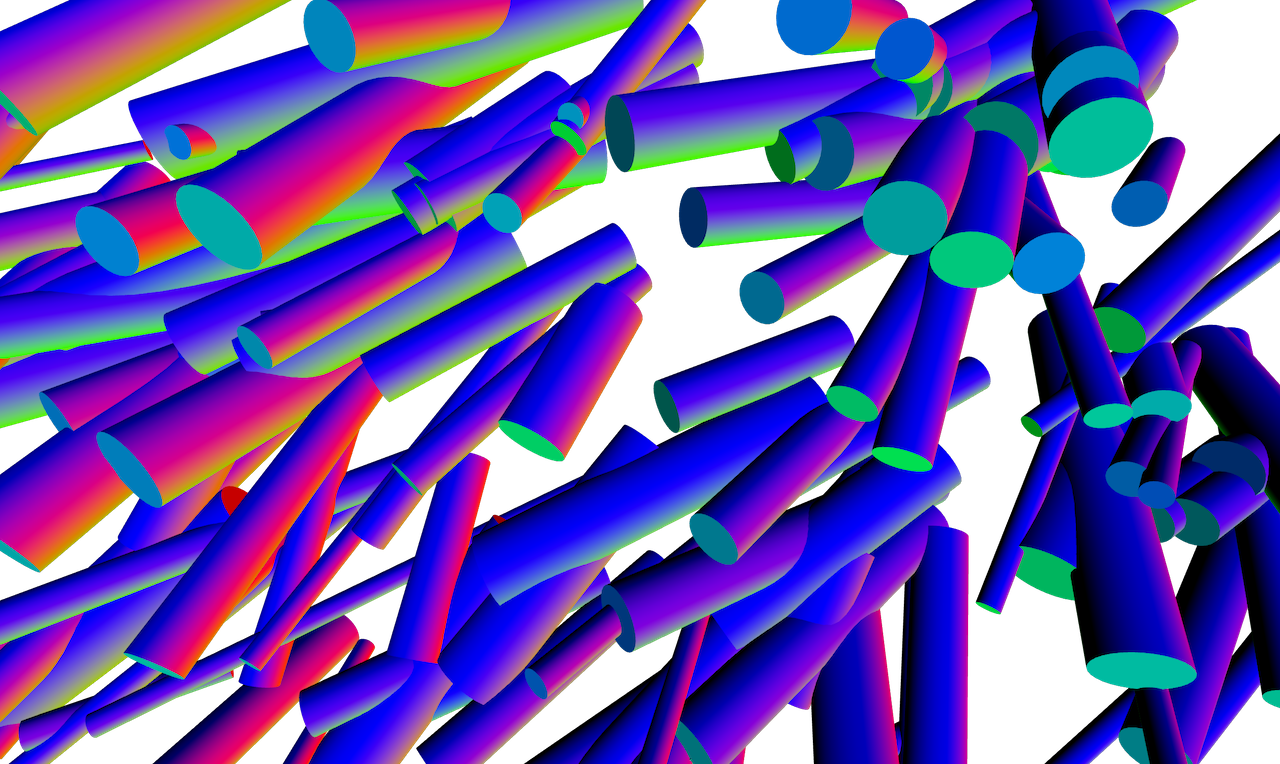
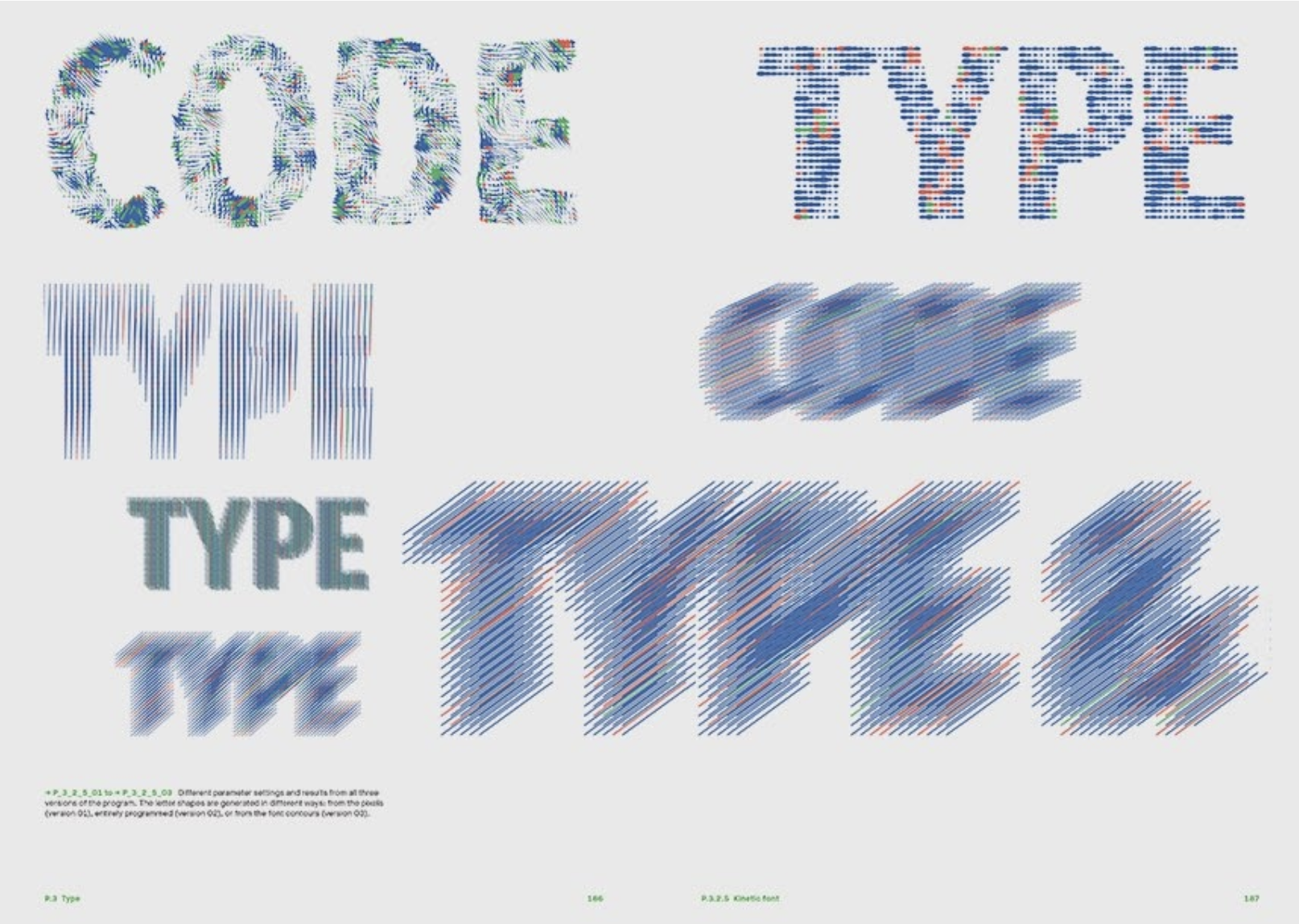
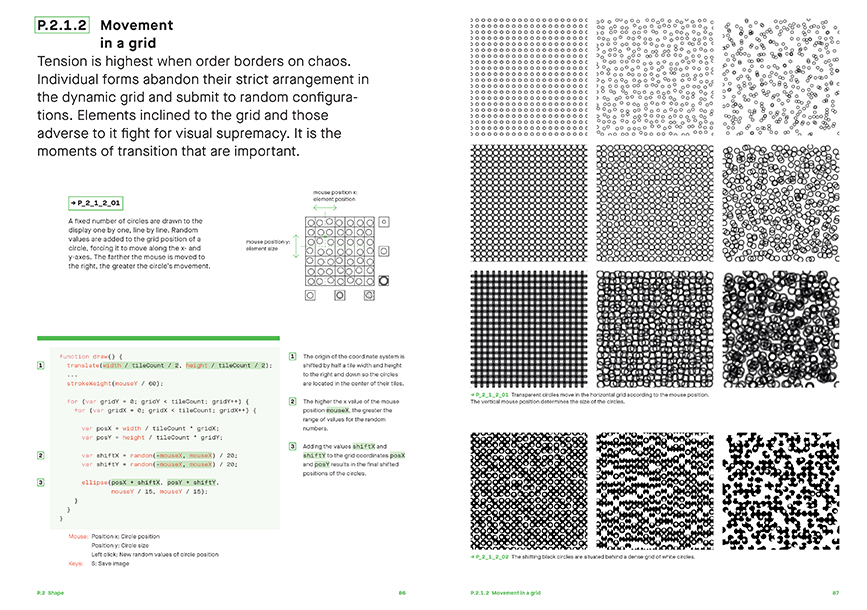
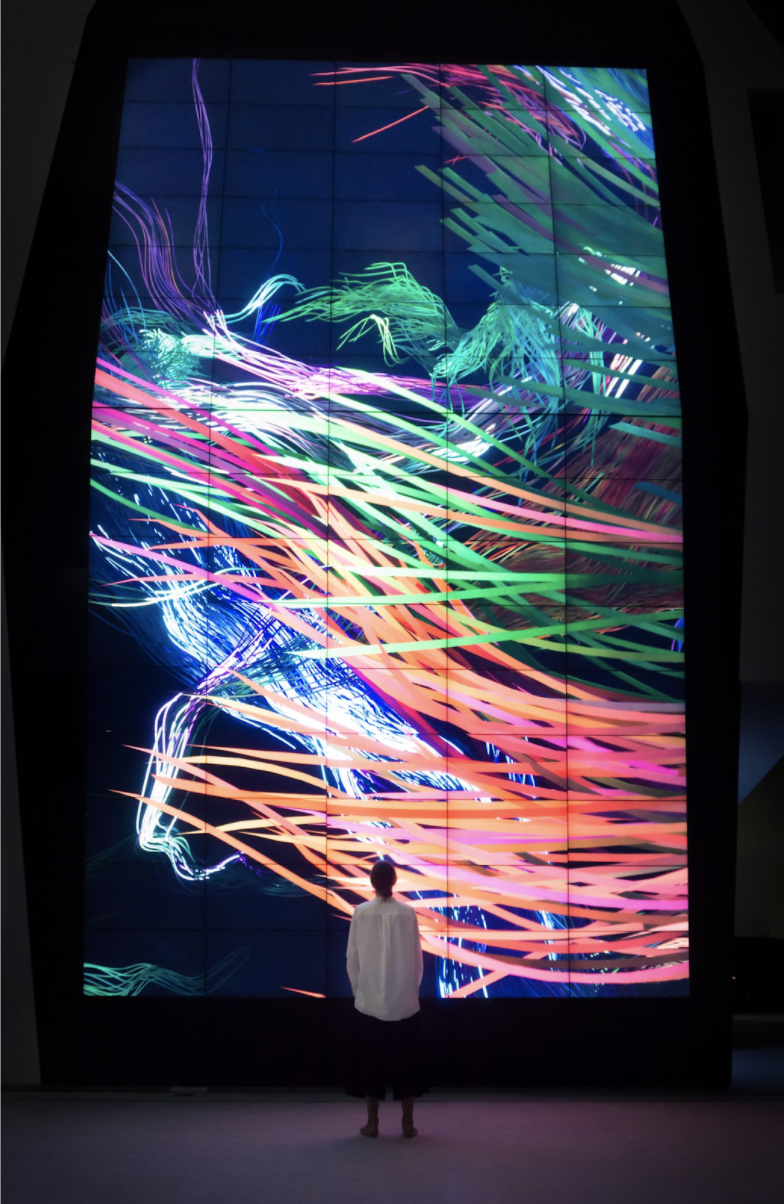
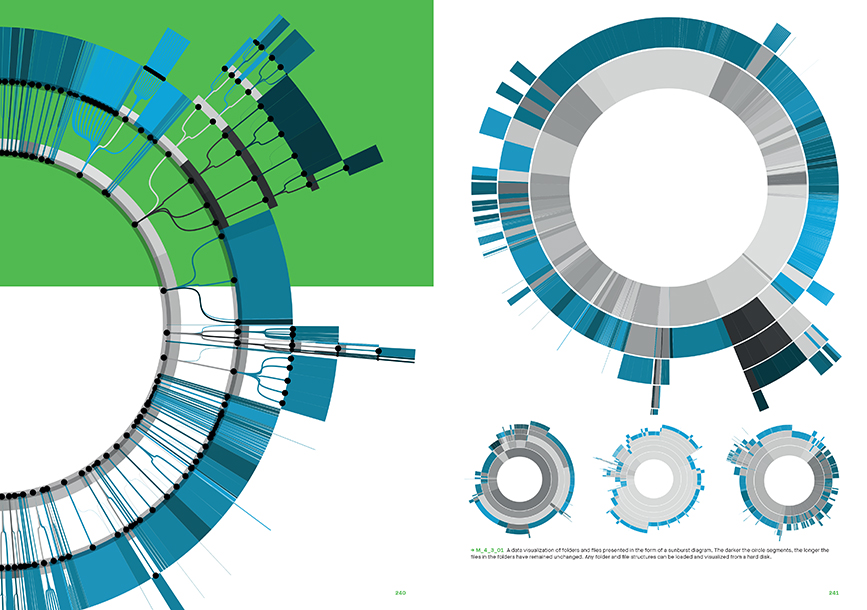
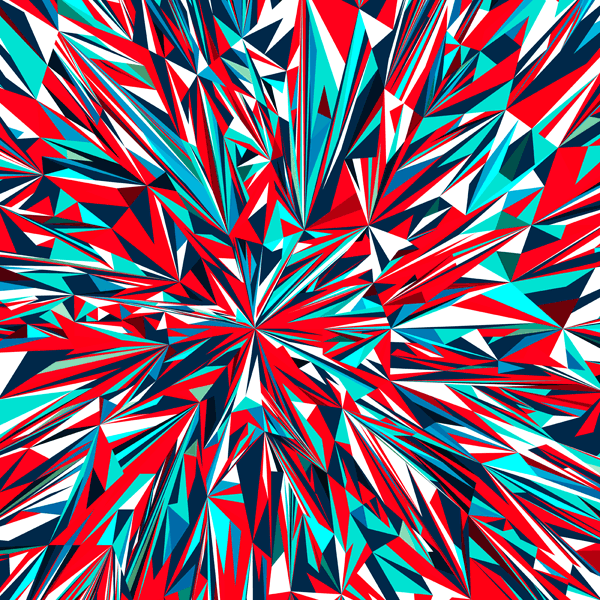
Generative design fundamentally changes the design process: the designer shifts from being a performer of tasks to being a conductor, effectively orchestrating the decision-making process of the computer. This is what generative design is all about: iteratively developing different processes and then selecting those that produce the most visually compelling results.
From using code as a means to generate static, moving or interactive images, to communities, industries and futures that embrace algorithmically generated content, building digital experiences to new adventures into artificial intelligence and neural networks, generative design finds many applications ranging from artistic expressions, branding, architecture, interaction design and other forms of creative applications.
Generative Design
1
B-DS 103
25-26
Making
Computation in Design 2
2
B-DS 103
25-26
Making
Computation in Design 2
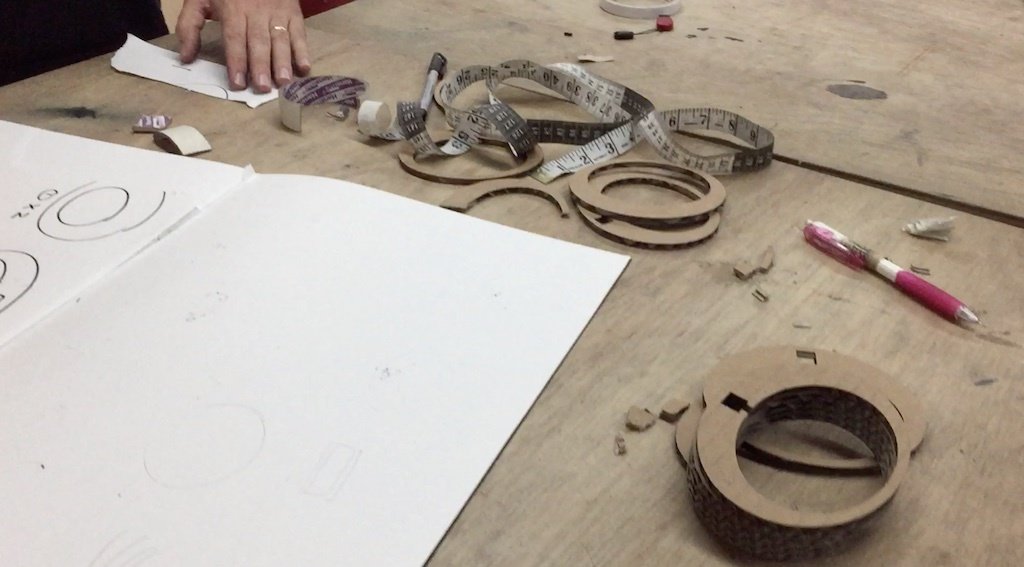
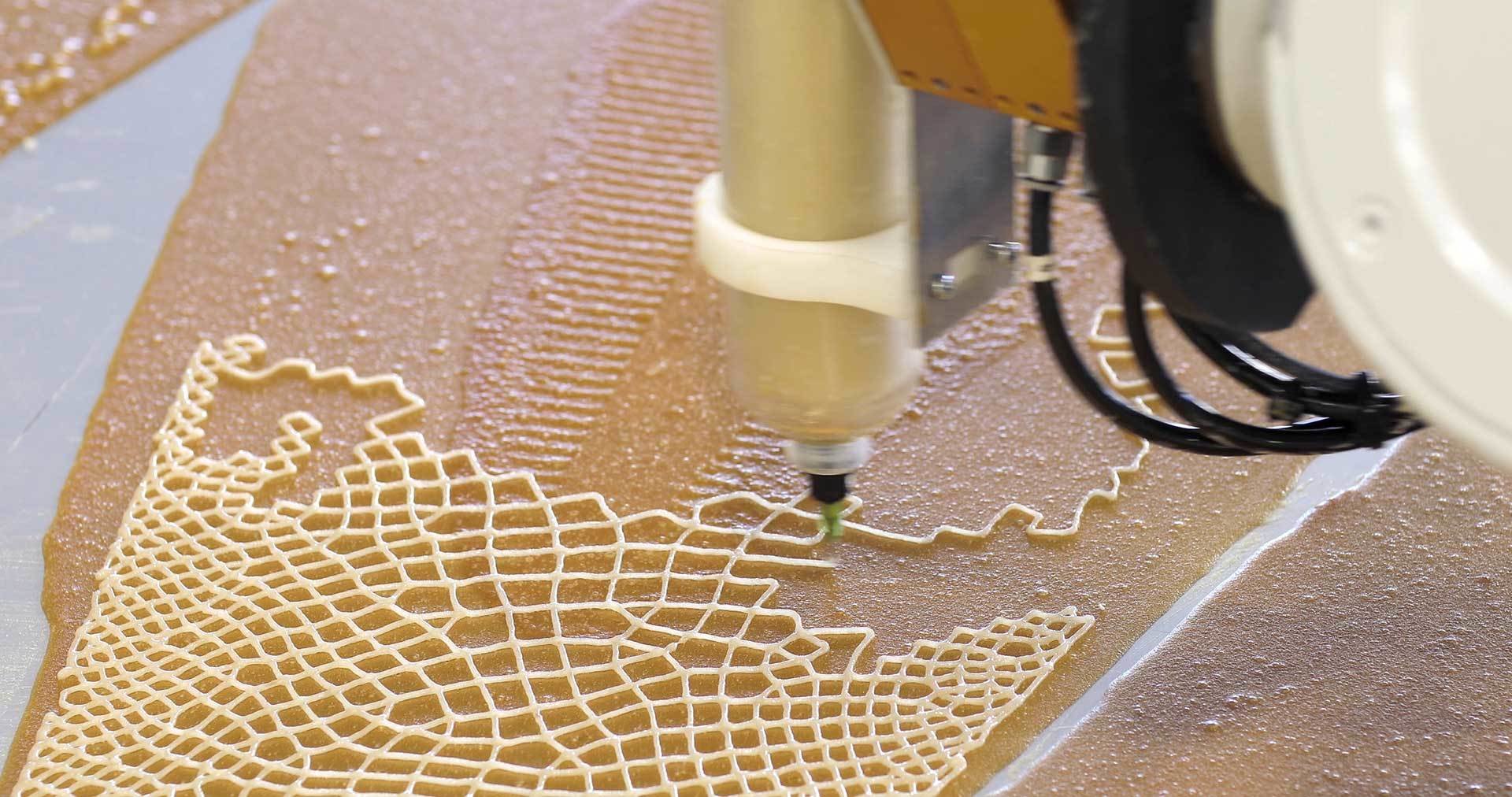
The term "making" refers to the process of producing artefacts, products or tools using craft or technology-based techniques like for example digital fabrication. The spectrum here can range from the novice learning a craft to the master craftsman masterfully applying a craft and passing on their knowledge. Often, more attention is paid to the process of making, sharing, collaboration, and techniques than to the end result.
Think of making as a trade and a culture. Making here can also refer to "The maker culture which is a contemporary subculture representing a technology-based extension of DIY culture that intersects with hardware-oriented parts of hacker culture and revels in the creation of new devices as well as tinkering with existing ones. The maker culture in general supports open-source hardware."
2
B-DS 103
25-26

Physical Computing
Computation in Design 2
3
B-DS 103
25-26
Physical Computing
Computation in Design 2
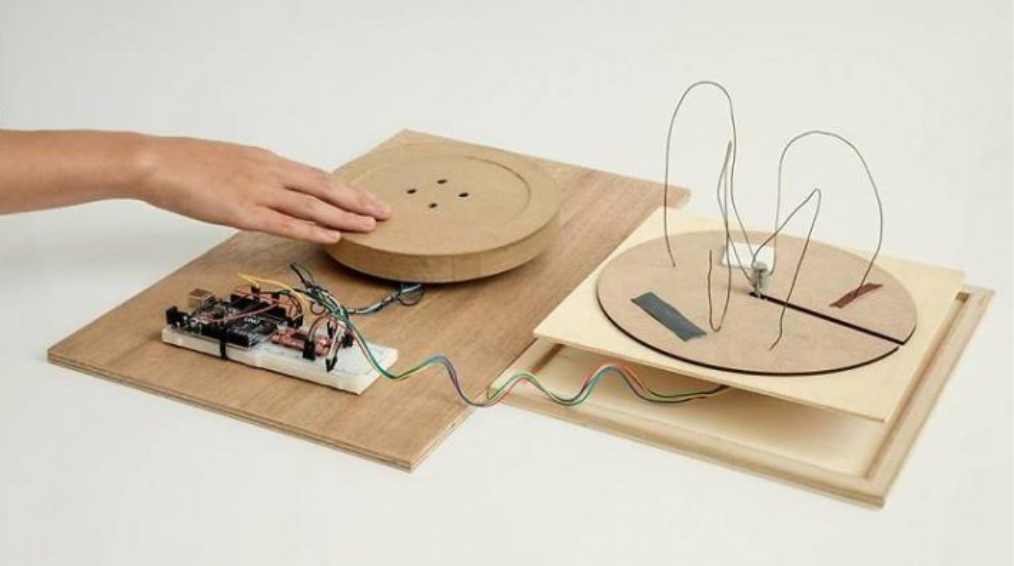
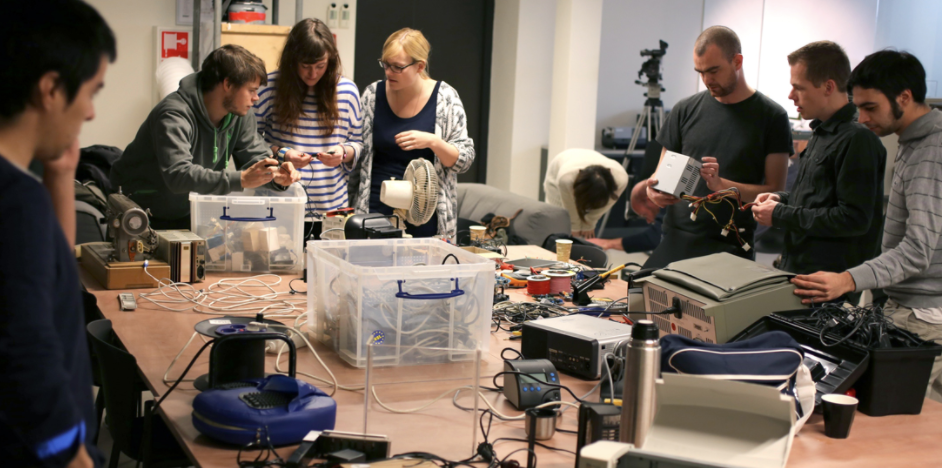
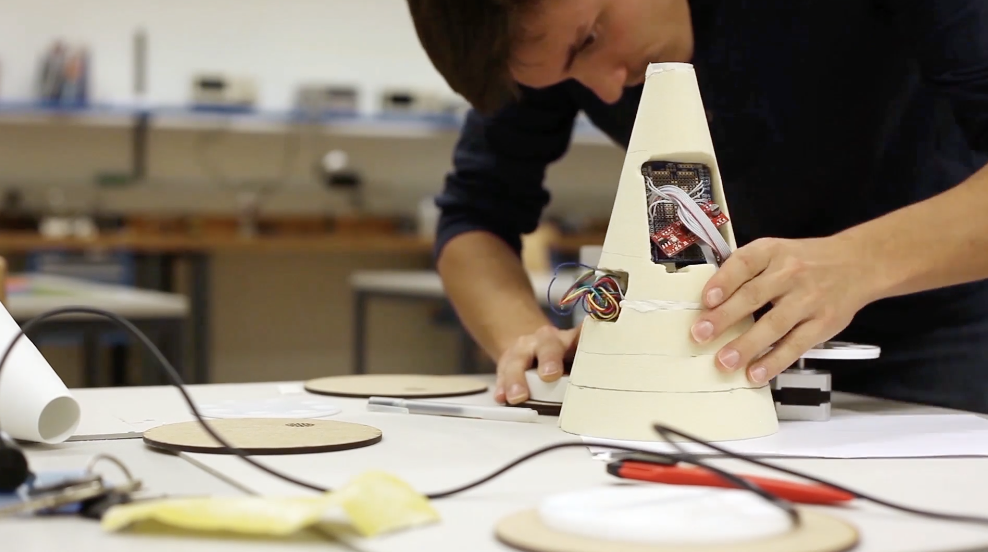
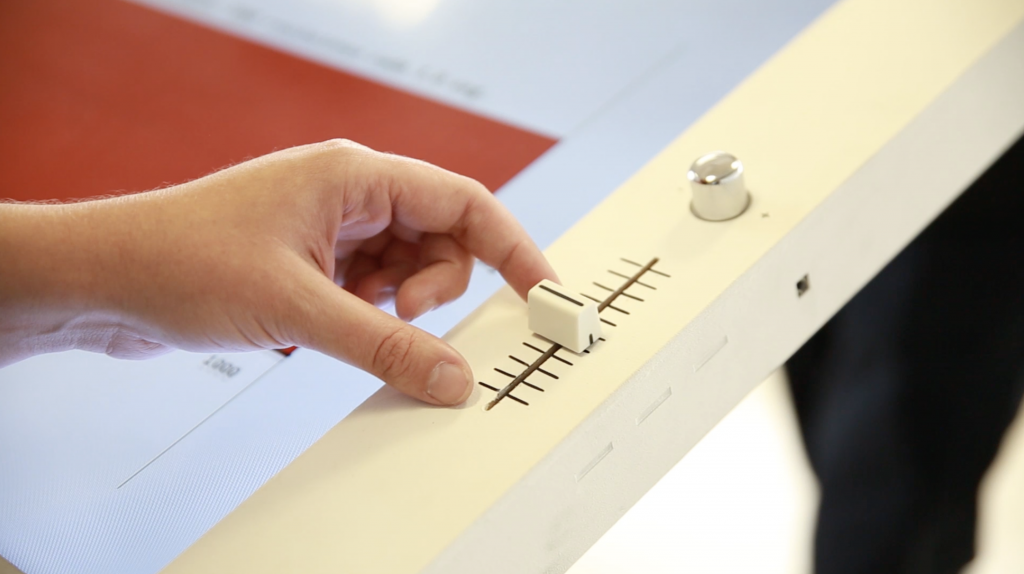
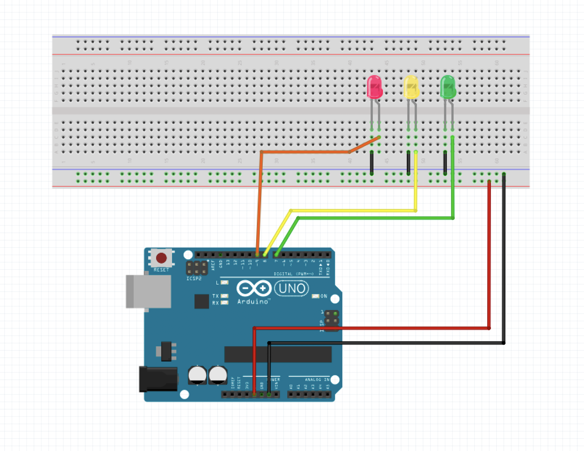
Physical Computing can be applied to applications where computers interact with the physical world and vice versa. The Internet of Things, robotics or physical interfaces are common applications. Physical computing refers to the use of tangible, embedded microcontroller-based interactive systems that can sense the world around them and control outputs such as lights, displays and motors.
Although this might seem rather technical in approach and application, it provides a an environment to better comprehend playfully and eventually build a connection between physical objects, computer hardware and software applicable not only to technical practices such as engineering or computer science but equally important to creative practices like art and design.
3
B-DS 103
25-26
Summary
Computation in Design 2
B-DS 103
25-26
3 Workshops and a website
Coding
Making
1
2
Interaction
Generative Design
From Code to Thing
Physical Computing
Kapi
Dhiya
Jo
Summary Microsite
Computation in Design 2
3
B-DS 103
25-26
25-26
B-DS103
Computation in Design 2
Explore
Ideate
Make
Test
Share
Weekly Schedule
We will meet on a weekly basis every Wednesday at 9.30am in F301 or D501 based on your assigned workshop for that week. For a breakdown of the weekly schedule, navigate downwards.
1
2
3
4
Intro
Introduction to classes and weekly sessions. Warmup activity.
1st Workshop Session 1
Introduction and getting started with respective workshop per class.
B-DS 103
Computation in Design 2
Rooms and groups
1st Workshop Session 2
Exercises continue and conclude at the end of the session.
2nd Workshop Session 1
Introduction and getting started with respective workshop per class.
Class B
F301
Making (Dhiya)
Class A
F301
Coding (Kapi)
Class C
D501
Interacting (Jo)
Class B
F301
Making (Dhiya)
Class A
F301
Coding (Kapi)
Class C
D501
Interacting (Jo)
Class B
D501
Interacting (Jo)
Class A
F301
Making (Dhiya)
Class C
F301
Coding (Kapi)
25-26
All
F301
5
6
7
8
2nd Workshop Session 2
Exercises continue and conclude at the end of the session.
No class
Project Week, independent study.
Computation in Design 2
Rooms and groups
B-DS 103
Web 101 Session 1
Introduction to website template.
Session 2 continues in Week 9
No class
Lunar New Year.
All
F301
Class B
D501
Interacting (Jo)
Class A
F301
Making (Dhiya)
Class C
F301
Coding (Kapi)
25-26
9
10
11
12
3rd Workshop Session 2
Exercises continue and conclude at the end of the session.
Computation in Design 2
Rooms and groups
Web 101 Session 2
Continue on website template.
All
F301
3rd Workshop Session 2
Exercises continue and conclude at the end of the session.
3rd Workshop Session 1
Introduction and getting started with respective workshop per class.
B-DS 103
Work check
Checking on CPJ, summary microsite.
All
F301
Class B
F301
Coding (Kapi)
Class A
D501
Interacting (Jo)
Class C
F301
Making (Dhiya)
Class B
F301
Coding (Kapi)
Class A
D501
Interacting (Jo)
Class C
F301
Making (Dhiya)
25-26
13
14
15
Wrapping up
Submission briefing, working on documentation, populating summary microsite with content.
No class
Independent study.
No class
Assessment.
Computation in Design 2
Rooms and groups
B-DS 103
25-26
All
F301
25-26
B-DS 103
Computation in Design 2
Before we get started
Four Orders of Design
Coding Spectrum
Simple vs Complicated
1
Four Orders of Design
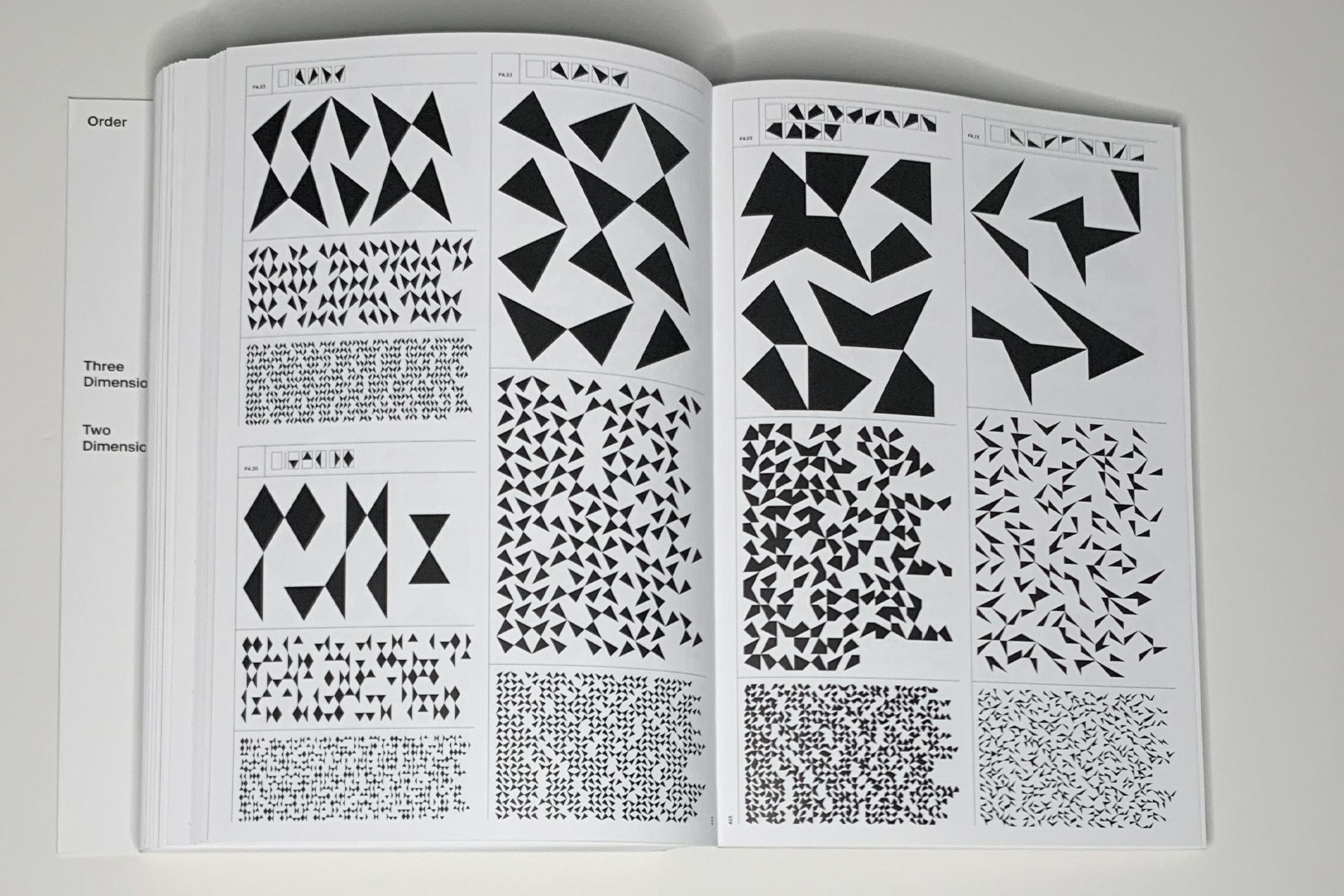
Design can function at multiple levels and in different ways. Design professor Richard Buchanan captured his thinking into these ‘four orders of design’ illustrating how design as a discipline has moved from the traditional concept of the visual or tangible artefact through to orchestrating interactions and experiences, and to transforming systems.
B-DS 103
Computation in Design 2
Symbols, Objects, Actions, Thoughts.
25-26
Four Orders of Design
Computation in Design 2
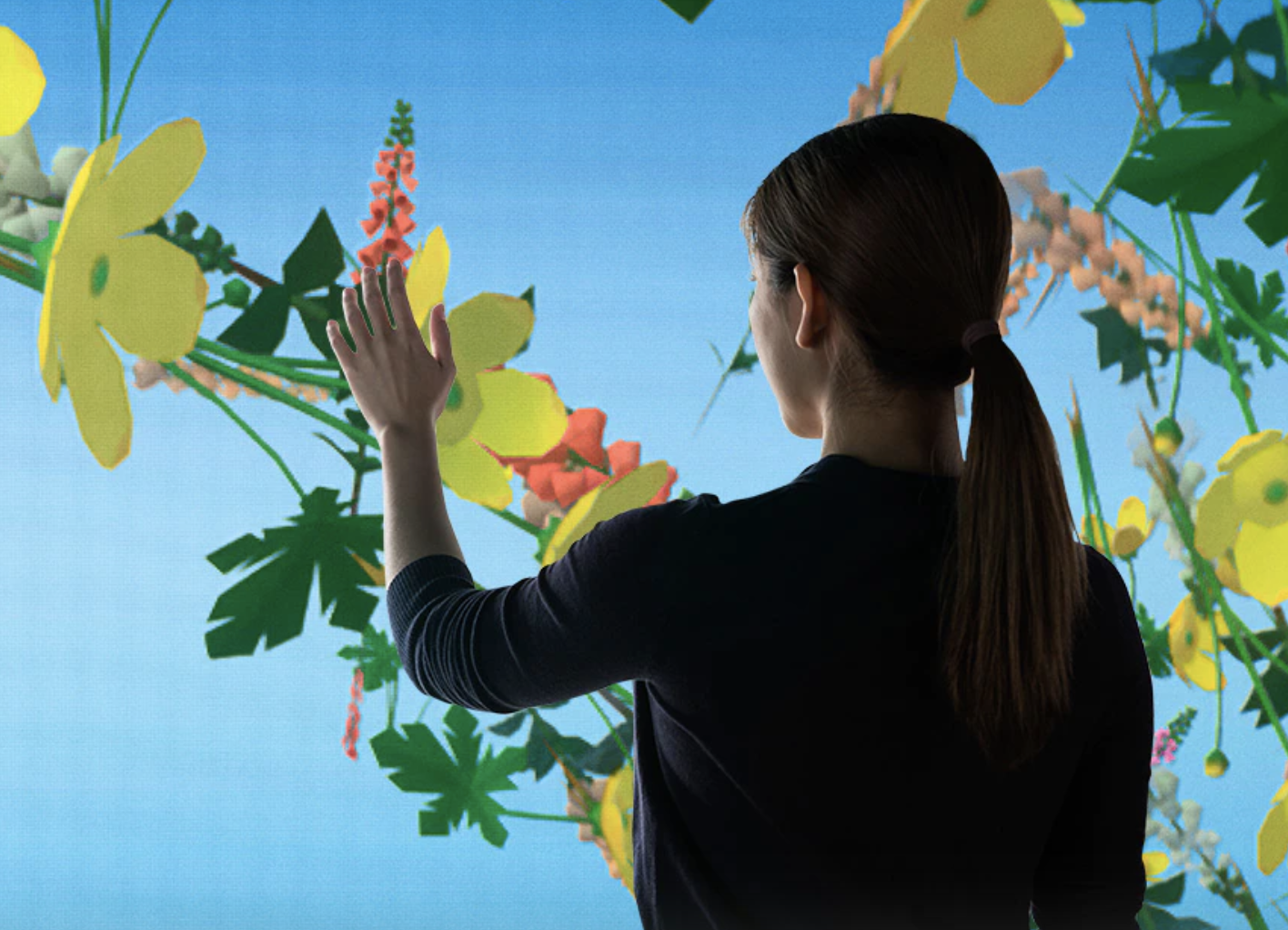
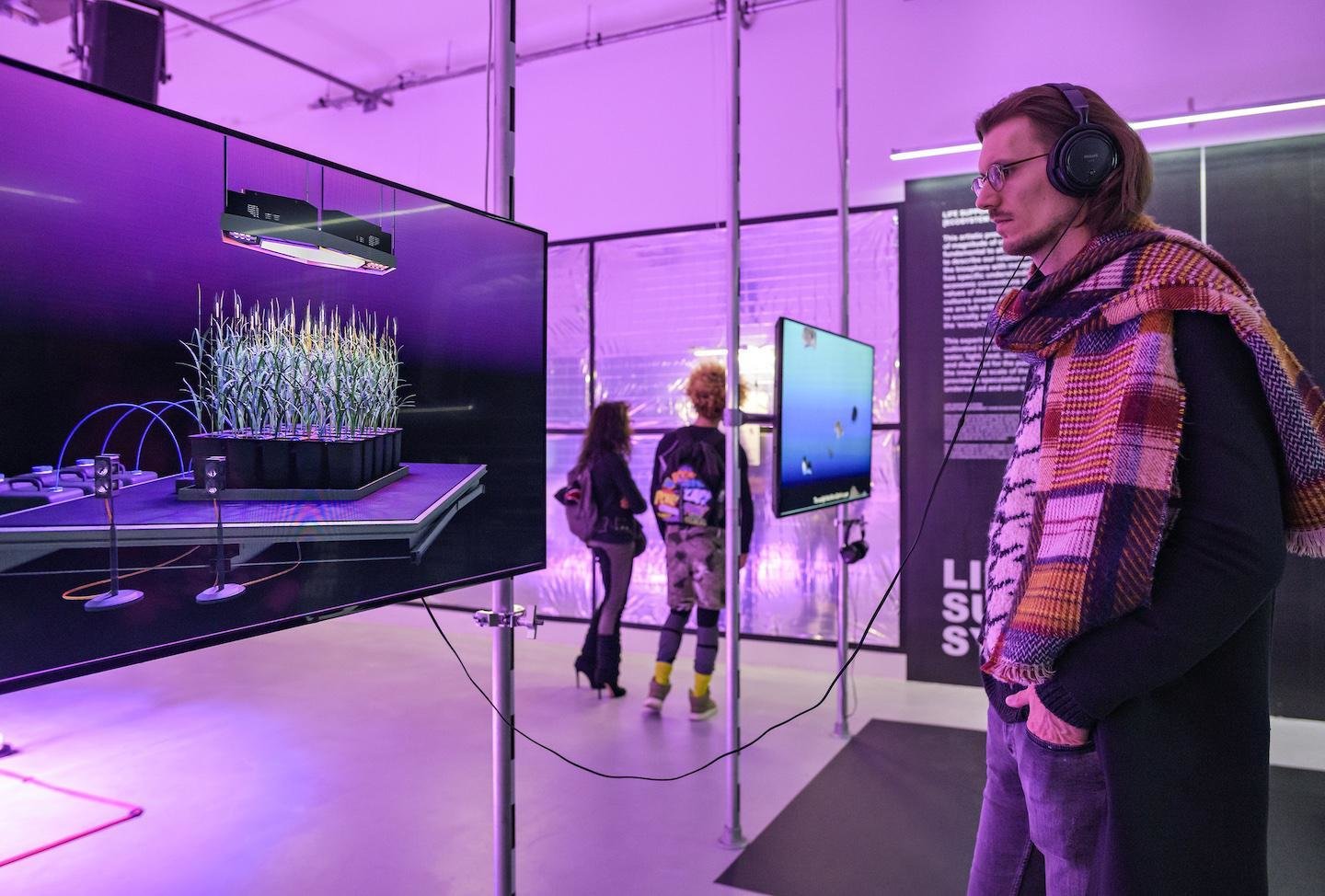
1 Symbols
3 Actions
2 Objects
4 Thoughts
B-DS 103
25-26
Four Orders of Design
Symbols
Thoughts
1
4
Introduced by Richard Buchanan in 2001 1
2D Graphic Design, deals with the nature, shape, and meaning of symbols and consists of four distinct but related activities: typography, illustration, photography, and print. 2
Systems and environments. Environmental design is concerned with “[t]he idea or thought that organizes a system or environment” Therefore, in the fourth order, the focus is on human systems, “the integration of information, physical artifacts, and interactions in environments of living, working, playing, and learning.” 2
Computation in Design 2
Actions
3
4D Interaction. In interaction design, the locus of design is action. Here, the focus is on designing experiences rather than physical objects. 2
3D Industrial Design, industrial design is concerned with tangible, physical artifacts — with things. 2
Objects
2
B-DS 103
25-26
Four Orders of Design
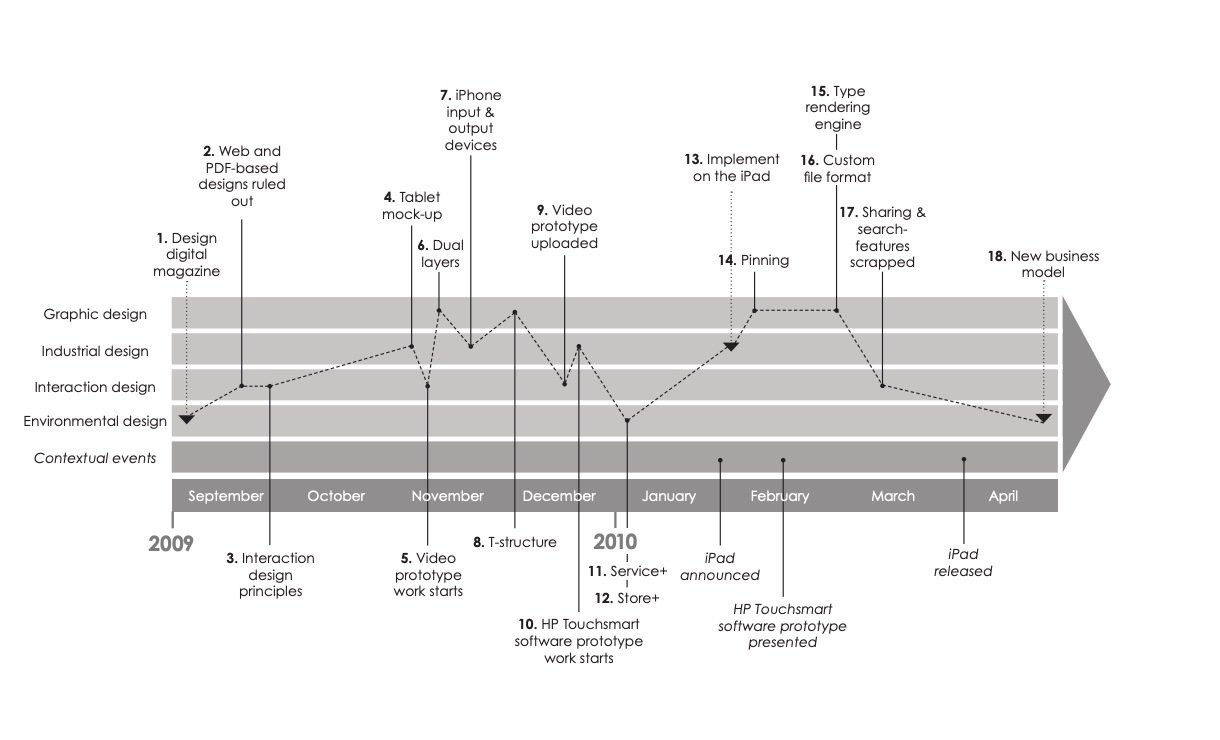
Oscillating Between Four Orders of Design: The Case of Digital Magazines. Timeline illustrating key design decisions in the four orders. 2
B-DS 103
Computation in Design 2
25-26
Coding Spectrum
No Code
Low Code
Some Code
All Code
Requires few to no code to quickly build an application. This doesn't mean there is no code involved, the code just all runs in the background. Often purely UI, pull-down and drag-and-drop based.
Similar to NoCode, however, some code is exposed in the application development environment you are using. Although often related to visual programming environments, a basic understanding of coding concepts is useful.
Limited to the tool
Some customisation possible
Some coding skills required
Build your own
Wordpress
Unreal Engine
TouchDesigner
Code templates
Blender
html, css, JavaScript
Code frameworks (p5js, Processing)
Scripting
Unity
Knowing and understanding some code as a designer can help you collaborate better and communicate across disciplines when technical know-how is required. Basic knowledge and practice in web or app development.
This is when you are able to build your own software with ease. Needless to say this needs time and practice.
Computation in Design 2
Cargo
Readymag
Webflow
Figma
Prompting (Midjourney, Dall-e, etc.)
Text Editor
Any programming language
Command Line
Git
B-DS 103
25-26
Coding Spectrum
No Code
Low Code
Some Code
All Code
Requires few to no code to quickly build an application. This doesn't mean there is no code involved, the code just all runs in the background. Often purely UI, pull-down and drag-and-drop based.
Similar to NoCode, however, some code is exposed in the application development environment you are using. Although often related to visual programming environments, a basic understanding of coding concepts is useful.
Limited to the tool
Some customisation possible
Some coding skills required
Build your own
Wordpress
Unreal Engine
TouchDesigner
Code templates
html, css, JavaScript
Code frameworks (p5js, Processing)
Scripting
Unity
Knowing and understanding some code as a designer can help you collaborate better and communicate across disciplines when technical know-how is required. Basic knowledge and practice in web or app development.
This is when you are able to build your own software with ease. Needless to say this needs time and practice.
Computation in Design 2
Cargo
Readymag
Webflow
Figma
Prompting (Midjourney, Dall-e, etc.)
Text Editor
Any programming language
Command Line
Git
This semester's workshops will focus on
Code templates
Blender
html, css, JavaScript
Code frameworks (p5js, Processing)
B-DS 103
25-26
Simplicity, Simple. Complexity, Complicated.
Simplicity
Complexity
Simple
Complicated
Easily understood or done. Plain, basic. Uncomplicated in form, nature or design.
The state of having many parts and being difficult to understand or find an answer to.
Not easy to understand or analyze because of being intricate.
The quality of being plain, without unnecessary or extra things or decorations.
Good
Acceptable
Borderline
Nope
Computation in Design 2
B-DS 103
25-26
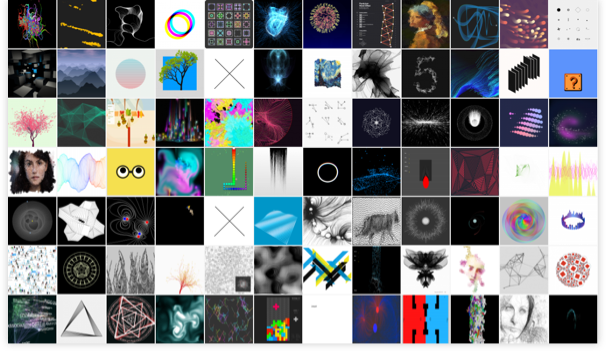
Online Resources
Computation in Design 2
B-DS 103
25-26
B-DS 103
Computation in Design 2
Before we get started
Documenting your work, process and outcomes: Suggestions and examples
2
25-26
What to pay attention to when documenting your work, process and outcomes
Subject
Narrative
Lighting
Surrounding
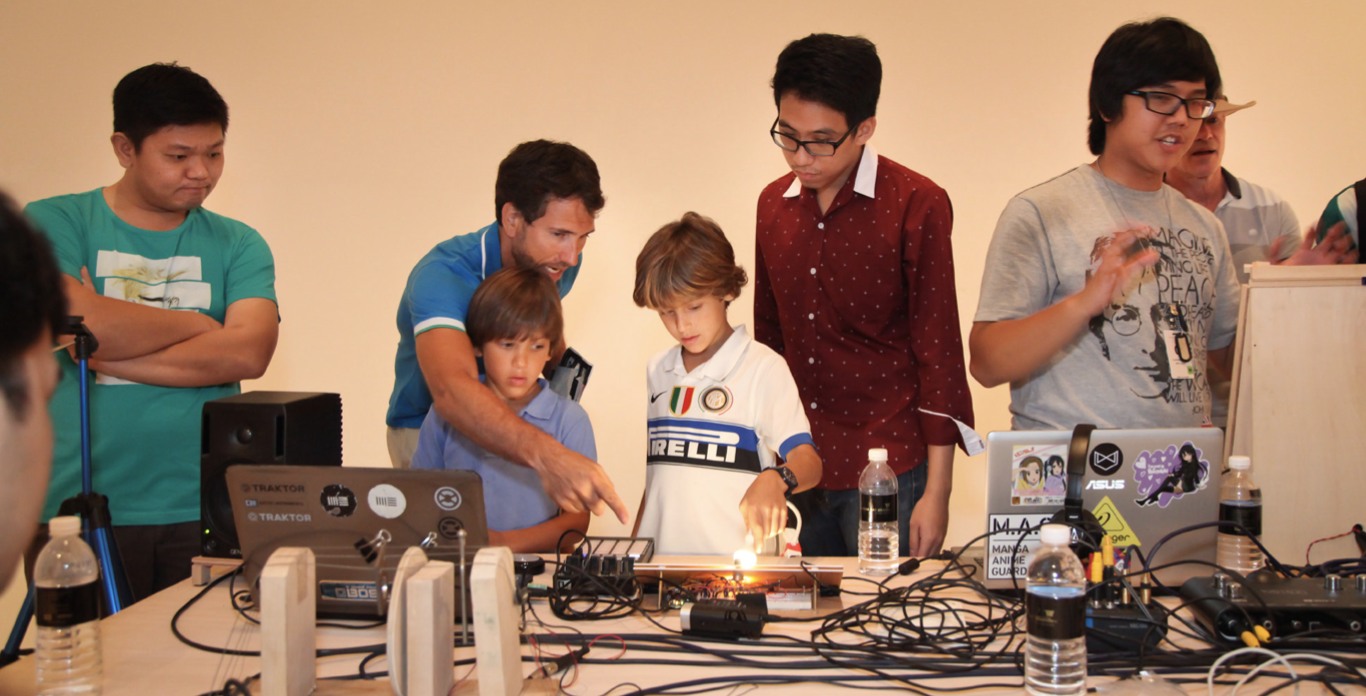
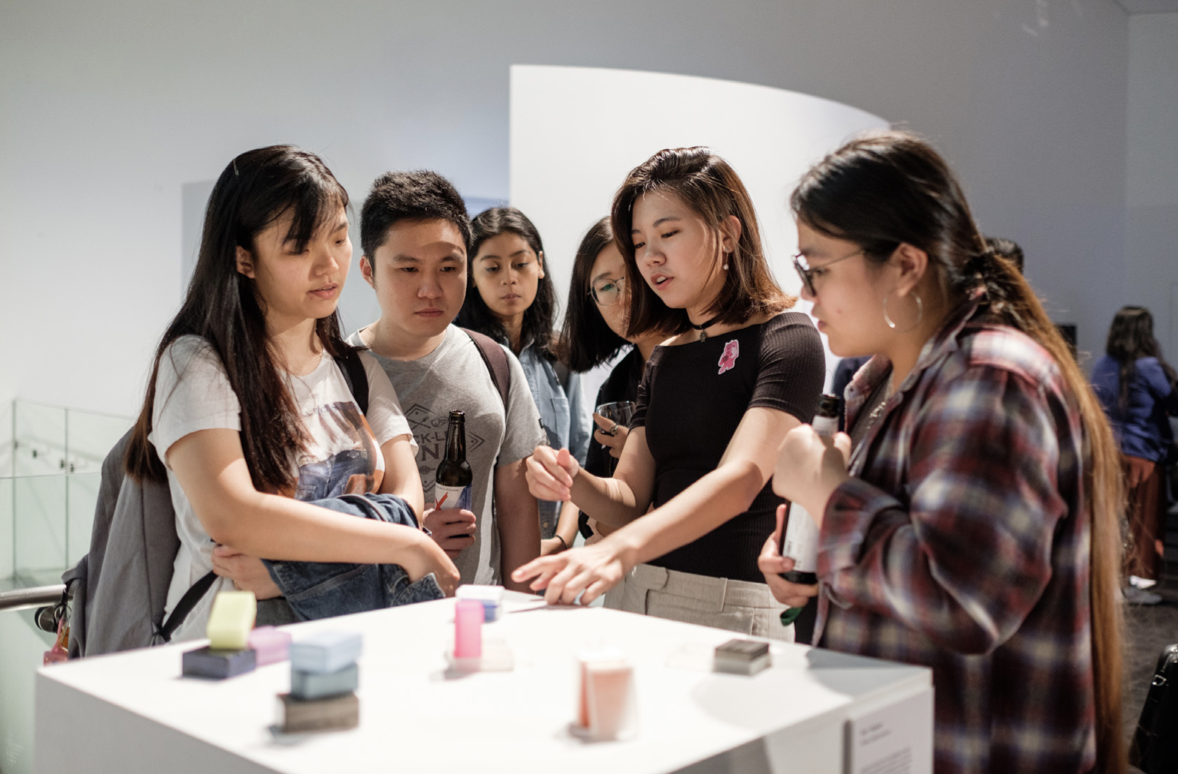
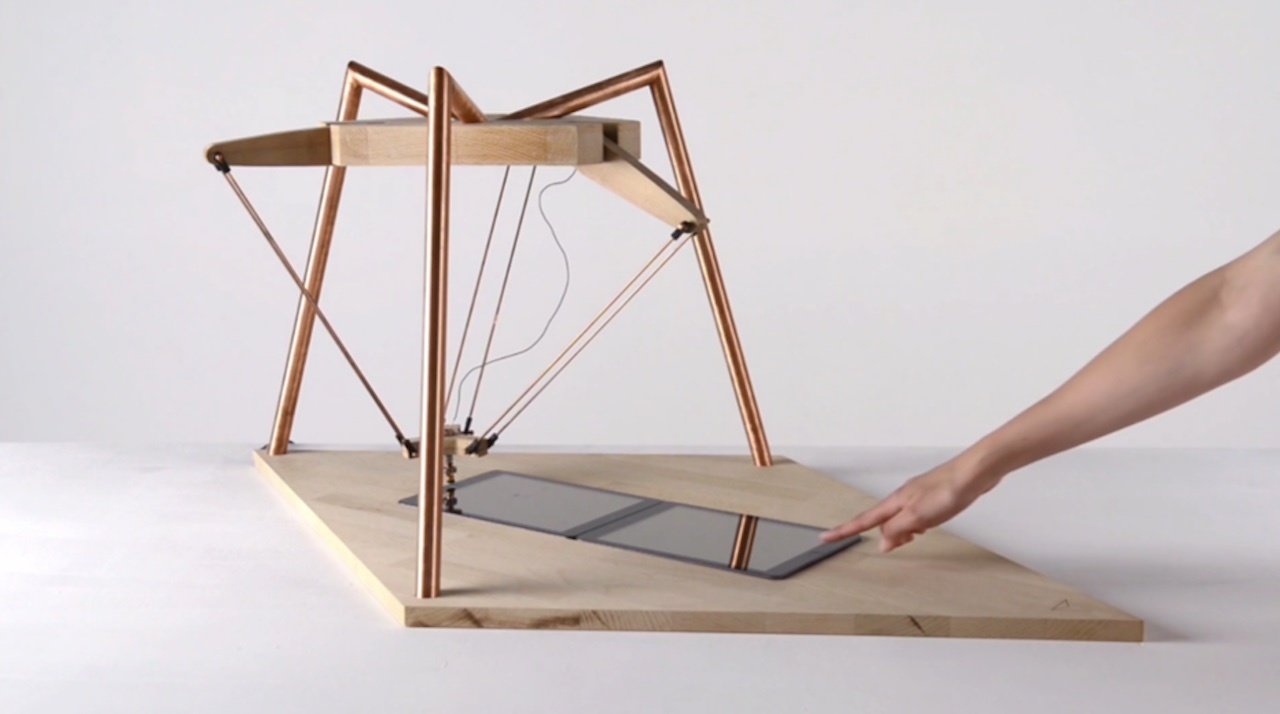
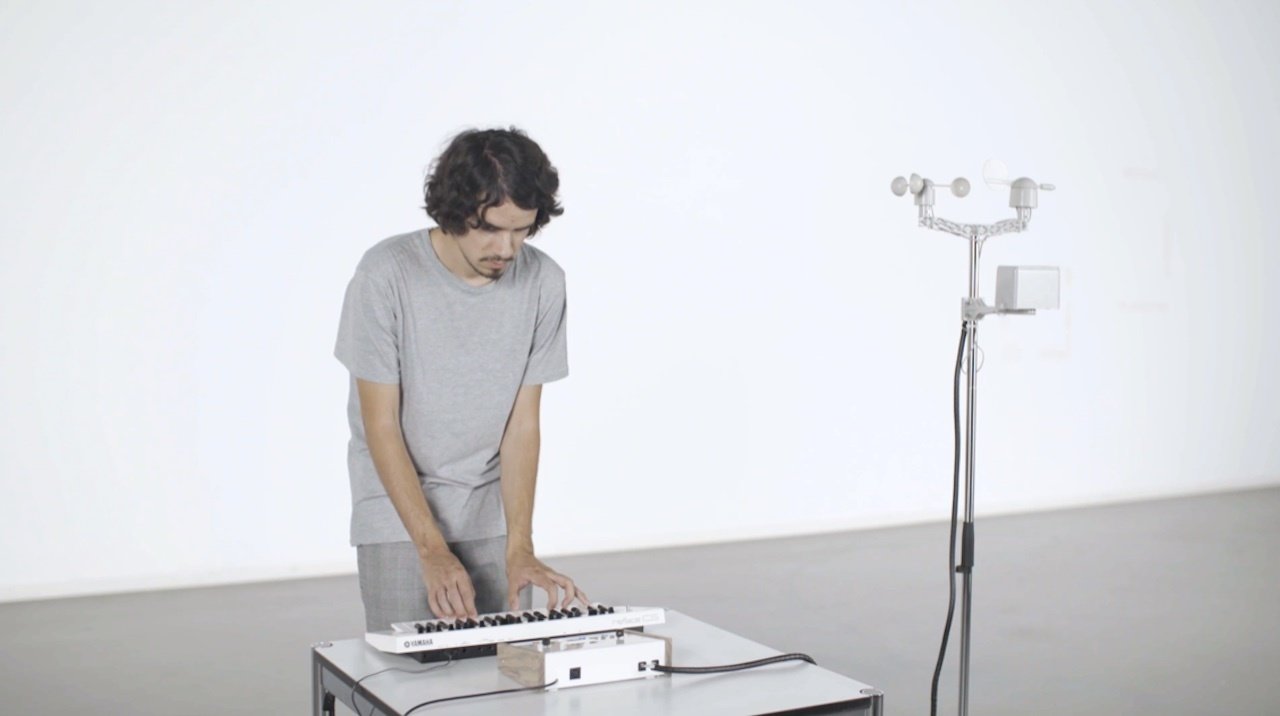
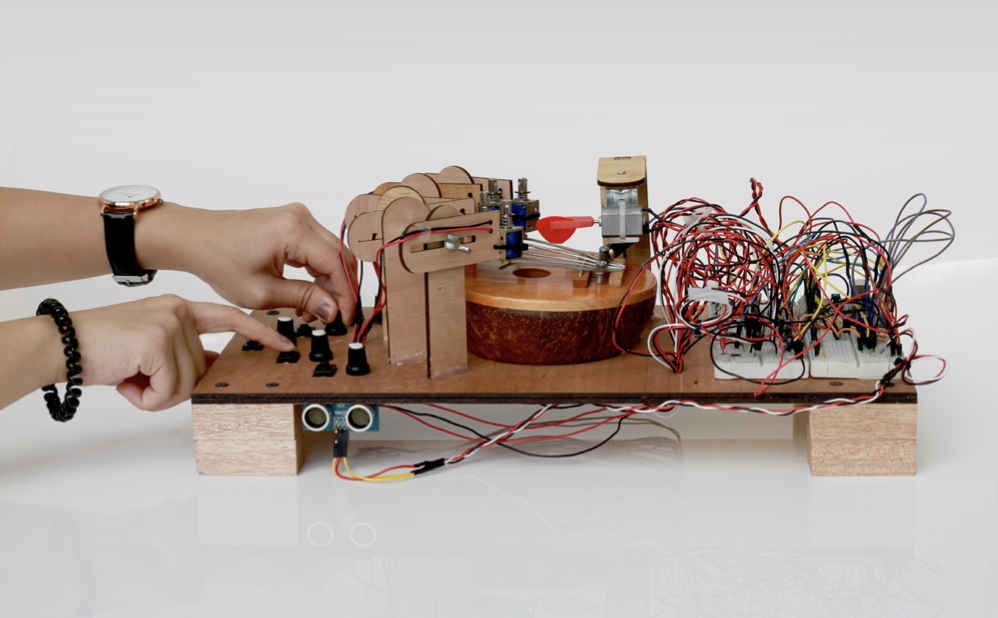
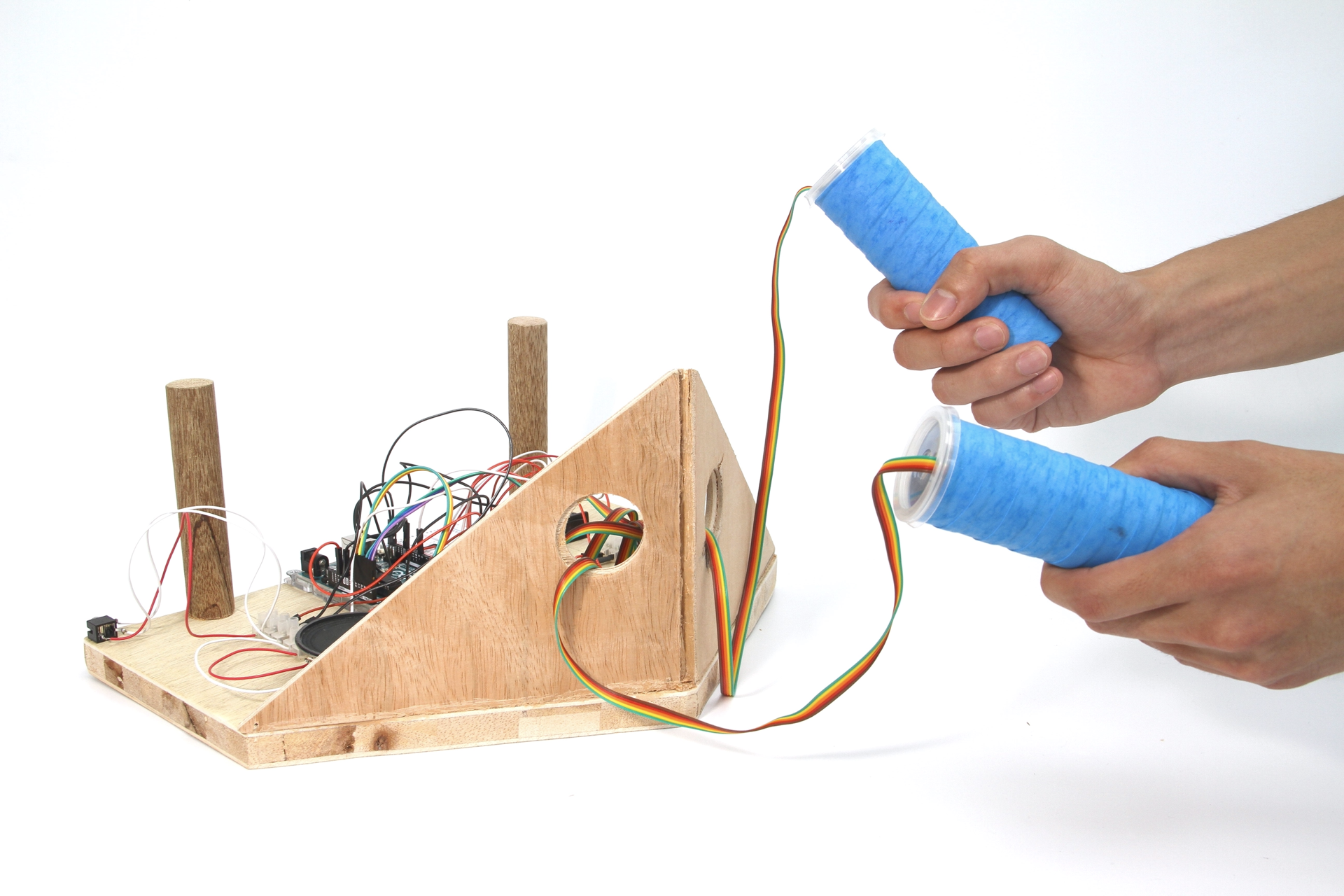
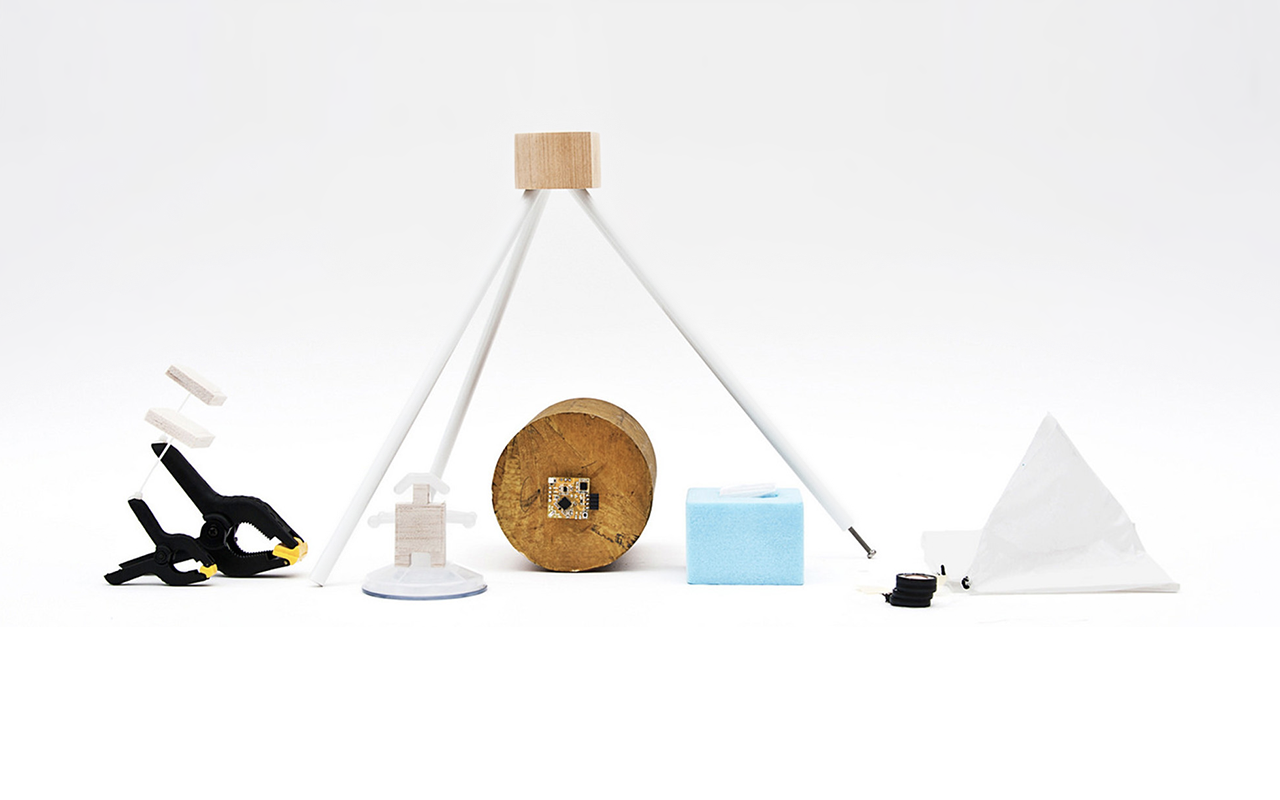
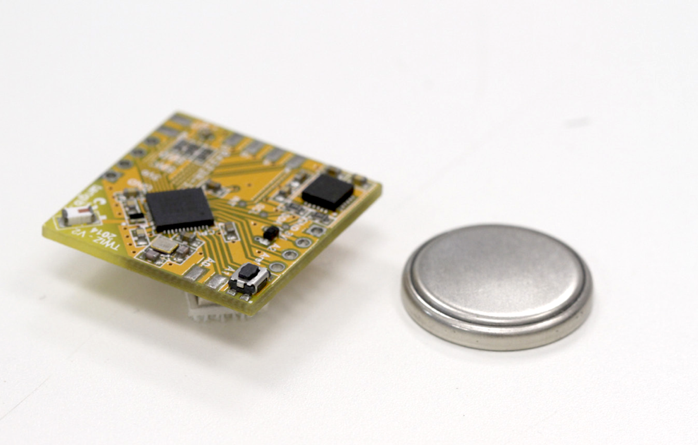
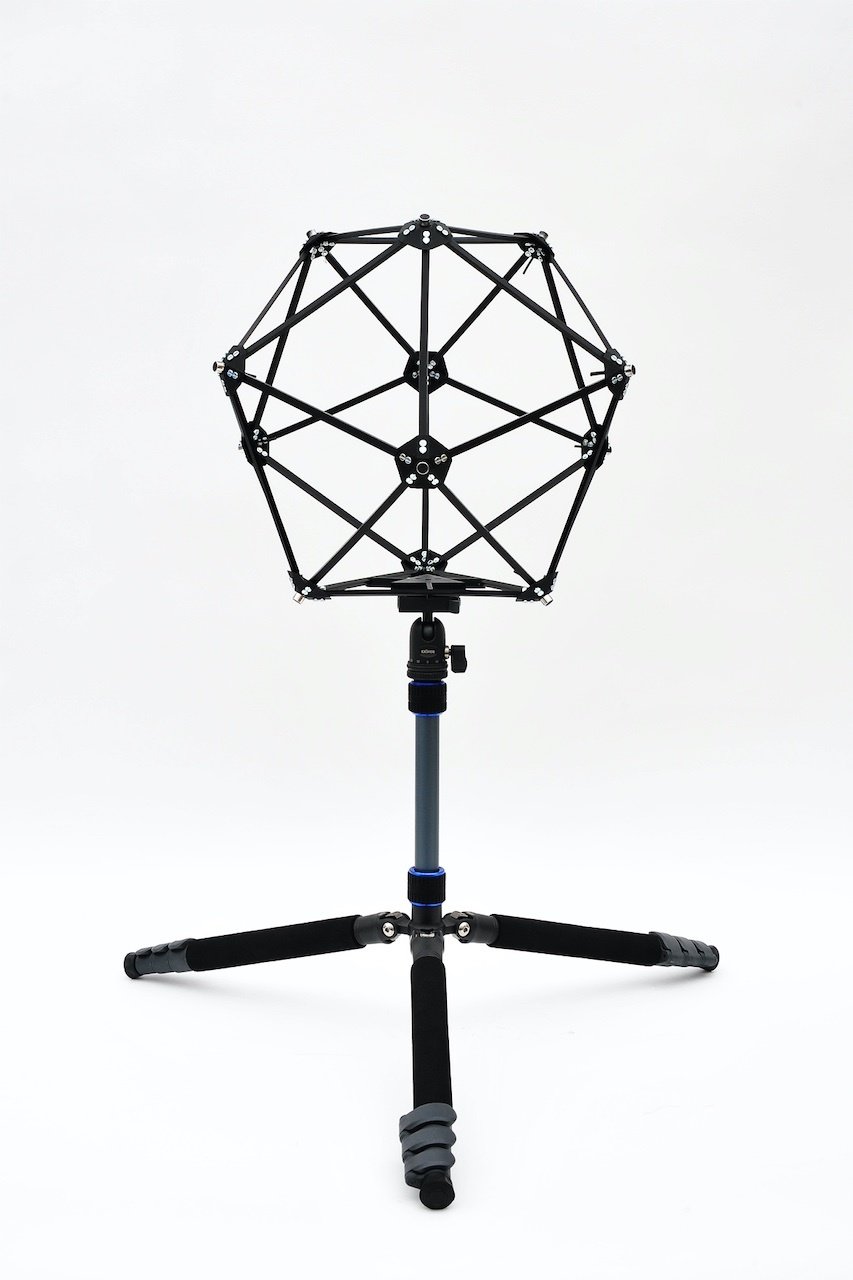
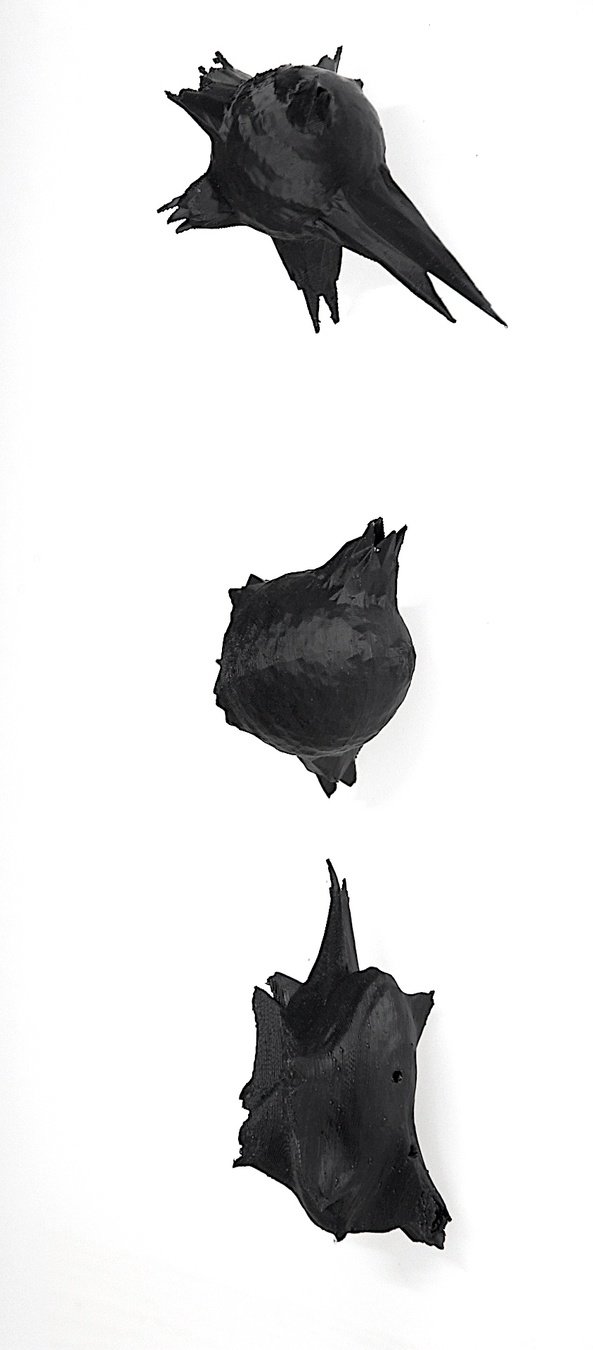
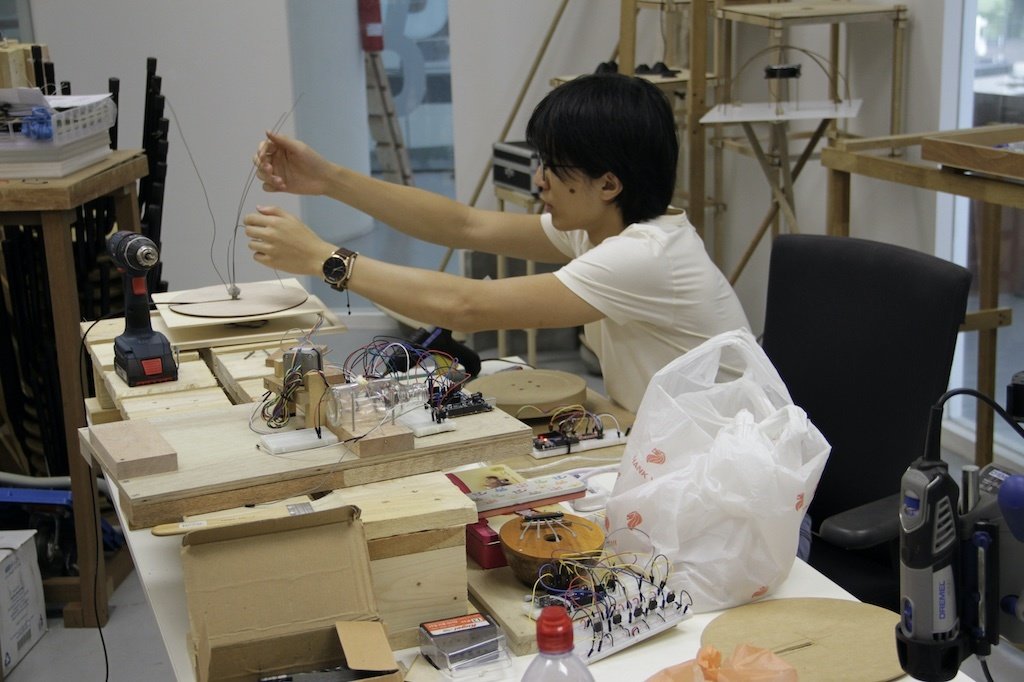
The process, the object, the action should always be in the foreground and in focus when documenting your work so that it can be easily identified as the protagonist, the main character of the image or video that one is looking at.
Don't take a picture or video of your work just for the sake of taking a picture or video. Think about your audience and how they will perceive the image or video you have prepared for them. Provide them with the best and highest quality experience possible so that your audience sees that you care about your work and them.
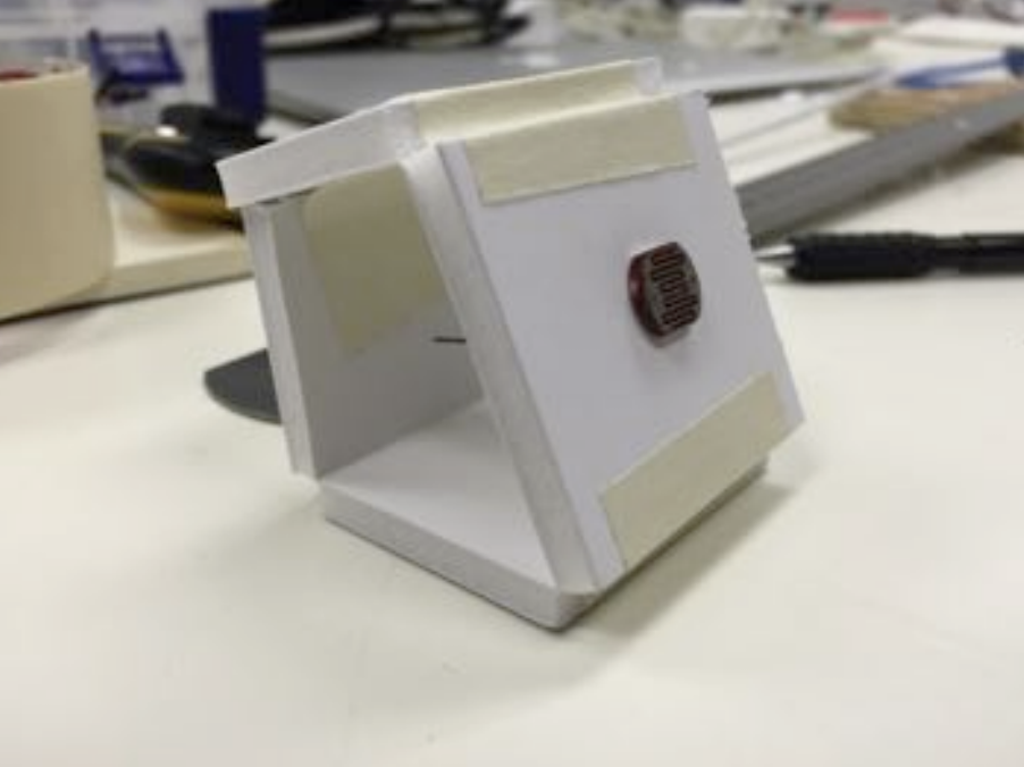
Pay attention to the lighting conditions of the environment in which the work is being documented. Add additional light as needed, but make sure the entire scenario is properly lit for optimal viewing on a screen or in a printed publication.
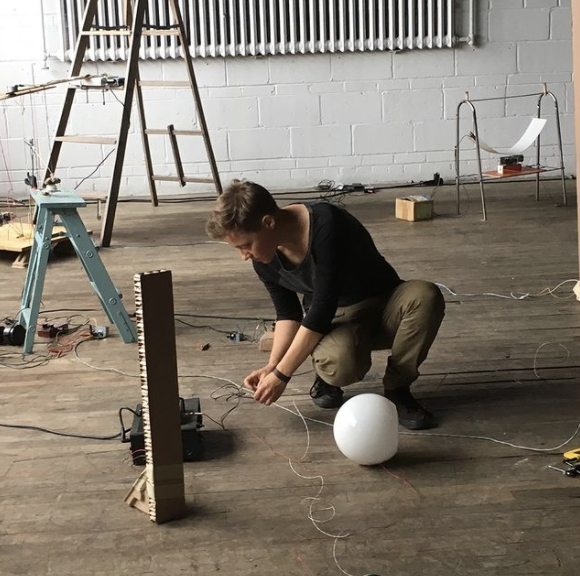
Pay attention to the environment in which you are filming or photographing. Is the background very distracting, maybe clean it up or change the scene? Are there any unnecessary objects lying around? Are the surfaces clean, no coffee stains? Make sure to present your subject the best possible way.
B-DS 103
Computation in Design 2
25-26
What to pay attention to when documenting your work, process and outcomes
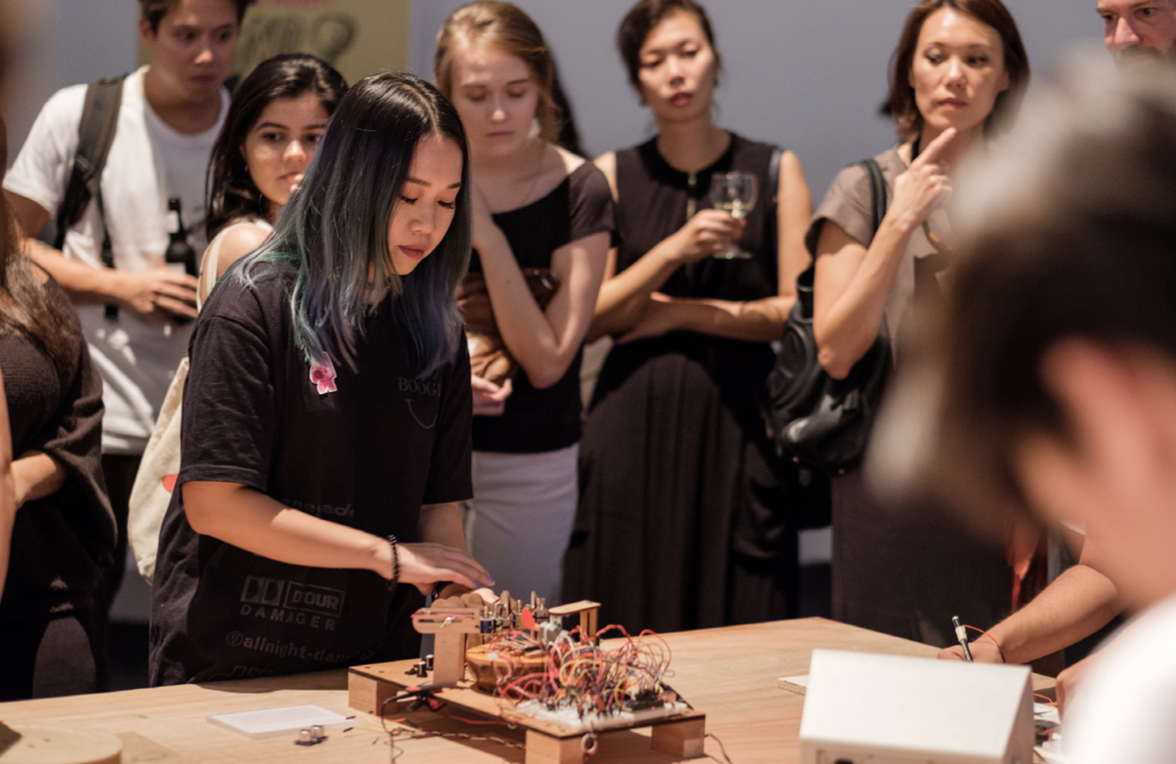

Avoid
Computation in Design 2
B-DS 103
25-26
Computation in Design 2
B-DS 103
25-26
Computation in Design 2
B-DS 103
25-26
Computation in Design 2
B-DS 103
25-26
2022
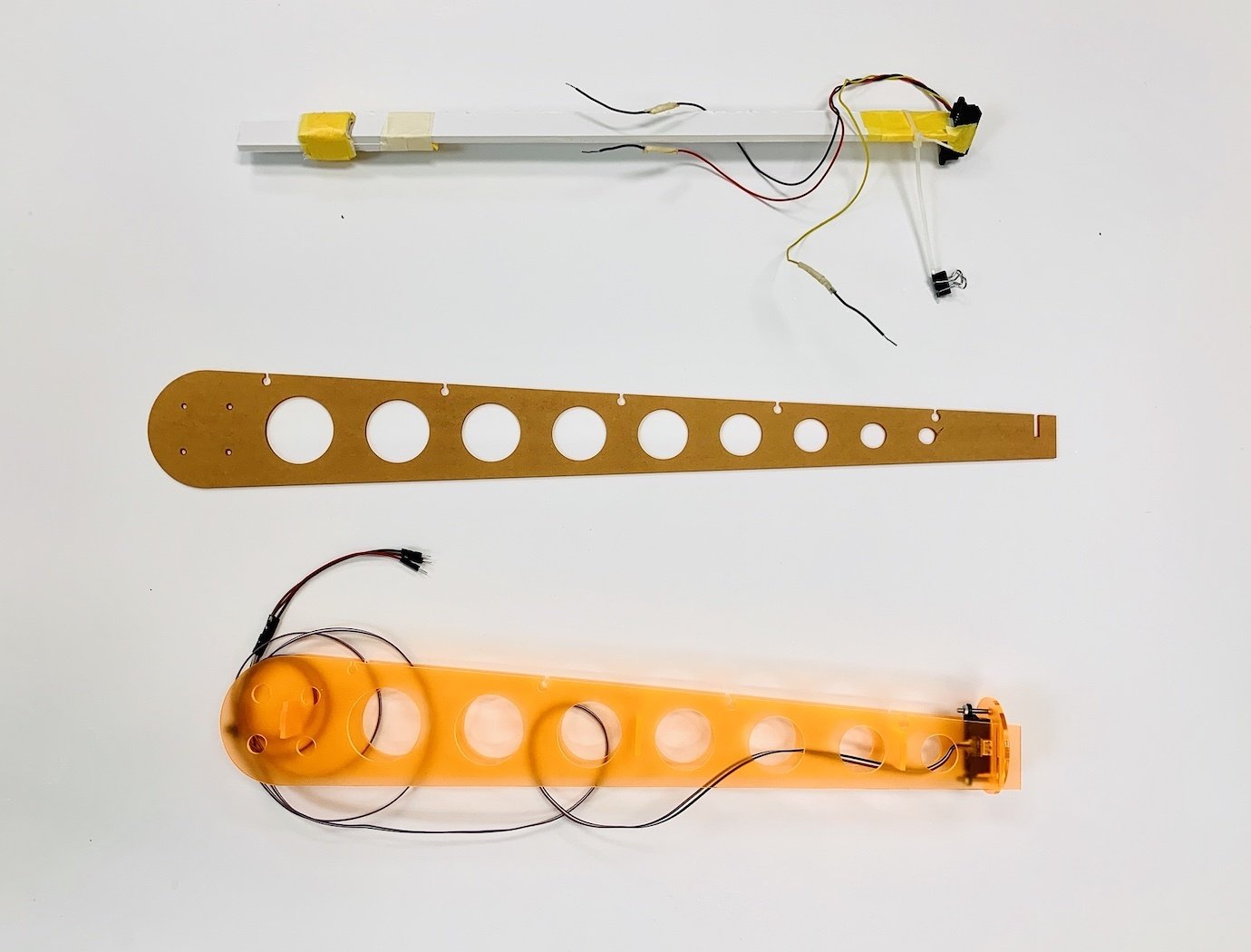
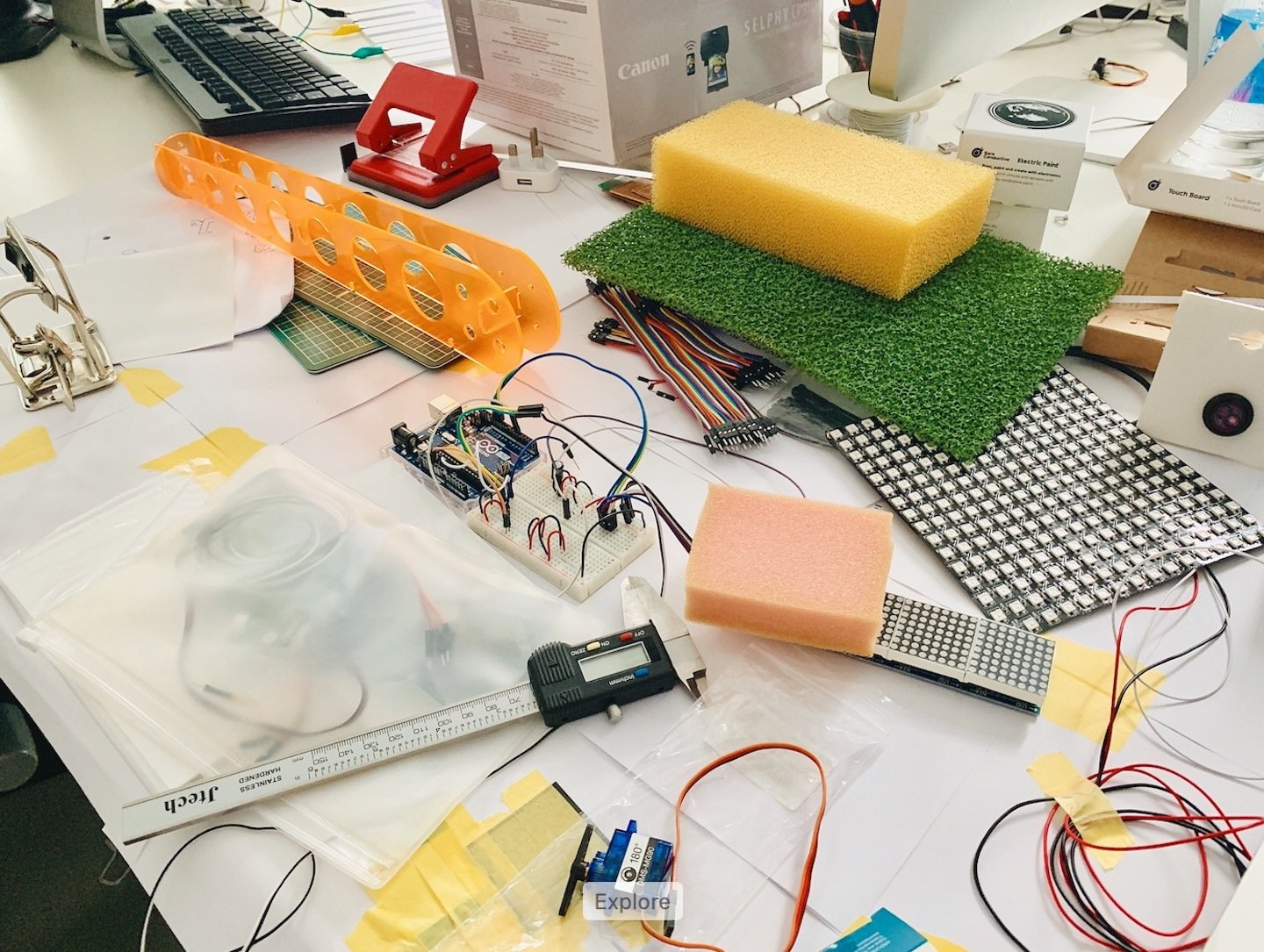
Computation in Design 2
B-DS 103
25-26
25-26
B-DS 103
Computation in Design 2
Before we get started
Digital Portfolio
Archive
Summary
CPJ
3
Same procedure as last year. The Digital Portfolio is a digital archive which you will use to document your work based on activities and exercises conducted in class. A given folder structure tells you which documents are required. You should update your Digital Portfolio regularly.
Digital Portfolio
Archive
CPJ
Summary
Download
Folder structure
Available for download as .zip from Google Drive
Document your process and outcomes
Archive and organise materials for submission
Read and follow the Digital Portfolio Guidelines
Keep(s) your work organised
25-26
B-DS 103
Computation in Design 2
Outcomes like images, videos, code or written documents will be kept in the Archive. Here do follow the folder structure given for each exercise as well as the instructions given in class.
Folders are labeled according to activities and exercises conducted this semester.
Computation in Design 2
Digital Portfolio
Archive
CPJ
Summary
Download
25-26
B-DS 103
Although your CPJ is not being marked by your lecturers in CiD, these are our suggestions:
Update it weekly
Design and layout should be kept simple
Content to be well structured and complete
Write between 80-160 words per week
Add min. 3 and max. 9 images per week
Be less descriptive
Be more analytical and reflective
Computation in Design 2
Digital Portfolio
Archive
CPJ
Summary
Download
25-26
B-DS 103
For your final submission, you will create a summary of selected outcomes that you have developed this semester.
This summary will be a website, and a template will be provided for you.
The content of this website will consist of a selection of materials from your Archive.
Computation in Design 2
Digital Portfolio
Archive
CPJ
Summary
Download
25-26
B-DS 103
Add the link to your CPJ and digital portfolio into the CPJ check week 10 spreadsheet by Monday 16 March @ 11 am
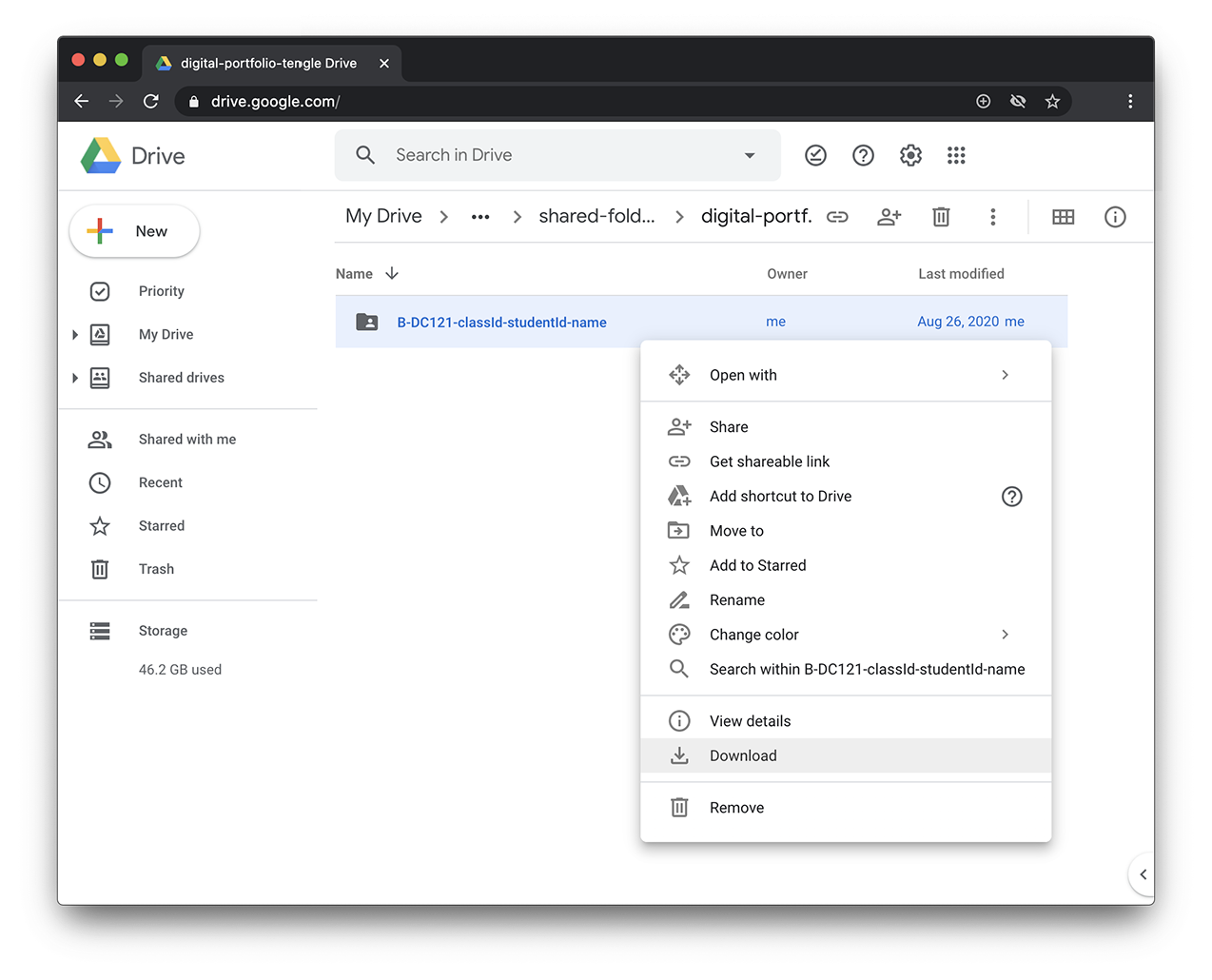
Download Digital Portfolio from Google Drive
Computation in Design 2
Digital Portfolio
Archive
CPJ
Summary
Download
25-26
B-DS 103
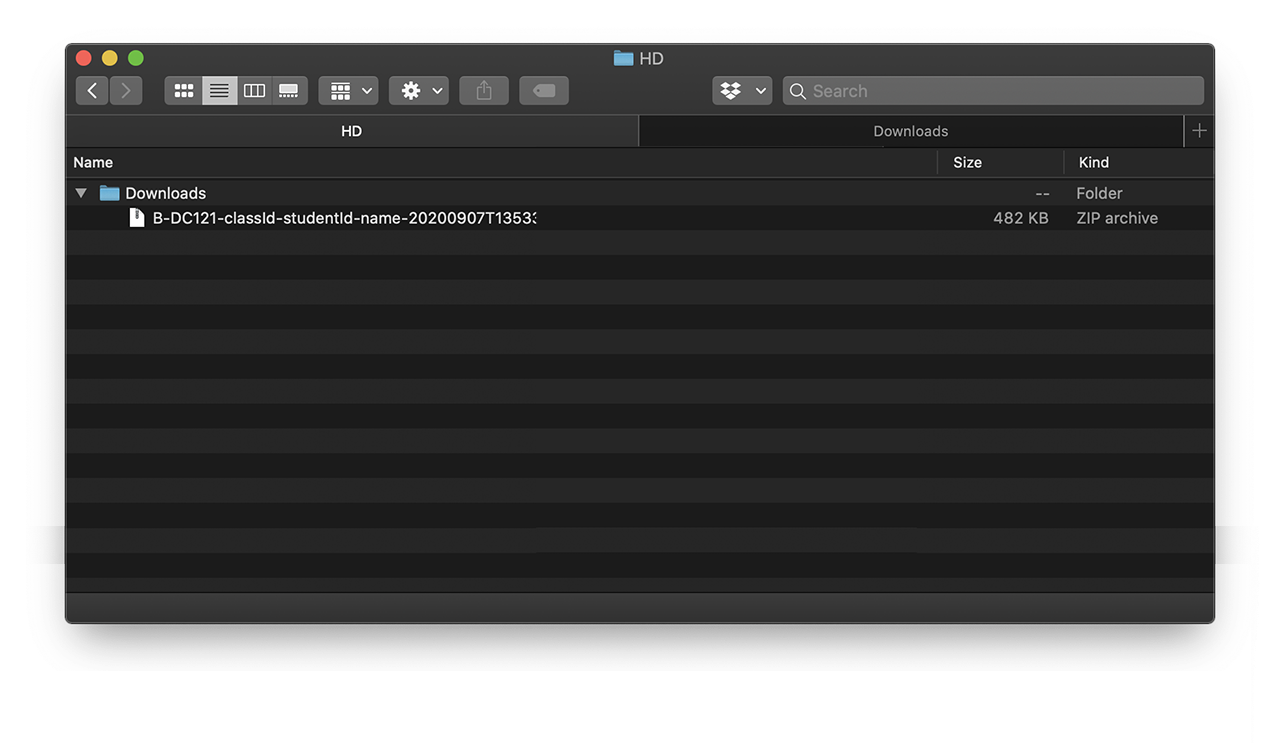
unzip downloaded .zip file
Computation in Design 2
Digital Portfolio
Archive
CPJ
Summary
Download
25-26
B-DS 103
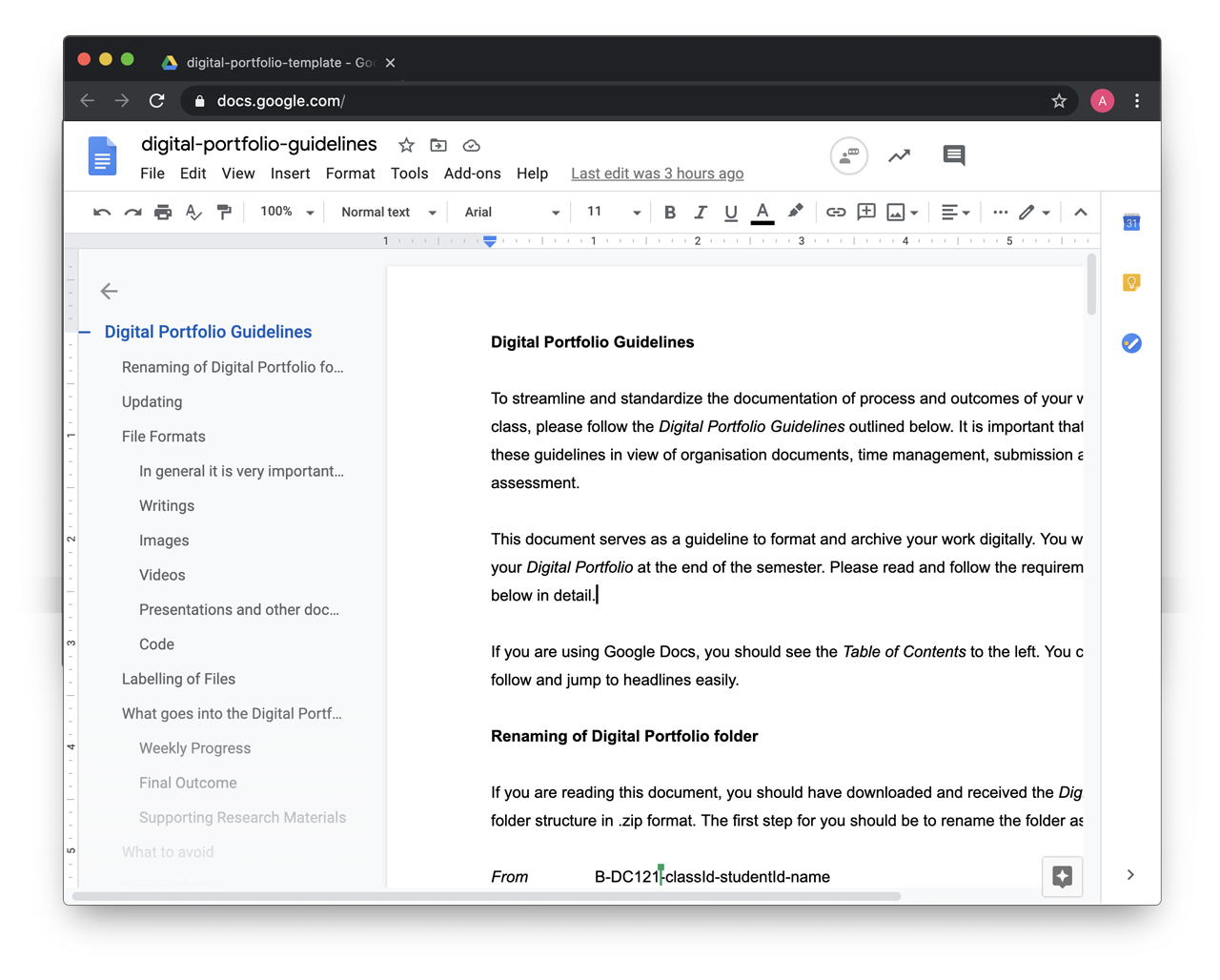
Familiarise yourself with the Digital Portfolio Guidelines
Digital Portfolio
Archive
CPJ
Summary
Download
Computation in Design 2
25-26
B-DS 103
Computation in Design 2
Learning-to-code assistant
In this class, we will introduce ChatGPT as a learning-to-code assistant. It will help students understand and solve basic technical concepts and problems, both in groups and individually. ChatGPT excels at explaining technical concepts and providing coding examples.
The suggested code snippets from ChatGPT can then be further modified, extended, sculpted by students to achieve an (un)expected outcome based on briefs given. It is the playfulness and the experience we wish to expose students to in order to better learn, understand and apply tech as part of their own practice.
25-26
B-DS 103
ChatGPT
AI Generators
ChatGPT works with algorithms and is trained to generate human-like text that can be used in conversation. It can answer questions, provide information, and engage in natural language discussions with users.
Some potential use cases for ChatGPT include customer service chatbots, virtual assistants, and conversational interfaces for websites or mobile apps. It can also be used to generate content for social media or create chatbot scripts for marketing or entertainment purposes.
Overall, ChatGPT is a powerful tool for creating chatbots that can have intelligent and engaging conversations with users.
Computation in Design 2
B-DS 103
25-26
ChatGPT
AI Generators

Computation in Design 2
B-DS 103
25-26
ChatGPT
How To
ChatGPT
Generative AI
AI models that can generate open-ended content, often creative content like visuals, music or text.
LLMs
Large Language Models, are advanced computer programs designed to understand and generate human-like text.
Prompting
AI chat prompting is a technique where a computer program provides suggested text or other outputs to help users engage in natural language conversations with AI or to generate creative outcomes like visuals for example.
Hallucination
AI hallucination refers to a situation where an AI system generates content that is not accurate or based on real information, often creating fictional or misleading outputs.
Bias
Bias in AI refers to the presence of unfair or skewed representations and decisions made by artificial intelligence systems, potentially leading to unequal treatment or inaccurate conclusions.
What is this about?
Computation in Design 2
B-DS 103
25-26
ChatGPT
How To
ChatGPT
How does that work? How do generative language models work?
Predicts words based on previous text given and the data the model has been trained on.
To us this looks like magic, to the computer it is a gigantic pile of data that an algorithm ploughs through.
How does this work in the browser at chat.openai.com?
ChatGPT provides a free version which you can sign up for at chat.openai.com. You can then use ChatGPT in the browser but also on your phone.
Computation in Design 2
B-DS 103
25-26
ChatGPT
How To
ChatGPT
What are some of the opportunities that ChatGPT provides us with?
We can use ChatGPT as a coding assistant for this class. This does not mean that ChatGPT will do all the work for you, but it will be able to support you in completing the exercises and assignments we give you.
Still, this class is about design and giving form to ideas through code.
What should you be mindful of?
ChatGPT can be a very powerful tool and it will, already is, embedded in many applications that we use on a daily basis, hence, it is important that we, you, are able to use this tool. However, we should not blindly trust the technology and we must be mindful and considerate in the content that we prompt and produce. You need to be responsible.
Computation in Design 2
B-DS 103
25-26
ChatGPT
How To
ChatGPT
Computation in Design 2
B-DS 103
25-26
ChatGPT
How To
ChatGPT
Prompting tips
Study with ChatGPT, ask questions that you want to ask your teacher or google
Summarise concepts for you, for example coding concepts like loops: Can you explain to me the coding concept of loops, I am using p5js and it would be great if you could explain it to a newbie student? or Can you explain to me the coding concept of loops, I am using p5js and it would be great if you could explain it to a child?
Explain it to a child
Ask for example code that specifically addresses a concept like shapes: can you give me some p5js code that demonstrates the beginShape vertex and endShape commands?
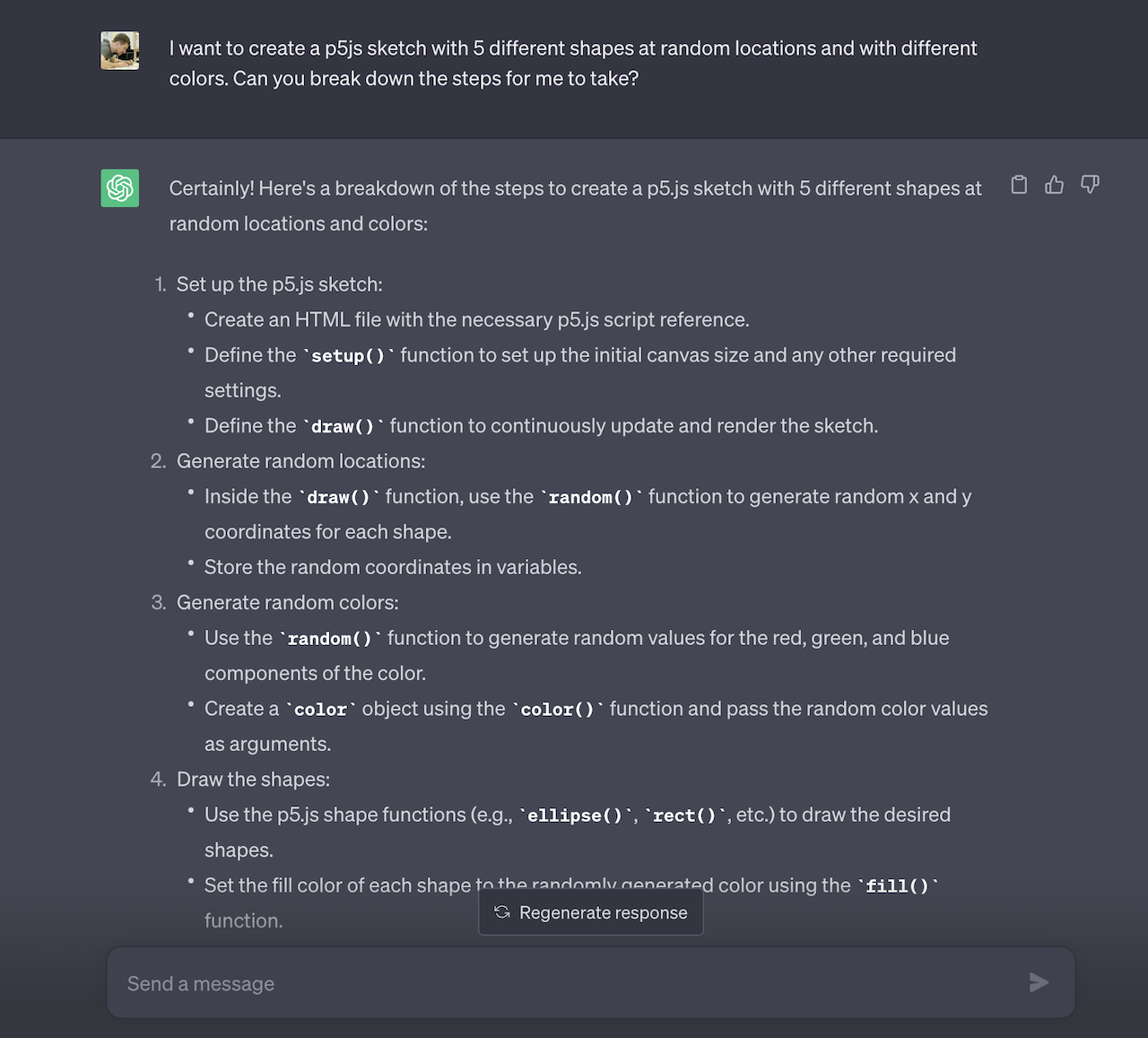
Ask ChatGPT to break down a response into steps: I want to create a p5js sketch with 5 different shapes at random locations and with different colors. Can you break down the steps for me to take? I am using the p5js online editor.
Computation in Design 2
B-DS 103
25-26
ChatGPT
How To
Acknowledging the use of generative AI
You are free to use generative AI tools like ChatGPT in any way that helps you in your learning for this class. However, any usage of generative AI must be properly acknowledged.
At the very least, you need to provide a statement of use that clarifies what, if any, technologies you employed to create content while working on your assignment.
Remember that you are in school to learn and become an independent learner and eventually an expert in your field of study and practice.
Generative AI tools can help you achieve your ideas, visions, futures, but keep in mind that the quality of your work is determined by talent, practice and knowledge.
Computation in Design 2
B-DS 103
25-26
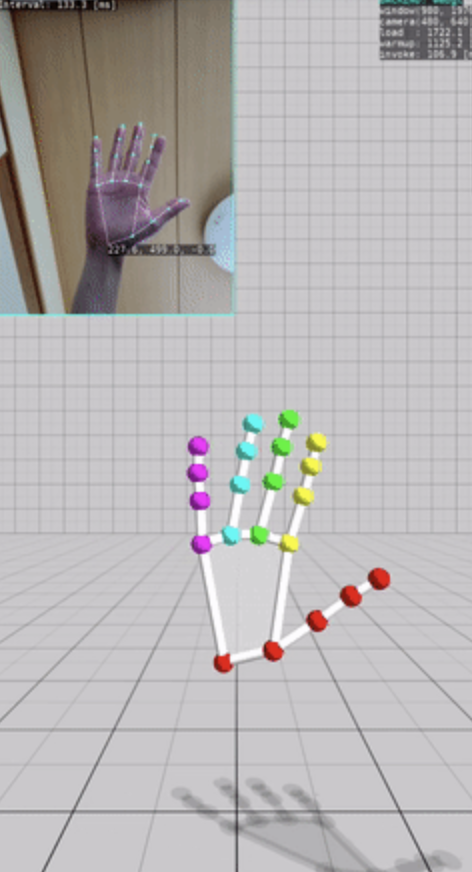
Warmup Activity
Playing with Machine Learning and Computer Vision.
Computation in Design 2
B-DS 103
25-26
Put simply, machine learning is a “field of study that gives computers the ability to learn without being explicitly programmed” (Arthur Samuel, 1959).
Even though Arthur Samuel coined the term over fifty years ago, only recently have we seen the most exciting applications of machine learning. Digital assistants, autonomous driving, and spam-free email all exist thanks to machine learning.
Computation in Design 2
25-26
B-DS 103
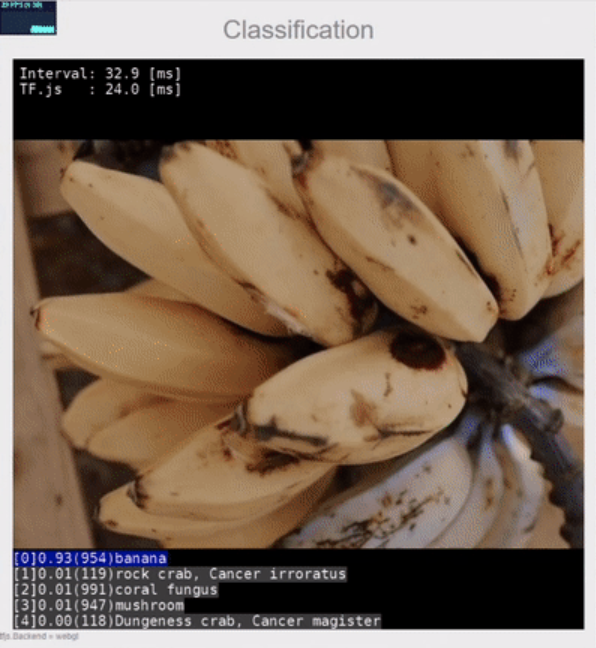
Object Classification
Computation in Design 2
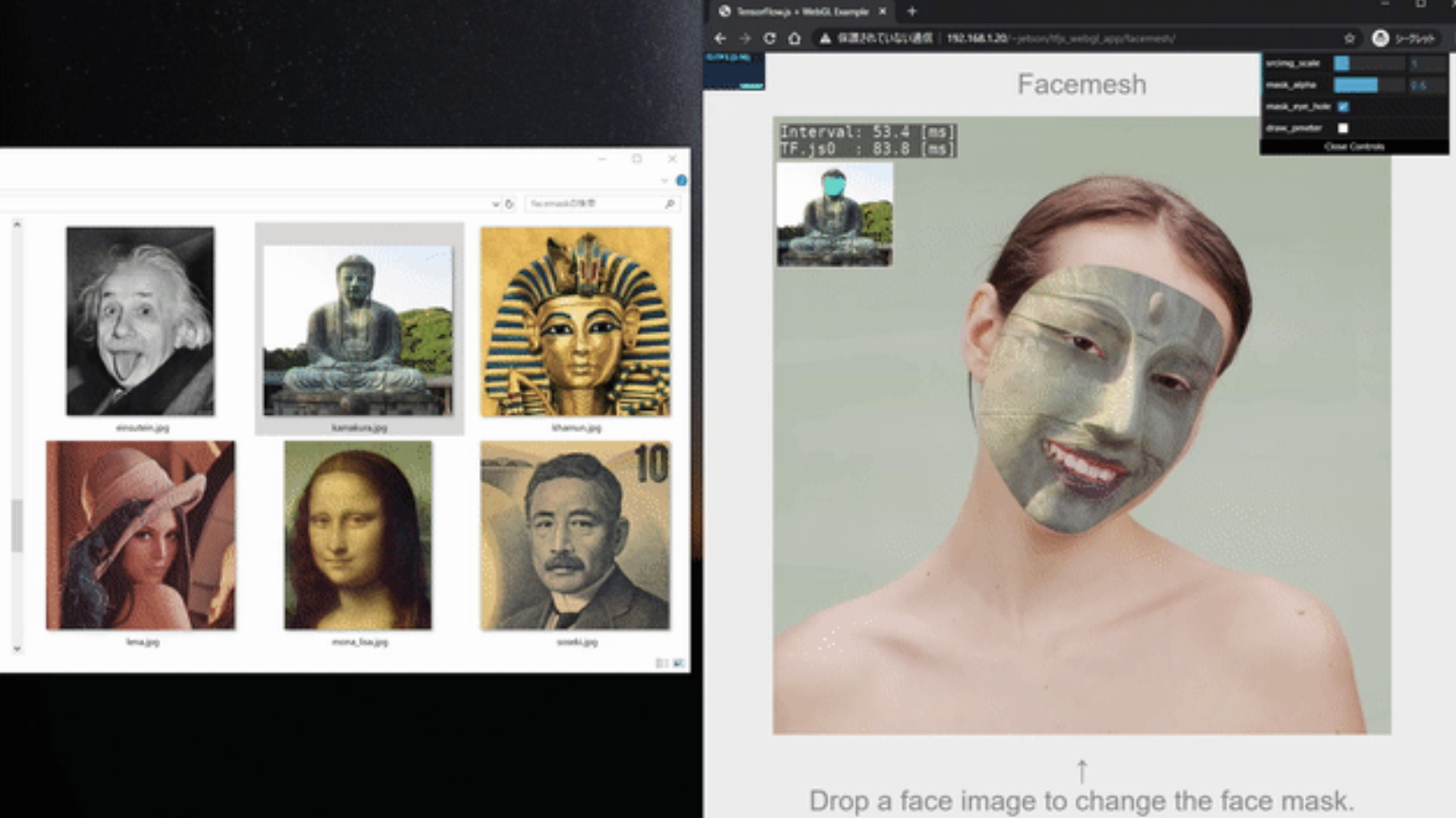
Face Mesh
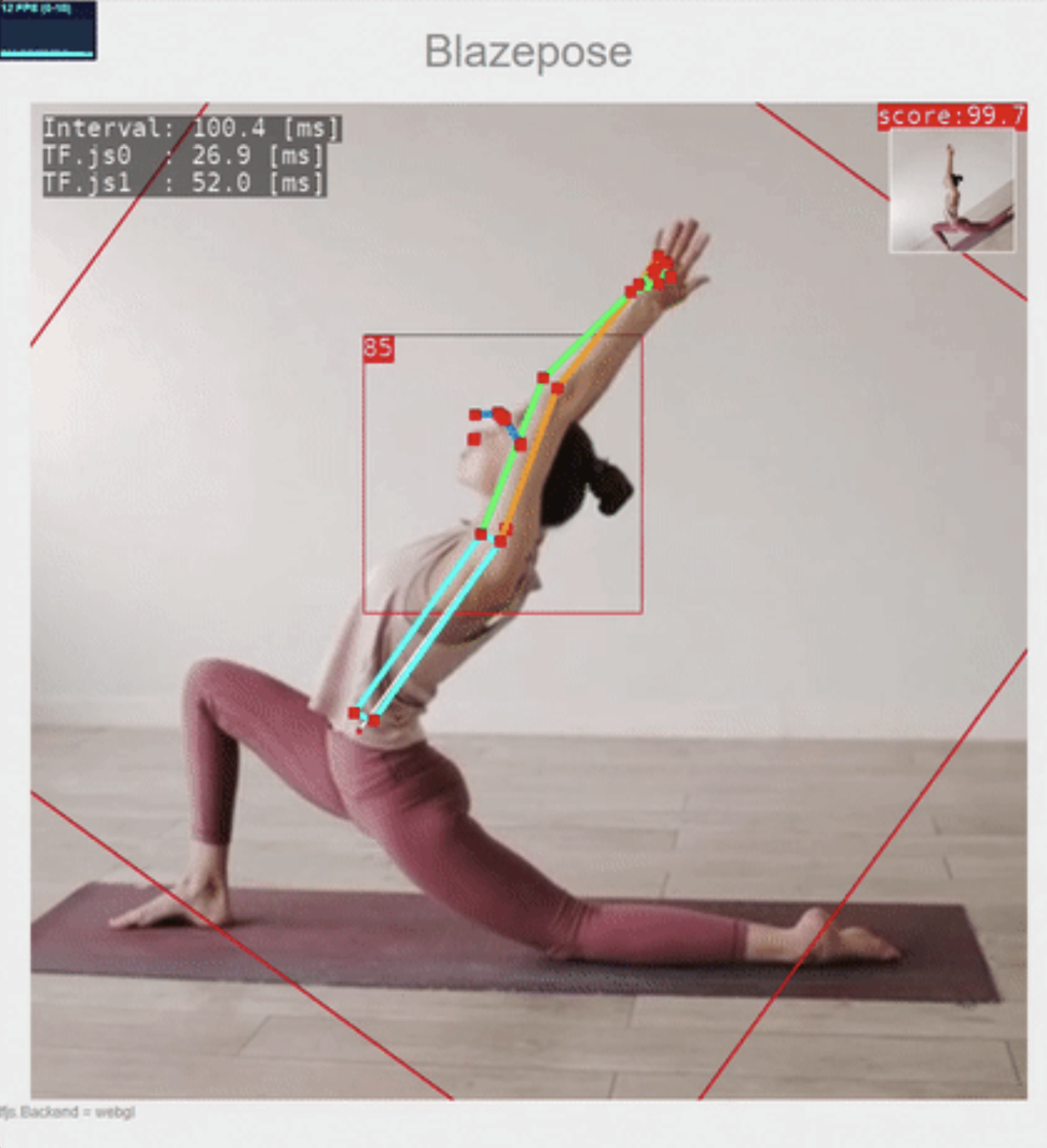
Pose Detection
B-DS 103
25-26
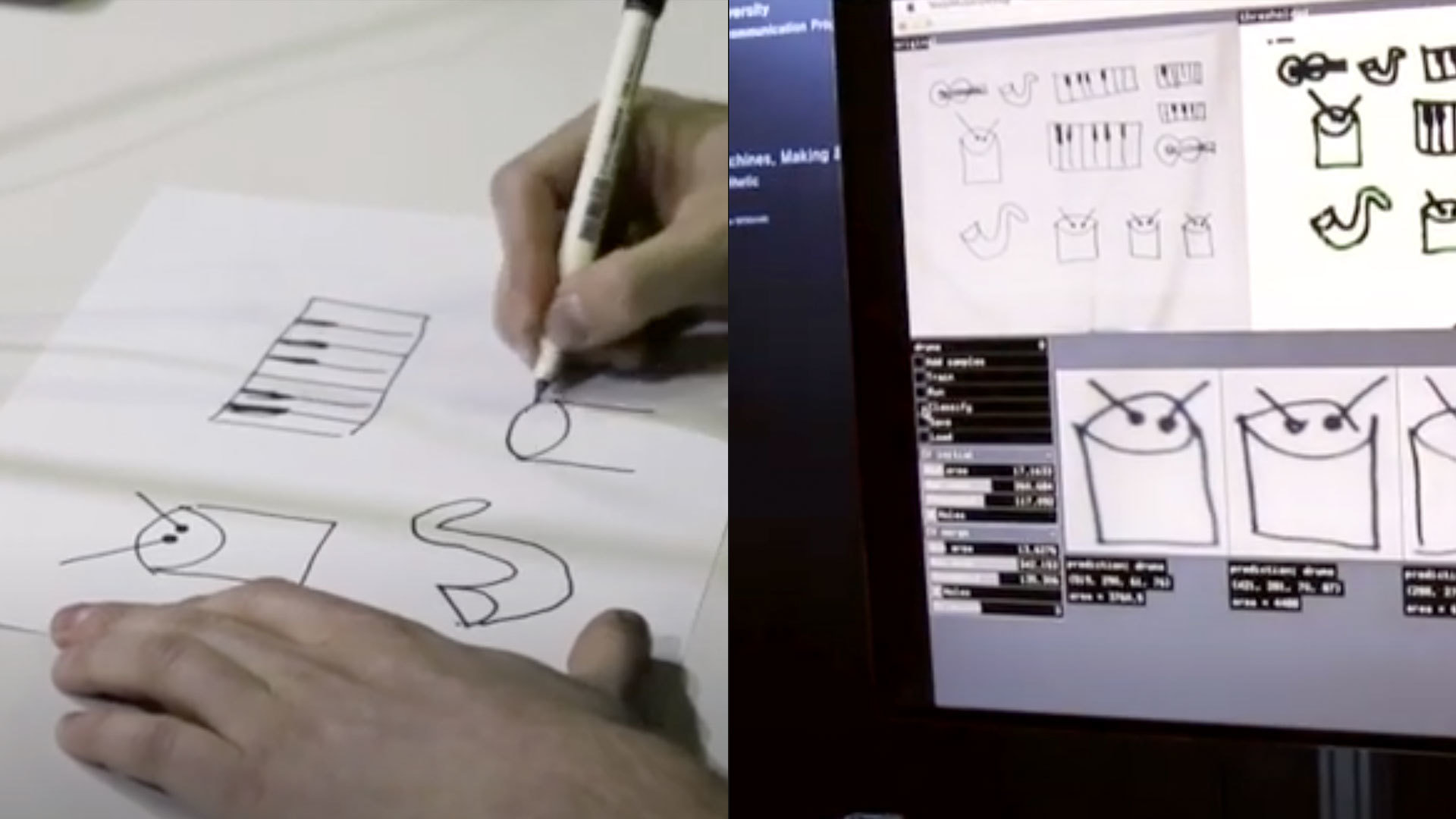
Playing with Machine Learning and Computer Vision. We may have heard so much about it, let's try it out.
This is a group activity, team up in groups of 3.
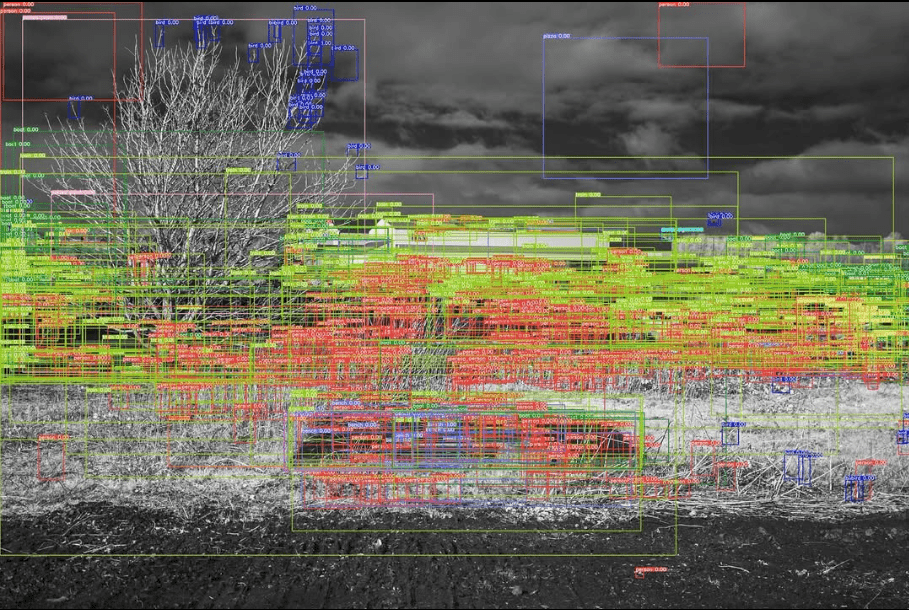
In today's class we will create experimental, playful and interesting compositions using machine learning, object detection, face mesh and pose detection.
Possible Future Aesthetics
Computation in Design 2
B-DS 103
25-26
Computation in Design 2
B-DS 103
25-26
Possible Future Aesthetics
Computation in Design 2
B-DS 103
25-26
Possible Future Aesthetics
Computation in Design 2
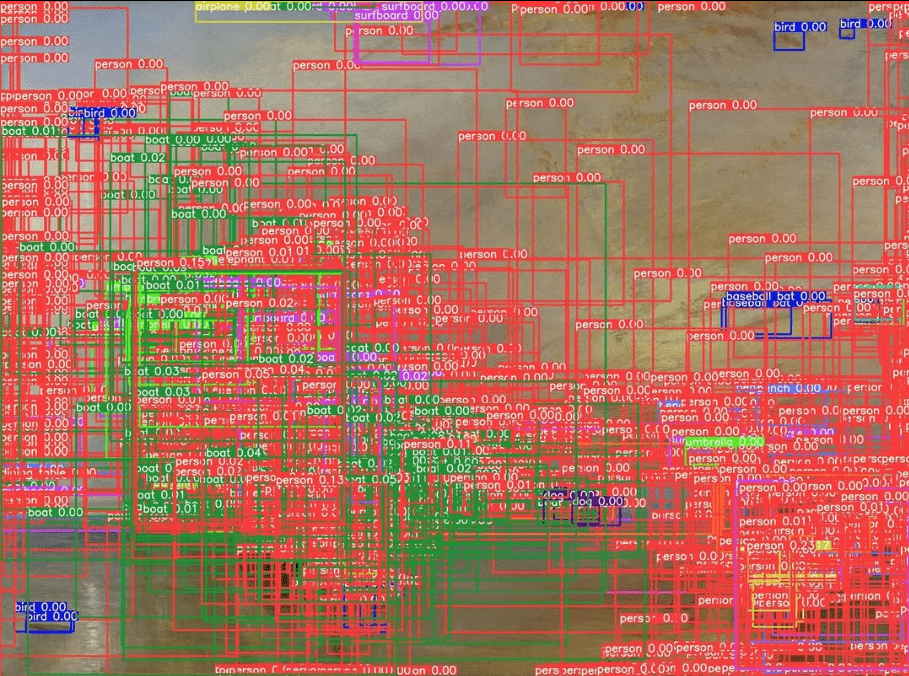
B-DS 103
25-26
Possible Future Aesthetics
Links to Machine Learning demos for you to try
Computation in Design 2
Playing with Machine Learning and Computer Vision. We may have heard so much about it, let's try it out.
This is a group activity, team up in groups of 3, then select one of the demos to play with
1
2
3
4
5
5
6
7
8
9
B-DS 103
25-26
Challenge
In a group of 3 utilize any of these four sketches: faceMesh | Object Detection | Posenet Audio | Object Detection + Posenet
Your challenge is have fun and play around with any of these sketches or a combination of them to create a digital painting or digital animation
Could you imagine this animation or visual to appear on a billboard, as an advertisement, or as a poster?
Photoshop or superimpose your visuals on a collateral image as an example of where you envision these visuals to be
At the end of the day, display your visuals on your screen for all of us to walk around and discuss
Computation in Design 2
This is a group activity, team up in groups of 3.
1
B-DS 103
25-26
Computation in Design 2
Starting Points
I want this to be fun and playful
Can we use this to make people move in front of a computer?
This could be a great tool for visual expressions co-created with a machine
I want to be critical about this whole Machine Learning thing
What do you think your visuals are saying about Machine Learning?
2
B-DS 103
25-26
This is a group activity, team up in groups of 3.
An intro to Machine Learning for Designers
ml5, friendly Open Source Machine Learning Library for the web
Nervous about what you dont know? Grab your friends and plan a workshop
The work of Andreas Refsgaard + Playful Machine Learning video
Fei-Fei Li: If we want Machines to think, we need to teach them to see
Computation in Design 2
Some links to readings and inspiration to start with
3
B-DS 103
25-26
This is a group activity, team up in groups of 3.
Computation in Design 2
Previous Examples
4
B-DS 103
25-26
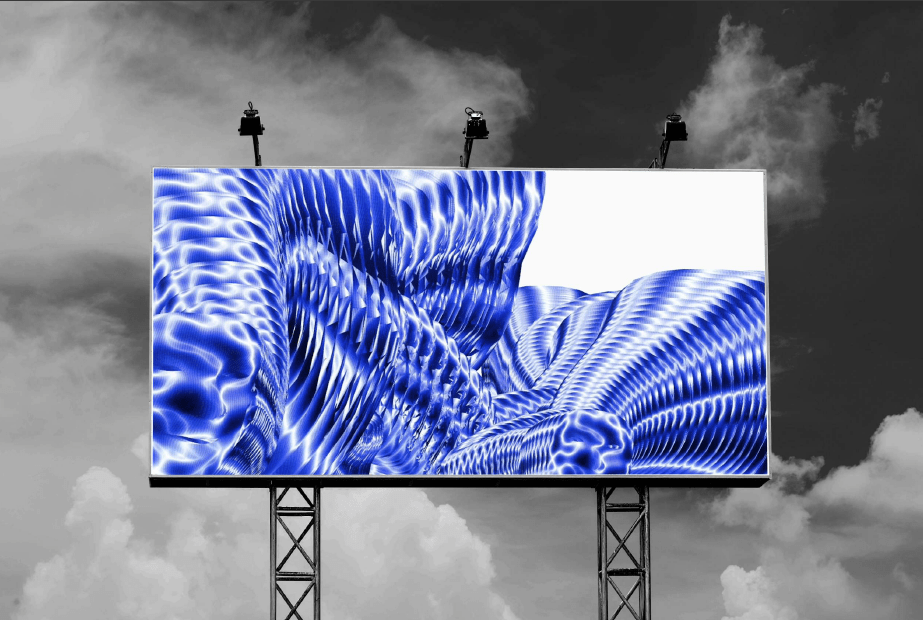
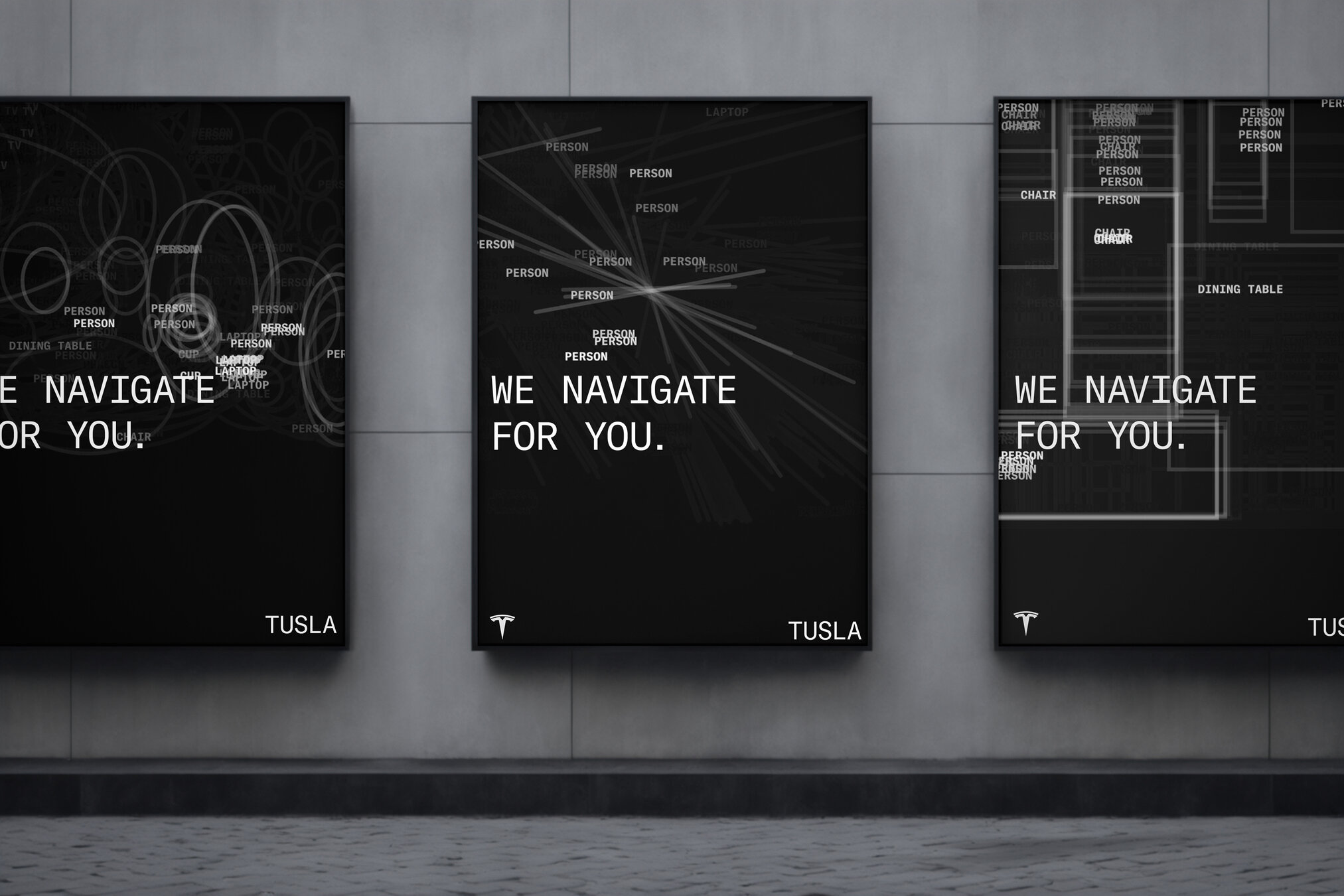
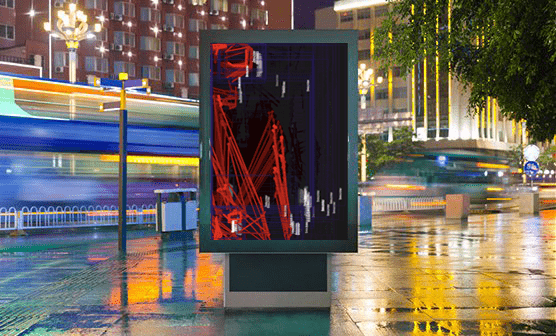
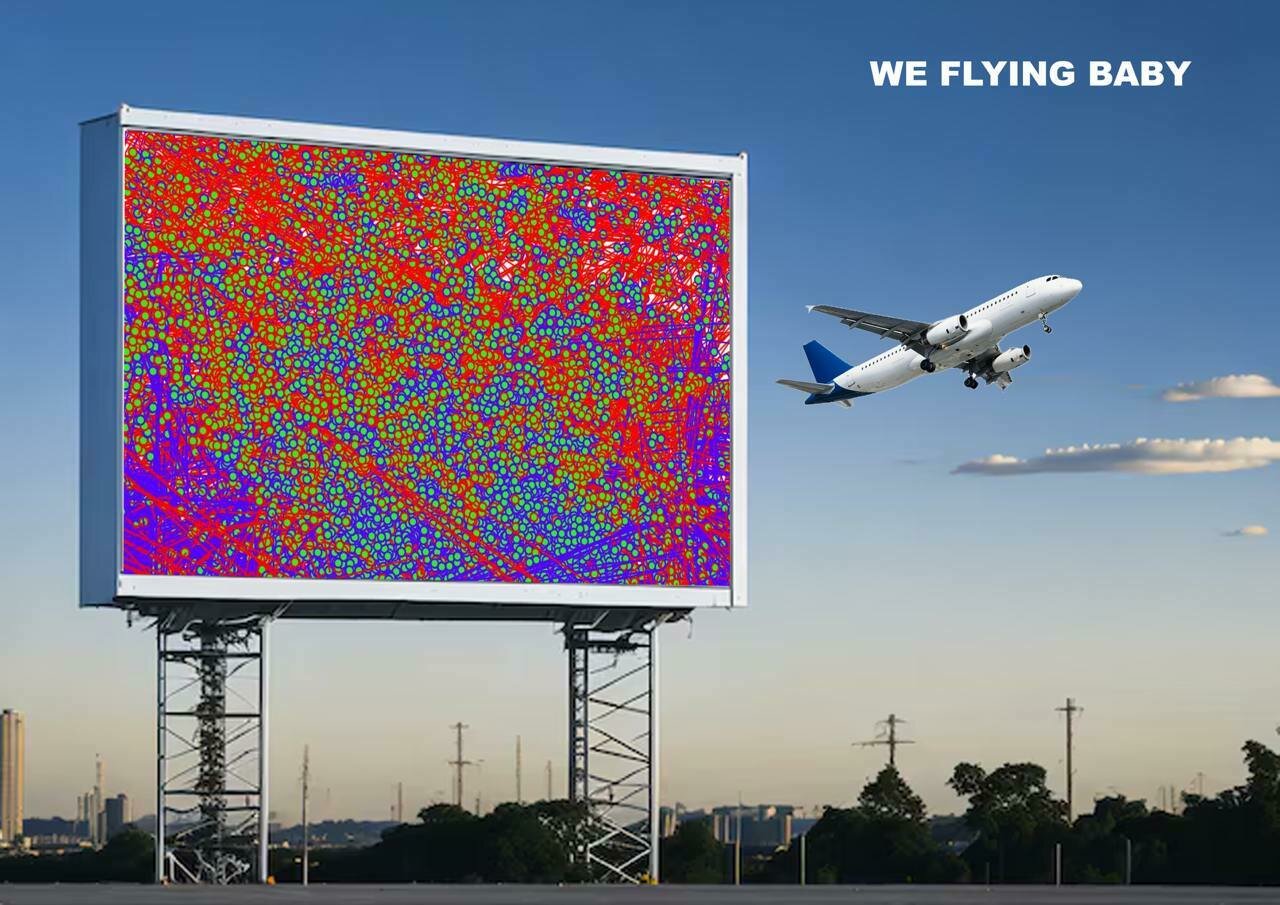
These examples show many screens, but you may explore other product options like tote bags, or branding.
In today's class we will ideate a series of imagined visuals inspired by the aesthetics of Machine Learning. Such compositions can comment on the way Machine Learning is impacting our lives today.
now – 11:50am
12:00pm – 12:30pm
As a group work on your Possible Future Aesthetics and prepare a one slide visual for the viewing session at the end of class.
Sharing of outcomes throughout class. All students to display their visuals on their laptop for all of us to walk around and view.
Homework
Document and archive Activity 1 in your Digital Portfolio and include your writeup in the activity-1-writeup.docx document. Add your visuals as .jpg to the folder on the drive.
Computation in Design 2
Timeline
25-26
B-DS 103
For this shared folder , name your file 'activity-1-yourname.jpg'
In your digital portfolio, name your files 'activity-1-1.jpg', 'activity-1-2.jpg', etc.
Coding
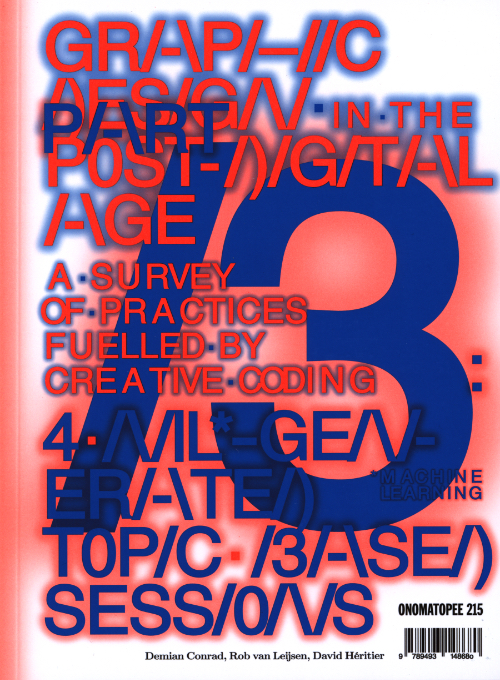
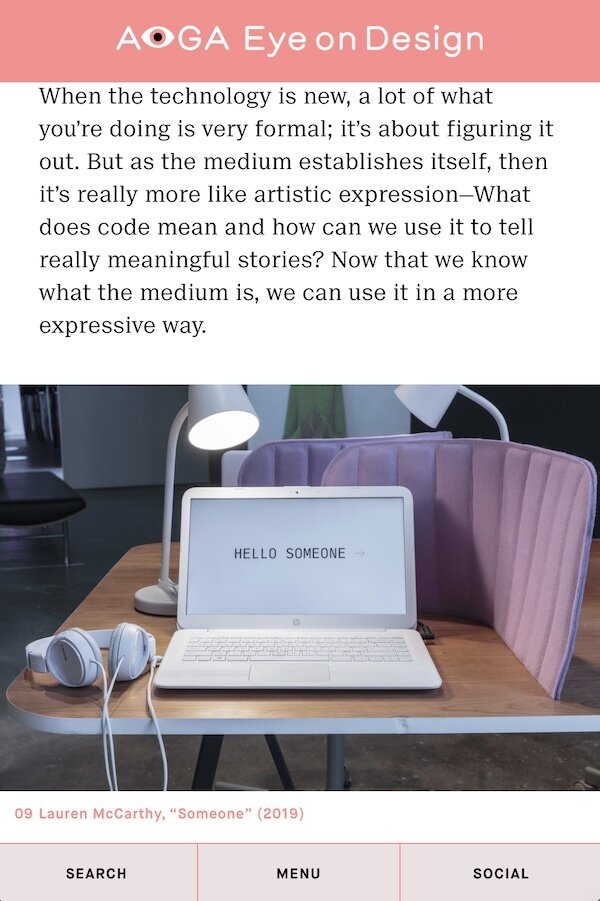
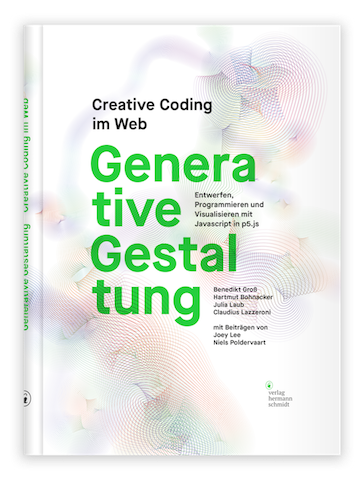
In this workshop we will look at Creative Coding and Generative Design in particular. We have touched on some basic coding principles during Semester 1 and this exercise can be seen as a continuation and extension of what has been covered and practiced.
Here we will take a closer look at how code and simple 2D graphics can be used to create a series of generative imagery which can be static, dynamic or interactive.

Generative Design with Kapi
Computation in Design 2
25-26
B-DS 103
Students to bring their own laptop, we will use p5js for this exercise, please have a browser and your p5js account ready.
To prepare
Coding
Generative Design with Kapi
Computation in Design 2
B-DS 103
25-26
Generative Design
Computation in Design 2
B-DS 103
25-26
Generative Design
Computation in Design 2
25-26
B-DS 103
Generative Design
Computation in Design 2
B-DS 103
25-26
Generative Design
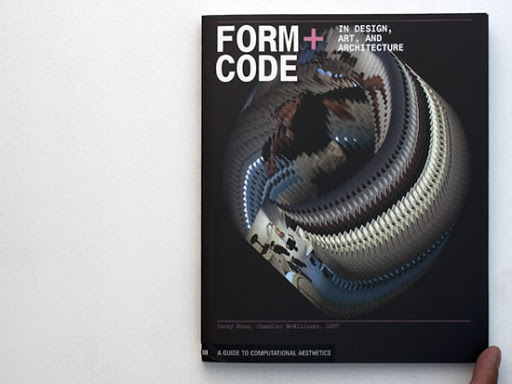
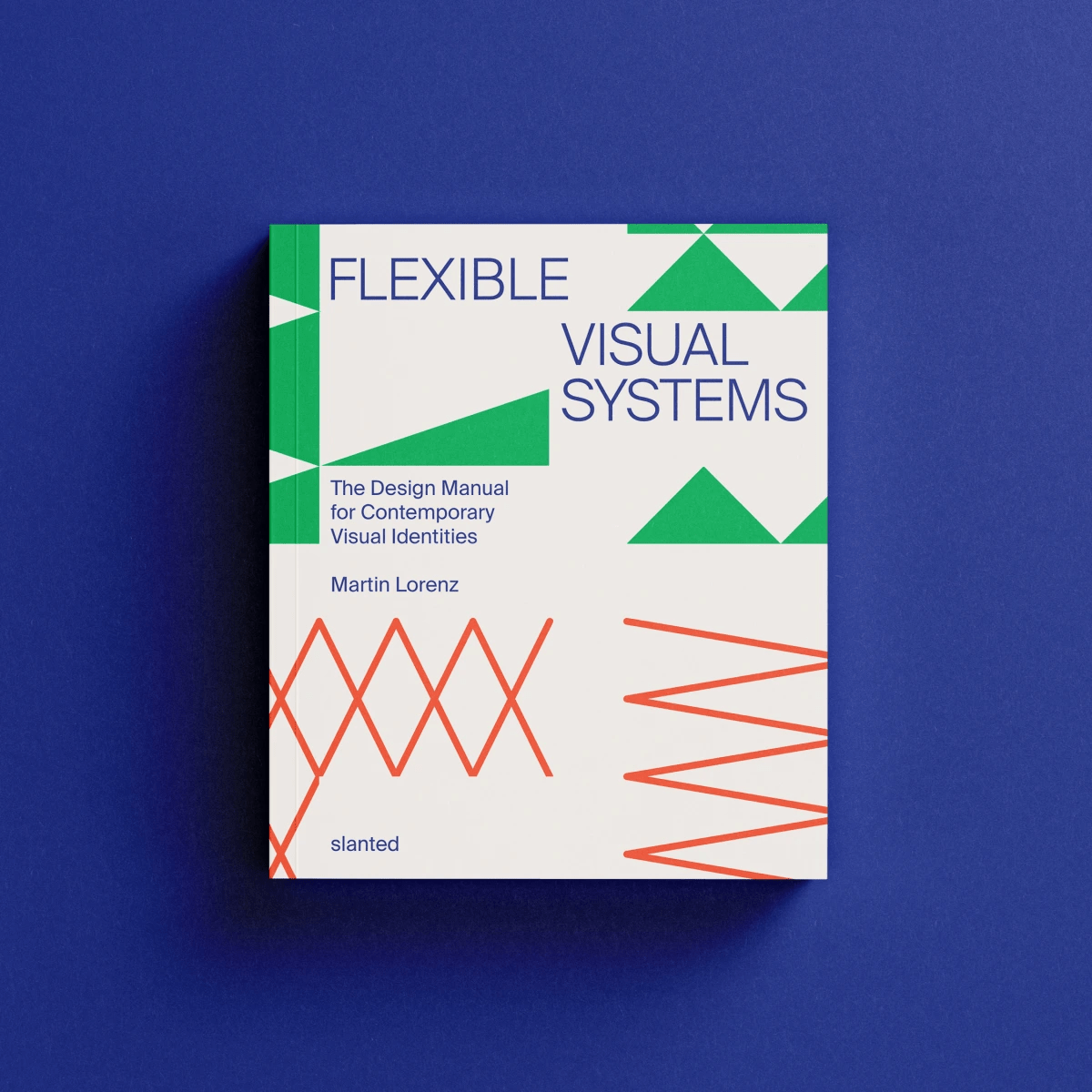
Computation in Design 2
B-DS 103
25-26
Generative Design
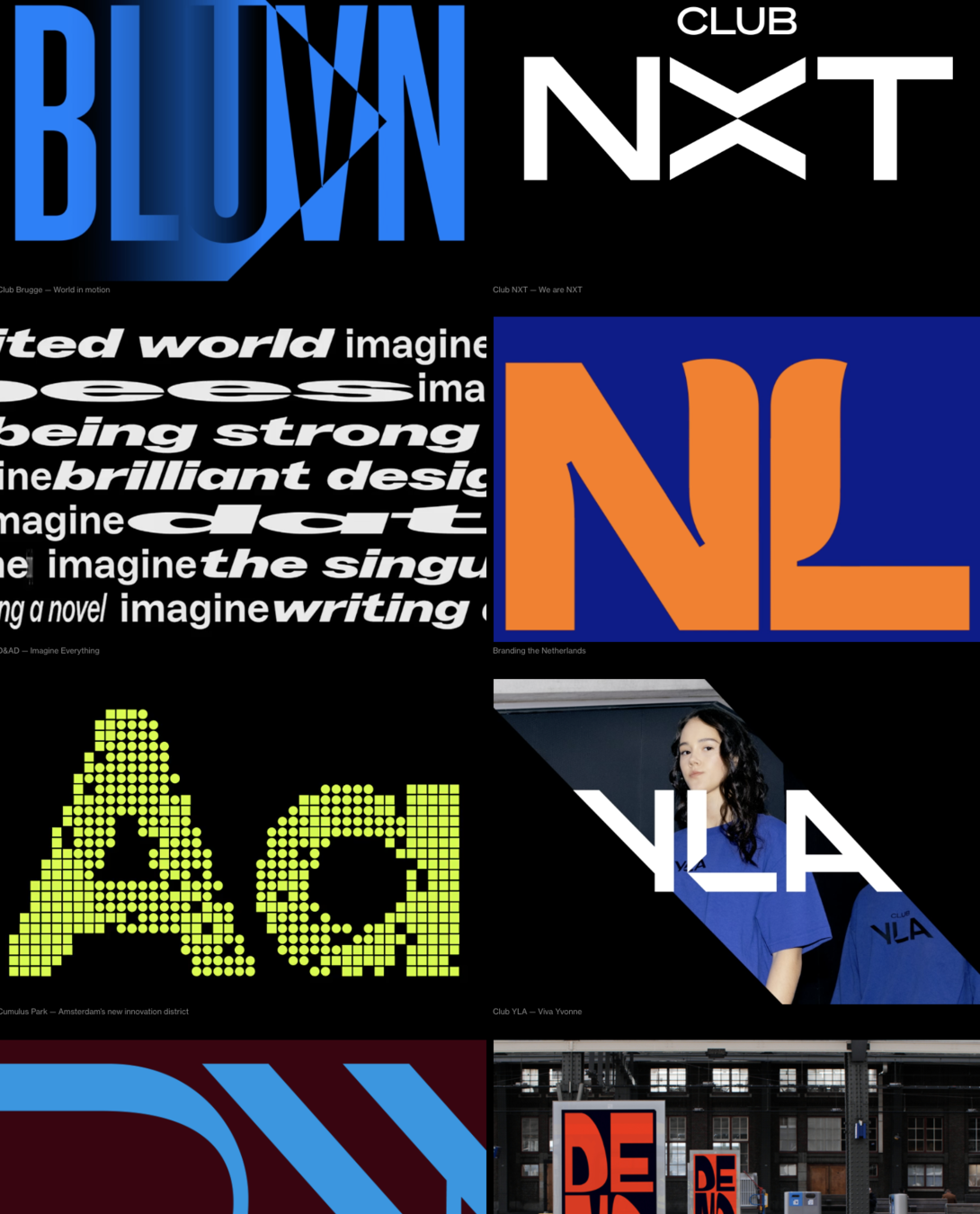
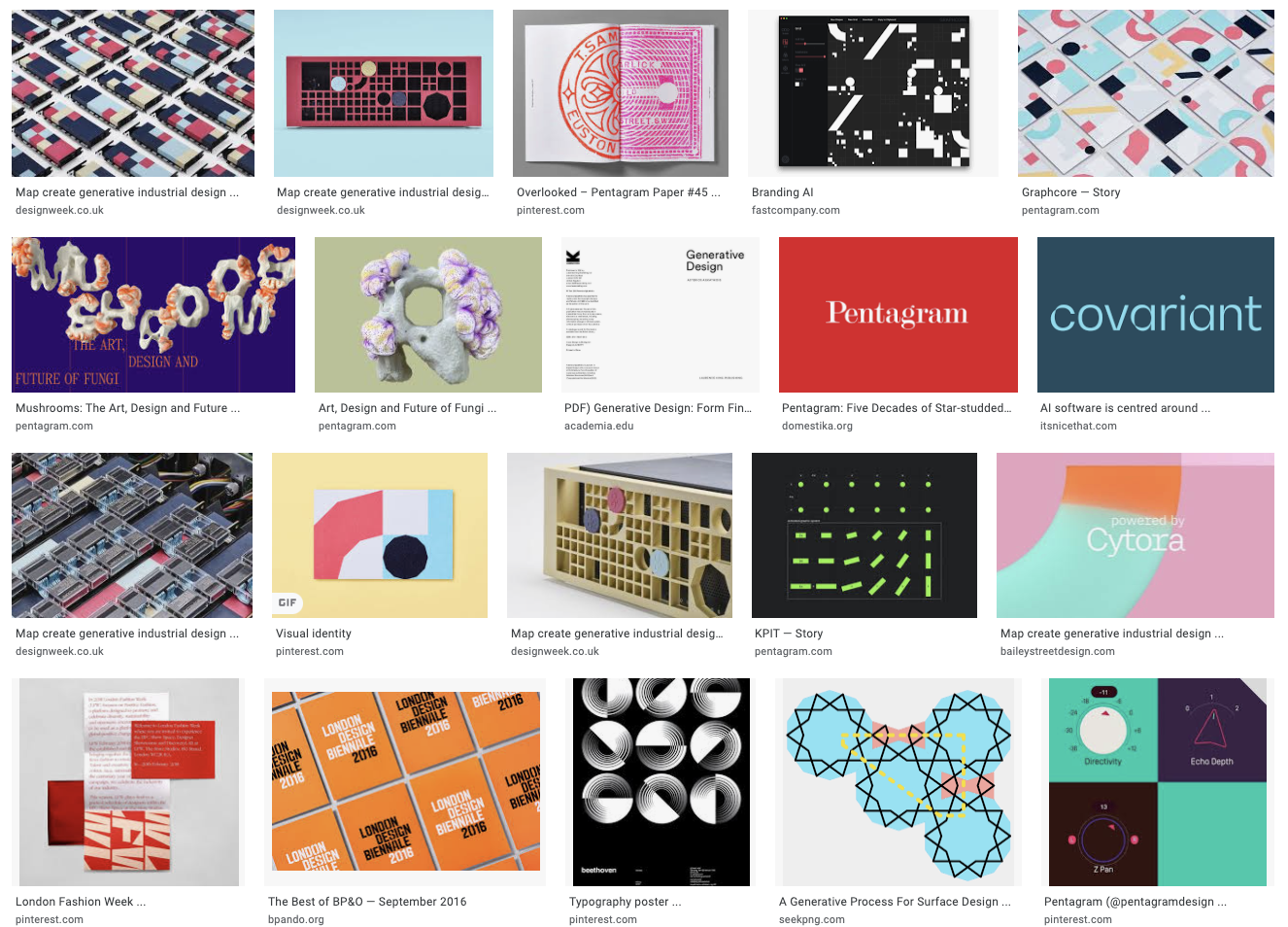
Design Systems International
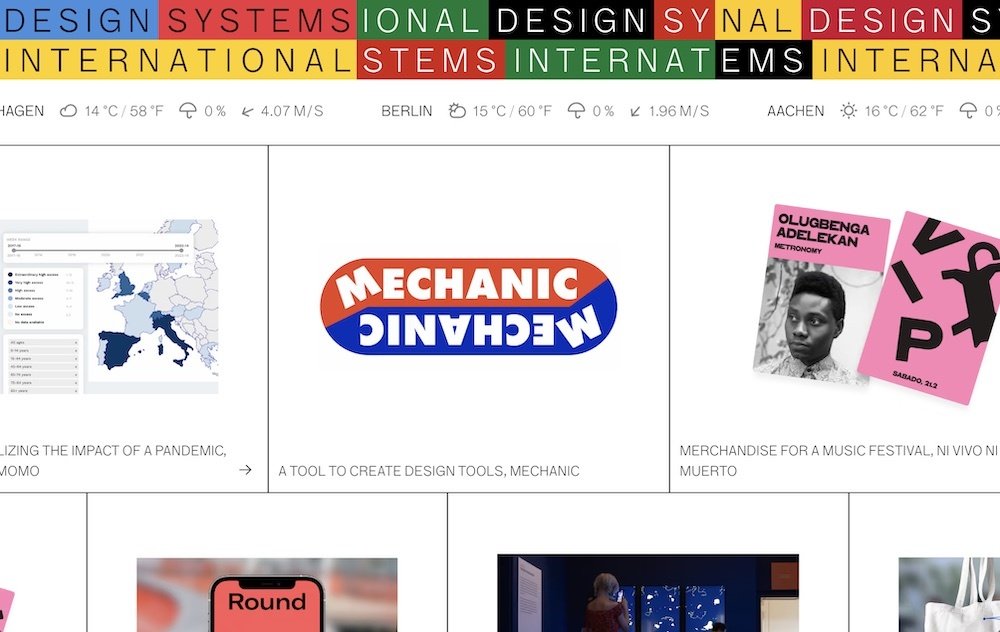
A design studio that uses code as their primary material. They turn ideas into prototypes and experiences, create visual systems, build custom design tools and improve workflows.
Backgrounds in Computer Science, Graphic Design, Cognitive Science, and Interior Design power the studio's fresh and unique perspective, while a shared passion to explore, learn, and create unique visual solutions unites the people at designsystems international.
Computation in Design 2
B-DS 103
25-26
Generative Design
Computation in Design 2
B-DS 103
25-26
During our first session, we will understand the basics of generative design, recap some of the coding techniques from the previous semester, learn some new techniques, and finally combine these principles to see how we can apply them towards creating Generative Visual Systems.
You will pair off with another classmate to create groups of 2. Each groups will work on the same brief from this workshop — with the end goal of being able to craft your own generative visual system inspired by a building facade of your choosing.
Session 1
During session 2, you and your group will continue work on completing the required outcomes based on the brief from session 1. Use this session to get feedback and work on refining your results.
By the end of this session you should have completed the deliverables so that they can be filed and archived in your digital portfolio. You will then be able to easily refer back to it towards the end of the semester when we prepare the submission materials.
Session 2
Computation in Design 2
25-26
B-DS 103
Generative Design
Why
How
Interpret and explain the fundamentals of contemporary design practice including the variety of ways in which visual communication can be applied, and to meet technical and aesthetic challenges of professional standard.
Respond to set tasks and the project brief creatively, and to generate interesting ideas that can inform design solutions in the field of visual communication.
Implement the conceptual and technical steps used to engage with the fundamental components of a design production process.
Apply traditional and digital design tools and techniques, and to be able to manage both individually or in combination.
Demonstrate self-reflection and commitment to set tasks, assignments and exercises and to be able to work both individually and as part of a team.
Learning Outcomes
Learning outcomes are addressed through computational and visual design means in a series of tasks within the brief. Students work in pairs to engage with and implement the project brief.
Outcomes are documented according to the brief. Process and deliverables are documented in the CPJ and Digital Portfolio.
Respond to the project brief
Computation in Design 2
B-DS 103
25-26
Generative Visual Systems
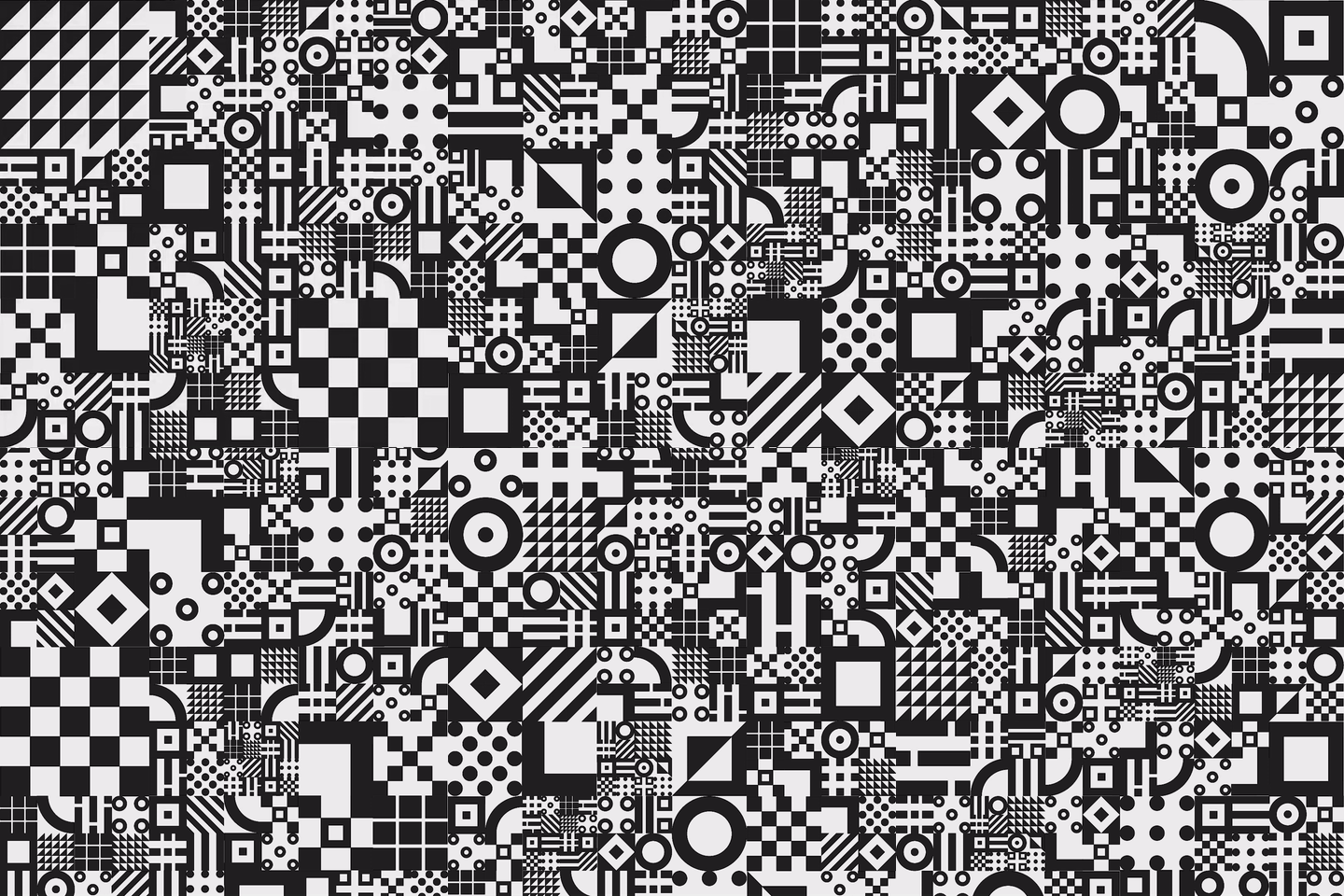
We can think of a generative visual systems as a set of rules that define how a visual design idea is assembled and conveyed.
These rules must have a certain degree of variability within them, allowing a piece of software to pick and choose which rules are applied when, how, and in what order.
When combined together, these separate rules come together to influence a dynamic design system that produces generative visual outcomes that are different, but always align to the same creative direction.
What Is It
Code Components
Using The Systems
Computation in Design 2
24-25
B-DS 103
Computation in Design 2
25-26
B-DS 103
untitled, 2016
Kapilan Naidu
Generative Visual Systems
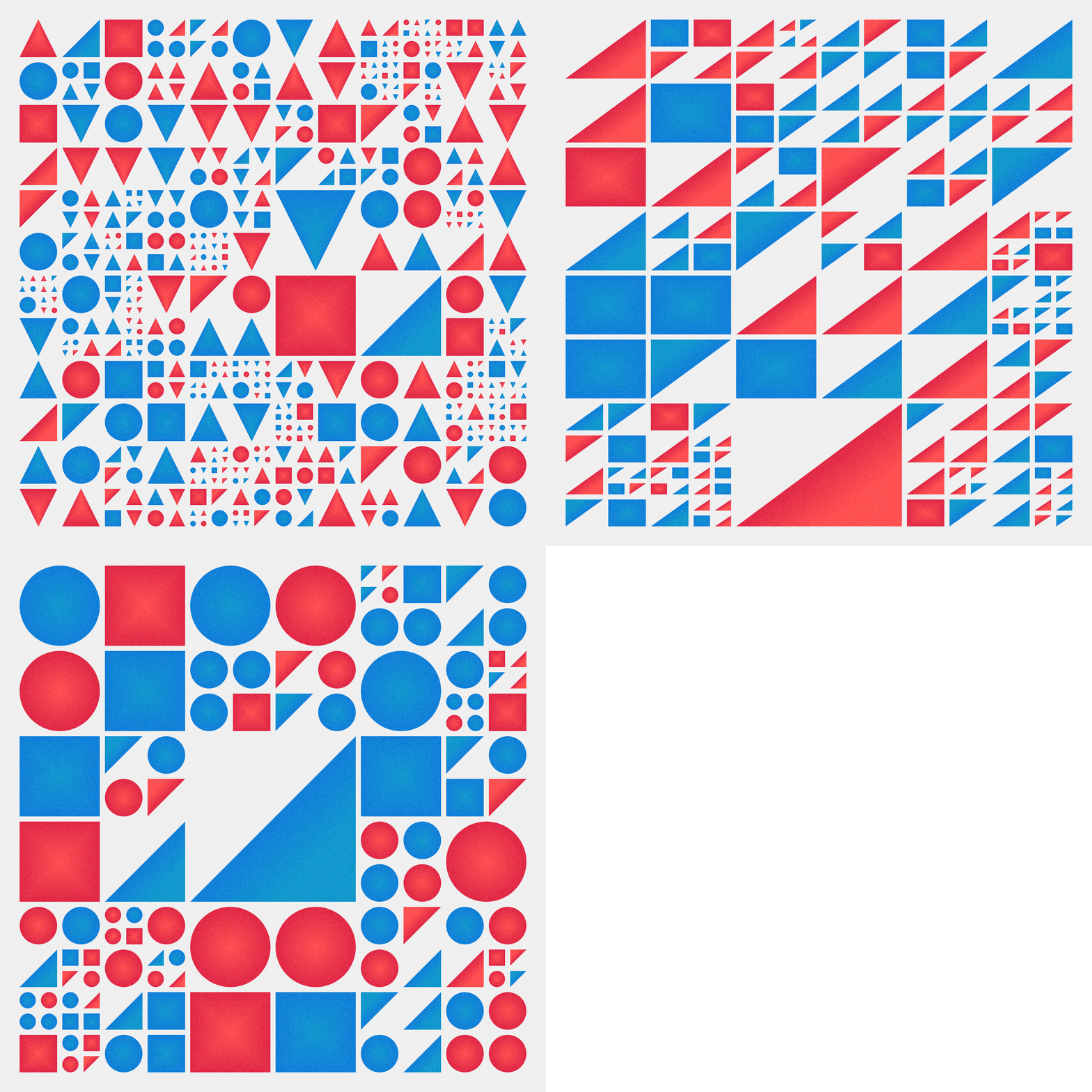
For the purposes of this workshop, we will limit ourselves to working with grid-based generative systems.
For such systems, we usually require the use of:
functions
nested loops
switch statements
What Is It
Code Components
Using The Systems
Computation in Design 2
B-DS 103
Computation in Design 2
B-DS 103
24-25
25-26
Generative Visual Systems
For the purposes of this workshop, we will limit ourselves to working with grid-based generative systems.
For such systems, we usually require the use of:
functions
nested loops
switch statements
What Is It
Code Components
Using The Systems
Computation in Design 2
B-DS 103
Computation in Design 2
B-DS 103
function setup() {
  createCanvas(400, 400);
}

function draw() {
  background(220);
  // use our function to draw the circles
  circleStack(width/2, height/2, 100, 5);
  circleStack(mouseX, mouseY, 250, 8);
}

// create our own function to stack circles
function circleStack(x, y, w, reps) {
  let spacing = w / reps;
  for (let i = 0; i < reps; i++) {
    ellipse(x, y, w - (spacing * i));
  }
}
We can create custom functions with their own properties to consolidate and organize code that we want to reuse. This makes it easy to repeat the same set of actions multiple times in our code.
24-25
25-26
Generative Visual Systems
For the purposes of this workshop, we will limit ourselves to working with grid-based generative systems.
For such systems, we usually require the use of:
functions
nested loops
switch statements
What Is It
Code Components
Using The Systems
Computation in Design 2
B-DS 103
Computation in Design 2
B-DS 103
// rows & columns for our grid
let rows = 10;
let cols = 20;

function setup() {
  createCanvas(400, 400);
}

function draw() {
  background(220);
  // nesting for() loops to create grid
  for (let y = 0; y < rows; y++) {
    for (let x = 0; x < cols; x++) {
      let w = width/cols;
      let h = height/rows;
      rect(x * w, y * h, w, h);
    }
  }
}
It is possible to place one for() loop within another to repeat the same set of instructions to quickly produce a grid or rectangles. The code uses variables to allow changes to columns and rows.
24-25
25-26
Generative Visual Systems
For the purposes of this workshop, we will limit ourselves to working with grid-based generative systems.
For such systems, we usually require the use of:
functions
nested loops
switch statements
What Is It
Code Components
Using The Systems
Computation in Design 2
B-DS 103
Computation in Design 2
B-DS 103
let bgColor;

function setup() {
  createCanvas(400, 400);
  bgColor = color(220); // Default background
}
function draw() {
  background(bgColor);
}
// Press R, G, B key to change background
function keyPressed() {
  switch (key) {
    case 'r':
      bgColor = color(255, 0, 0); // Red
      break;
    case 'g':
      bgColor = color(0, 255, 0); // Green
      break;
    case 'b':
      bgColor = color(0, 0, 255); // Blue
      break;
  }
}
A switch statement is a slightly easier method to define a large set of different outcomes in our code, and letting the computer choose between these outcomes when necessary.
24-25
25-26
Generative Visual Systems
For the purposes of this workshop, we will limit ourselves to working with grid-based generative systems.
For such systems, we usually require the use of:
functions
nested loops
switch statements
What Is It
Code Components
Using The Systems
Computation in Design 2
B-DS 103
Computation in Design 2
B-DS 103
Understanding the parts of a switch() statement
switch(condition) {
   case 1:
     // code to execute
     break;
   case 2:
     // code to execute
     break;
}
the condition that we are tracking to decide the case
value of our condition followed by colon
value of our condition followed by colon
indicates the end of this case
indicates the end of this case
24-25
25-26
Generative Visual Systems
For the purposes of this workshop, we will limit ourselves to working with grid-based generative systems.
For such systems, we usually require the use of:
functions
nested loops
switch statements
What Is It
Code Components
Using The Systems
Computation in Design 2
B-DS 103
Computation in Design 2
B-DS 103
Color Challenge
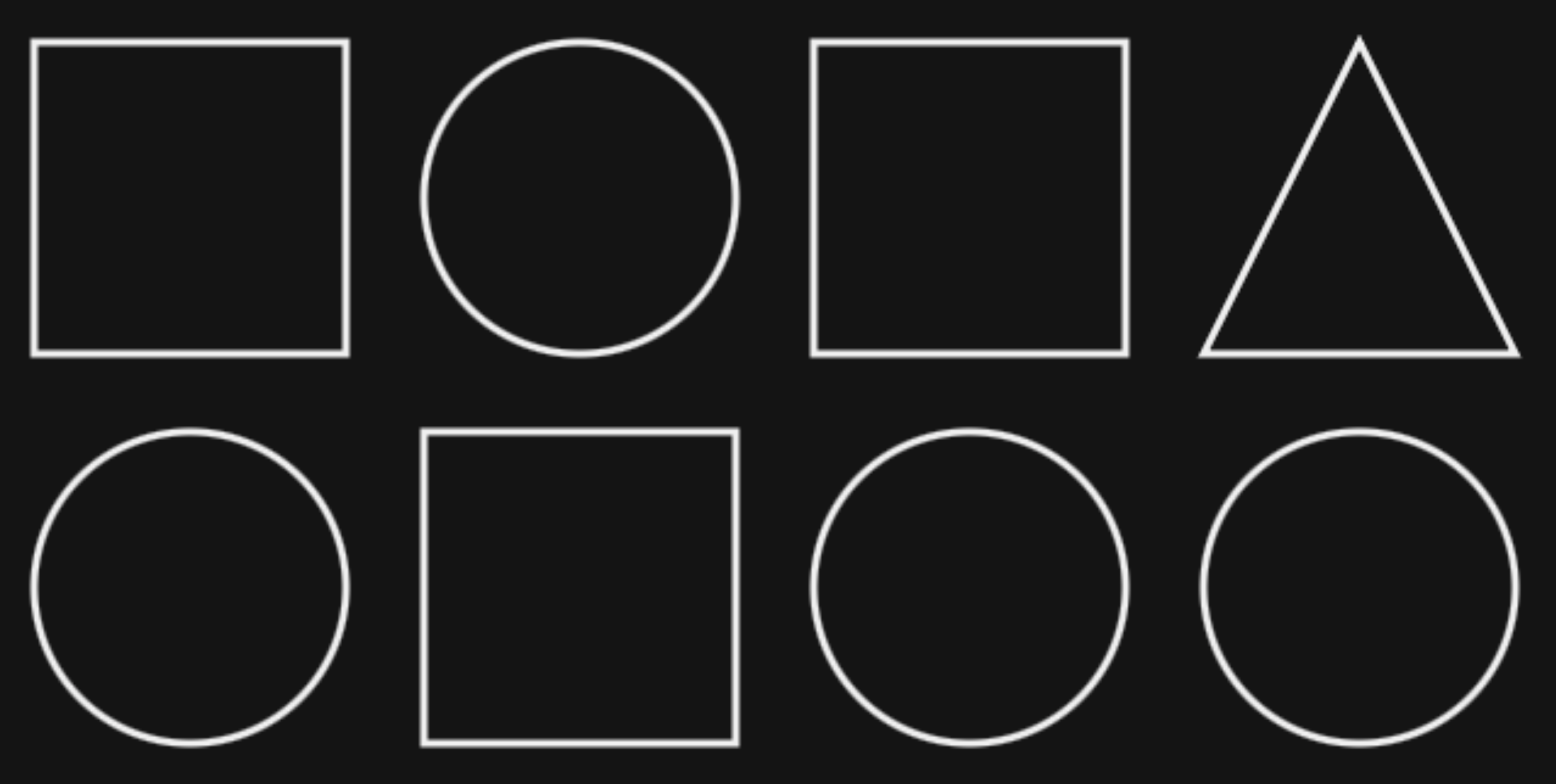
Alter the switch statements such that triangles are yellow, circles are blue and squares are red
Function Challenge
Consolidate the instructions into their own functions and update the switch() statement to use your new functions instead
1
2
20
24-25
25-26
Generative Visual Systems
The generative outcomes we produce using p5js need not remain trapped within our browsers in the web-editor. We can use these images in other design environments.
We usually screenshot our canvas—or for the brave few who have ventured into using saveCanvas()—to obtain a raster image which we then manipulate and edit.
What Is It
Code Components
Using The Systems
Computation in Design 2
B-DS 103
Computation in Design 2
B-DS 103
Sometimes it can be beneficial to us if the generated images are saved as SVG files, which can then be brought into a vector-based softwares such as Illustrator.
To achieve this, we can enlist the help of external libraries that allow us to extend what p5js is capable of. One such library is called p5.js-svg.
24-25
25-26
Generative Visual Systems
We can add p5.js-svg into our sketches through these simple steps:
What Is It
Code Components
Using The Systems
Computation in Design 2
B-DS 103
Computation in Design 2
B-DS 103
01
Reveal the Sketch Files sidebar and select index.html from the list
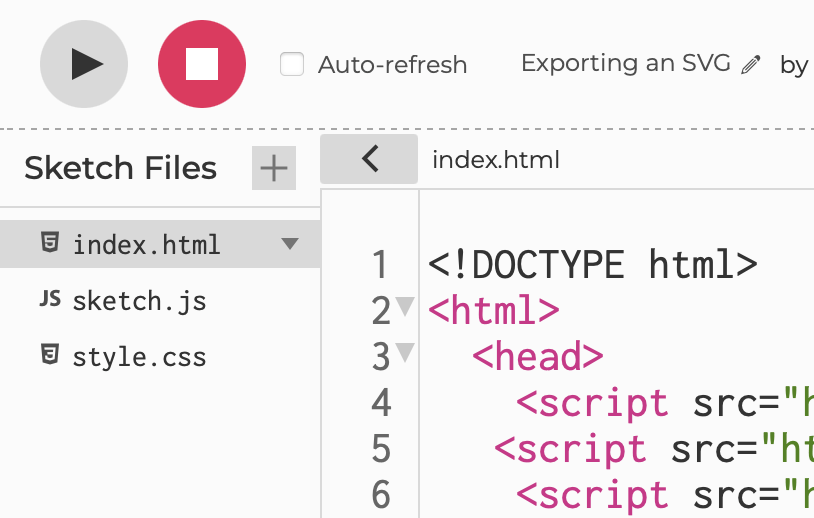
02
Copy the following line and paste it within the <head> portion of the HTML
<script src="https://unpkg.com/p5.js-svg@1.5.1"></script>It is important to remember that this library mostly works with shapes.
Read the documentation in detail to properly understand what is and isn't possible with the p5.js-svg library.
24-25
25-26
Generative Visual Systems
We can add p5.js-svg into our sketches through these simple steps:
What Is It
Code Components
Using The Systems
Computation in Design 2
B-DS 103
Computation in Design 2
B-DS 103
03
Ensure you're using a version of p5.js that is compatible with the Library (v1.6.0 or lower)
It is important to remember that this library mostly works with shapes.
Read the documentation in detail to properly understand what is and isn't possible with the p5.js-svg library.
<script src="https://cdnjs.cloudflare.com/ajax/libs/p5.js/1.6.0/p5.js"></script>
<script src="https://cdnjs.cloudflare.com/ajax/libs/p5.js/1.6.0/addons/p5.sound.min.js"></script>
You can copy the above and replace the corresponding lines in the sketches that you want to export as SVG. You can also complete this step using the version dropdown in the web editor.
04
Ensure that your canvas is setup to use the SVG renderer in createCanvas()and has noLoop() enabled
function setup() {
  // Create SVG Canvas
  createCanvas(400, 400, SVG);
  noLoop(); // prevent looping
}
24-25
25-26
Generative Visual Systems
We can add p5.js-svg into our sketches through these simple steps:
What Is It
Code Components
Using The Systems
Computation in Design 2
B-DS 103
Computation in Design 2
B-DS 103
05
Add a save() method to export your output as an SVG. It is usually good practice to do it in keyPressed() or mousePressed().
function mousePressed() {
  // give your file a name
  save("mySVG.svg");
}It is important to remember that this library mostly works with shapes.
Read the documentation in detail to properly understand what is and isn't possible with the p5.js-svg library.
function keyPressed() {
  if(key == "s") {
    // give your file a name
    save("mySVG.svg");
  }
}
24-25
25-26

Generative Facades
Computation in Design 2
25-26
B-DS 103
Coding
A gentle introduction to designing and developing algorithmic visual systems
Project Brief
Computation in Design 2
B-DS 103
Computation in Design 2
B-DS 103
Much of the built environment around us has begun incorporating more and more generative design principles within it. Be it the layout of a building, or its decorative facade, generative design is hiding in plain sight within our city.
Computational aesthetics has ceased to be something that is merely trapped within our digital devices and is now a significant part of our everyday reality – if we choose to see it.
In this workshop, you will attempt to understand an existing algorithmic building facade's design and breakdown its logic into code, producing a series of generative grid-based patterns based on your visual research.
Overview
Outcomes
Materials
Objectives
Students will conduct independent visual research by collecting their own primary sources for reference.
This project trains students to translate visual motifs into computational code by acquiring the skills to transform a concept into a series of algorithms.
24-25
25-26
Project Brief
Computation in Design 2
B-DS 103
Computation in Design 2
B-DS 103
Overview
Outcomes
Materials
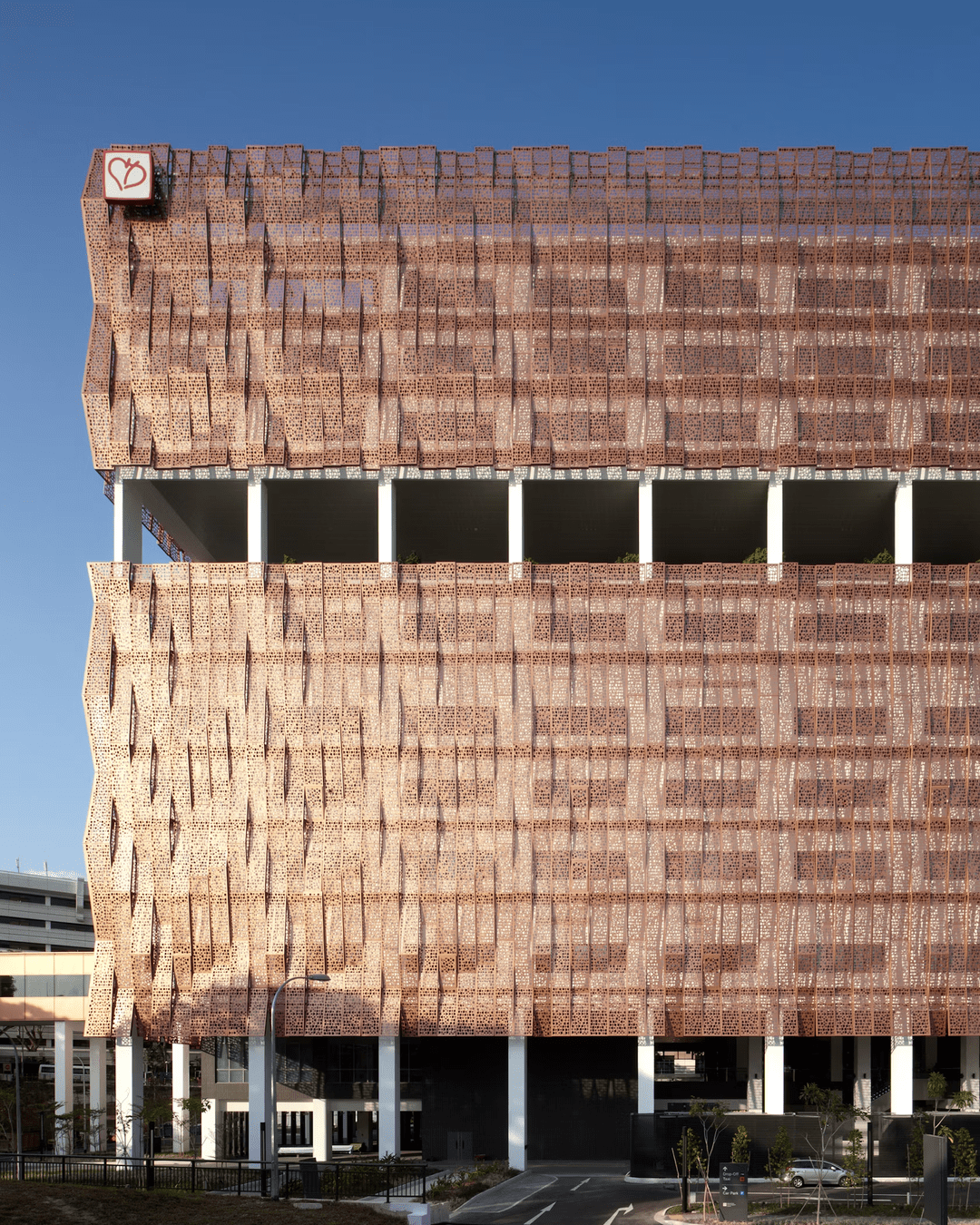
National Heart Centre, Singapore
ONG&ONG
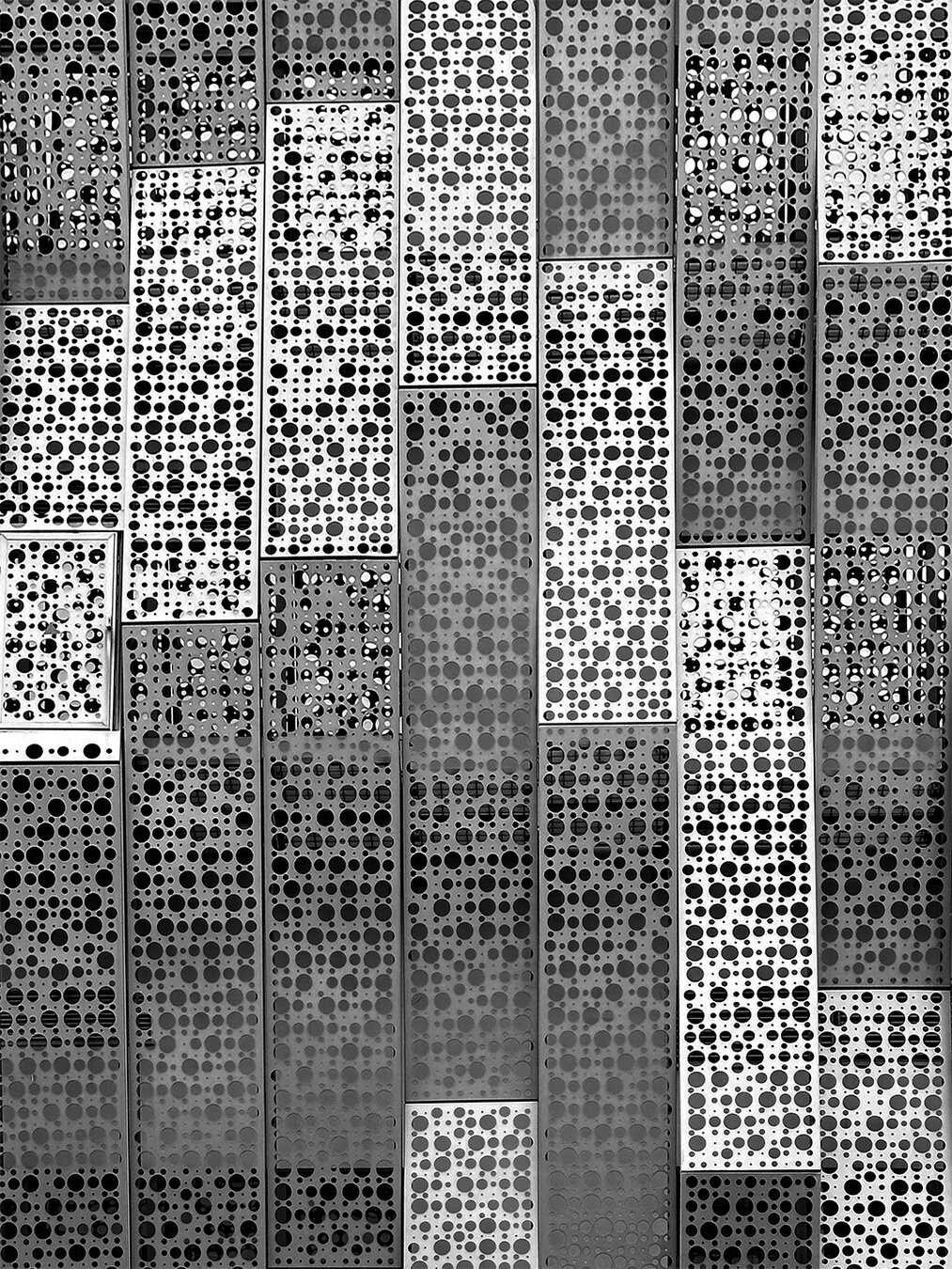
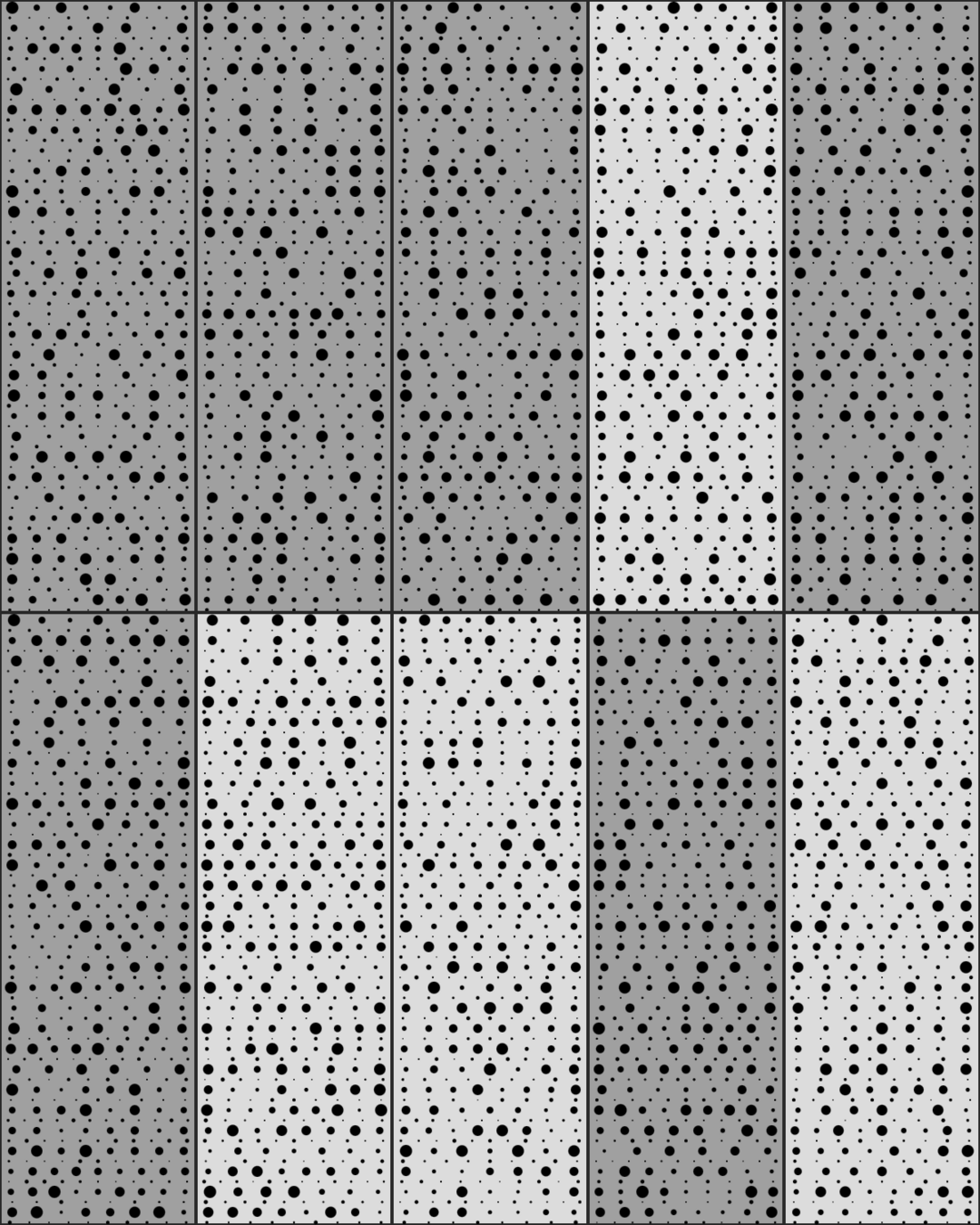
Monochrome detail view of building facade
24-25
25-26
Project Brief
Computation in Design 2
B-DS 103
Computation in Design 2
B-DS 103
Overview
Outcomes
Materials
1. Zoomed view of specific panels
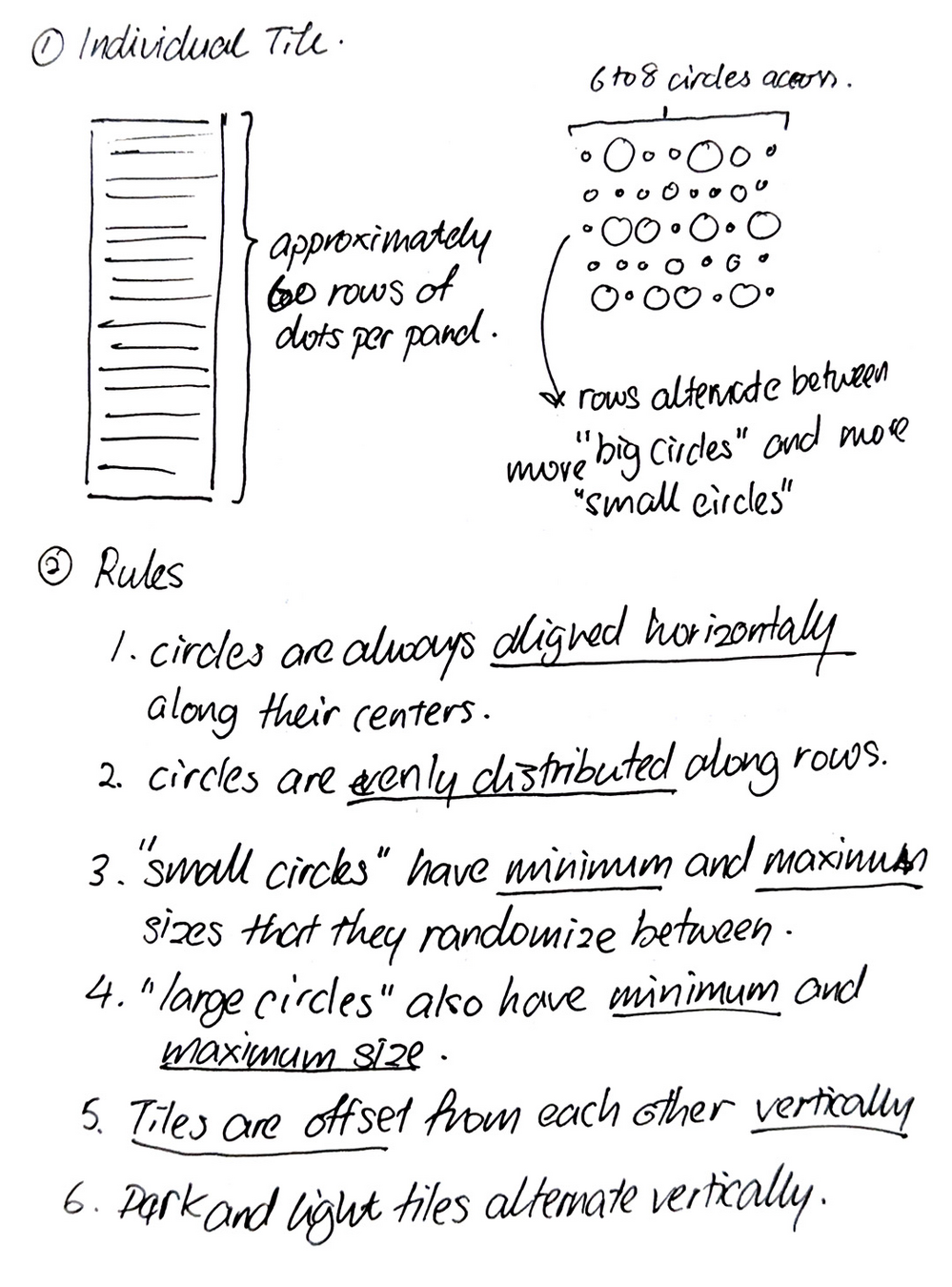
2. Distillation of rules and potential algorithms
3. Generated outcome using p5js
24-25
25-26
Project Brief
Computation in Design 2
B-DS 103
Computation in Design 2
B-DS 103
This project will require you to produce two sets of outcomes.
Overview
Outcomes
Details
p5js sketch that generates new patterns on mousepress, with ability to download SVGs on keypress
Using the provided starter sketch, you will create an interactive p5.js sketch that generates a series of possible patterns for the building facade you have chosen to translate.
1. Screen-based Outcome
With the help of the provided Illustrator template, create a zine-poster hybrid that documents your progress and illustrates the details of the facade you chose to work with.
2. Print Outcome
Materials
A3 zine-poster hybrid that celebrates your chosen building facade, using only a limited color palette (black, white and 3 additional colors) and printed on a paper stock of your choosing
24-25
25-26
Project Brief
Computation in Design 2
B-DS 103
Computation in Design 2
B-DS 103
Overview
Outcomes
Sketch Documentation
Zine-Poster Documentation
Materials
Final Deliverables
5 images of generated patterns
1080 x 1080 px
JPEGs sufficiently compressed
1 video of interactive sketch generations
1920 x 1080 px (15–30s)
MP4 compressed with no audio
Presented aesthetically
3 images of zine outcome
Art-directed documentation
JPEGs sufficiently compressed
Physical Zine-Poster
2 copies
(1 folded, 1 unfolded)
Consider the choice of paper thickness (gsm) and color to best complement your final design
Sketch Code
Archive within Digital Portfolio
Download from p5js web-editor and include it in your digital portfolio
24-25
25-26
Project Brief
Computation in Design 2
B-DS 103
Computation in Design 2
B-DS 103
Overview
Outcomes
Interactive Sketch
Materials
Zine-Poster Hybrid
Minimal Map Design
If you see a pop-up about Cloud-based Map Stylings, click on Use the legacy JSON styling wizard to follow along with the tutorial
Install included fonts first before opening file
Sketches get more complex as you go down the list; test and pick the sketch that best matches your building facade to use as a starting point
24-25
25-26
Session 1
Activity 1A
Form a group of 2
Walk around the immediate vicinity of LASALLE
Identify a building with a facade that intrigues you
Ensure the building's facade is suitable for this project
Capture photos of the facade from various angles and distances
Focus on the details of the composition and layout of the pattern
30
Computation in Design 2
25-26
B-DS 103
You can venture as far out as Bras Basah, Bencoolen or Little India, but please remain safe and keep a note of the time remaining
Grid-based designs with potential for computational / generative aesthetics
The more reference you capture the better
Interesting design ideas but not too complex that it overwhelms you
Capture the interesting parts, close-ups and wide shots
Session 1
Activity 1B
Choose between 3 and 5 photos to share with the class
Explain why your group chose the building you did
Briefly describe how you will attempt to translate your building
10
Computation in Design 2
25-26
B-DS 103
Session 1
Activity 2
Break down your facade into rules and systems
15
Computation in Design 2
25-26
B-DS 103
Sketch out the various components and potential tiles
Work on code explorations to translate your rules into algorithms
Render out some ideas, experiment, make
What are the shapes being used?
How are the shapes arranged and organized?
How do the tiles differ from each other with regard to shape, color and composition?
Do any significant numbers or patterns emerge in the design?
How are the tiles offset?
Pay attention to good image quality
The subject, your work, should be well photographed/videoed so that it is easy for the viewer to understand and appreciate
Add people to image/video where necessary to illustrate and demonstrate outcomes in use
Image: Good image resolution, less than 1920x1080 is not advisable; save as high quality jpg; compress with squoosh
Screenshots: remove unnecessary details like desktop folders, menu bars, frame borders (only include code if important and relevant to the screenshot)
Video: 1080p resolution and saved as mp4 with good image quality and without compression artefacts, use handbrake to compress your video
Reflective writings where necessary, keep a good balance between the What, How and Why (reflective writing focuses on your process)
Write a short project description (description focus on the project, what is it)
If you worked in a group, briefly elaborate on how you worked as a group
Add materials as suggested above to your Digital Portfolio: images, videos to dedicated folders, writing to .docx document If necessary, review the slides on documentation, cpj (writing), digital portfolio.
Good Practice
Coding
Computation in Design 2
25-26
B-DS 103
Session 1 → Session 2
Homework
Review brief deliverables and plan accordingly
Continue making and prepare for next session with the expected outcomes
Essential items to have for next session:
Cutting Mat (≥ A3-size)
Long Metal Ruler (≥ 30cm)
Good quality cutter or pen-knife
Bone folder
Computation in Design 2
24-25
B-DS 103
Computation in Design 2
B-DS 103
24-25
25-26
Working On Your Outcomes
Building up your tiles does not need to be a painful and complicated process.
Start by setting the grid to only have a single row and a single column. This will allow you to focus on perfecting one of the possible patterns your system will generate.
Set your switch() statement to always use a particular case (e.g. case 0) so that you can refine this one pattern's outcome without the sketch trying to randomize the tiles that are populated in your grid.
Computation in Design 2
B-DS 103
Computation in Design 2
B-DS 103
Creating Your Grid
Zine Template Review
Deliverables
Once you are happy with the results of one of the patterns, you can repeat this process to design and refine the next design.
Keep working on more outcomes until you are able to randomize between your various tile patterns to create your final layout.
Test your tile designs by seeing how they respond to an increasing number of rows and columns.
24-25
25-26
Working On Your Outcomes
Here is a quick rundown on how to compile your designs into the zine-poster template.
Computation in Design 2
B-DS 103
Computation in Design 2
B-DS 103
Creating Your Grid
Zine Template Review
Deliverables
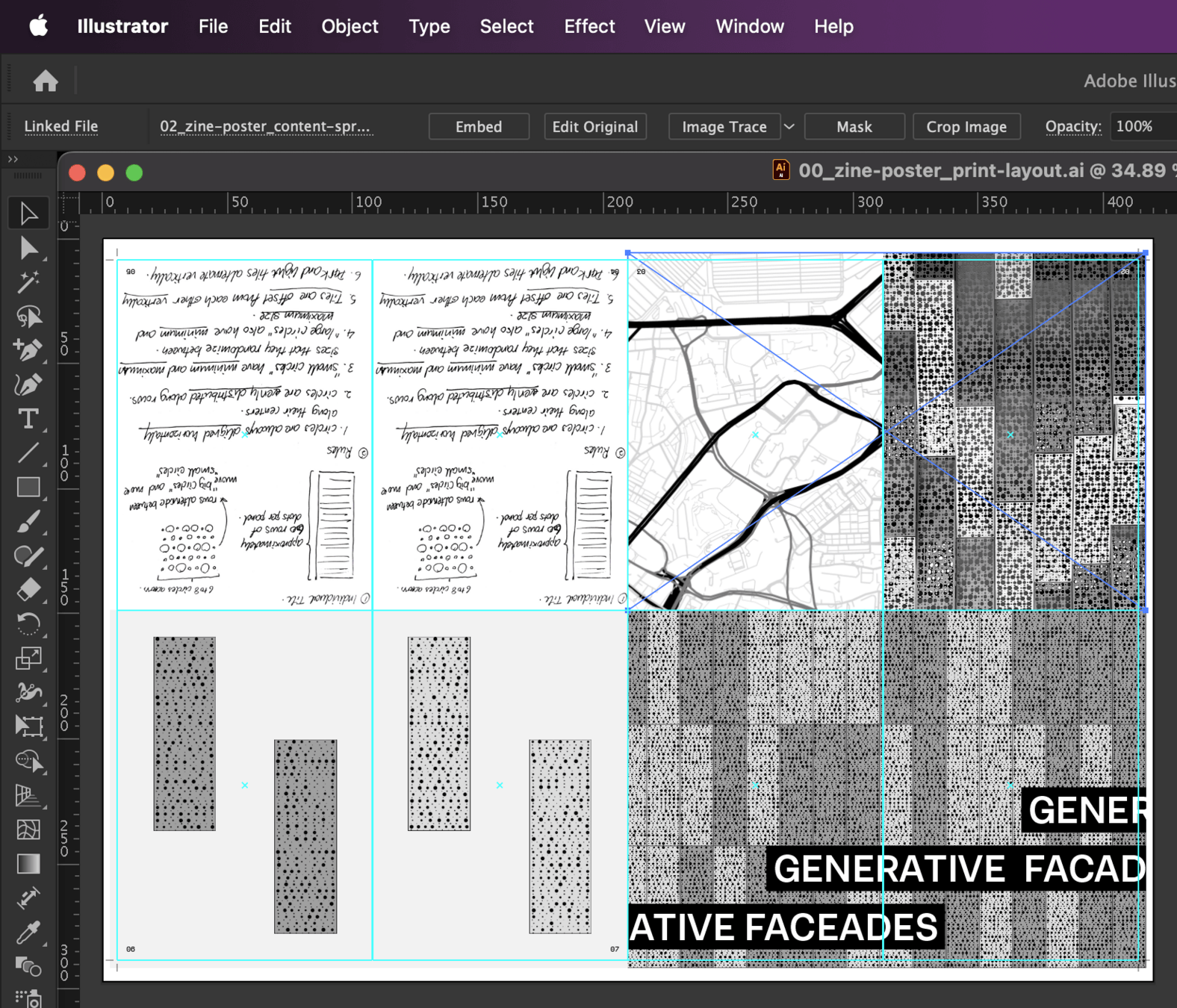
Download the provided template. Unzip the compressed folder and ensure the included fonts are installed before opening the file titled 00_zine-poster_print-layout.ai
01
Click on any of the spreads in the main file to select it. The click on "Edit Original" across the top application bar to edit the linked file. The file will open in a new tab within Adobe Illustrator.
24-25
25-26
Working On Your Outcomes
Here is a quick rundown on how to compile your designs into the zine-poster template.
Computation in Design 2
B-DS 103
Computation in Design 2
B-DS 103
Creating Your Grid
Zine Template Review
Deliverables
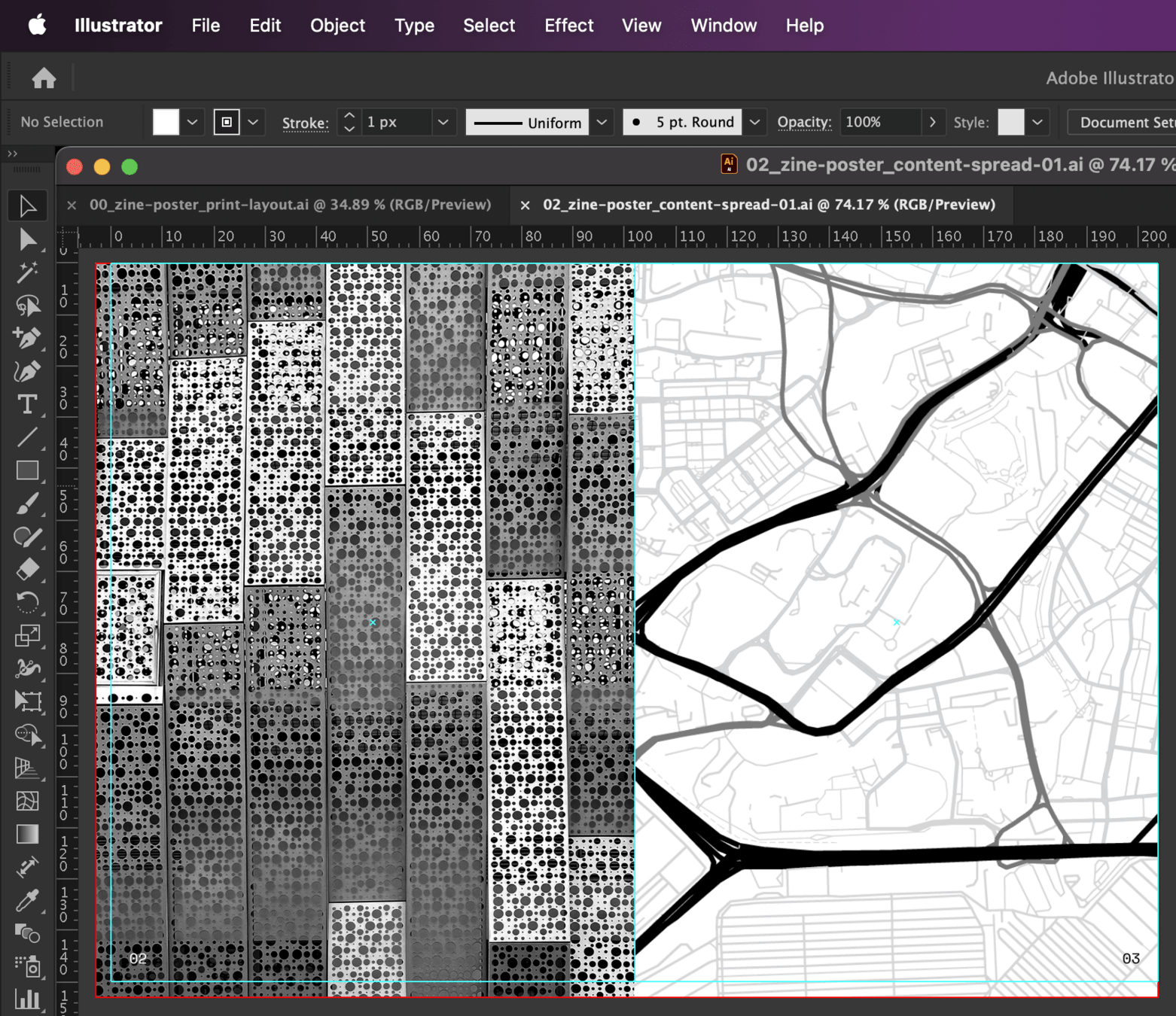
Download the provided template. Unzip the compressed folder and ensure the included fonts are installed before opening the file titled 00_zine-poster_print-layout.ai
02
Make changes to the spreads to update them and include your own designs. If not already visible, use [Cmd or Ctrl] + [ ; ] to show guides.
Use them as visual aids to place and layout your content. Pay attention to the red outlines. We want our designs to overflow and touch them.
24-25
25-26
Working On Your Outcomes
Here is a quick rundown on how to compile your designs into the zine-poster template.
Computation in Design 2
B-DS 103
Computation in Design 2
B-DS 103
Creating Your Grid
Zine Template Review
Deliverables
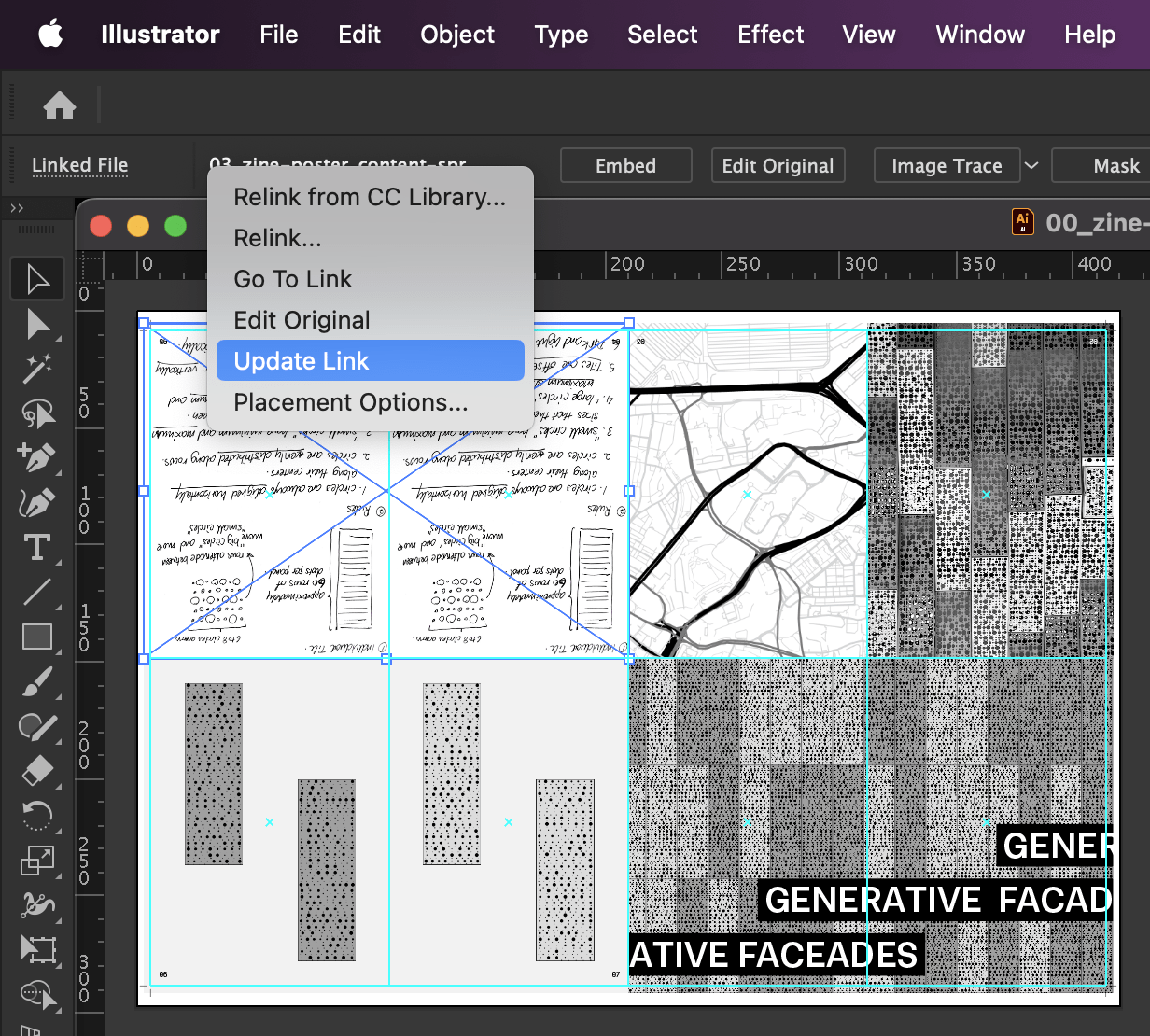
Download the provided template. Unzip the compressed folder and ensure the included fonts are installed before opening the file titled 00_zine-poster_print-layout.ai
03
Make sure to save the linked file when you are done making your changes. Close the linked file and return to the main document. Click on the name of the linked file and select "Update Link" to refresh the file within the main document.
24-25
25-26
Working On Your Outcomes
As a summary, the zine should contain the following:
Computation in Design 2
B-DS 103
Computation in Design 2
B-DS 103
Creating Your Grid
Zine Template Review
Deliverables
01
A front and back cover spread that uses your generated pattern as the background
02
Pages 2–3 that include a self shot photograph of the building facade that inspired your generative visual system, as well as a minimal map of the location that your building is at
03
Pages 4–5 that feature scanned images of your sketches and rules, creatively laid out
04
Pages 6–7 that include a collection of 4 to 6 images of the various tiles that your system can produce
05
A3-size poster that contains your generative visual system's output as a grid of tiles, with details of your building along the bottom of the poster
24-25
25-26
Working On Your Outcomes
images
Computation in Design 2
B-DS 103
Computation in Design 2
B-DS 103
Creating Your Grid
Zine Template Review
Deliverables
workshop-1_1.jpg
workshop-1_2.jpg
workshop-1_3.jpg
workshop-1_4.jpg
workshop-1_5.jpg
workshop-1_6.jpg
workshop-1_7.jpg
workshop-1_8.jpg
1 – 5 Development images of your generated patterns and tiles
6 – 8 Image documentation of your zine-poster hybrid
video
workshop-1.mp4
docx
workshop-1-description.docx
24-25
25-26
Session 2
Activity 1
120
Computation in Design 2
25-26
B-DS 103
In your group, continue working on your project
Review the deliverables required and prepare your documentation accordingly
Discuss in your group how you will present your outcomes
Pin-up printouts and/or prepare a laptop for end-of-workshop show and tell
Session 2 → Digital Portfolio
Homework
1
2
3
4
Computation in Design 2
B-DS 103
Computation in Design 2
B-DS 103
Finalize your Coding Project
Archive Process, Outcomes and Deliverables in your Digital Portfolio
Bring your CPJ up-to-date
Print finalized version of zine to submit next week, if necessary
This concludes your coding workshop 🥳
24-25
25-26
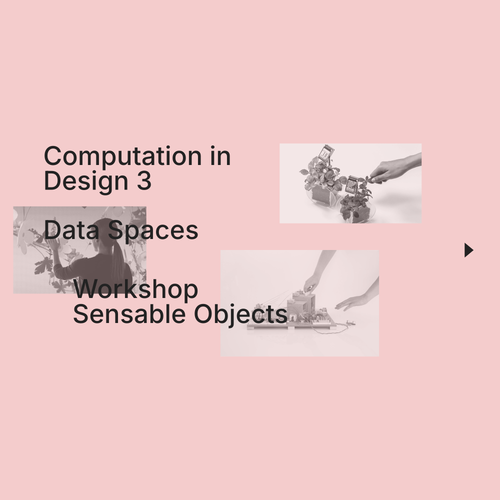
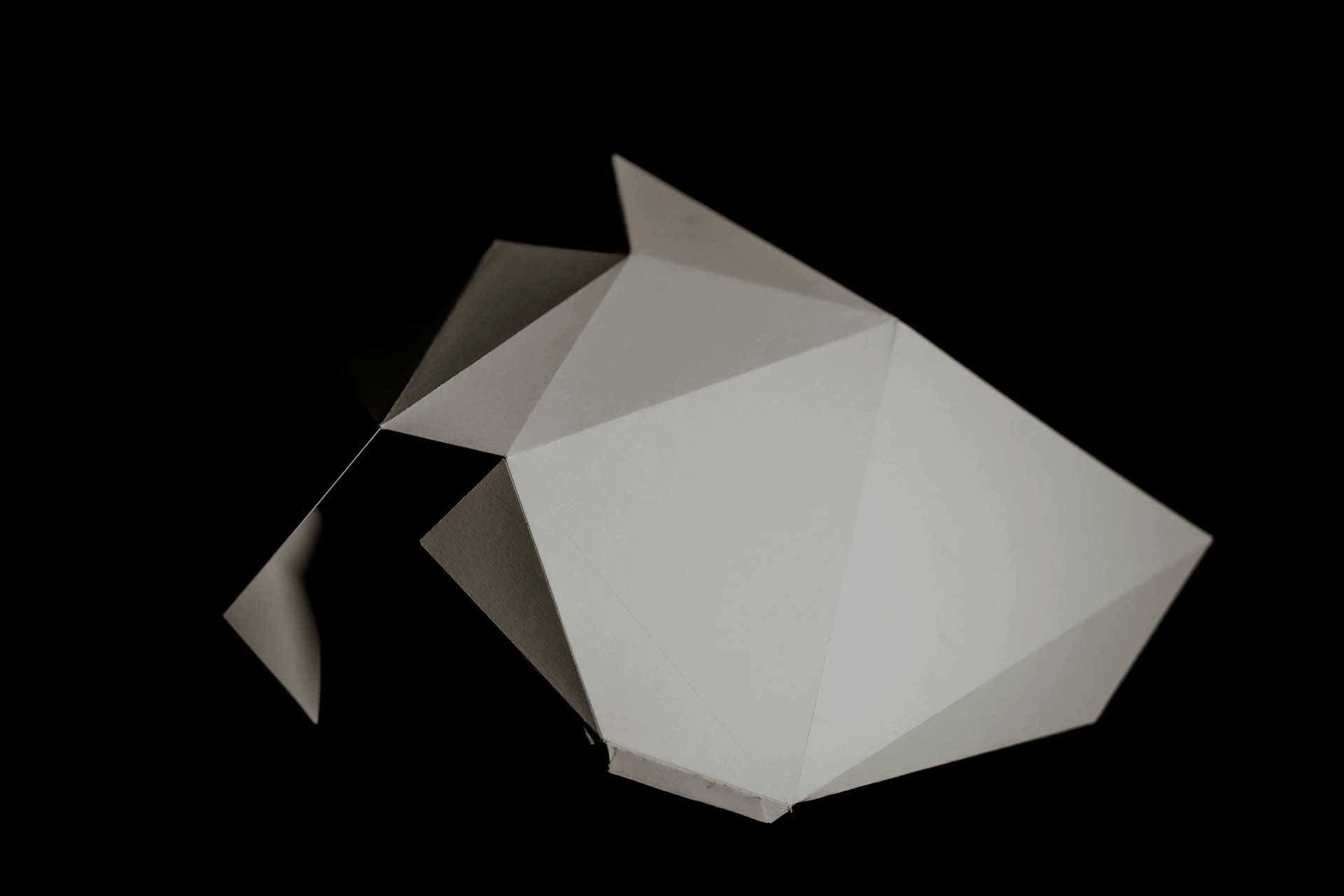
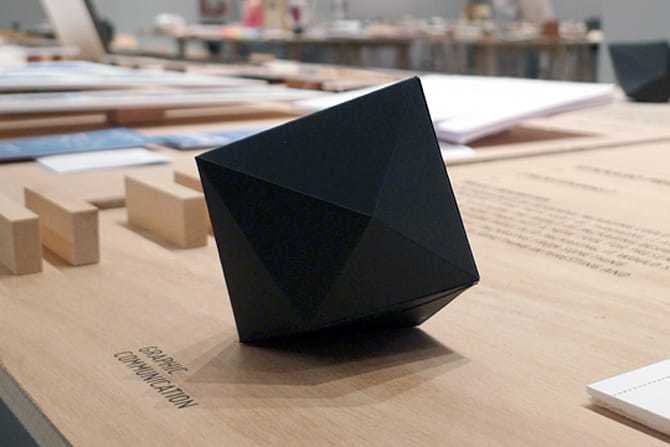
Code To Thing is an exercise that looks at how code can be turned into a physical object. You will explore 3D space in code and create 3D objects from a given code template. You will then use 3D software to convert the 3D objects generated from the code into printable templates that you can handcraft into a physical 3D object.
Furthermore, you will need to focus on proper documentation techniques and styles to create content of the 3D objects and design a folded A3 poster. Through these processes, you will be able to gain an understanding of working with digital and physical tools, as well as the workflow from digital to physical.
Computation in Design 2
Making
From Code to Thing with Dhiya
25-26
B-DS 103
students to bring the following materials and tools to class:
Penknife
Cutting mat
Steel ruler
Spray mount
Double sided tape 5mm
Masking Tape
Laptop
To prepare
Computation in Design 2
Making
From Code to Thing with Dhiya
B-DS 103
25-26
Making
Computation in Design 2
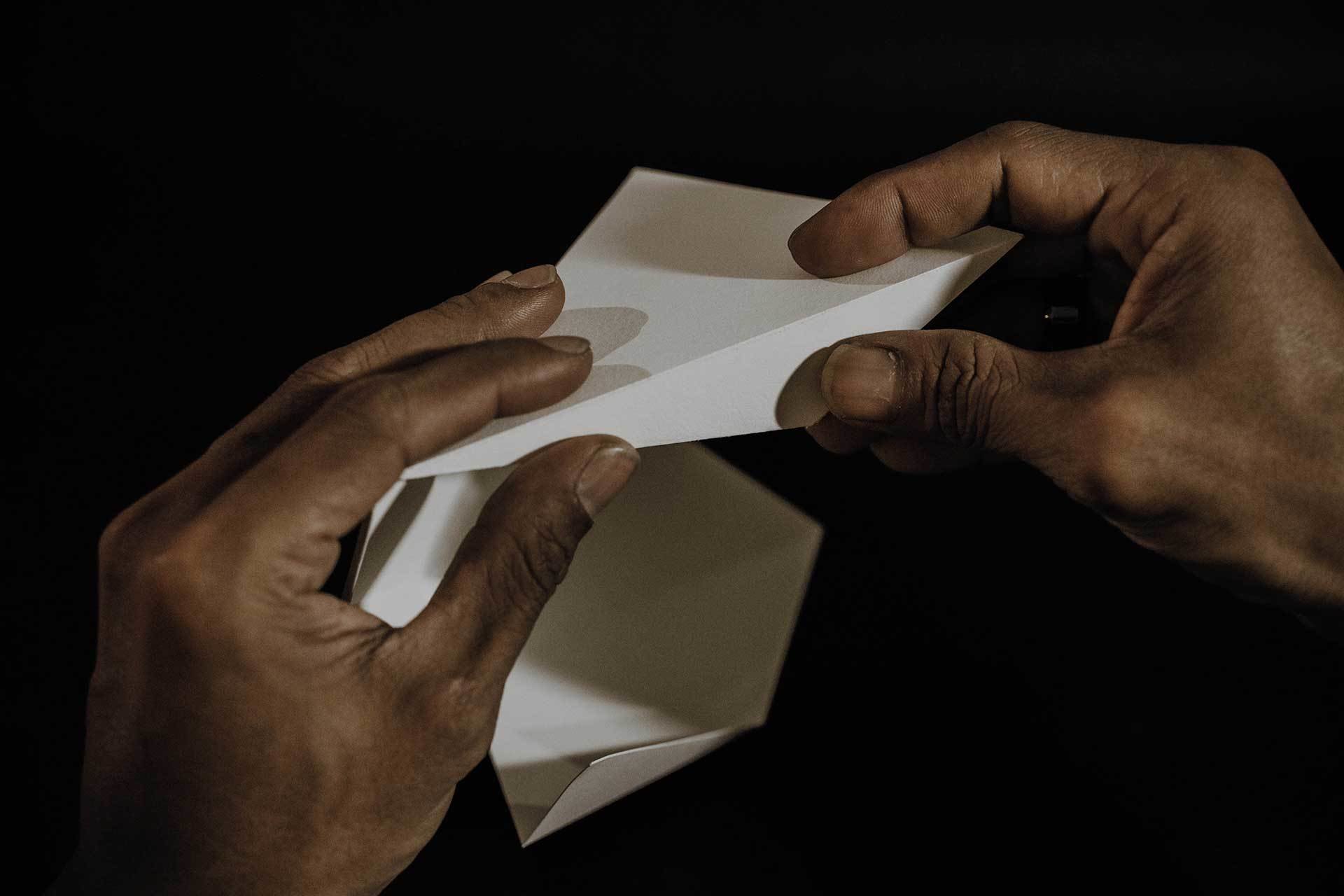
The term "making" refers to the process of producing artefacts, products or tools using craft or technology-based techniques like for example digital fabrication. The spectrum here can range from the novice learning a craft to the master craftsman masterfully applying a craft and passing on their knowledge. Often, more attention is paid to the process of making, sharing, collaboration, and techniques than to the end result.
Think of making as a trade and a culture. Making here can also refer to "The maker culture which is a contemporary subculture representing a technology-based extension of DIY culture that intersects with hardware-oriented parts of hacker culture and revels in the creation of new devices as well as tinkering with existing ones. The maker culture in general supports open-source hardware."
B-DS 103
25-26
pay attention to good image quality
The subject, your work, should be well photographed/videoed so that it is easy for the viewer to understand and appreciate
Add people to image/video where necessary to illustrate and demonstrate outcomes in use
Image: Good image resolution, less than 1920x1080 is not advisable; save as high quality jpg; compress with tools available
Screenshots: remove unnecessary details like desktop folders, menu bars, frame borders (only include code if important and relevant to the screenshot)
Video: 1080p resolution and saved as mp4 with good image quality and without compression artefacts, compress your video
Reflective writings where necessary, keep a good balance between the What, How and Why (reflective writing focuses on your process)
Write a short project description (description focus on the project, what is it)
If you worked in a group, briefly elaborate on how you worked as a group
Add materials as suggested above to your Digital Portfolio: images, videos to dedicated folders, writing to .docx document If necessary
Good Practice
Computation in Design 2
Making
B-DS 103
25-26
Link to external Slides
Computation in Design 2
Making
From Code to Thing with Dhiya
B-DS 103
25-26
Interaction
Physical Computing with Jo
This physical computing exercise aims to experiment with simple input and output mechanisms that utilise electronics. This may be unusual and uncharted territory for a designer, but as we extend traditional design products into digital and virtual space, we also explore how design can be applied to physical applications that a user can interact with to create physical and tangible experiences.
Through prepared materials and electronic components, students will design a simple physical interaction that demonstrates how a physical input triggers a digital output and vice versa.
Computation in Design 2
B-DS 103
25-26
students to bring the following materials and tools to class:
Scissors
Cutter / Pen knife
Cutting mat
Card board or foam board
Laptop
Masking tape (optional double sided tape)
Computation in Design 2
To prepare
Interaction
B-DS 103
Physical Computing with Jo
25-26
Physical Computing
Computation in Design 2
Physical Computing can be applied to applications where computers interact with the physical world and vice versa. The Internet of Things, robotics or physical interfaces are common applications. Physical computing refers to the use of tangible, embedded microcontroller-based interactive systems that can sense the world around them and control outputs such as lights, displays and motors.
Although this might seem rather technical in approach and application, it provides a an environment to better comprehend playfully and eventually build a connection between physical objects, computer hardware and software applicable not only to technical practices such as engineering or computer science but equally important to creative practices like art and design.
B-DS 103
25-26
Good Practice
Computation in Design 2
Interaction
B-DS 103
25-26
pay attention to good image quality
The subject, your work, should be well photographed/videoed so that it is easy for the viewer to understand and appreciate
Add people to image/video where necessary to illustrate and demonstrate outcomes in use
Image: Good image resolution, less than 1920x1080 is not advisable; save as high quality jpg; compress with tools available
Screenshots: remove unnecessary details like desktop folders, menu bars, frame borders (only include code if important and relevant to the screenshot)
Video: 1080p resolution and saved as mp4 with good image quality and without compression artefacts, compress your video
Reflective writings where necessary, keep a good balance between the What, How and Why (reflective writing focuses on your process)
Write a short project description (description focus on the project, what is it)
If you worked in a group, briefly elaborate on how you worked as a group
Add materials as suggested above to your Digital Portfolio: images, videos to dedicated folders, writing to .docx document If necessary
Link to external Slides
Computation in Design 2
Interaction
Physical Computing with Jo
B-DS 103
25-26
Week
Computation in Design 2
Workshops
Summary microsite
Week 7
Each of you should have attended 2 out of 3 different workshops so far, where you learned about different techniques and applications of computation in design practice. We hope you had a good time and gained new skills and insights into how computation and design can go hand in hand.
Web 101
B-DS 103
25-26
Computation in Design 2
Web 101
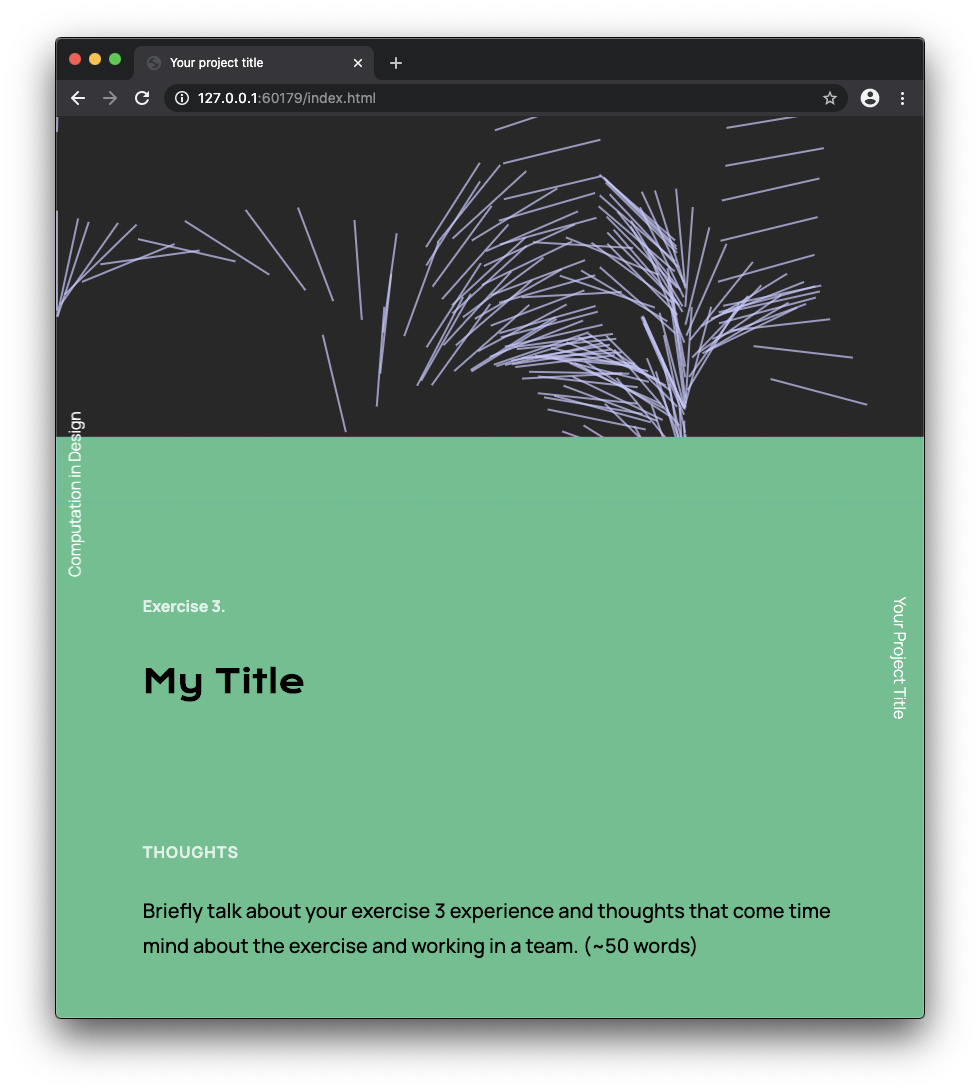
Today we will look into basic HTML and CSS writing and editing. This is to prepare you to add content into the template for your CiD summary document, which will take the format of a microsite.
A template for your individual microsite will be provided. This website will serve as a submission portfolio. Today's session is about preparing for it.
B-DS 103
25-26
Computation in Design 2
Web 101
B-DS 103
25-26
Please keep in mind that we are not able to learn HTML and CSS in one or two sessions, so we take a more accelerated approach by making changes to existing HTML and CSS documents.
Finally, it is important that you build an understanding of how to browse, read and make changes to an HTML and CSS document in order to make simple changes to the content.
Computation in Design 2
Web 101
B-DS 103
25-26
No Code
Low Code
Some Code
All Code
Requires few to no code to quickly build an application. This doesn't mean there is no code involved, the code just all runs in the background. Often purely UI, pull-down and drag-and-drop based.
Similar to NoCode, however, some code is exposed in the application development environment you are using. Although often related to visual programming environments, a basic understanding of coding concepts is useful.
Limited to the tool
Some customisation possible
Some coding skills required
Build your own
Wordpress
Unreal Engine
TouchDesigner
Code templates
html, css, JavaScript
Code frameworks (p5js, Processing)
Scripting
Unity
Knowing and understanding some code as a designer can help you collaborate better and communicate across disciplines when technical know-how is required. Basic knowledge and practice in web or app development.
This is when you are able to build your own software with ease. Needless to say this needs time and practice.
Cargo
Readymag
Webflow
Figma
Prompting (Midjourney, Dall-e, etc.)
Text Editor
Any programming language
Command Line
Git
This semester's workshops will focus on
Code templates
Blender
html, css, JavaScript
Code frameworks (p5js, Processing)
Computation in Design 2
Web 101
Tools
Use Adobe Premiere Pro. Simple hard-cuts will do, no transition effects required.
Video Editing
Use Photoshop, but Preview does a good job as well when it comes to resizing or color correcting images.
Image Editing
B-DS 103
25-26
Computation in Design 2
Web 101
Tools
B-DS 103
25-26
Computation in Design 2
Web 101
Demo 1
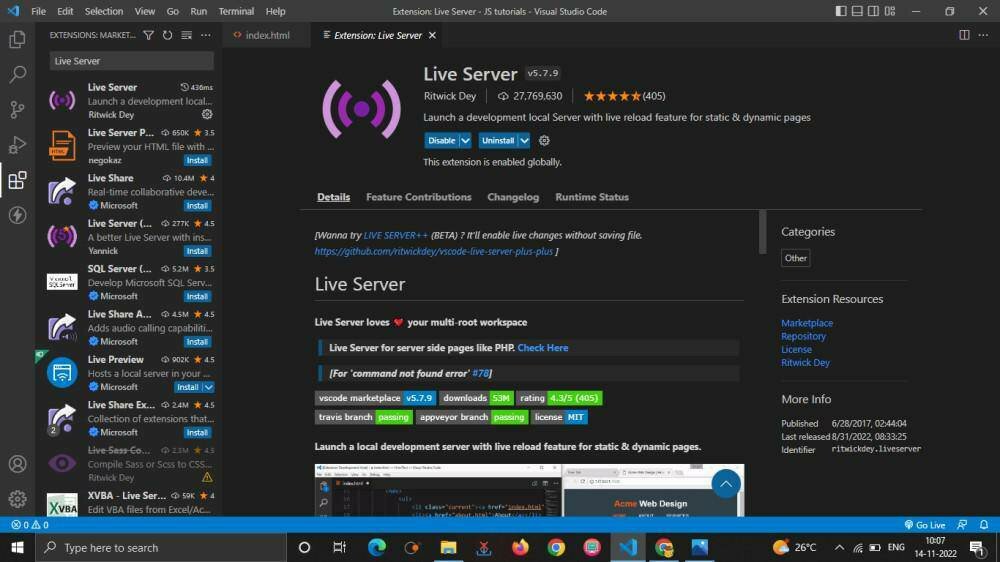
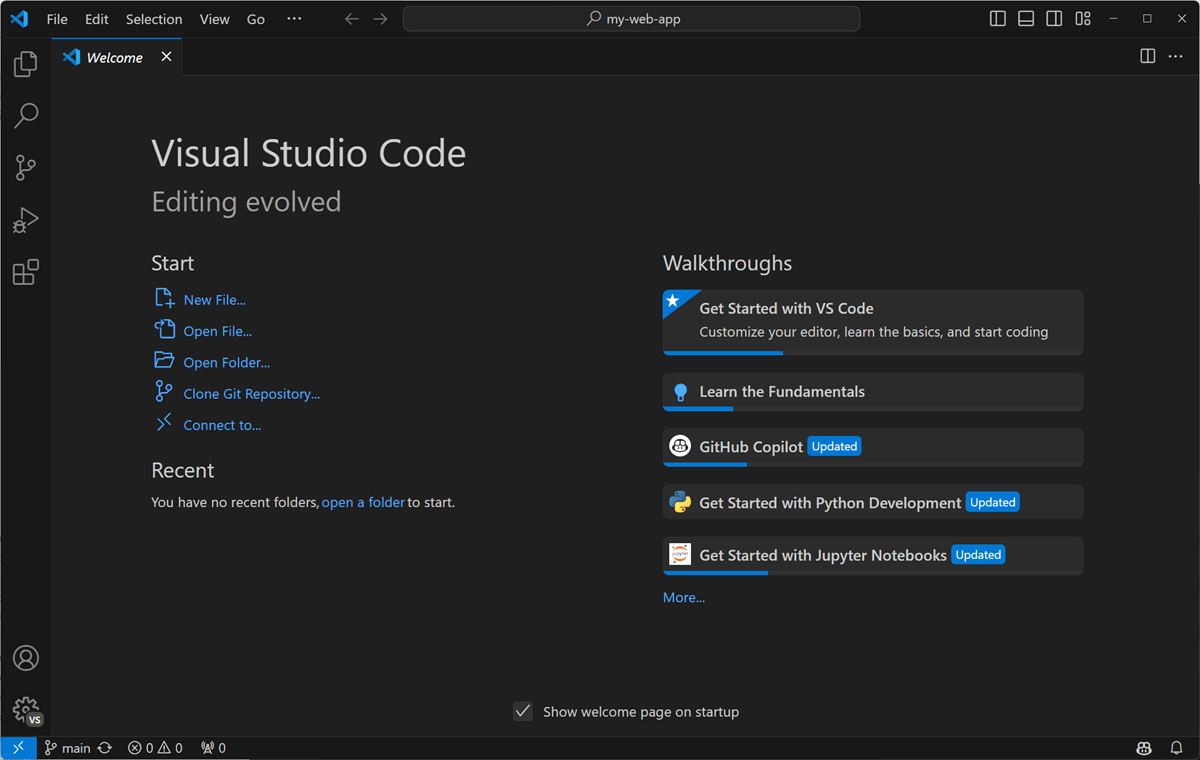
Download and install VS Code
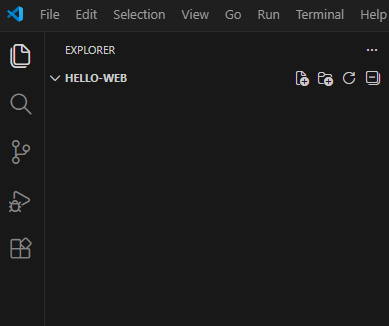
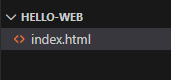
Create a new folder hello-web on the Desktop
Open folder hello-web with VS Code
Create a file called index.html
15
B-DS 103
25-26
Computation in Design 2
Web 101
15
B-DS 103
25-26
Demo 1
Computation in Design 2
Web 101
15
B-DS 103
25-26
Demo 1
Computation in Design 2
Web 101
Languages
B-DS 103
25-26
Computation in Design 2
Web 101
Languages
B-DS 103
25-26
Computation in Design 2
Web 101
Follow the design of a simple impromptu page in html and css
Make suggestions what to add
Make changes on your own
30
B-DS 103
25-26
Demo 2
Computation in Design 2
Web 101
Semantic Tags
B-DS 103
25-26
Computation in Design 2
Web 101
Semantic Tags
B-DS 103
25-26
Computation in Design 2
Web 101
Other Tags
B-DS 103
<div>
Contained Items 1
</div>

<div>
Contained Items 2
</div><ul>
<li>Item 1</li>
<li>Item 2</li>
<li>Item 3</li>
</ul><img src="imagehere.jpg"><figure>
<img src="imagehere.jpg>
<figcaption>This is my caption.</figcaption>
</figure><video autoplay muted playsinline loop preload="none" width="100%">
<source src="movie.mp4" type="video/mp4">
</video><a href="www.google.com">25-26
Computation in Design 2
Web 101
Comments and style
B-DS 103
<head>
  <link rel="stylesheet" href="./css/style.grid.css">
</head><!-- Enter comment here -->p
p
@import url('https://fonts.googleapis.com/...');25-26
pixels
points
relative to font-size
relative to font-size
relative to width
relative to height
relative to parent
Computation in Design 2
Web 101
CSS Box Model
B-DS 103
25-26
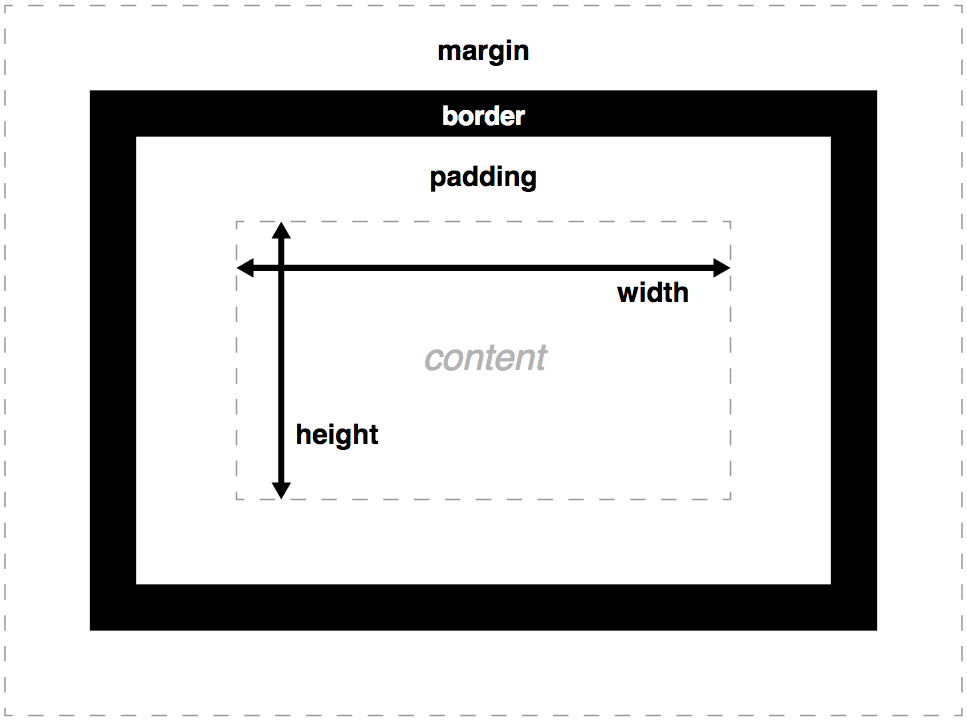
Content of the box, text/images
Clears an area around the content. The padding is transparent
A border that goes around the padding and content
Clears an area outside the border. The margin is transparent
pixels
points
relative to font-size
relative to font-size
relative to width
relative to height
relative to parent
Computation in Design 2
Web 101
Download the Microsite template
Work alone or in a small group of 2
Make changes and replace placeholder images, video, and text
Use your own materials in place of the given placeholders
Compress your images with Photoshop, squoosh or FreeConvert
Compress video with Adobe Premiere Pro
60
B-DS 103
25-26
Microsite
Computation in Design 2
Web 101
What to focus on:
60
B-DS 103
25-26
Microsite
Compressing file sizes without compromising on quality
How do images look beside each other? Is there visual harmony?
Change the colors to your liking, but it is best to stick to the template's overall layout. Slight deviation is allowed, but focus on legibility and a balanced layout.
Please do not use ChatGPT to write your words for you. Show us who you are! Your thoughts are important to us.
Select works that you are proud of! Did you go through many iterations? Show them to us. Outcomes and Process.
Content
Image Quality
Image Curation
Layout
Insights and
Reflections
today → Week 9
25-26
B-DS 103
Computation in Design 2
Homework
Review files (images, videos) in your Digital Portfolio, you will use those as content for your website. Add more if necessary.
Update your Summary microsite to the second workshop that you have had so far. You will be updating this again after your third and last workshop.
For the work check in Week 10, please prepare your site on netlify and share with us the link in the spreadsheet here.
1
2
3
Week
Computation in Design 2
Workshops
Summary microsite
Netlify
Submission Review
Week 9
We will continue with building our website using HTML and CSS. First we will go through the Summary site which you will have to insert into your existing folder. Then, we will have an overview on how to upload your site onto Netlify.
Web 101
B-DS 103
25-26
Summary Site
Netlify
Submission Review
Follow the template
Keep in mind the curation of your images
Remember to add quality writing, including reflections
Keep your file size small, compress images and videos
Computation in Design 2
You should be familiar with HTML and CSS by now, so that you are able to create your Summary microsite. Follow along with the demo to refresh your memory!
B-DS 103
25-26
30
Summary Site
Netlify
Submission Review
Make an account on Netlify
Add new site and deploy manually
Drag and drop your whole site folder into the browser
Wait for it to upload (keep your total folder size under 200 MB)
Change your website URL by clicking on Site Configuration and Change Site Name
To update your site, click on Deploys and drop your folder into the space provided
Computation in Design 2
To upload your website onto the internet, you will need to host it on a website. Netlify is free and easy to deploy. Here are the steps you need to know on how to upload and update your site.
B-DS 103
25-26
30
Summary Site
Netlify
Submission Review
Computation in Design 2
B-DS 103
Digital Portfolio
Summary Microsite
1
2
There will be two links you will submit for your submission. One for your Digital Portfolio and one link for your Summary microsite.
(Google Drive link)
(Netlify link)
These links will be due on Week 15, April 20th 2026 at 2:30 pm on a spreadsheet that will be provided to you the week before your submission date.
25-26
90
Please start these today so you get a head start for submission!
today → next week (March 18)
25-26
B-DS 103
Computation in Design 2
Homework
Review files (images, videos) in your Digital Portfolio, and link it on the workcheck spreadsheet over here.
Make an account on Netlify and upload your site. When it has uploaded, link it on the workcheck spreadsheet.
Update your microsite CPJ weekly because it will serve you as an initial source for your writings.
See you next week for workcheck.
1
2
3
4
Week
Computation in Design 2
Workcheck
Group checks
Troubleshooting
Week 10
This class we will be conducting work checks of your digital portfolio, Summary microsite and CPJ. Please submit your URLs on the spreadsheet on time for your consultations. Any troubleshooting we will be able to help you after work check is over.
B-DS 103
25-26
Exercise
Algo Nature
Design the representation of a synthetic organism in code inspired by nature. You can work in pairs or alone. Each student will design for a double sided A3 landscape-format print in black and white, leave a margin of 1 cm along each side. After printing, fold A3 in half by end of today's session. Two different visuals for each side.
25-26
Computation in Design 1
B-DS 103
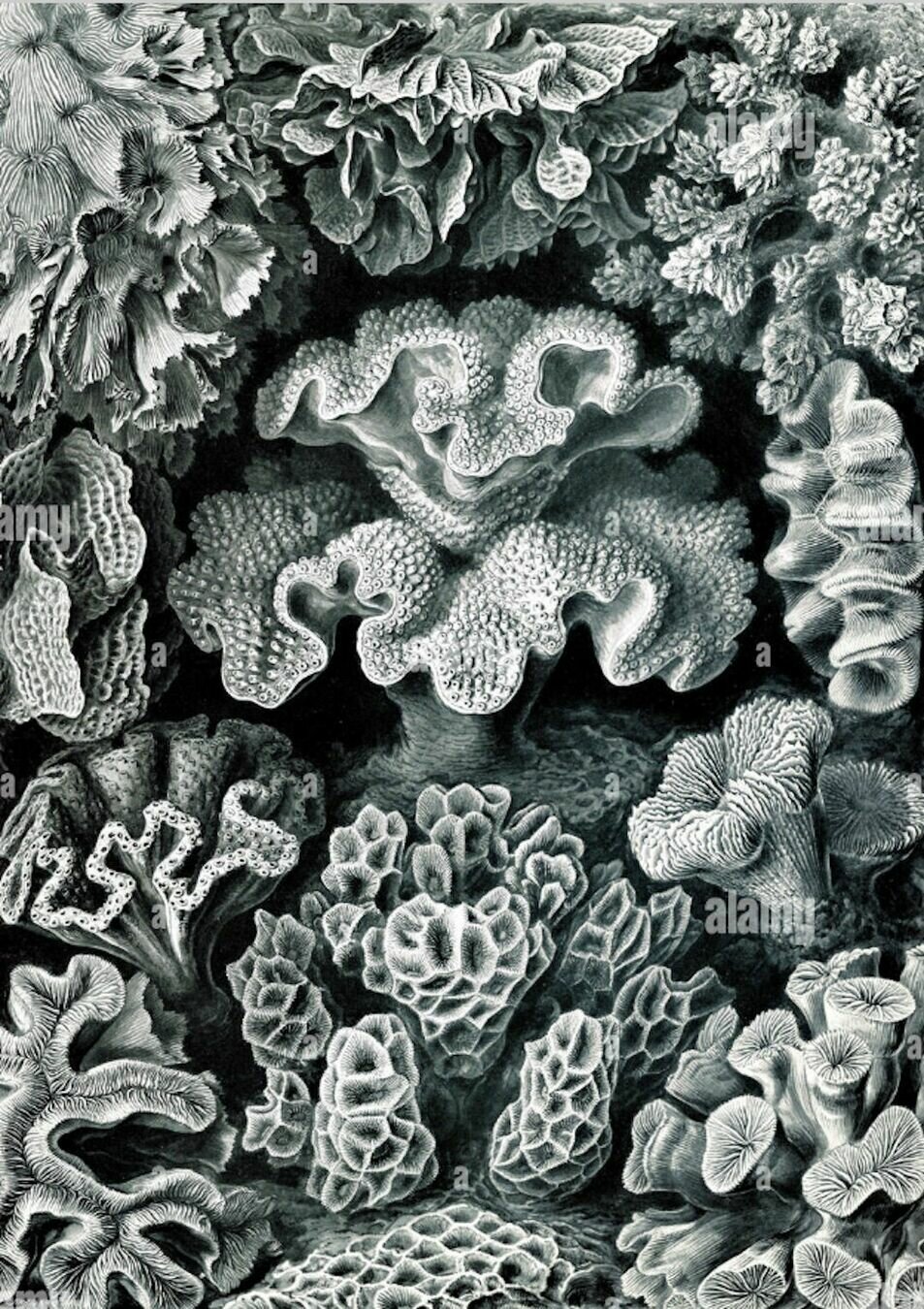
Starting points
Ernst Haeckel, Art Forms in Nature
Neri Oxman, Nature and Humanity
Daniel Shiffman, Nature of Code
Inspiration
Code
Computation in Design 2
Workcheck
9:30 am - 11:45 am
B-DS 103
25-26
11:45 am - 12:30 pm
Workcheck in your groups
Waiting your turn
Keep working on your Summary microsite & Digital Portfolio
Work on Haeckel exercise. Hand over your print by end of class.
Andreas' briefing
12:20 pm - 12:30 pm
B-DC 123
Computation in Design 2
Submission Briefing
Week 13
The following guides you through the submission requirements and deliverables for your Computation in Design class.
Deliverables
Digital Portfolio
Link to your Website
25-26
Your Submission should include the following items
B-DC 123
Computation in Design 2
Submission Deliverables
Archive
Summary microsite Netlify link
Microsite zip file
1
2
3
25-26
B-DC 123
Computation in Design 2
Submission Deliverables
1 Archive
Folder structure including images, videos and .docx files
2 Summary
Your Summary microsite is linked from your Netlify webpage
Your Submission should include the following items
25-26
3 Microsite zip file
The folder for your Summary microsite is compressed into a zip folder
B-DC 123
Computation in Design 2
Submission Deliverables
1 Archive
Your Submission should include the following items
25-26
3-interaction
2-making
1-coding
activity-1
B-DC 123
Computation in Design 2
Submission Deliverables
Your Submission should include the following items
The total file size of your .zip file should be 200 MB or less. Ensure that you have compressed your images and video files.
After completing your Digital Portfolio, upload your Digital Portfolio as a single zipped file to the submission folder, the folder-link will be emailed to you in week 14.
25-26
B-DC 123
Computation in Design 2
Submission Deliverables
After completing your Digital Portfolio, upload your Digital Portfolio as a single zipped file to the submission folder, the folder-link will be emailed to you in week 14.
Your Submission should include the following items
25-26
B-DC 123
Computation in Design 2
Submission Deadline
Submission deadline for Computation in Design is Monday 20 April 2025, 2:30pm.
Your submission folder will be emailed to you
25-26
cid-2-2526
By Andreas Schlegel