Week 1: Intro to Webscraping

Announcements
- second meeting on Sunday 4pm and team dinner afterwards!
- everyone @ calhacks this weekend, have fun!
Icebreakers
WooHoos and BooHoos
What are we doing?
Build a tool that lets us scrape job information from a bunch of websites and populate a database with it.
Along with it, we'll learn about
- web scraping
- browser automation
- basic database management
- api
Web Scraping
the use of automated processes to extract data from a website
Why Web Scrape?


Scenario
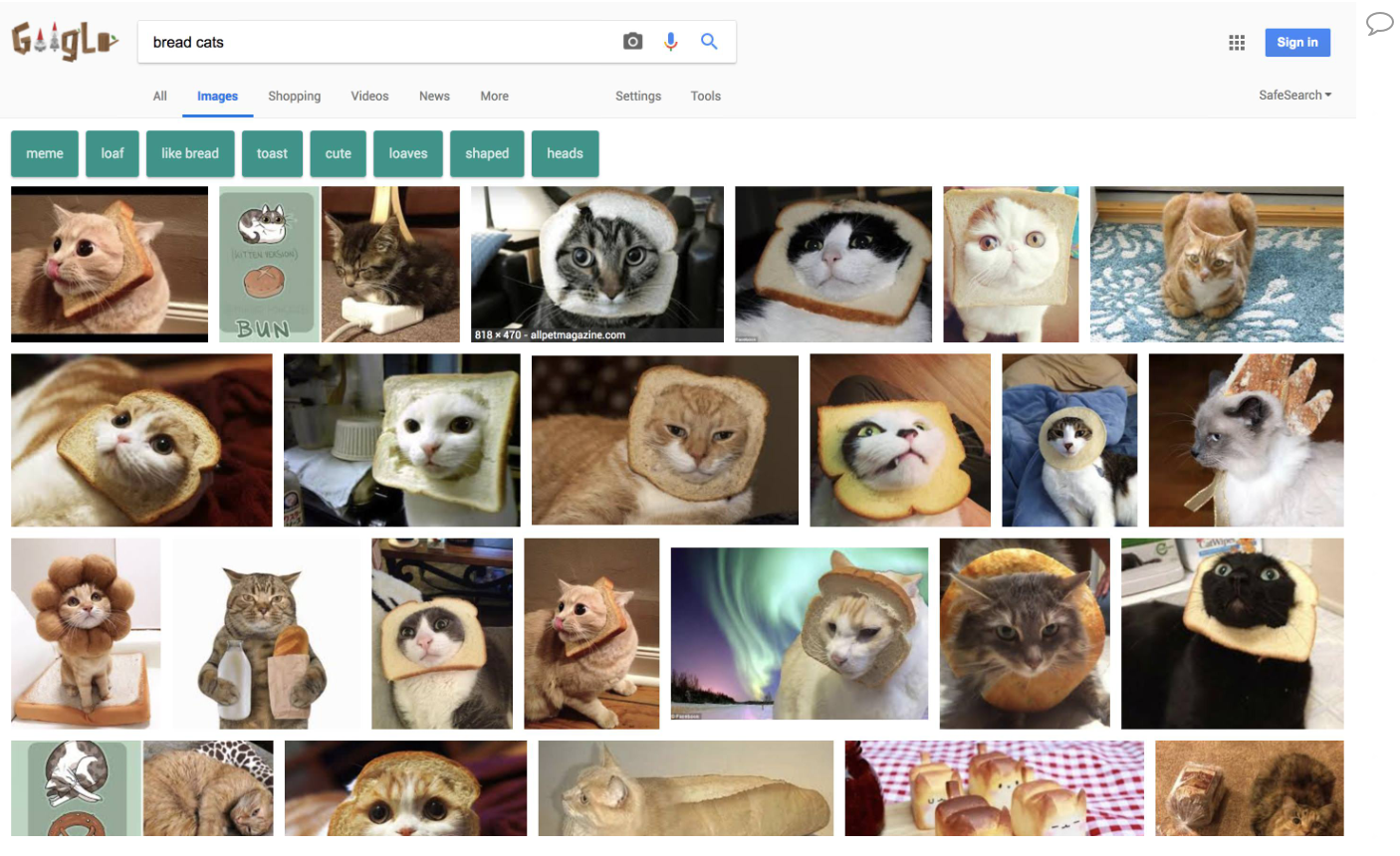
=


Ethics
- reading from the same website multiple times can create strain on its servers -> lower performance
- called a "Denial of Service" attack
- some websites prevent you from requesting to read from it too many times
- scraping content from websites allows people to pass it off as their own
Checklist
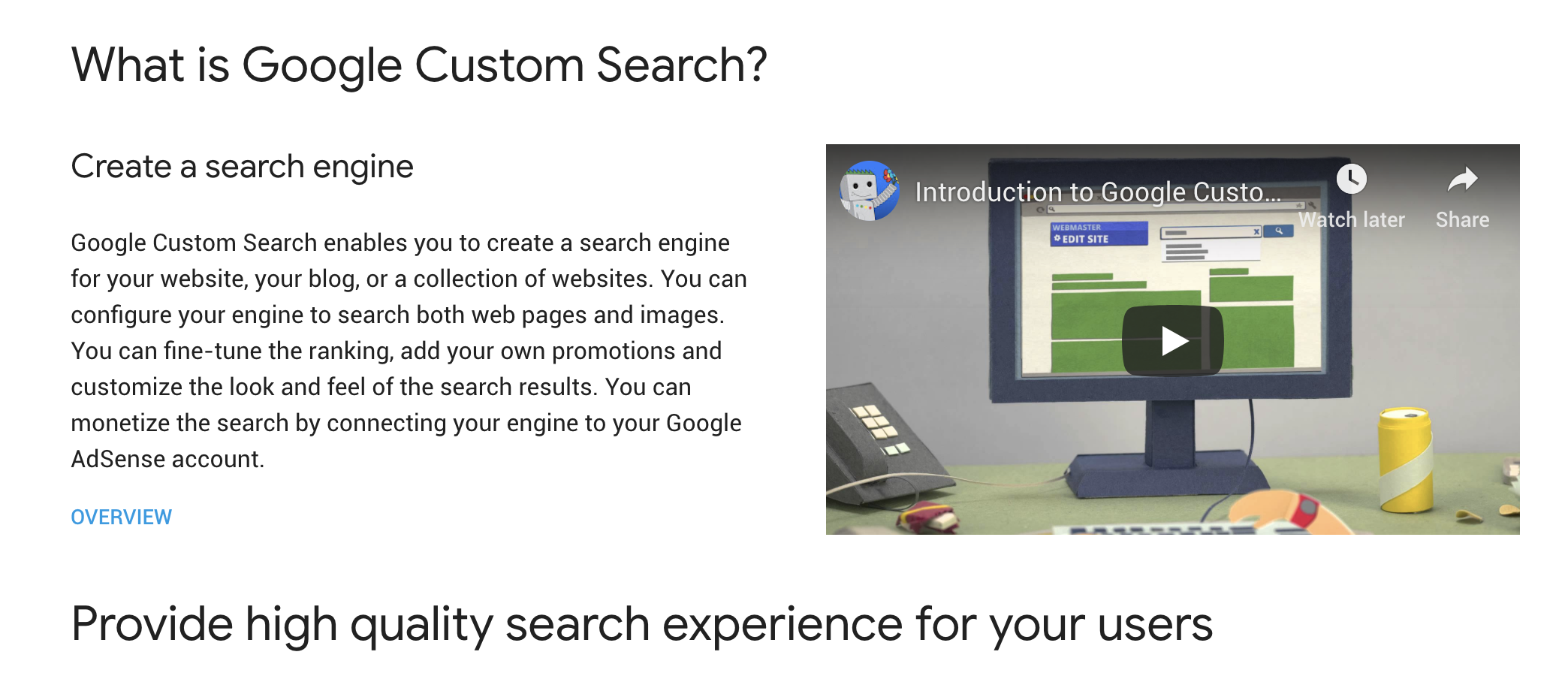
- Does the website provide an API?
- An API is an application program interface. It makes it easier to perform certain actions with the website and simplifies the programming involved.
- If yes, use the API instead. It'll make your life easier
- An API is an application program interface. It makes it easier to perform certain actions with the website and simplifies the programming involved.
Checklist
-
Is it ethical to scrape?
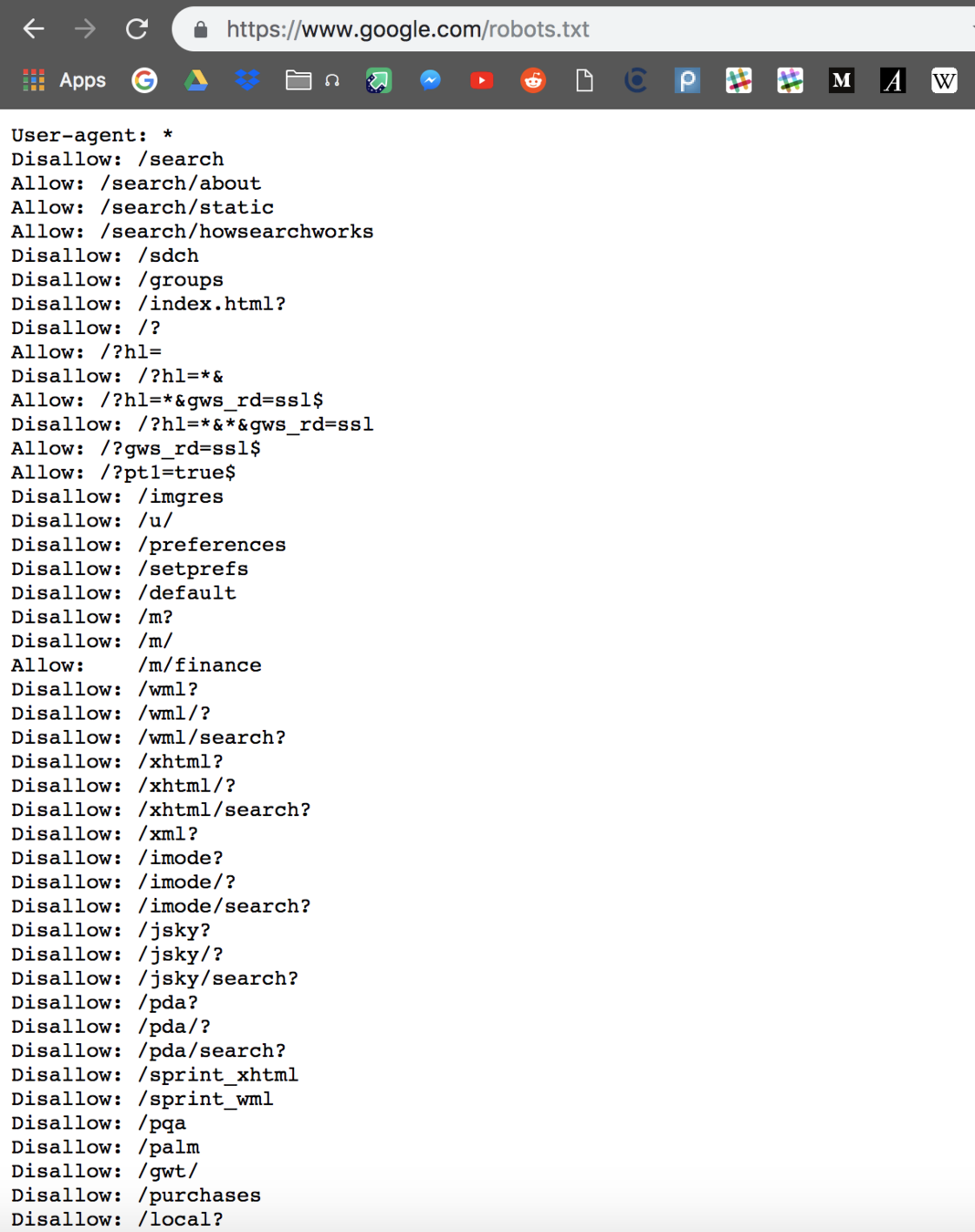
- Check robots.txt and notice if the page you're checking is disallowed
Practice
- Search up 3 random websites and look up their robots.txt.
- Recommendations:
- BearFounders
- Recommendations:
High Level Overview
- Request html code from a website using Requests
- Pick out information you're interested in keeping using BeautifulSoup
Tools
- text editor
- requests
- pip install requests
- beautifulSoup
- no installation needed
Requests
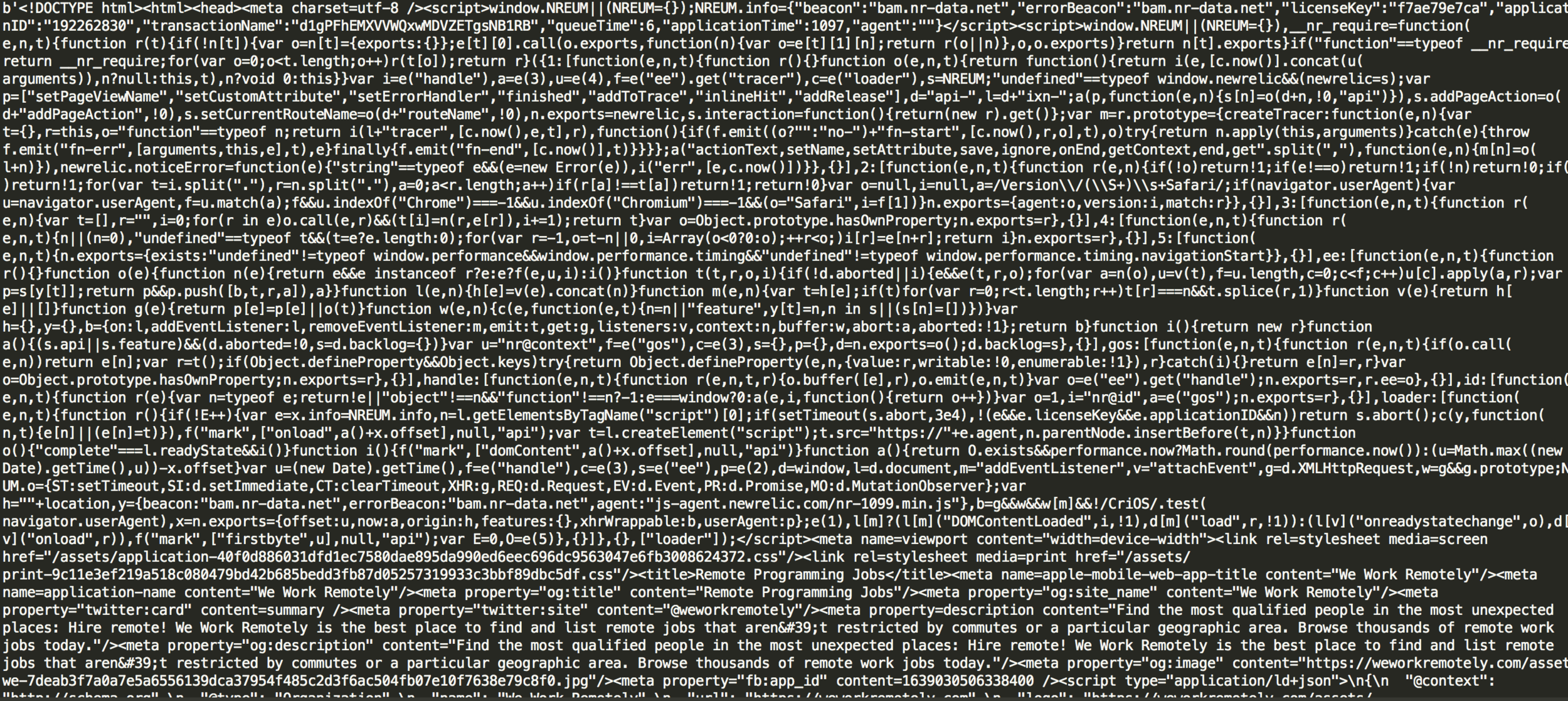
Requests is a module that allows the user to download files and web pages from the Internet. When you run Requests on a website, you'll get its HTML code.
BeautifulSoup
We use BeautifulSoup to parse through the downloaded HTML code of the webpage and specifically select the content we want.
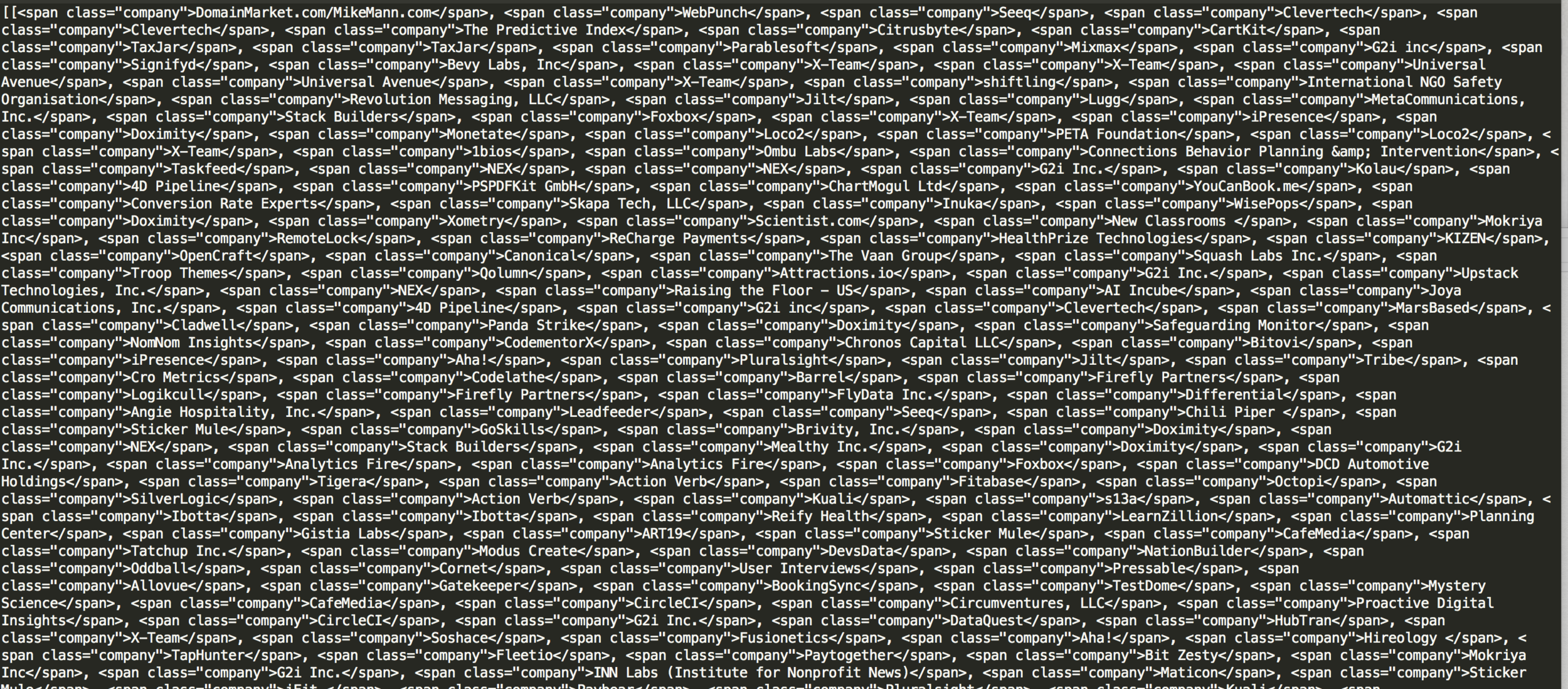
HTML Code -> [image 1 link, image 2 link, image 3 link, ......]
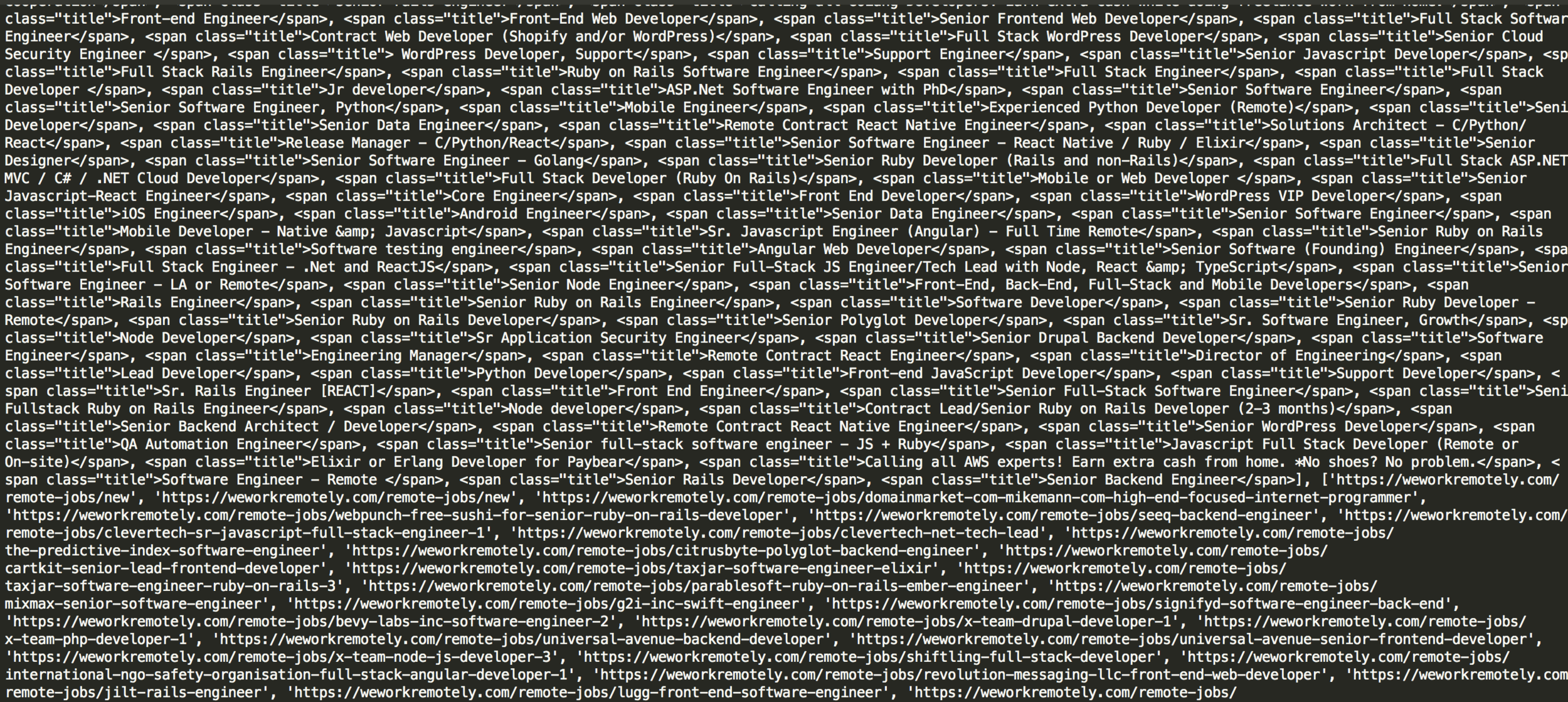
Demo: Static Web Scraping
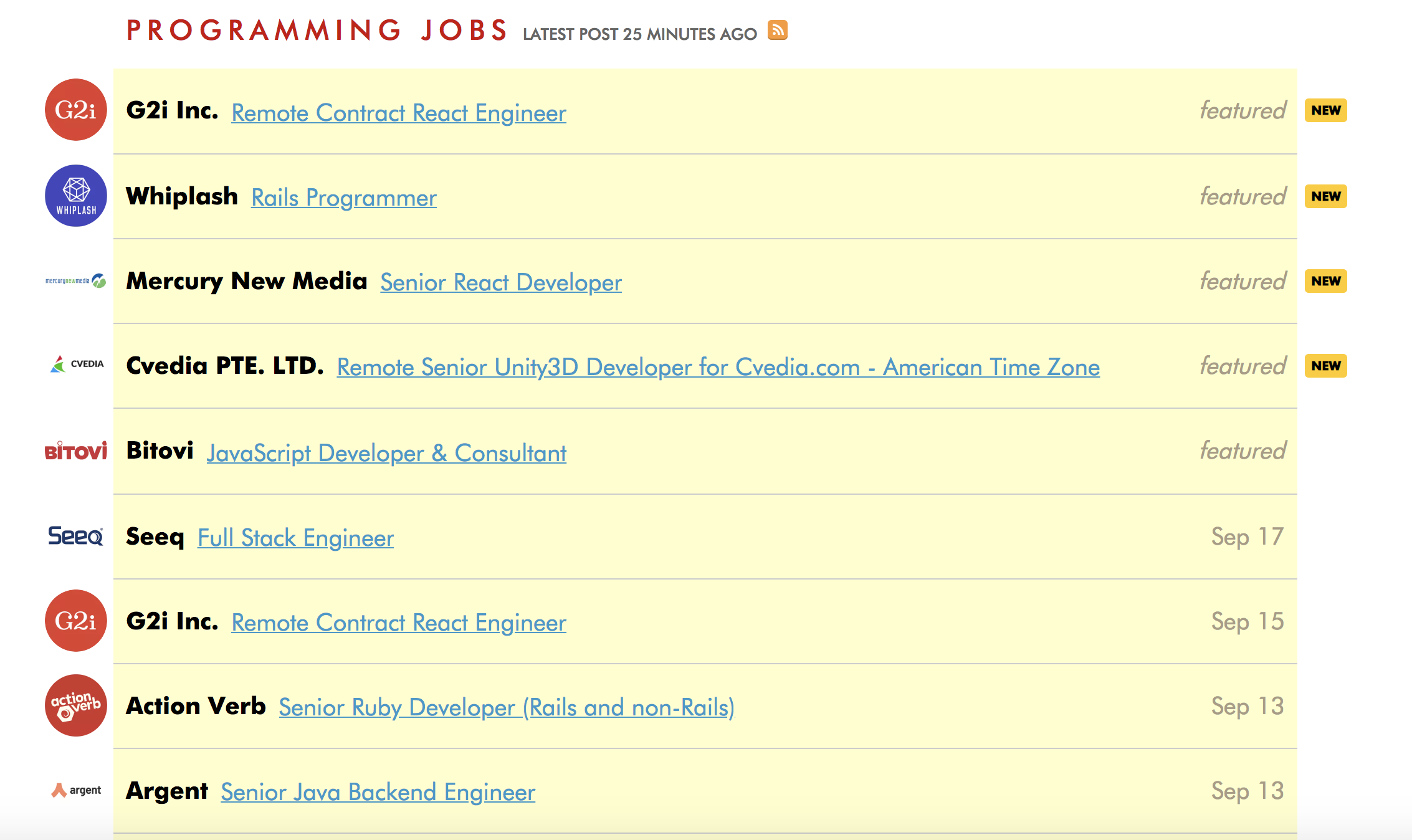
https://weworkremotely.com/categories/remote-programming-jobs
Requests
If you haven't already: pip install requests
- Make a new file
- import requests at the top
Important Methods:
- Get
- Raise for Status
Documentation: http://docs.python-requests.org/en/master/
Requests
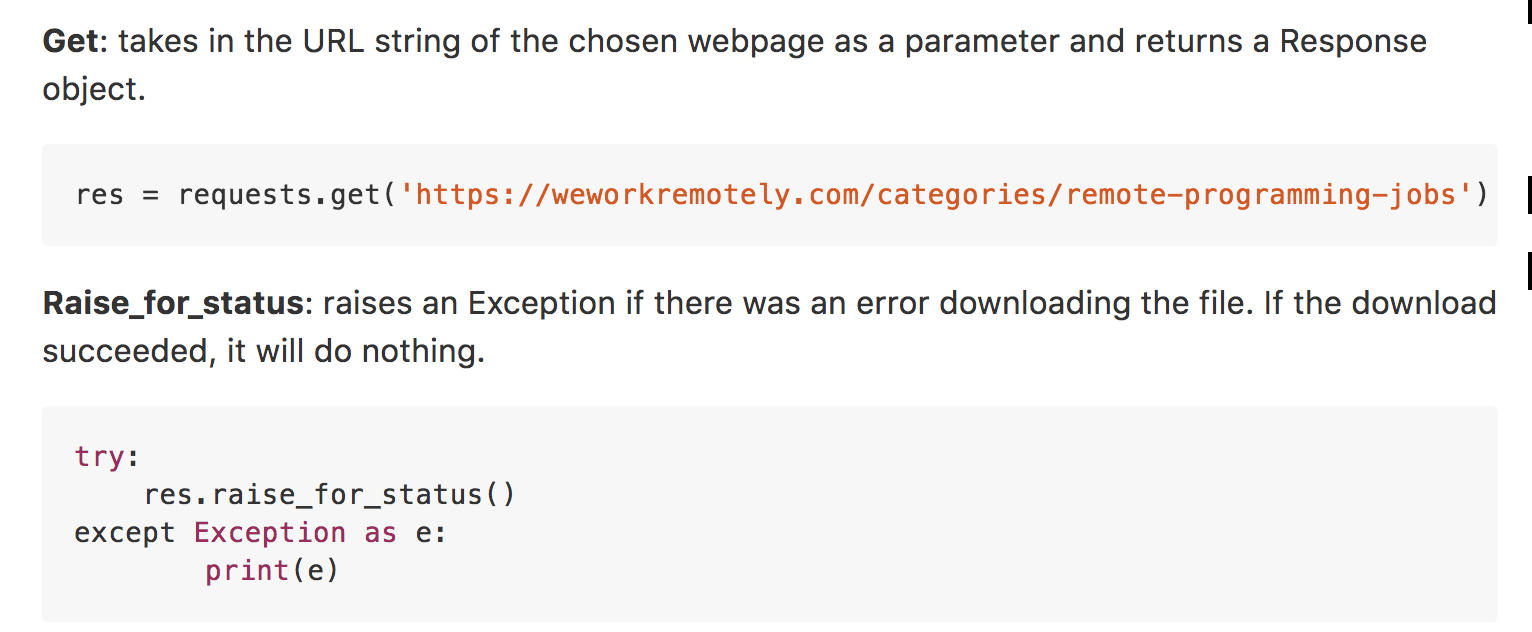
Example
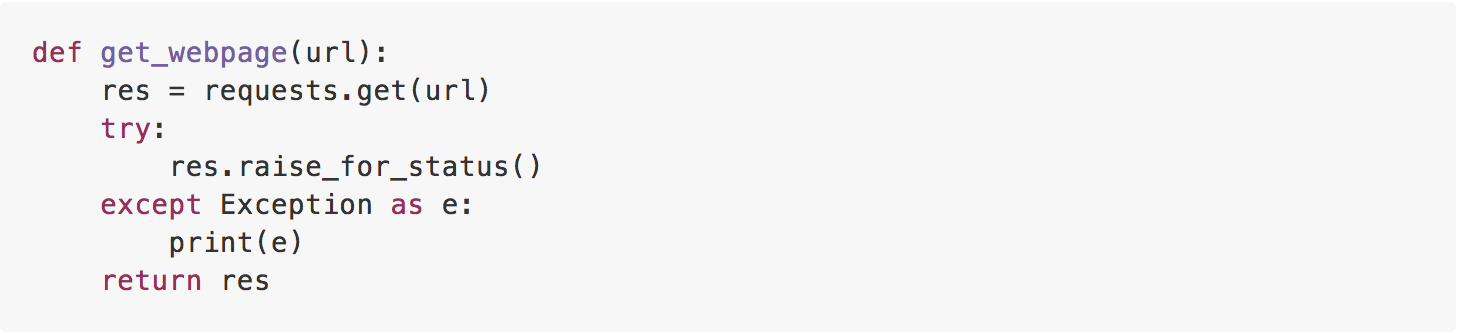
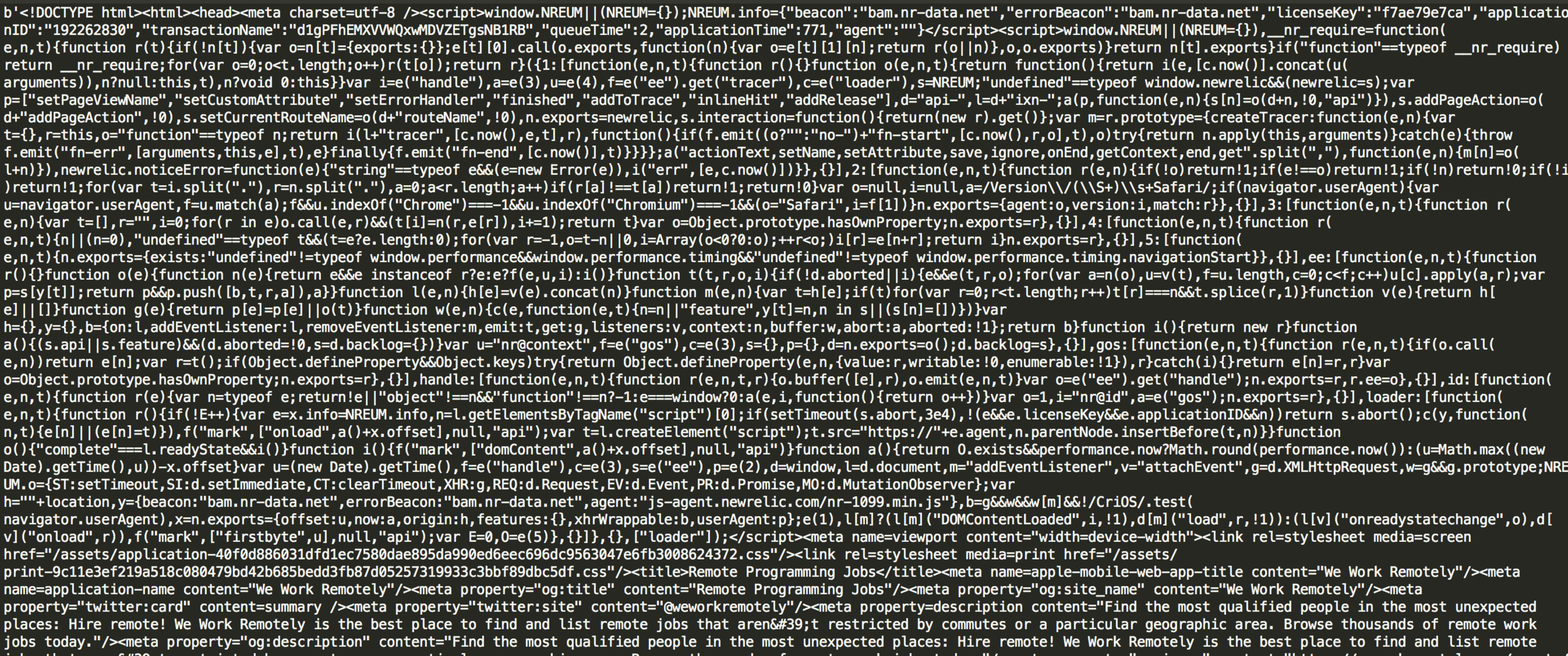
res will be a Response object that contains all of your HTML code.
Running print(res.content) will show the websites HTML Code
Result

BeautifulSoup
If you haven't already: pip install beautifulSoup4
Inside your file: import bs4

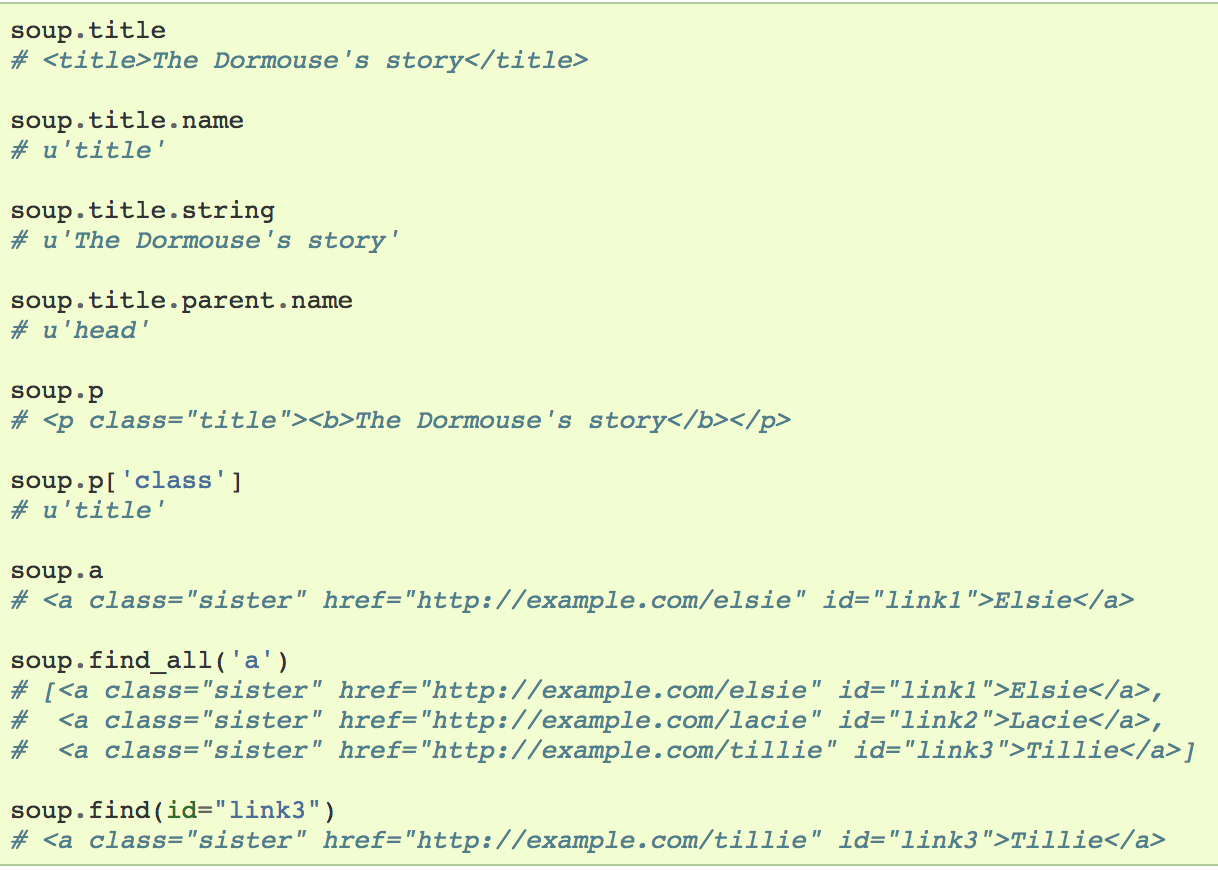
the line above converts your Request object into a BeautifulSoup object to run commands on
Commands
Result
Happy Web Scraping!
Week 1
By tzee