





Victor Bjelkholm
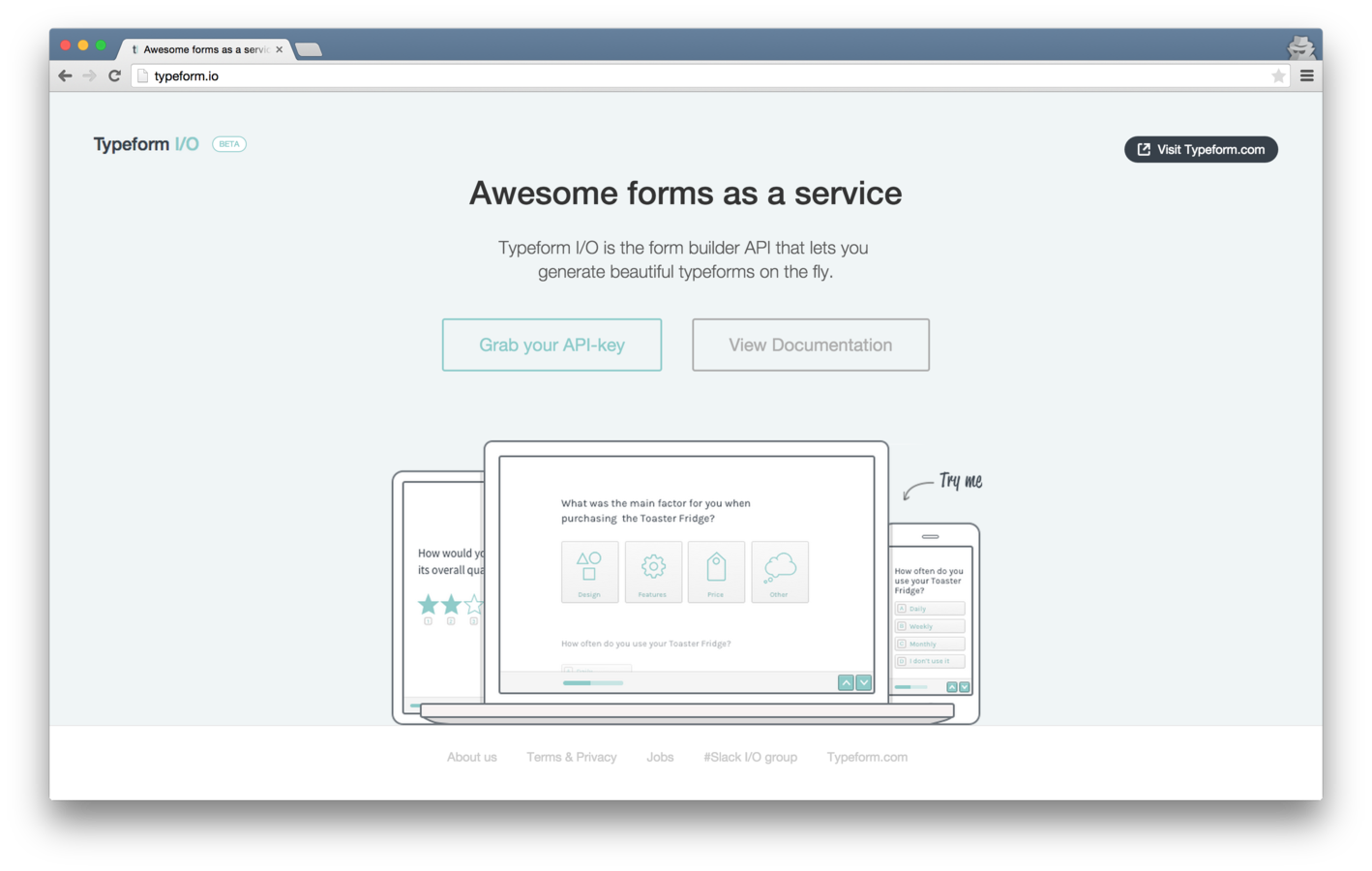
Developer Evangelist at Typeform Currently busy building Typeform I/O, creating typeforms via an API
Developer Evangelist at Typeform
victor@typeform.com
@VictorBjelkholm
https://api.typeform.io/v0.2/forms{
"title": "New Form",
"fields": [
{
"type": "yes_no",
"question": "Are you feeling fine?",
"description": "We just want to know how you feel"
}
]
}{
"id": "pQL-1ddmi1u76A",
"design_id": 1,
"fields": [
{
"type": "yes_no",
"question": "Are you feeling fine?",
"position": 0,
"choices": null,
"id": 221126
}
],
"links": {
"form_render": {
"get": "https://forms.typeform.io/to/pQL-1ddmi1u76A"
}
},
"title": "New Form",
"webhook_submit_url": null
}git clone https://github.com/TypeformIO/SimpleLiveReports.git
cd SimpleLiveReports
npm install
node index.js./ngrok 5000
# OUTPUT
Tunnel Status online
Version 1.7/1.7
Forwarding http://37e80c7f.ngrok.com -> 127.0.0.1:5000
Forwarding https://37e80c7f.ngrok.com -> 127.0.0.1:5000
Web Interface 127.0.0.1:4040
# Conn 62
Avg Conn Time 1.94ms
http://37e80c7f.ngrok.comFORM_TITLE=SimpleLiveReports
API_ENDPOINT=https://api.typeform.io/v0.2/forms
API_TOKEN=your_apikey
LIVE_DOMAIN=http://37e80c7f.ngrok.comFORM_WEBHOOK and API_TOKEN both needs to be modified
LIVE_DOMAIN=http://37e80c7f.ngrok.comlinks.results_report.get link helps you with that!
should work, please don't hate me if it doesn't!
By Victor Bjelkholm
Support slides for workshop on how to use the build API Typeform I/O