TDD with Vue and Jest


Xavi Sánchez




TDD
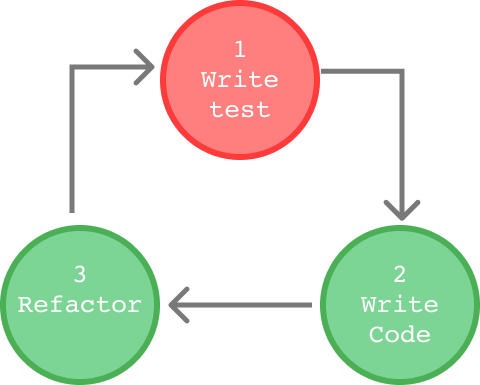
Test Driven Development
Advantages
KISS
YAGNI
Keep It Simple, Stupid
You Ain't Gonna Need It

💋
Advantages
LVHR
Lo Va a Hacer Rita
Advantages
- Design can be cleaner and clearer if the developer is focused on generating code to pass the tests.
- Every feature has been tested.
Key Parts
- Do NOT try to test all at the same time. TDD is based on small cycles.
- Changing the development paradigm could be difficult for the developer.
Test Structure
- Setup: Put the test in an initial state to test.
- Execution: Generate the 'outputs' or obtain the behavior to test.
- Validation: Validation of the obtained results.
- Clean up: Reset the state if we changed something during the test
How to test


vue-test-utils
jest
Quick Intro to vue-test-utils
stubs
Quick Intro to vue-test-utils
Mounting options
- localVue
- propsData
- store
- ...
Quick Intro to vue-test-utils
The basic object in vue-test-utils is the Wrapper (and WrapperArray)
Start our app
SpeakersView.vue
SearchForm.vue
SpeakersList.vue
Speaker.vue
Inititialize app
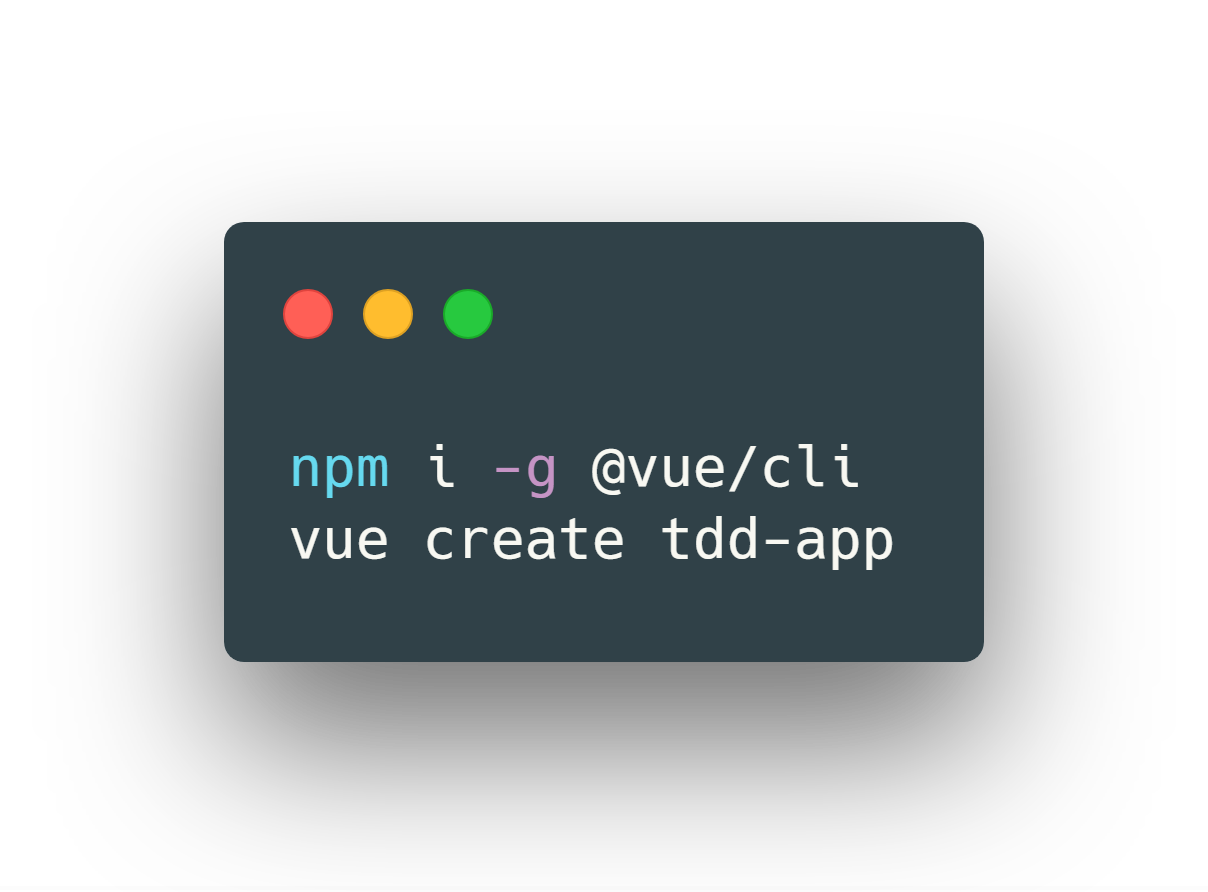
Cleaning the project
- src/store.js
- src/assets/logo.png
- src/components/HelloWorld.vue
- tests/unit/example.spec.js
branch: step-1
Clean App.vue
branch: step-1
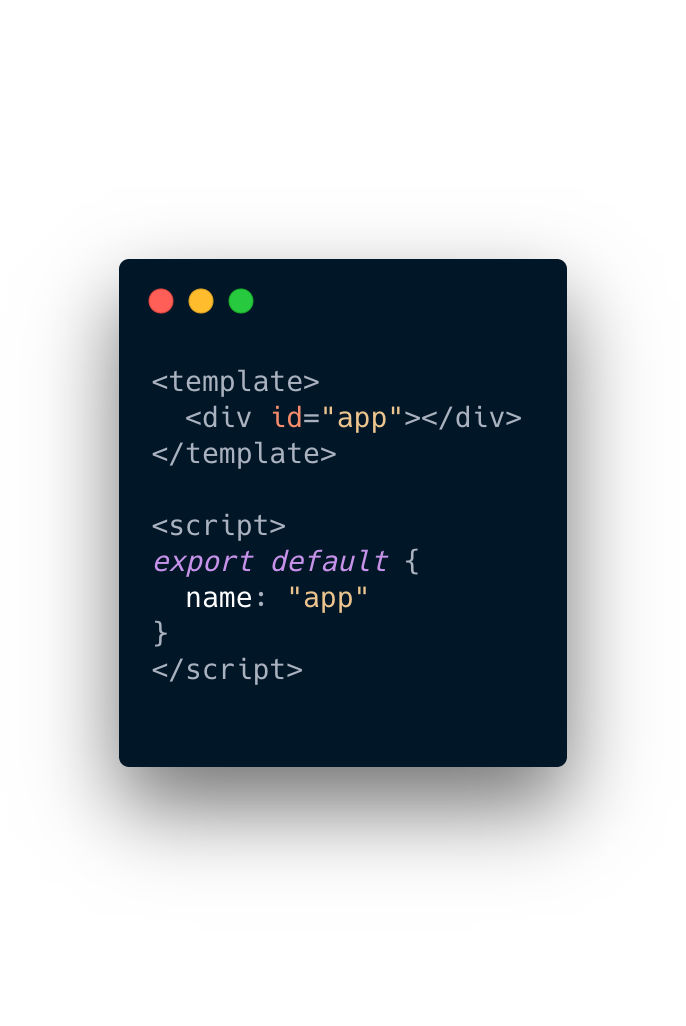
Create Store
branch: step-1
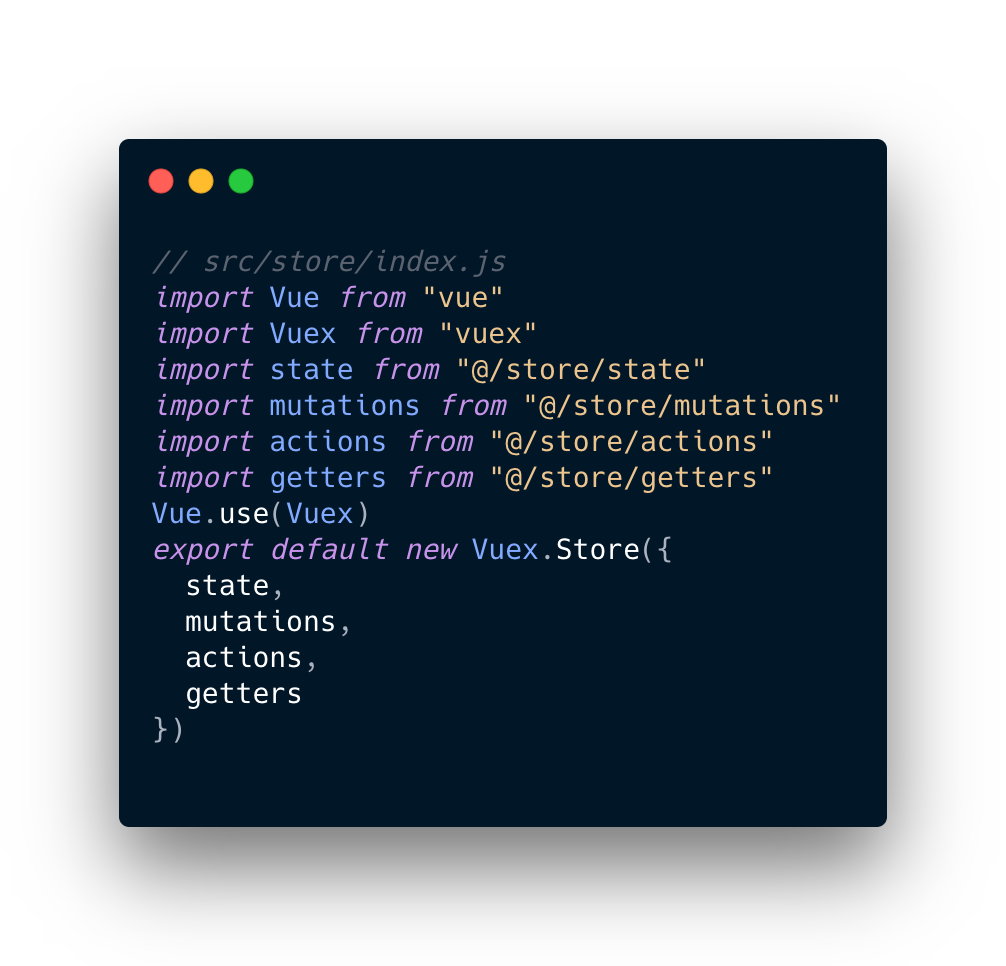
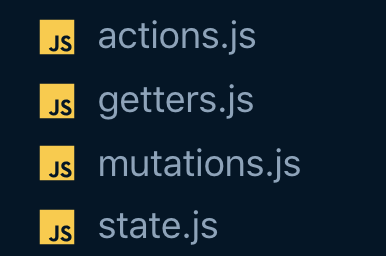
We also create this files in /store with the following code
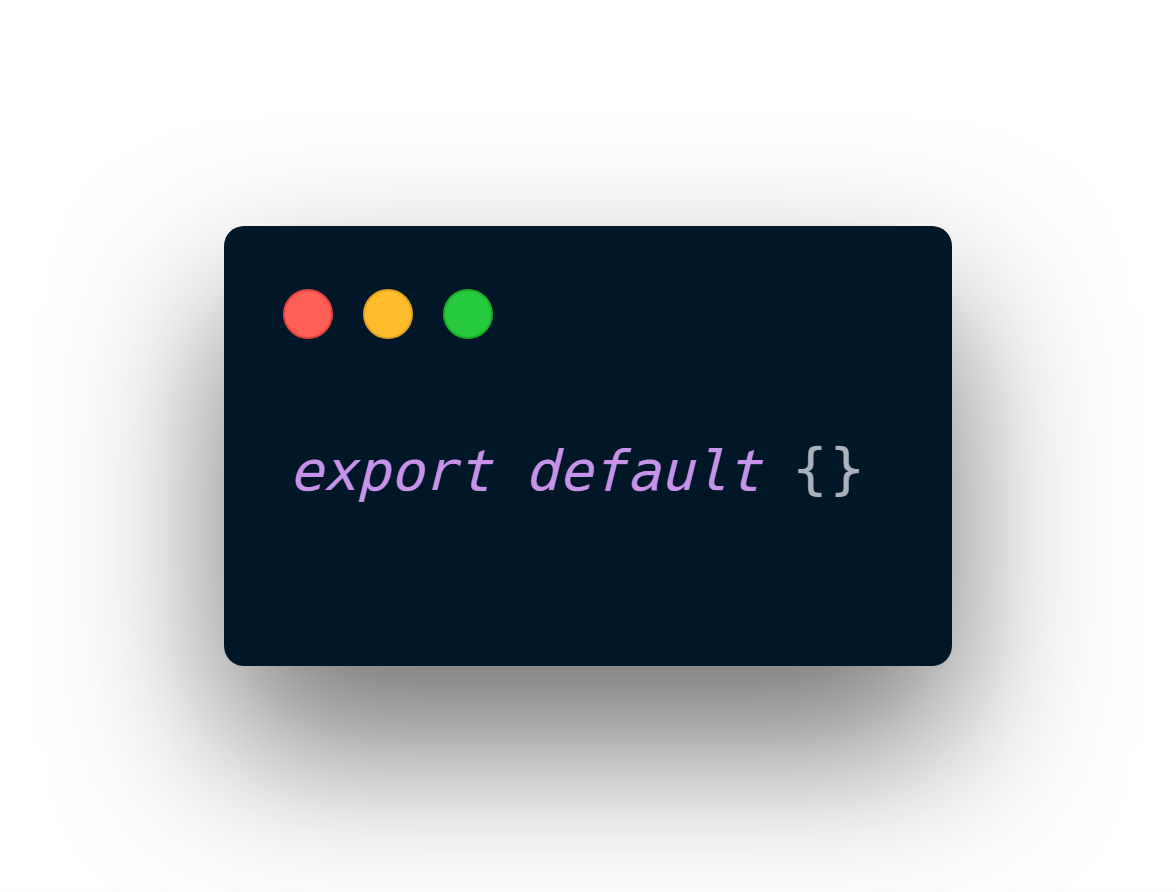
branch: step-1
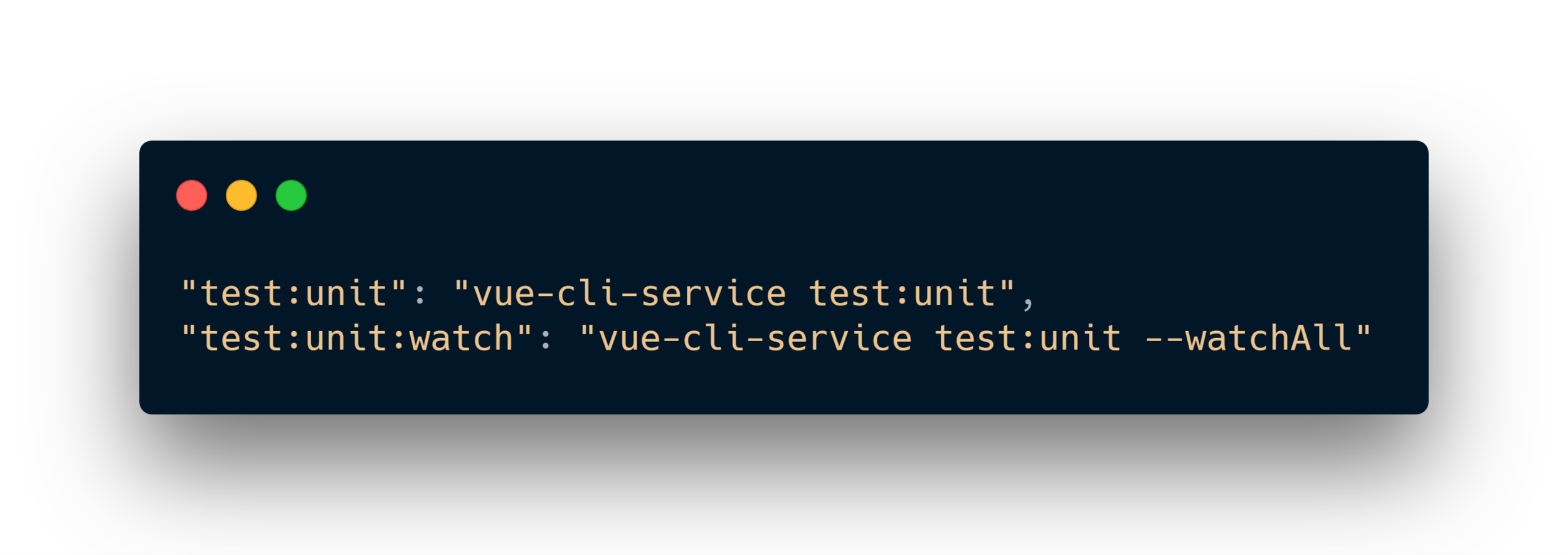
Add the npm scripts in package.json
branch: step-1
Install dependencies to use
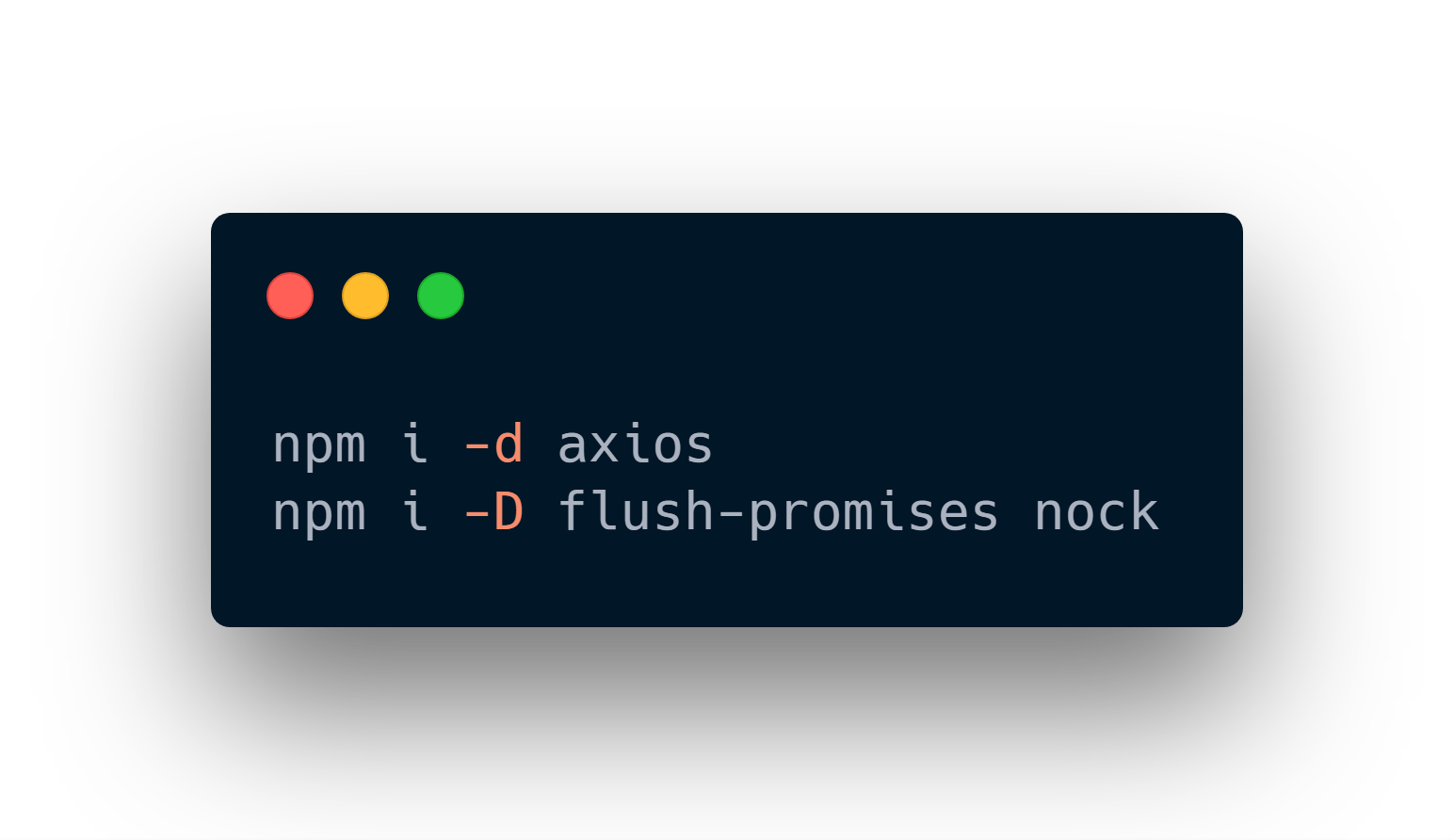
branch: step-1
Time to create our first test!

branch: step-1
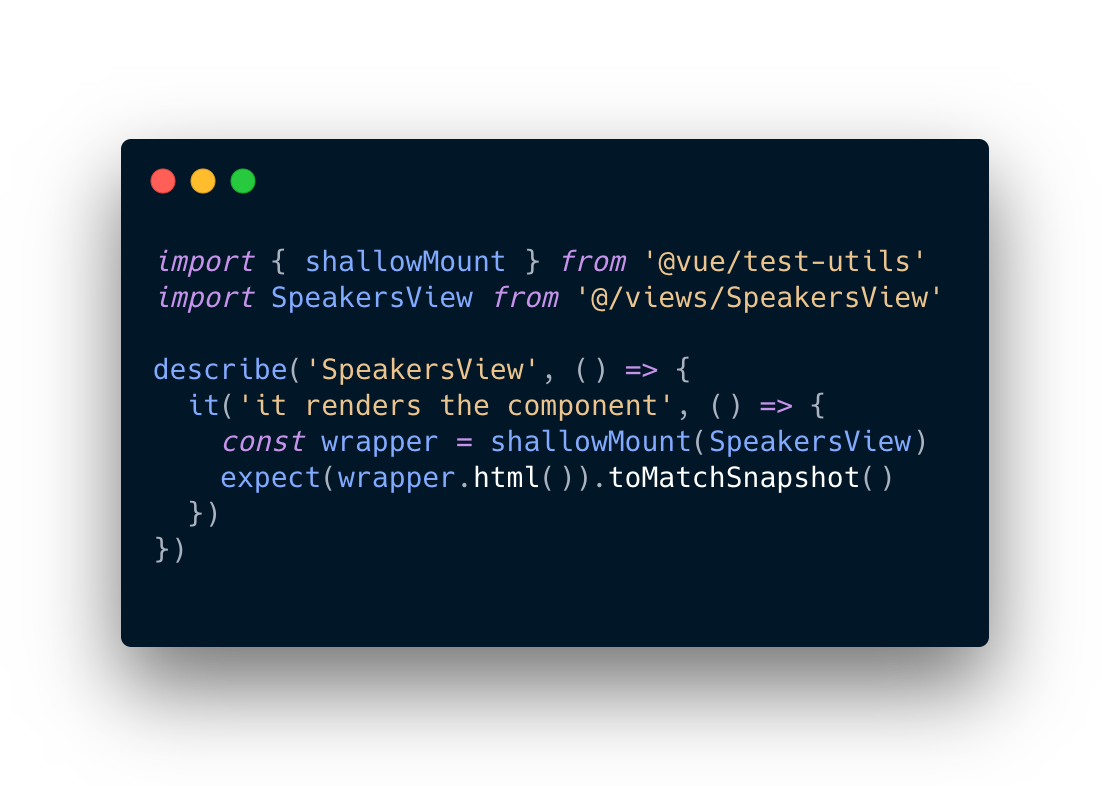
Creating tests for the SpeakersView
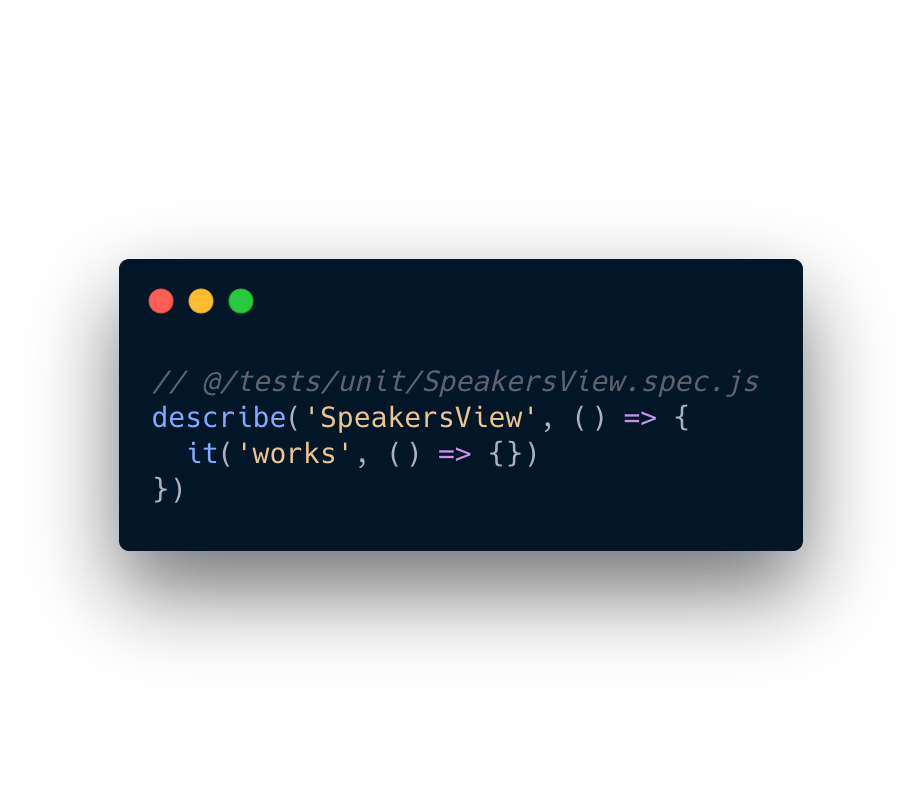
branch: step-1
Run the test
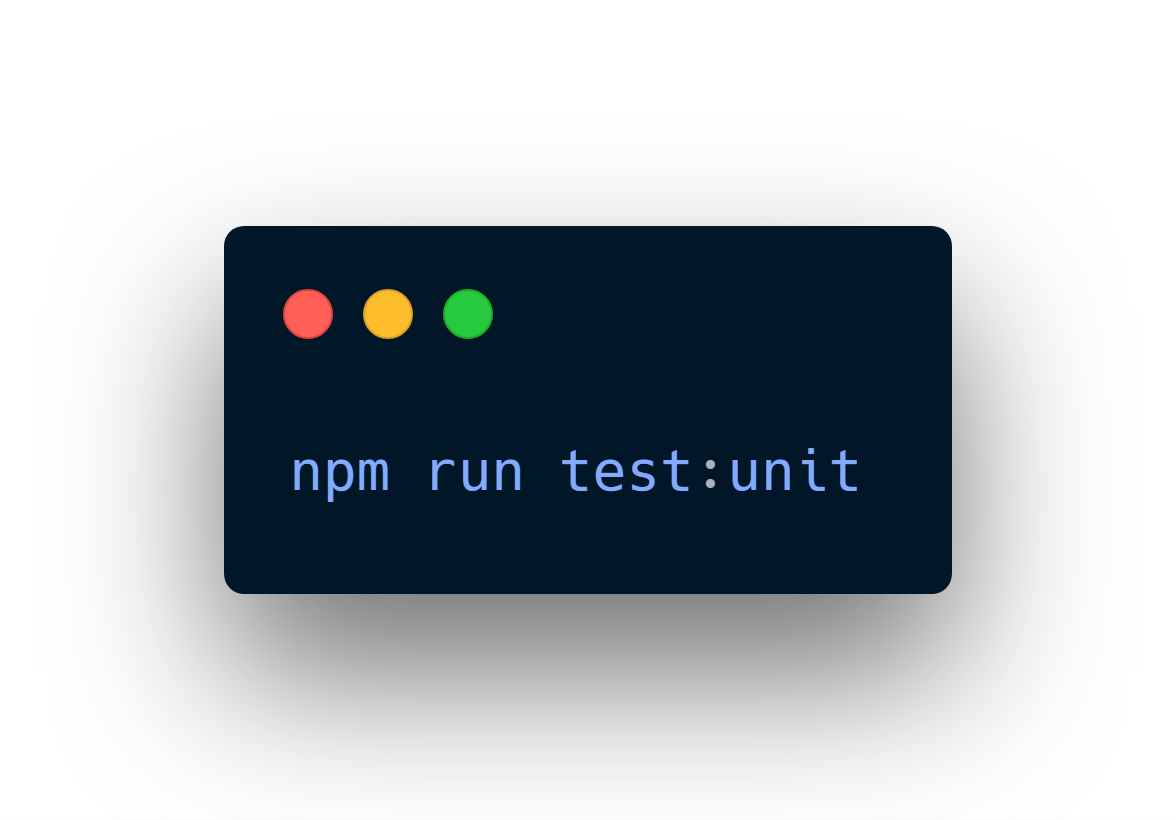
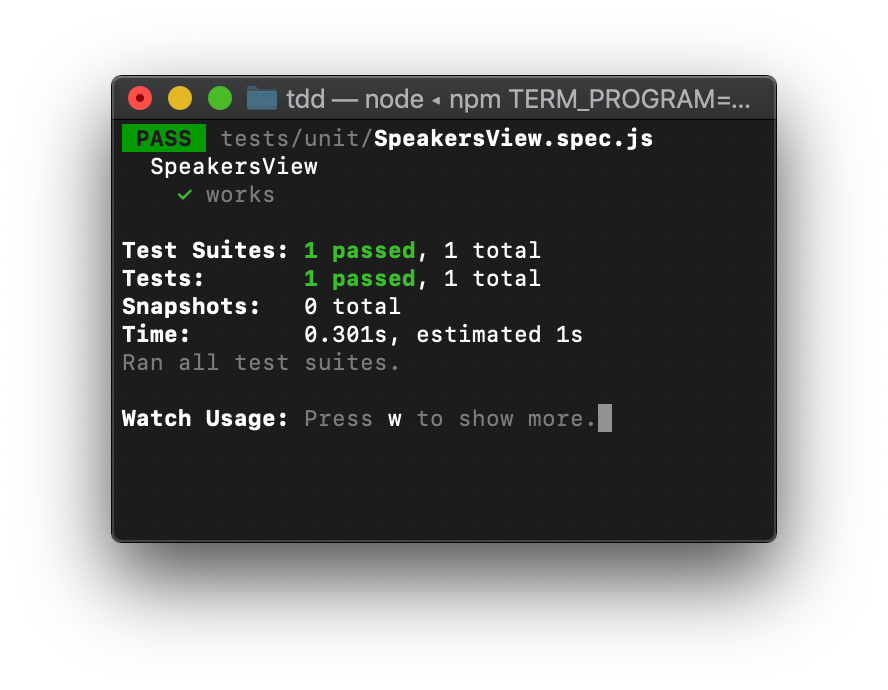
branch: step-1
The right one
branch: step-1
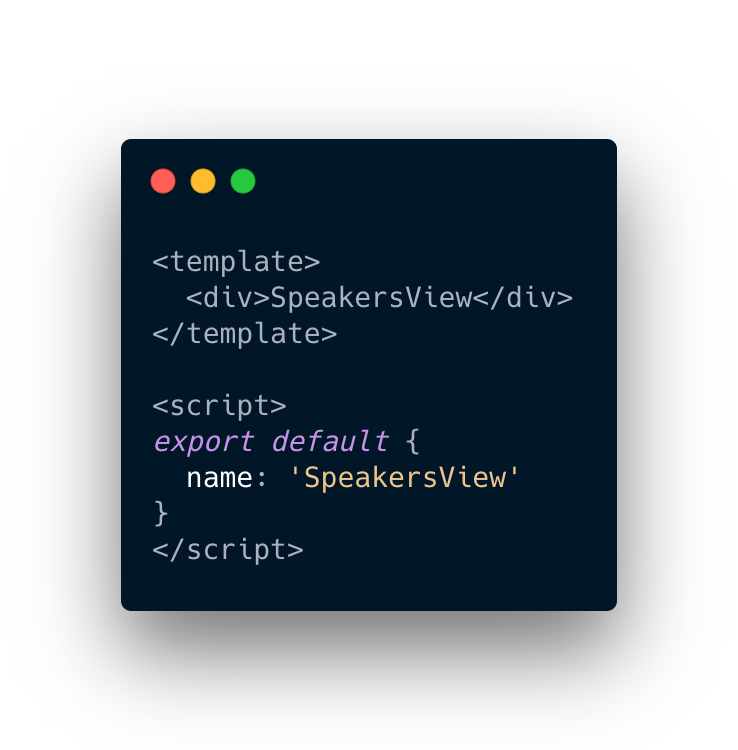
Create SpeakersView
branch: step-2
Create SpeakersView
branch: step-2
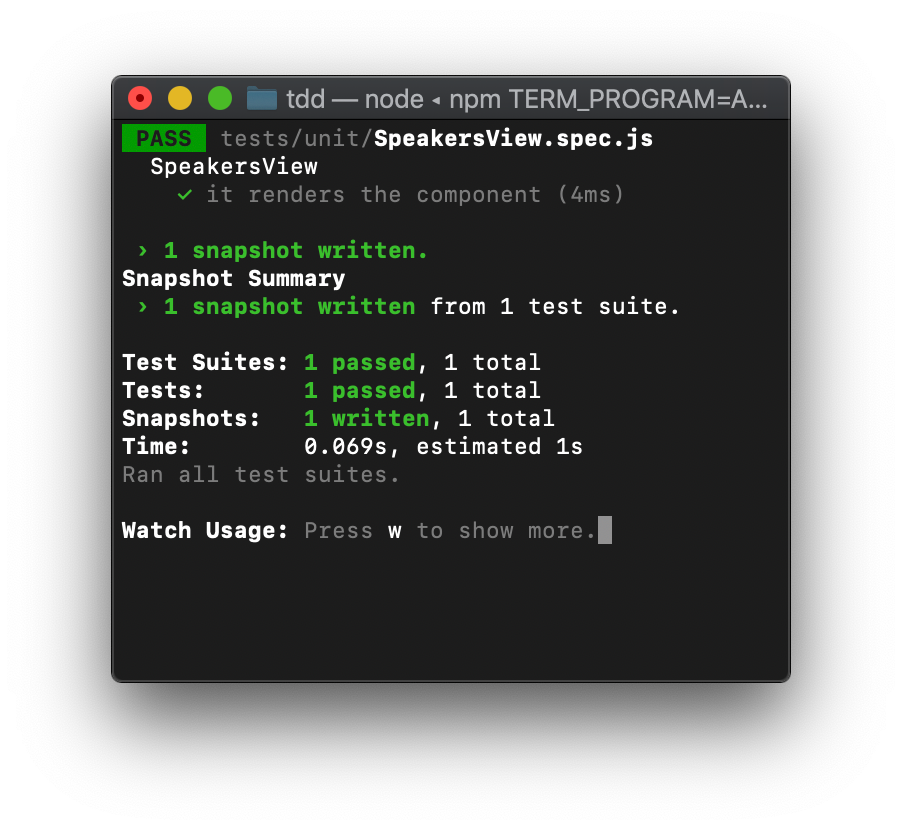
Snapshot
branch: step-2
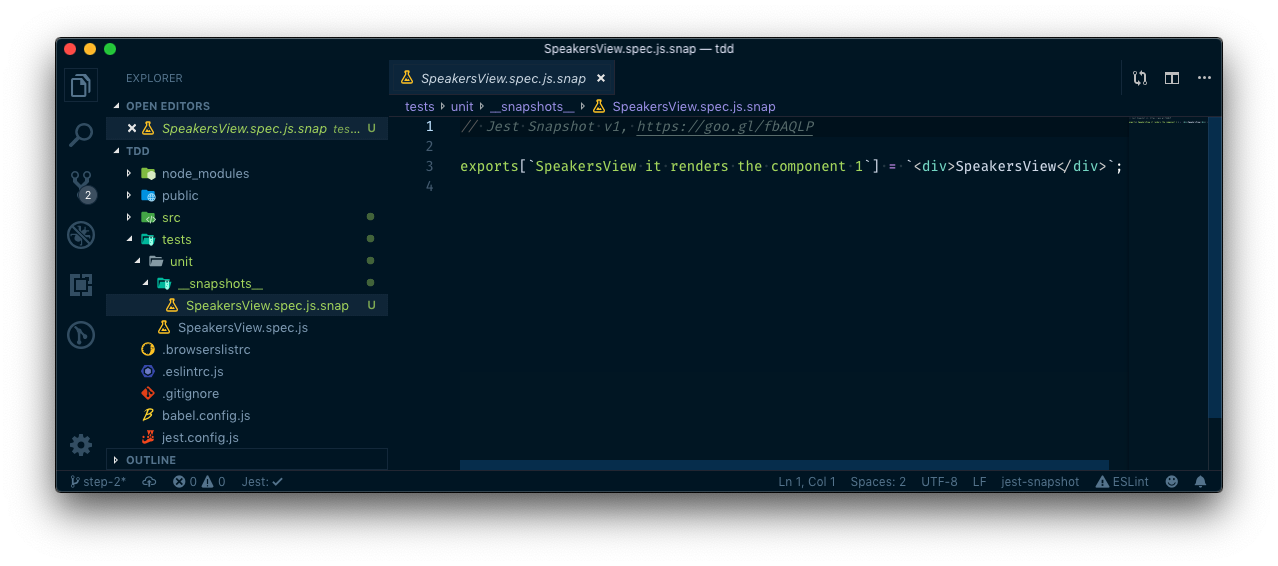
Change SpeakersView
branch: step-2
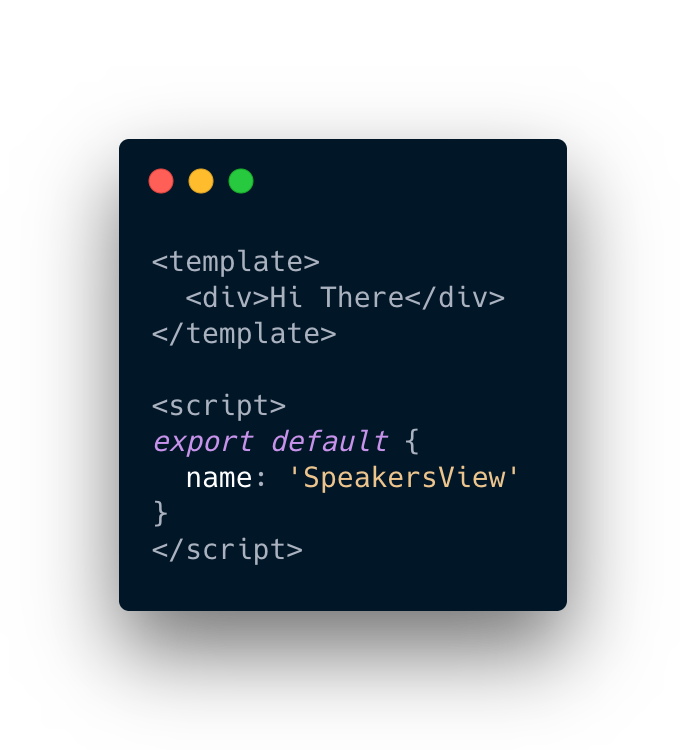
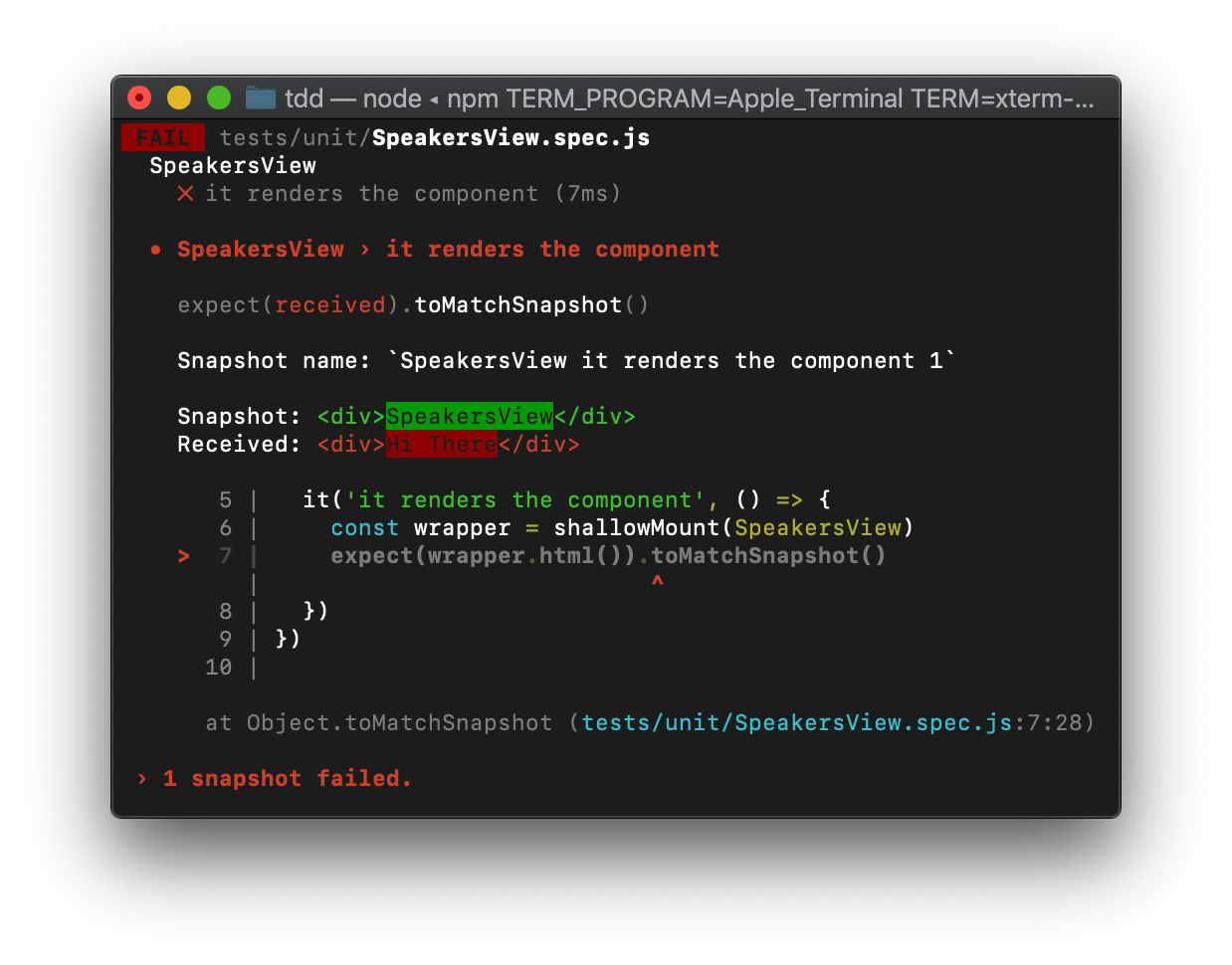
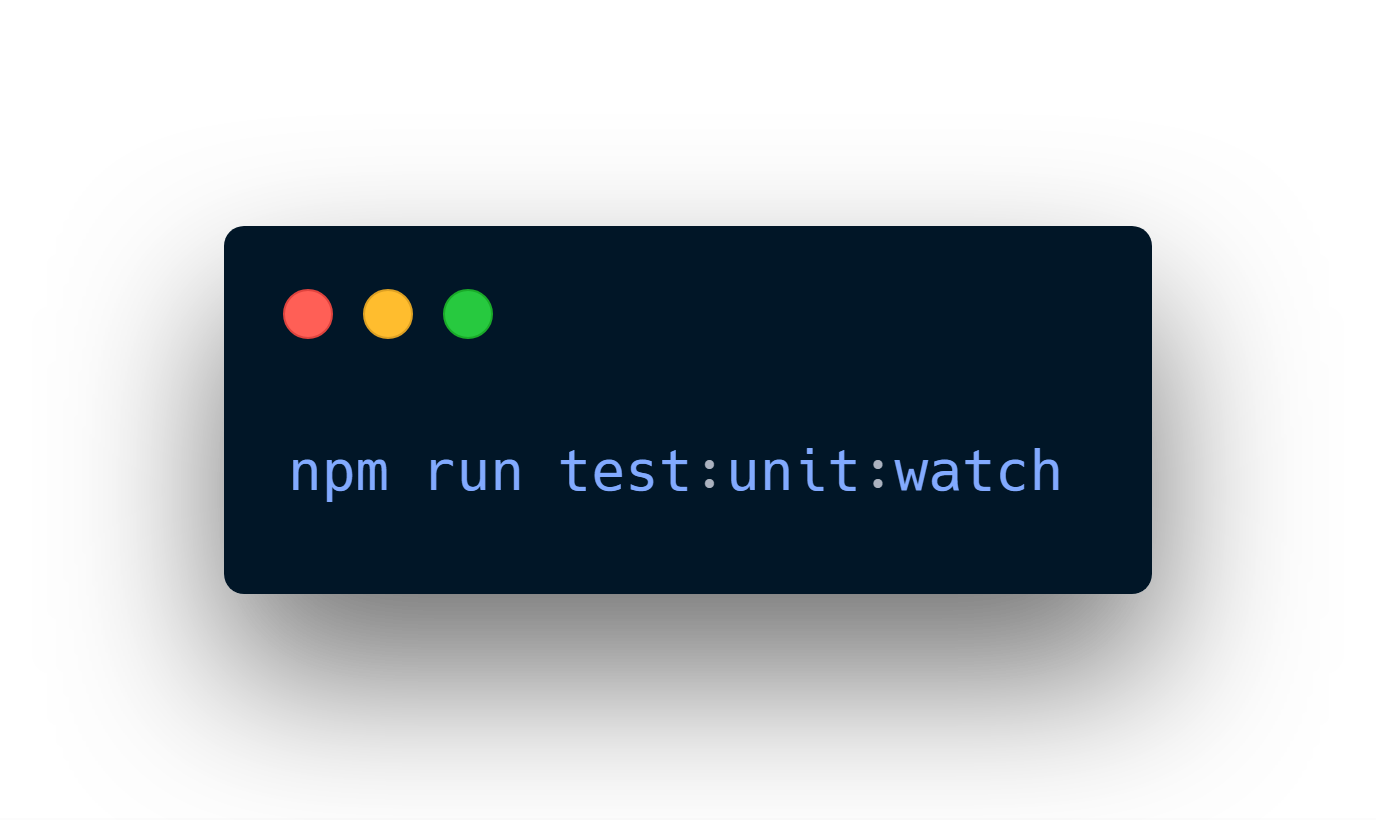
Watch mode
branch: step-2
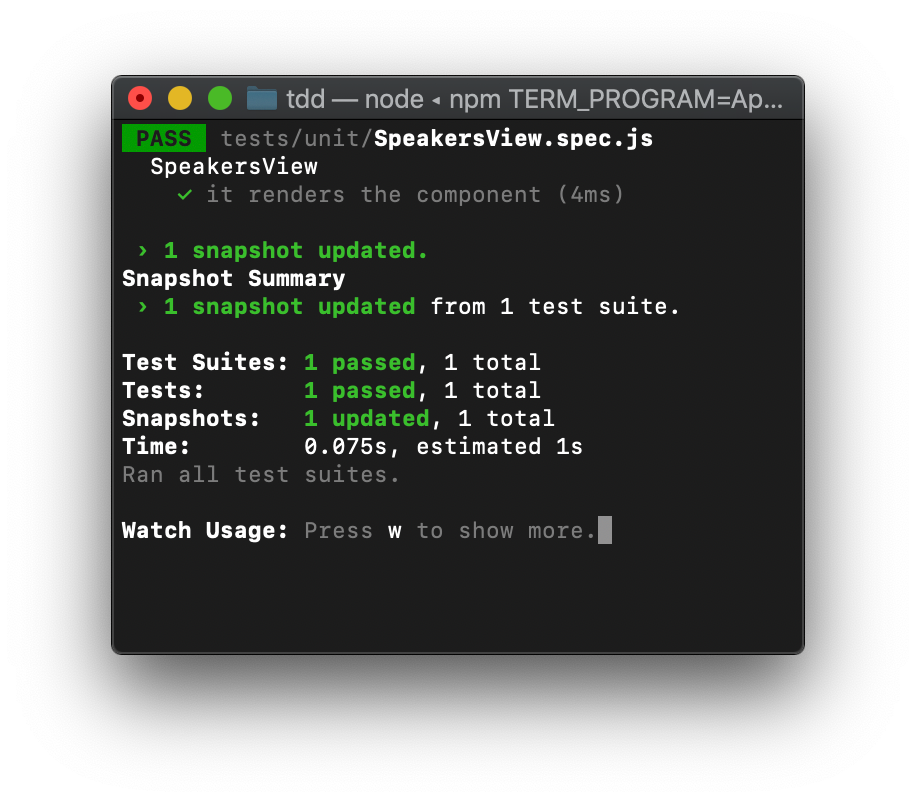
Update snapshots with 'u'
branch: step-2
SpeakersView requirements
branch: step-3
- Renders the right
- Exists SearchForm.vue
- Exists SpeakersList.vue
- Has speakers as computed property to send it via props to SpeakersList.vue
CODE
- Create components and add both to the view
- Refactor
- Add speakers list as a computed property and send it to the list component
step-3
step-4
step-5
step-6
step-7
branches: step-3,4,5,6,7
refactor
renders the right
speakers as props
SearchForm
requirements
branch: step-8
- Renders the right
- Exists text-input
- Exists submitt button
- Binds the input value to local data
- When clicking submitt button, executes store action FETCH_SPEAKER with the speaker username as parameter
CODE
- Create elements and add both to the component
- Bind input data to a local data variable
- Add a dispatch when clicking the button
step-8
step-9
step-10
step-11
step-12
branches: step-8,9,10,11,12
renders the right
bind input
click action
SpeakersList
requirements
branch: step-13
- Renders the right
- Has as many Speakers components as speakers props
- Forward speaker info to Speaker.vue through props
CODE
- Create Speaker.vue and add it to the component
- Pass info to childs components
step-13
step-14
step-15
branches: step-13,14,15
renders the right
forward info tho childs
Speaker
requirements
branch: step-16
- Renders the right
- Has a username and a foto
CODE
- Add the username and the info passed via props
step-16
step-17
branches: step-16,17
renders the right
App
requirements
branch: step-18
- Renders the right
- Contains the SpeakersView
CODE
- Add the SpeakerView
step-18
step-19
branches: step-18,19
renders the right
Testing our store

branch: step-20
Actions
requirements
branch: step-20
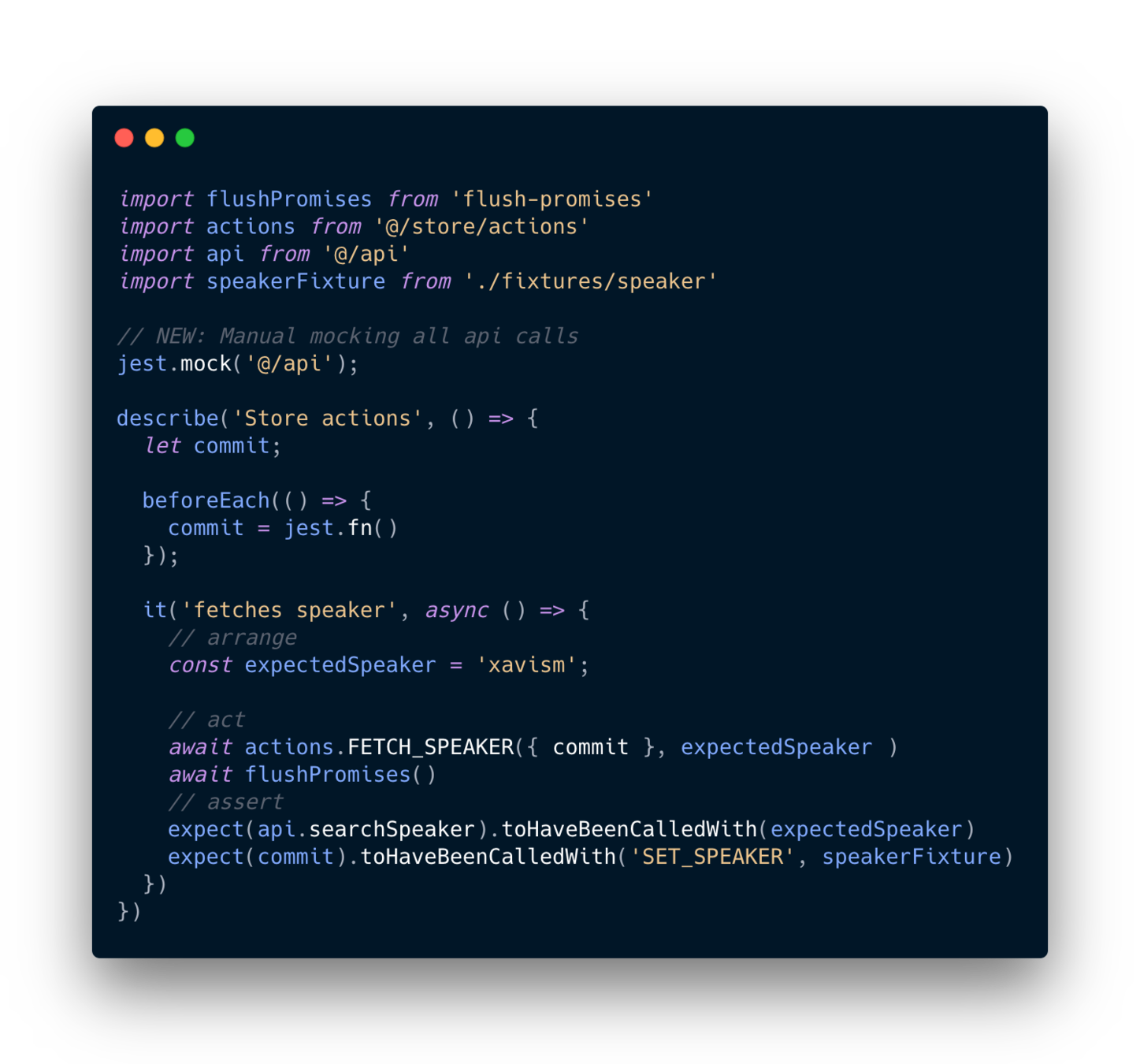
- Can fetch Speakers
- It gets info from an api
- Commits the response through a mutation
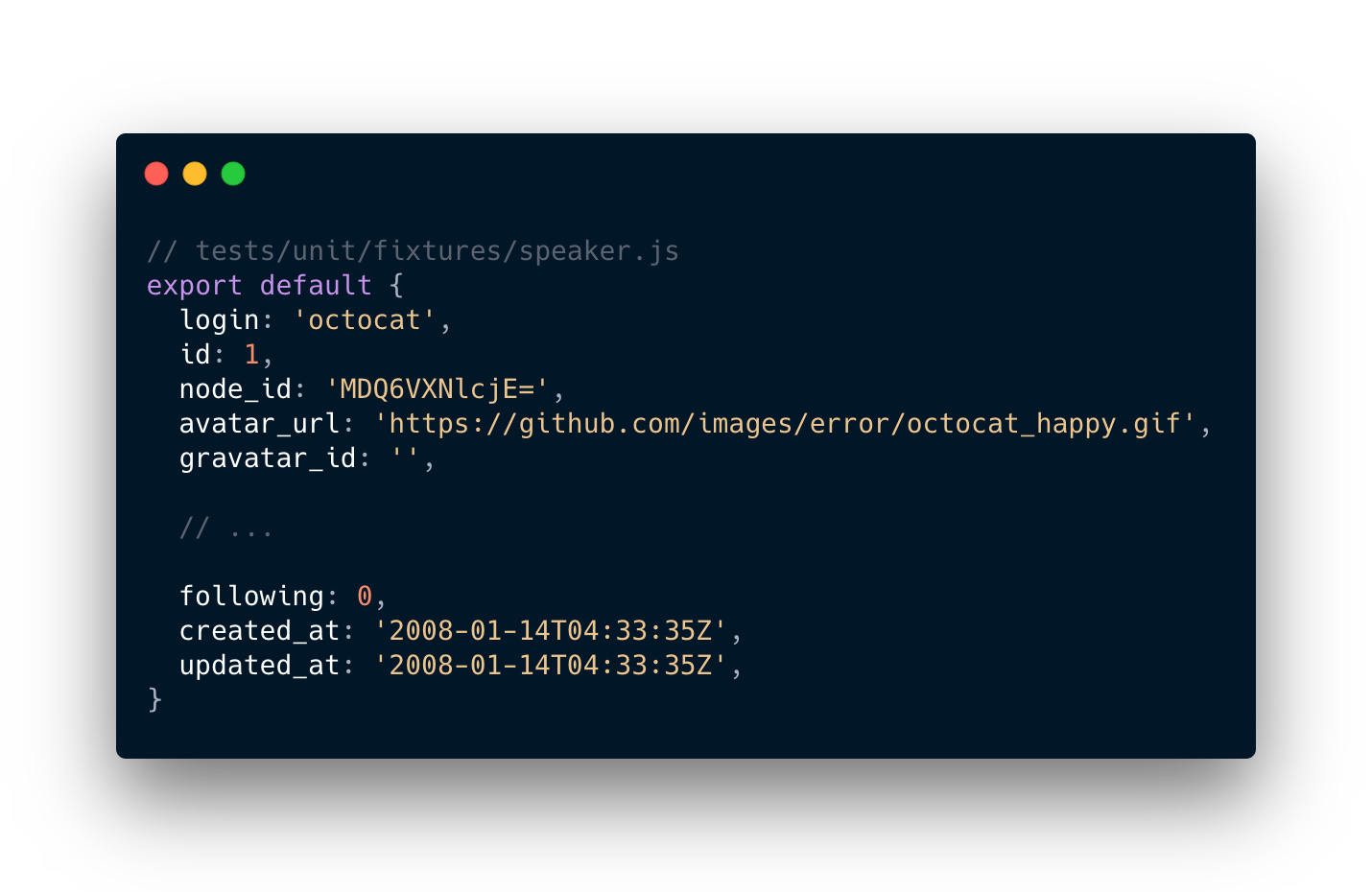
Creating a Speaker fixture
branch: step-20
Creating the test
branch: step-20
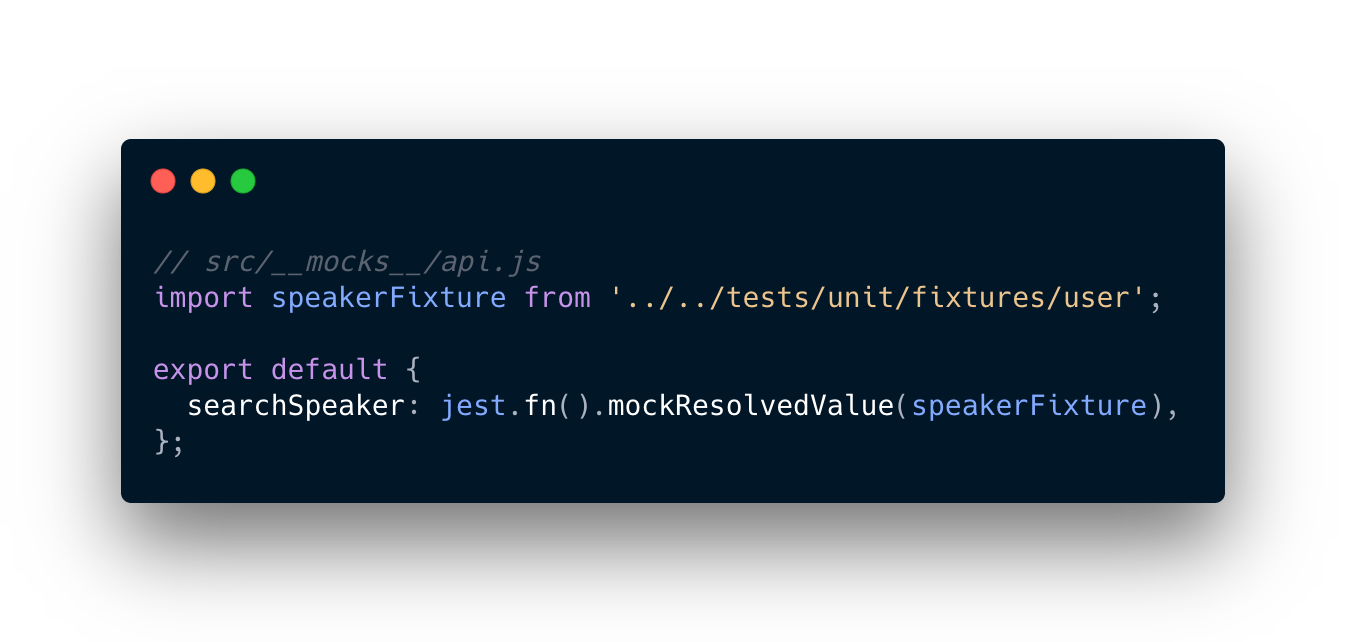
Mocking the API
branch: step-20
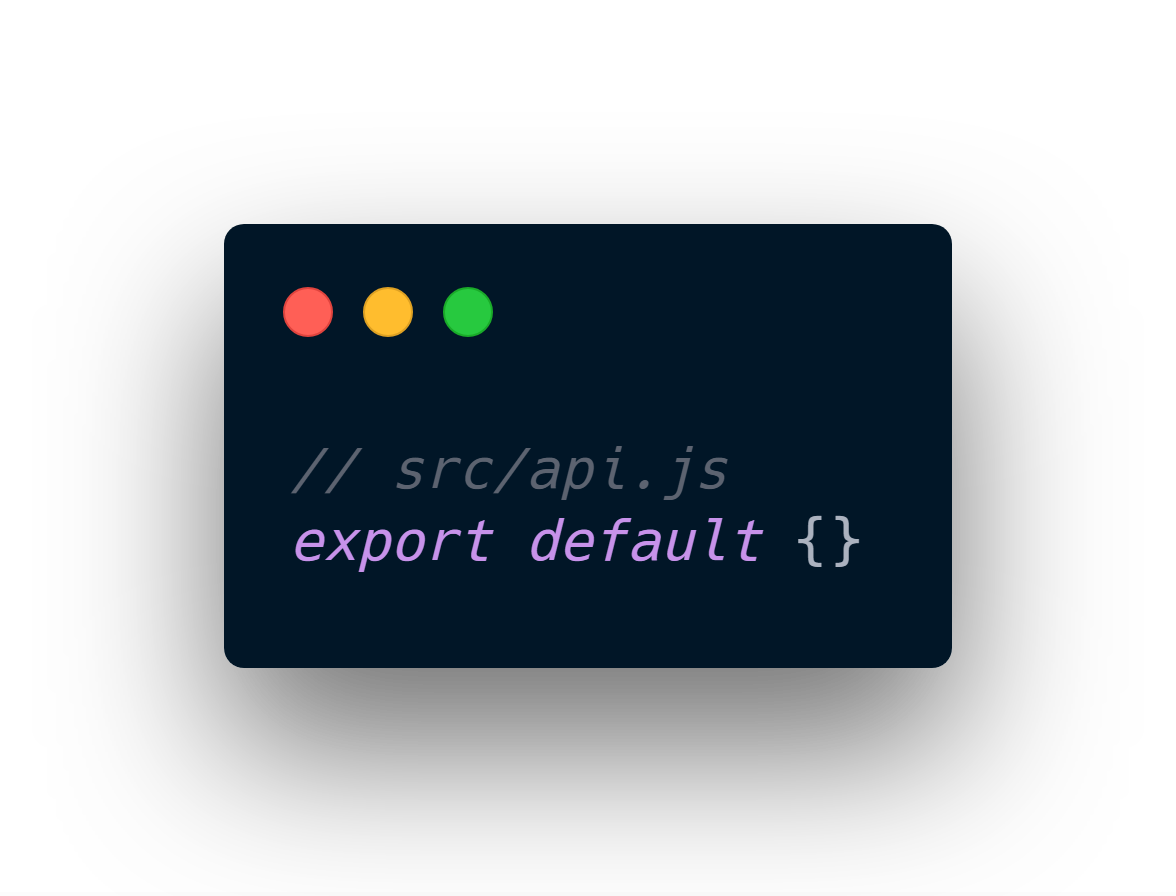
Creating the API
branch: step-20
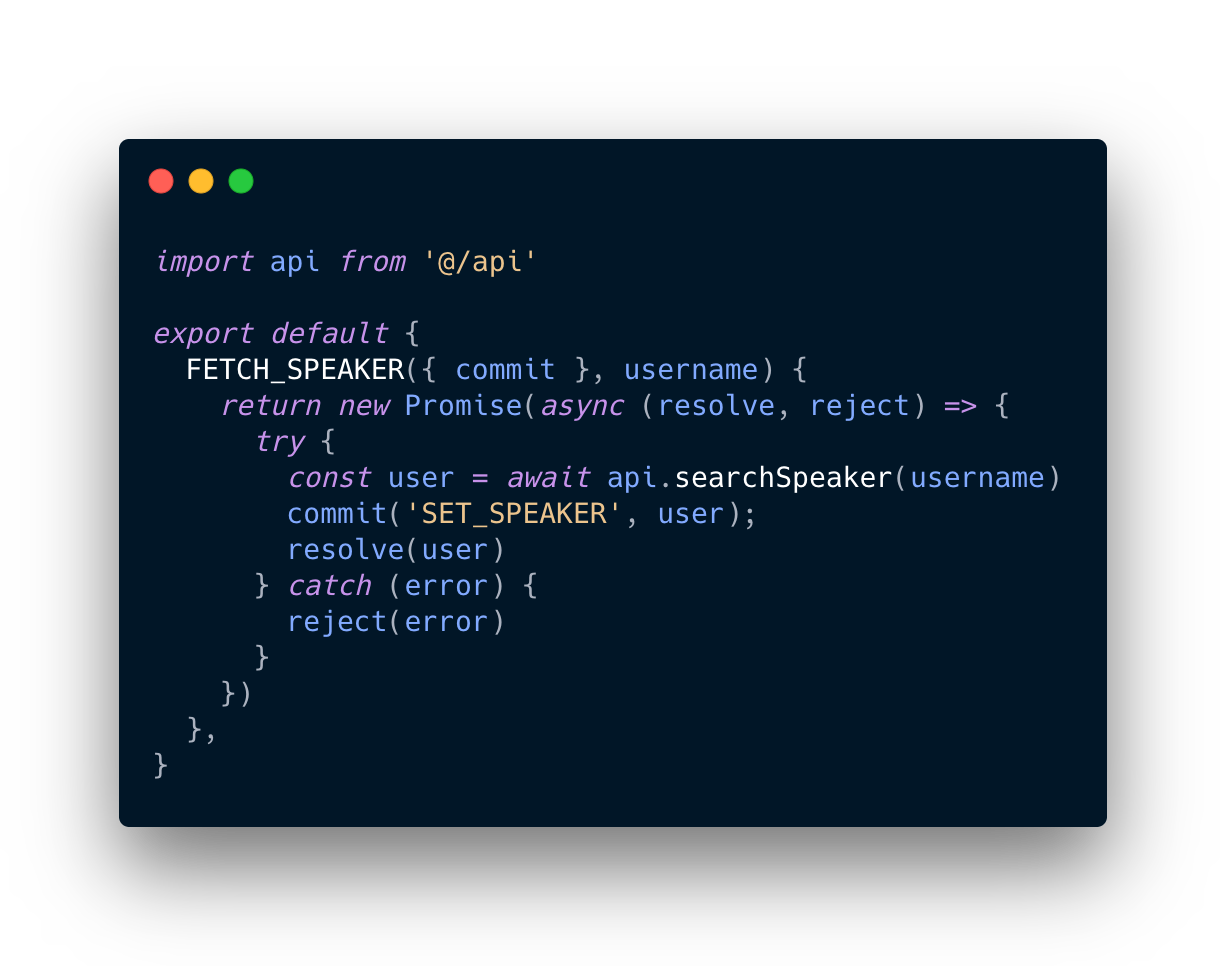
Implementing Actions
branch: step-21
Mutations
requirements
branch: step-22
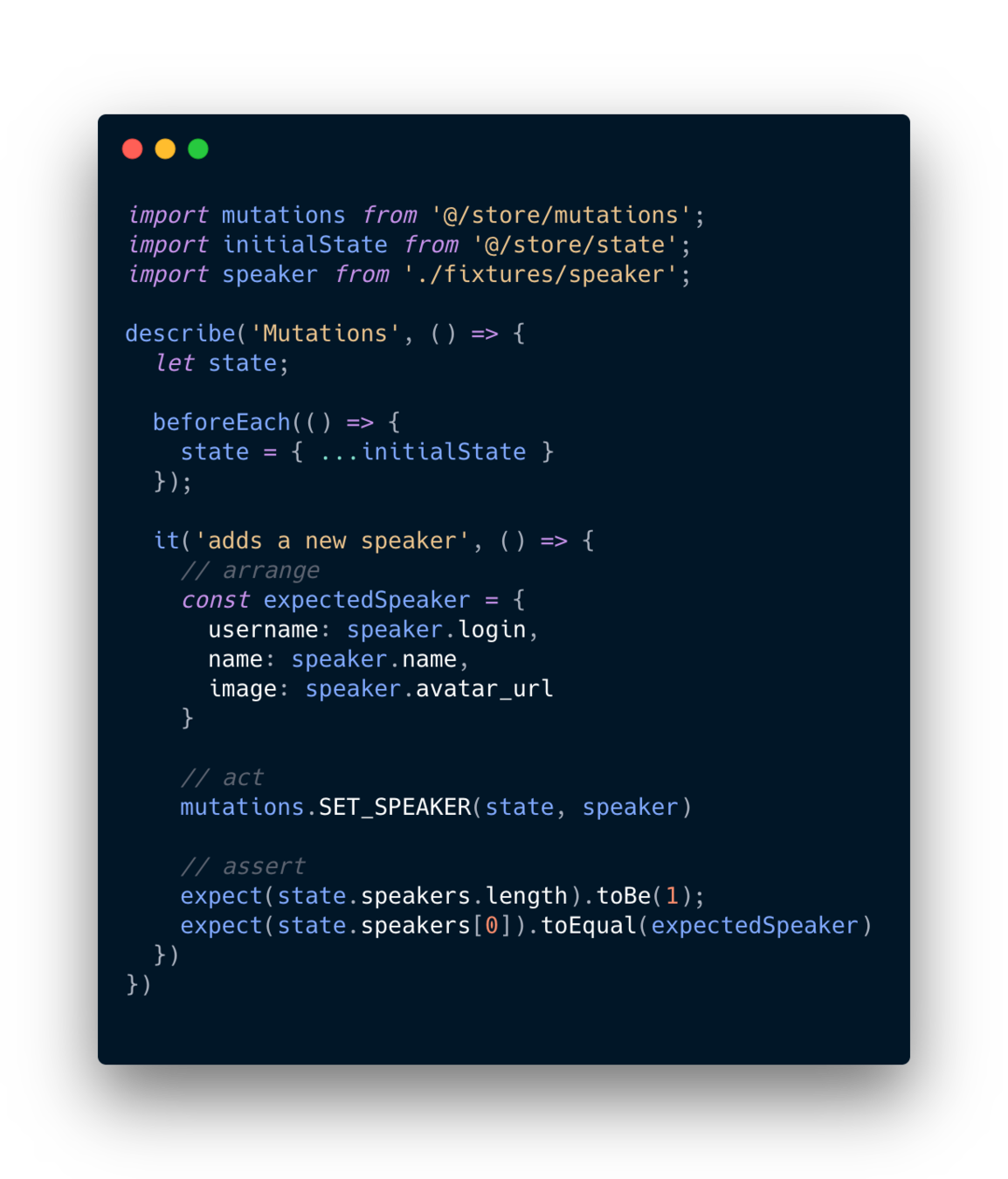
- Add each speaker in the state
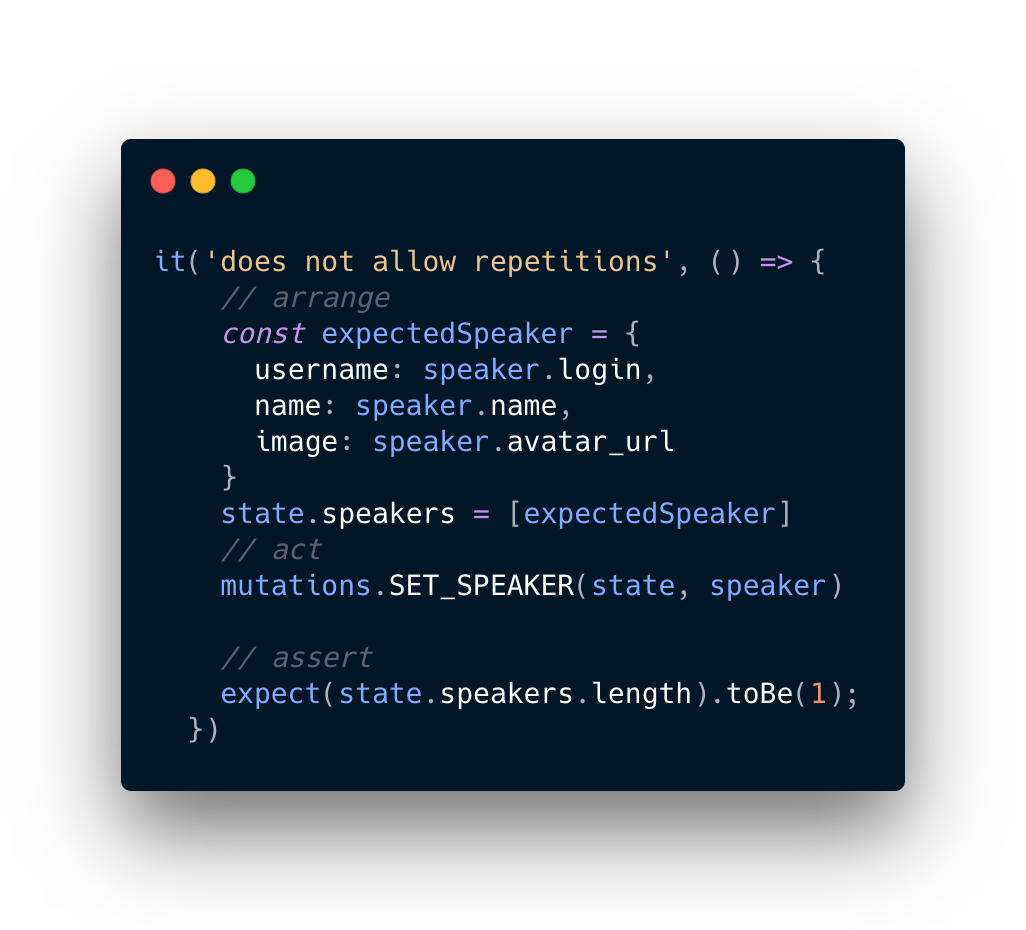
- Not allow repeated Speakers
Creating the tests
branch: step-22
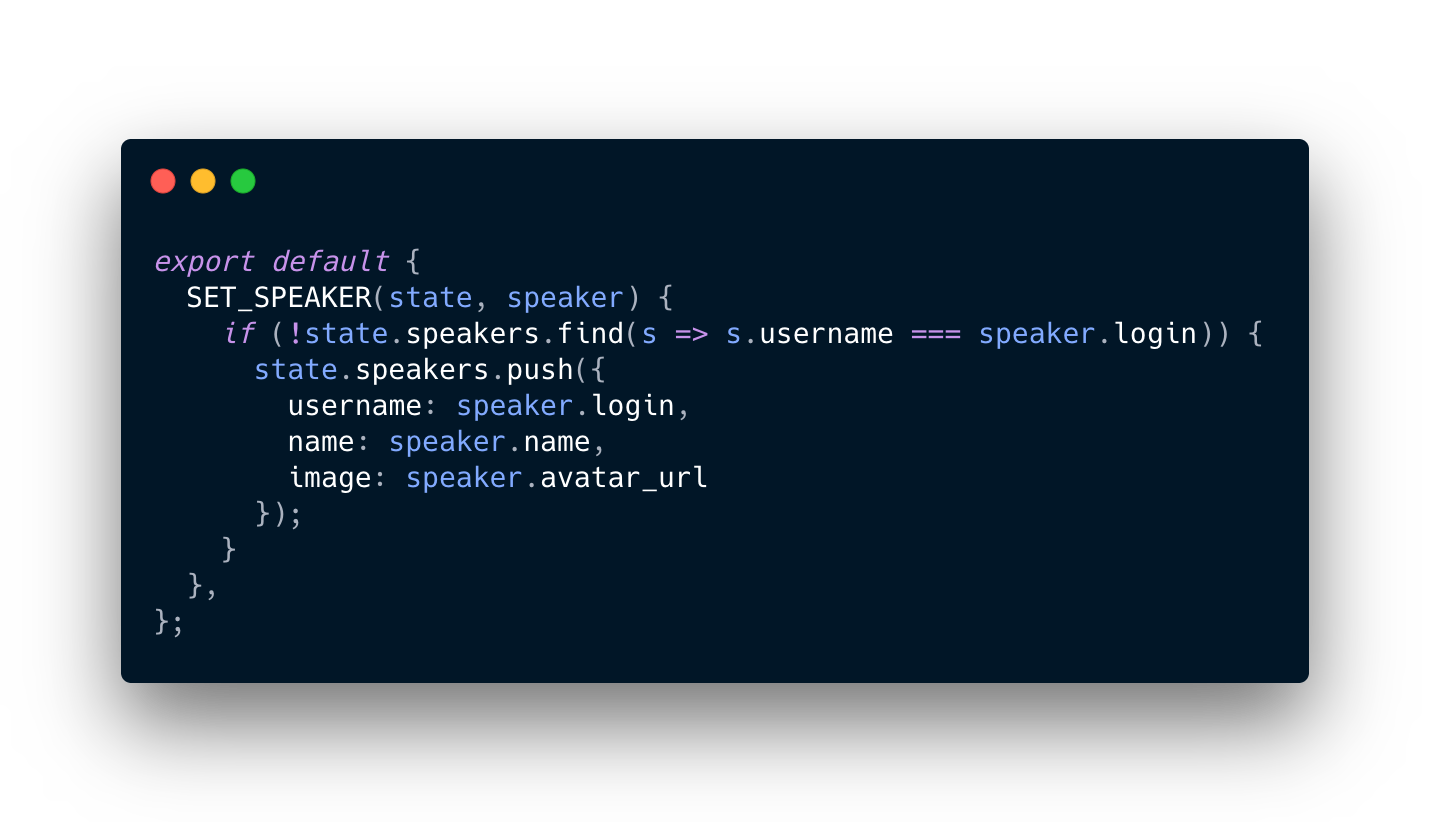
Implementing Mutations
branch: step-23

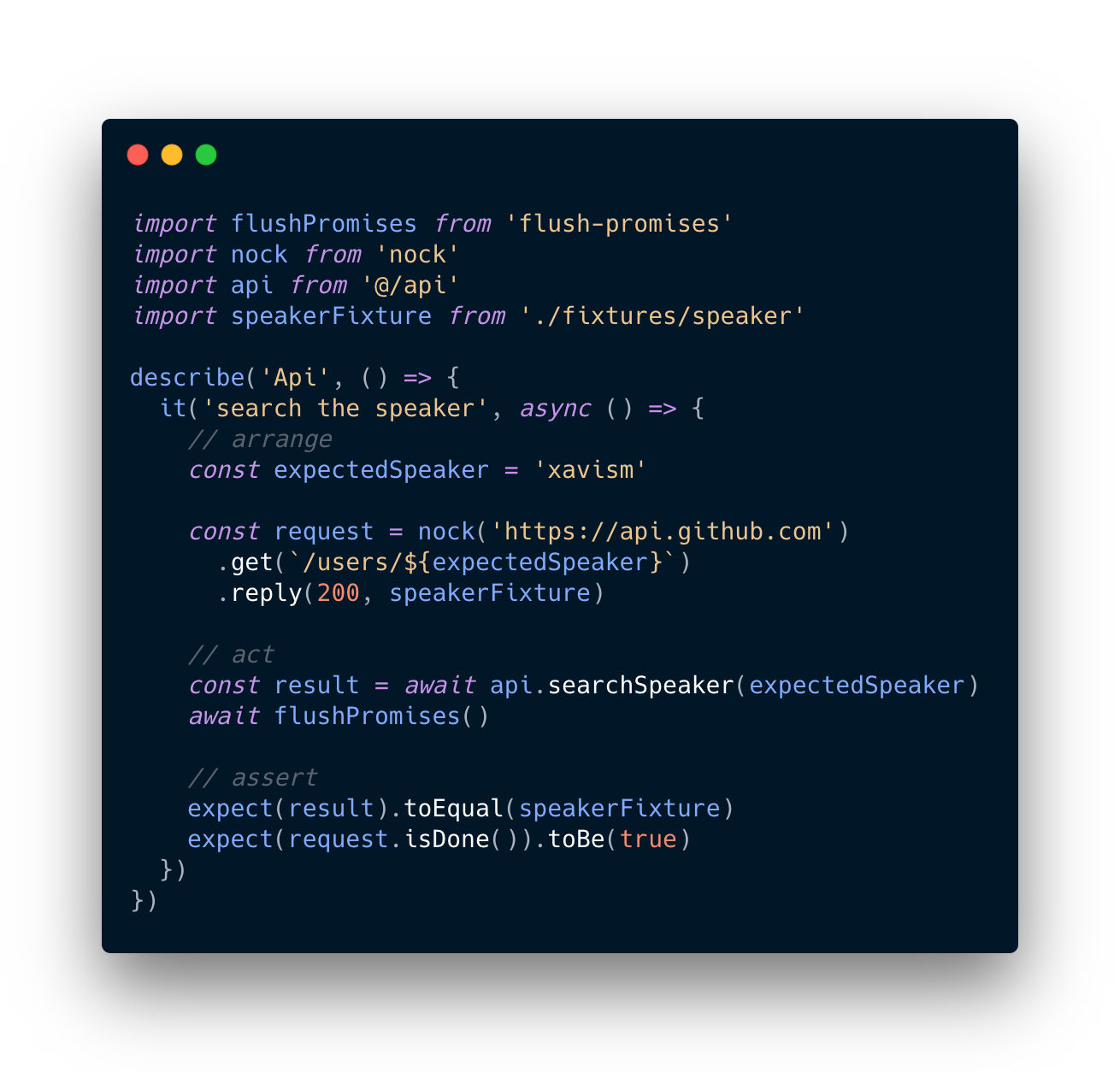
Testing API
branch: step-24
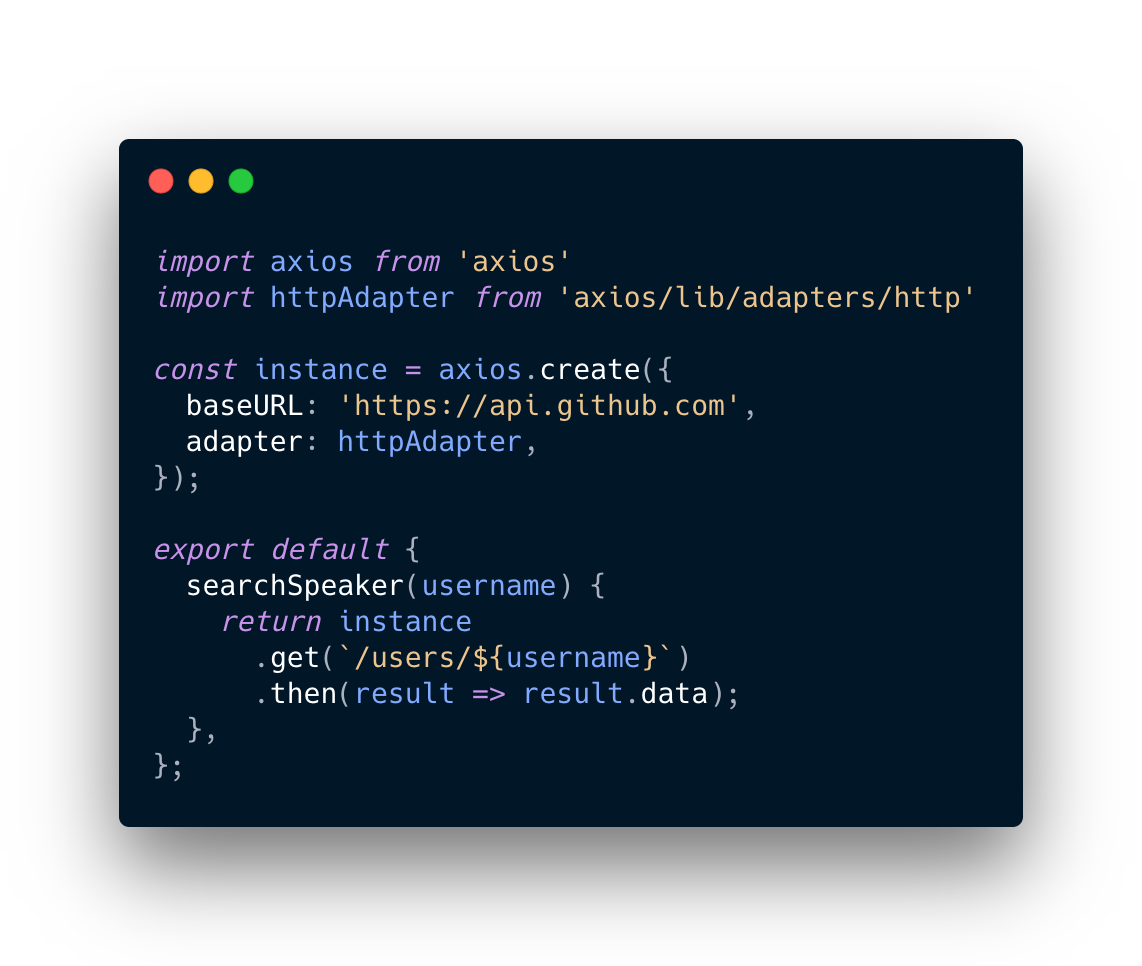
Requirements:
- Get the github information of a user
Creating the test
branch: step-24
Implementing the API
branch: step-25
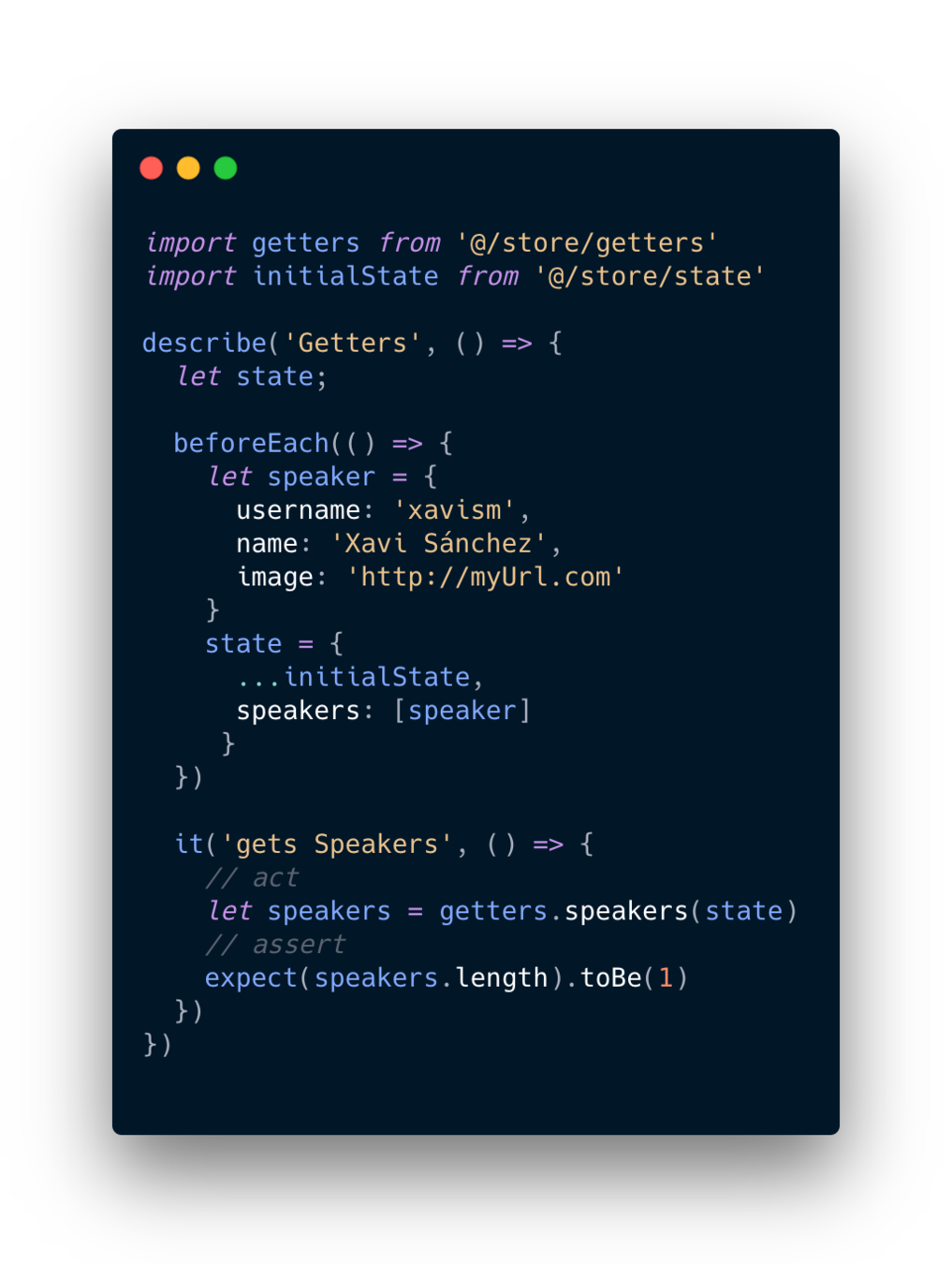
Testing Getters
branch: step-26
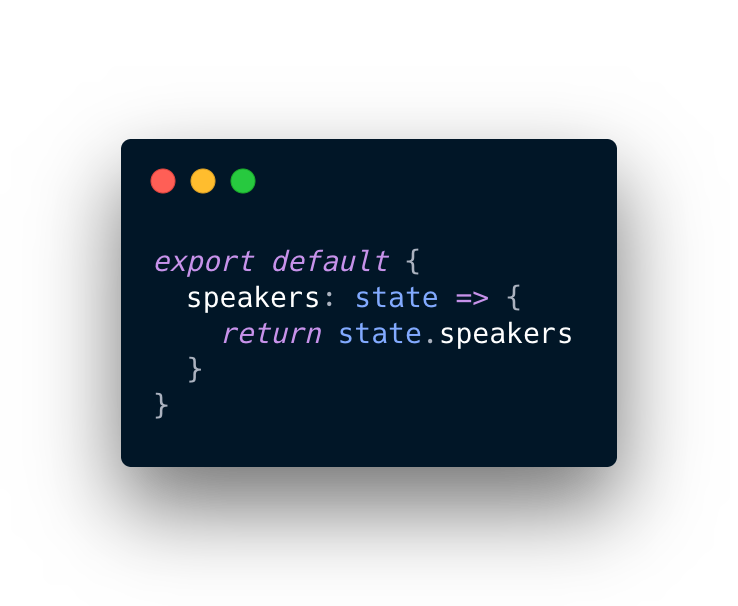
Requirements:
- Get the speakers of the state
Creating the test
branch: step-26
Implementing Getters
branch: step-27
Done!
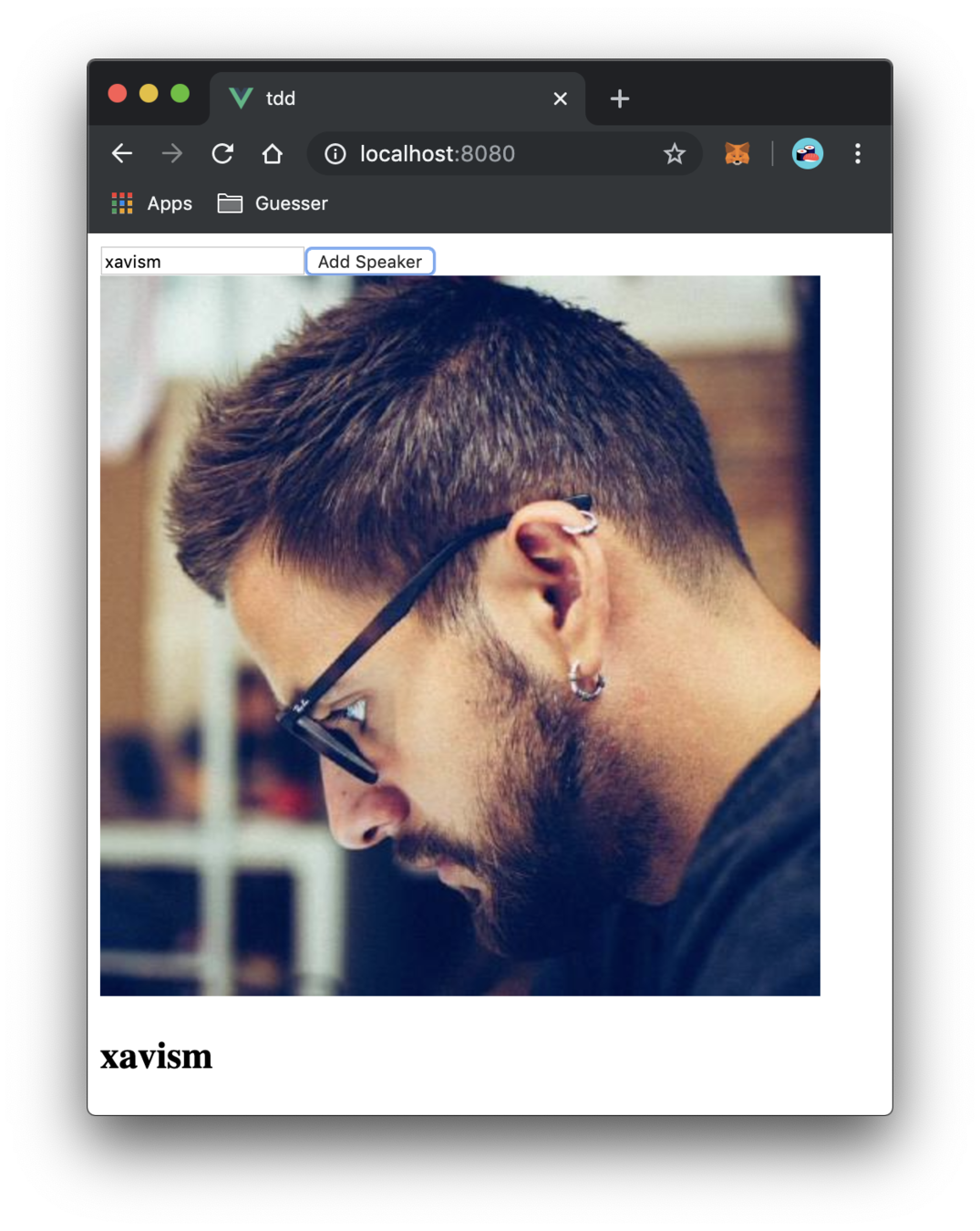
branch: step-27
Test 3rd parties
branch: step-28


+
=
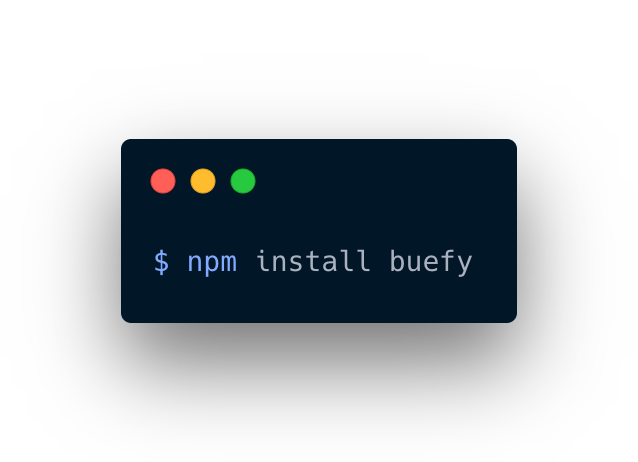
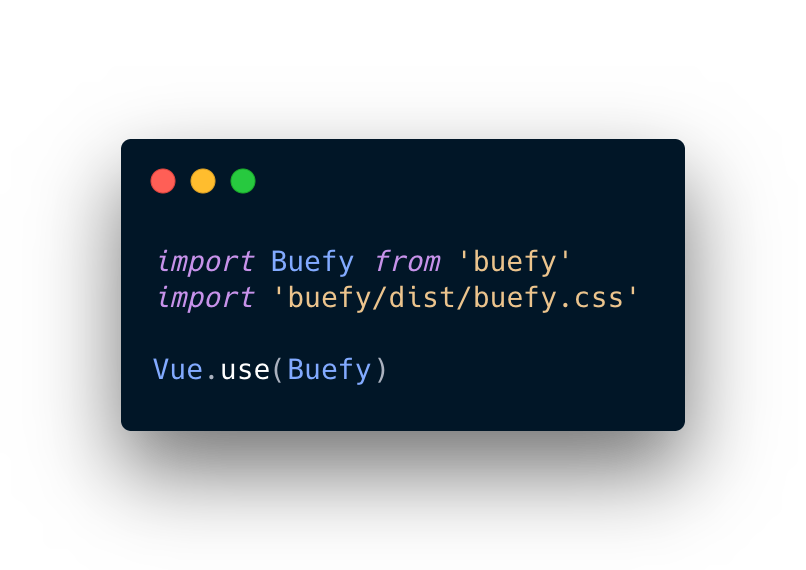
Add components + CSS
branch: step-28
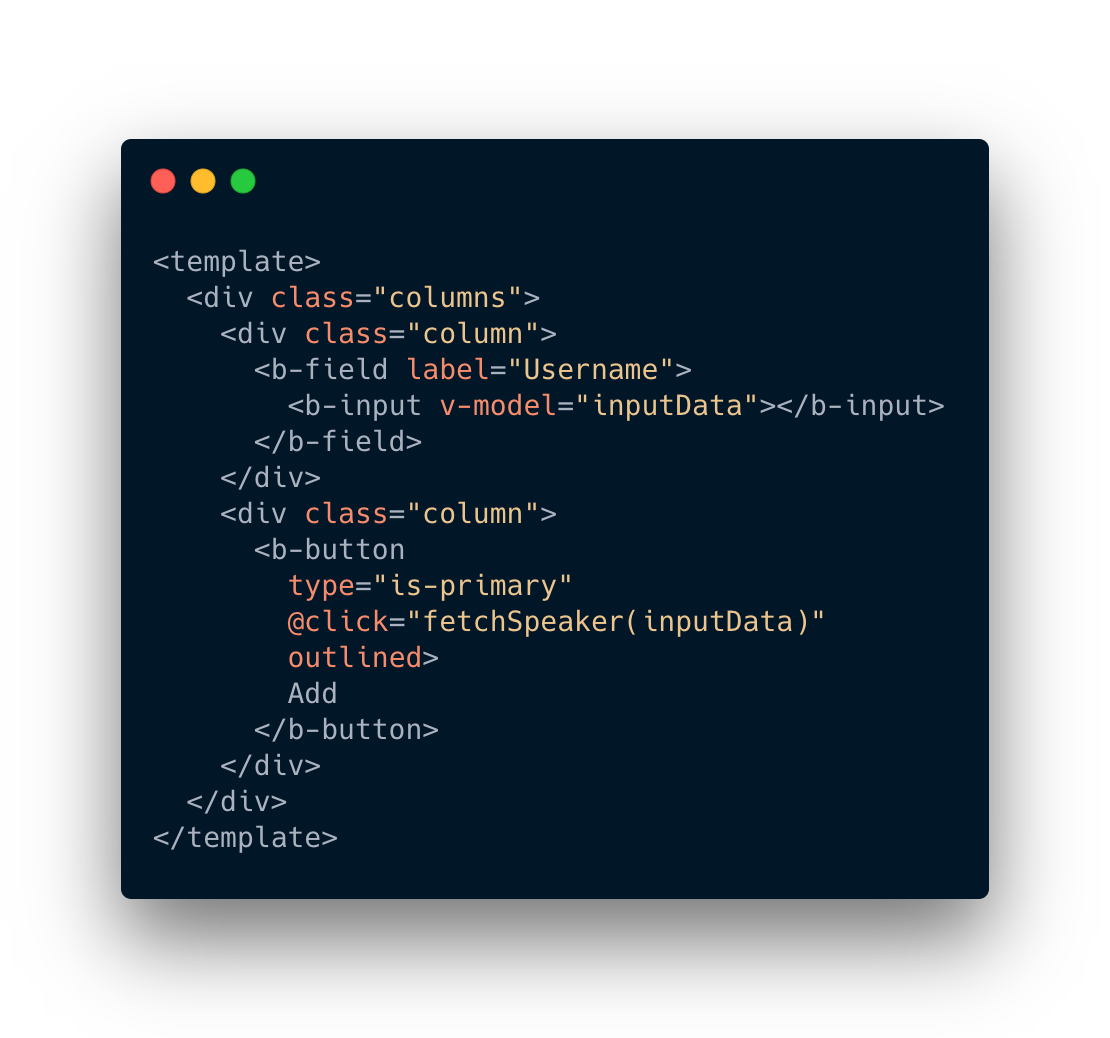
Panic
branch: step-28
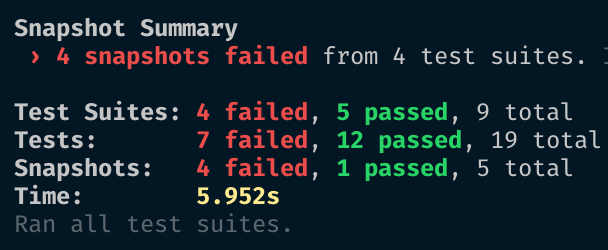
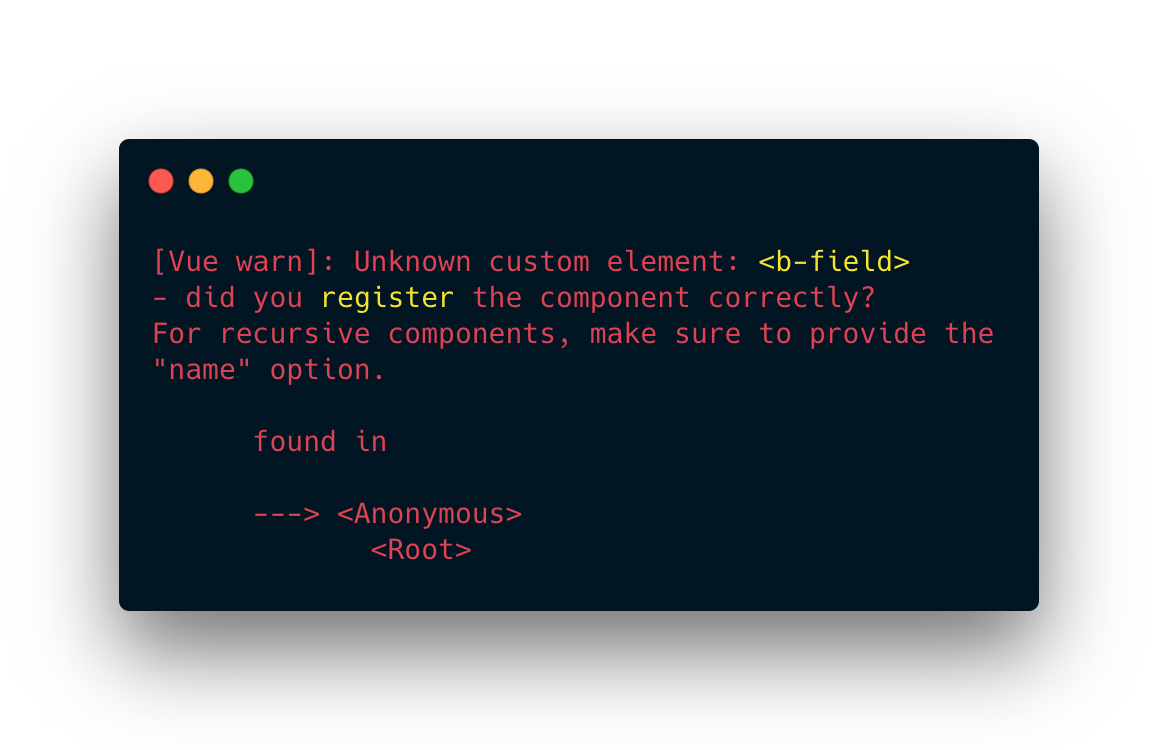
Update tests and snapshots
branch: step-29
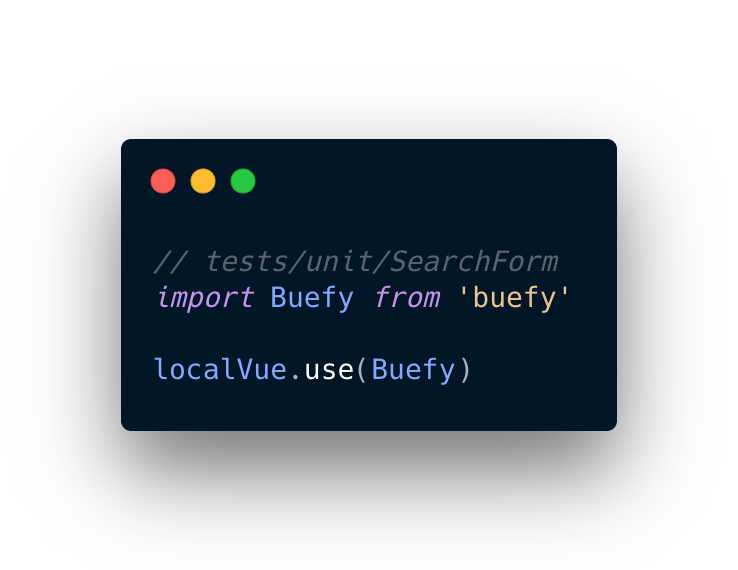
&
Press -u while --watchAll
Shame, shame, shame
branch: step-29
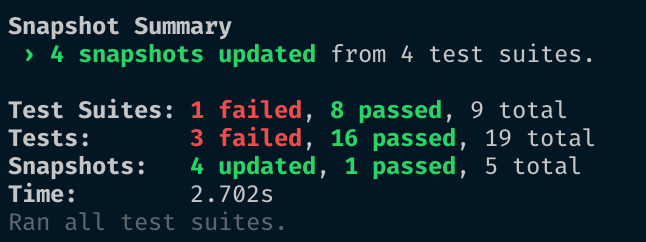


mount instead of shallow
branch: step-30
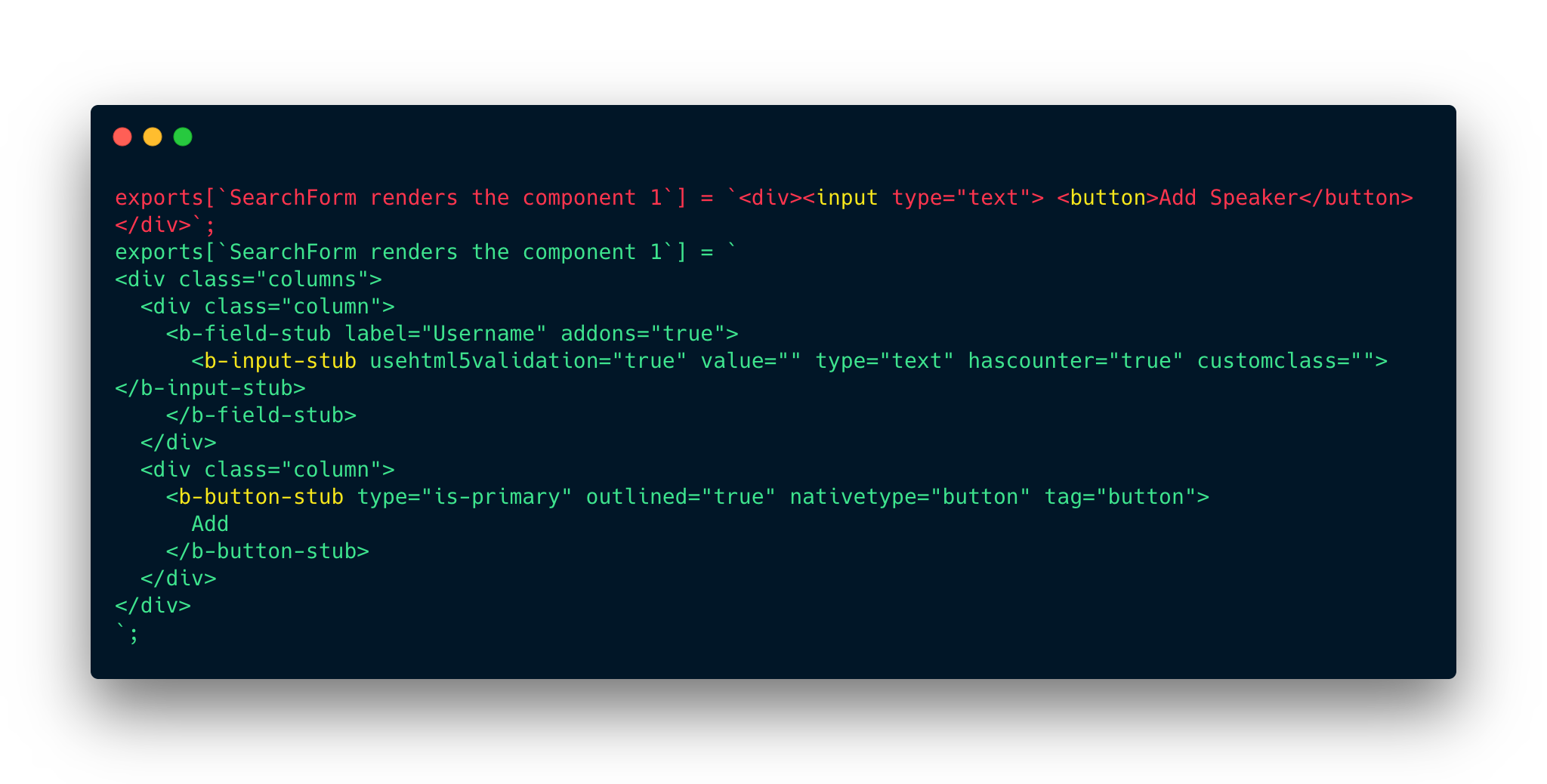
mount instead of shallow
branch: step-30
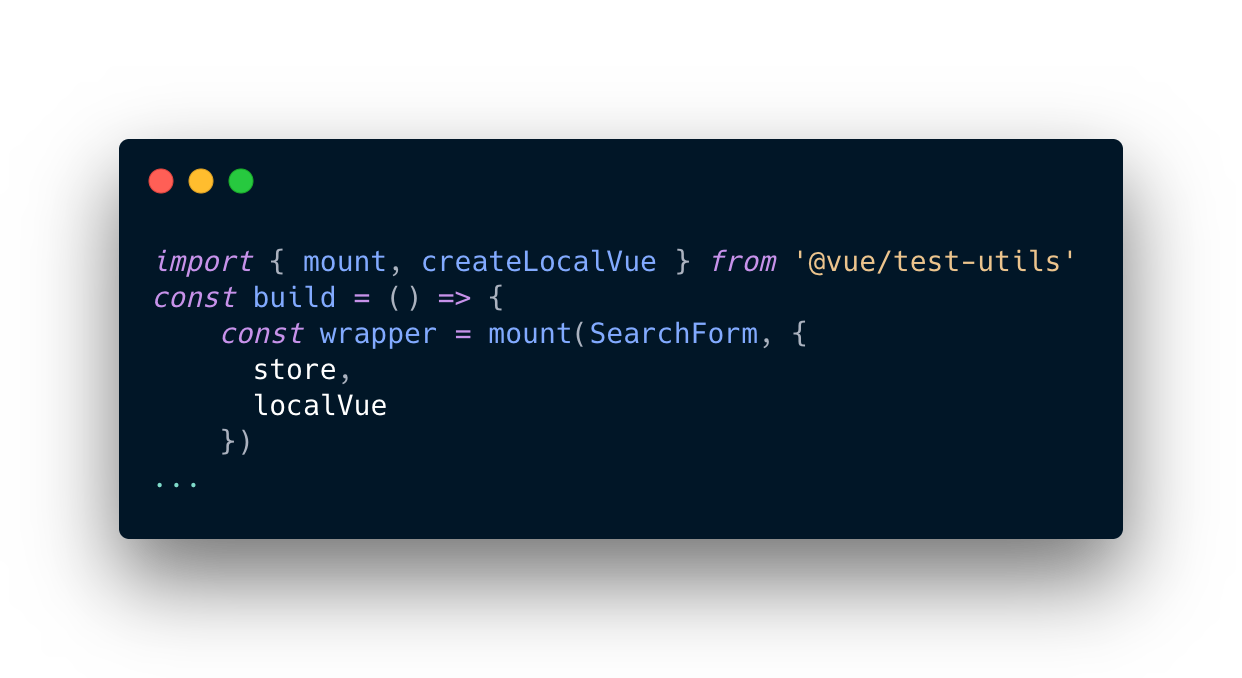
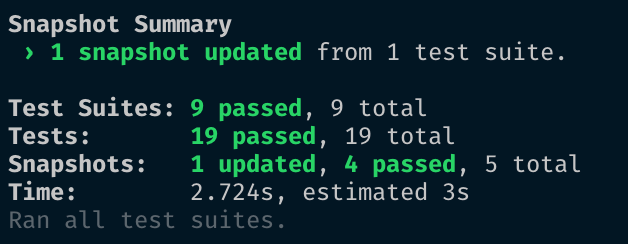
&
Press -u while --watchAll
branch: step-30
Thank you!
You can check out the repo here 👈

TDD with Vue and Jest
By Xavi Sanchez Mir
TDD with Vue and Jest
Slides for the CanariasJS talk