event loop
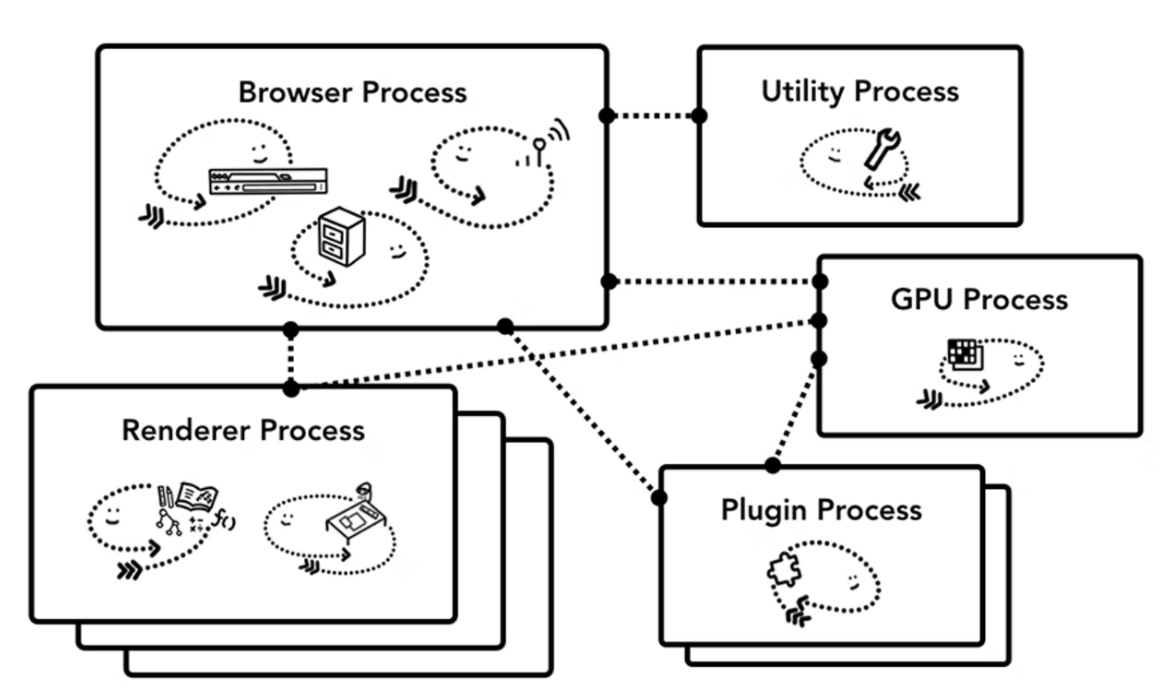
Chrome 的 multi-process 架构
Chrome 尽可能为各个 tab 运行独立的 Renderer Process。
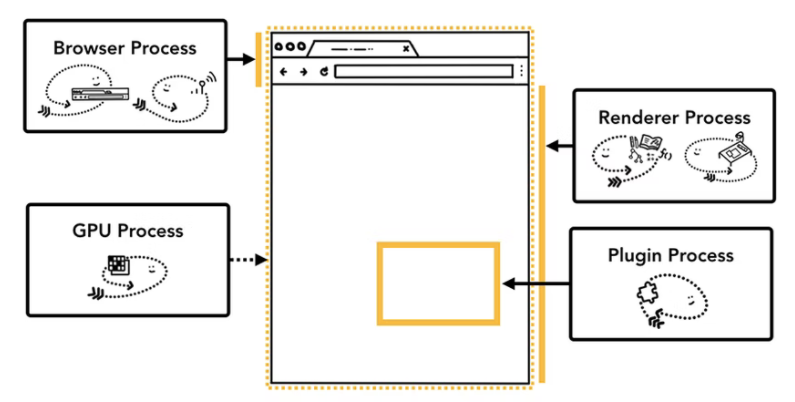
Chrome 的 multi-process 架构
Chrome 尽可能为各个 tab 运行独立的 Renderer Process。
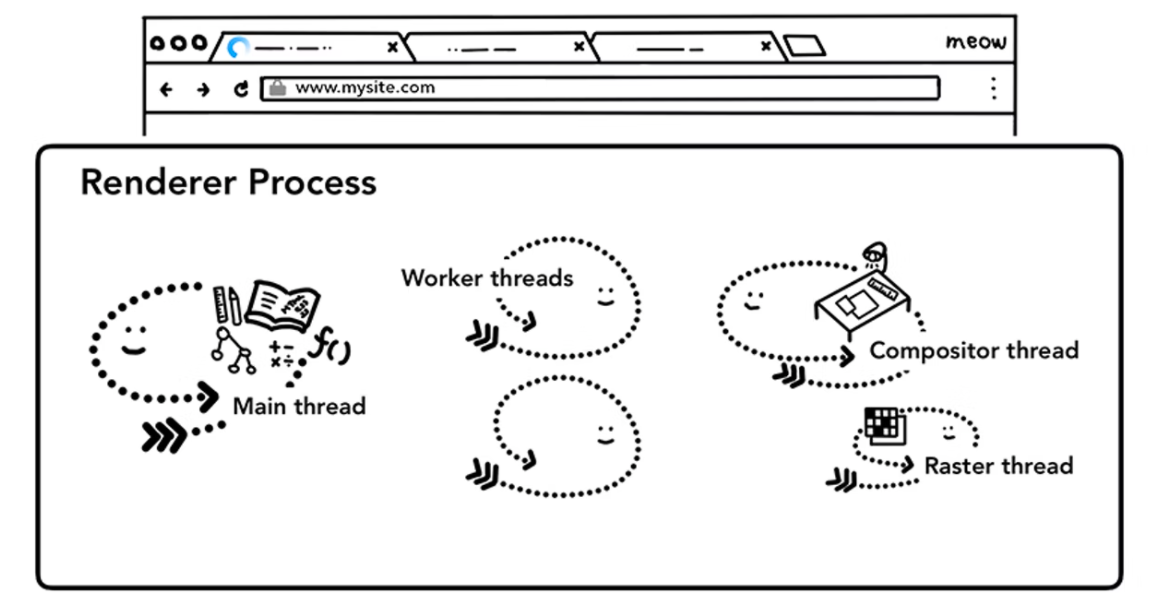
Renderer process 包括一个 main thread, 多个 worker threads, 一个 compositor thread, 一个 raster thread
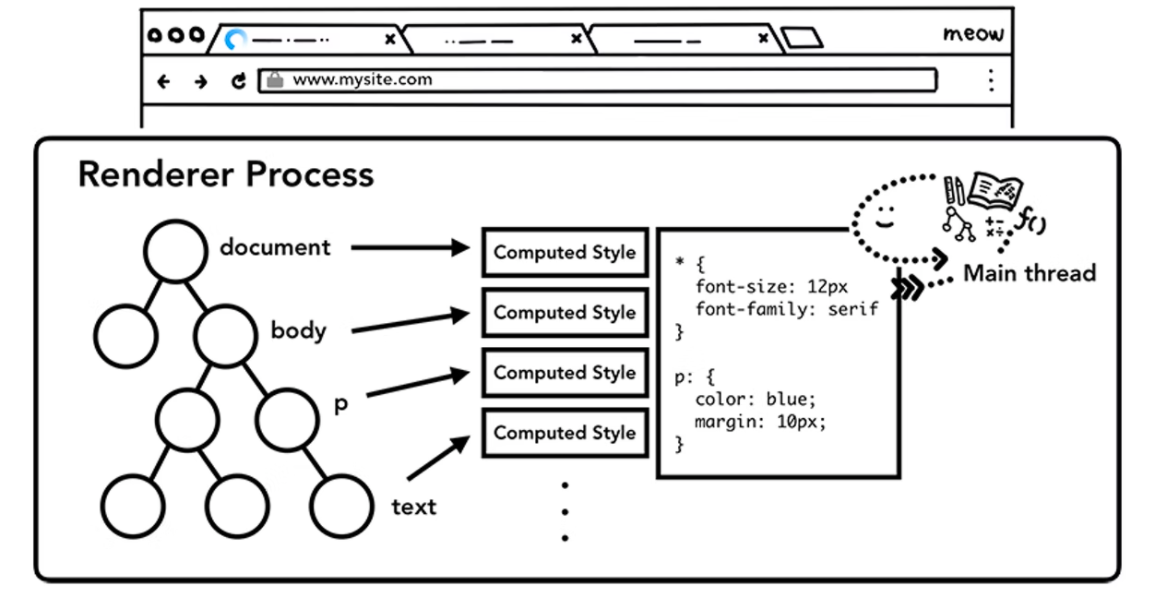
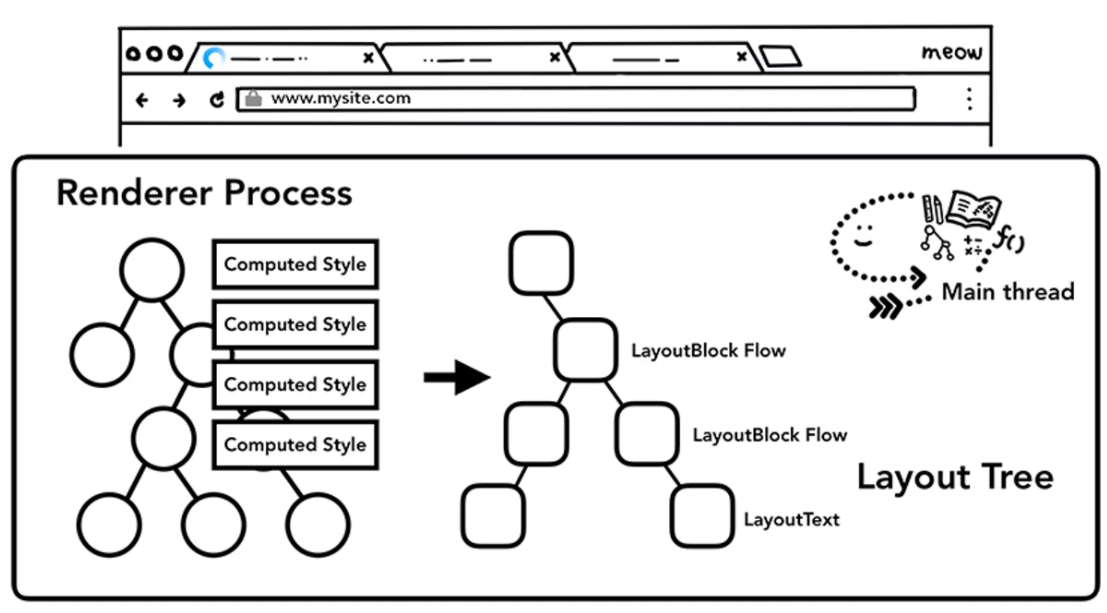
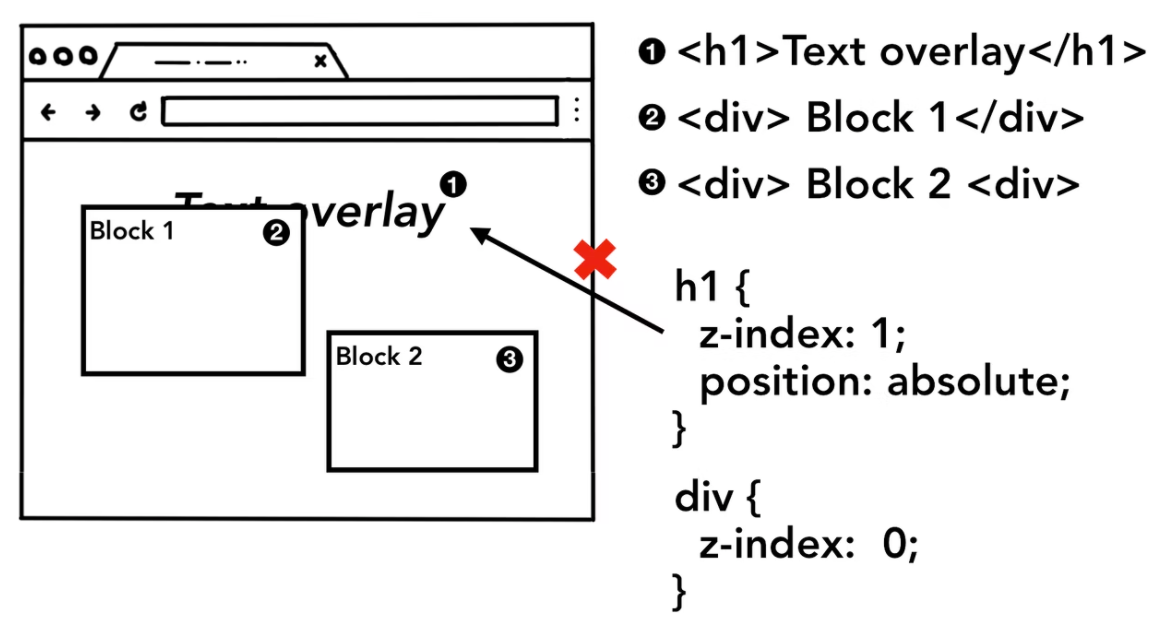
main thread 运行 JavaScript,维护 DOM/CSSOM
如果网络请求,定时器,监听用户输入都在 main thread 会产生什么问题?
Main thread 的任务包括:
- 解析 HTML,计算和更新 DOM 属性
- 执行 script 里的 JavaScript
- 响应用户输入 (mouse clicks, key presses, etc.)
- 处理网络请求的响应
- ......
JavaScript -> 主线程(Main Thread)-> 渲染进程(Renderer Process)
长任务会阻塞用户交互和浏览器响应
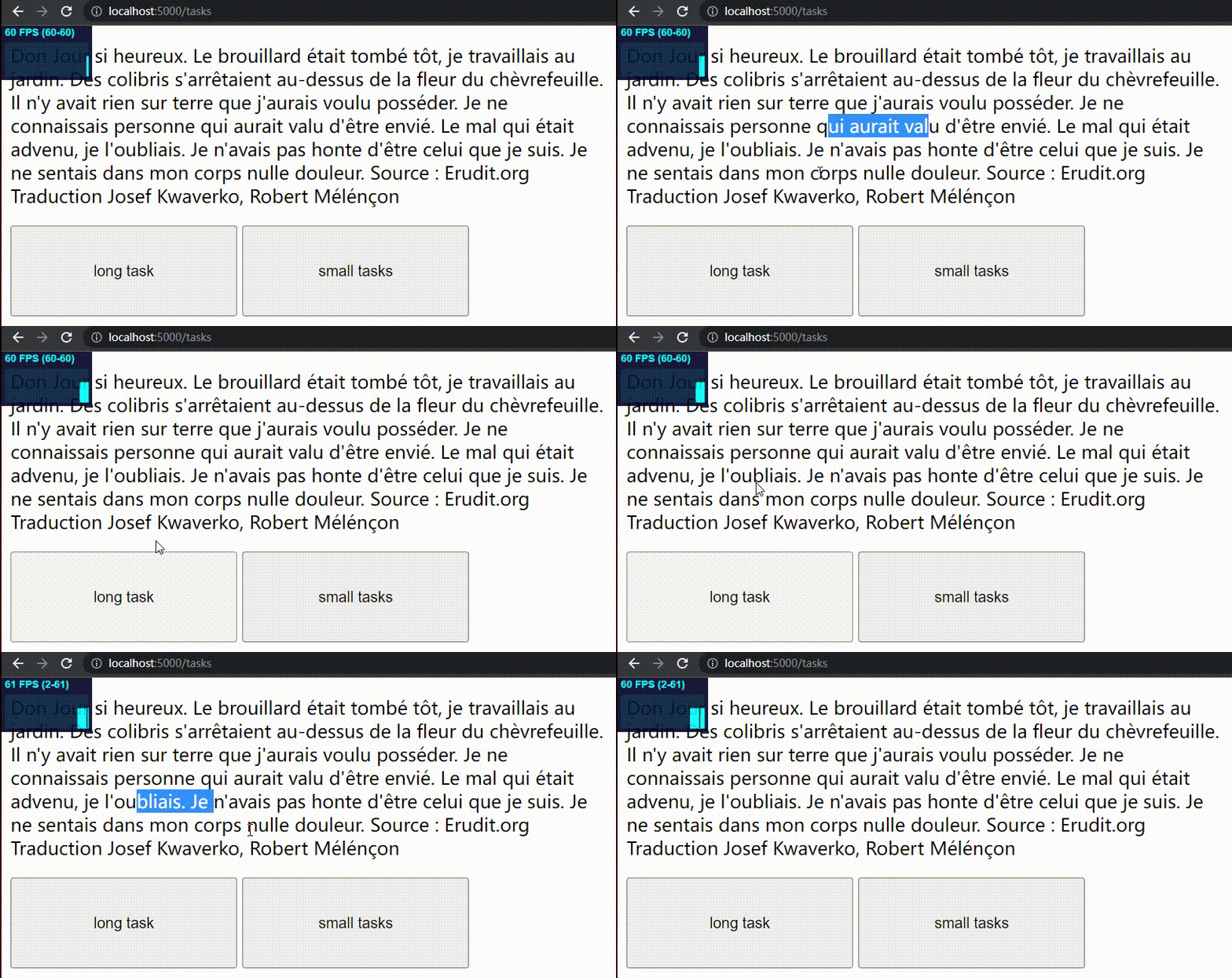
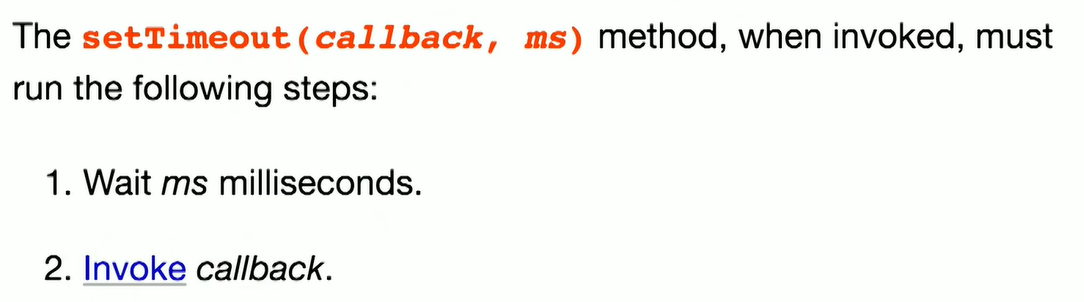
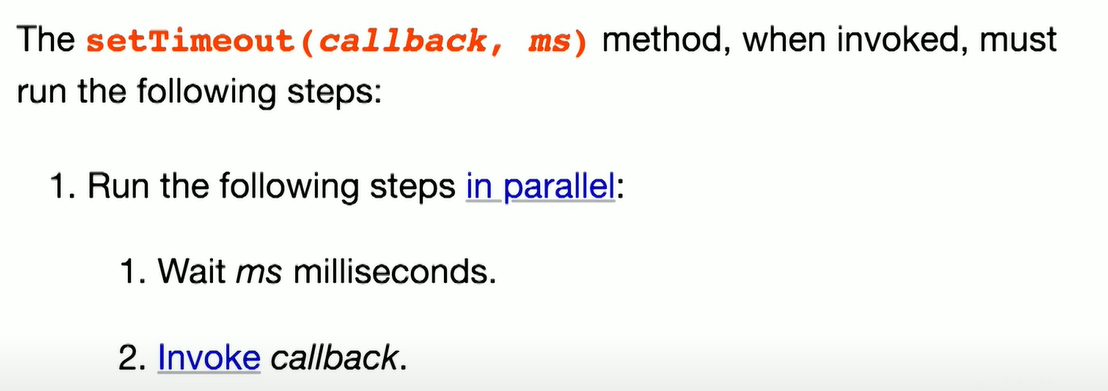
JavaScript 是 single-threaded, 如何并行?
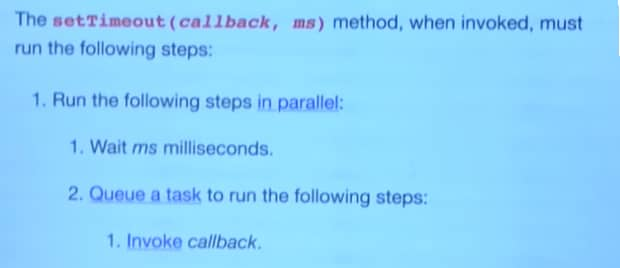
Queue a task
event loop 是 thread 间事件调度机制,
使用 task queue 储存事件,在特定时机处理其中的事件
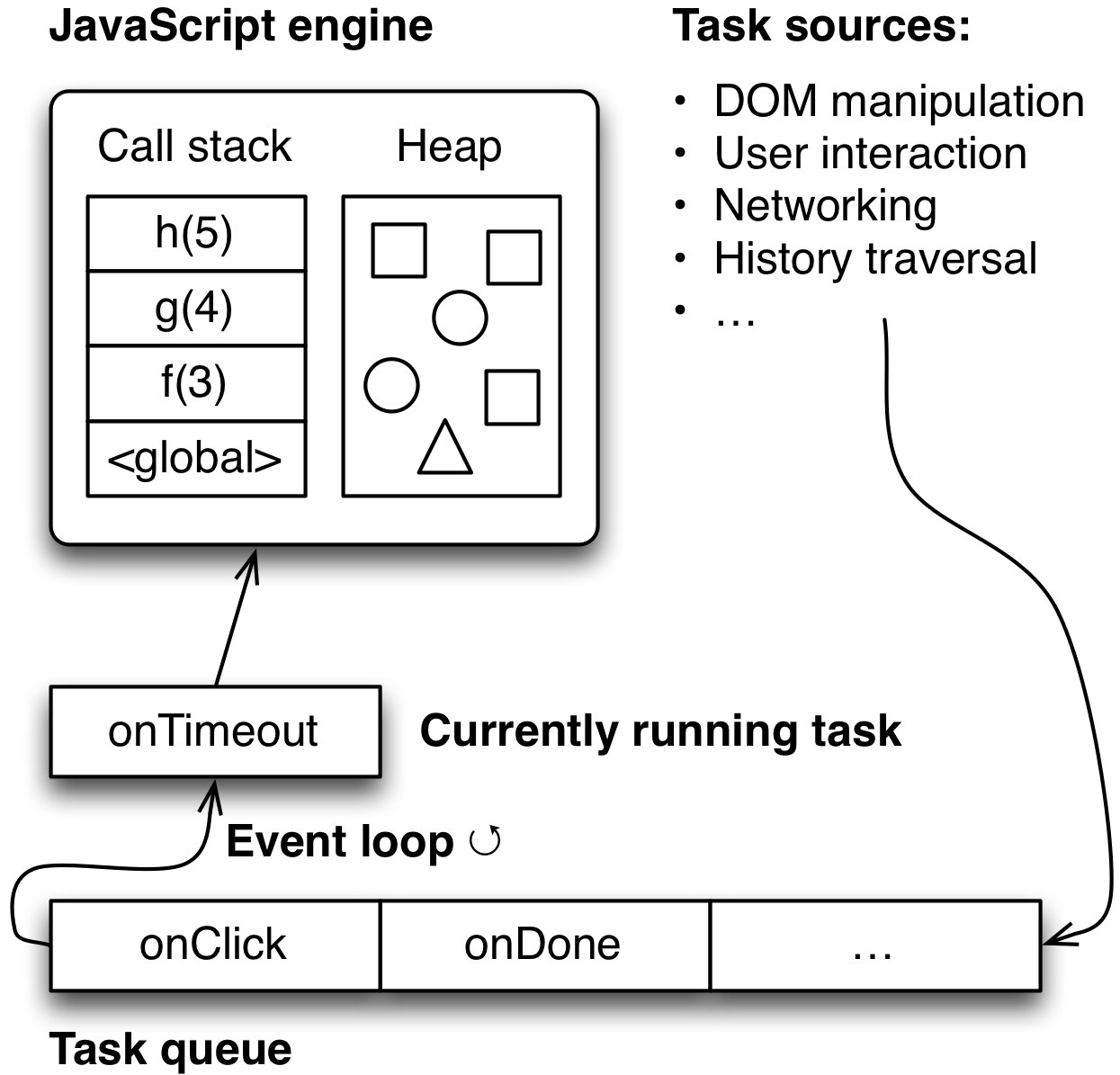
并非只有一个 Task Queue
For example, a user agent could have one task queue for mouse and key events (to which the user interaction task source is associated), and another to which all other task sources are associated. Then, using the freedom granted in the initial step of the event loop processing model, it could give keyboard and mouse events preference over other tasks three-quarters of the time, keeping the interface responsive but not starving other task queues. Note that in this setup, the processing model still enforces that the user agent would never process events from any one task source out of order.
event loop 可能会有一个或多个 task queue,例如分成两个 task queue,一个处理鼠标和键盘事件,一个处理其他的 task。
浏览器会在保持同一个 queue 内相对顺序的前提下,可能分配四分之三的优先权给鼠标和键盘事件,保证用户的输入得到最高优先级的响应,而剩下的优先级交给其他 task,并保证不会“饿死”它们。
将长任务拆分成短任务,使用 task 调度
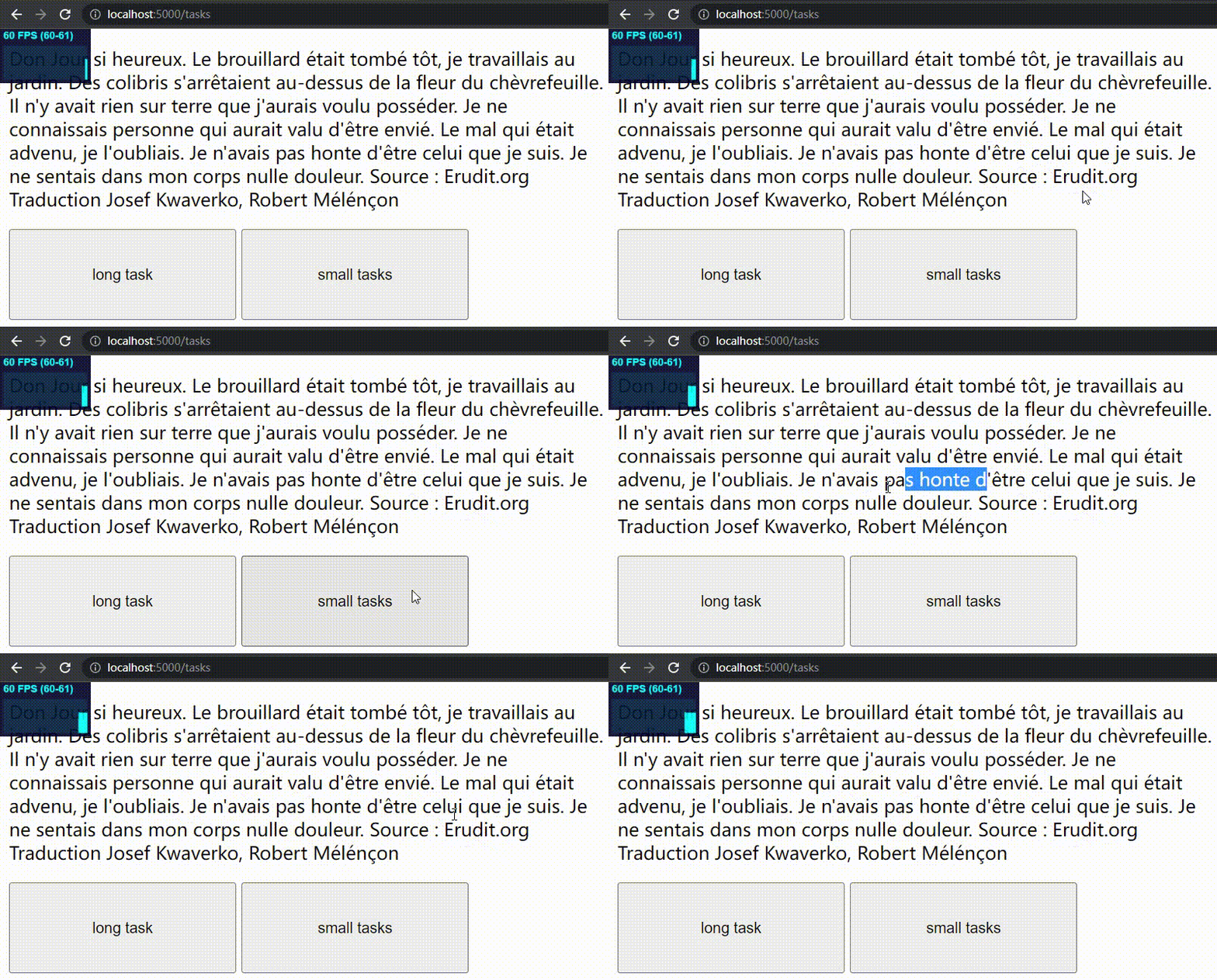
开发者常用 setTimeout 或 postMessage 来添加 task
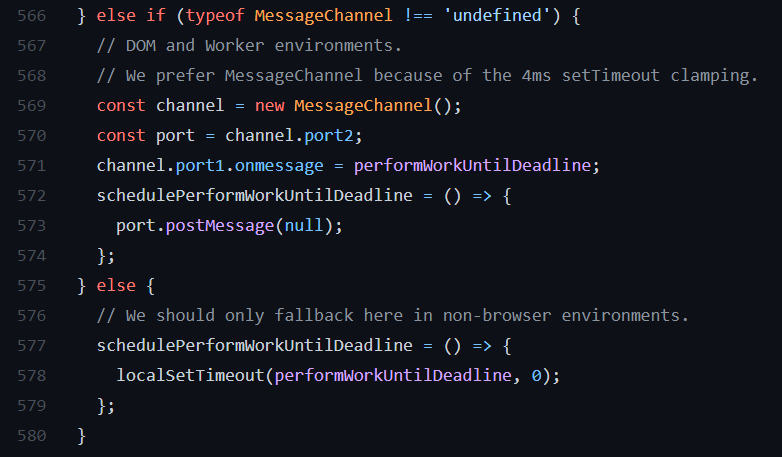
https://github.com/facebook/react/blob/main/packages/scheduler/src/forks/Scheduler.js
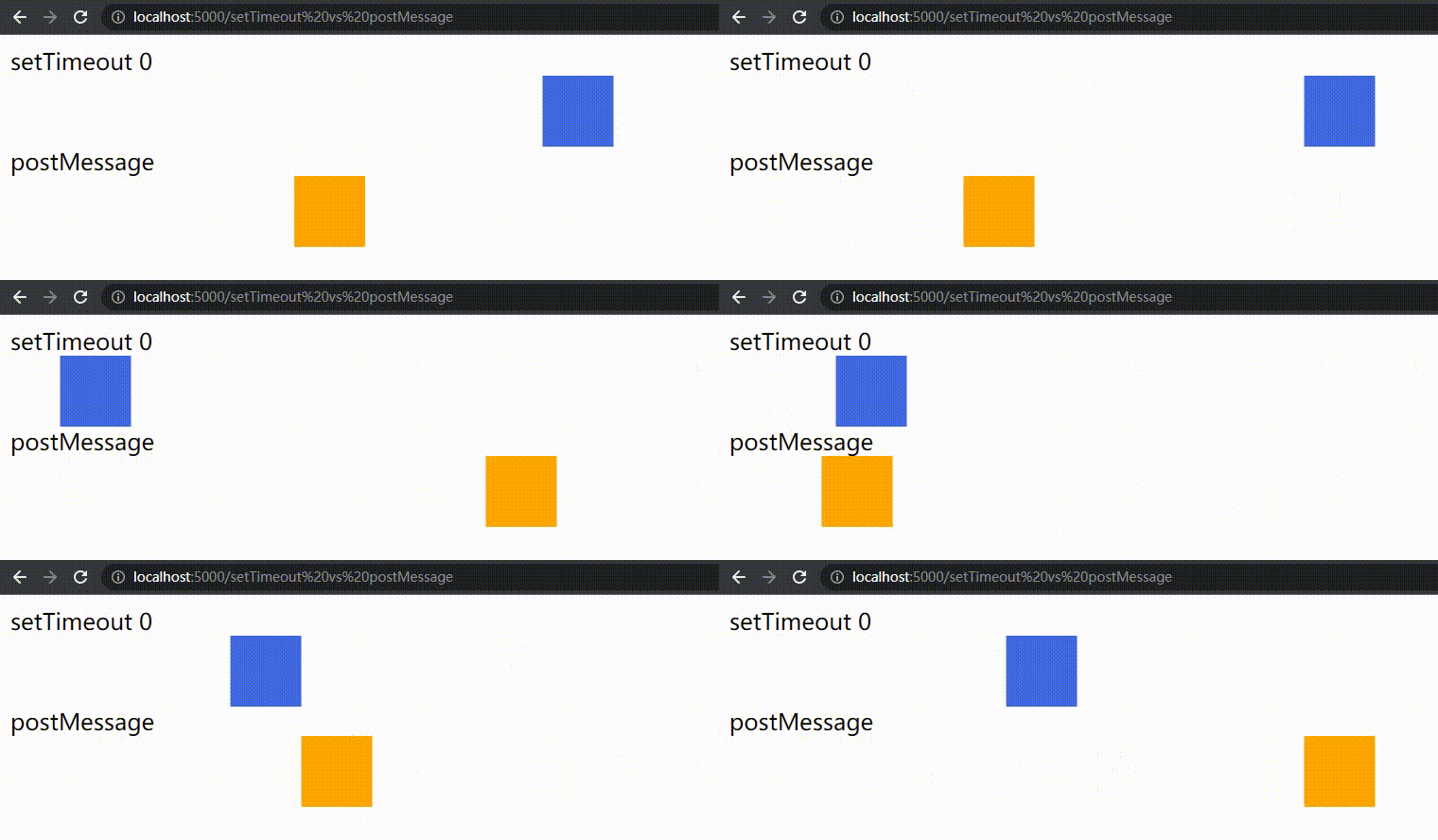
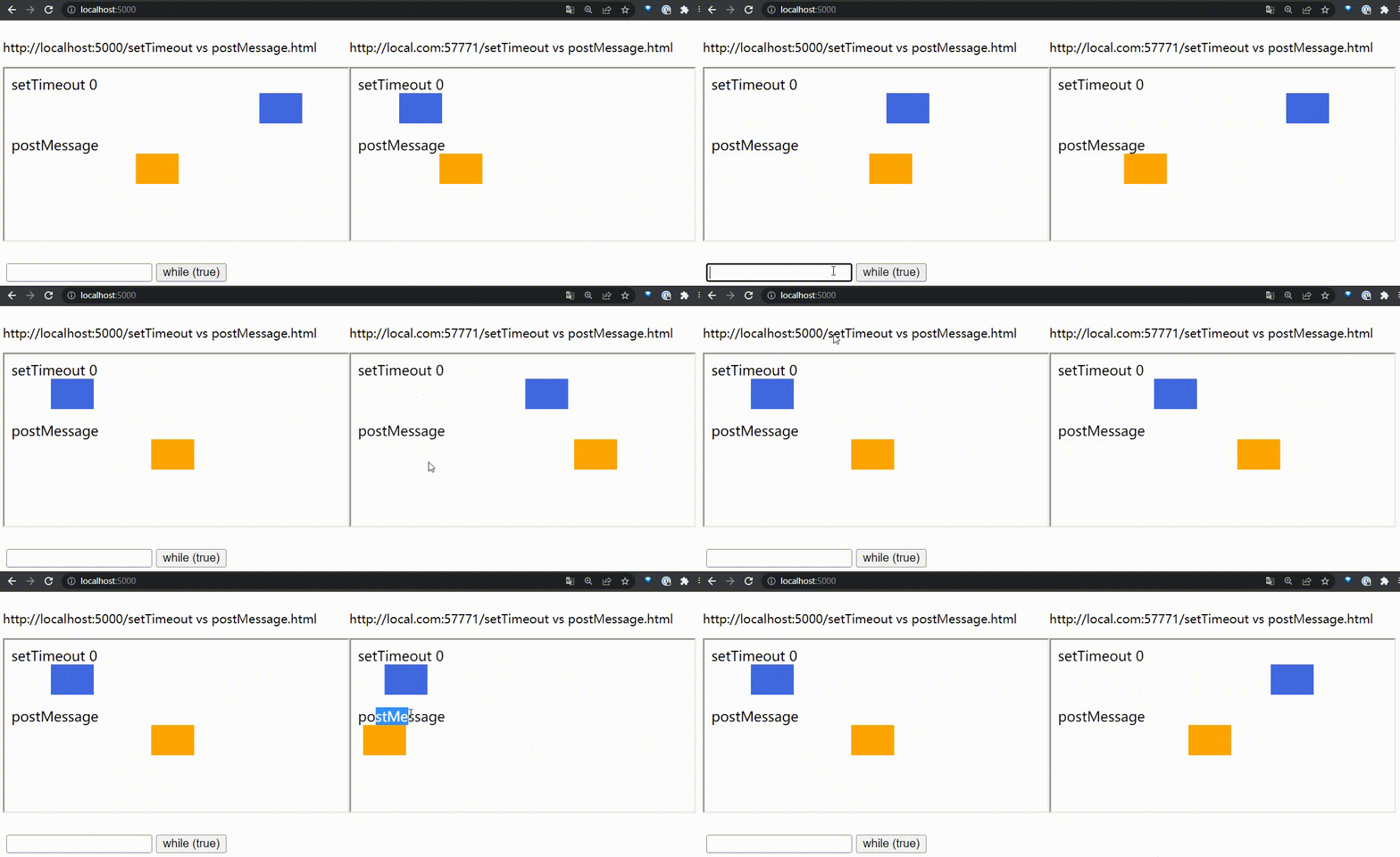
postMessage 比 delay 设置为 0 的 setTimeout 延迟更低
浏览器的渲染时机
页面内容会闪烁吗?
document.body.appendChild(ele);
ele.style.display = 'none';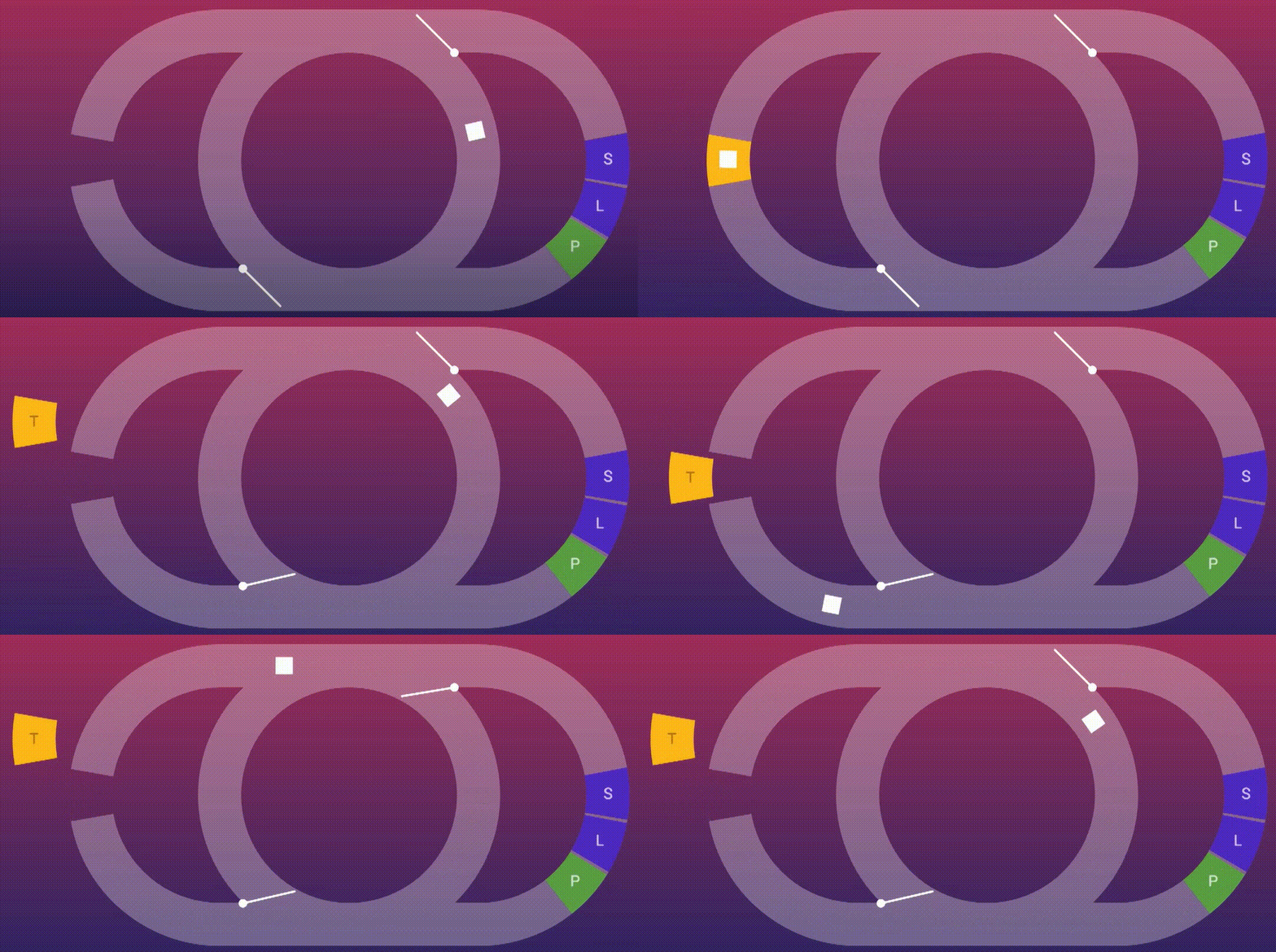
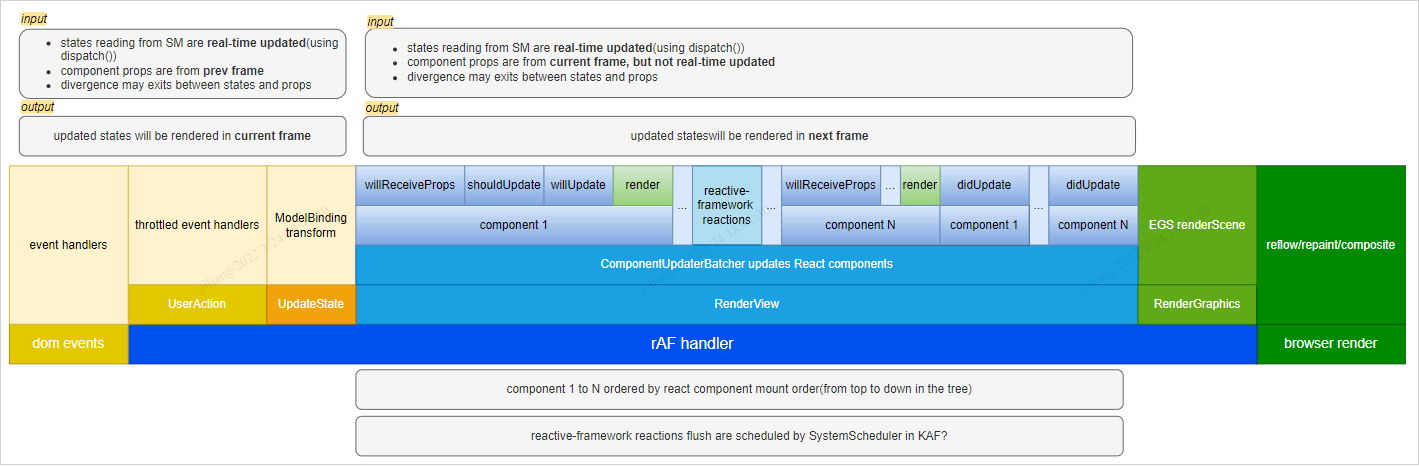
不一定每一轮 event loop 都会对应一次浏览 器渲染,要根据屏幕刷新率、页面性能、页面是否在后台运行来共同决定。
渲染一定发生在 task 之间,但并非每次 task 结束都会渲染
requestAnimationFrame
function callback() {
  moveBoxForwardOnePixel();
  requetAnimationFrame(callback);
}
callback();
function callback() {
moveBoxForwardOnePixel();
setTimeout(callback, 0);
}
callback();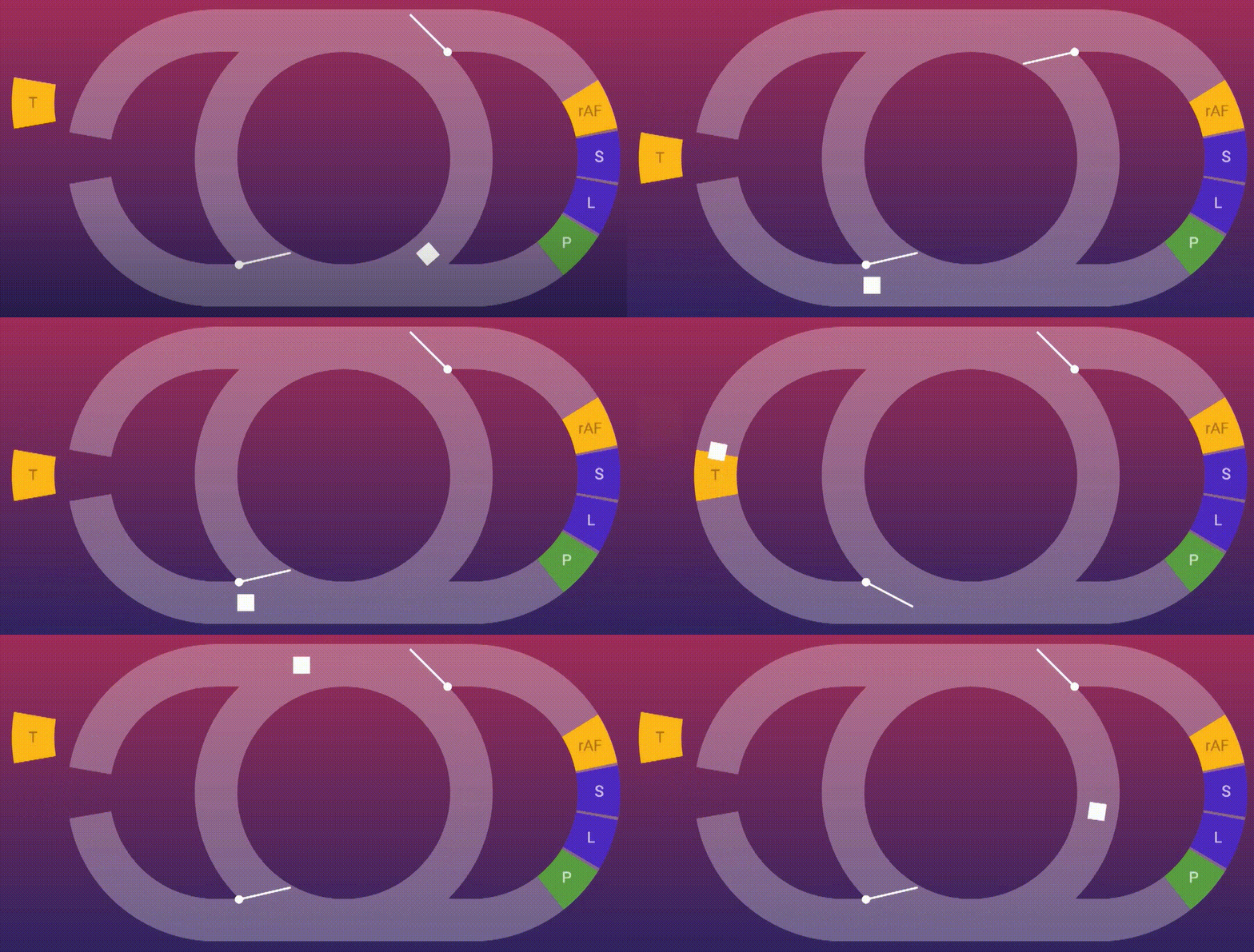
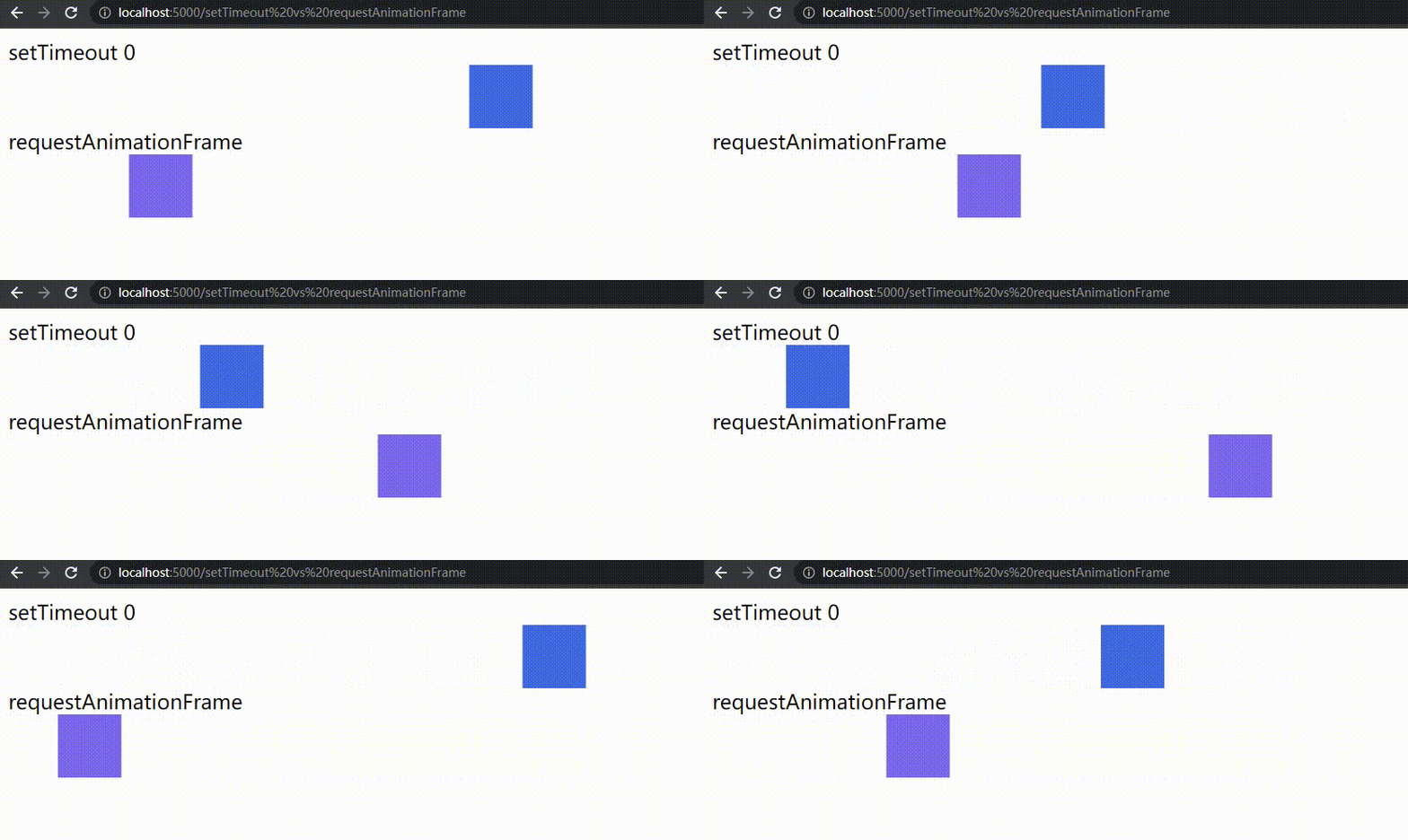
requestAnimationFrame 在渲染前执行,是更适合更新渲染内容的时机


浏览器期望接近 60 的稳定帧率渲染


setTimeout(animateFrame, 1000 / 60);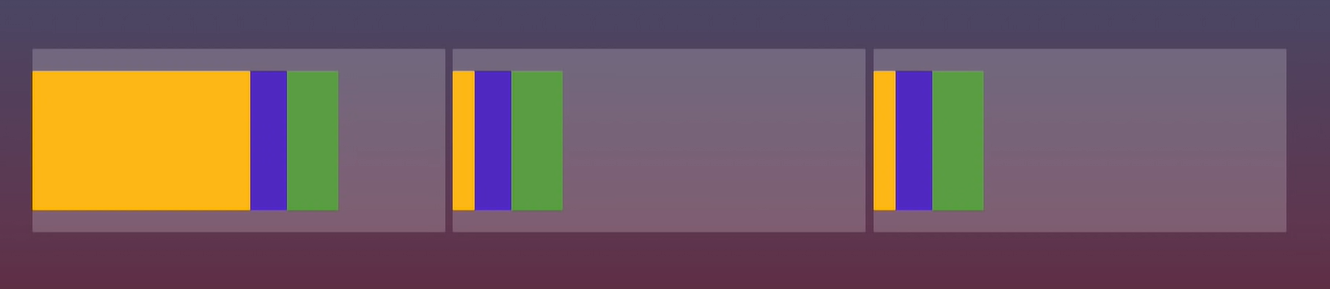
requestAnimationFrame(animateFrame, 1000 / 60);
batch
button.addEventListener('click', () => {
  box.style.width = '100px';
  box.style.width = '200px';
  box.style.width = '300px';
  box.style.width = '400px';
  box.style.width = '500px';
});
button.addEventListener('click', () => {
box.style.width = '100px';
box.style.width = '200px';
// 会导致 layout,但是不会渲染
box.getBoundingClientRect();
box.style.width = '300px';
box.style.width = '400px';
box.style.width = '500px';
});
Chrome 的 site isolation 策略
共享 event loop 的情况
iframe 小程序必须不同站,通过独立线程隔离一定计算资源
Microtask
document.body.addEventListener('DOMNodeInserted', () => {
  console.log('Stuff added to body');
});

for (let i = 0; i < 100; i++) {
  const span = document.createElement('span');
  document.body.appendChild(span);
  span.textContent = 'Hi';
}
如何 batch?Task or microtask?
If the stack of script settings objects is now empty, perform a microtask checkpoint
— HTML: Cleaning up after a callback step 3
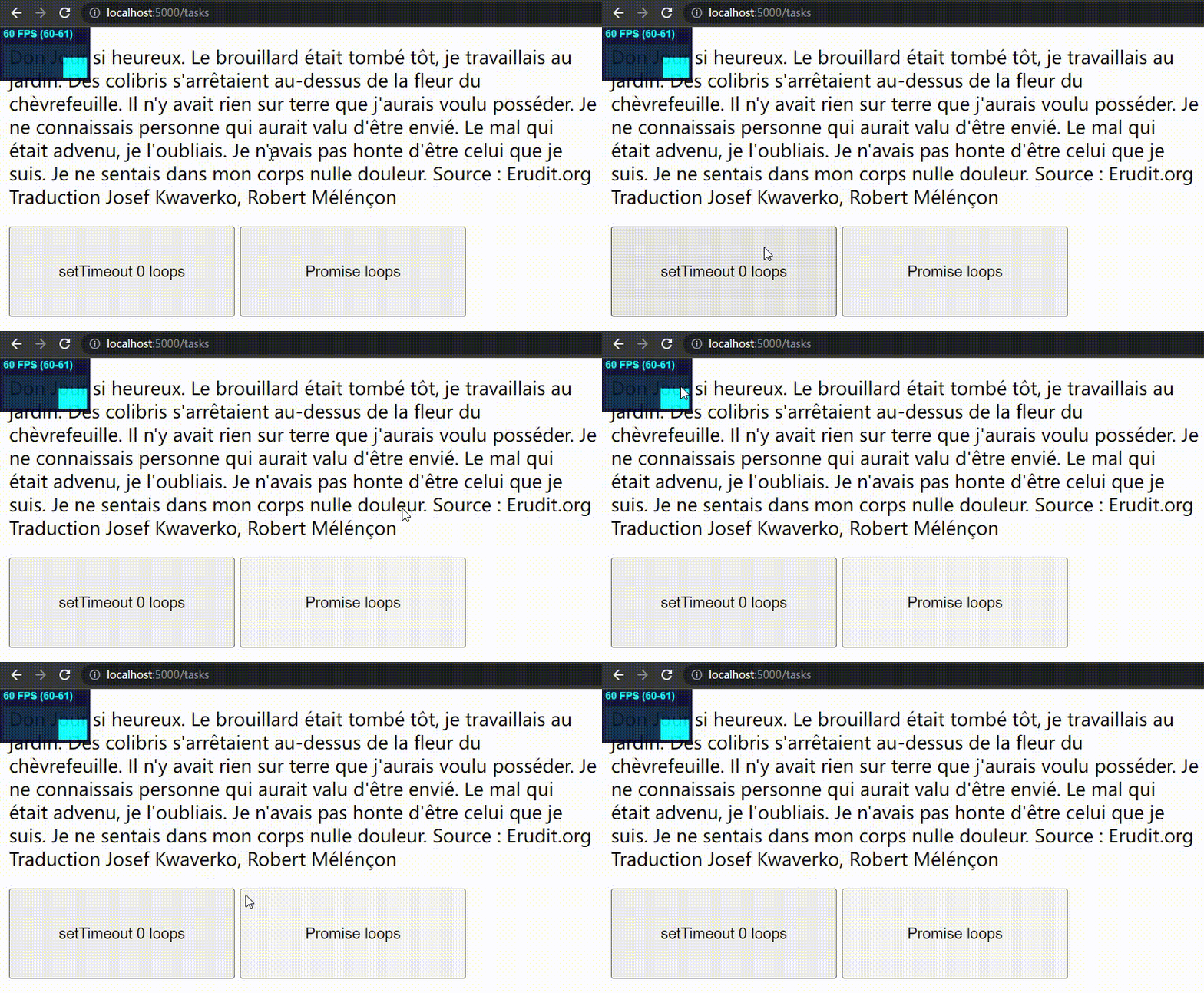
每当 JavaScript 调用栈为空时,执行所有 microtasks
function loop() {
  Promise.resolve().then(loop);
}
loop();
function loop() {
setTimeout(loop, 0);
}
loop();Microtasks are usually scheduled for things that should happen straight after the currently executing script, such as reacting to a batch of actions, or to make something async without taking the penalty of a whole new task.
-
Promise
-
MutationObserver
-
queueMicrotask
Task Queue
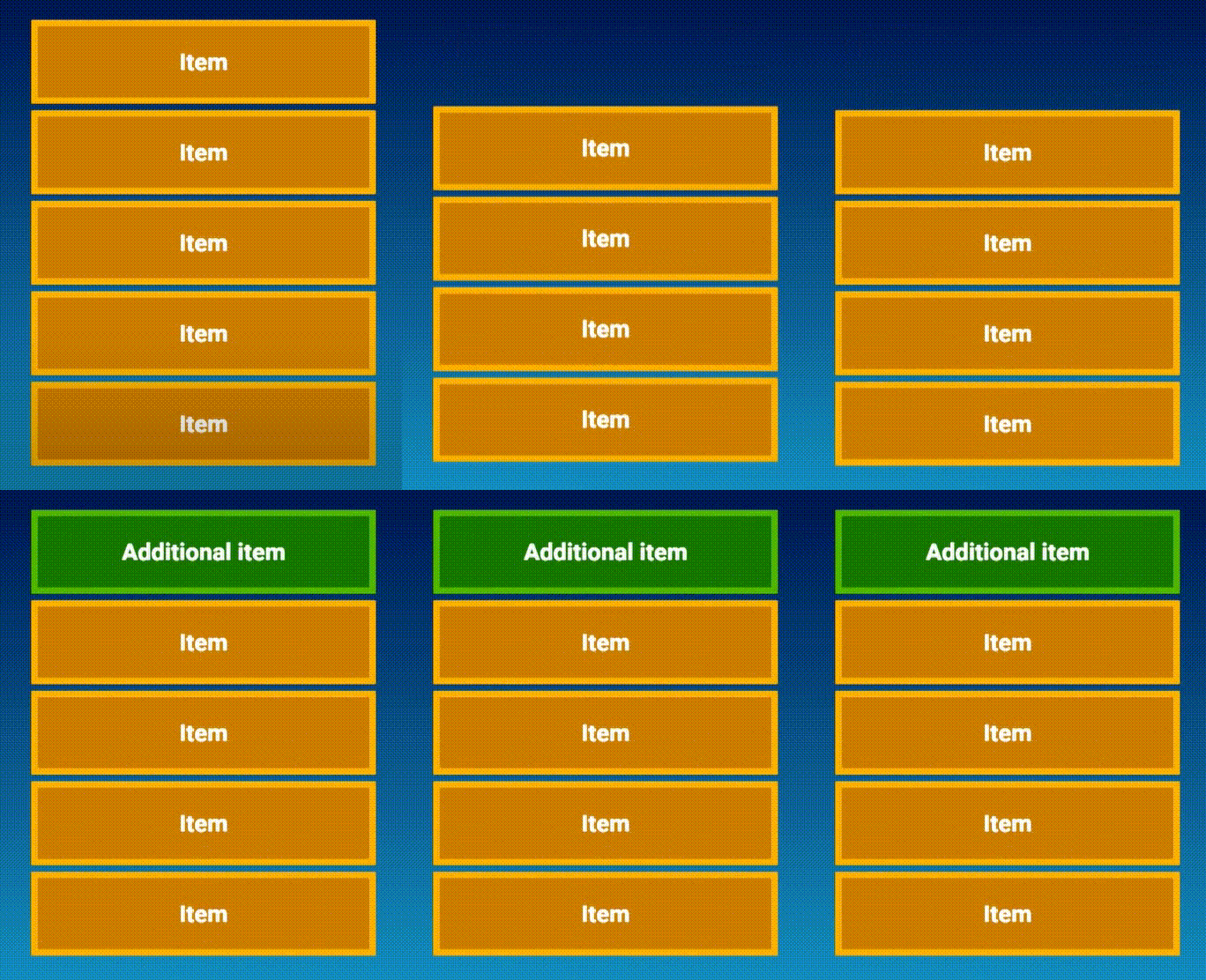
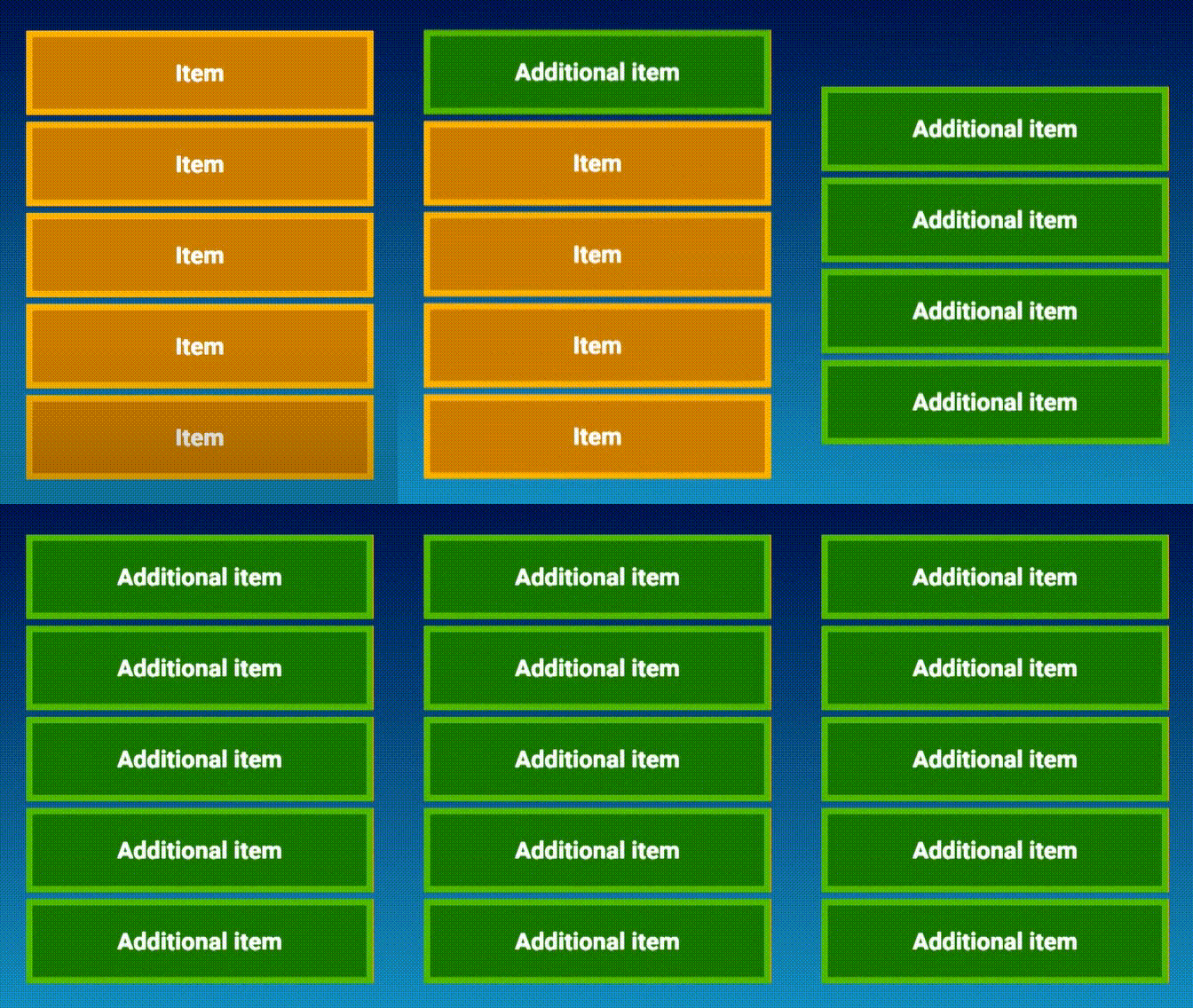
requestAnimationFrame queue
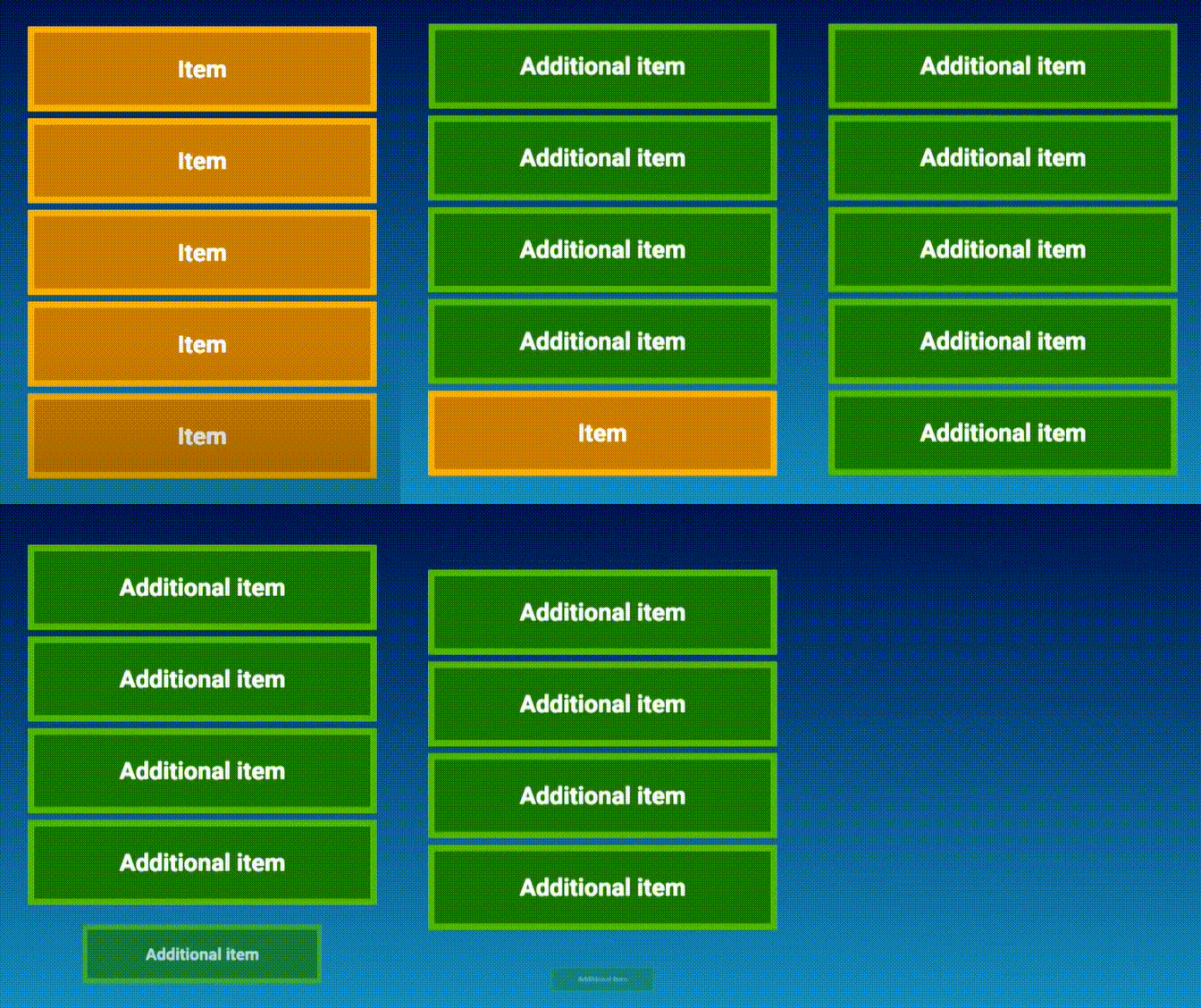
Microtask queue
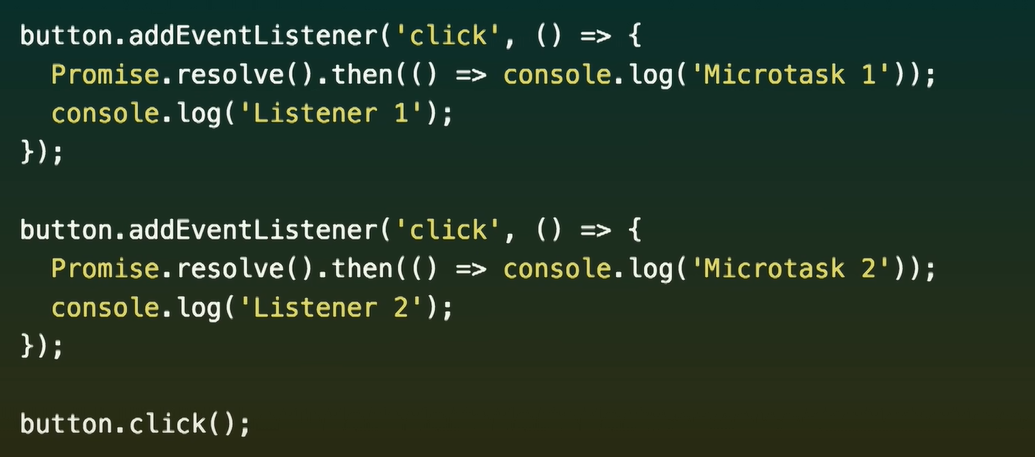
参考
-
https://www.youtube.com/watch?v=cCOL7MC4Pl0
-
https://developer.mozilla.org/en-US/docs/Web/JavaScript/EventLoop
-
https://developer.mozilla.org/en-US/docs/Web/API/HTML_DOM_API/Microtask_guide/In_depth
-
https://html.spec.whatwg.org/multipage/webappapis.html#task-queue
-
https://jakearchibald.com/2015/tasks-microtasks-queues-and-schedules/
讨论时间
eventloop
By yiliang_wang