How did you use media technologies in the construction and research, planning, and evaluation stages?
Question 4
Evaluation:
Throughout the project we have used range of technologies to receive better outcome from the stages included within the project. We have used internet to access different platforms, as well as programs included onto computers in a class to specify the ideas. Also we have used hardware, cameras to take the images and to film footage needed.
Type of technologies used:
Social Media
Cameras
Macs


Social Media
Using social media we were able to access different presentations software and applications, which helped us creating more interactive presentation which was more appealing, as well as we were able to show them and share with other uses. Also, we were able to reach our target audience to gain feedback while sharing our ideas and thoughts through those presentation. Most of the social media is free so it is easy accessible for everyone. Person need to register only. This means that there is no need to pay for those software. Also as they are online, they can be easy accessible outside the school.


Program used
Blogger
YouTube
Survey Monkey
Slideshare
Speaker Deck
Prezi
Emaze
PowToon
Haiku Deck
Slides.com
Popplet
Bubbl.us














Blogger
Blogger is an online journal which allows storing our work in one place by uploading each pieces which was created. Blog is a service that allows private or multi-user blogs with time-stamped entries. Blog is a webpage that serves as a publicly accessible personal journal for an individual. Blogger is usually the work of a single individual. This webpage allows sharing presentation or thoughts with other uses. Also blog allows gaining comments from the viewers due to the space provided. Also it is linked with the Google so it create even better access and availability for those who want to have own blog. You can make it personal by creating own design.

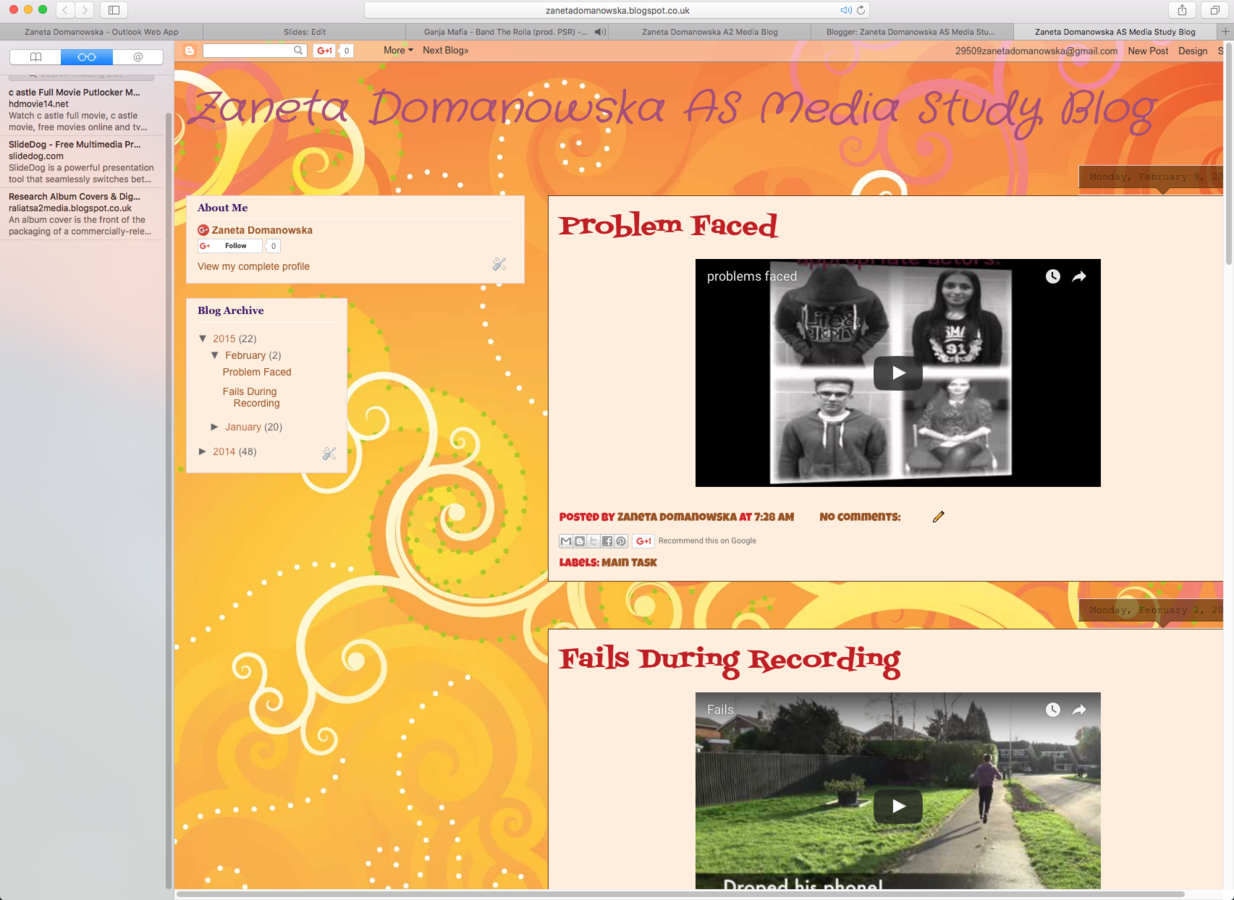
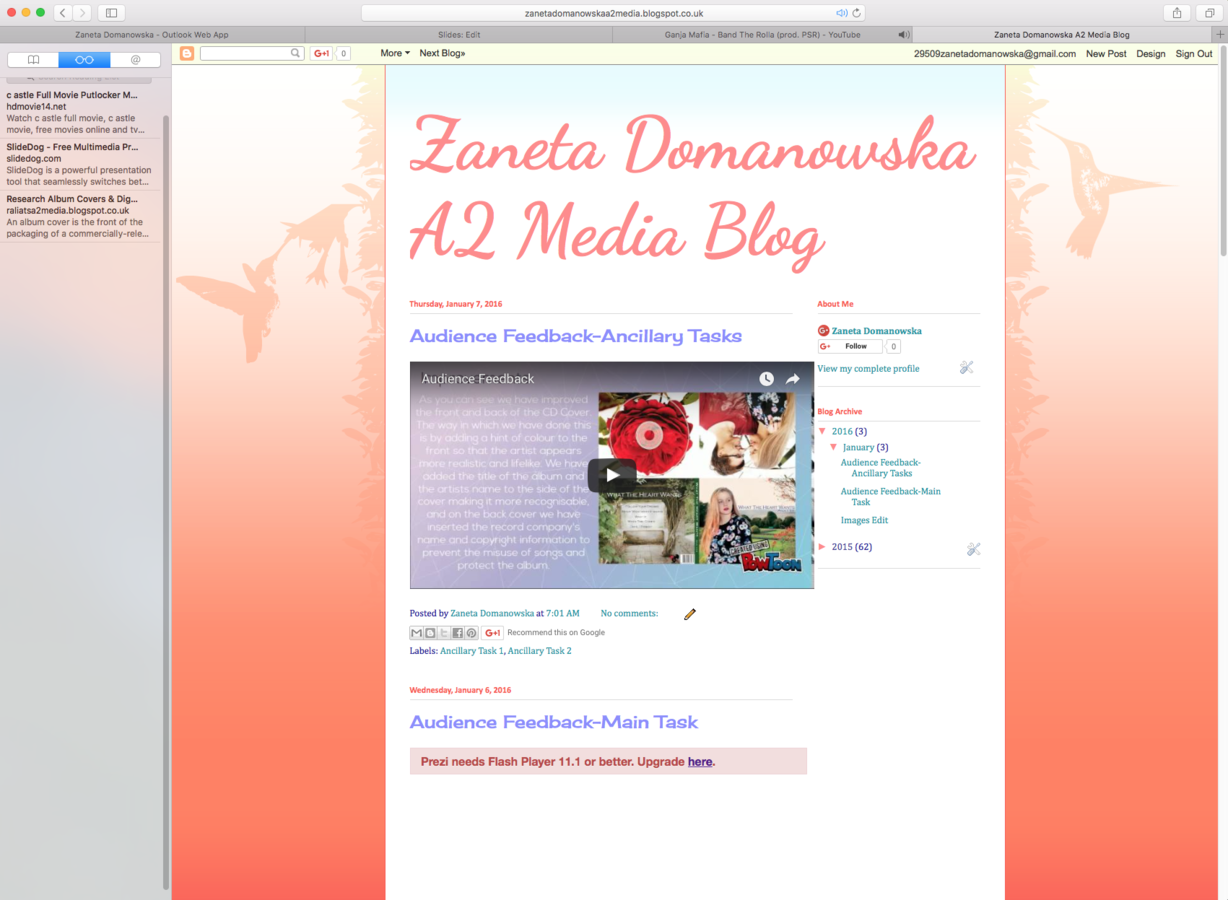
Blogger unfortunately doesn’t have a self hosted version, which means that there are aspects that you have no control over. Blogger gives access to everyone and anyone who wish to enter your blog page. This means that anyone can see your post. As the post is published, other people have access to it and are able to comment underneath them. This might bring lots of positive comments, however many of them also are negative. Therefore, some comment might be offensive and make you feel upset.

Secondly, it is considered to some to have poor search engine optimisation implementation, which can make it harder to get your content ranking highly in the search engines. This means your blog page is further in google search engine so it is difficult for others to see your blog and what you have done. While the page is further, less target audience will see it and less feedback will be possible so lower outcome it will bring it back. This means that we will gain less responds and ideas which could improve our work and make it better as our target audience not getting involved into planning stage due to the low search engine optimisation.

Since the AS, I become more confident while using the Blogger. At the beginning I wasn't that confident with making my posts so their will look nice and fit with the space provided as some files were larger than other due to the width of the presentation which haven't fit with the layout. We have found blog difficult to use due to the fact that we have never use it before. However with the time and practice, we have use to it and uploading of new posts became much more easier. After few tries we have found that Blogger is quite easy to use and the function isn't difficult at all.
We have make my own personal blog for which we have design our pages and layouts of blogs. The design was change thanks to the setting available which allowed we have made for the colour and fonts. The problem which we have faced while uploading new posts on to the Blogger was the size of certain presentations because the size was big and it haven't fit with the space provided on to the blog page. To solve this problem, we needed to make the presentation size smaller. For this reason, we needed to change HTML code in a post space. Firstly you have to search for the key word 'height' and 'width', then make the number after them smaller, so it would decrease the size of the presentation. By decreasing the size it allowed us to fit the presentation into the space provided.
YouTube
YouTube is a free video-hosing website that allows anyone to upload and store video accessible to public. Members of software allows to share videos with others on variety of web platforms by using a link or by embedding HTML code. This shows that we were able to use this software to show others what we have created by uploading our videos.
YouTube also allows to subscribe, like, dislike or comment under the video whether they like it or not. This means that we were able to gain feedback from our audience and see whether they like it or not. This helps with expanding our knowledge about wants of our target audience as we were able to see what they have liked and what we could improved to make the music video better and more appealing for them so narrative will be improved and we will end up with most likeable version of video.
While uploading video onto the YouTube, video will appear on both YouTube and Google. This increases the chance that target audience will see the video and will become interested to see more.


Onto the YouTube, there is lots of videos and while uploading them, anyone can see it. Also this means that anyone can make comments which could be insulting and inappropriate, making fun of the video. This catering will be bad and person to whom the video belongs, could feels insulted as he have tried to share own ideas and share it with others .
YouTube account's will be disable or flagged, if you are copying the anyone’s video or making video that do not comply with YouTube terms and condition , your YouTube profile might get flagged or you would not be able to earn money, as well as your account can also be banned as for uploaded isn't your original designs and ideas.


Biggest problem which we have faced with while using YouTube to share our work was the time taken for the video to upload onto our account as it takes hours. This problem could not be fixed, as we have no control over the internet and time which it takes to load onto the accounts. Therefore, to deal with this problem we needed to wait until it loads up onto the site so we could publish music video and make it available for our target audience. Also we were able to share our music video on to our Blogger accounts as YouTube allows sharing with the use of HTLM code to be available in our portfolio. While we were waiting for our music video to upload, we have focused onto finishing other works needed for the project to not waste time and follow our plan to try to keep the deadline.


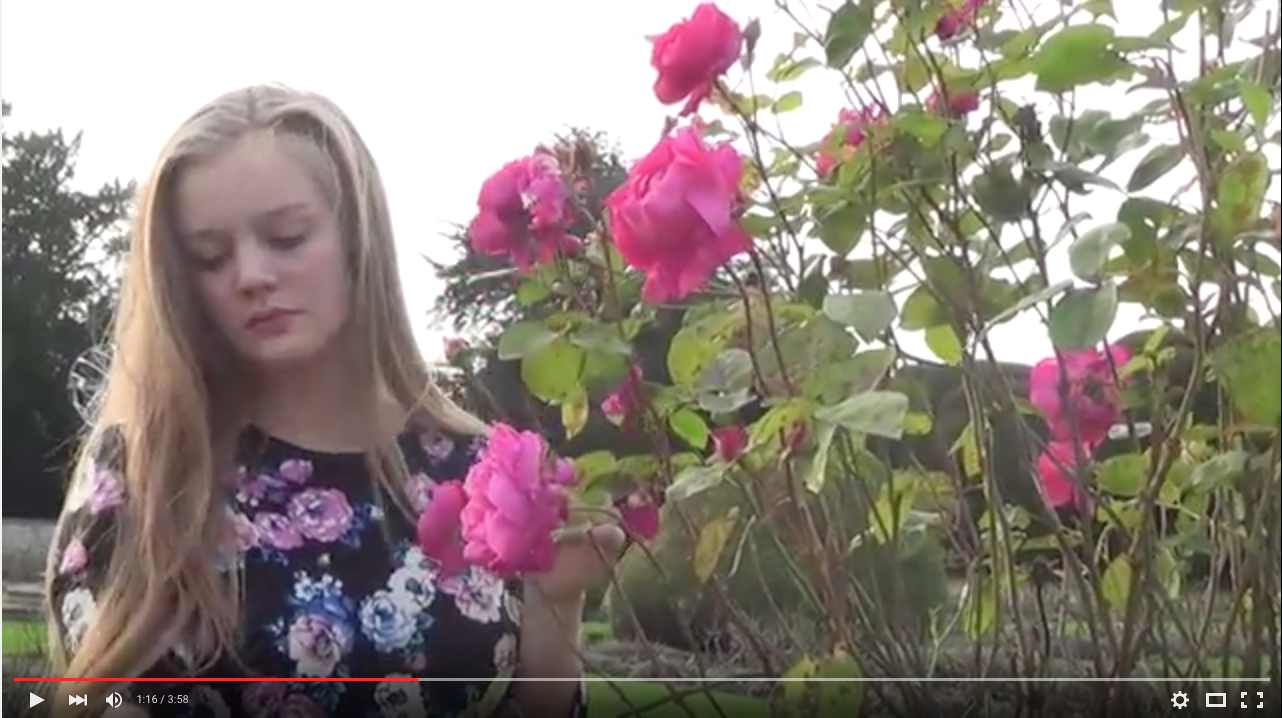
Also we wanted to make our music video high quality so when we was uploading our final music video onto YouTube account, we have change settings and quality option so it could be available at 1080p, meaning that our audience will have choice, depending from the internet connection so while it will be poor it can be seen at 360p or watch it at 1080p to have better viewing. This allowed us to make sure the quality of our music video will stay high and audience will have better viewing due to the HD quality as this allows for higher resolution and standard of our footage. 1080p quality resolution is much better then 360p as it offers much better picture quality. Higher quality makes better viewing as it allows for greater clarity meaning our footage will be less blurry and less fuzzy while watching. It creates smoother motion, richer and more natural colours and better sound of our music video. This shows that by uploading our music video using internet and placing it onto our YouTube accounts we could create better viewing for our target audience as well as better access to see it and show our creativity.

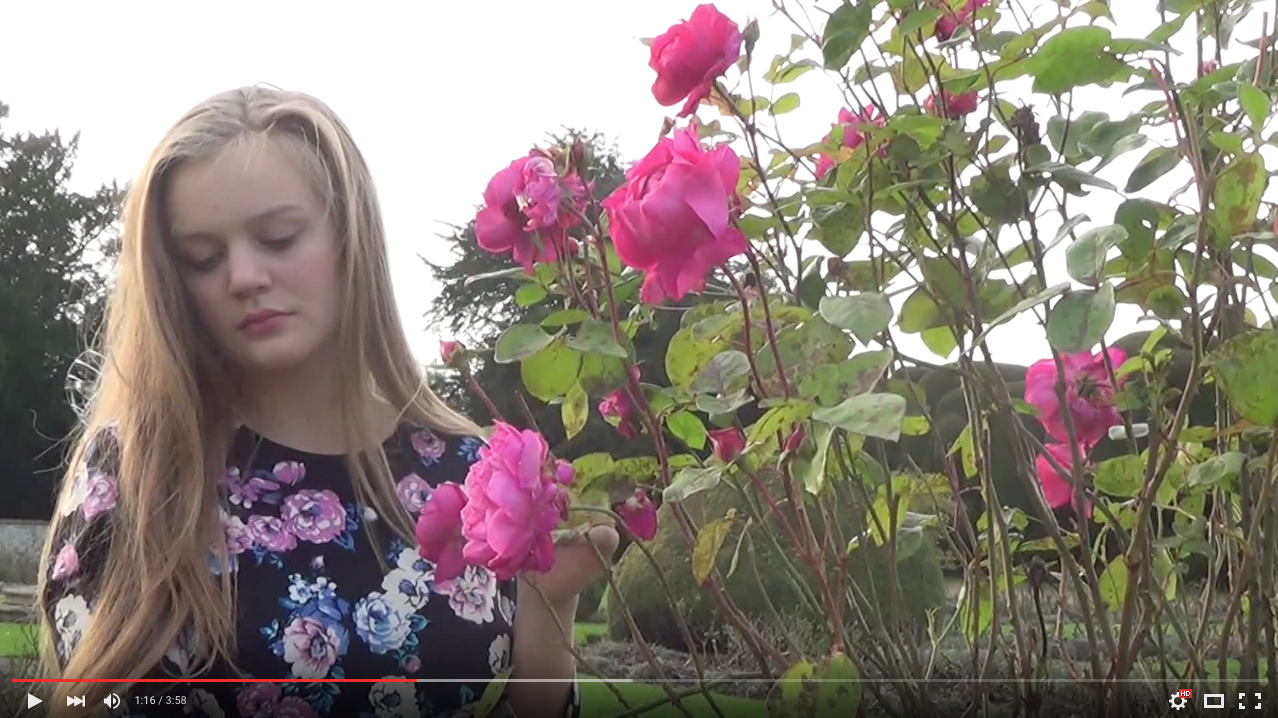
360p
1080p
Another problem with which we have faced was the Copyright legislation. YouTube have copyright our project as we have used one of the Selena Gomez songs. They have copyright this video because this have blocked the monetisation option which don't allow to earn money for the music video. This doesn't put us into any legal trouble but the video could not be watched at any platform, only on computers. We have tried to reach Hollywood Records during research and planning to gain permission for the song. We have tried to deal with this issue by messaging YouTube administration saying that video was published for educational reason and we not want to earn money for it, but still they don't allow for it. This limited our ability to gain feedback as we wanted to publish music video onto our Facebook pages and ask for comments, but we couldn't as our target audience uses now mobile phones on daily basics to visit any website, rather than computers. This means we couldn't gain wanted feedback from audience which will satisfy us and give wanted outcome regards our drafts and final version of our music video.

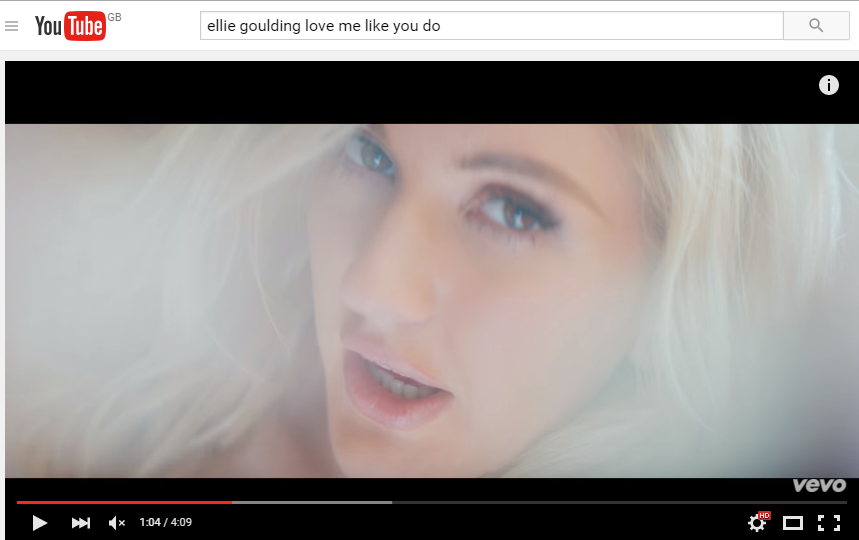
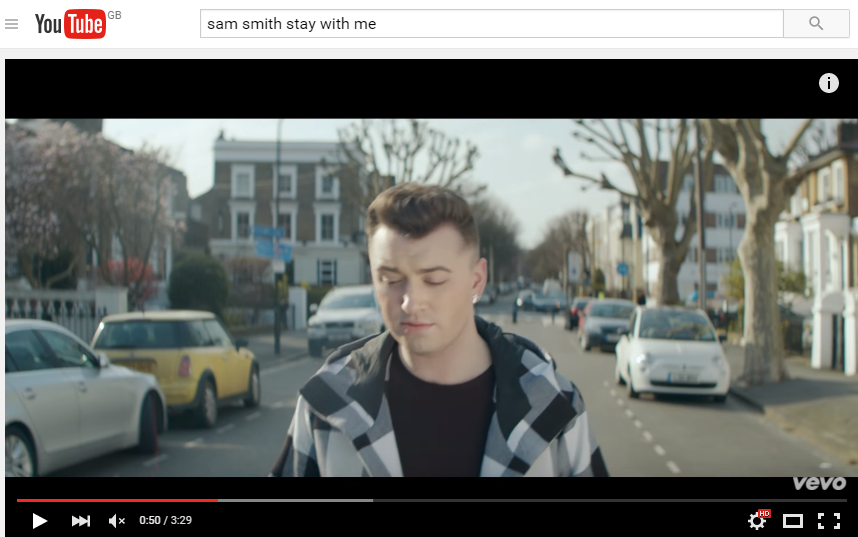
YouTube is a global website where anyone can add videos, therefore it has helped us during our research as we were able to look for the videos which have helped us with gaining needed knowledge to start our planning and in what direction we needed to move to be able to develop it. We have looked for the similar products for textual analysis. For example, we have looked for the Ellie Goulding music video to see what aspect are needed in order to create our own music video. This have helped with creating plan and storyboard with shots needed and we were able to learn that narration is necessary while thinking about pop genre. We learnt that from the music videos which are already uploaded on YouTube and helped us with textual analysis.

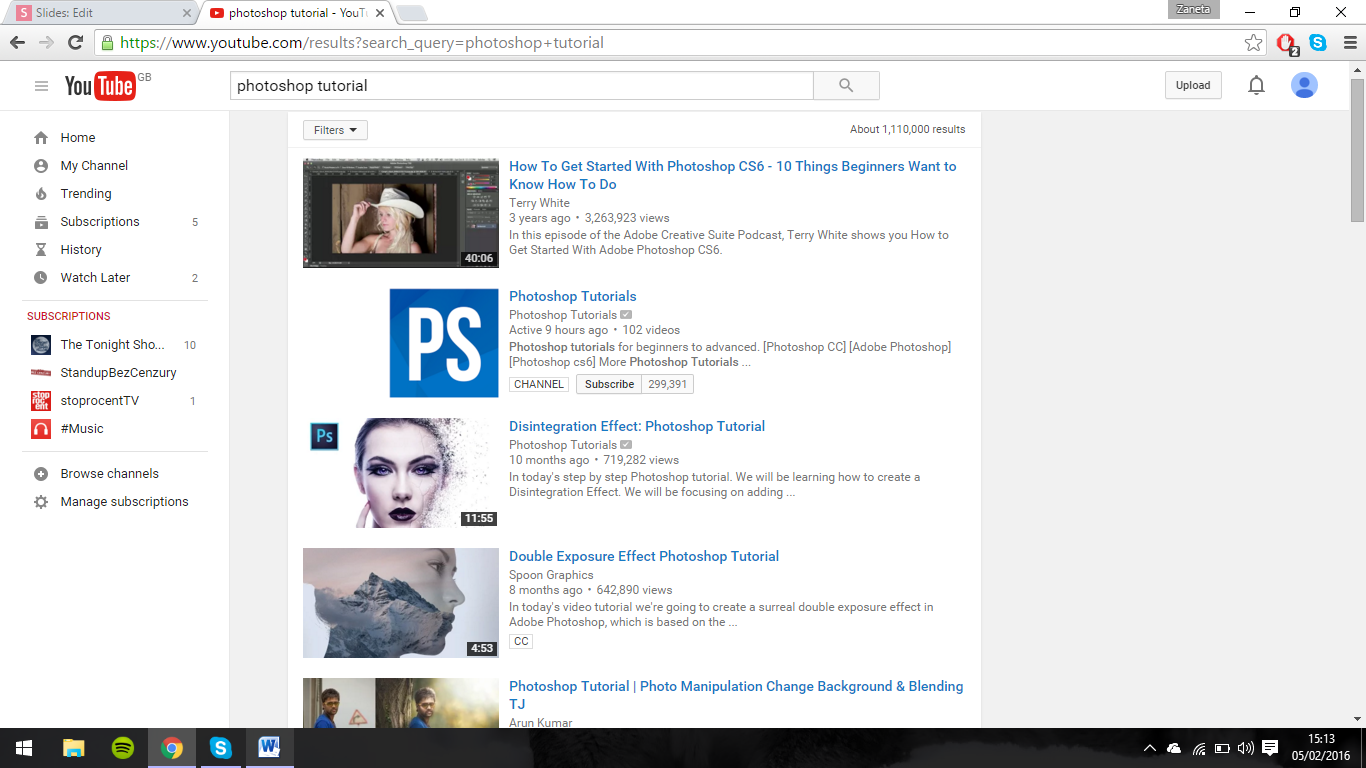
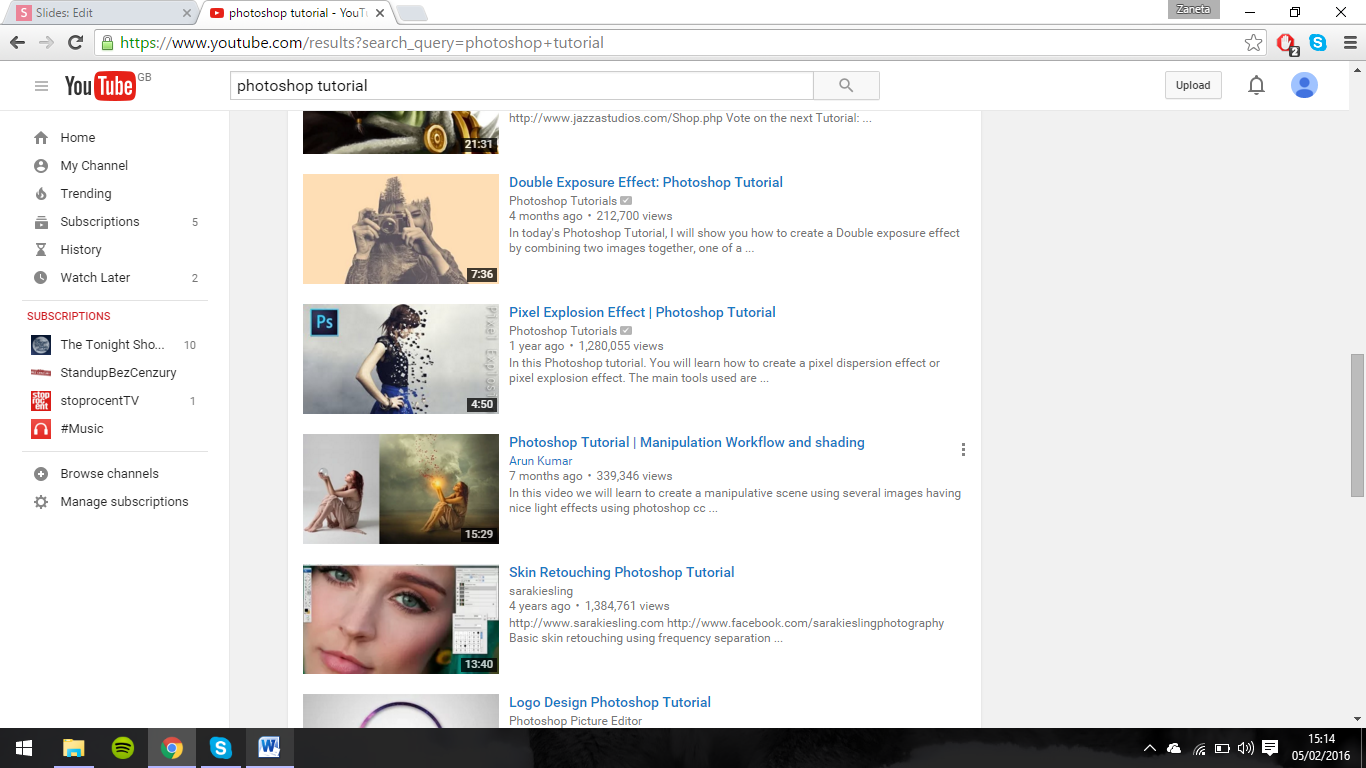
Also we have looked for the tutorials in order to expand our skills about the software such as Photoshop. Many uses upload videos to help others understand how to use softwares so people who don't have knowledge about them, can look for the tutorial at YouTube and see step by step what need to be done. This helped as with understanding what tools and options are available within the program to be able to plan what we could use for our own ancillary task. Photoshop is advanced software and contain many features, especially the new version so the knowledge which we have about the software was poor and limited as we have used Photoshop but older version, meaning that we only have it basics skills to use software at the beginning. Videos from YouTube allows to understand and expand our knowledge about more advanced tools which allowed us to create good ancillary tasks.
Survey Monkey
This is a software allows creating a questionnaire and surveys for any kind of topics. It is easy software to use and create a survey as tools are simple and straight forward. This allows creating any type of questions, from basic bullet pointed answers to the rating questions, so we could make different typed of question and gain better feedback from target audience.the print screen shows those 2 type of questions, as for question 6 i have used bullet pointed answers and for question 7, I have asked for rating from 1 to 5 aspects to see what was most important to consider while planning. means that we could find out specific answer while asking bullet pointed question, when there was a need, but gain rating when thinking about what first should be considered when planning due to the fact that all aspect were important.
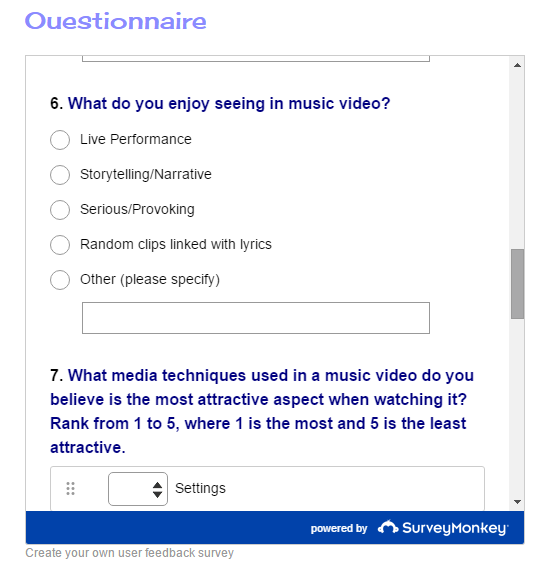
We have used this software as we have created a survey during our planning stage in order to gain target audience feedback and to fins out what we need to consider while planing for our genre. This have helped us to make sure our music video will fulfill their needs and will contain all the features to create music video. Also it allows to find out main features which target audience would like to see in pop music video and which we have taken into consideration. Questionnaire was available online as it was placed onto a website so we gain an ability to reach mass audience and to gain wanted outcome as many people will answer our questions. This technology make it easier to reach target audience and to expand the research so our planning would include all key featured which specify pop genre. This software helped with collecting appropriate research for our music video and allows deciding what will be the best choice as our target audience have like it the most. This have helped with gaining feedback which have allowed to expand the plan for our production.

This website isn't well know as not many people are aware of the website which allows creating surveys which are posted to help during planing and to involve target audience to gin feedback wanted. This means that we couldn't gain best feedback, especially from our target audience as not many of teenagers uses this website and are not aware, so we were not able to gain appropriate amount of audience to answer our questionnaire in order to find out what they think about our initial ideas and what we should include during our planning. This primary research would not give us the most accurate feedback from our target audience to make sure that we will include features wanted by them as not many people don't give best results and it has limit our planning skills to crate good product. Therefore we have used other sides available online to spread the survey and ask for the feedback to help us in planning our music video. We have used Facebook, for example. This is a website which allowed to spread the survey and more of our audience could see it. This increase the outcome and results helps with creating good plan for the production to make goo piece of media.

Speaker Deck
Slideshare
This 2 online softwares' allows sharing presentation with others. Thanks to those softwares' we were able to upload our presentation and used them onto our blogs so it could be seen and audience will follow our ideas and research which we have made in order to plan our music video. The presentations which was made into the PowerPoint was more difficult to share onto our blogs, therefore those softwares allowed us to upload them onto the boards in our accounts and share them with others. We have upload presentation, such as analysis of existing product, we have analysed Ellie Goullding song 'Love me like you do'. While it was online and on a board, it could be uploaded onto our blogs with the use of HTML code. This show that both softwares create better access to presentation which included planning and research for main production. To upload presentation onto the blog, embed code needed to be copy and pasted to the new post area in a HTML box so it could be processed and available to read by our audience to share our thoughts and ideas in order to explain all of our planning for main products.
The issue with those softwares are that it doesn't allow to edit the presentation when being onto the board. This means that when wanting to change something, as we wanted to make corrections, we needed to change original presentation in PowerPoint. For this reason we needed to re-upload again presentation and re-upload it onto our blogs to be able to have most recent version of presentation with correction. This created extra work and extra time was needed to improve presentation and make it look better. This limit the access as we needed to take longer path in order to inform our audience about the changes made so they could be aware and will be able to give us feedback to see what our audience thinks and if future changes was needed.

Another issue with this software is the fact that it allow to upload certain file formats so we needed to make sure we saved presentation in a file which will be appropriate for software so we could share it and show to our target audience. Slideshare allows only PowerPoint files to be uploaded onto the account so it could be shared, whereas Speaker deck only upload files which are in PDF file format. This means we needed to save Ellie Goulding analysis presentation in PDF file to be able to upload onto Speaker deck and then we have used embed code to post it onto our blogs. This allows us to reach mass audience as our research and planning presentations where not on one social media platforms by on two so this increase our chance that wanted audience will see what we have done in terms of planning for production. Greater access to our planning, allows gaining greater chance of feedback from target audience which have helped with improvements and develop our planning for the production so we will reach mas audience while showing final products because it will contain many aspects liked by them.

Presentations
software
Prezi
Emaze
PowToon
Bubbl.us
Those presentations software we have used previously in our AS projects and we were familiar with tools available, so creating presentation was much more easier and quicker to do. The knowledge about them during A2 allows us to increase the visual appear of presentation so their could look more creative and appealing for target audience. This have increase the chance that audience will look into our presentations which contain planning and research and see whether they like it or not.




Prezi
Prezi is a presentation software, which allows creating more advance presentation than PowerPoint, as person can arrange the slides in a way he likes it and how it will move to another one. Prezi is also an online presentation software, which means that it is available anywhere so creation of presentation could be done at any computer with use of internet and can be shared wit another user, therefore I was able to send analysis of magazine advert to my partner so she could check it and see whether development need to be made. Also it is free software so there is no need for extra costs. Another good feature is the fact that Prezi automatically saves the changes so when something happens, most recent version will be available so nothing will get lost. Also, like PowerPoint, Prezi allows to add images, videos, animations etc. This makes the presentation interesting and appealing for the viewer so person will stay focus while following the presentation.
Even though it allows to arrange slides, it can make it look awful, as when making the slides too fancy, it will cause dizziness. This makes it look really bad and person will loss concentration while watching presentation. This was the main problem in AS, while creating first presentations, analysis of 'The Fast and The Furious' opening scene, I wasn't aware about limiting the transition so it will not look confusing for viewer. Therefore first presentation created in Prezi contains lots of transitions which makes them look little bit dizzying. However, while creating more and more presentations, I have leaned the fact that transition cannot be too complicated to not overload the presentation and make it look bad. For this reason, I have expand my skills and makes the presentations less complicated which don't make dizziness. Now presentations looking really good and appealing.

Emaze
Emaze is another online software which allows to develop presentations. It is also available online so it is available all the time and anywhere. Also presentations are easy to create and allows adding any files, such as animations, images, videos etc. Also it contains many designs which could be used for a template for a presentation. For example, while creating Ancillary Task 1 analysis presentation, I have used 3D template of Gallery. This allows creating different presentations which doesn't repeat and look appealing for an eye. Also it saves on its own when something goes wrong, therefore work will not get lost. This means that software is good to use as work has saved on its own.
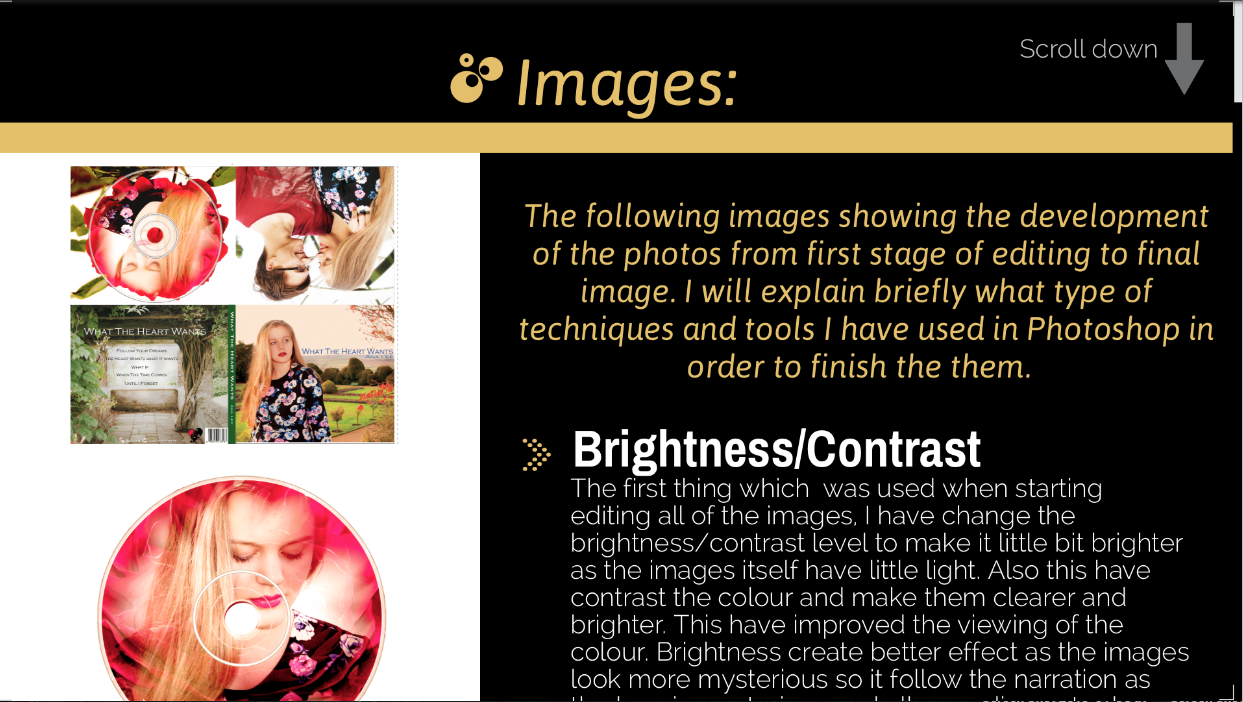
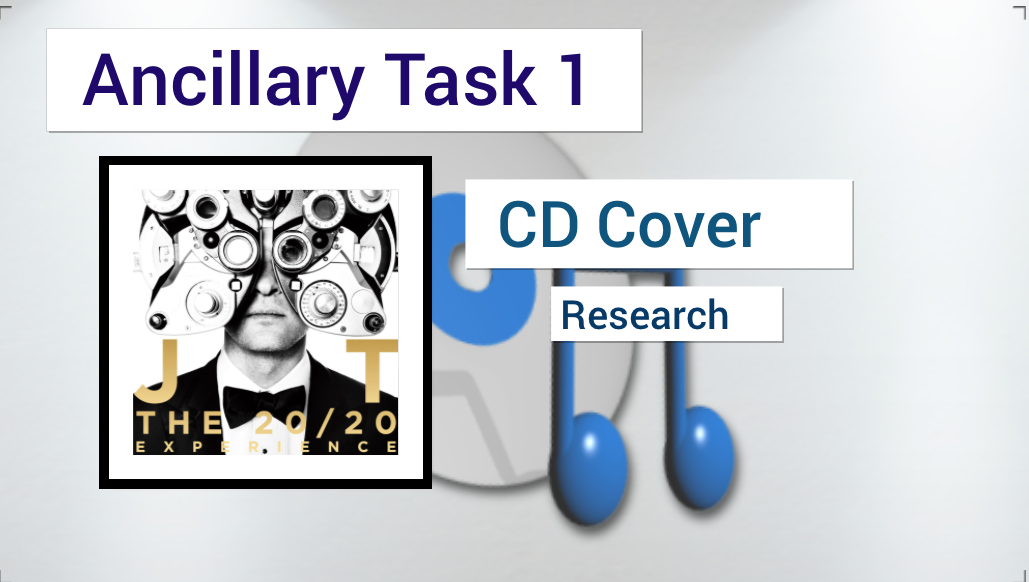
Bad side of the presentation software is that it is online, so it might don't work when internet will goes down or website has some problems with opening and we could not enter our work. Therefore, no work could be done when there was no connection to the internet or website haven't worked. This has slowdown our planning process as we could not create a plan because we haven't got access. However, this sort of problems cannot be fixed, as we don't have control over the internet and we could only wait until the service turn it back on. This shows that even though this technology is easy available anywhere, it can cause problems while servers haven't worked and internet was down.


Powtoon
Powtoon is also online software which allows creating animated presentations. Presentations are interesting as their contains many features which allows expanding the visual appeal of the presentation. It is i a form of animation and viewer can watch it in a form of video. It is also available anywhere at any time so their could be finished at home and extra planning could be made. It is more advanced software as other presentations because it is more effective to watch a video rather than follow presentations with slides. It also contains templates so their could be used and make it easier to create presentation. It allows saving time but still presentation looks really good.
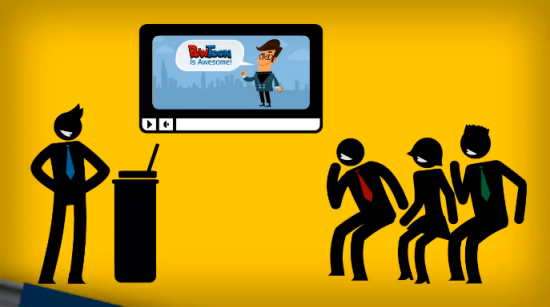
Powtoon is really good software for creating video animated presentations, however it doesn't allows uploading video straight away onto the blog, because before it needs to be shared video firstly on to the YouTube accounts and then it could be uploaded on to our blogs with the use of HTML code. This means that we needed first to share video on to YouTube account and then share it future. However, this increased our chance for gaining better audience feedback regards planning. For example, we have used this software to create video explaining who is our target audience and why.
Also it allows only limited amount of time to be used for the presentation so long presentations are impossible to make. For this reason we have only made small presentations which were vital to explain our plan for the music video.


Bubbl.us is a presentation software, which allows creating mind maps to help stating facts about our ideas. This software makes it possible to change the colours of the boxes and link them with the use of the arrows. This makes it possible to state in a simple mind map all the ideas which we have come up with. This software is good to plan as the mind maps created allows to see all the ideas which person has come up with. Also it is good as it allows sharing a mind map with the use of HTML code, so it could be uploaded on a blog page and others could have access to it an see our ideas during planning of the music video, such as create mind map about songs which we have take into consideration to analyse. This is also online software so access is easy and mind map is saved safely in a website on own account, meaning that it would not get lost and audience will be able to see our thoughts.
Bubbl.us
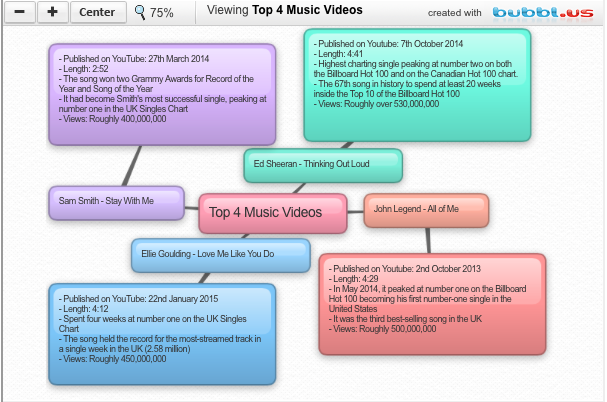
However the software can only create mind maps, so it doesn't allows expanding the idea as bubbles will be overloaded with text while trying to make the idea detailed. Also adding images is impossible to show more and make it more visually appealing for the viewer to expand the mind map. This means that it might be difficult to understand what is written in a bubbles as person will don't understand simple words or phrases with are not detailed as it contains only key words of our ideas. It allows only up to 3 mind maps for free, so to make more mind maps you have to pay. This shows that the access is limited and people cannot use it for long if not wanting to pay. Therefore we haven't used this software that much as it wasn't good for planning and research because we couldn't use it to express ideas and explain them well so target audience will understand it.

Haiku Deck
Slides.com
Popplet
Presentations software listed above we haven't used previously. We have research them before starting A2 project so we could expand our skills and create better presentations using other softwares, as well as we were able to reach bigger audience and share our planning with them. This means that knowledge about those presentations software was small and we have learnt how to use them during A2 research and planning.


Haiku deck
Haiku deck is an online software which creates simple presentations which looks good. This software do not over-complicate the slides so presentations focuses on main ideas and keep it clear to the target audience what we wanted to achieve during our production. Haiku deck makes simple presentations which contains limited text and images as it want to show what is important by keeping it in a simple form so it will be easier to understand by reader. This means that we have created simple presentation, such as theory analysis and aspect which we will use during our production. but their have contains all the basics of our planning and describes why we have use it.
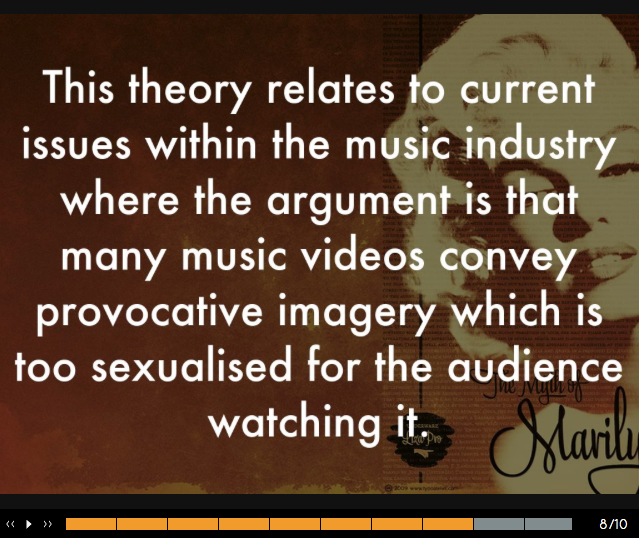
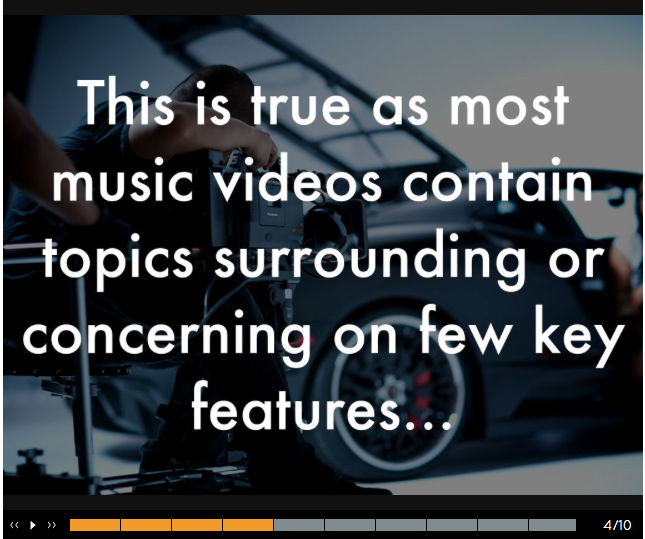
Even though it allows making simple presentation, it doesn't allows making them more appealing as images only can be added as a background of the slide. This means that presentation cannot be very inventive and appealing compare to creating presentations in other softwares as it limits the creativity of our ideas and express them with the use of the images to make it visually appealing for audience so they will be able to understand the text better and visualise our ideas, helping with deciding whether it is good so they will leave a comment to give an advice. However, while creating a presentation, we have make different backgrounds on each slides so it will look interesting and person will understand the text better as background image will help with understanding the purpose. This makes the presentation simple but audience was able to understand all of our ideas and why we think their are good.

Slides.com
It is another online presentation software which automatically saves changes so nothing will get lost when technical problem appears and program will closed automatically. Presentation is safely stored in your browser and it have make it accessible wherever we were. Slides is more advanced software than PowerPoint as slides can be arranged how ever individual wants and viewer can click arrows in different direction to see the presentation. It is easily accessible as it can be send by email to another person, so my partner was able to see what I have written and check it and see if everything was correct. This will also allows developing the idea and planning stage as we have been able to explain our ideas and share with target audience. Also, we could upload presentation onto our blogs by the use of HTML code which was pasted to space provided. This allows others to see it and understand our ideas better as we have explain them and use images to help our audience visualise our ideas.

Slide.com do not allows uploading videos or animations, this means that only images can be uploaded to develop the visual look of the presentation. This makes it harder to expand presentation skills, however the images still makes the presentation looks better. Slides software isn't well know program as not many people knows about it and most of our friends didn't know that this program exists. Therefore sharing our ideas within this program is hard as this decrease the chance of reaching our wanted target audience. For this reason, we haven't used that often this program to express our ideas and explain what we want to do our our project. Also we have shared the presentation on to our blogs so our target audience could see our ideas and give comments under the post.
Popplet
Popplet is a software that allows creating mind maps. It allows creating mind maps for the learning purposes and capture facts which allows specifying important ideas and understand the content. Popplet is more advanced software then Bubbl.us as mind maps are more appealing and contain more features. Software allows uploading images making it more appealing for the audience and person can visualise what we have said in key points. Another good aspect is the fact that person can change colours of the boxes and separate ideas from each other. This makes it good software for creating mind maps as they are more appealing and looks much nicer so ideas can be expressed and viewer will be interested to look what we have come up with. This have increased the chance for feedback which have helped with planning for production.
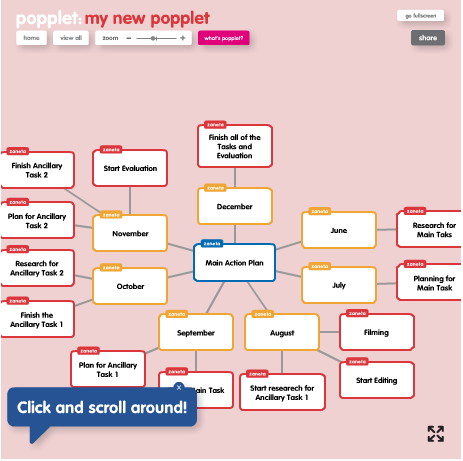
Popplet is a poor way of expressing ideas as it only allows stating simple facts. This is because it is a mind map and detail explanation in one bubble doesn't look really nice and appealing. This means that we could not use this software for really detail presentations which needed development into explanation so target audience will understand our plan for production. For this reason we have used this software only once during creating our research and planning. This software helped us with creating mind map about our main action plan. This helped with stating what we planing to do when and when we wanted to finish, as well as it was made to help with trying to keep the deadline, however, somethings haven't been done on time so our production have extended little bit.
Facebook is one of the most popular social media platforms used across the world. Many people have access to it, therefore it makes easier to reach wanted target audience or gain needed feedback as we have send request to fill our questionnaire using Facebook. Also it allows to upload images or videos which could be seen by anyone and anywhere. Facebook is popular social media site so it increases our chance to show our ideas and plan for music video and reach mass audience n order to gain feedback and comments regards our drafts. This allowed us to discuss the plan and see whether audience have liked what we have come up with and what we could take in consideration to make it better. This allows us to involve our target audience more and share our ideas and drafting.

Email is an electronic mail which allows sending information between people via network. This is an easy way to send mails between people as it makes it quick to send and receive mails. It also allows attaching files like images or documents to an email so person will have access to them and will be able to see it by opening the attachment. Email allowed me and my partner to keep in contact and share with each other the presentations for checking them and develop ideas for our production as we needed to make it good and appealing for target audience. This shows that we could keep in contact at any time, even when at home so we could develop our ideas and planning no matter where we were. This has developed our final products.
From the program mention previously, most of them have been used in our AS program, therefore we did have skills needed to use them and were able to create interactive presentation. Also we did have knowledge about advantages and draw downs of them so developing plan with the use of them wasn't too complicated. However, there was also programs which I have used for the first time. Most of the presentations software I haven't known so I needed to learn them and what tools it offers. For this reason, we have expanded our skills and developed the research and planning skills. Whereas, for A2 project, we have manage to gain good range of skills about different presentations softwares which have helped with planning and research so for A2 we were able to expand our knowledge even more and create better plan for the production. All the skills gained during AS have allowed us to develop research and planning, as we were more aware about the abilities and tools of each program so it makes it easier to use and develop our idea in A2. This have also allowed us to expand our skills future and research for more softwares which allows developing the planning.

Also we could expand and gain ideas during research and planning by the use of social media and each program due to the easy access and freedom while creating plan. All the softwares allows us to gain information and access different sources, such as blogs of other people to see what they have created so we could gain some ideas where to start our planning for our own music video and what to consider during planning of production. All the research was based on the presentations and information placed in those softwares mention before, as it allows not only creating our own presentations with planning and sharing our own ideas to gain some respond on them, but also allows researching all the information which was already uploaded by other users to check what could be used and considered when planing own version. This allowed us to develop own ideas and share them with other users so we could gain feedback and see what future improvements was needed to make the product good.

Cameras:
Digital Camera
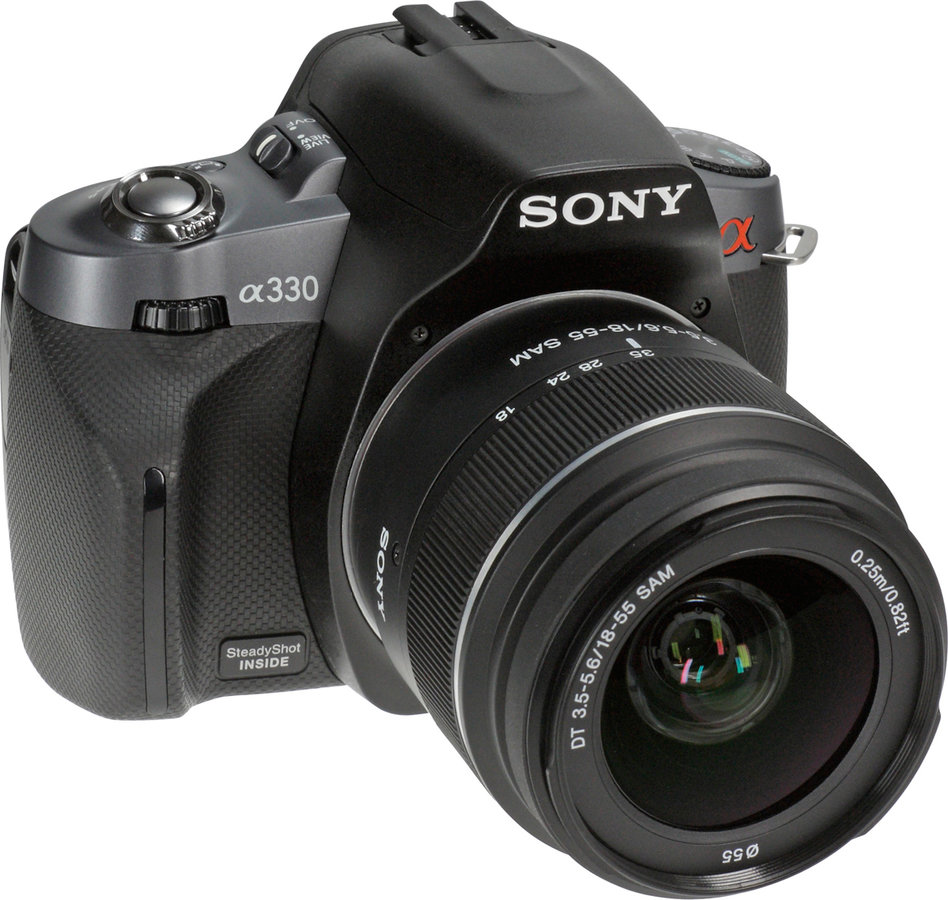
To take pictures for our ancillary tasks we have used personal digital camera, Sony Alpha a230. This is a digital camera with high quality lenses so it allows making high quality images, which can be edited after and will be on high standards. Sony contains many features which could be used to take amazing pictures, such as Portrait or Macro which have made the image better and more deeper by focusing the lenses onto the main artist so it have became center of the image which will catch attention really easily of our audience. This also makes the quality good so editing was easier as quality will be high and image will look good.
Digital Camera
Also while the lightning isn't that good, digital camera in an auto mode allows taking images which are high quality as flash will turn on automatically so image will could be clear and high quality. Person can view taken images in a gallery, so it can be reviewed and checked whether image is good enough or another need to be taken. All the images are store on a Micro SD memory card so to transfer images onto the computer person could easily plug in the card to the computer in a space provided or connect camera and computer with the use of USB cable. This technology make it easy access to the images and transfer them onto our Mac so then we could edit them and create ancillary tasks.

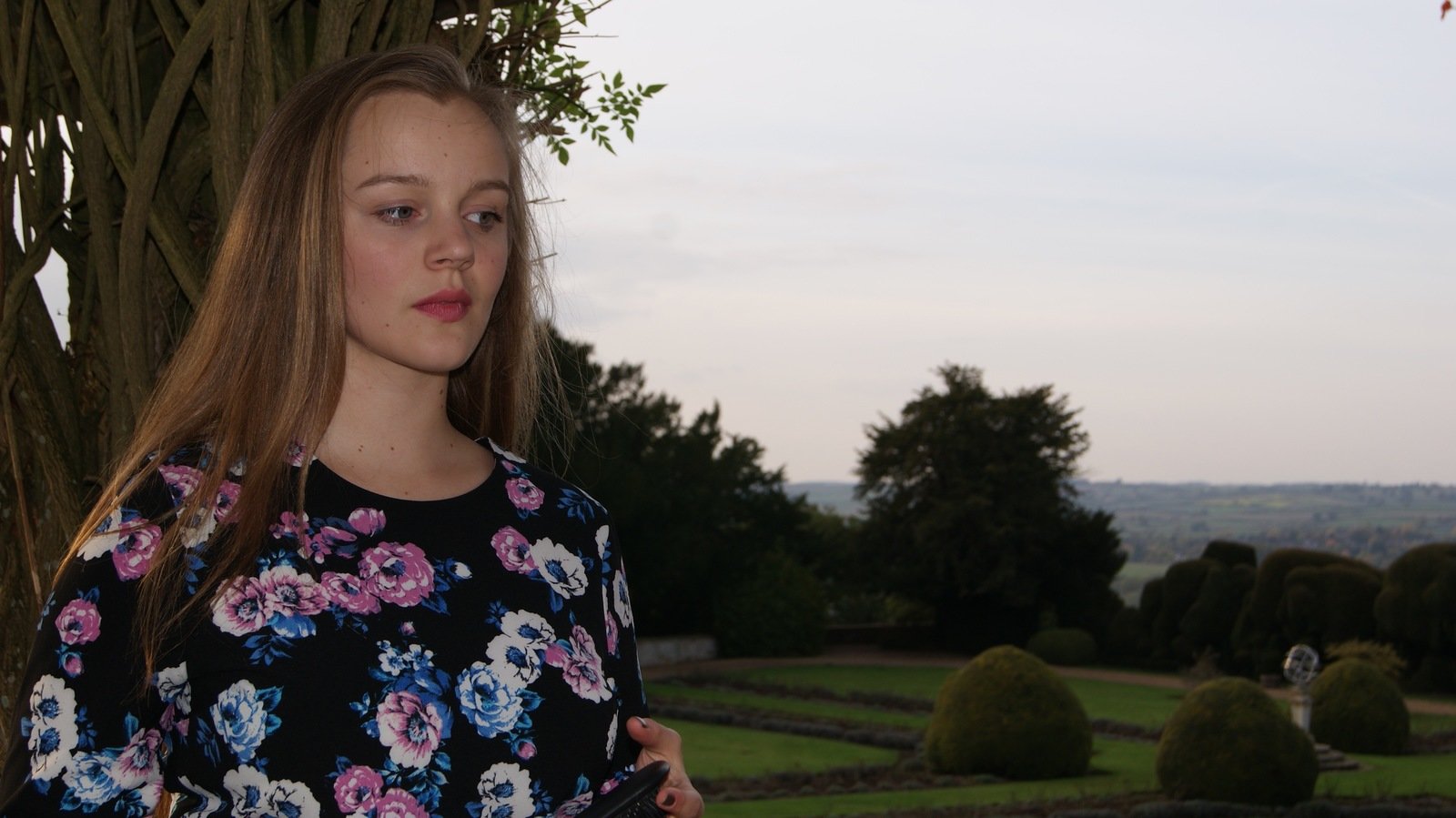
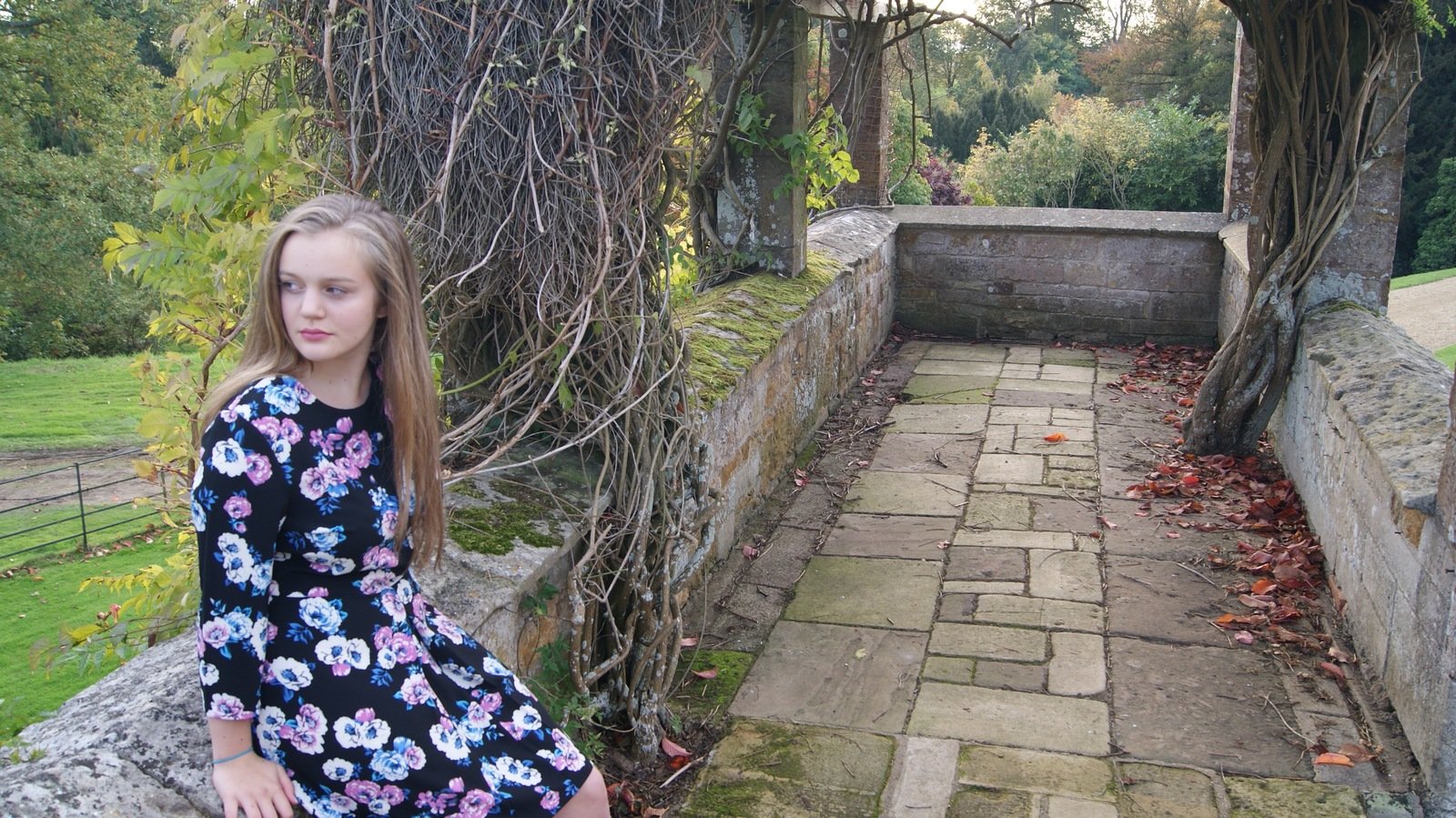
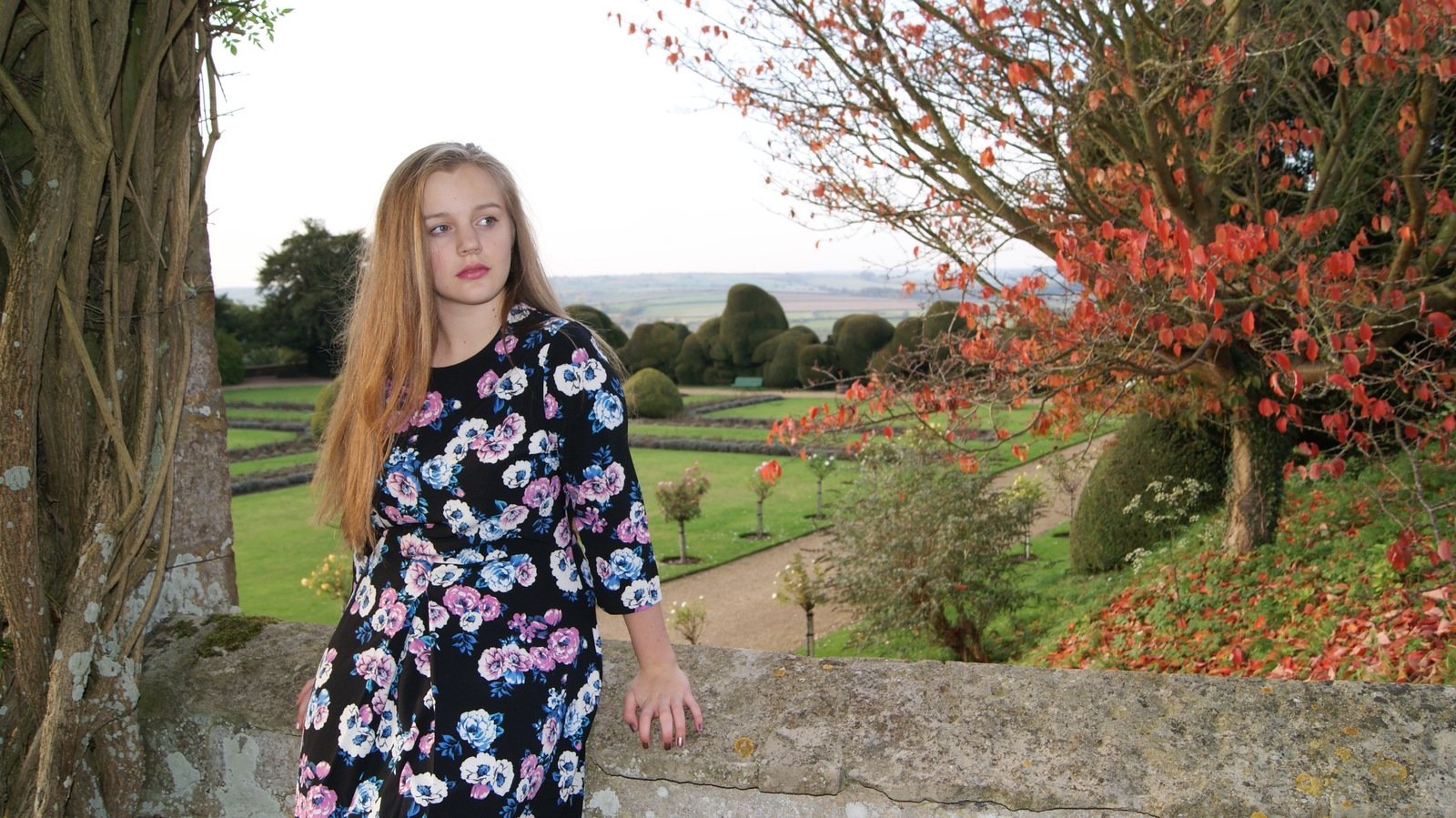
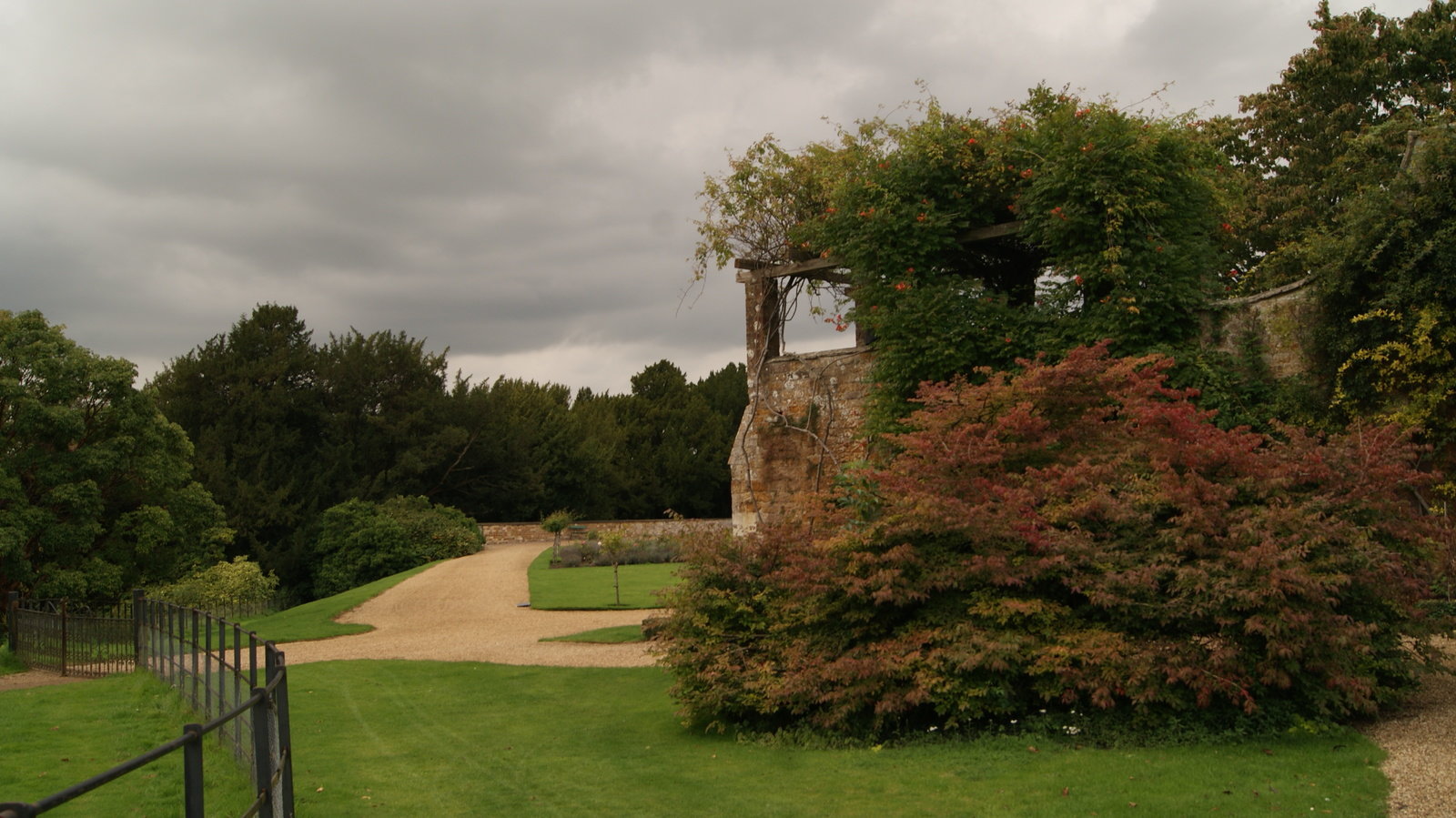
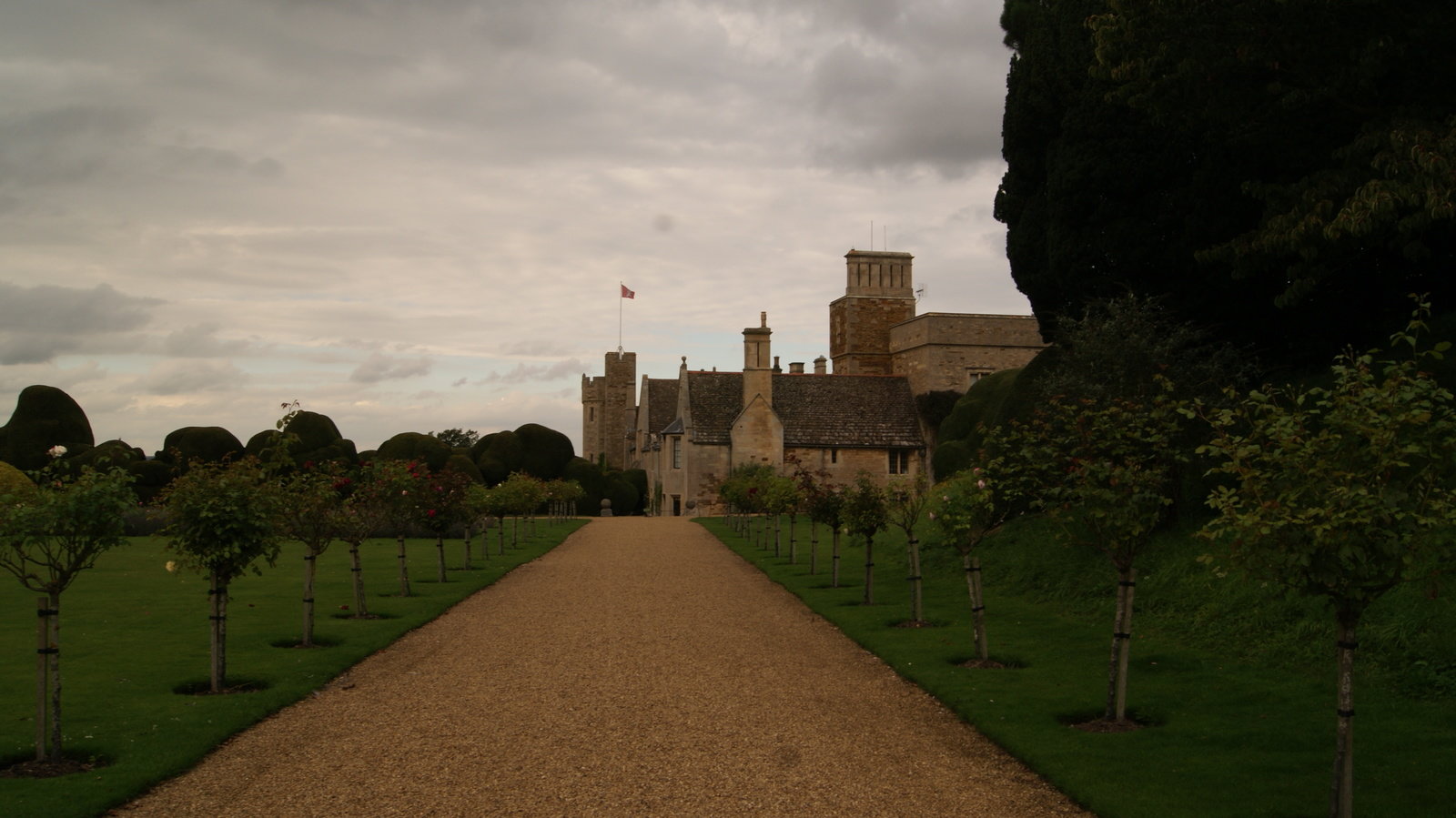
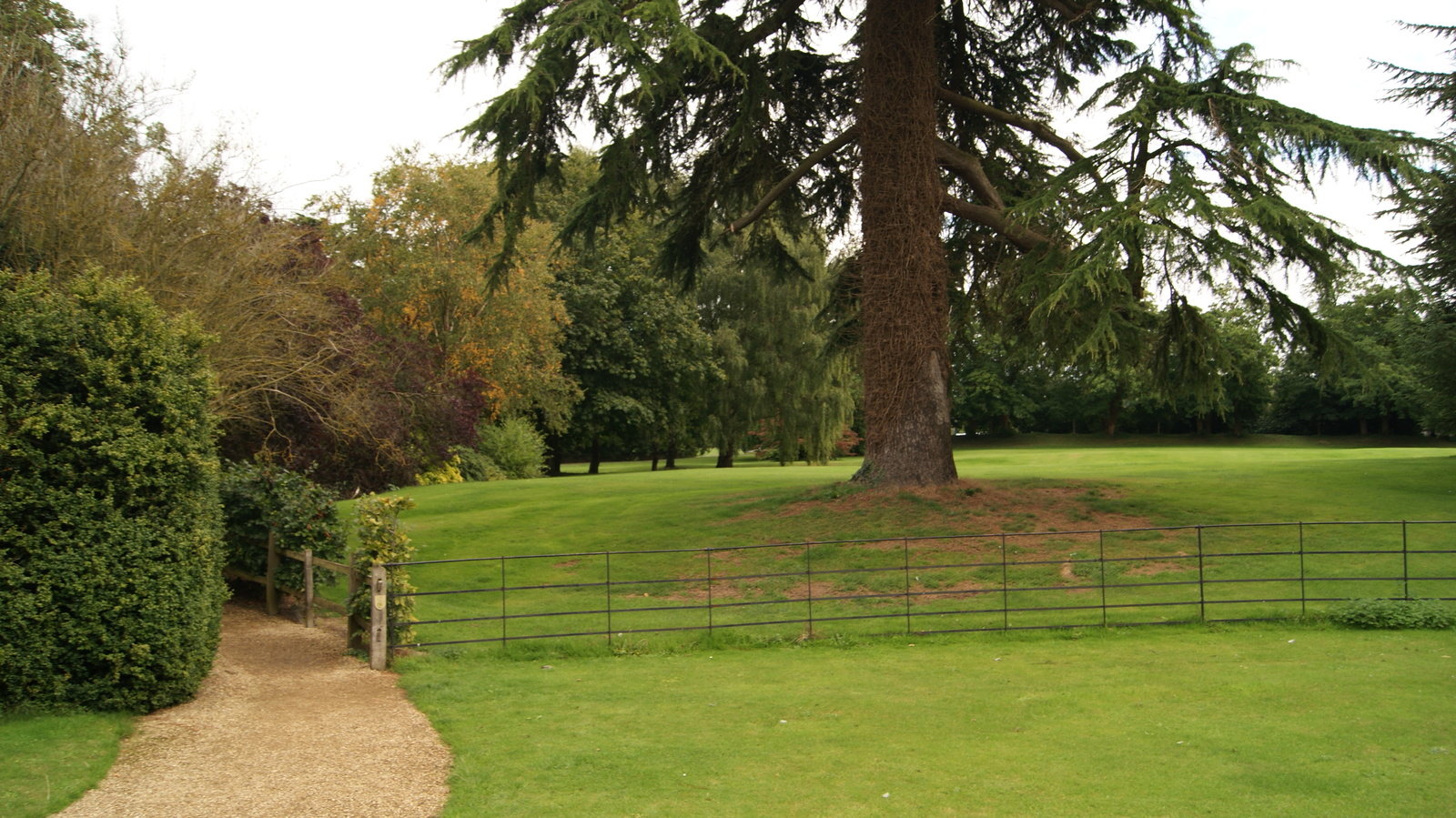
This type of camera allows us to take images before we started our filming as we have used it to take an images of a location in which we were filming and plan what shot we could take and what we needed to take in a consideration while filming at Rockingham Castle.
The quality allows our images to look good and on high standards so it makes it easier creating professional digipak for the album and to promote it as the images was very detailed and on high standard. We have little problem as few images was bleary so we could not use them. Therefore, while re-filming our footage at Rockingham Castle, we have took more images in different location so we have end up with good range of pictures to choose from and practice by creating drafts to see which images will be suitable for our ancillary tasks. Images thanks to high digital technology which we used end up really good and make the images look great so it manage to reach studio record standards and could be used as digipak because images was high quality.
Video Camera HD
For the first filming for our AS project we have used own camera, Panasonic HC-V10. This camera wasn't that good as the quality of the footage was poor, especially when filming in a dark room. For this reason, we needed to re-film all of our footage, but to make the quality better we have used Casio HD camera from school. This camera allowed us to improve quality and make the footage clearer so the viewing was better and target audience enjoy while watching. This camera also wasn't really good but it was better than our own camera because quality was improved.


Video Camera HD
However, we have found that when filming in dark, quality was also bad, like with the first filming. For this reason we needed to change little bit our setting by making the lightning brighter so we have take few shots with different levels of brightness and see which one allows bringing the best quality while using our video camera. This have expanded our skills for A2 project, as we were able to think about the lightning in planning stage and make sure that quality will be good and audience will have better viewing. This type of technology allowed us to create a good piece of work as while filming we were able to film in HD, which makes the footage look better and audience have better viewing. This is because HD is a type of quality which makes the colour deeper, resolution better so shots are clearer and while watching, audience is able to see more details and image displayed in a video is high quality.

Macs
In our school we have Macs, which we where using while creating our project. This also provides needed programs which we were able to use to edit our music video for main task and to edit images taken for ancillary tasks. Also we have access to one of the most popular presentation software, PowerPoint. Macs are good computers as their includes inside all the softwares needed to finish our production process we have easy access to them and to programs needed.
Program used on Macs:
Final Cut Pro 10
Photoshop
PowerPoint

Final Cut Pro 10
This program we have used to edit all of the footage taken. Software allowed us to create music video and our opening scene. This software is easy to use and it contains many features which allows expanding the creativity and allows creating good piece of work. Program is a good piece of technology as it is not complicated to use and it takes small amount of time to learn all the tools available and what it can do to make the footage look better. Final Cut Pro also gives range of tools such as transitions, this means that while placing footage together we were able to make the cuts between shots smoother by using transition such as cross dissolve or fade in. Another good tool to use making shots better and more appealing for the audience was the use of different effects. This have allowed us separating footage and create appropriate mood and atmosphere of love. This helps with narrative of the shots and allows audience to understand the content as we have used Dream effect to separate memories footage from the singing shots. Also, we have used Black & White effect creating appropriate mood as it is love song and it creates romantic atmosphere.

This software also saves footage on its own and all the changes are not lost so it is easy to obtain most recent version and don't loss any changes. This ensure as that even when something will went wrong and Mac will turn off, we will have all changes saved and footage will be available to use. This is good as we didn't have to remember to save constantly the changes so nothing will get lost. Final Cut Pro is also good software as it allows sharing videos straight onto YouTube account as it is link with it. This makes it easy access to share videos as it is simple and takes less time because there is no need to save footage on a computer first and then upload it onto an account. This show that technology was an advance for us as we manage to save time and share whenever we wanted new version of our music video with others to show what we have created. This allows to gain wanted feedback and see what changes we needed to made in order to improve our video and increase the narrative of it. This allows to create our video which could be shared and showed so our target audience will see it. Also this software have helped with editing as we were able to add extra features to our music video and make it appealing for our audience.
Adobe Photoshop is a software to edit images with the use of different tools. It creates images by adding layers which allows changing pieces of the picture. Photoshop is a good software as it is one of the leaders in photo editing softwares. This allows manipulating, cropping, resizing and correcting colour on digital photos. This show that software allows us to edit images to the precise and specification while creating our ancillary tasks. Photoshop allows practicing and developing the image to make it look professional and on high standard. Also it allows creating something unique that will stand out and appealing as it will contain good range of features which will make photo eye catching. It is a software that takes time to learn all the tools available and what each one of them do with an image so it needs some practice before starting editing professionally. Also it contains many version so it constantly changes and updates, therefore own skills wasn't really developed as in a past we have practice in older version of Photoshop and current version which is available on class Mac's is newer version, meaning that we didn't have that knowledge about it and we needed to learn it to use. With internet help, we were able to search for tutorials and learn about the software.
Photoshop
While editing our images, we were able to use different tools available within this program. Also to expand the knowledge about the software, we have practice before editing to check different options so we will gain some skills to use Photoshop and create our ancillary tasks. This helped with production as we have manage to create good range of drafts to compare and see which one was most appropriate to use for the digipak and which have looked most effective. Also we were able to ask our target audience about those drafts and see which one they like the most. This allowed to narrow the images and work onto developing final one. One of the tools allows us to combine two images together and create something new by blending them over each other. This is called Gradient tool and make images overlapping each other. This technology is good as it allows to do anything with an image and allows changing it completely to make it original and standing out. Also tools allows to develop the image by enhancing colours or brightness to make the image clearer and deeper so it will catch audience attention and will interest them. This have allowed to improve the quality of the image and make the artist center by focusing on her while editing images. This helped with creation of ancillary tasks as we were able to create good piece of work which end u looking great and on high standards.
PowerPoint
PowerPoint is most popular presentation software used by many people. It is a package that allows creating interactive presentations with separate slides and explains topic. It creates interesting presentations which looks appealing so audience is focused and keep attention to the text provided. PowerPoint allows including images, videos and animations to make the presentation more visually appealing for the target audience. This makes the presentation interesting and viewer will stay concentrated to find out what presentation is about. Another thing that makes PowerPoint good is the fact that it contains slides so information can be separated from each other and will not be mixed compare to the reports or word documents which are written under each other. PowerPoint can be shared by sending through an email so partner was able to receive presentation and make correction which will improve ideas and develop our planning.
PowerPoint even when it allows creating interactive presentation, it is made to contain limited amount of information to not overload it so person will stay focus as only key points will be placed on to a slide. This makes it harder to understand the purpose and might cause misunderstanding of certain points as person will don't have enough detail to understand what we was trying to do. For this reason we have made presentations which contains many slides and we have include a paragraph on each slide so it will explain properly our planning for production. This helped which creating plan for our storyboard as we have included image on a slide and write a paragraph to explain what will happen in each shot of our music video. This have allowed us to make the presentation detailed and interesting, as we have used images and separate information so reader is able to follow our plan and was able to understand it. This makes it appealing for the reader and interest him to read more about our ideas and how we have come up with them as presentation looks good and catch attention by making sure it audience will stay focus due to the images which help visualise what we wanted to obtained in final product.
PowerPoint is a software which could not be posted straight away onto our blogs as Blogger doesn't allow to post this type of files. For this reason we needed to uploaded the presentations by different softwares so then it could be posted onto the blogs and others will see what we wanted to obtain in final products and how we have come up with certain ideas during our planning and research process for our music video. The software which we have used was the Slideshare and Speaker deck. They allows sharing ideas with others and gain comment. Thanks to those softwares' we were able to add those presentations onto our blogs and show our project which we are doing Also audience could respond on the idea and help with developing what we could take in consideration. This show that technology allows us to expand the skills ans rech mass audience as we were able to share each idea, no matter where we have create it and how we have explain it.

How did you use media technologies in the construction and research, planning, and evaluation stages
By Zaneta Domanowska