Evaluation Q3 -
How did you use media technologies in the construction and research, planning and evaluation stages.
In all four stages of the production of my media products, media technology has played the most important part in the ensemble. From AS-A2 the range of media technology I have used increased as the unit required more evidence to demonstrate my awareness to the success of this task. This has ranged from the amount of website I use to present my work, to the software I used to create particular texts.
RESEARCH &
PLANNING


The research and planning stage was a time to record all my findings that would help in the construction stage. This is how I used media technology...
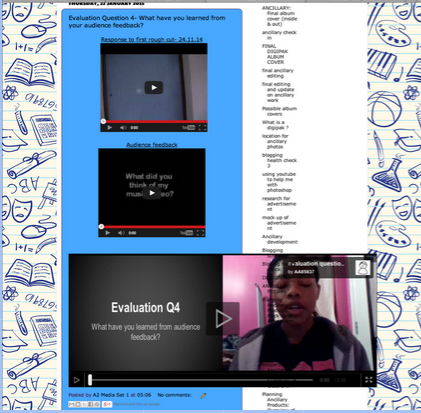
As like in AS, Blogger was almost used like a diary. I used it record all my findings that acts as evidence to support the decisions for my final pieces of media texts. Within Blogger I was able to embed work (through the HTML) I produced on other websites, providing a visual element to my work. By using Blogger in all four stages I was able to show the progression made from the AS year and prelim I made at the beginning of the year, to my final music video. I used Blogger to ensure I kept organised by referring to when I last blogged as a guide to when I would next blog. Blogger allowed me to demonstrate my awareness to particular conventions of digipaks through posting regular research I did into them.

BLOGGER:
INTERNET...
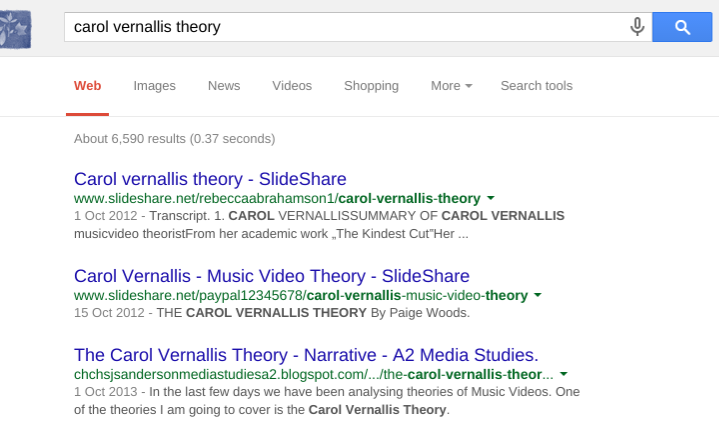
I used the internet to research the three main theories that we look at in lesson. This was to get a better understanding of the theories and also decide which theory my music video to follow. The search engine Google provides some reliable sources to get factual information, so I was able to simply type in 'Andrew Goodwin' or 'Carol Vernallis' and get over 6,000 results. Google was used as a link to get on to the website Youtube. Furthermore because of Google, I was able to find out about new presenting software by typing in 'good presenting websites' which maximised the various presentation formats I used for this unit. This is also why it was useful in the planning stage where I researched possible filming locations.


YOU TUBE:
YouTube would come under the division of the media technology 'internet'. However, as it was an important aspect that I used often in the production of my work, I have decided to talk about it separately. Occasionally I used YouTube to research possible song choices. On YouTube I was able to watch existing and real music videos. This was very important in the research stage as I needed to familiarise myself with typical conventions in music videos and gain an idea of typical shot types. YouTube was also made easy to embed into the blog, adding movement to the visual element. From the videos I used as inspiration I was able to plan what elements to use in my music video.

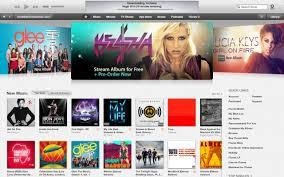
To progress to the construction stage of our music video, we needed to find a song. I used the iTunes app installed on my iPhone to search for possible song choice. The layout for iTunes made it easy for me to navigate, furthermore after looking at one artist, the app would give suggestions of someone similar which helped in our final song choice.


TIME TOAST:
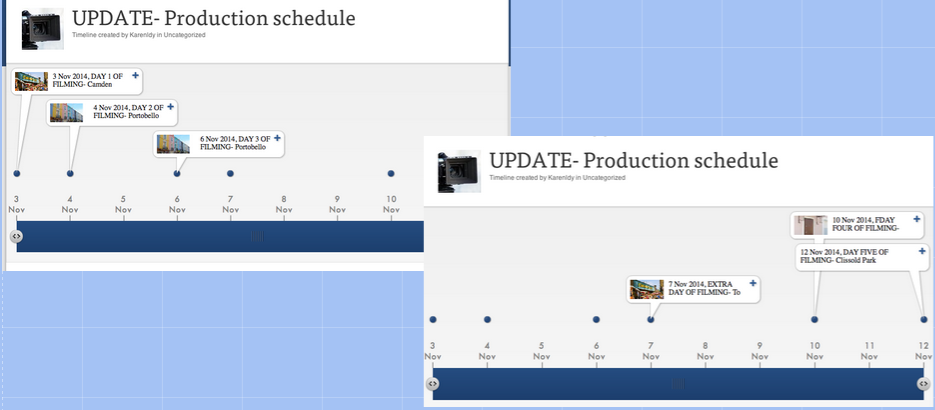
During the planning stage of the unit, Timetoast was a very important media technology. This was as I was able to create a schedule of when it was we decided to film. Timetoast was clear in showing the date and location we wanted to film at, enabling my teacher to get a clear understanding of our technique to get all of our filming done.
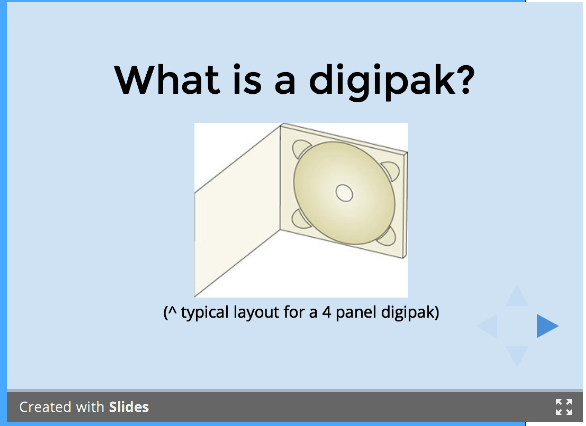
SLIDE SHARE, PREZI, PRESENT.ME
These are a few of the presentation websites I used in the research and planning stage. This was as I was able to incorporate pictures writing and voice overs too remind me of how I would use it in my music video/ ancillary work. These sites were also useful in the construction and evaluation stage as I was able to present my work with text whilst it being visual pleasing through images and gifs.



I was able to use images all while explaining what I wanted. These sites were visually appealing which is why I gravitated towards them when presenting my part of the pitch. I was able to import videos and pictures without having to open several other tabs.
CONSTRUCTION

CAMERA
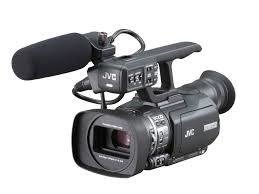
To film our music video we used the college camera that enabled use to film several base tracks through keeping files saved on our designated memory card. We used the camera to capture a sense of the artists happiness follows conventions. Furthermore we used the camera to film various base tracks to maximise the range of shot types we had. This made our music video visually appealing as the audience did not know what to expect next. A camera was also used to take my ancillary pictures.
FINAL CUT PRO
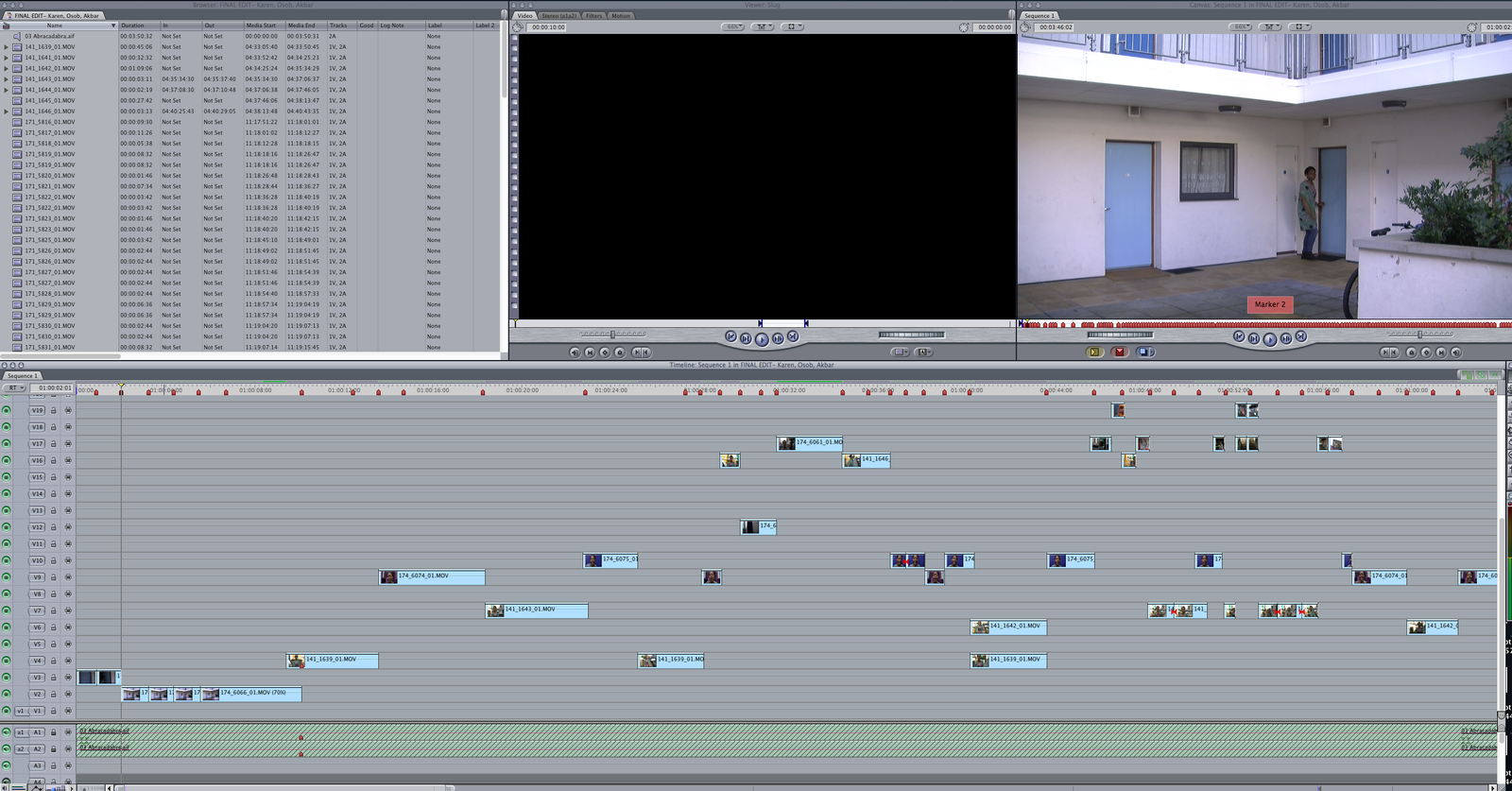
As footage was saved with the use of the memory card, it was easy transferable to Final Cut Pro. This was important as all the editing was done on there. Our hard drive also ensured our work was safe by saving the editing we had done at the end of every lesson. Final Cut Pro was also used for base track editing, a technique that made the editing of our music video easier. To convey a happy atmosphere the brightness was increased to made darker shots appear brighter.
To present the storyboard to the class, I used final cut pro to create an animatic. This was the best technology to use as I was able to import the song we were using for our music video and change each frame to the beat of the song. Other softwares such as iMovie could have been used however the version of final cut we used was very simple in terms of being able to cut a clip at a specific point.
PHOTOSHOP
Photoshop was used t create my ancillary. Through Photoshop I was able to increase the brightness setting of my chosen picture to present the joy the artist/ album brings. I was also able to create an album by using a template saved on the Mac and inserting my pictures. Photoshop enabled me to present my ancillary as realistic because I was able to insert title and tracklist- something all albums have. Furthermore on my album advert I was able to connect my audience with the artist by adding social media information etc.
EVALUATION

CAMTASIA
For my evaluation I used a mixture of what I have previously stated for the reasons mentioned. However, I also used Camtasia which did a good job of screening my music video alongside a real music video to demonstrate the comparison of conventions. Camtasia also allowed me to articulate my point without having to write them down through a side by side comparison. The text option along with image insert made sure I could present all my answers in a clear and visual manor.
Evaluation Q3-
By aa85837