The WebAudio API
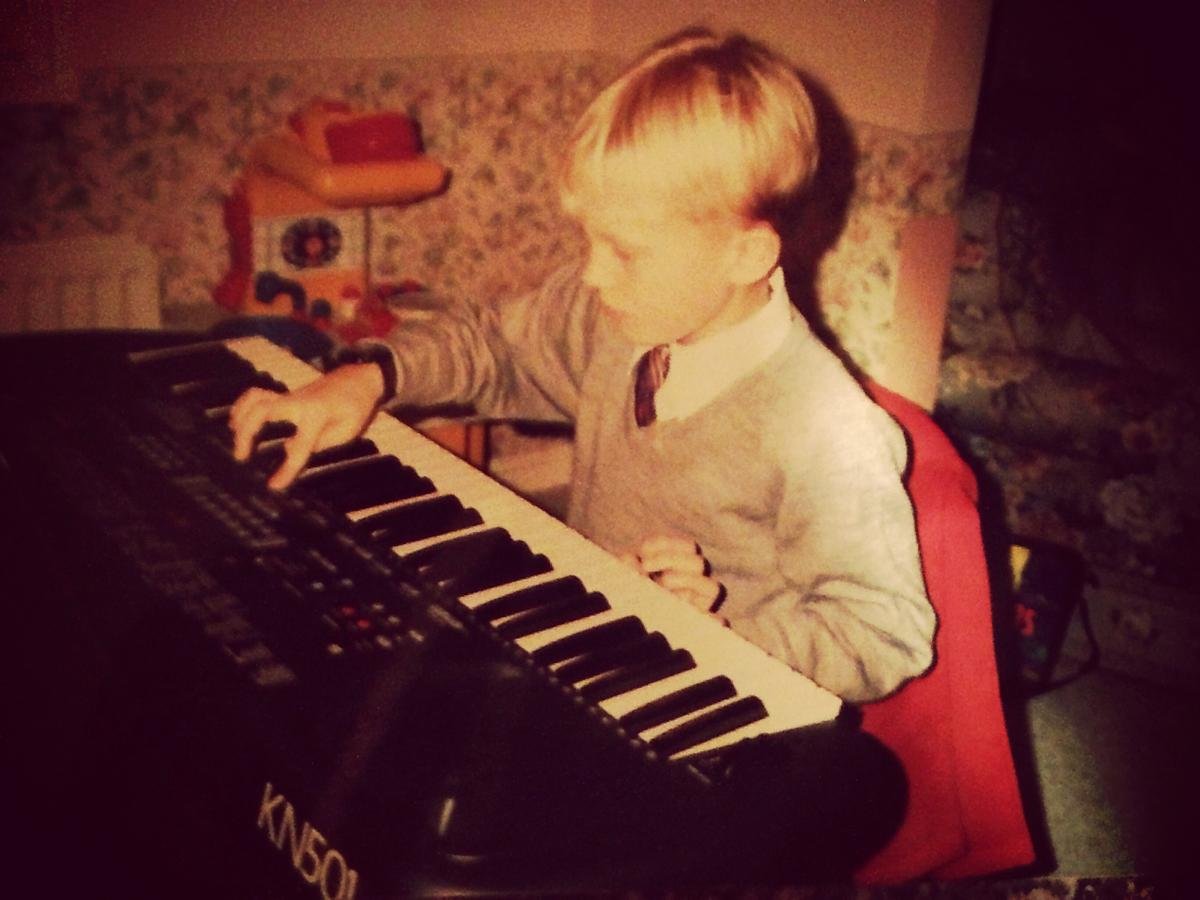
I've been a musician since I can remember...
MAX

Source
Processing
Processing
Output
MAX
Mic Input
Distortion
Reverb
Output
Web + Audio =

First a little history...
- First came Internet Explorer's <bgsound>
- Followed by Netscape's <embed>
Baby steps...
- Flash was the first way to play cross browser audio
- Then came the HTML5 <audio> element
Getting there...
- Several attempts to provide a more robust audio API
- First came Mozilla's Audio Data API which extended the <audio> element
- Wasn't adopted past first implementation and now deprecated
That's the badger...
- Finally came the Web Audio API, which is a completely new model
- Separate from the <audio> element although contains integration points
- A high-level JavaScript API for processing and synthesizing audio in web applications
Still connecting nodes
...but now in JavaScript
Connecting the dots...
// create audio context
var context = new (window.AudioContext || window.webkitAudioContext)();

// create an input source
var oscillator = context.createOscillator();

// connect to output
oscillator.connect(context.destination);

// play oscillator
oscillator.noteOn(0);Source nodes...
- AudioBufferSourceNode
- OscillatorNode
- MediaElementAudioSourceNode
- MediaStreamAudioSourceNode
Processing nodes...
- GainNode
- DelayNode
- PannerNode
- Channel{Splitter,Merger}Node
- ConvolverNode
- WaveShaperNode
- BiquadFilter
- DynamicsCompressorNode
- AnalyserNode
Output nodes...
- MediaStreamAudioDestinationNode
- AudioDestinationNode
Time to make some noise...
Example 1...
// create audio context
var context = new (window.AudioContext || window.webkitAudioContext)();

// create delay node
var delay = context.createDelay();

// set delay time
delay.delayTime.value = 0.5;

// set <audio> element as WebAudio source node
source = context.createMediaElementSource(audio);

// connect <audio> element source directly to output
source.connect(context.destination);

// also connect source to delay node
source.connect(delay);

// then connect delay node to output
delay.connect(context.destination);

// finally play audio element
audio.play();Example 2...
// create audio context
var context = new (window.AudioContext || window.webkitAudioContext)();

// create oscillator
var osc = context.createOscillator();
osc.frequency.value = 440;

// create gain node
var gain = context.createGain();
gain.gain.value = 100;

// create modulating oscillator
var modulator = context.createOscillator();
modulator.frequency.value = 1;

// connect oscillator to output
osc.connect(context.destination);

// connect modulating oscillator to gain and gain to oscillator frequency
modulator.connect(gain);
gain.connect(osc.frequency);

// start both oscillators
modulator.start(0);
osc.start(0);
SHOWCASING THE BEST IN WEB AUDIO
AudioCrawl Analyzer
// create audio context
var context = new (window.AudioContext || window.webkitAudioContext)();

// create audio source from <audio> element
var source = context.createMediaElementSource(audio);

// create analyzer node
var analyzer = context.createAnalyser();

// set analyzer node up
analyser.fftSize = 128;
var dataArray = new Uint8Array(analyser.frequencyBinCount);

// connect source to analyzer and analyzer to output
source.connect(analyzer);
analyzer.connect(context.destination);

// play audio element
audio.play();

// analyze current audio data
function update() {
    requestAnimationFrame(update);
    audioAnalyser.getByteFrequencyData(dataArray);

    console.log(dataArray);
}
FOLLOW ME @CHAMBAZ
THANK YOU!

SIGN UP FOR OUR NEWSLETTER TO HEAR WHEN AUDIOCRAWL DROPS


WE'RE HIRING!

The WebAudio API
By Adam Chambers