
Am Sagarwala
Associate Dean, Interaction Design @ Humber College. Proprietor @ Artform.ca
Animations via Giphy
Resources
Users often perceive aesthetically pleasing design as design that’s more usable.
Photo: Clay Banks
Productivity soars when a computer and its users interact at a pace (<400ms) that ensures that neither has to wait on the other.
Photo: Adrien Delforge
The time to acquire a target is a function of the distance to and size of the target.
Photo: Becca Tapert
The time it takes to make a decision increases with the number and complexity of choices.
Photo: Iwona Castiello d'Antonio
Users spend most of their time on other sites. This means that users prefer your site to work the same way as all the other sites they already know.
Photo: Bram Van Oost
Elements tend to be perceived into groups if they are sharing an area with a clearly defined boundary.
Photo: M. W
People will perceive and interpret ambiguous or complex images as the simplest form possible, because it is the interpretation that requires the least cognitive effort of us.
Objects that are near, or proximate to each other, tend to be grouped together.
The human eye tends to perceive similar elements in a design as a complete picture, shape, or group, even if those elements are separated.
Photo: Sneaky Elbow
Elements that are visually connected are perceived as more related than elements with no connection.
Think-Pair-Share
Listing of laws: lawsofux.com
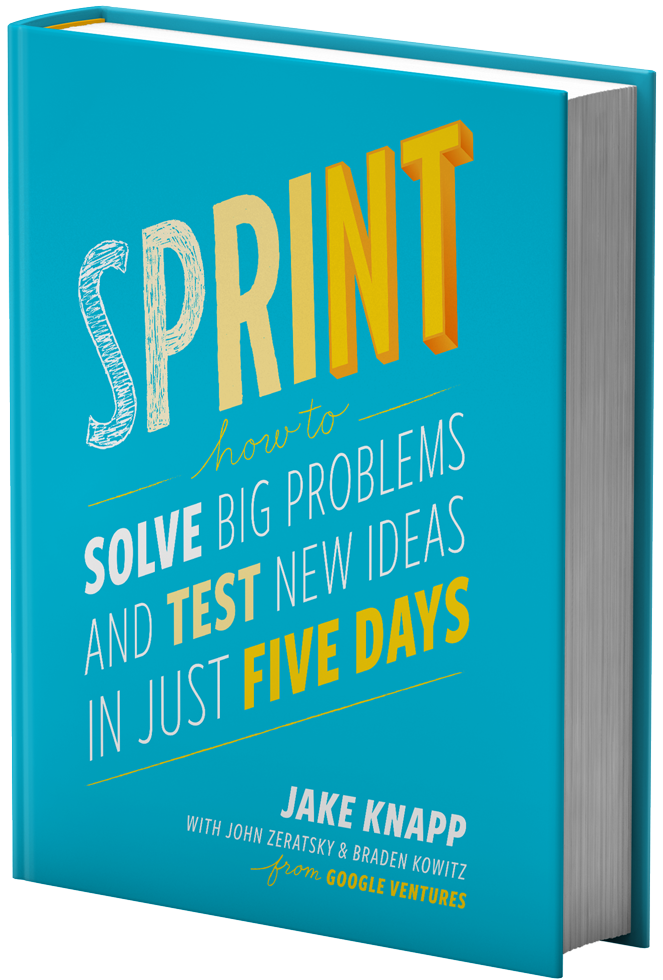
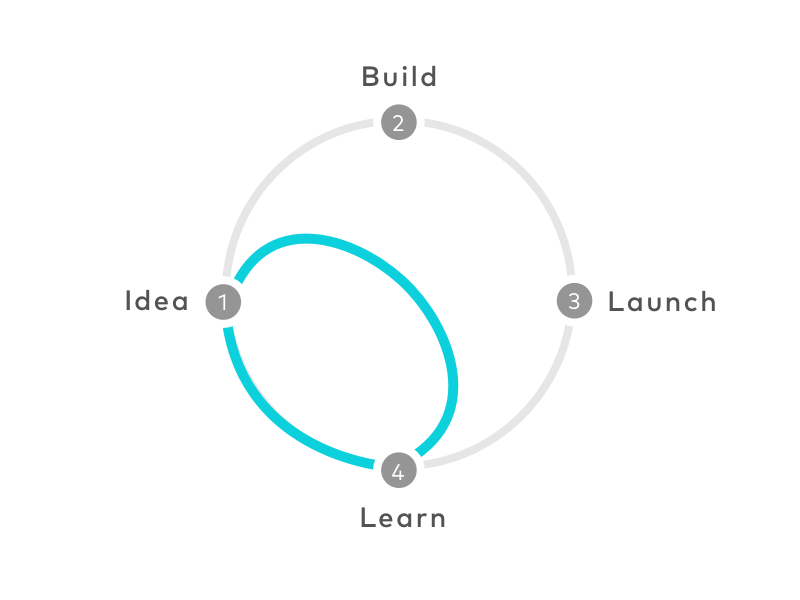
A design sprint is a structured, time-bound, iterative approach to solving a challenge.
Developed at Google in 2010, it required all team members and decision makers to work together for 5 entire days and release a prototype for testing.
Every step: collect feedback from stakeholders
+ Wireframe iteration
By Am Sagarwala
UX Laws, mockups, and design sprints