LIZ Bootcamp: Prototyping

  • Digital Experience Manager,
    Future Skills Centre
  • Assistant Professor, Cal Poly
  • Teaching at Ryerson since 2009
  • Creating websites since 1998

Session Objectives

  • Define requirements to create a digital offering.
  • Implement a rapid design process.
  • Use basic visual components to create wireframes.
  • Apply LEAN methodology to the design process.
  • Create an interactive prototype and collect feedback.

Session Supplies

  • Paper (3 sheets)
  • Pen/cil
  • Cue cards (optional), 3"x5" ideally
  • An idea

Should we...

Should we...

  • create an application?
  • ask people to change how they do things?
  • develop this without a partner?
  • reinvent a workflow?
  • choose only one approach?
  • consider under-served and minoritized peoples?
  • find out why would anyone not use this?

Define the following

  • How will you measure success?
  • What inputs are needed?
  • What outputs are expected?
  • Bottlenecks
  • How will users arrive?
  • Early adopters

5 minutes

Planning the design

Adjectives

  • Helps direct your design
  • Speeds up decision making
     
  • Come up with ~3 adjectives for your app/company
  • Think of how each adjective is visually represented
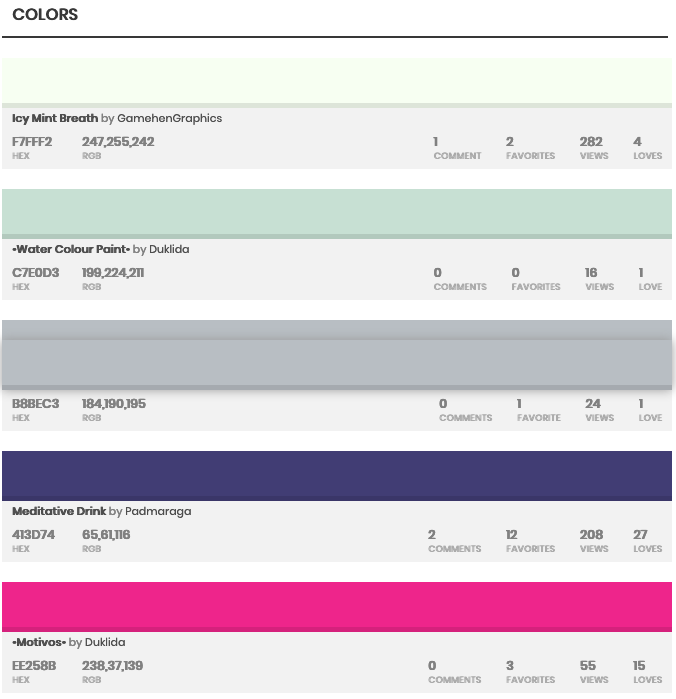
  • What colours support your adjectives?


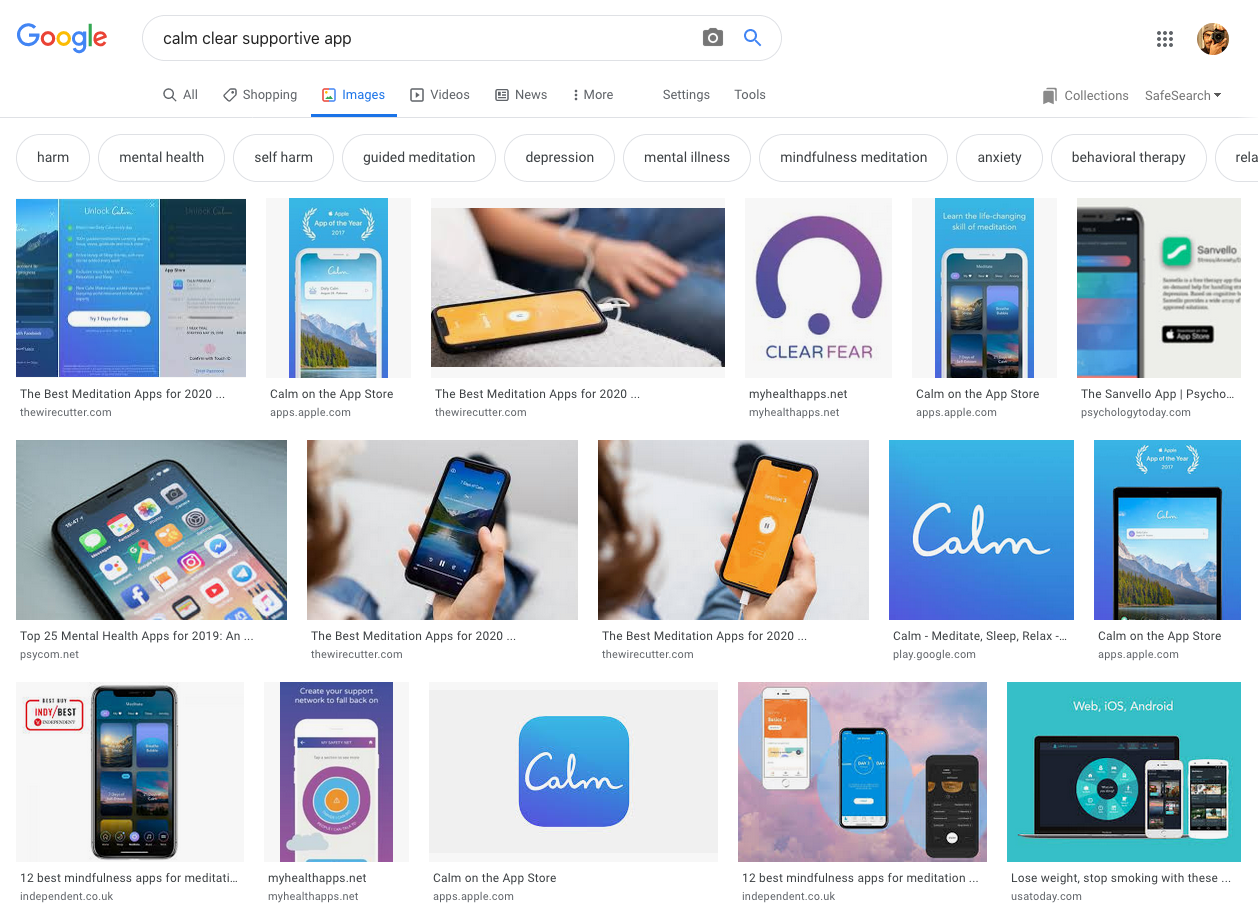
Example: calm, clear, supportive

Calm / Clear / Supportive

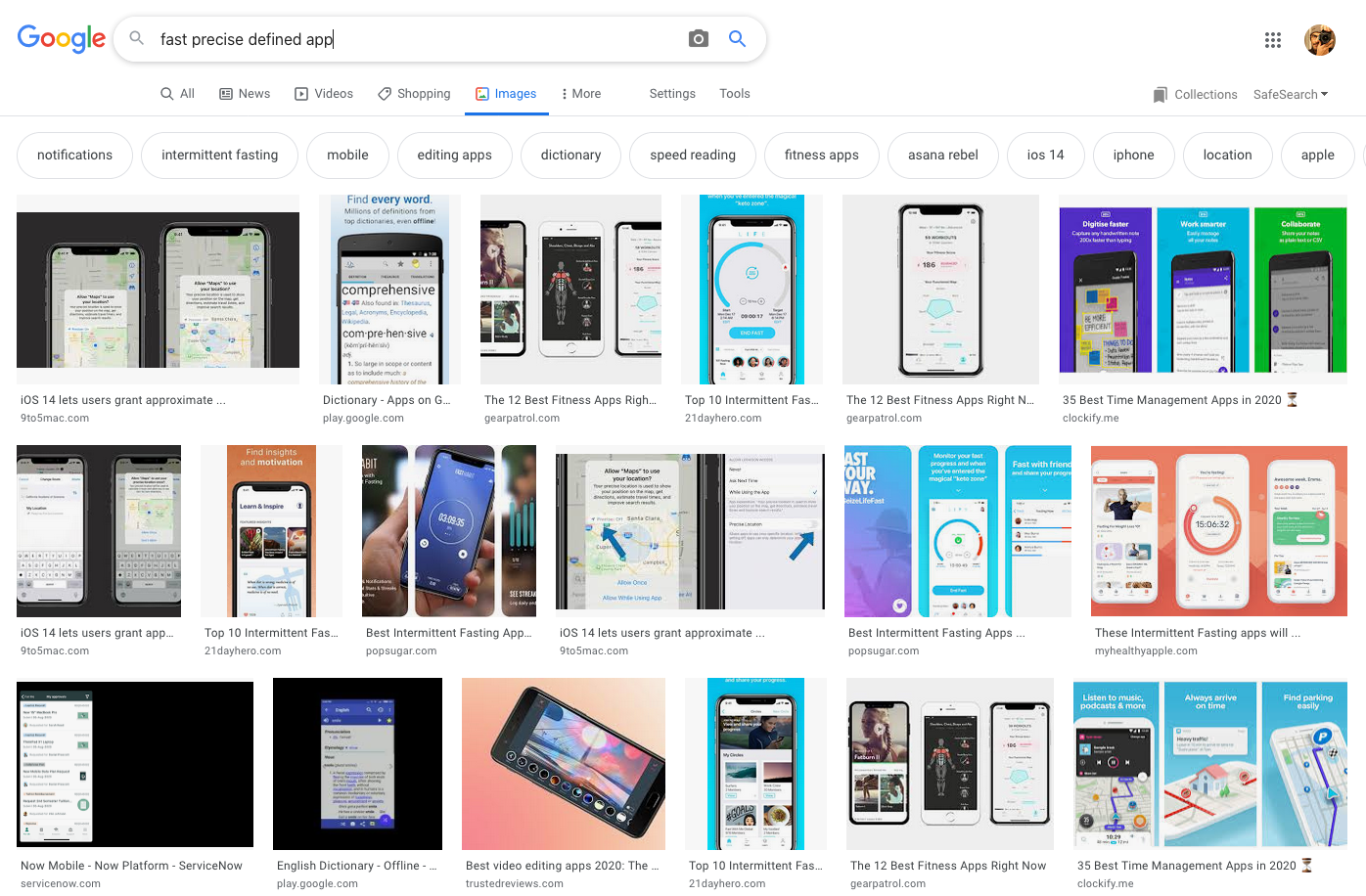
Fast / Precise / Defined

Adjectives

  • Choose adjectives

  • Web search, find 3 examples

  • Use of colour and branding


5 minutes

Research

Remix
Reach

What brand(s) already represent your adjectives?


An Image search of each term:

Calm // Clear // Supportive

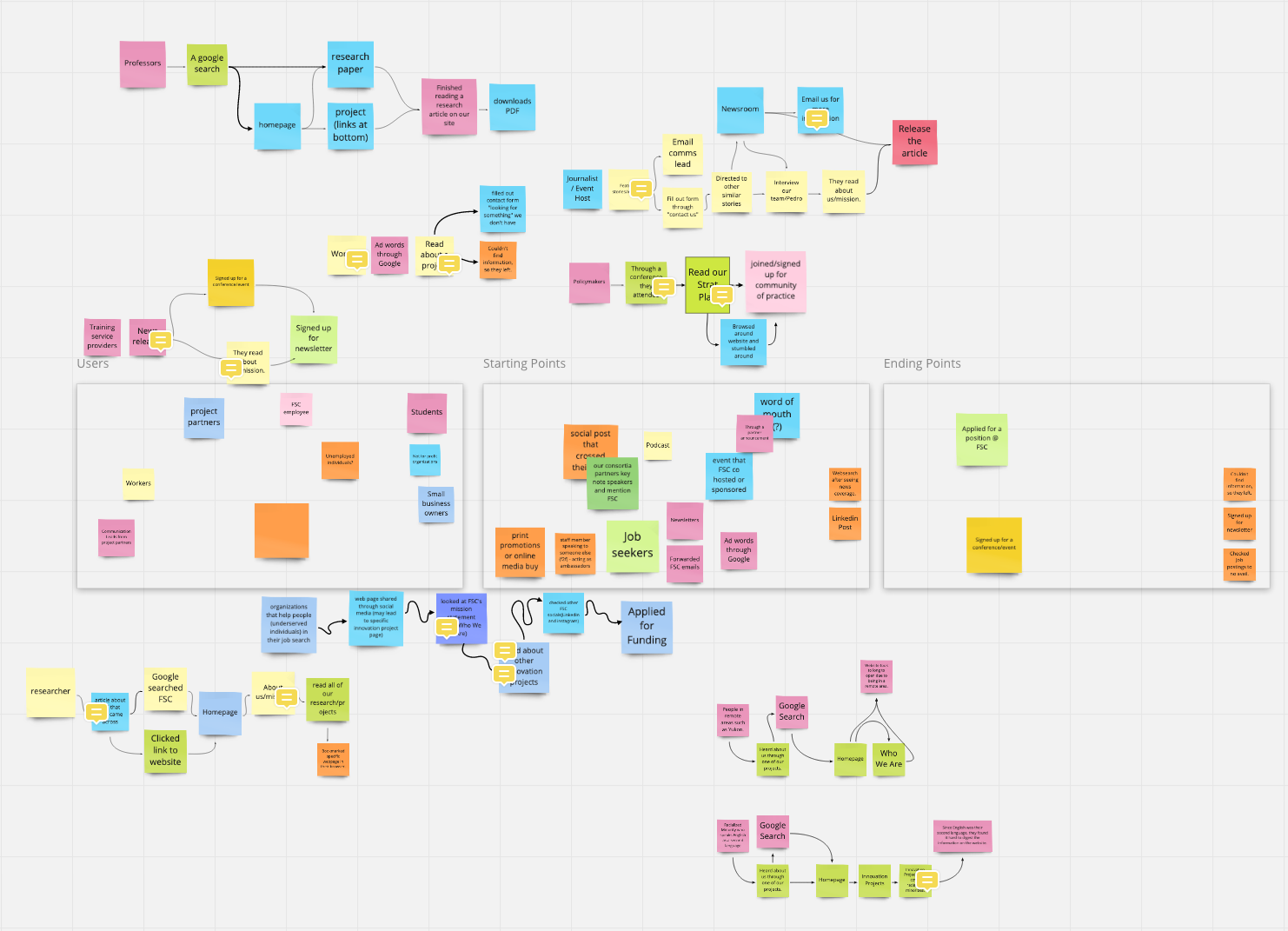
Journey Map

A visual representation of the steps a user must go through to complete their goal.

  • Within an app or website
  • Onboarding process
  • Storyboard a particular user type
  • Acquisition of a new user

Journey Mapping

About

Sign Up >> Login >> Account

Create claim

Provide evidence

Serve them

Result / Payout

Discussion: Journeys

Breakout into pairs

  1. Pitch your ideas
  2. Ask the other person to define a journey for your idea
  3. Make notes of the steps they mentioned


10 minutes (5 minutes each) ⏰

Define 2-3 Journeys

  1. Choose 2 different journeys (user or goal based)
  2. Write down all major steps
  3. Break each major step into smaller steps


10 minutes ⏰

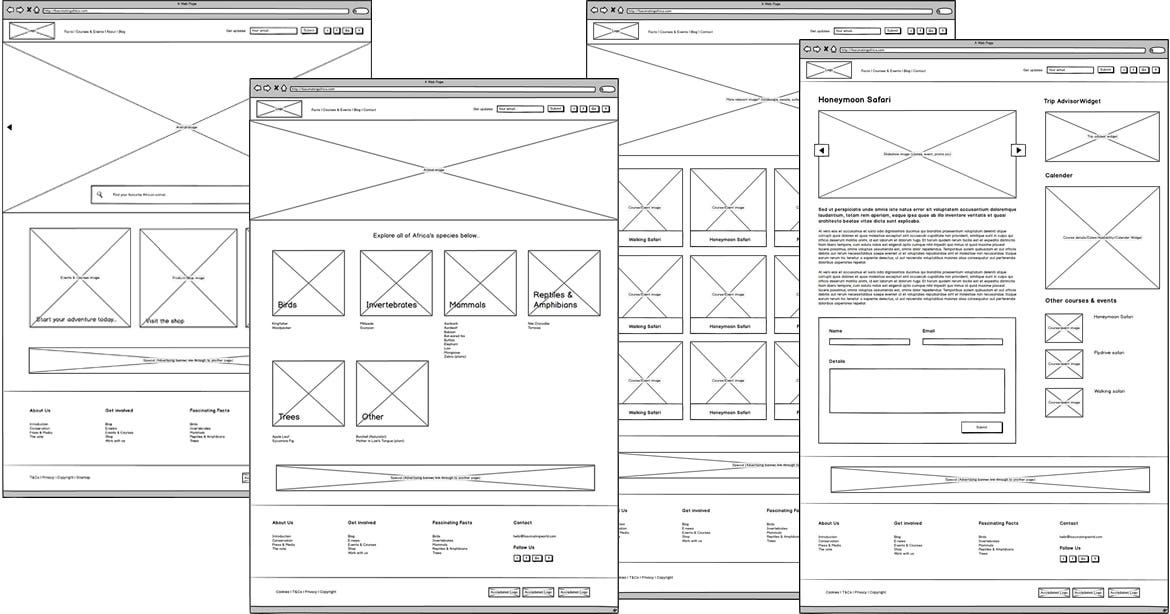
Wireframes

Wireframes

Wireframe Example

Source: Robert Smith

Getting Started

  • Choose one page or step
  • What content and features belong?
  • Limit the number of features per step
    (split big steps into a few smaller ones)
    • Chat screen
    • Login form
    • Create claim (many sub steps?)
    • Payout
  • Choose 2-3 steps to wireframe

Wireframing Benefits

  • Shows just enough to make sense
  • Extremely fast to generate
  • Nothing special needed
  • Allows for rapid iteration
  • Helps reveal what supporting content is needed

Wireframe Example

Small Claims App

Create 3 Wireframes

  • Based on a journey, select 3 steps
  • Create a "view" or page for each step
  • Imagine what supporting content is needed
  • Fake it using placeholder blocks for now

Mockups

Colour Palette

Icons

  • Simplifies the interface
  • May be familiar or alienating (think of your users)
  • Could be used for your logo (until something better can be designed)

Resources

thenounproject.org

fontawesome.com

icofont.com

fontello.com

Images

  • Use stock photos and illustrations to get going
  • Can get you close to a finished appearance
  • Try to use colour scheme for cohesion
     

Resources

PlaceIMG

Pexels

UnSplash

CompFight

Design Patterns

  • Design pattern = established practice
  • Use existing patterns to speed up design decisions
  • Keeps the UI familiar to the user
     

Resources

Material Design

UI Patterns

styleguides.io

Interface Libraries (UI Kits)

  • For a native or targeted look
  • Use Android or iOS accordingly
  • Lots available for free, software might be required
  • Wireframing software usually includes templates
     

Resources

MarvelInvisionFigmaMoqups

iOS 8 UI Kit

Interactive Prototype

Homework

  1. Lock down some branding
    (logo, colour scheme)
  2. Validate your designs
    (show/share & collect feedback)

Q&A

sagarwala@ryerson.ca

LIZ Bootcamp: Prototyping

By Am Sagarwala

LIZ Bootcamp: Prototyping

Taking ideas through the design process. Mockups, wireframes, and interactive prototyping.
  • 895