
















Progressive Image Library

built on Enonic XP platform

Alan Semenov

Lead UX Developer

PWA?

What I'm NOT going to talk about

  • Introduction to PWA

What I'm going to talk about

  • Personal experience turning an existing app into a PWA
  • What I learned during development
  • Goals, challenges and solutions
  • Surviving the frustration

(because you're supposed to know this by now)

  • Code snippets copy-pasted from the Google sites
  • Your First Progressive Web App

Why choose PWA?

  • You can build a mobile application without being a native app developer (yay!)
  • Easier to develop and debug (once you have made peace with the Chrome Dev Tools panel)
  • Easier to deploy and maintain (think about deploying your app to the AppStore)
  • Faster engagement: save user time of finding, downloading, installing and opening your app
  • Your website will have 100% app-like look/feel, will look great on any device and work in any browser
  • Better user experience (instant response, improved navigation, push notifications, responsiveness)
  • Better security (service workers require HTTPS)

Still not convinced?

Traditionally native features that PWAs can also use

  • Working offline
  • Push notifications
  • Adding an icon to the home screen
  • Launching in full-screen
  • Clipboard access
  • Persistent auto-login
  • Hardware-accelerated 2D/3D graphics
  • Accessing the filesystem and reading user-selected files in any browser
  • Really slick, smooth UIs with support for animations

Before you start development

1. Identify your users and their needs

2. Decide what to cache  (don't cache too much -- mind the quota!)

4. Choose storage

  • If data doesn't change often (f.ex. static assets) -- cache it.
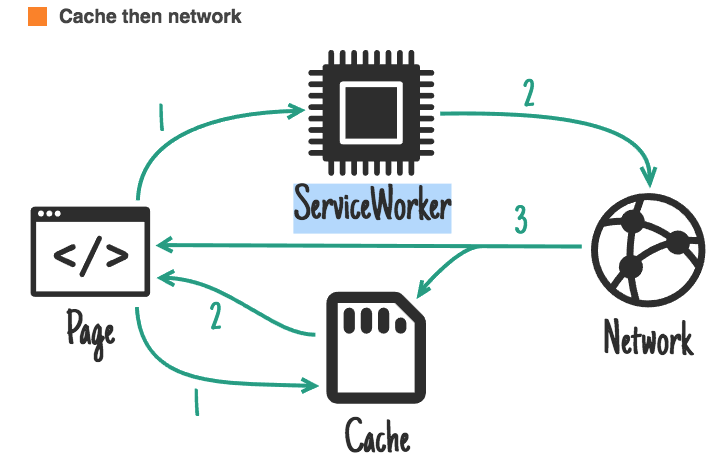
  • If data changes frequently -- still cache it, but use "cache then network" approach.

3. Decide what to show on the first load before fresh data becomes available - either fake or previously cached data.

  • window.localStorage is built-in but synchronous and slow
  • Consider APIs: IndexedDB, SimpleDB (promise-based)

Things you need to know

1. Service worker is the motor of your app vehicle 

2. Know your promises - service worker is promise-driven

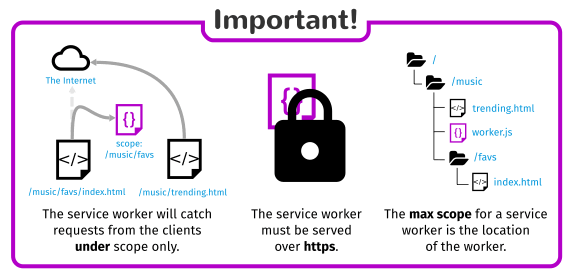
5. Service worker must be served via HTTPS (or localhost)

4. Chrome Dev Tools - "Application" tab

8. "start_url" from the manifest file must always load, even offline

6. Responsiveness and app-like design and navigation

7. Valid manifest.json with your app metadata

9. Thumbnails, favicons, splash screen

3. Cache API, Fetch API

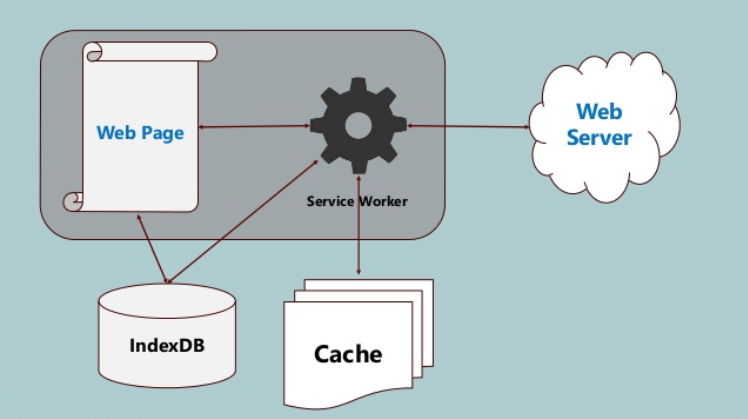
What is that Service Worker thing again?

  • A JavaScript file that your browser runs in the background, separate from a web page, enabling features that don't need user interaction or access to DOM
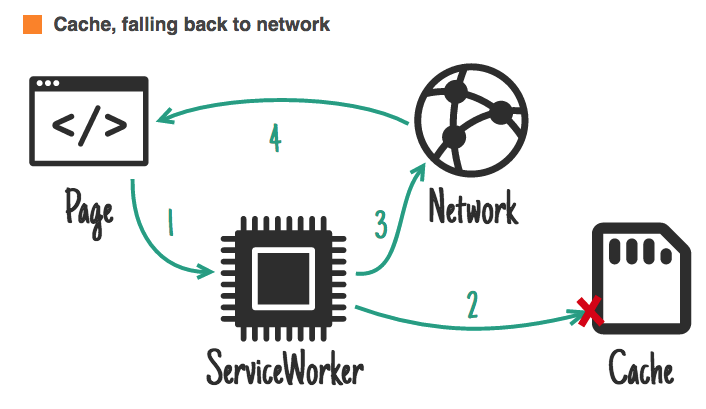
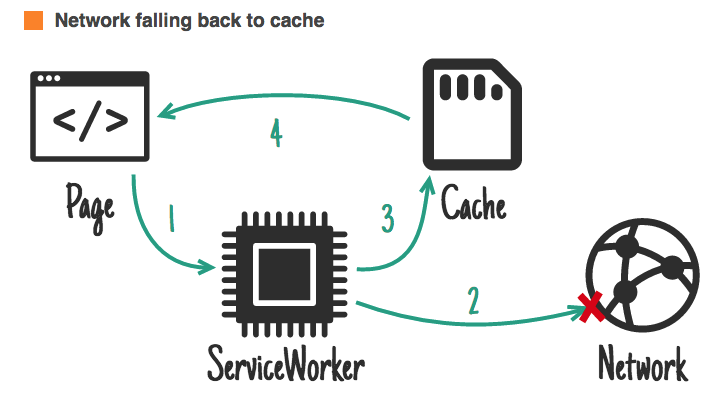
  • Is essentially a programmable network proxy, allowing you to control how network requests from your page are handled.
  • Terminated when not in use, and restarted when it's needed
  • Won't take effect until registered
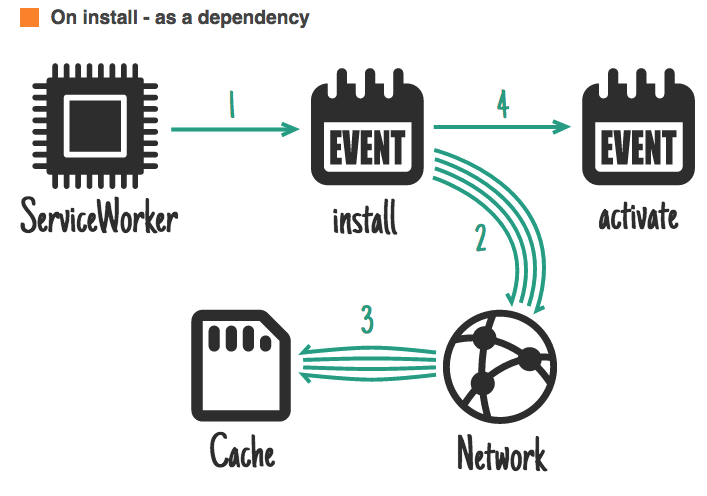
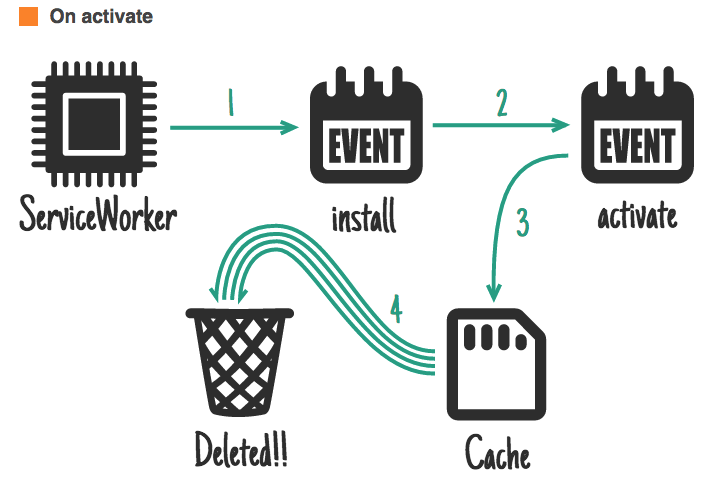
  • Once registered, will start reacting to certain events (install, activate, fetch) and will be able to hijack requests within its scope

Service Worker in a nutshell

Service Worker - "install"

Service Worker - "activate"

Handling requests

Handling requests

Handling requests

CHALLENGES

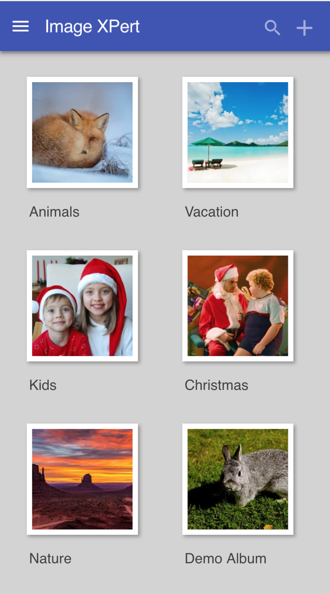
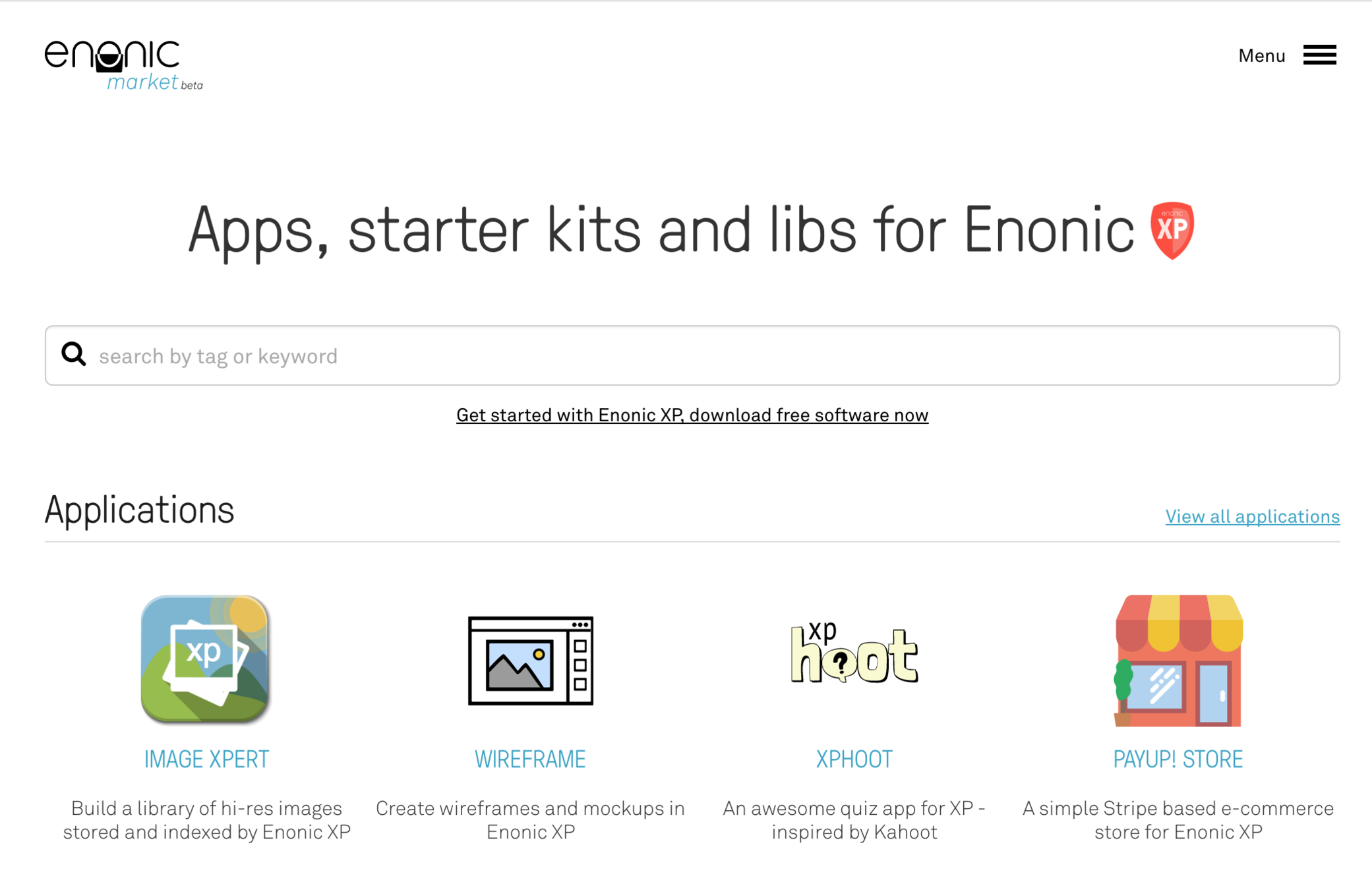
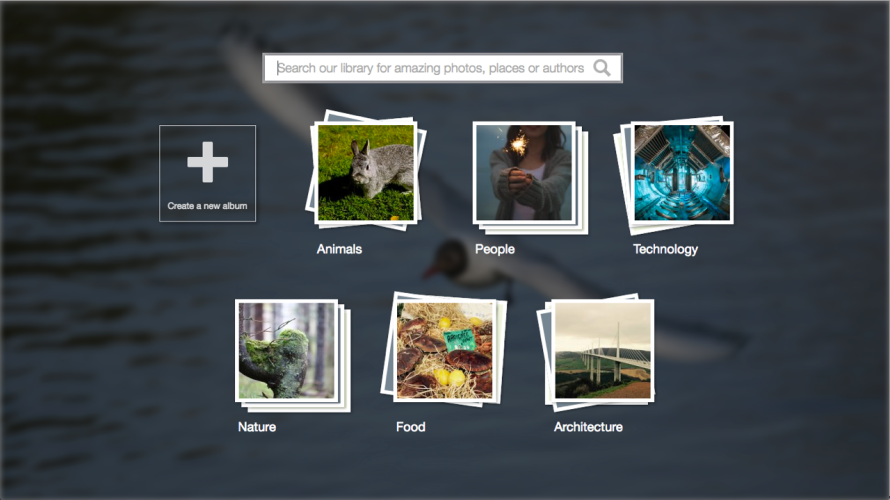
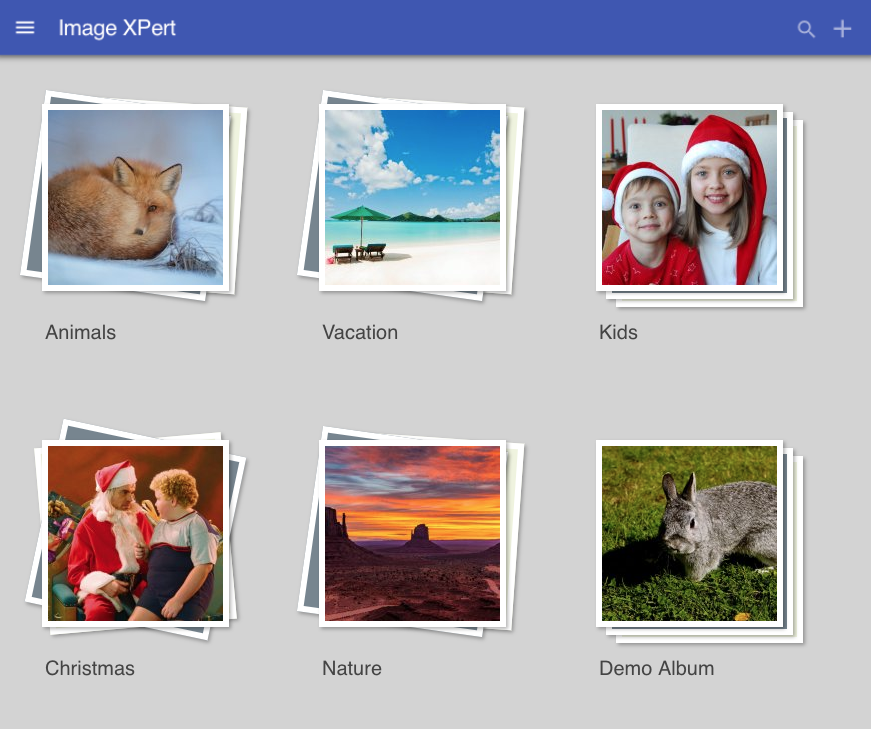
Image XPert 1.0

-- Build up a collection of images

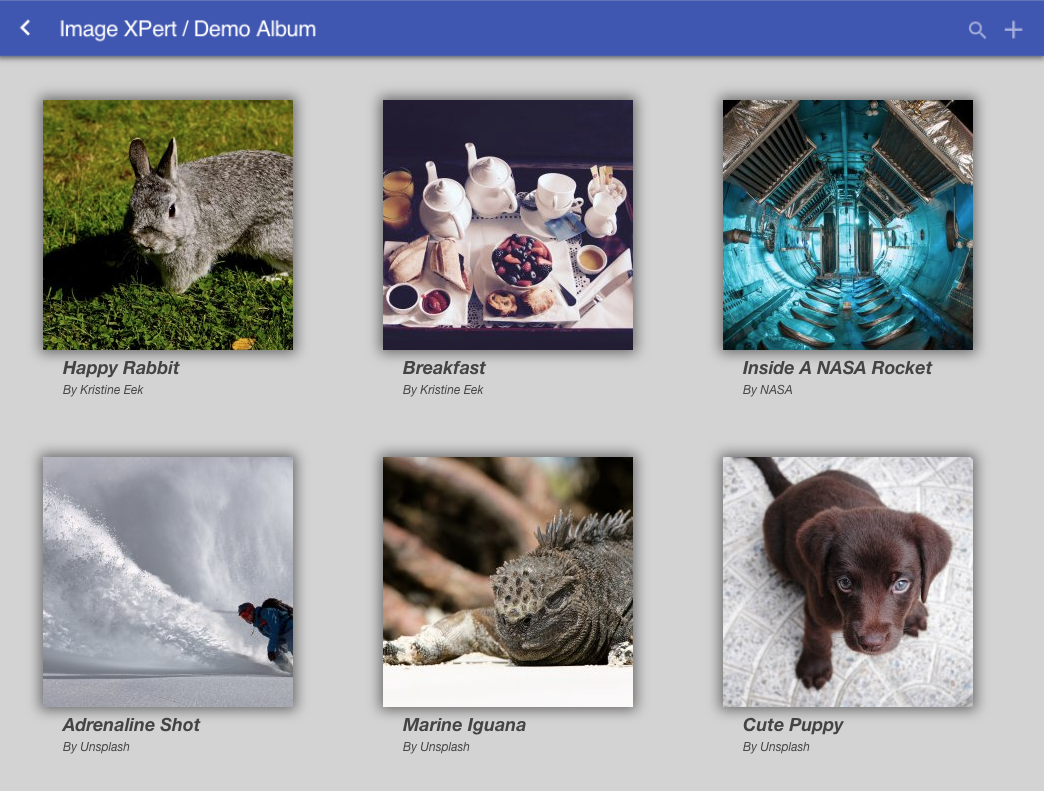
-- Create albums and categorize images

-- Edit image caption, author and tags

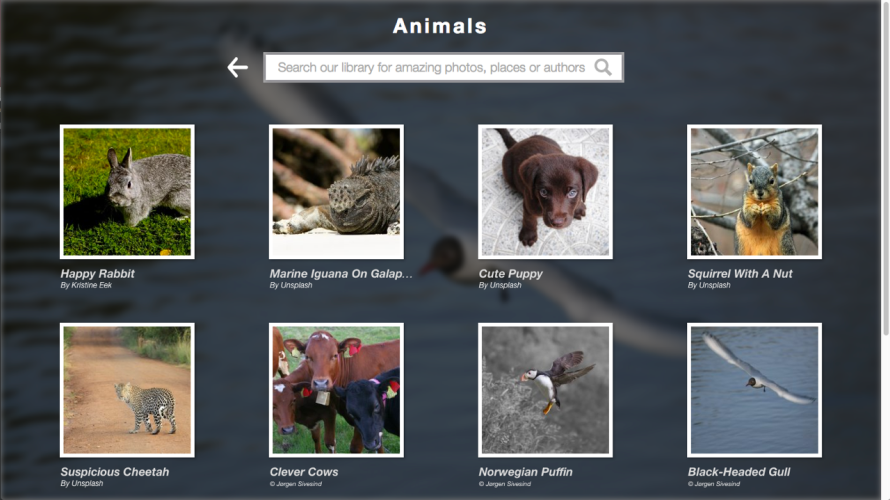
-- Search by image caption, author or tags,

    inside selected album or in the entire library

-- Fullscreen preview of an image

-- See geolocation of where image was taken

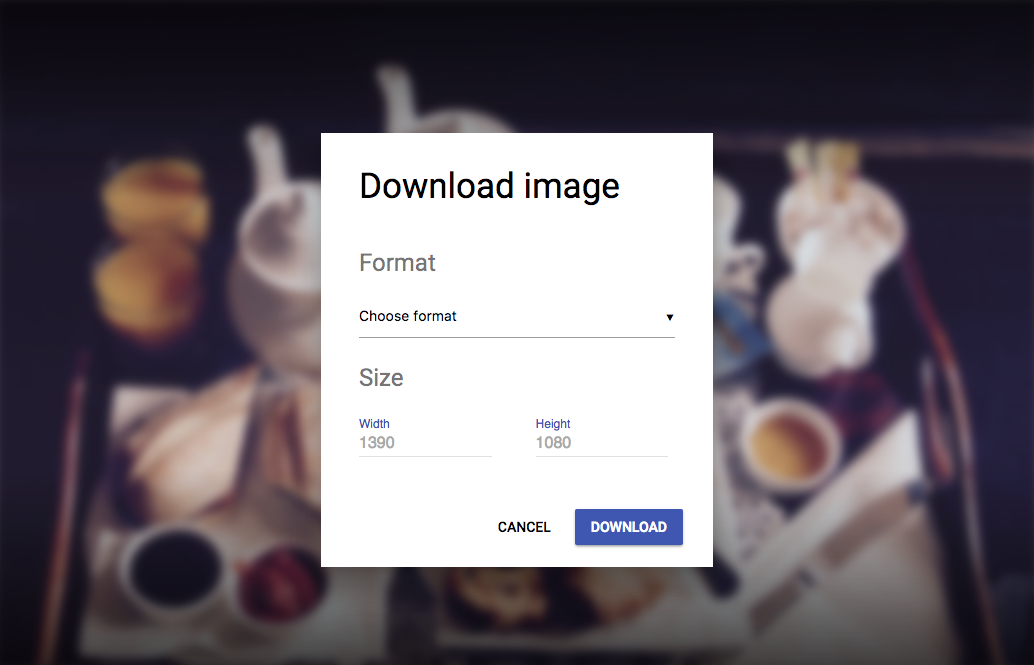
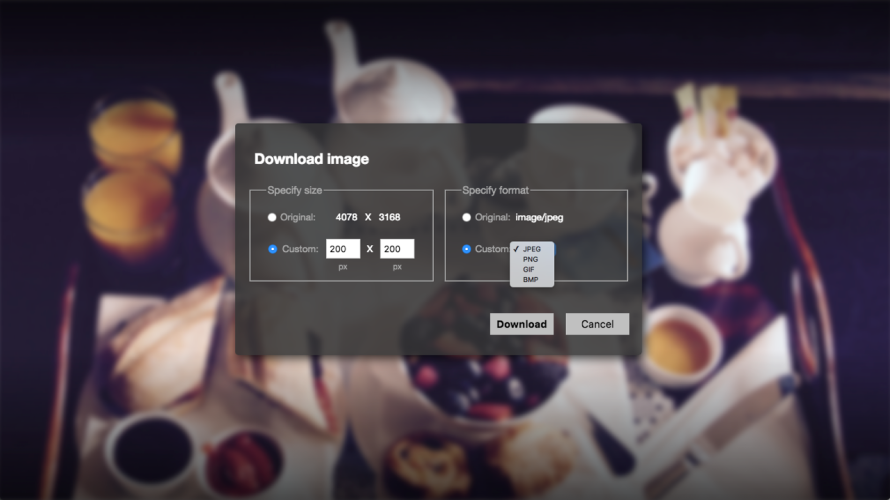
-- Download selected image with instant

    conversion of format and size

In order to cache site assets, service worker must be placed in the root

<mappings>
    <mapping controller="/assets/request-controller.js">
      <pattern>/service-worker.js</pattern>
    </mapping>
</mappings>

Solved with request mapper:

var ioLib = require('/lib/xp/io');

exports.get = function() {
    var res = ioLib.getResource('/assets/service-worker.js').getStream();
    
    return {
        body: res,
        contentType: 'application/javascript'
    }
};

request-controller.js:

Before

After

Before

After

Before

Before

After

Before

Almost there!

  • Handle the case when network is down and request is not cached - fallback to static pages
  • Add integration with IndexedDB and use it for temporary storage of albums and images created while offline
  • Check for new albums - not only images
  • Check for new version of the app and reload it dynamically 
  • Handle requests that cannot be cached - for example, POST requests
  • Implement PUSH API to notify user about fresh data

Demo Time!

Progressive Image Library

By Alan Semenov

Progressive Image Library

This presentation describes pitfalls and wins while converting an Enonic application into a Progressive Web App


  • 1,148