Final Spread sheet
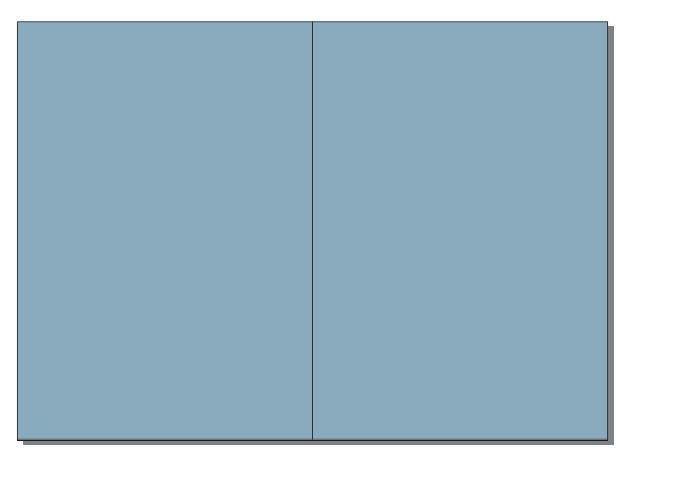
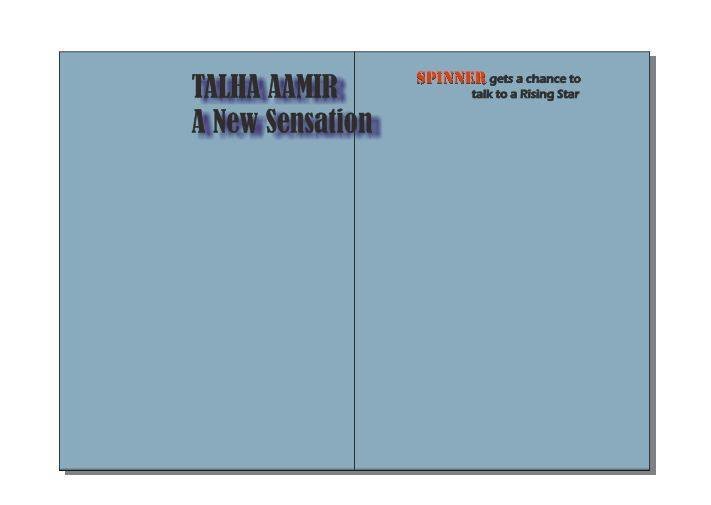
To begin the spread sheet for my magazine, I again used the coral draw. I started with drawing a rectangle tool. Since I wanted my spreadsheet to be on two pages, so I drew a rectangle with double the width of an A4 sheet-i-e 420mmx297mm. Then i filled it with a light blue color and drew a vertical lines using the bezier tool, in the middle to show the two pages.
Then I placed the title of the spread sheet and a tag line. I placed the title near the middle, a little bit to the left. The tag line was placed on top of the right half of the sheet.
I used bold font for the title and highlighted the name of the magazine in the tag line by giving it a different and bright red color. To make them look more standout, I used the drop shadow tool to place the shadow of the text as well.
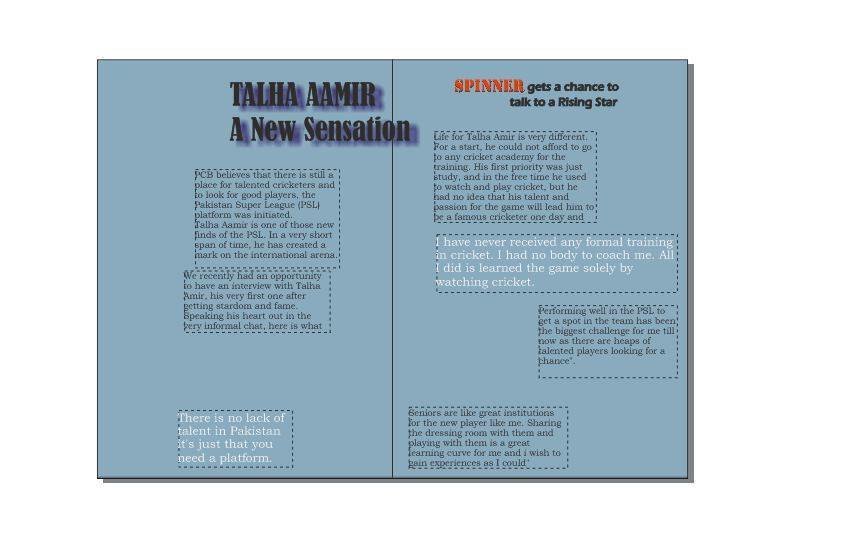
After that I added the text part of the spread sheet. I used the text tool and dragged it to draw text boxes to contain the text. I placed these text boxes to place the text. I placed these text boxes randomly on both halves sides of the spread sheet. I highlighted a couple of statements by giving them a different color and changing the orientation and dimension of the text boxes.
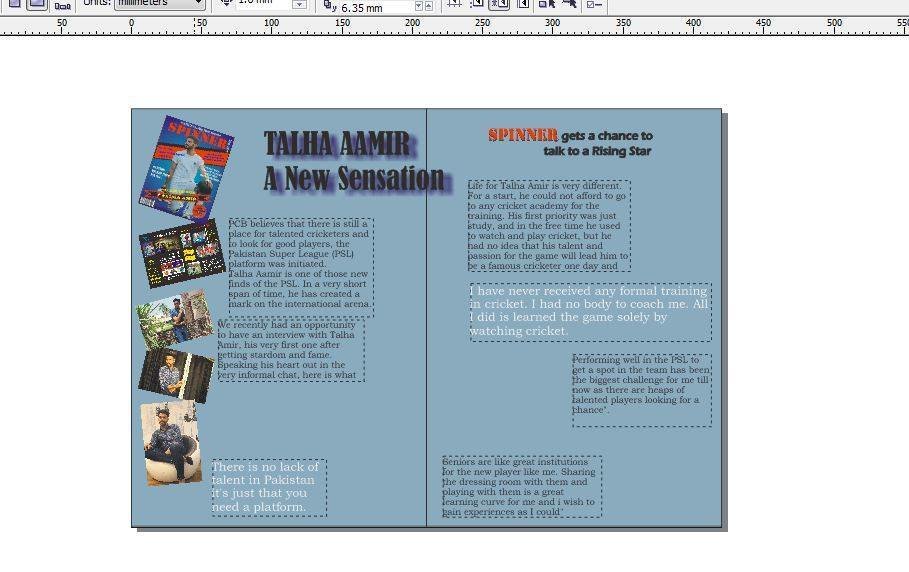
After that I started to add images to the spread sheet, filling in the empty spaces. I began with placing a few images of the celebrate along the left hand edge of the sheet. I also added the screen shot of the cover page and the contents page in it as they also had the images of the celebrity. I arranged them in a irregular way, some what tilted to give them a random look.
After that I placed more images of the cricketer in the remaining empty spaces to fill the entire page. It began to give a reasonably good look now.
Adding final touches to it, I created some brush strokes in different colors and placed them behind the important lines including the title and the tag lines. These strokes and acted using the Artistic Media tool and acted like the the speech bubbles. It make the spread sheet look more colorful and attractive.
I also used the transparency tool to create some effects on the images to make them look merges together. This concluded my spread sheet.
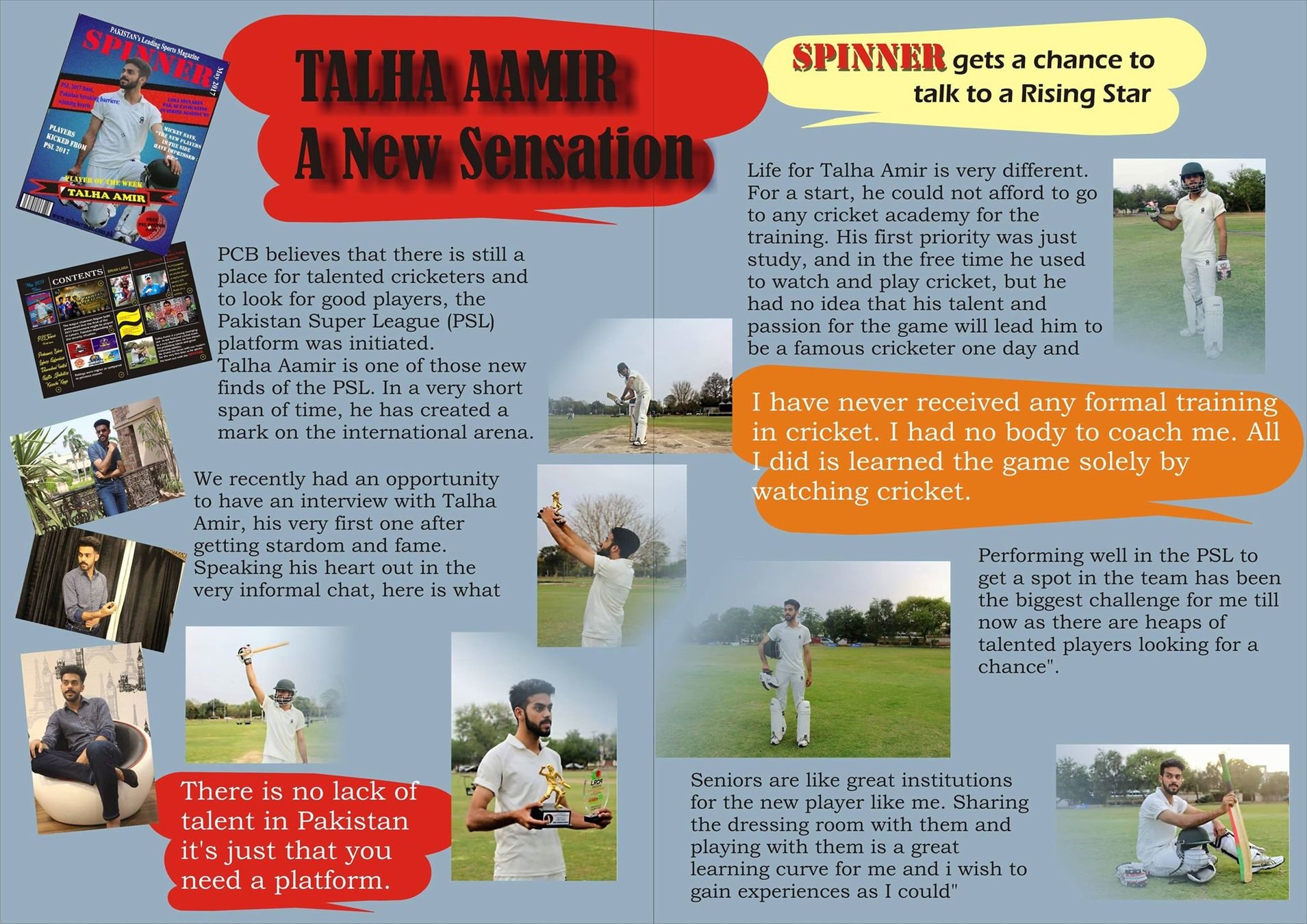
Final Spreed sheet
By aroojtas123