Internet of Things with Arduino
About me

What ?
Why ?
How ?
What ?
Internet Of Things
Internet ?

Internet
The Internet is the global system of interconnected computer networks that use the Internet protocol suite (TCP/IP) to link billions of devices worldwide.
- Wikipedia
Internet = Comp. Networks + Web
Web Evolution
- Web 1.0 - "Readable"
- Web 2.0 - "Writable"
- Web 3.0 - "Executable(M2M)"
Things ?
Things
- Physical objects
- Devices
- Vehicles
- Drones
- Smart Watches
- Smart Glasses
- Cameras
- Buildings and other items


Tesla
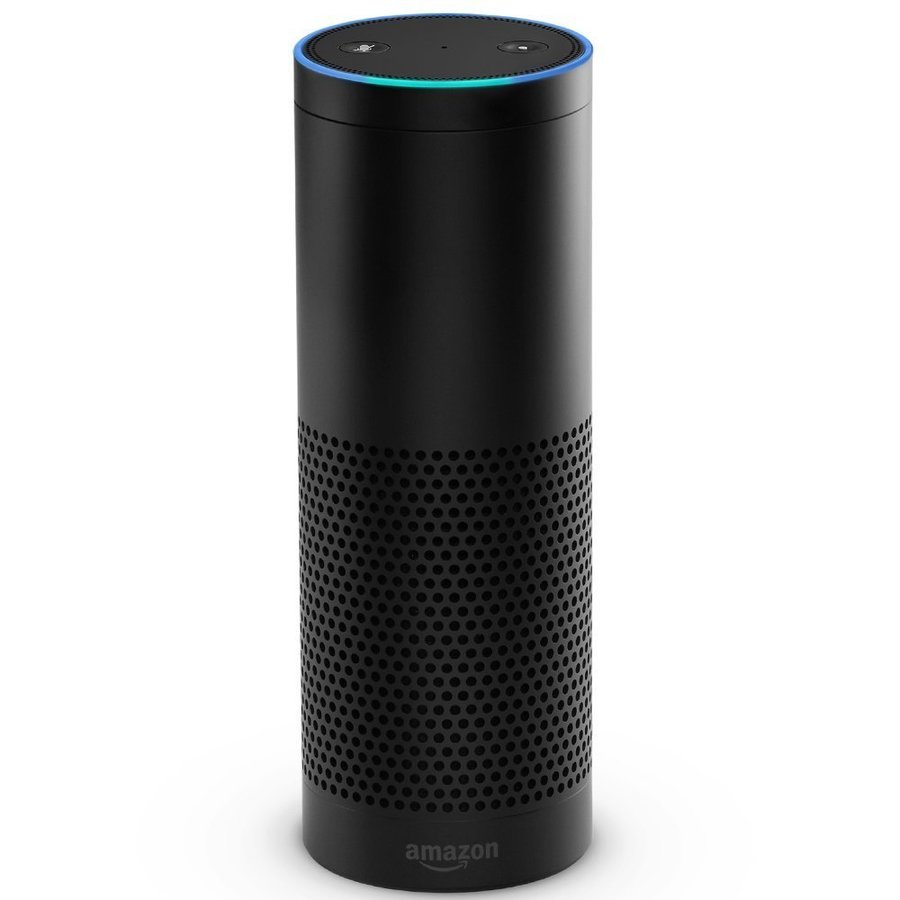
Amazon Echo
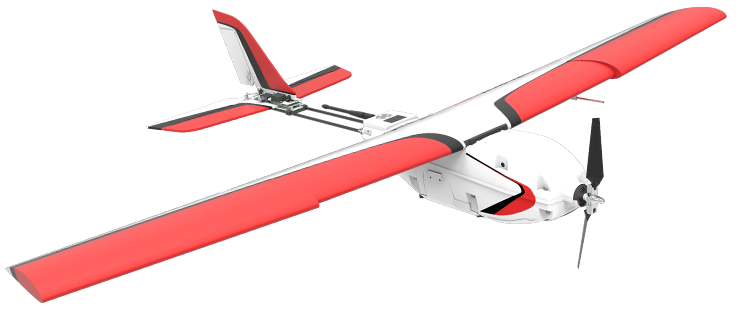
Precision Hawk
Google Glass
Internet Of Things
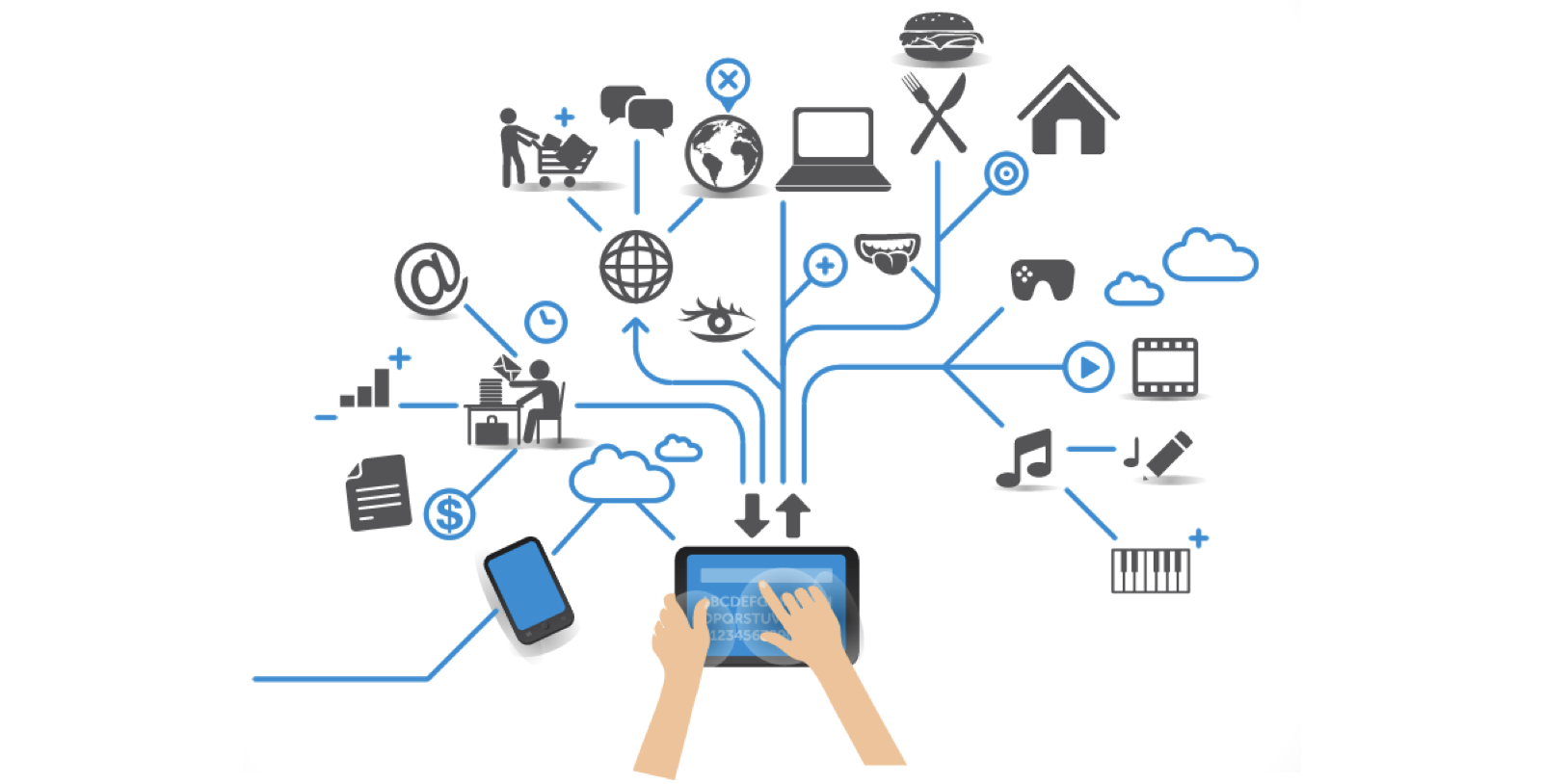
Internet Of Things
- Self-organizing and self-healing network of objects
Why ?
Why IOT
- We humans are lazy and intelligent.
- If you want to scale things automation is must.
- Better decision making.
- New business models.
- Very less chance of errors.
Automation For Scaling
And It's So Cool = Read This : Link
Decision making
- "There's data everywhere"
- "Data helps in decision making"
Decision making
- Everything has a state which is represented by attributes




- Expiry Date
- Heart Rate
- Age
- Time
Decision making
- States of objects can/be changed and the record of all the state changes over the time period is data
Decision making

- location information

- health monitoring

- Home appliances monitoring

- Traffic monitoring & Control

- Waste tracking & management

- Access Control & Security
- Data creators and users
New Business Models
- Big Data
- Data Mining
- Machine Learning
- Computer Vision
- Augmented Reality
- Virtual Reality
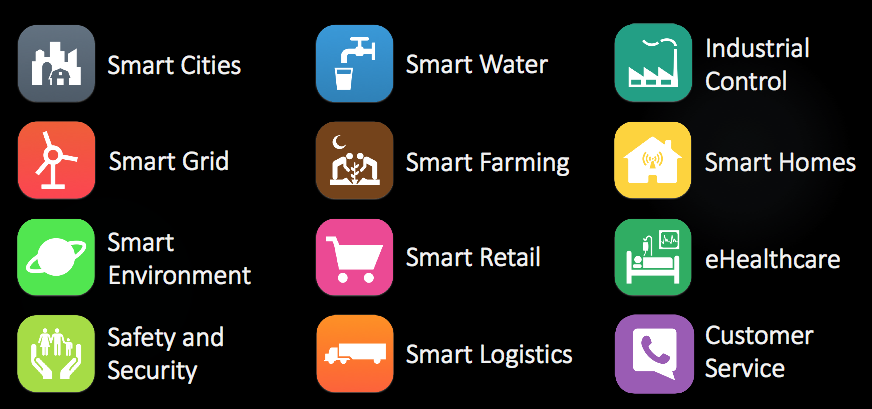
Applications of IOT
How ?
Technology
- Networking
- Sensors and Embedded Systems
- Cloud Computing
- Big Data
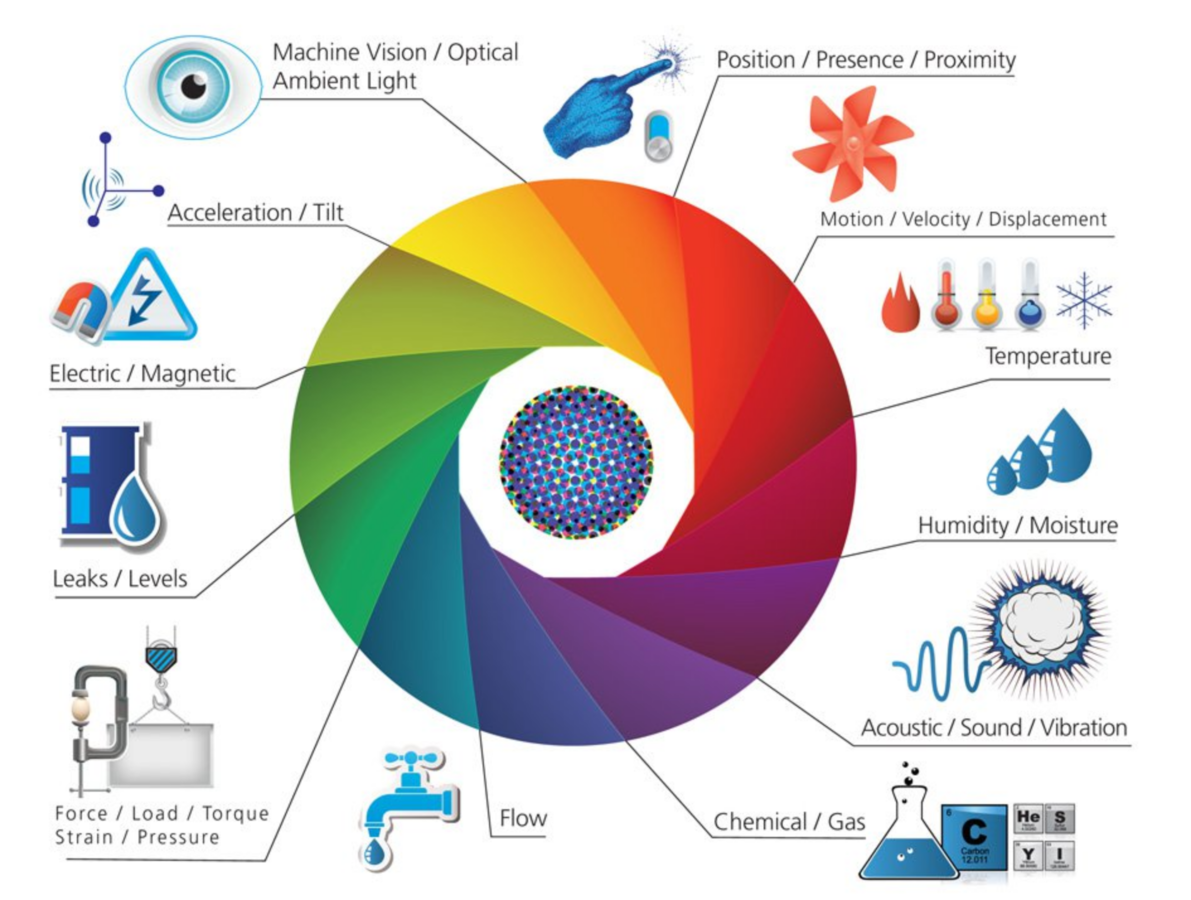
Networking
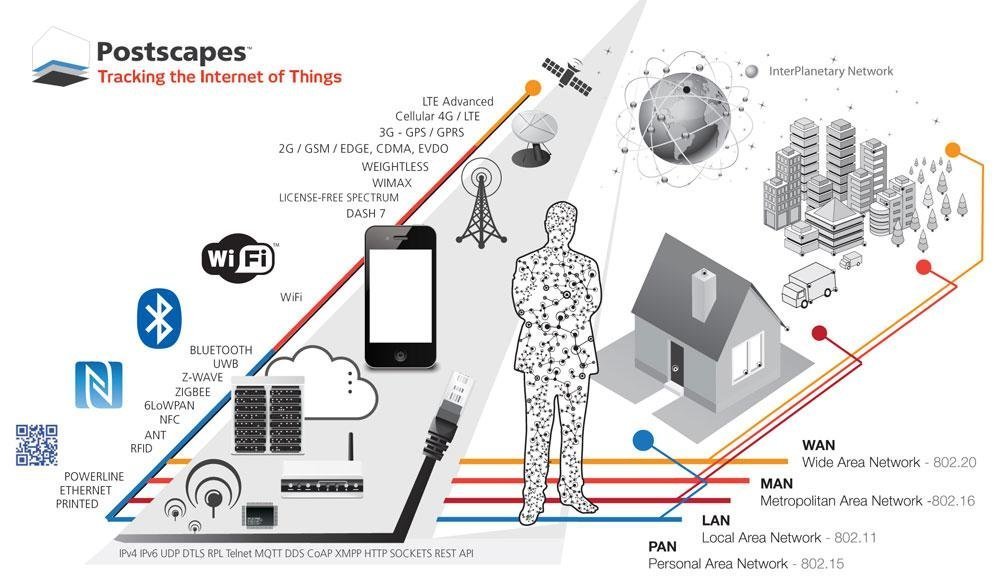
Sensors
Cloud Computing
- Backend Service
- Data Analysis Service
Big Data
- Data extraction
- Data transformation
- Data loading
- Creating Infomation
- Machine Learning
- Natural Language Processing
- Artificial Intelligence
- Computer Vision
Let's define a "T" from "IOT"
Thing -
- The definition of a “Thing” in the Internet of Things varies a lot. We will define a Thing as an embedded computing device (or embedded system) that transmits and receives information over a network.
Now, let's select a hardware platform for prototyping the "T(Thing)"
Options are
- Arduino (E.g. Uno, Intel Edison)
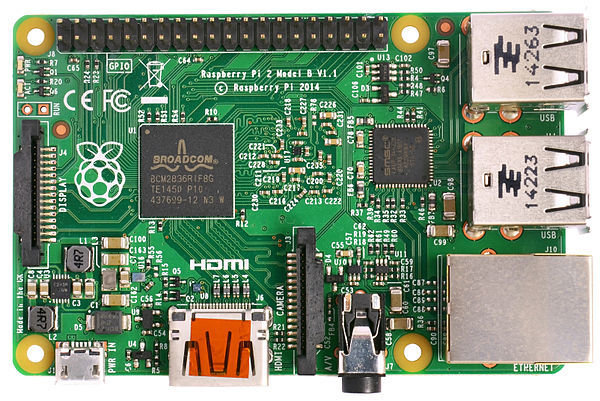
- Raspberry Pi
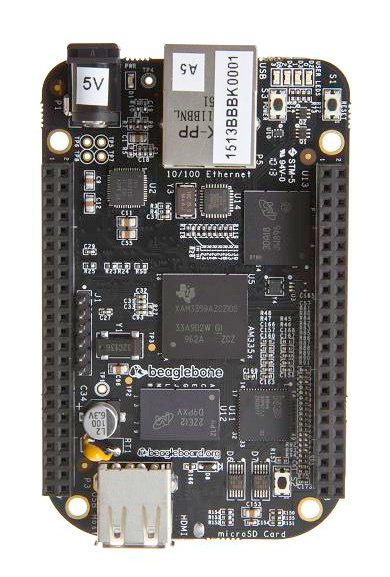
- BeagleBone Black
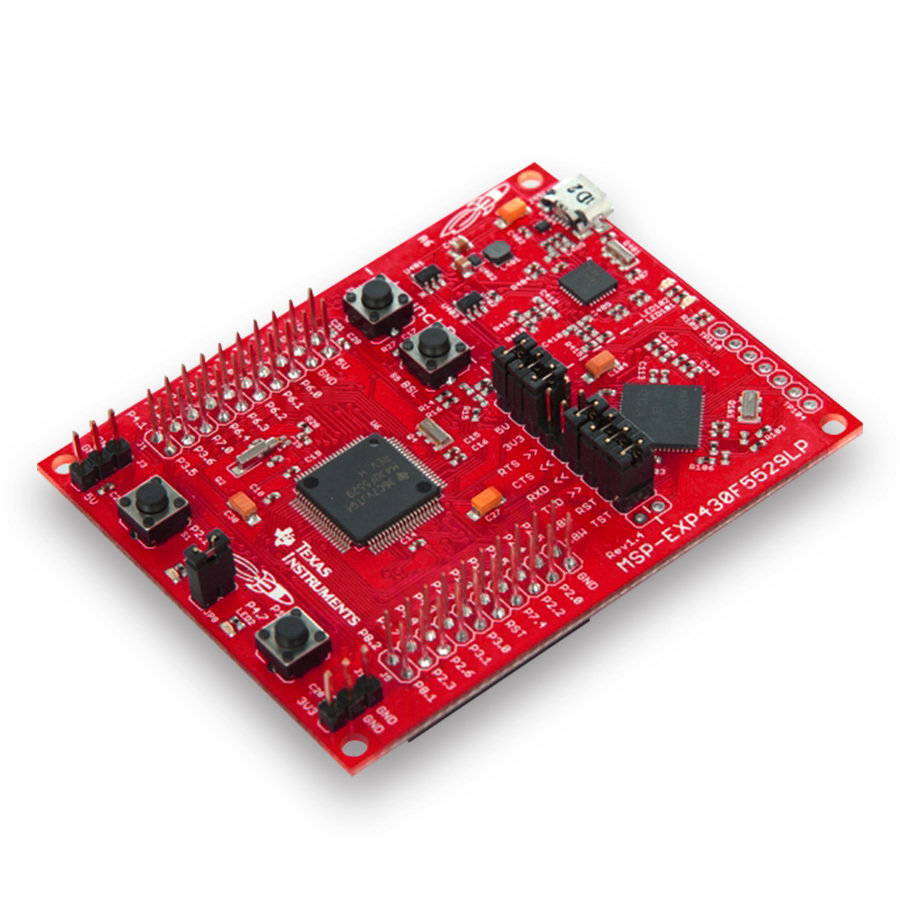
- Ti Launchpad
- ESP8266 and many more....
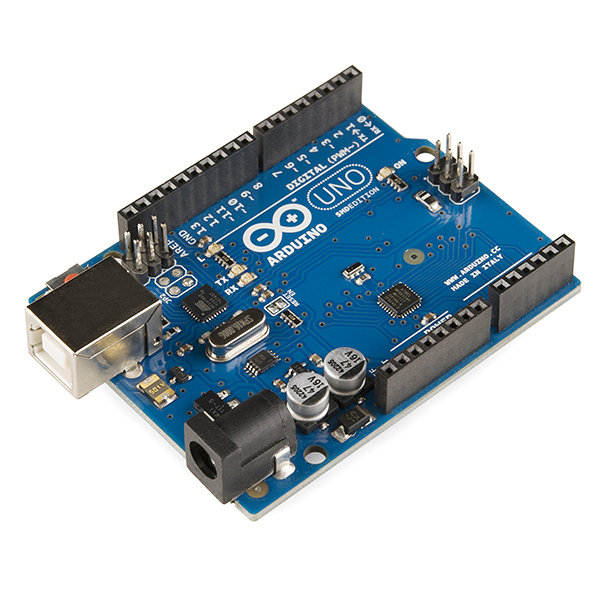
- Arduino Uno
- Raspberry Pi
- Beagle Bone Black
- Ti Launchpad
Arduino
- It's a MicroController
- An open-source physical computing platform based on a simple MicroController board
- Takes input from sensors and creates output depending on how you code it
- So many versions (Uno, Leonardo, mega...)
- Most famous DIY board
- LINK
Raspberry Pi
- It's a complete Computer.
- Has Operating System
- More powerful than Arduino
- Cheap $35
- Very famous in DIY community
- Easy to learn as it runs all kinds of Operating systems
- LINK
BeagleBone Black
- It's a complete Computer.
- Has Operating System
- More powerful than Raspberry Pi
- Very famous in DIY community
- Easy to learn as it runs all kinds of Operating systems
- More expandable
- More no of GPIO pins
- Realtime processing using PRUs
- My Favourite
- LINK
Ti Launchpad
- It's a MicroController
- An open-source physical computing platform based on a simple MicroController board
- Takes input from sensors and creates output depending on how you code it
- Similar to Arduino
- Used in MitEdx "intro to embedded systems" course
- LINK
I Choose Arduino
- Easy to learn.
- Widely Available in the market
- Cheap ₹600 - ₹800 (Indian Makes)
- So many versions (Uno, Leonardo, mega...)
- Most famous DIY board
- Wide community support
- Awesome minimal IDE
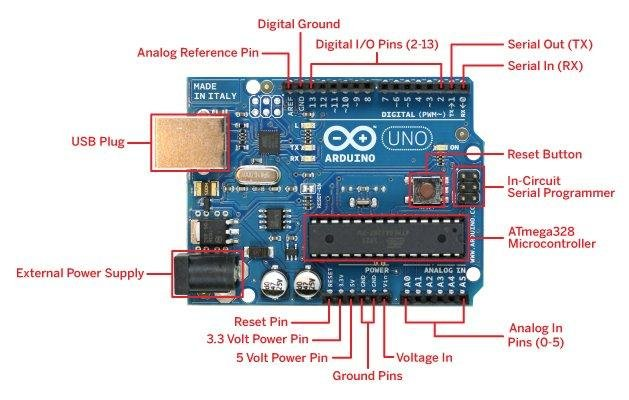
What's on board
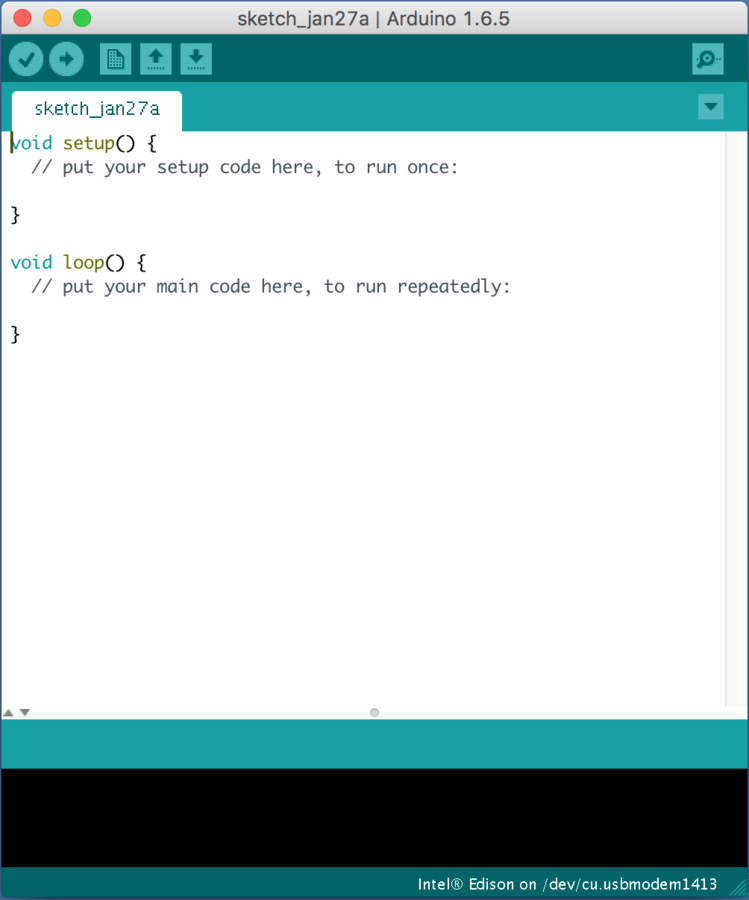
The Arduino IDE
-
Plug your Arduino into USB port
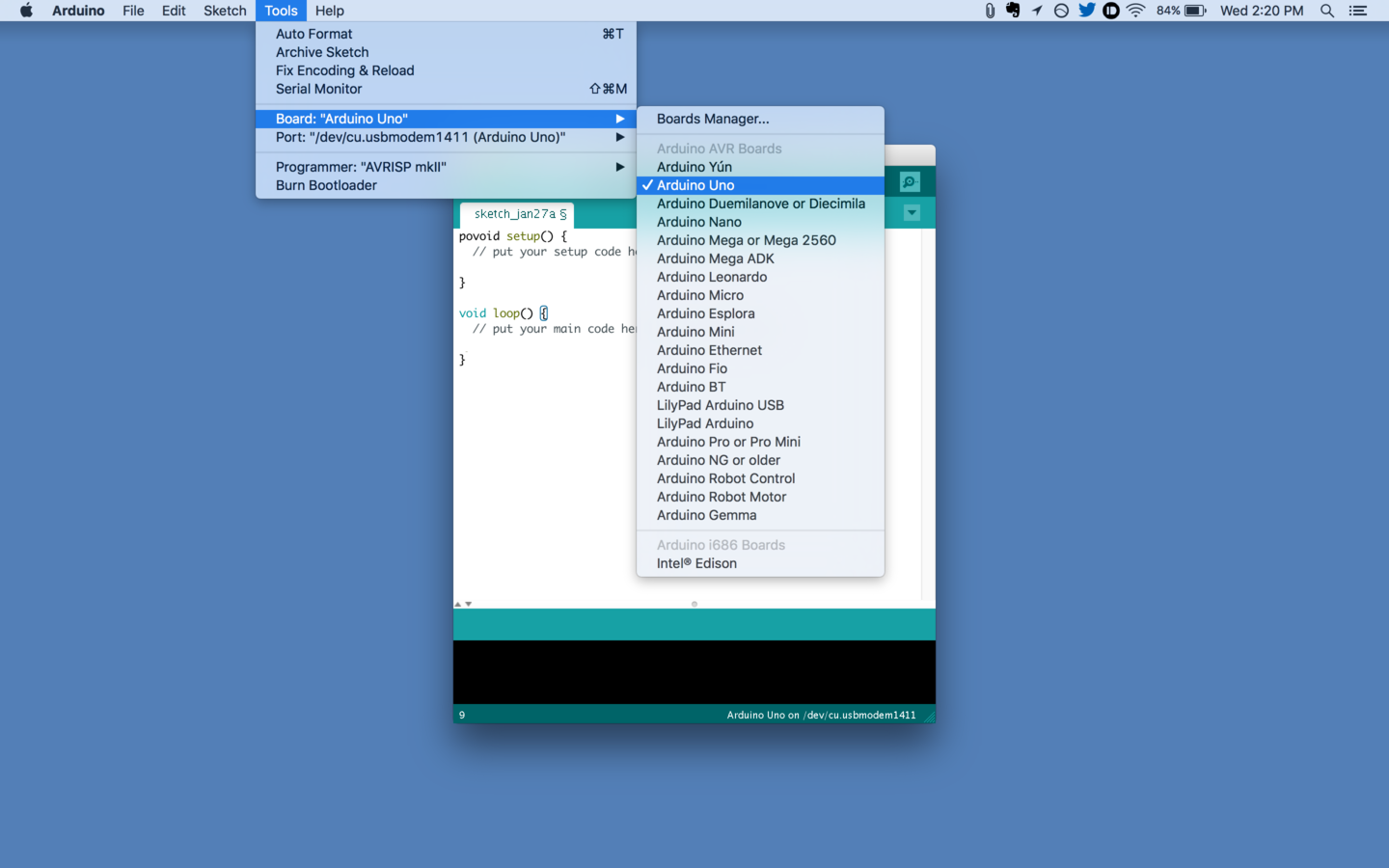
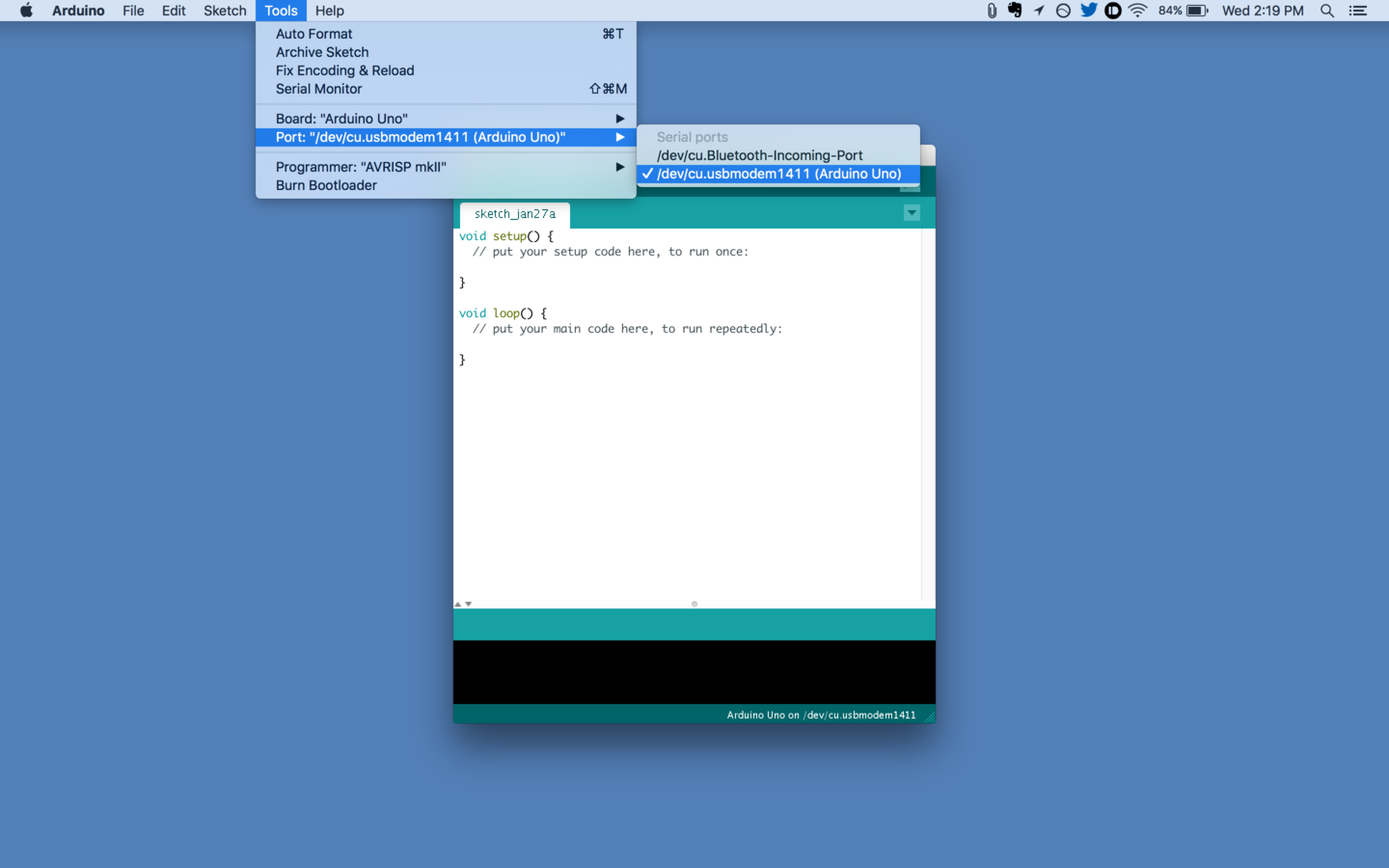
- Select your board and correct port in IDE
Process
Board Selection
Port Selection
Example Selection
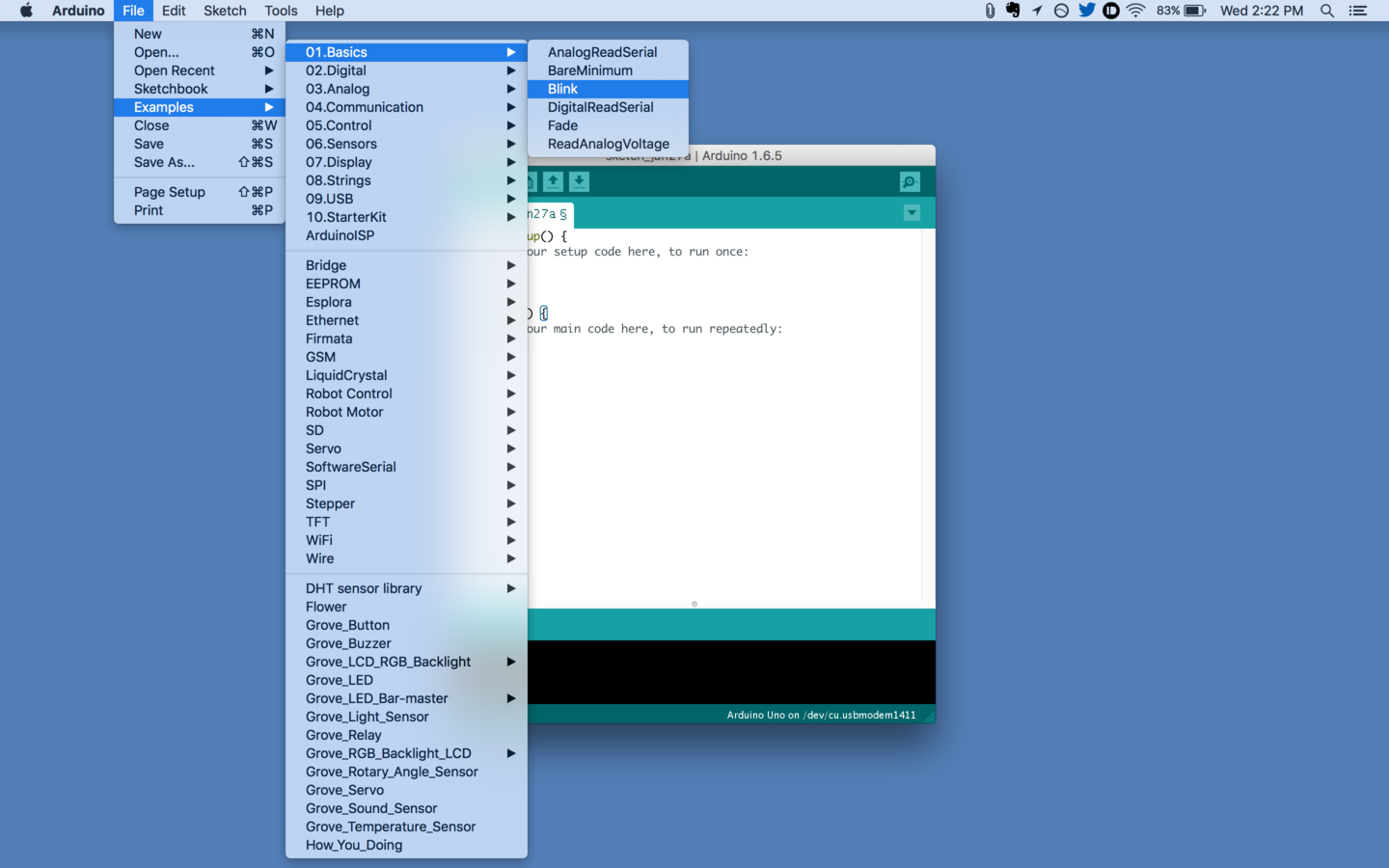
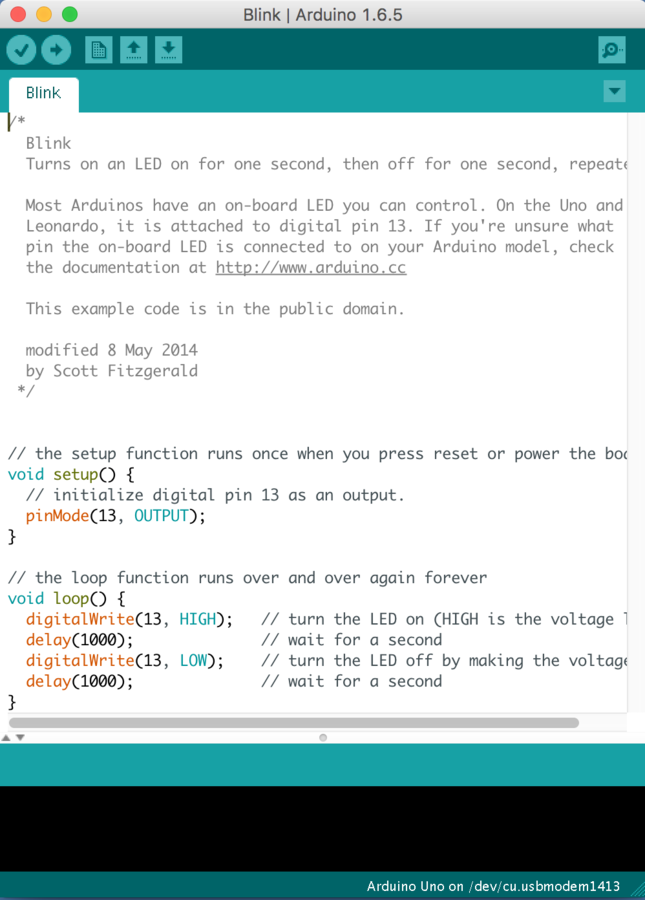
Hello World (Blink)
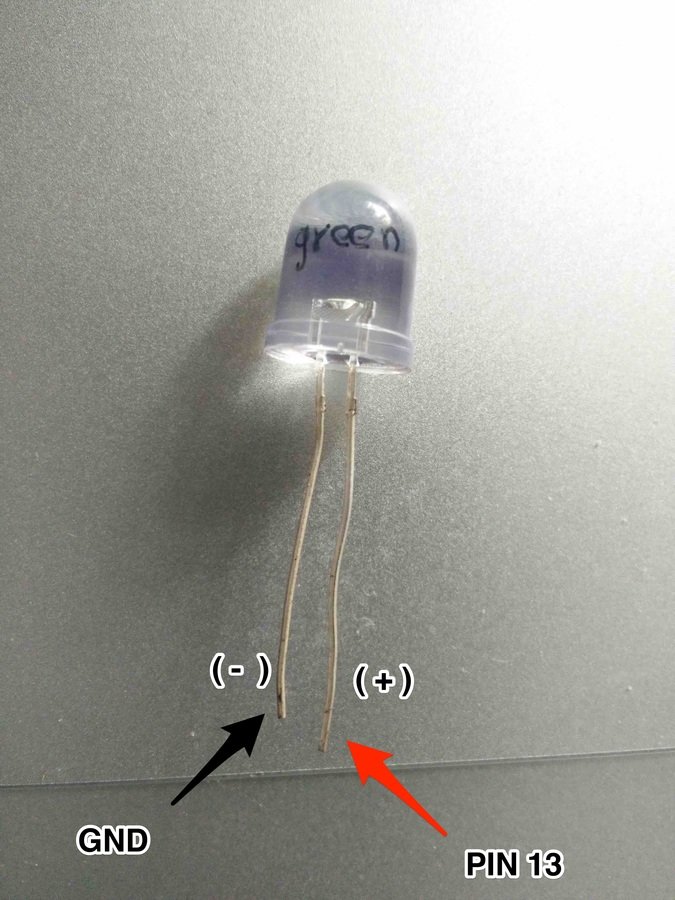
Connect led long leg(+) to pin 13 of Arduino
- and short leg (-) to GND pin
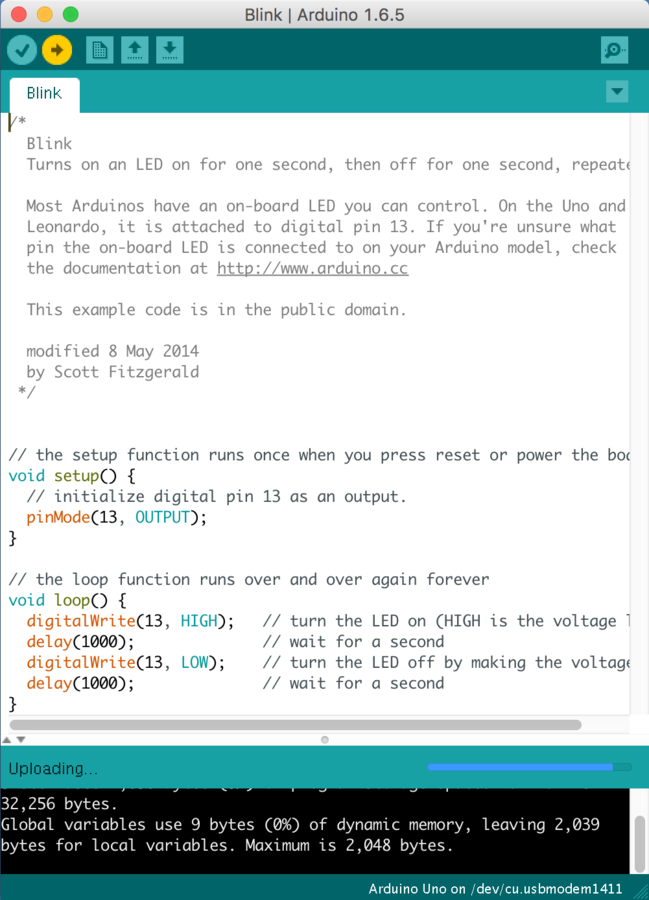
Click the verify button then click the upload button
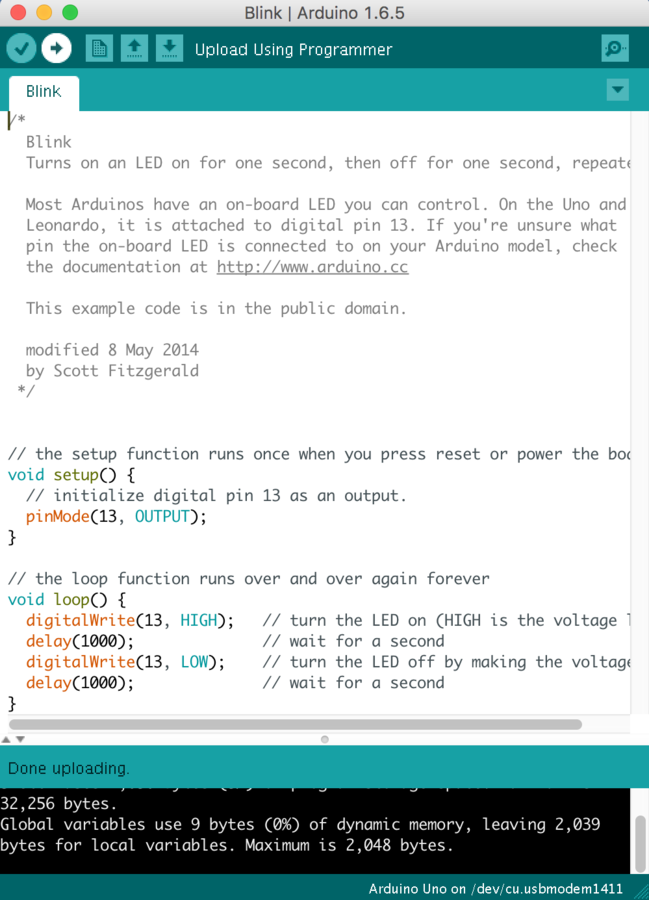
Success
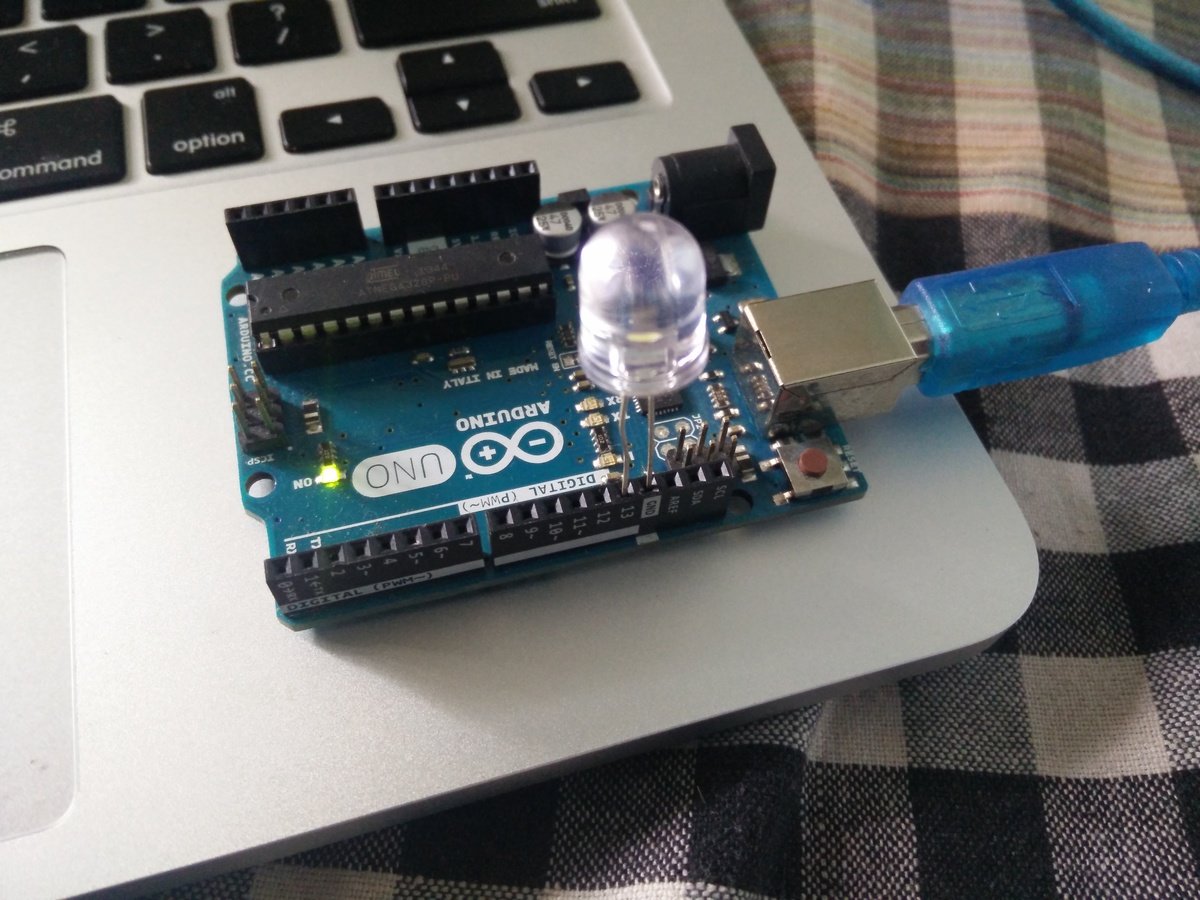
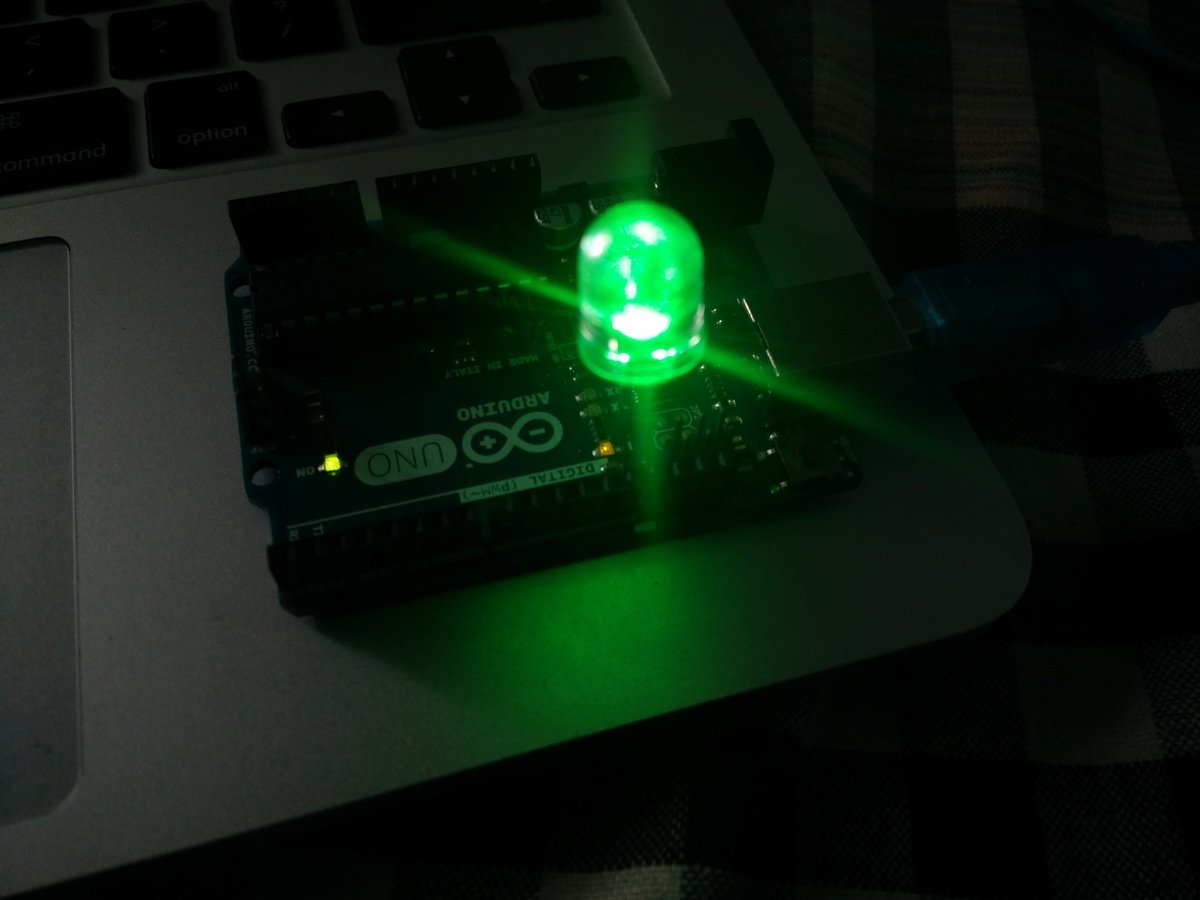
Cool Eh!!
Now ?
build an "I" from "IOT" ?
Nahh !!!!
it's already there to serve us
Services & tools that give 'I' to our 'T'
Sites & Services
- Xively
- Amazon AWS
- IBM Bluemix
- Pubnub
- MQTT brokers and many more.
- ThingSpeak.com
We will use xively
-
My favourite
-
Easy to use
-
Fast setup
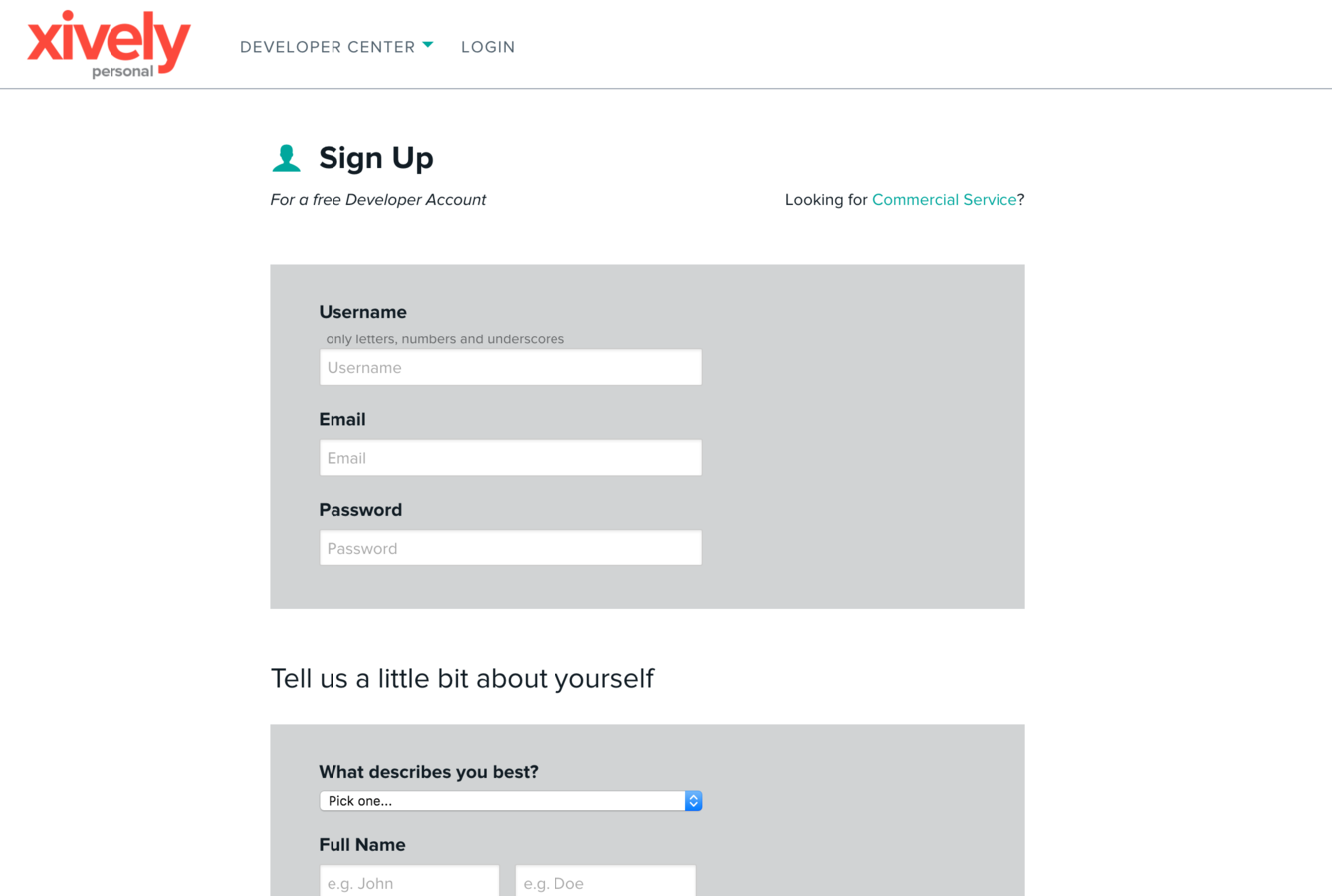
Xively
- Sign Up @ : https://personal.xively.com/signup
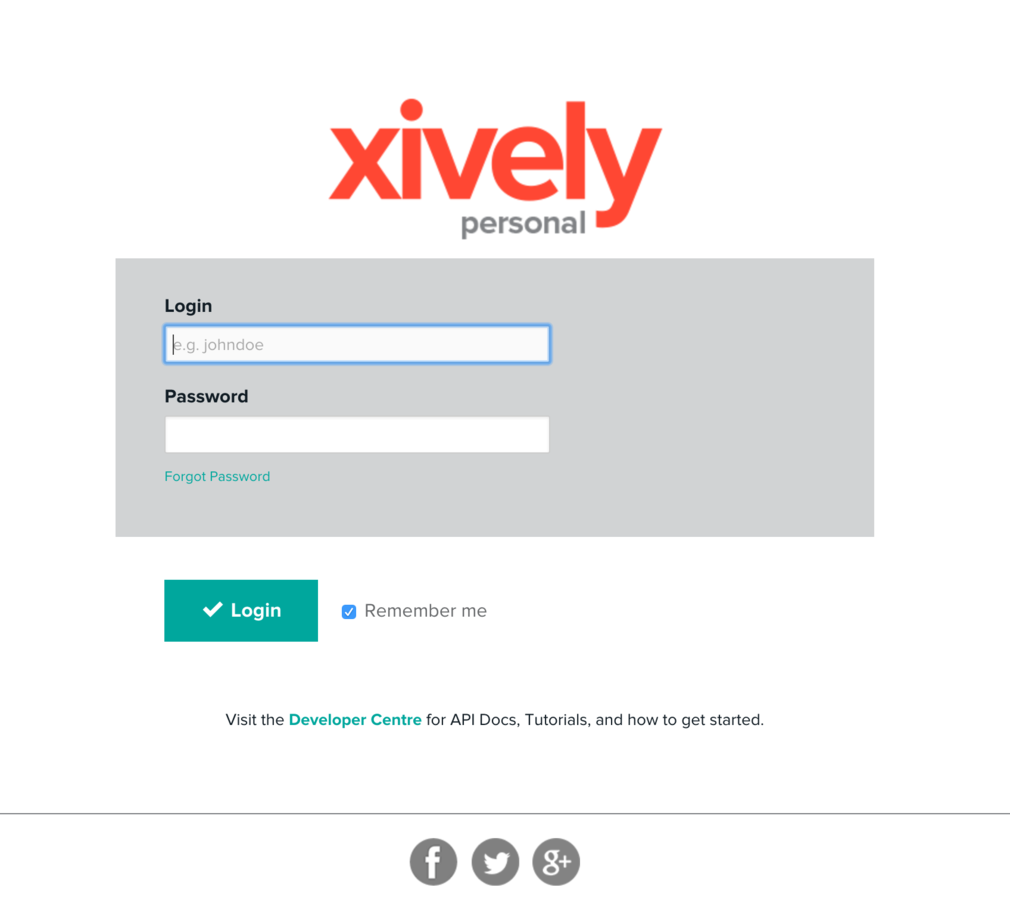
Login
- https://personal.xively.com/
Dashboard
- https://personal.xively.com/
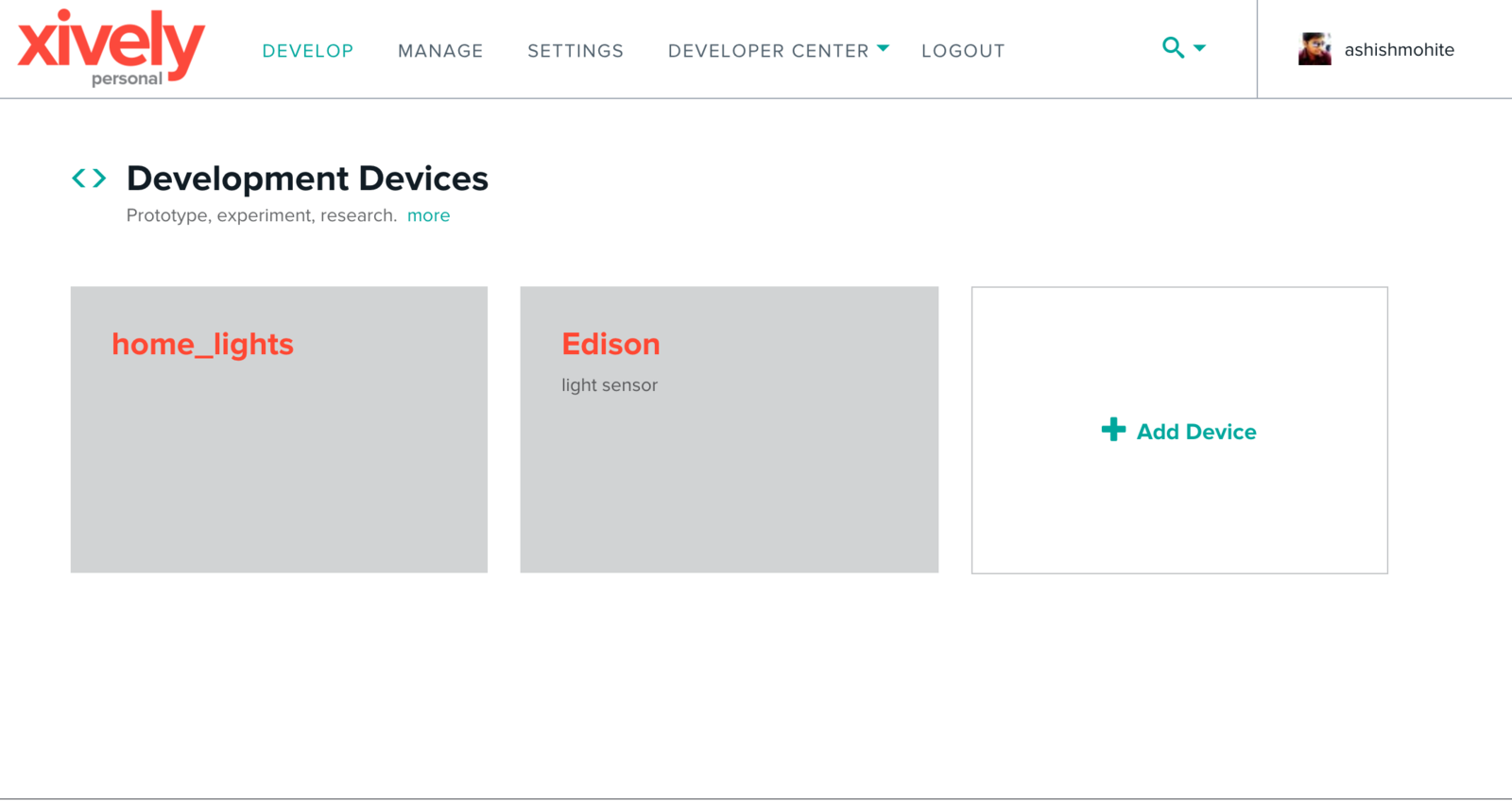
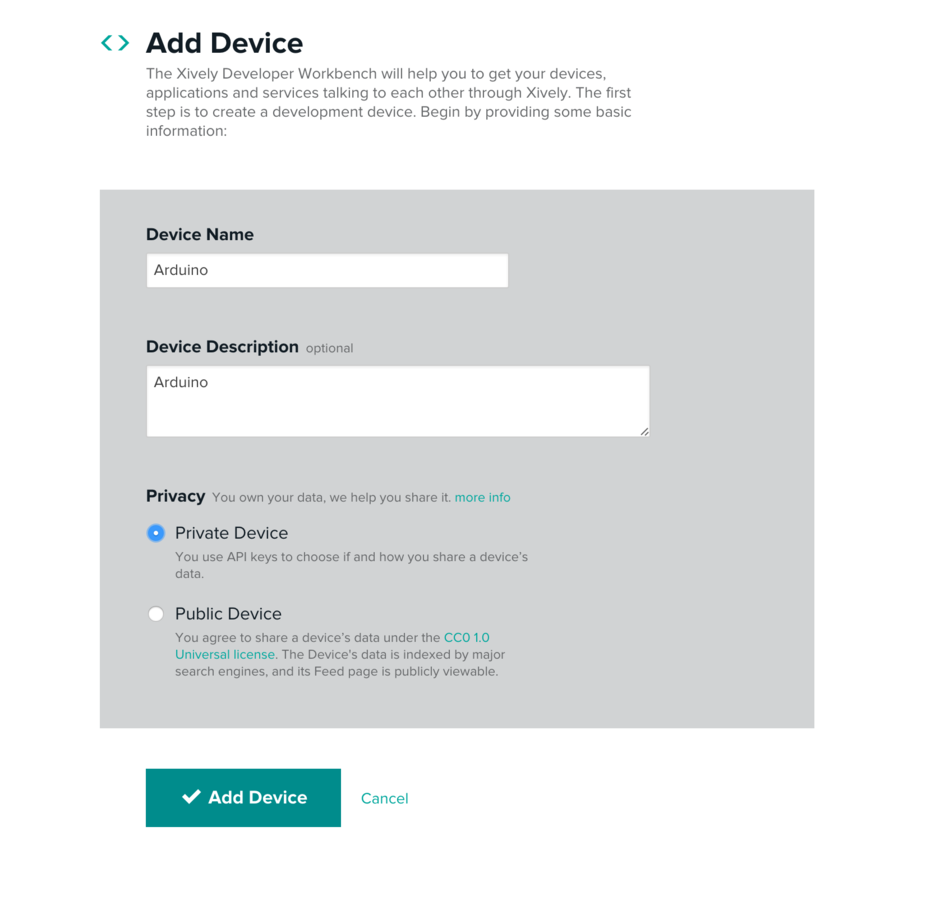
Add Device
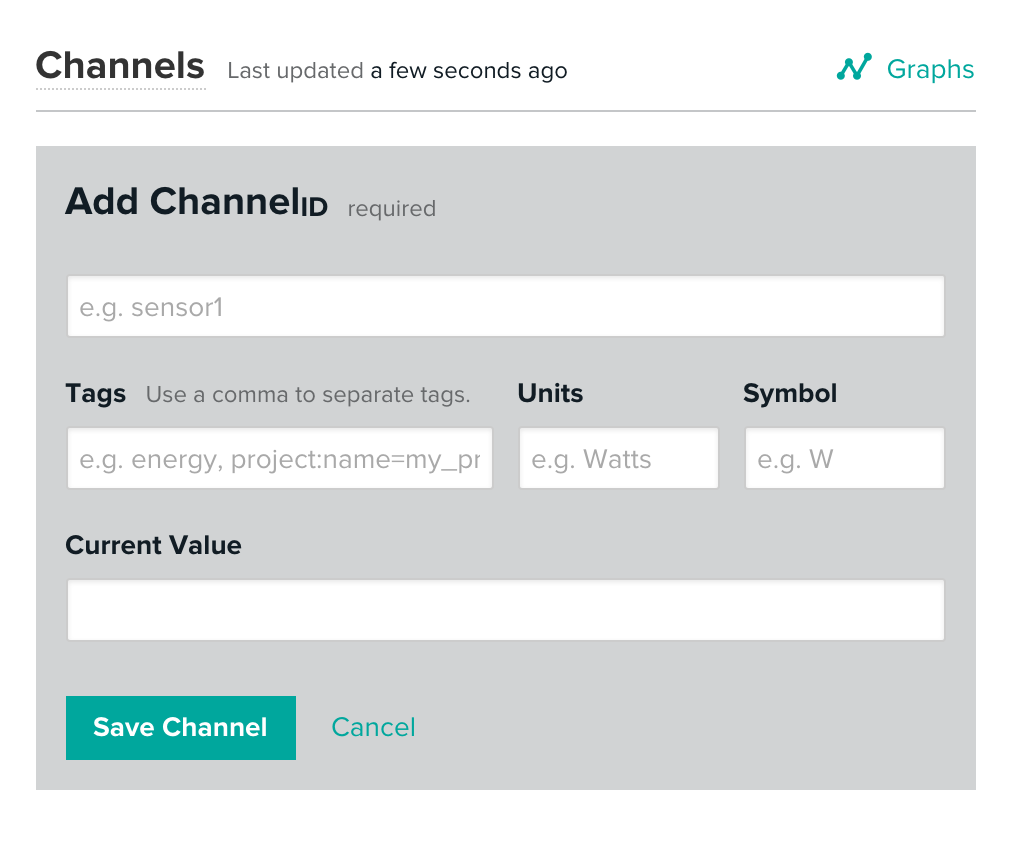
Add Channel
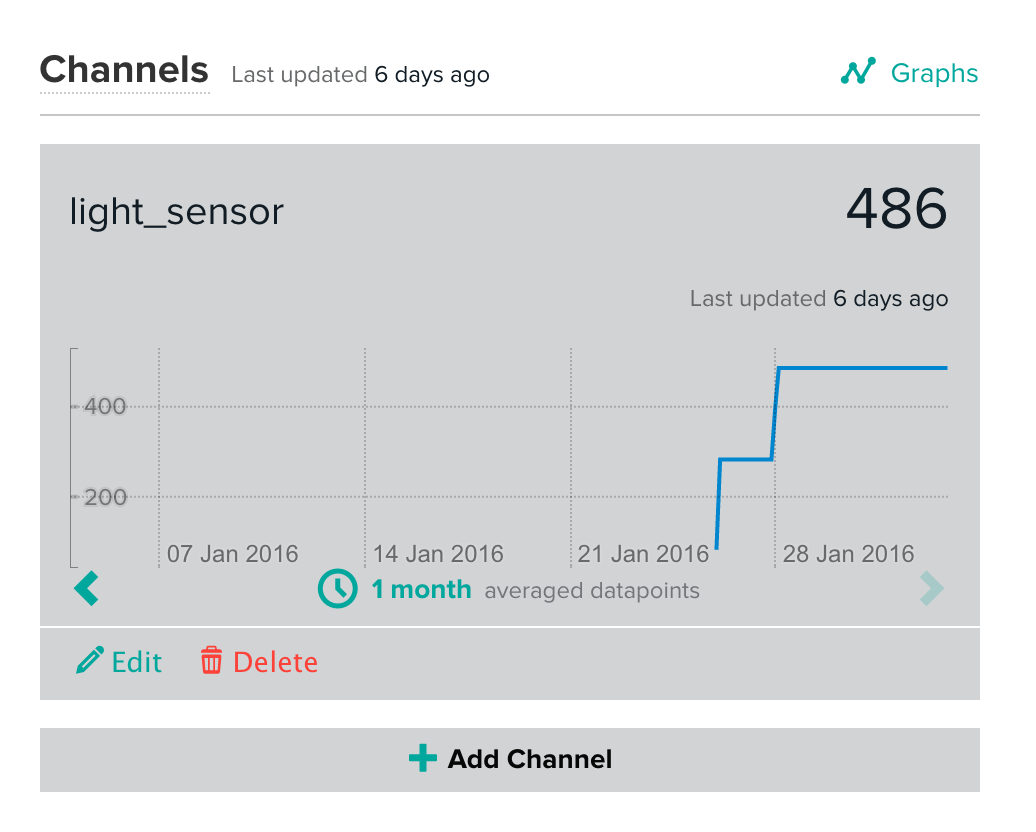
Data Visualization
Tools
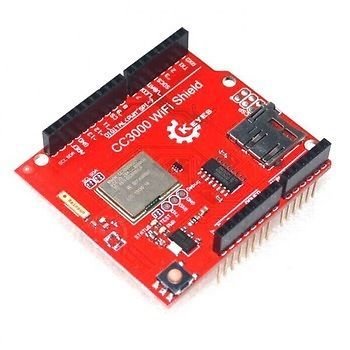
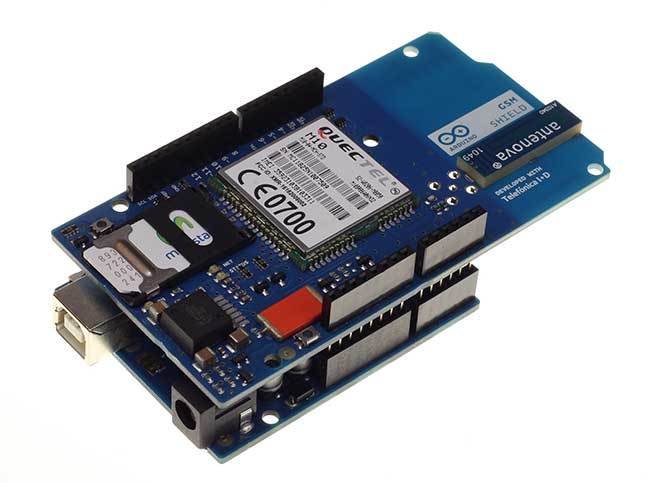
- Arduino Shields (Connectivity & expansion)
- ESP 8266 (Wifi)
- CC3000 Breakout Board or Shield
Arduino Shields
- Shields are boards that can be plugged on top of the Arduino PCB extending its capabilities. The different shields follow the same philosophy as the original toolkit: they are easy to mount, and cheap to produce.
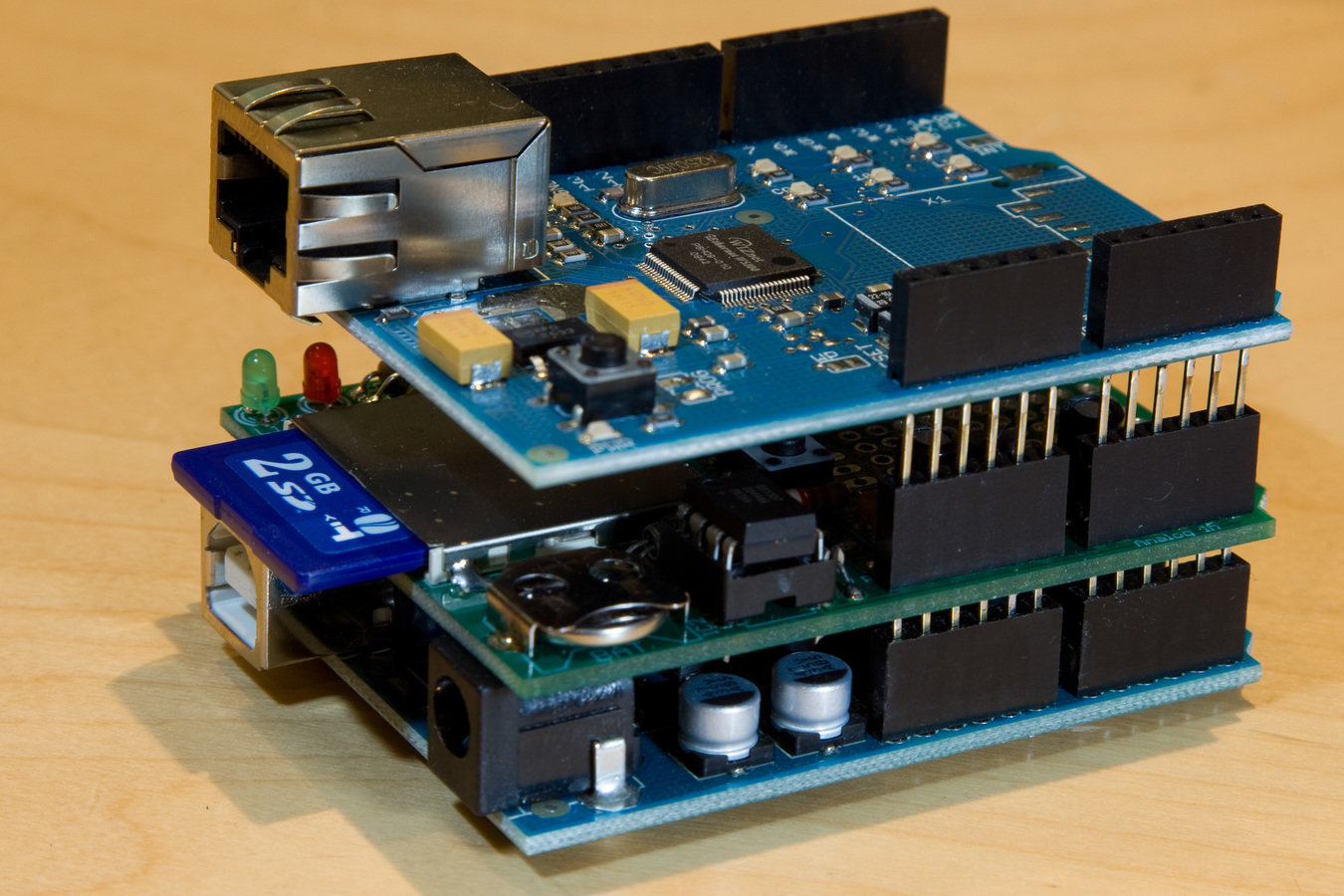
Ethernet Shield
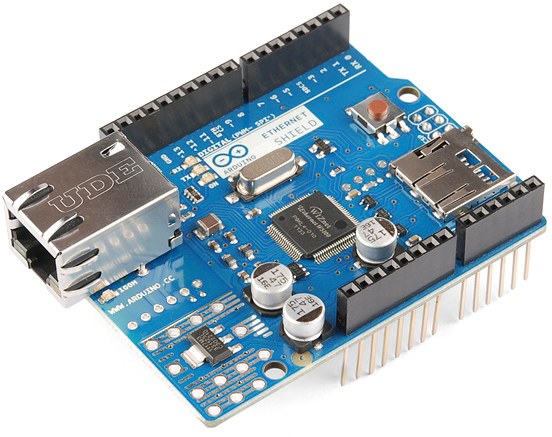
Wifi Shield
GSM Shield
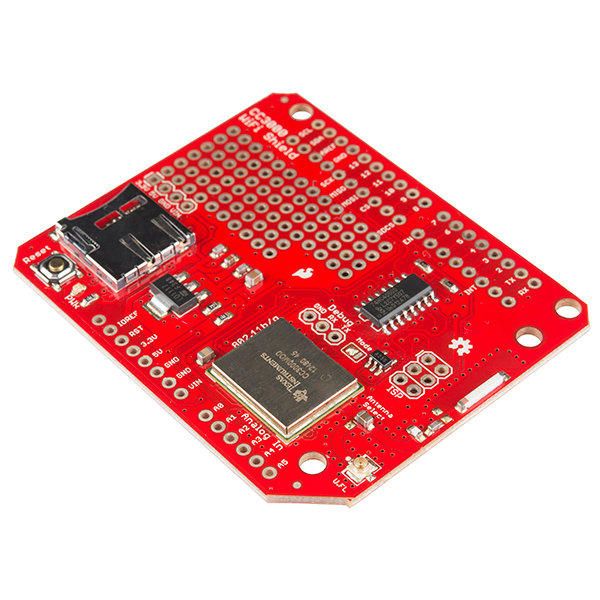
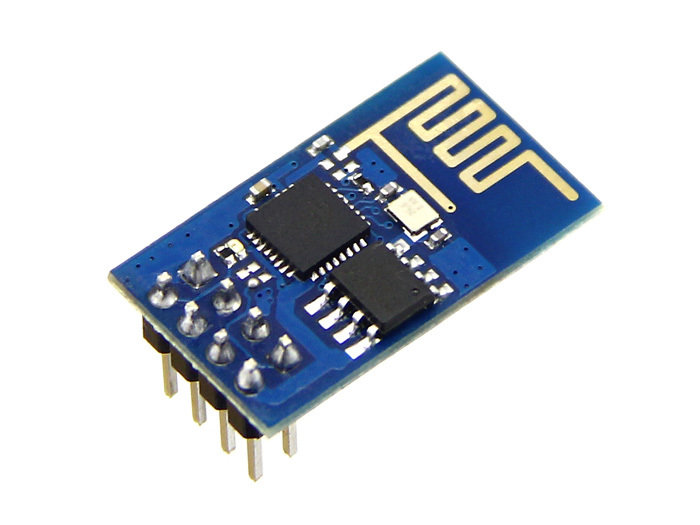
- CC3000
- ESP8266
Some expansion boards
Demo
- Code: get it from here
Resources & References
Internet Of Things With Arduino
By Ashish Mohite
Internet Of Things With Arduino
Getting Started session for Arduino & Internet Of Things