NYCH Village Bloggurls
HTML & CSS Workshop

I'm Stella.
I first started coding when...
I was in high school and we were lucky enough to have had a computer labs class.
But I had the most fun when I customized the way my profiles looked on sites like asianavenue.com (now asianave.com) and MySpace
HTML and CSS is a perfect starting point to
express yourself.
Hope we'll show you how addictive code can be!
I'm Betty.
I first started coding when...
I was in elementary school in a computer class. I first didn't like it very much but...
When I started working at Weather Network, I copied and pasted a lot of code without understanding a lot of it. I got curious and learned some more at a coding bootcamp.
Since then I've gone on to build some really cool things!

If I can do it, anyone can do it :D!
About You!
1. What's your name?
2. How old are you?
3. What's your favourite movie?
4. What's your favourite website?
Careers in Tech
Why?

Careers in Tech
It's fun!
It's empowering!
It's everywhere!
Careers in Tech
Career Possibilities:
-
Developer
-
UI/UX Designer
-
Product Manager
-
Digital Marketer
-
Entrepreneur
-
Data Analyst
It is estimated that US universities will graduate about 400,000 computer scientists
between 2010 and 2020,
...during which 1.4 million US computing jobs will open up, leaving a gap of about a million computing jobs.
Only about 18% of undergraduate computer science degrees are awarded to females, and an even smaller percentage of females remain in the computer science profession after college
Source: http://shescoding.org/about
Women in Tech
Grace Hopper Academy
Women in Tech

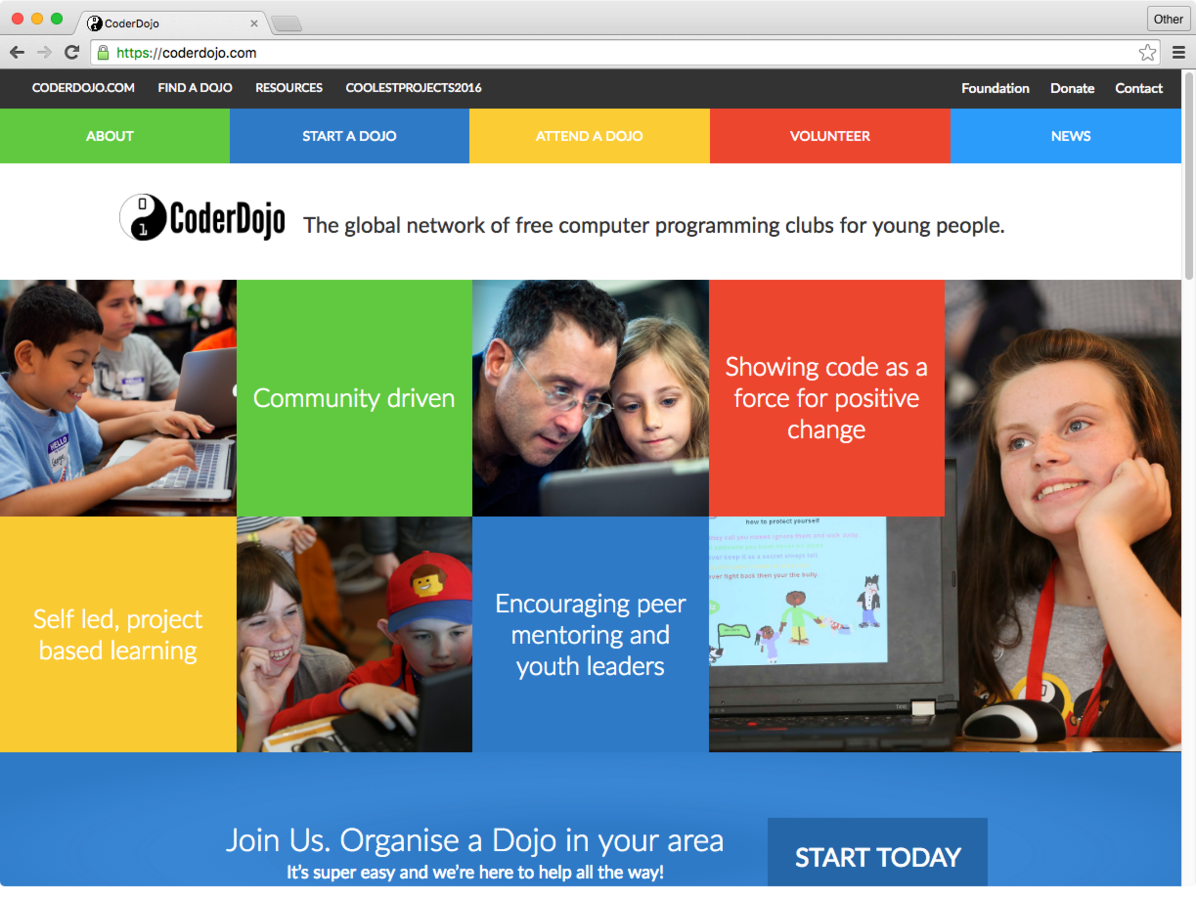
CoderDojo
Women in Tech
Ladies Learning Code
Women in Tech

Source: http://www.codedoc.co/about/
Women in Tech
Our Website!
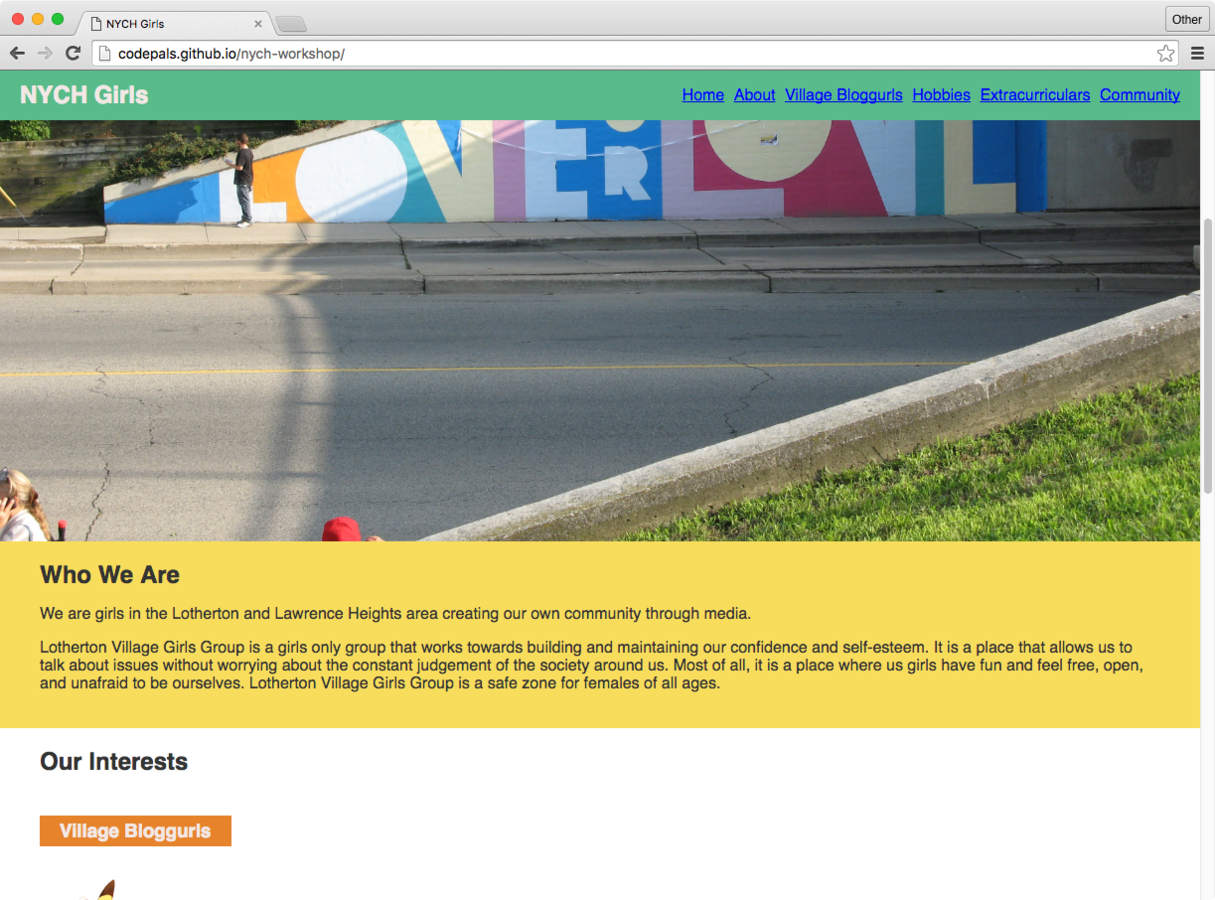
Our Website!
Let's Get Started
Our Website!
In your groups, brainstorm and choose your top 3 topics you want to write about.
The goal of this website is to share your experience as a community member of Lawrence Heights & Lotherton.
For example your school's extracurriculars, the Village Bloggurls program, your hobbies, or some challenges that you face.
10 mins.
Our Website!
Let's regroup and share your ideas!
5 mins.
Our Website!
Let's start coding!
The Internet
INTRO
INTRO // How The Web Works
A simplified look at a typical web architecture
Client
(Web Browser, Mobile App)
Web Server
Database
Requests
Responses
INTRO // Technologies


HTML
Content
CSS
Presentation
We'll be learning about HTML today
INTRO
Tools We'll Be Using
INTRO // Tools
Browser
Text Editor


http://atom.io
http://google.com/chrome
INTRO // Goal
To get started let's download the starter kit for our project
INTRO
Let's get started!
HyperText Markup Language
HTML
HTML HISTORY
HTML
- Invented by Sir Tim Berners-Lee
- Created the World Wide Web in 1990
- Wanted to share academic papers in a digital format
A language used to describe the content and structure of our documents
HTML
Think of HTML as ....
HTML Shell
HTML
<!DOCTYPE html>
<html>
	<head>
		<title></title>
	</head>
	<body>

	</body>
</html>
<head>
HTML
<!DOCTYPE html>
<html>
	<head>
		<title></title>
	</head>
	<body>

	</body>
</html>-
Can be though of as the brain of the document
-
Its properties are not part of the physical layout of the page
<body>
HTML
<!DOCTYPE html>
<html>
	<head>
		<title></title>
	</head>
	<body>

	</body>
</html>-
Represents the area from the top left corner of our page, to the bottom right
-
Holds the physical structure of the page, much like our own body
-
All of our work today will be done here!
Let's take a deeper dive into an HTML tag
HTML
A typical HTML tag
<p>Content</p>The tag above represents a paragraph
HTML
A typical HTML tag
<p>Content</p>This is the opening tag.
It always starts with a tag name ('p' in this case).
HTML tags always start with a < and end with a >
HTML
A typical HTML tag
<p>Content</p>This is the closing tag.
Most (but not all) HTML tags have a closing tag.
Closing tags always start with a forward slash ( / )
followed by the tag name.
HTML
A typical HTML tag
<p>Content</p>This is the content of the tag.
The content appears between the opening and closing tags. This is the content that will appear on your page.
HTML
Add content to the <body>
We write elements (content wrapped in tags) to the document's body
<!DOCTYPE html>
<html>
	<head>
		<title></title>
	</head>
	<body>
		<p>Content</p>
	</body>
</html>
HTML
Elements Without Closing Tags
Some tags don't have closing tags.
Tags such as image do not enclose any content
(in the case of an image, it points to the location of a file) ...
So it doesn't need an opening and closing tag.
<img src="picture.jpg" />
Note: the / at the end is optional
HTML
Hierarchy In HTML
<section>
  <p>
    Some text in a paragraph.
    <a href="http://www.cbc.ca">CBC</a>
  </p>
</section>
HTML tags can be nested inside on another.
HTML is represented as a tree. That means you can put tags inside other tags as their content. The outer tag is the parent and the inner tag(s) are the children.
HTML
Common Element Types
Inline text elements
Text wrappers
Content containers
List containers
<a> <em> <strong>
<p> <h1> to <h6> <li>
<header> <footer> <main> <section> <article> <nav>
<ul> <ol>
HTML
Elements You'll Be Using
Heading Text
Paragraphs
Content containers
List Item
<h1> to <h6>
<p>
<header> <footer>
<main> <section>
<nav>
<li>
HTML
Images
<img>
List Container
<ul> or <ol>
<a>
Anchor
(Linking to other sites)
What's next?
NEXT STEPS
NEXT STEPS
With your partner, write all the content for your page in HTML using the template provided.
We will help you in the next class, so don't worry about making mistakes.
In the next class, we'll customize the look and feel of our page with CSS and publish it online.
PRACTICE.
NEXT STEPS
PRACTICE.
PRACTICE.
NEXT STEPS
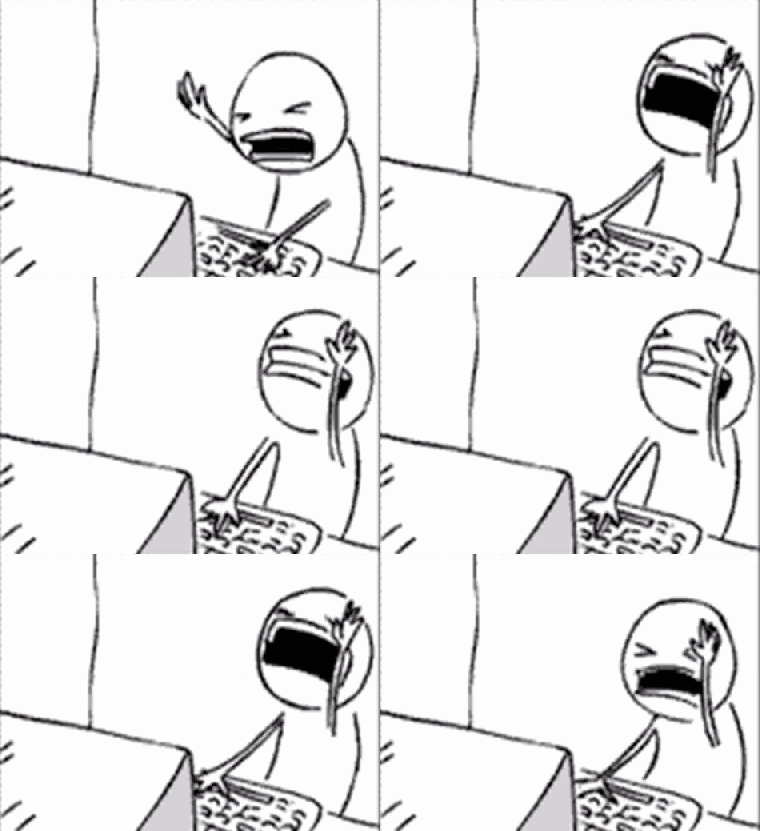
You might feel like this ...
NEXT STEPS
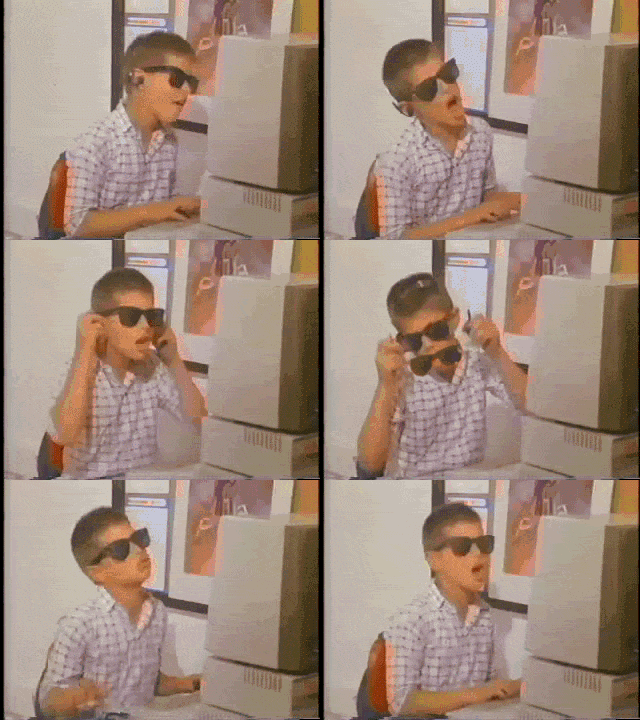
But if you keep working hard, you'll be a boss in no time!
NEXT STEPS
Continue learning with these free resources!
- Codecademy
- Lynda.com
- Khan Academy
THANK YOU!
We'll see you next time :)
@skimke
@bettymakes
NYCH HTML CSS Workshop - Part 1
By bettymakes
NYCH HTML CSS Workshop - Part 1
HTML Workshop - Stella & Betty