Google Apps Tips and Tricks
Brian Retterer
@bretterer
What are Google Apps?
- Gmail
- Drive
- Calendar
- Hangouts
- and More!
Set
Up
Account
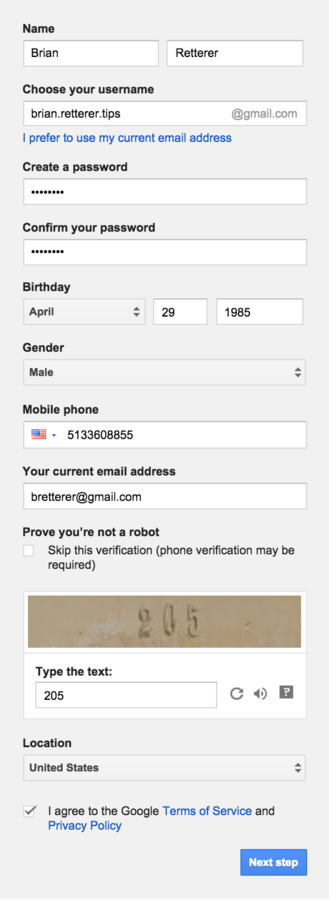
Register for account
The first thing you will need to do is fill out the form on the Google Accounts registration page.
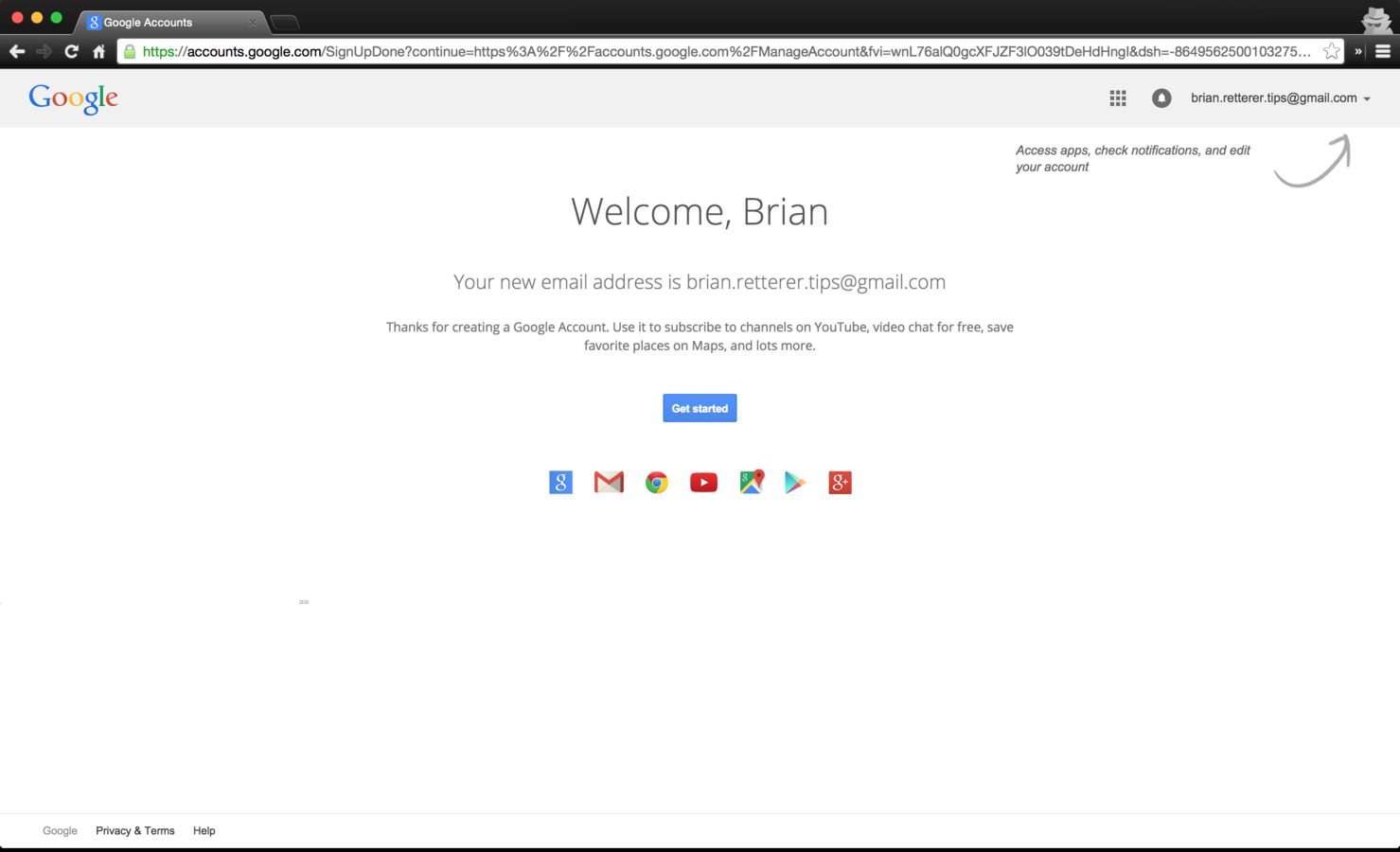
Welcome to Google!
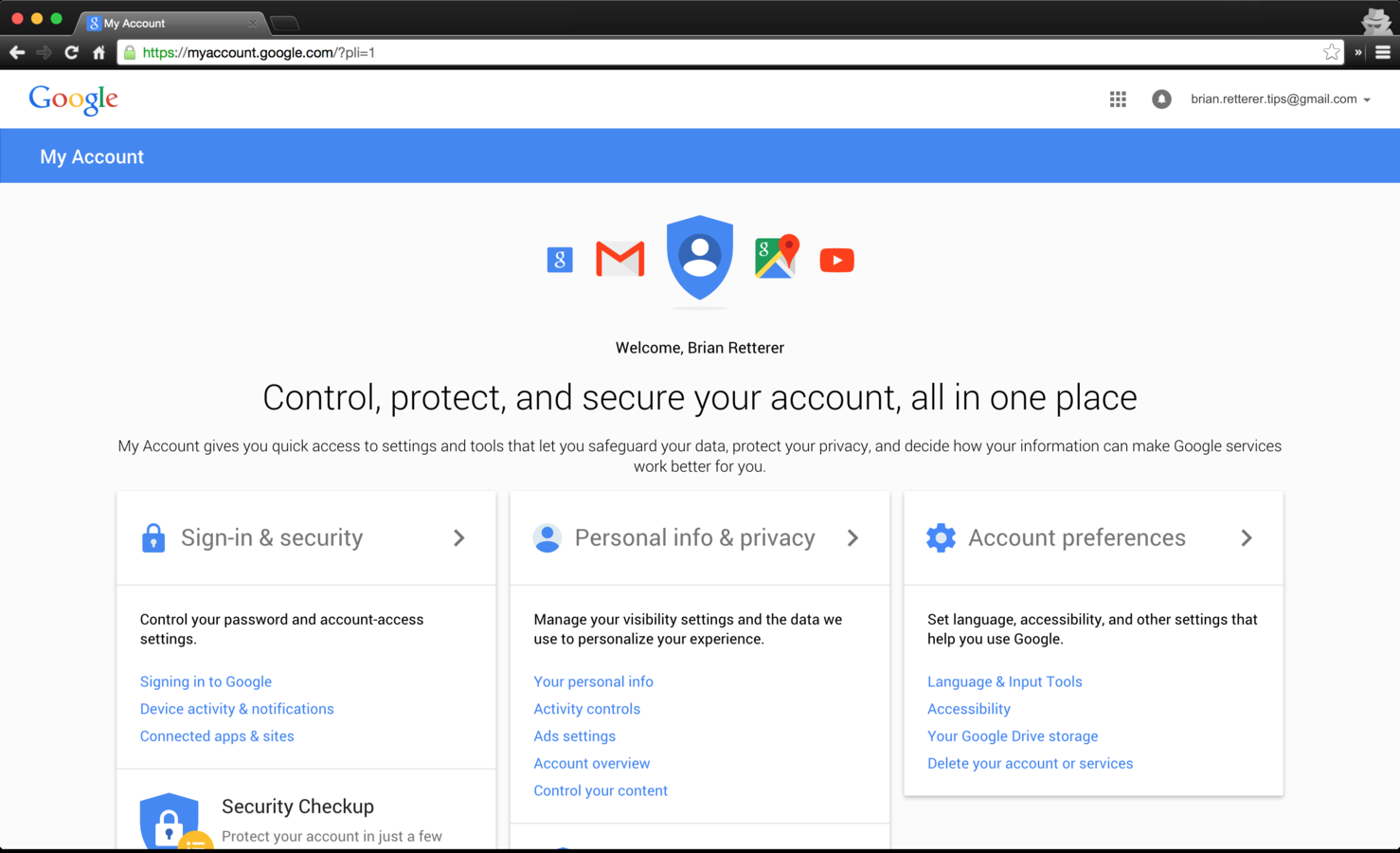
Set Up Some Security
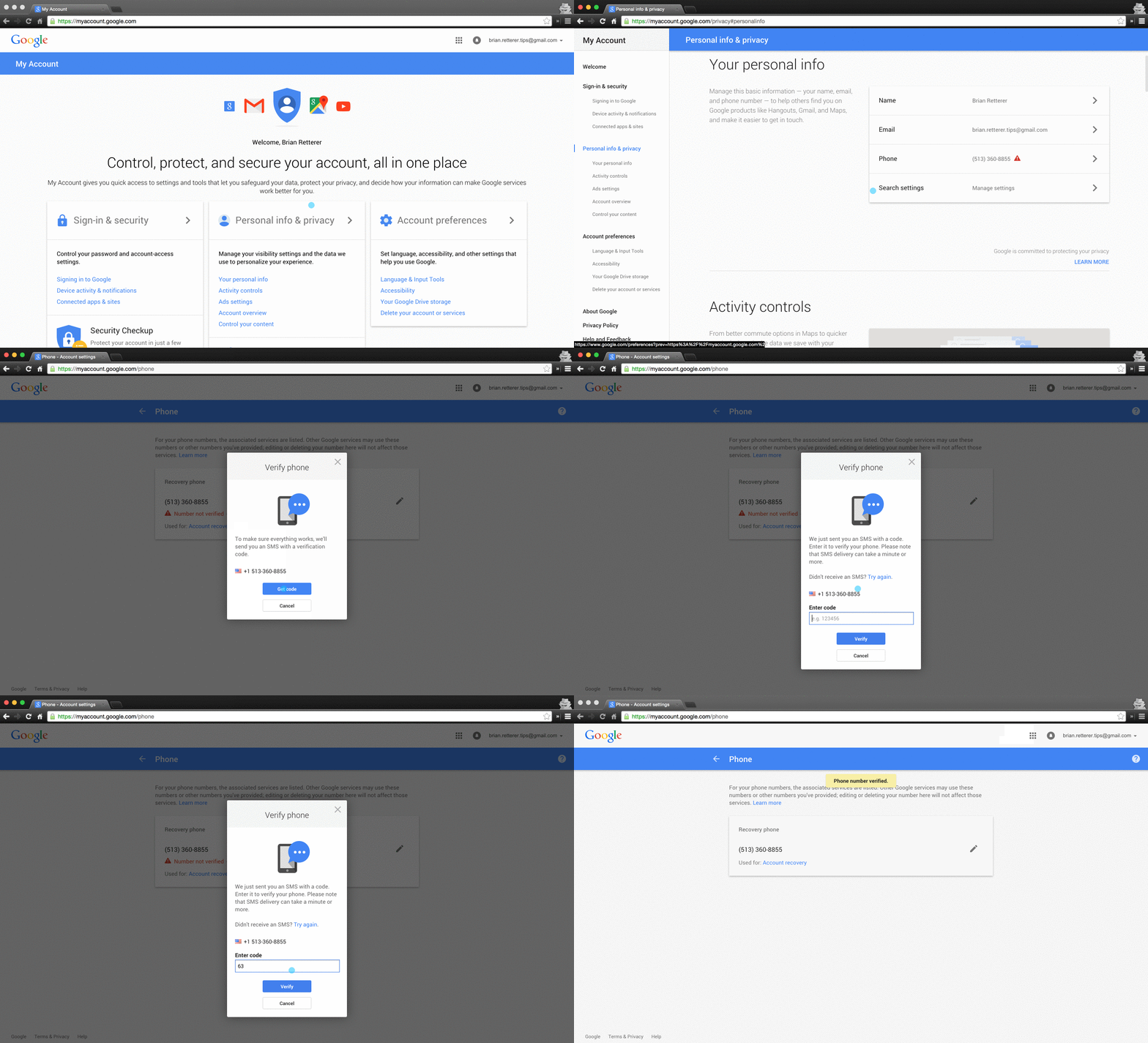
Verify Your Phone Number
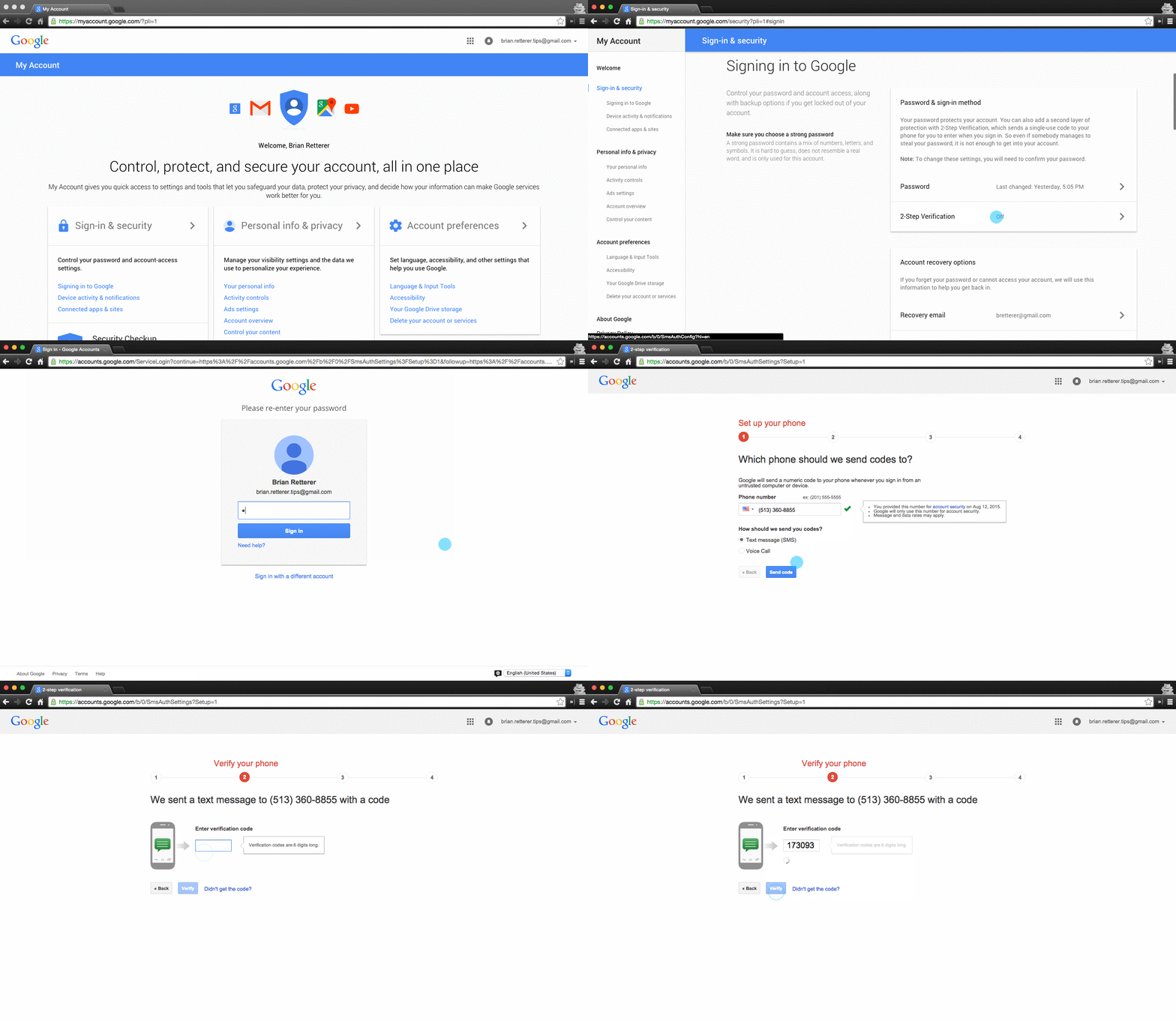
Setting up 2-factor Auth
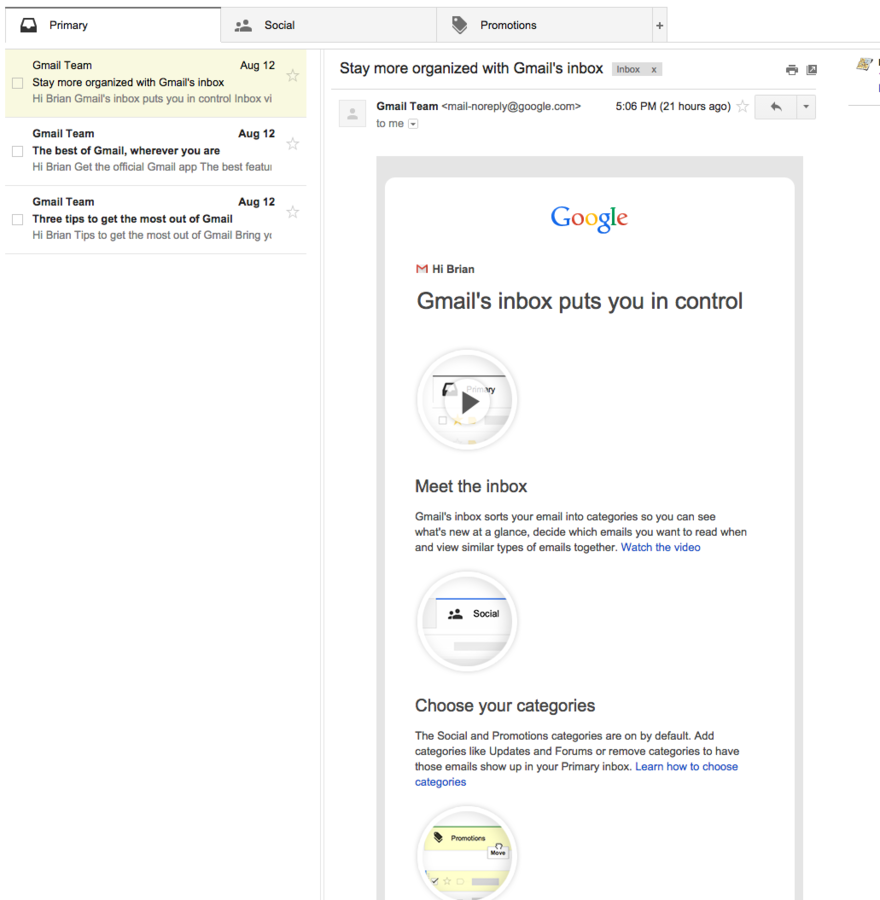
GMAIL
Tips
and
Tricks
Preview Pane
If you come from Outlook, Thunderbird, Mac Mail, or other desktop apps for mail, You may want to enable preview pane. This allows you to see your message list as well as the current message.
Labels
Gmail uses Labels for organizing your mail.
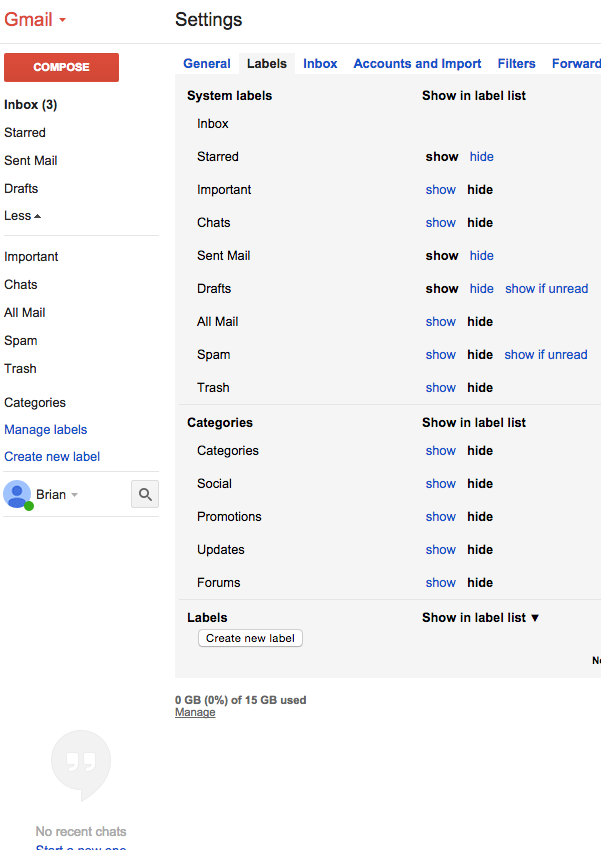
Labels are like folders, but more flexible.
You can also have nested labels.
Searching
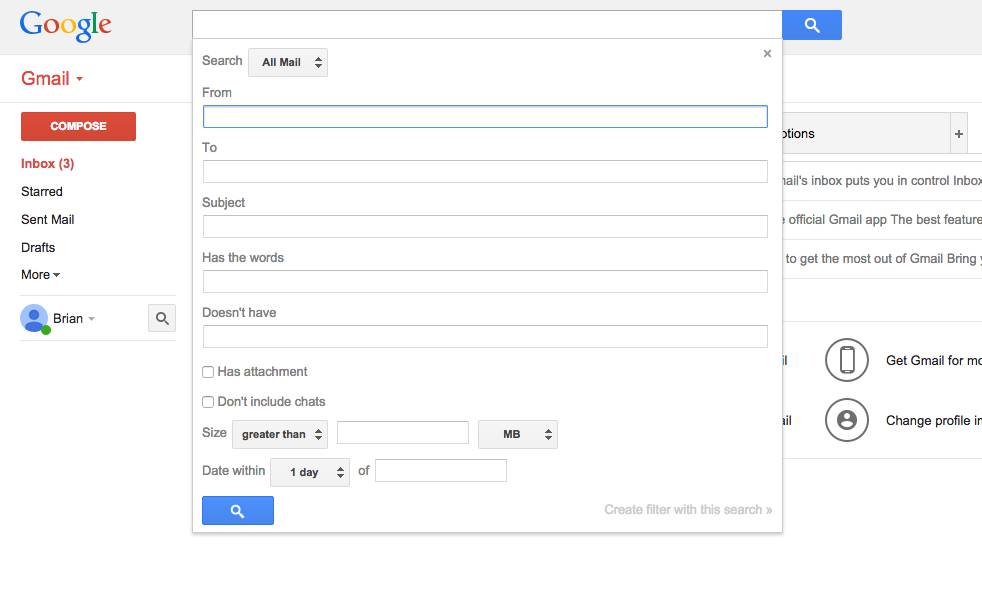
Email Address Hacks
In gmail, there are ways you can adjust your email address.
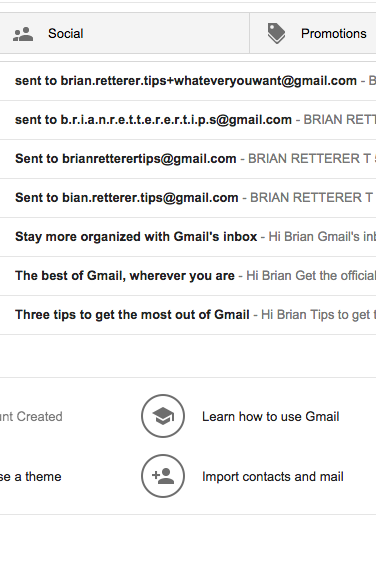
Gmail will ignore all periods ( . ) in your email address.
Gmail will ignore everything after the plus ( + ) sign.
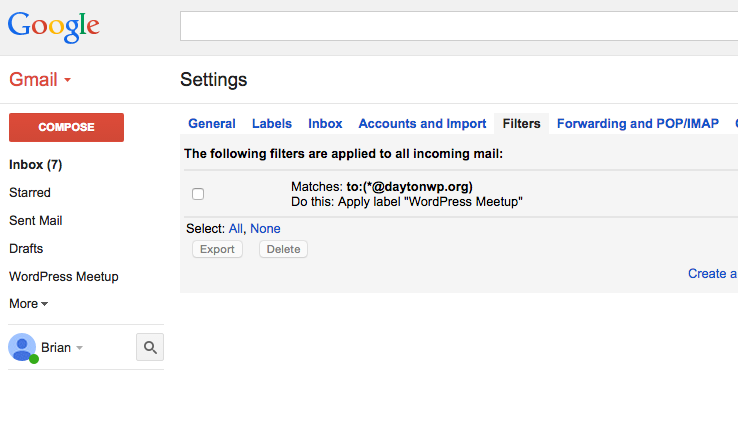
Filters
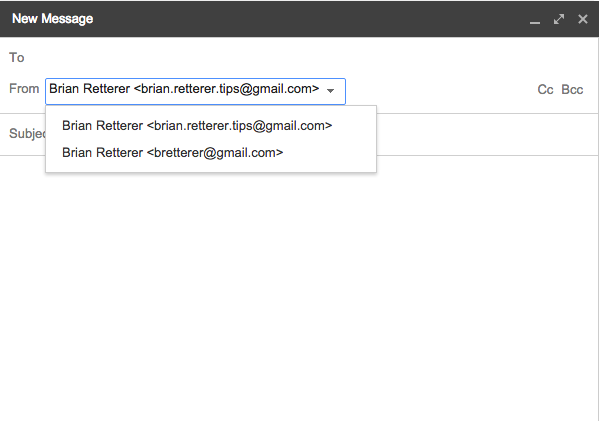
Send Mail As
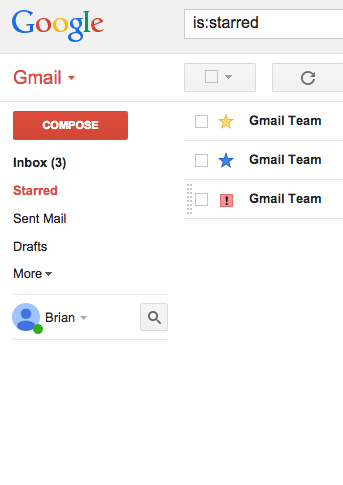
Stars
Help organize your email with stars.
Keep on track
Gmail has Tasks built-in
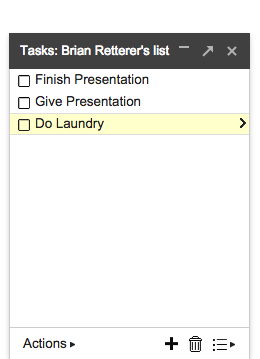
You can convert emails into tasks.
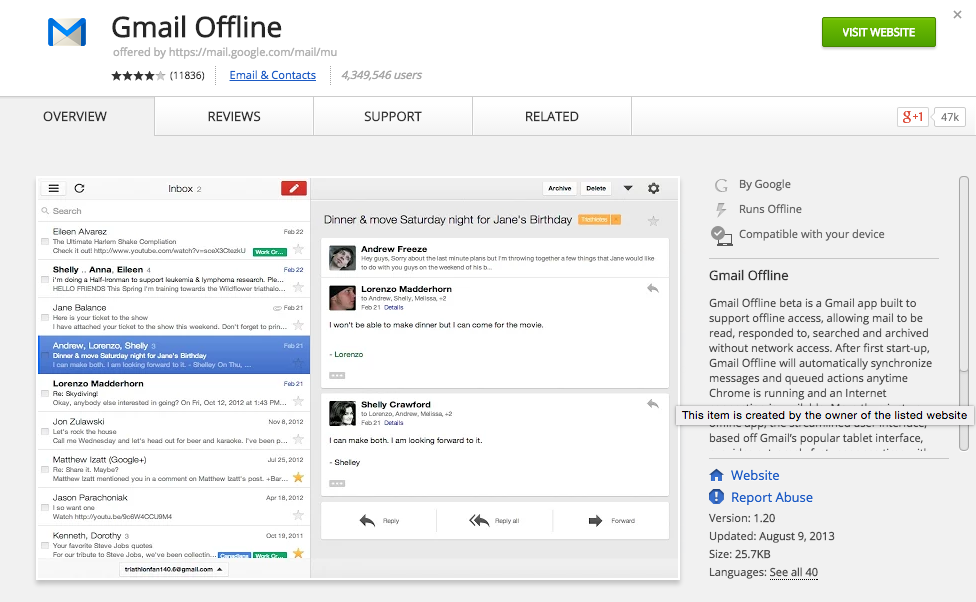
Gmail Offline
Calendar
Tips
and
Tricks
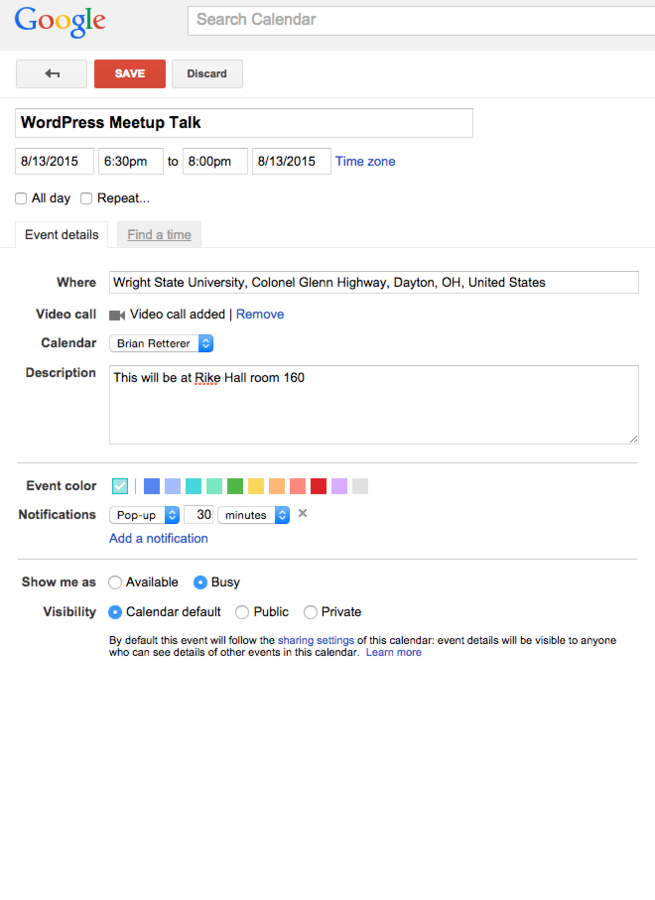
Creating an Event
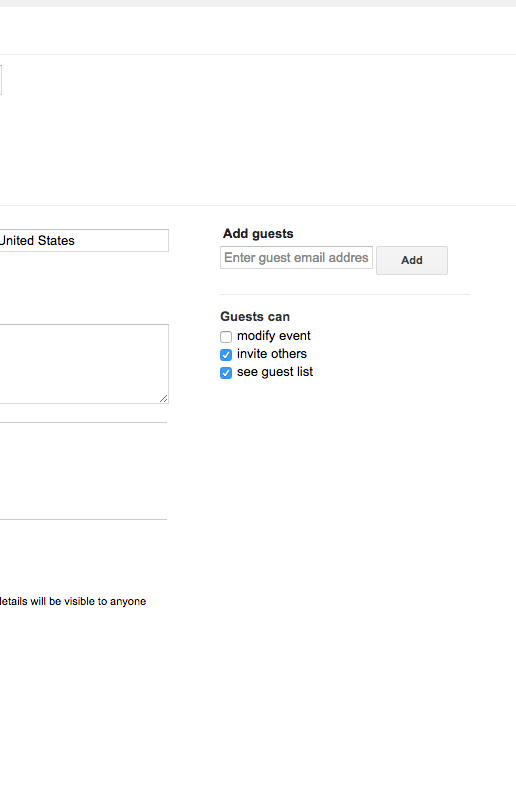
Invite Guests
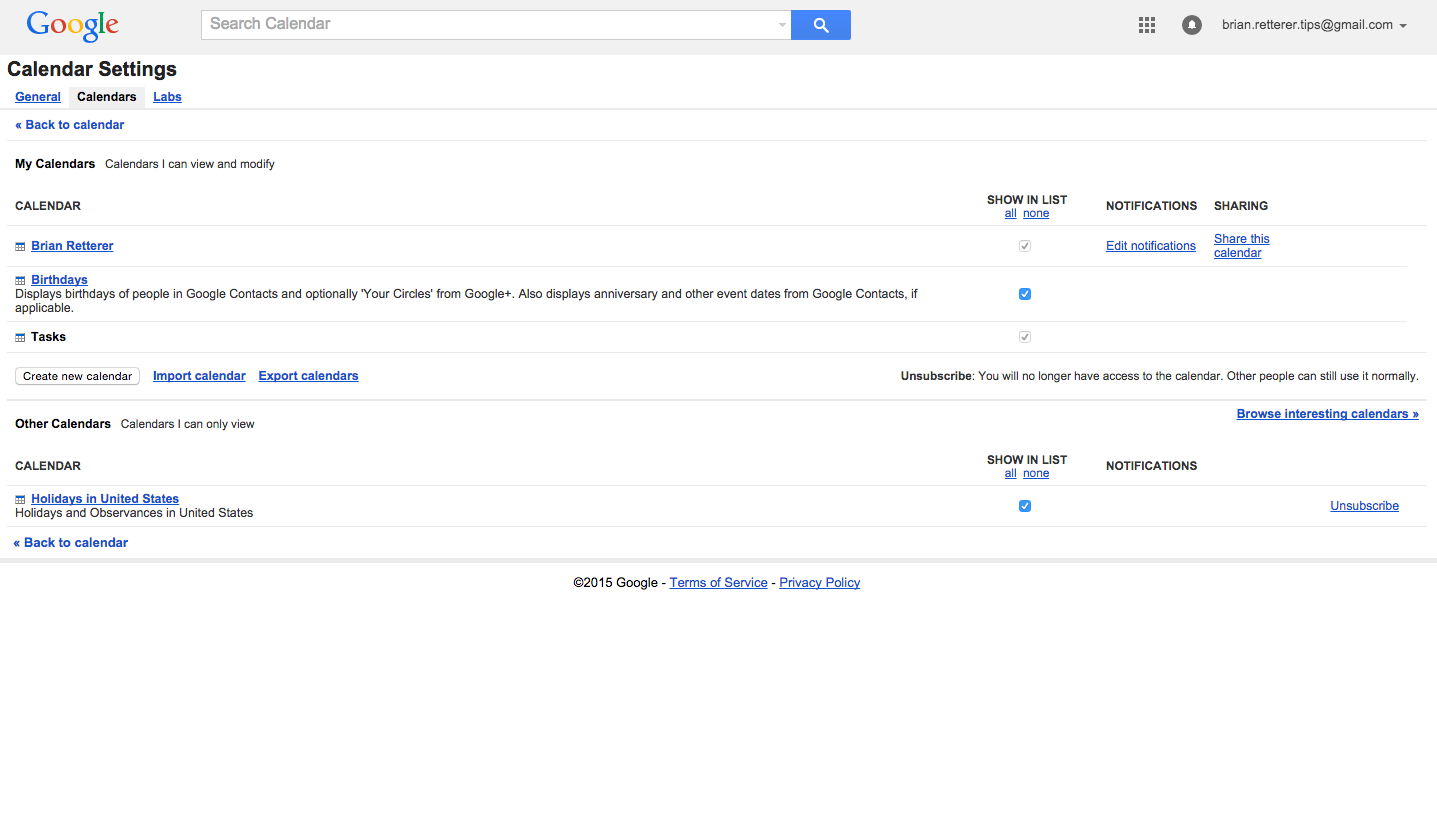
Calendar Management
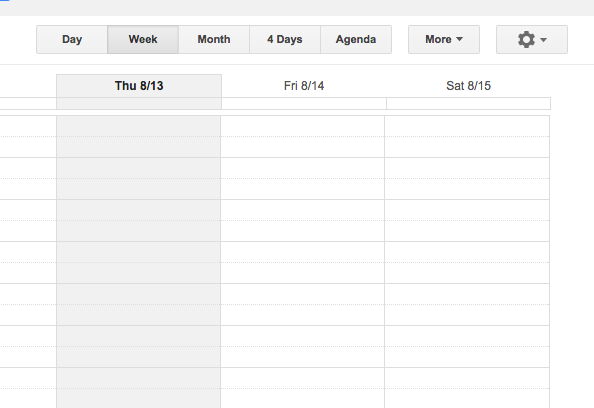
Calendar Views
Adding Calendars
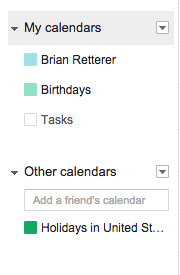
You can add more personal calendars or even friends/co-workers calendars
Drive
Tips
and
Tricks
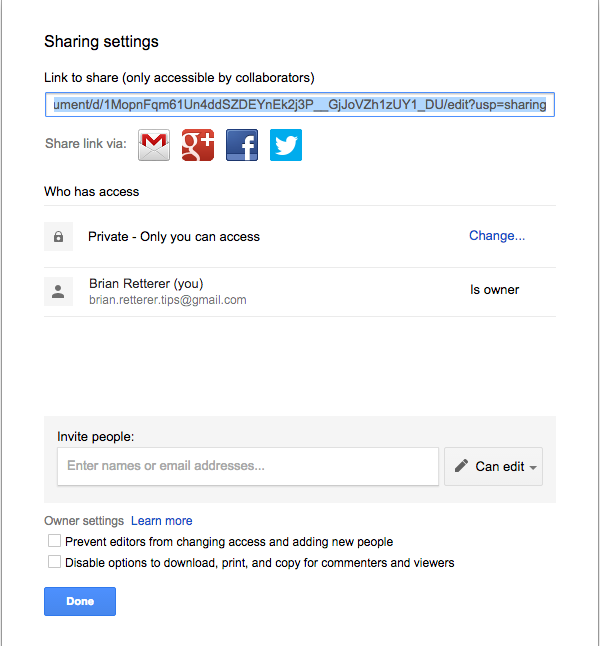
Sharing
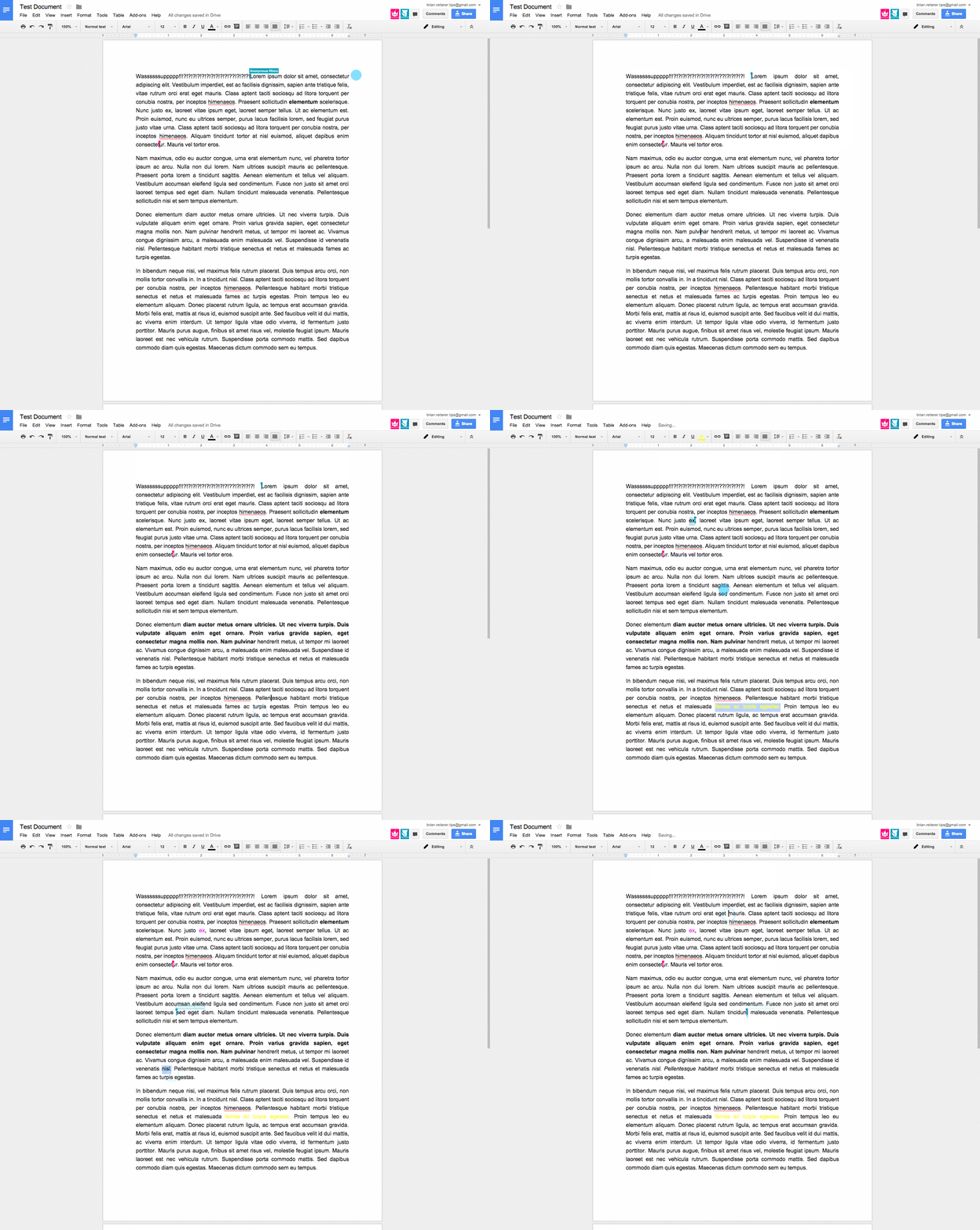
Co-Writing
Chat while co-writing
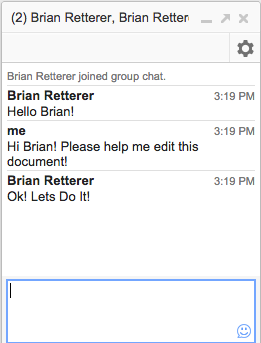
There is built in chat into documents among everyone that is editing or viewing the document at the same time.
Office Productivity Suite
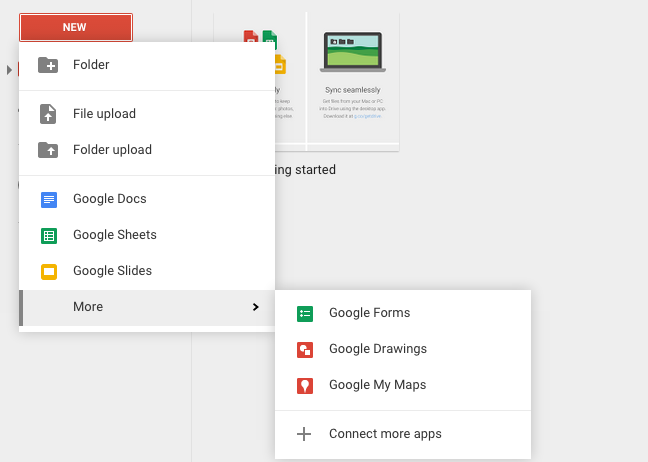
Apps, Apps, and More Apps!
Questions?
Brian Retterer
@bretterer
deck
By Brian Retterer