Concourse CI
Tips and Tricks
Agenda
- What / Why
- Setting Your Pipeline
- Healthcheck Alerts
- Pulling Github Resources
- nginx Proxy
- Windows Web Worker
- Other Resources
What / Why
- WHAT: Concourse is a CI tool similar to Jenkins, Travis, CircleCI
- WHY: Continuous Integration (CI) is important for creating a standard build, automating testing, and enabling a quick feedback loop...AND each team should understand how their software is built, tested, and deployed
- WHAT THIS ISN'T: this tech talk is not about how Concourse works
- WHAT THIS IS: this tech talk is about tips and tricks to make your lives easier using Concourse (and hopefully reducing TCO!)
Setting Your Pipeline
- setpipeline script
- secrets .yml
- Pipeline Inception
setpipeline script
Create a script in your repo that will set your pipeline:
#!/bin/bash
fly -t MYTARGET sp -c pipeline.yml -p MY-PIPELINE-NAME -l ~/.ssh/secrets.yml
Don't forget to grant execution permissions:
setpipeline
$ chmod +x setpipelineNow each time you want to set the pipeline, just run:
$ ./setpipelinesecrets .yml
Any secrets that you have that you do not want committed to your repo can be kept in an external .yml file (e.g. concourse.yml)
github-private-key: |
  -----BEGIN RSA PRIVATE KEY-----
  MIIJKgIBAAKCAgEArWVvzbHG++Tiyjjmhib5QkwmCD4Zw6wz7TxXsoeso5H6VxW+
  ...
  fXBH4JFKByP7DKuc9TBZgm6JRzVA4p60SFKyWA8MTJIec4RHbDhxCiMhGkcH4A==
  -----END RSA PRIVATE KEY-----
github-token: abcdefghijklmnopef8a10af6a8a468284423
github-username: svc_str_ops_sft_ci
github-access-token: abcdefghijklmnop4a920a00a4b12a8484ad699718a90
cloud-foundry-service-account-user: svc_str_ops_sft_ci
cloud-foundry-service-account-password: abcdefghijklmnop
resources:
- name: resource-git
  type: git
  source:
    branch: master
    private_key: {{github-private-key}}
In the pipeline.yml file, the secrets can be referenced with surrounding curly braces {{name}}
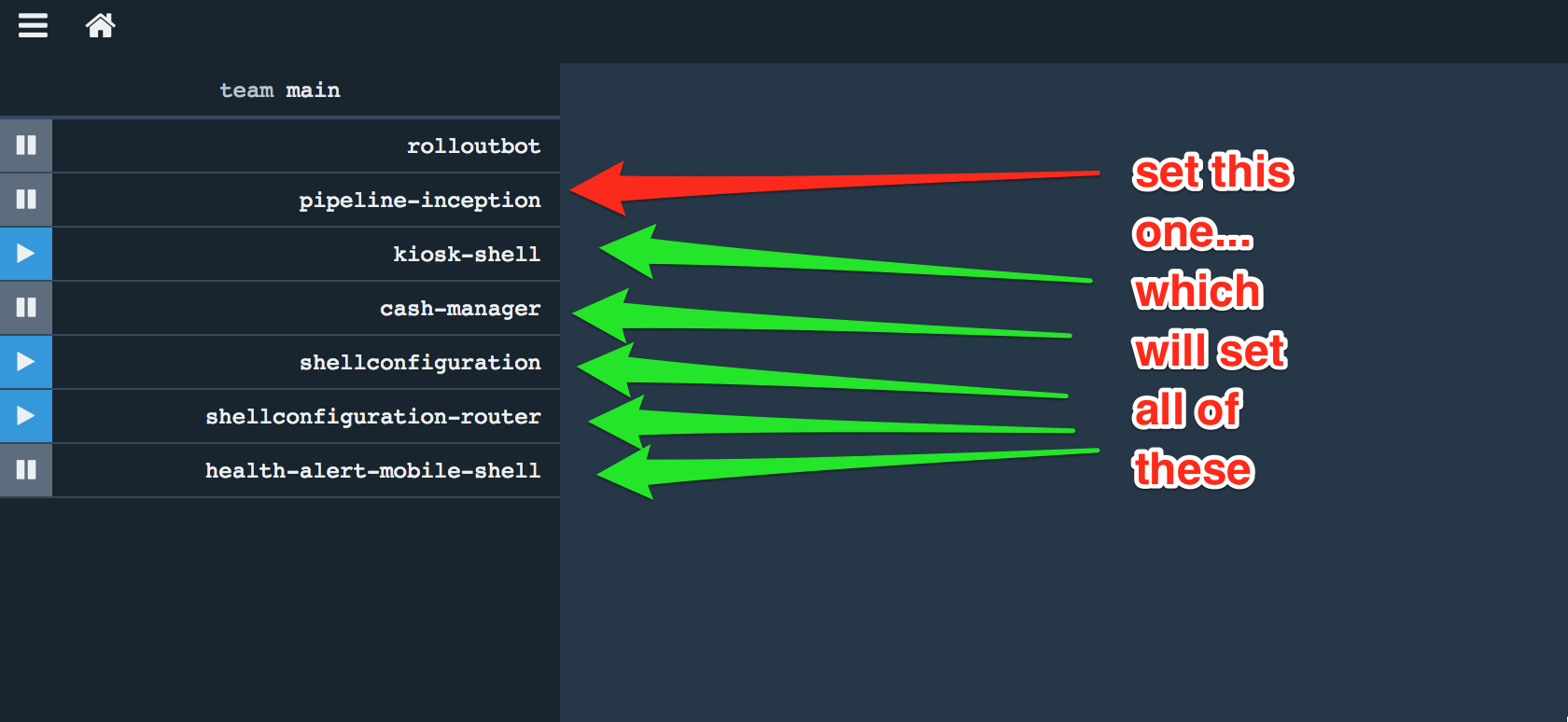
Pipeline Inception
- Pipeline that sets other pipelines based on json configuration
- Great for:
- Handling secrets (not everyone needs secrets)
- Setting pipeline by running concourse job instead of fly command
- Can automatically stand up all pipelines with one fly set-pipeline command (helpful for server-on-demand expiration)
[
    {
        "server": "http://concourse-core-tech-mobile.apps-np.homedepot.com",
        "team": "main",
        "pipelineName": "kiosk-shell",
        "pipelineRepo": "github.homedepot.com/store-app-platform/kiosk-shell-pipeline.git"
    },
    {
        "server": "http://concourse-core-tech-mobile.apps-np.homedepot.com",
        "team": "main",
        "pipelineName": "cash-manager",
        "pipelineRepo": "github.homedepot.com/store-app-platform/cash-manager-pipeline.git"
    },
    {
        "server": "http://concourse-core-tech-mobile.apps-np.homedepot.com",
        "team": "main",
        "pipelineName": "shellconfiguration",
        "pipelineRepo": "github.homedepot.com/Back-Office-And-In-Aisle-Systems/shellconfiguration.git"
    },
    {
        "server": "http://concourse-core-tech-mobile.apps-np.homedepot.com",
        "team": "main",
        "pipelineName": "shellconfiguration-router",
        "pipelineRepo": "github.homedepot.com/Back-Office-And-In-Aisle-Systems/shellconfiguration-router.git"
    },
    {
        "server": "http://concourse-core-tech-mobile.apps-np.homedepot.com",
        "team": "main",
        "pipelineName": "health-alert-mobile-shell",
        "pipelineRepo": "github.homedepot.com/Back-Office-And-In-Aisle-Systems/health-alert-mobile-shell.git"
    }
]
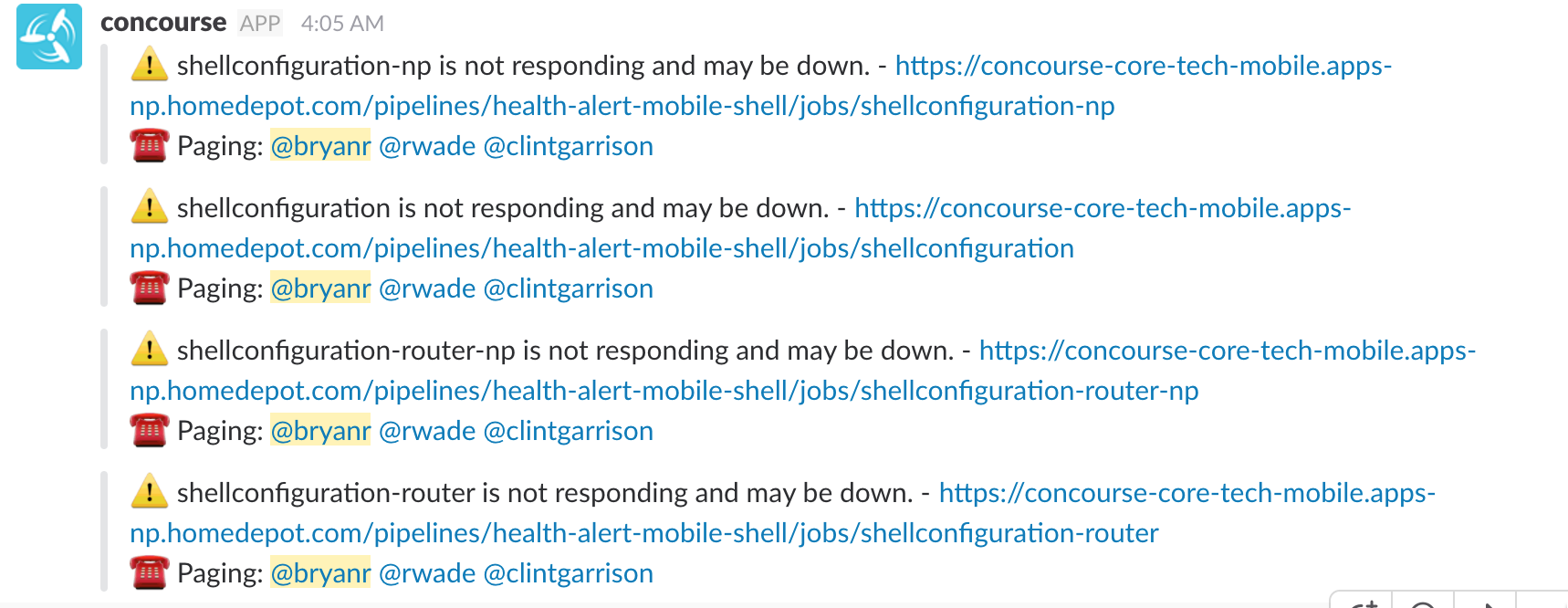
Health Check Alerts
- Slack notification when application is down
- Can be used for production or lower lifecycles
- Configured completely through concourse (e.g. so PCF isn't checking PCF)
- https://github.homedepot.com/Back-Office-And-In-Aisle-Systems/health-alert-concourse
Pulling Github Resources
- Webhooks
- Polling
Webhooks
Idea: instead of polling github repo for changes, let's just notify of changes when there is a commit
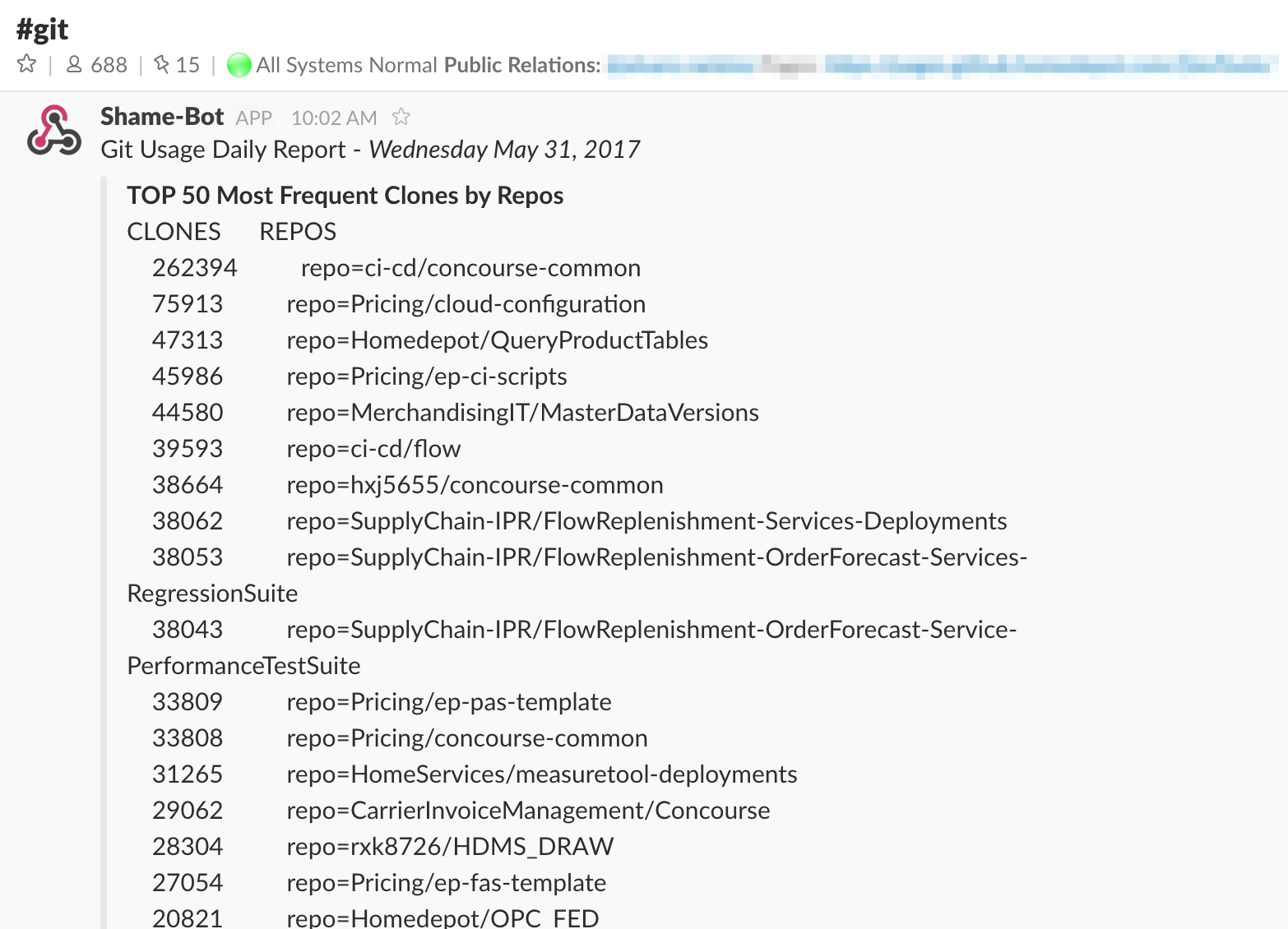
Don't be on the shame-bot list

Easy to Setup:
- Make sure concourse is updated
- Configure pipeline
- Add webhook
Polling
Make sure every pipeline resource has a `check_every` value, otherwise it defaults to 1 minute
Again, don't be on the shame-bot list
resources:
- name: resource-git
  type: git
  source:
    branch: master
    private_key: {{github-private-key}}
    uri: git@github.homedepot.com:bxr2249/repo.git
    git_config:
    - name: http.sslVerify
      value: false
    disable_ci_skip: true
  check_every: 1h
Best Practices:
- ALWAYS SET check_every
- For external resources that update infrequently, set it to 24h (e.g. sos-secrets)
nginx Proxy
- https://github.homedepot.com/ci-cd/cf-nginx-proxy
- Have a consistent url for concourse server instead of changing when server on demand (SoD) expires
- Example: http://my-concourse.apps-np.homedepot.com
- Action needed when new SoD server stood up: change env variable and restage (EASY!)

Windows Worker
Usage:
Scenario 1: I need to build a windows-native artifact (.exe)
Scenario 2: I need to run automated tests in a windows environment
Easy to follow steps (and a script!):
https://github.homedepot.com/store-app-platform/windows-concourse-worker-configuration
...or new service offering

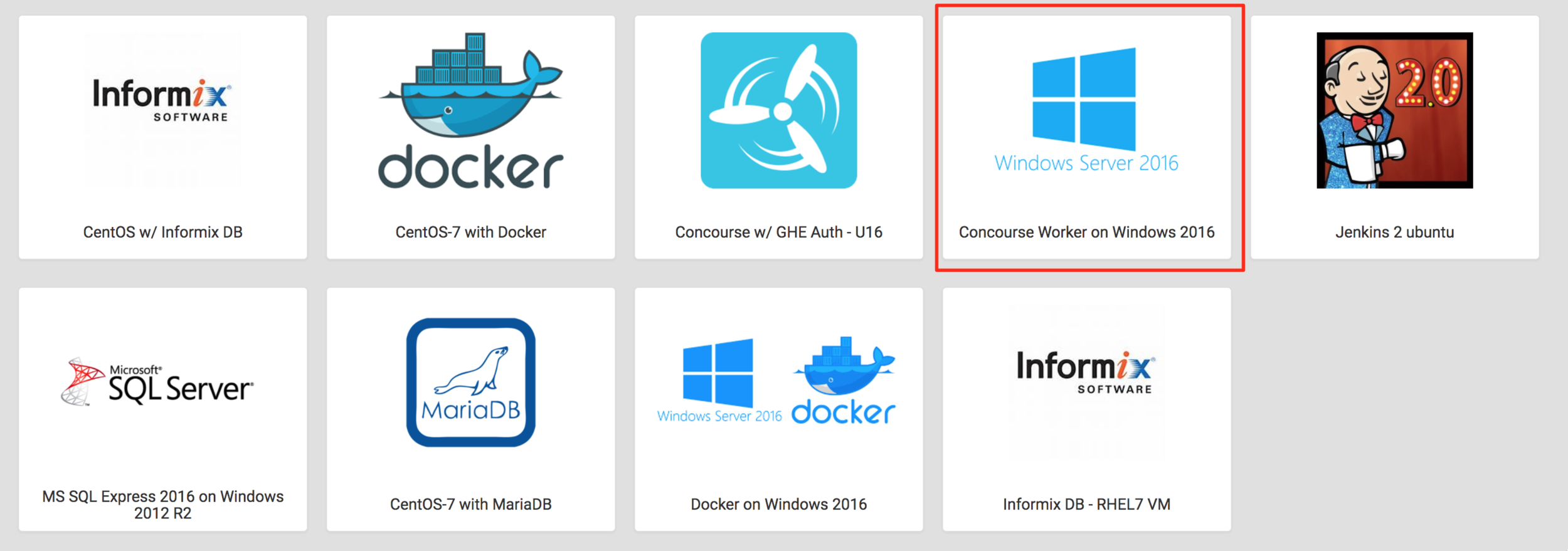
Note: docker usage is challenging on Windows as of mid-2017, but check in the #concourse-ci slack channel for the latest
Random Quick Tips
- Always set github resource check_every
- Consider consolidating CI for multiple repos into one pipeline.yml for an app (e.g. server-side API, web UI, Android apk can all be part of one pipeline) and put this in its own separate pipeline github repo
- Try to learn about flow and see if it fits your needs; if not, be prepared to recreate some of the functionality for your pipeline (e.g. versioning, tagging, tracker integration, slack integration)
- An alternative is to use some of the concourse resources to achieve this such as slack and github release
Other Resources
- Concourse documentation: https://concourse.ci/single-page.html
- Tutorial: https://github.com/starkandwayne/concourse-tutorial
- Slack: #concourse-ci, #ci-cd, #server_homedepot_com
Daily Tech Talks
Questions / Discussion
Concourse CI Tips and Tricks
By bryanrosenbaum
Concourse CI Tips and Tricks
Concourse CI Tips and Tricks